Get the App
Better experience on mobile
Ten laptops worth buying across every price tier, ranked by real-world value rather than spec-sheet bragging rights.
Here's something most spec sheets won't tell you: the single biggest factor in whether a budget laptop still feels usable in year three isn't the processor — it's the memory and storage configuration you pick at checkout. A modest chip paired with 16GB of RAM and a solid-state drive will feel dramatically faster, day to day, than a faster chip choked by 8GB of memory and a slow eMMC drive. That one insight reorders almost every "best budget laptop" list you'll read.
The category has also split into genuinely different products at genuinely different prices. Around $300–$400 you can now get a Chromebook Plus with a 1920x1200 IPS screen, or a Windows machine that handles browsing, documents, and video without complaint. Spend $650–$900 and you're choosing between a premium-feeling ultrabook and an entry gaming laptop with a discrete GPU. Above $1,000, you're buying longevity, weight savings, or repairability rather than raw performance — a MacBook Air or a Framework won't render video much faster than a $700 machine, but it will likely still be working in 2031.
For this guide we looked at manufacturer documentation, published reviews from established tech outlets, and aggregated buyer feedback across major retailers, then filtered for models that are actually in stock and actually discounted in 2026. Where a product has a well-known weakness — a dim panel, soldered memory, a flex-prone chassis — we've said so directly, because a budget laptop is a series of deliberate compromises and you should know which ones you're accepting.
What follows covers ten machines from roughly $280 to $1,700, with each pick labeled for the specific buyer it suits. If you only read one entry, read the first two: they bracket the two honest answers to "what should I buy?" — the best laptop for most people, and the best laptop for the least money.
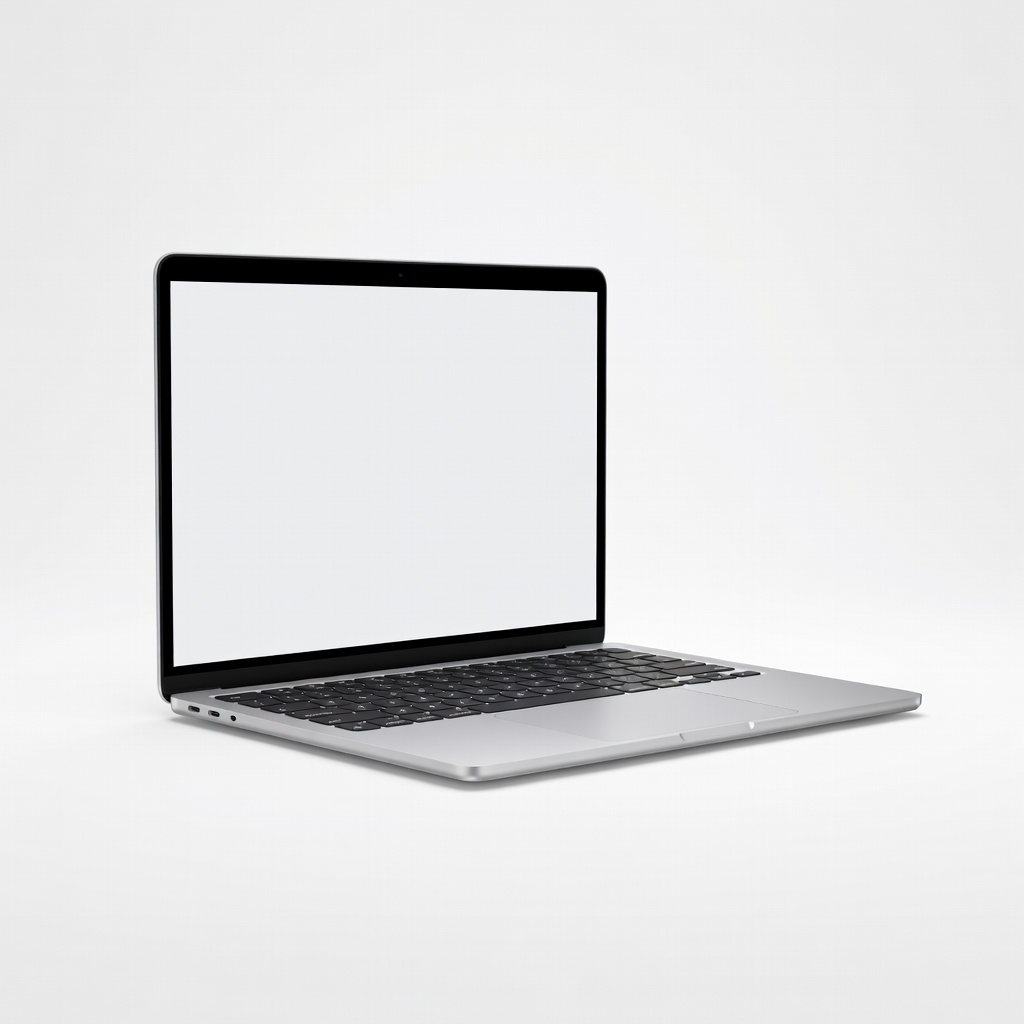
The M4 Air is the rare laptop that's genuinely good at everything: a silent fanless design, a bright 13.6-inch Liquid Retina display, all-day battery life (Apple rates up to 18 hours of video playback), and a base configuration that finally starts at 16GB of memory and a 256GB SSD. Its main trade-off is the price floor — you're paying a meaningful premium over a $500 Windows machine, and the memory and storage are sealed for the life of the laptop.
Main limitation: Memory and storage are soldered and non-upgradeable, so the configuration you buy is the configuration you keep forever.
Skip if: Skip it if you need native Windows-only software, a touchscreen, or a discrete GPU for serious gaming and 3D work.
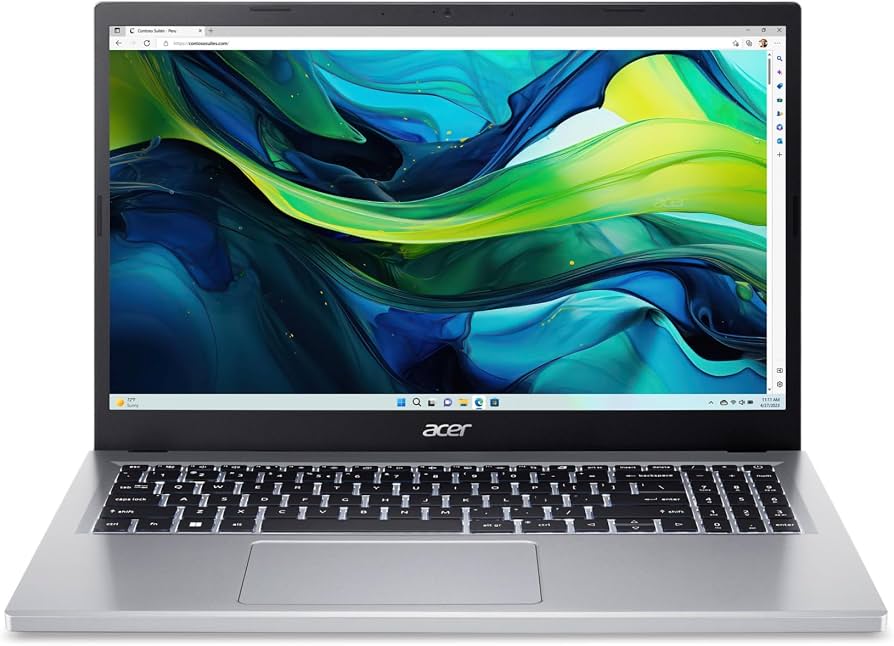
The Aspire Go 15 is the honest answer to "what's the cheapest laptop I should actually buy?" — it's frequently listed under $350 and covers the fundamentals with a 15.6-inch full-HD IPS panel, a full-size keyboard with a number pad, and enough power for browsing, documents, and streaming. The entry configuration pairs a low-power processor with 8GB of memory, so heavy multitasking and photo editing will feel sluggish rather than broken.
Main limitation: The low-power processor and 8GB of memory bog down with many browser tabs open, and the all-plastic chassis flexes noticeably.
Skip if: Skip it if you plan to edit video, run virtual machines, or routinely keep dozens of tabs and apps open at once.
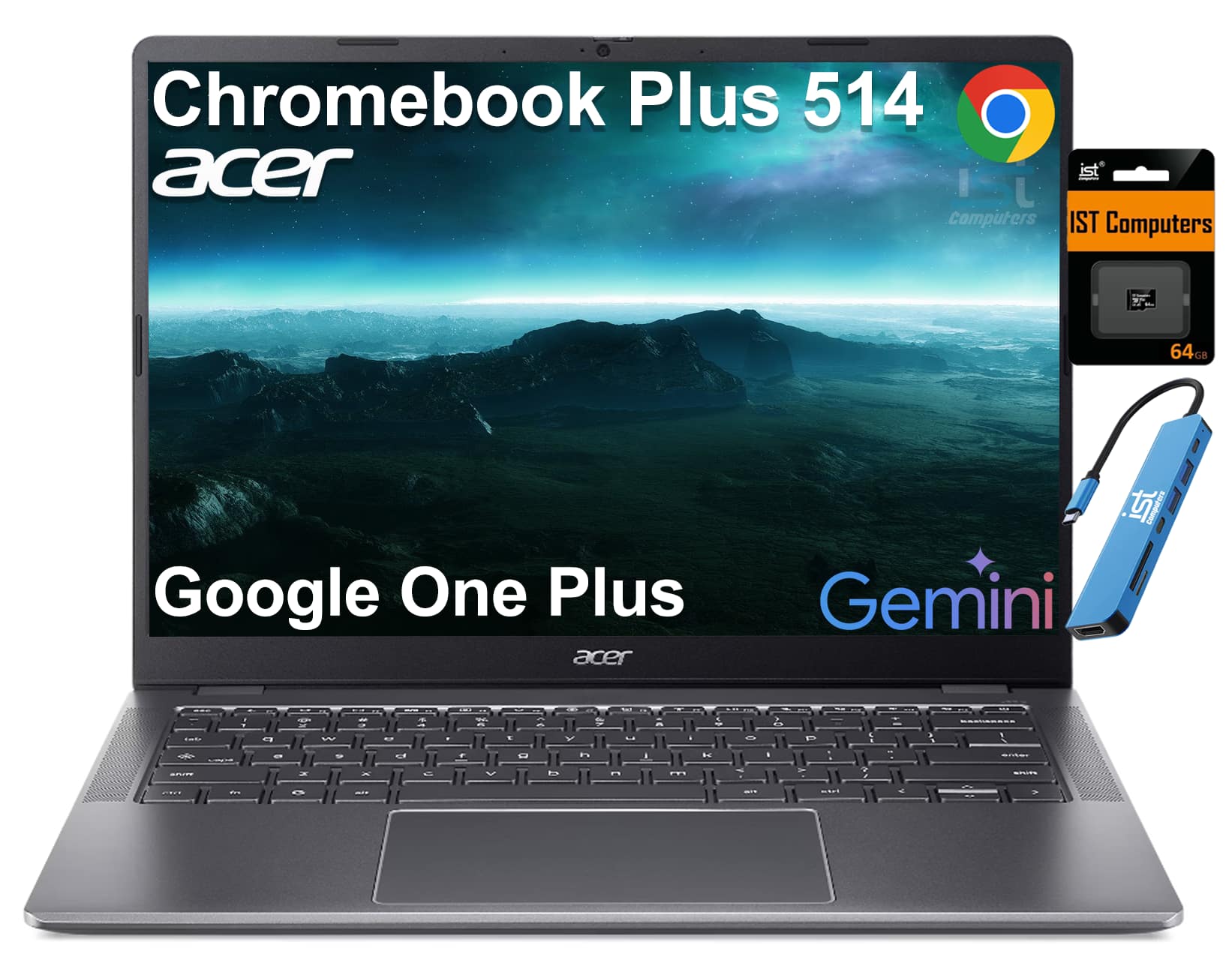
Chromebook Plus models carry a guaranteed hardware floor — 1080p webcam, at least 8GB of RAM and 128GB of storage, and a full-HD IPS screen — plus Google's AI-assisted editing tools and support for Android and Linux apps. At roughly $350, the 514 delivers a 14-inch 1920x1200 display and smooth performance for anything browser-based, and Google's long update policy means it stays secure for years. The catch is fundamental: your work has to live in a browser.
Main limitation: Native Windows and macOS applications — full desktop Microsoft 365 offline, Adobe Creative Cloud, most games — either won't run or require awkward workarounds.
Skip if: Skip it if you depend on desktop-only Windows software or want a machine with upgradeable memory and storage.
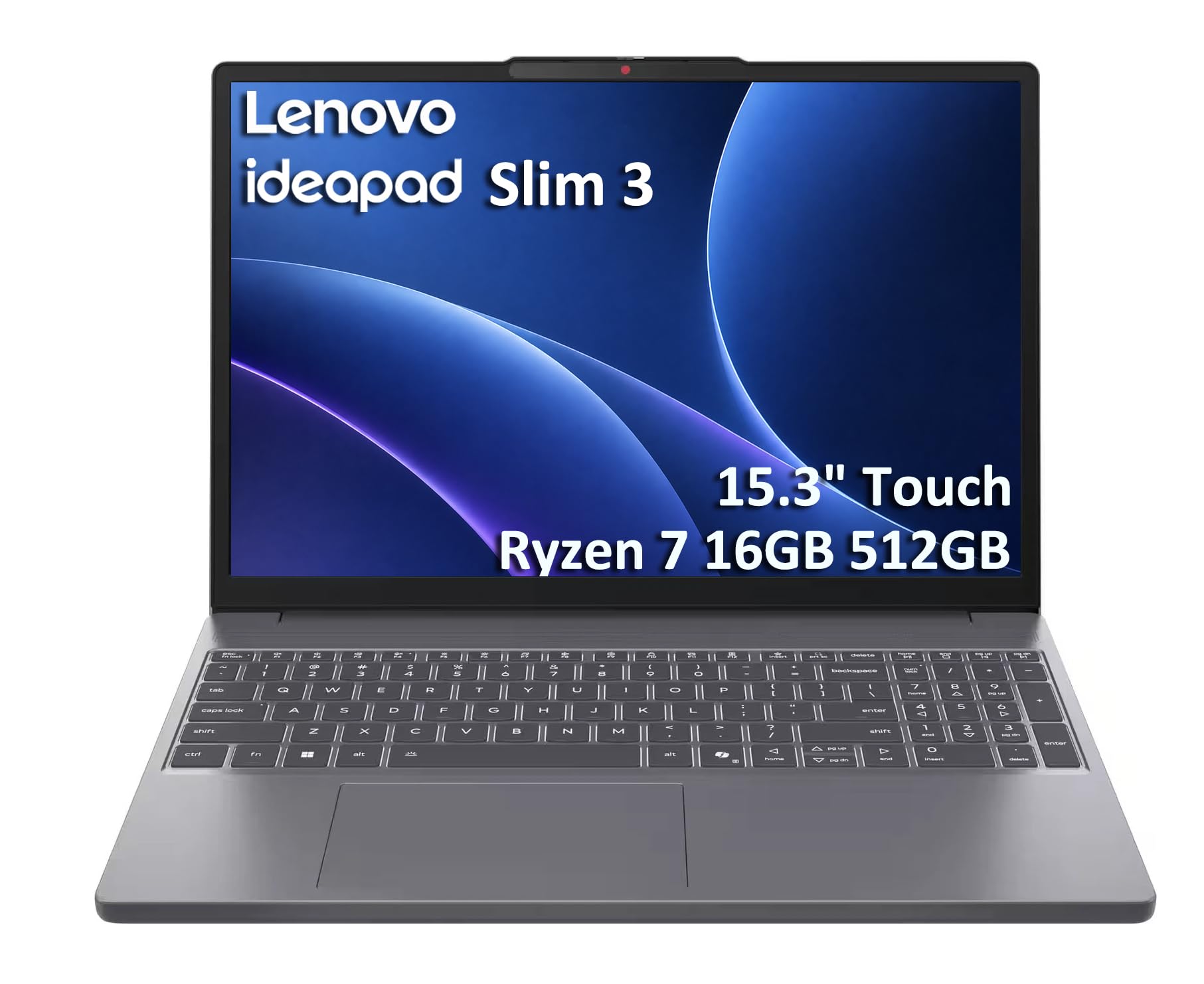
The IdeaPad Slim 3 is the value benchmark for a full Windows machine, and it's the cheapest way to get a genuinely future-proof 16GB/512GB configuration — frequently under $500 when discounted. You get a 15.6-inch full-HD screen, a comfortable keyboard, and a privacy shutter on the webcam. The compromises are cosmetic and optical: a plain plastic chassis and a panel that struggles in bright rooms.
Main limitation: The display is on the dim side — typically around 250 nits — and the all-plastic body feels less solid than pricier machines.
Skip if: Skip it if you need color-accurate screen work, a premium keyboard, or a laptop that looks polished in a client meeting.
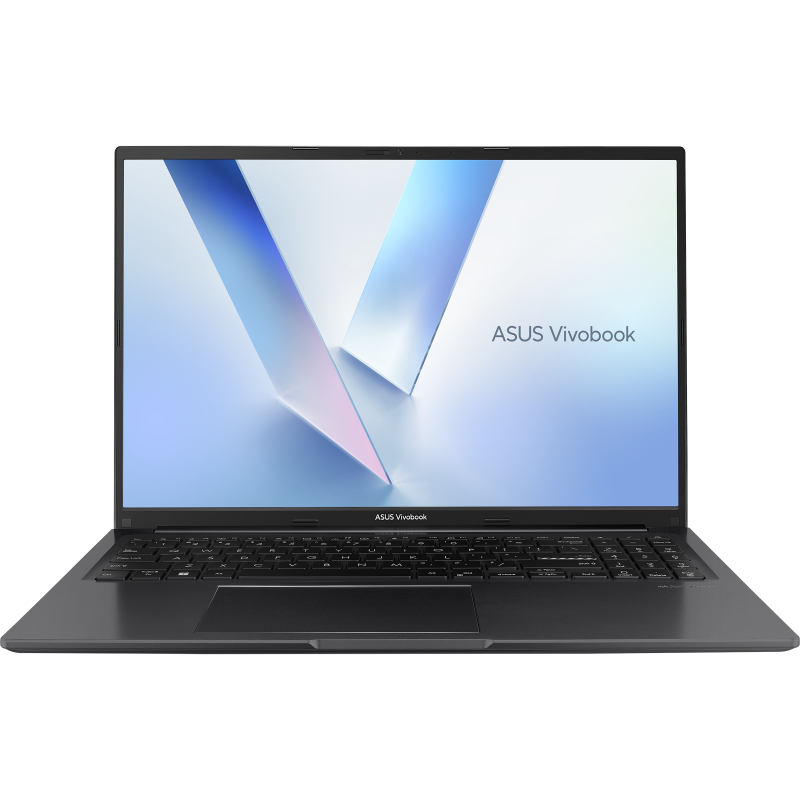
The Vivobook 16 uses a 16-inch 1920x1200 panel, which gives you meaningfully more vertical workspace than the 1080p screens most budget laptops ship with — a real difference for spreadsheets, documents, and side-by-side windows. Configurations with 16GB of RAM and a 512GB SSD often land under $650. In exchange, you accept a plastic build, a heavier chassis, and a fan that becomes audible under sustained load.
Main limitation: The 16:10 panel is limited to 60Hz and modest brightness, and the laptop is noticeably heavier than its 15-inch competitors.
Skip if: Skip it if portability is your priority or you need a color-accurate display for creative work.
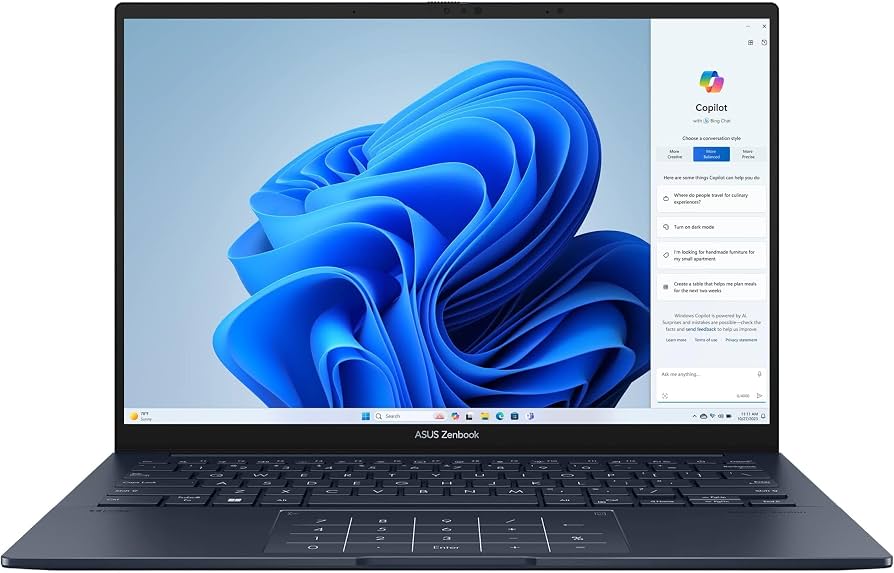
This is where mid-range money buys something that feels genuinely premium: a 14-inch 3K OLED panel at 120Hz, a lightweight metal chassis, and Intel Core Ultra silicon paired with a 75Wh battery that competes with ultrabooks costing several hundred more. Pricing swings between roughly $850 and $1,150 depending on the week, and the OLED panel — gorgeous as it is — carries a long-term image-retention risk if you leave static interface elements on screen for hours.
Main limitation: OLED panels can develop permanent image retention over years of static UI use, and the glossy finish picks up reflections in bright rooms.
Skip if: Skip it if you want the absolute lowest price, or if you routinely leave the same windows and taskbar on screen for hours at a time.
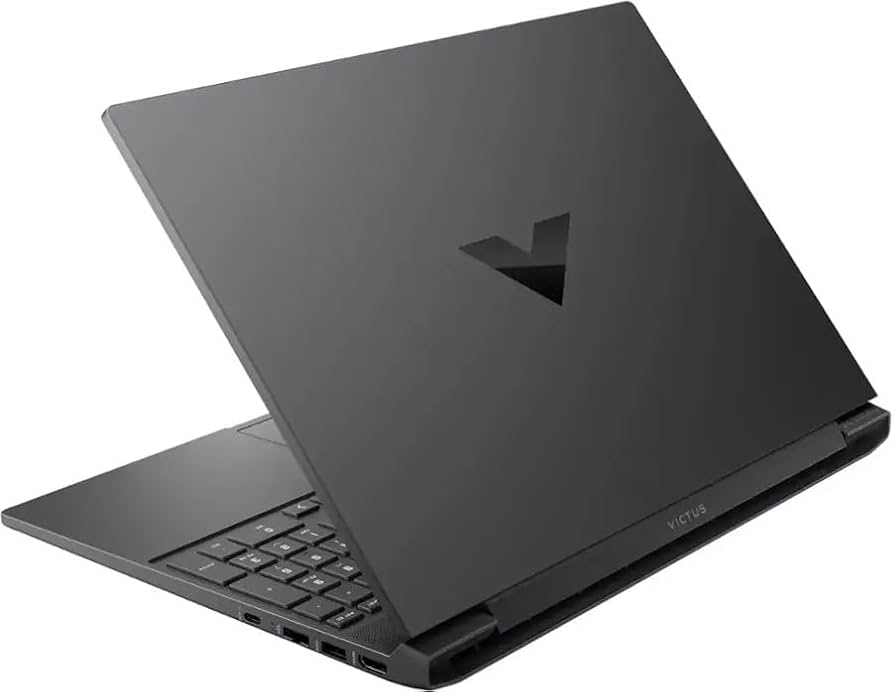
The Victus 15 is the most reliable entry point into discrete-GPU gaming, with configurations pairing a GeForce RTX 4050 or 4060 and a 144Hz full-HD panel at prices that regularly fall between $650 and $900. Many configurations keep memory and storage user-accessible, so you can add RAM or a second drive later. What you give up is everything about being a laptop: battery life is short, the fans are loud under load, and the chassis is basic plastic.
Main limitation: Battery life under gaming load is measured in hours rather than a full day, and the cooling system gets loud when the GPU is pushed.
Skip if: Skip it if you need one machine for all-day classes and gaming — a lighter laptop plus a console or desktop is the better split.
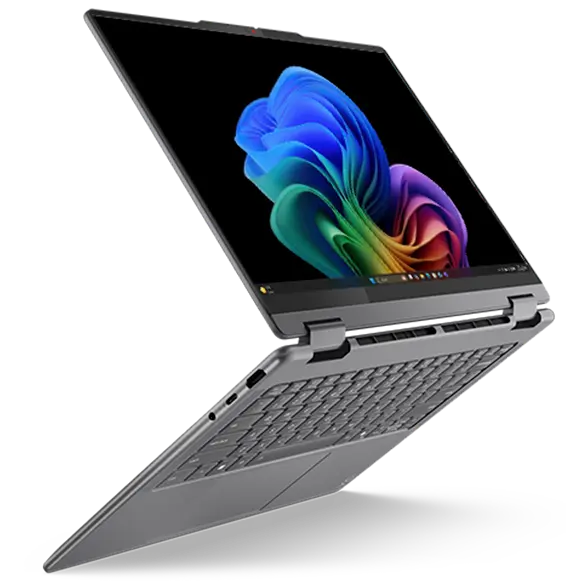
The Yoga 7i is the convertible to buy if you want a 360-degree hinge, stylus support, and a sharp 2.8K OLED touchscreen without paying flagship prices — it's commonly discounted into the $700–$850 range. The aluminum build and keyboard rival laptops costing several hundred dollars more. The trade-off is structural: hinges, touch layers, and OLED panels add weight and cost you may never actually use.
Main limitation: The convertible hinge and touchscreen add weight and cost compared with a conventional clamshell with identical internal specs.
Skip if: Skip it if you never plan to use tablet or tent modes — the same money buys better specs in a standard laptop.
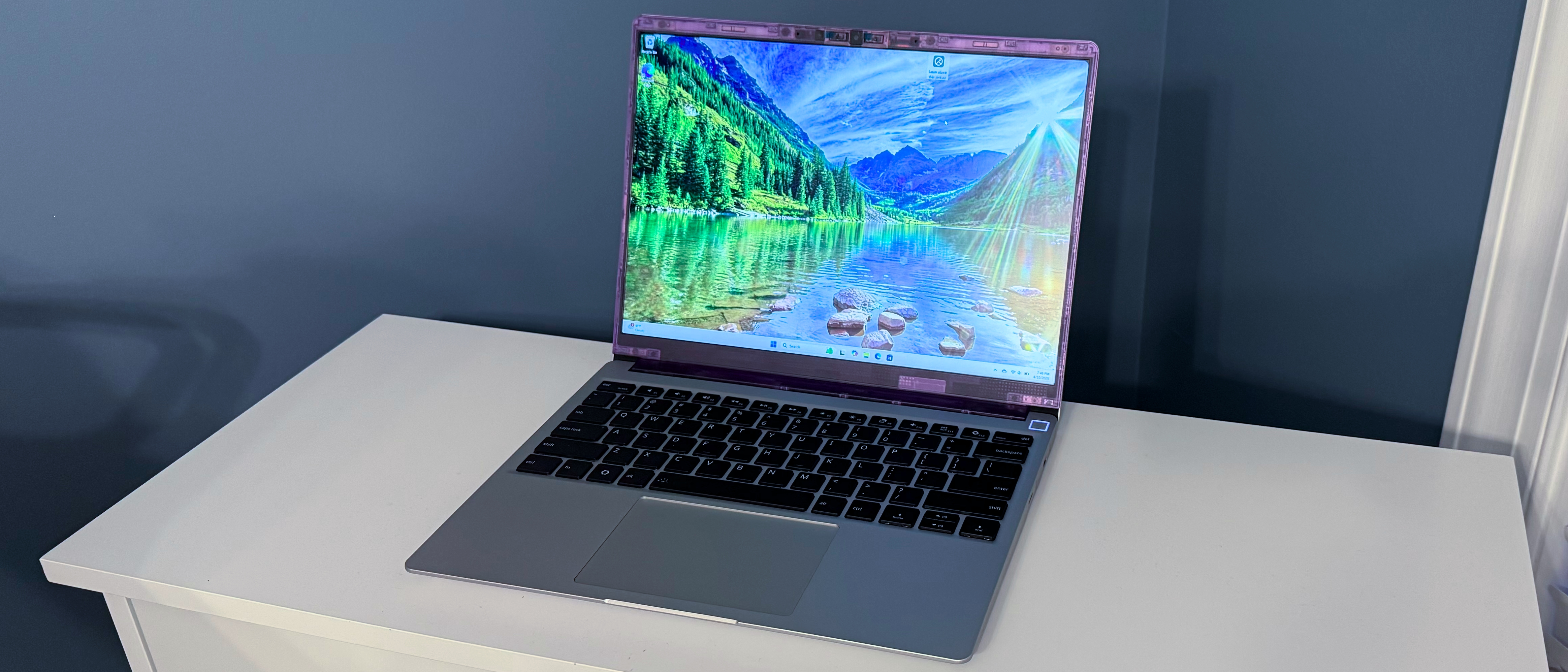
The Framework Laptop 13 is the only mainstream laptop designed to be fully disassembled, repaired, and upgraded — you can swap the mainboard, ports, battery, keyboard, and display, and the company sells every part individually. A DIY edition starts around $1,100 and lets you supply your own memory and storage, which looks expensive up front but is often cheaper across a decade than replacing two sealed laptops. The trade-off is ecosystem: fewer retail discounts, a smaller support community, and fan behavior and finish that trail Apple and Lenovo flagships.
Main limitation: It costs more than a comparably equipped sealed laptop and sells mainly direct-to-consumer, so it rarely appears in retail sales.
Skip if: Skip it if you want the lowest upfront price or would rather not deal with driver setup and self-assembly.
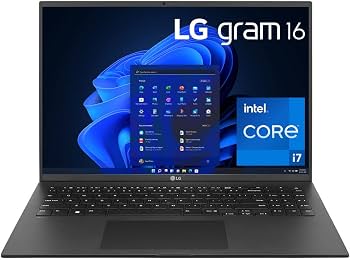
The gram 16 packs a 16-inch WQXGA screen into a chassis weighing roughly 1.2 kg, making it the lightest large-screen laptop you can buy, and backs it with a big battery and a full port selection including HDMI and USB-A. It sits at the premium end of this list at roughly $1,200–$1,700. The trade-off for that weight is chassis rigidity — the magnesium alloy body flexes more than a MacBook or ThinkPad, which matters if the laptop lives in a stuffed bag.
Main limitation: The ultra-light magnesium alloy chassis flexes under pressure, and the list price rarely drops below $1,200.
Skip if: Skip it if you're on a strict budget or need a rugged machine that survives rough daily handling.
Compare key specs and features of all our recommendations side-by-side
| Product | Recommendation | Rating | Price |
|---|---|---|---|
Apple MacBook Air 13-inch M4 (2025) Rank #1 | 🏆 Top Pick | 9.2/10 | $899–$1,299 Check current price → |
Acer Aspire Go 15 AG15-31P Rank #2 | 💰 Budget Pick | 8.1/10 | $280–$400 Check current price → |
Acer Chromebook Plus 514 Rank #3 | ⭐ Editor's Choice | 8.5/10 | $330–$450 Check current price → |
Lenovo IdeaPad Slim 3 15 (2026) Rank #4 | — | 7.7/10 | $400–$550 Check current price → |
Asus Vivobook 16 (X1605) Rank #5 | — | 8.0/10 | $500–$700 Check current price → |
ASUS ZenBook 14 OLED (UX3405) Rank #6 | — | 8.3/10 | $850–$1,150 Check current price → |
HP Victus 15 (2025) Rank #7 | — | 7.9/10 | $650–$950 Check current price → |
Lenovo Yoga 7i 2-in-1 (14″, Gen 10) Rank #8 | — | 8.4/10 | $700–$1,000 Check current price → |
Framework Laptop 13 (AMD Ryzen AI 300 / Intel Core Ultra) Rank #9 | — | 8.2/10 | $1,099–$1,800 Check current price → |
LG Gram 16 (2025) Rank #10 | — | 8.5/10 | $1,200–$1,700 Check current price → |
Common questions buyers have about this category.
For light browsing, streaming, and documents, $300–$450 buys a genuinely usable machine in the form of a Chromebook Plus or an entry-level Windows laptop. If you need real multitasking, a full Windows application suite, or a laptop that will still feel fast in four years, plan on $550–$900 with 16GB of RAM and a 512GB SSD. Spending above $1,000 buys longevity, weight savings, and repairability rather than dramatically faster everyday performance.
It's enough for browsing, email, streaming, and word processing, but it leaves very little headroom once you add video calls, dozens of tabs, or a photo editor. Memory in most budget laptops is soldered to the board, so you can't fix the decision later, and browsers and operating systems continue to grow. If you intend to keep the machine for four or more years, 16GB is the safer investment.
For anyone whose work lives in a browser — Google Workspace, web apps, streaming, email — a Chromebook Plus is often faster and simpler than a Windows laptop at the same price, and it receives automatic updates for years. It becomes a problem the moment you need desktop-only software, such as full offline Microsoft 365, Adobe Creative Cloud, or most games. Check your must-have applications before committing.
A certified refurbished business laptop — a ThinkPad, Latitude, or EliteBook — often delivers a better keyboard, sturdier build, and easier repairability than a new $500 consumer machine. The risks are shorter remaining warranty coverage, an aging battery, and the possibility of cosmetic wear. If you buy refurbished, insist on a certified program with a return window, and factor in the cost of a replacement battery.
128GB is workable only if you keep almost everything in the cloud and install very little, since the operating system alone consumes a significant chunk of it. A 256GB SSD is the practical minimum for most people, and 512GB is worth the upgrade if you store photos, videos, or games locally. Also check the drive type: an eMMC drive at 64GB or 128GB is dramatically slower than an NVMe SSD and is the single most common reason cheap laptops feel sluggish.
Prioritize 16GB of memory, a 256GB or larger NVMe SSD, a 1920x1200-or-better IPS display, and a processor from the current or previous generation — in that order. Repairability is the wildcard: laptops with user-accessible RAM, storage, and batteries are far cheaper to keep alive, while sealed designs force you to replace the whole machine when one component fails. A slightly slower laptop with upgradeable parts often outlasts a faster sealed one.
Budget laptops are discounted constantly, and the deepest cuts tend to cluster around back-to-school season, Black Friday, and the weeks after a new generation launches and retailers clear older stock. Prices on the same model can swing by $150 or more within a month, so checking a price history before buying is worth the two minutes. Buying one generation behind the current model is typically the single easiest way to save without giving up much performance.
Products we evaluated but did not recommend — and why.
