Get the App
Better experience on mobile
From under $500 to over $1,500, these are the laptops that deliver the most value for your money.
The laptop market has never been more segmented. Between Apple's M-series processors, Intel's Core Ultra H-series, and Qualcomm's Snapdragon X chips, there's a diversity in performance and efficiency that didn't exist just a few years ago. What this means for buyers is simple: you no longer have to pay $1,500 for a laptop that feels fast, but you also need to be smarter about where the money goes.
The specific model you choose matters more than ever. One $700 laptop might feature a stunning 2.8K OLED screen, while another from the same brand costs the same but ships with a 250-nit panel with poor color reproduction. We've combed spec sheets, read thousands of user reviews, and consulted expert analysis to find the configurations that genuinely deliver value—not just marketing hype.
Our coverage spans ultra-budget Chromebooks, mainstream Windows notebooks, ARM-based battery champions, value gaming rigs, and premium ultrabooks. We've balanced performance, build quality, display, battery life, and price to create a list of ten laptops that each serve a specific need. We've also flagged trade-offs honestly, because there is no perfect laptop—only the right one for you.
Whether you're a student looking for a reliable study companion or a professional needing a business-grade machine, these are the laptops that make the cut for 2026.
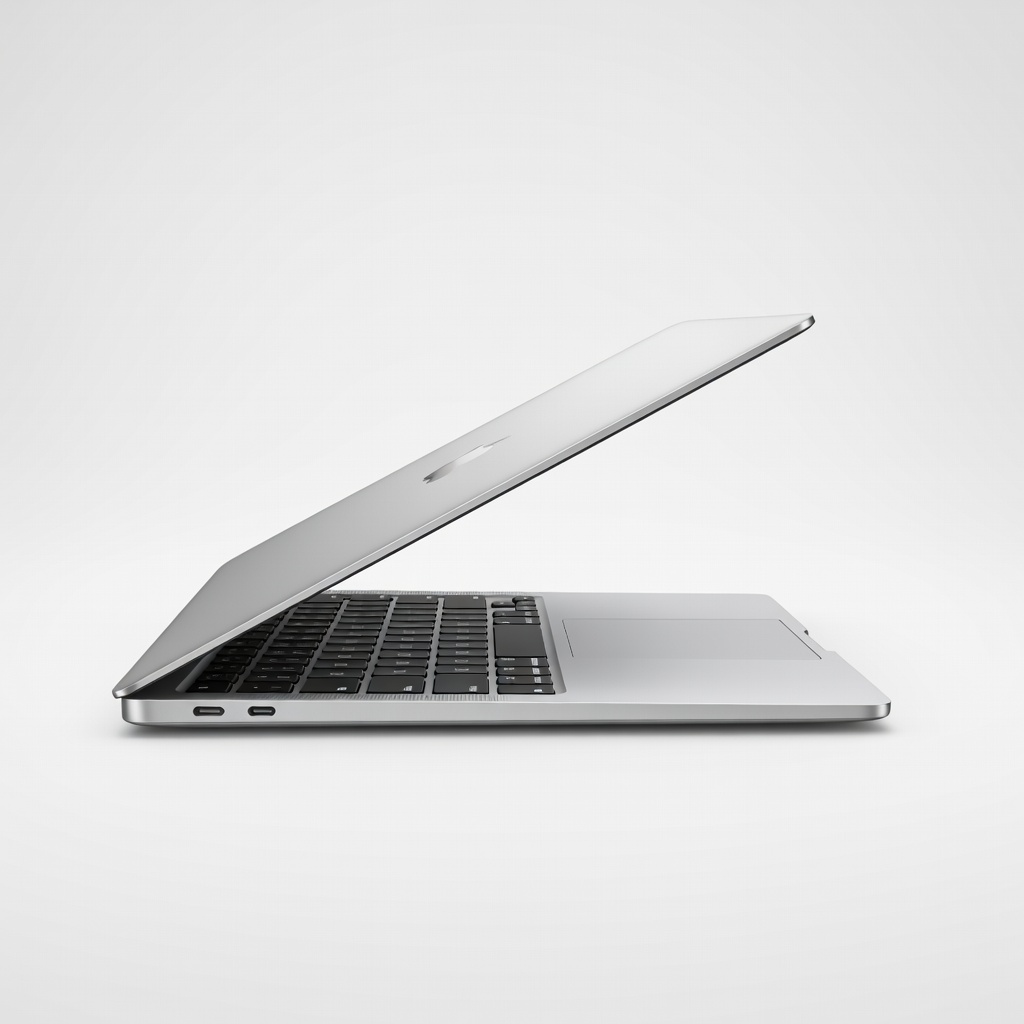
The MacBook Air M4 is the laptop most people should buy if they can stretch their budget—it offers class-leading performance, 18-hour battery life, and a brilliant display in a silent, fanless design. The trade-off is macOS, which may be limiting for those tied to Windows apps.
Main limitation: Limited to two Thunderbolt ports and no 120Hz display, which might bother power users.
Skip if: Anyone who needs Windows compatibility or more extensive connectivity should skip this.
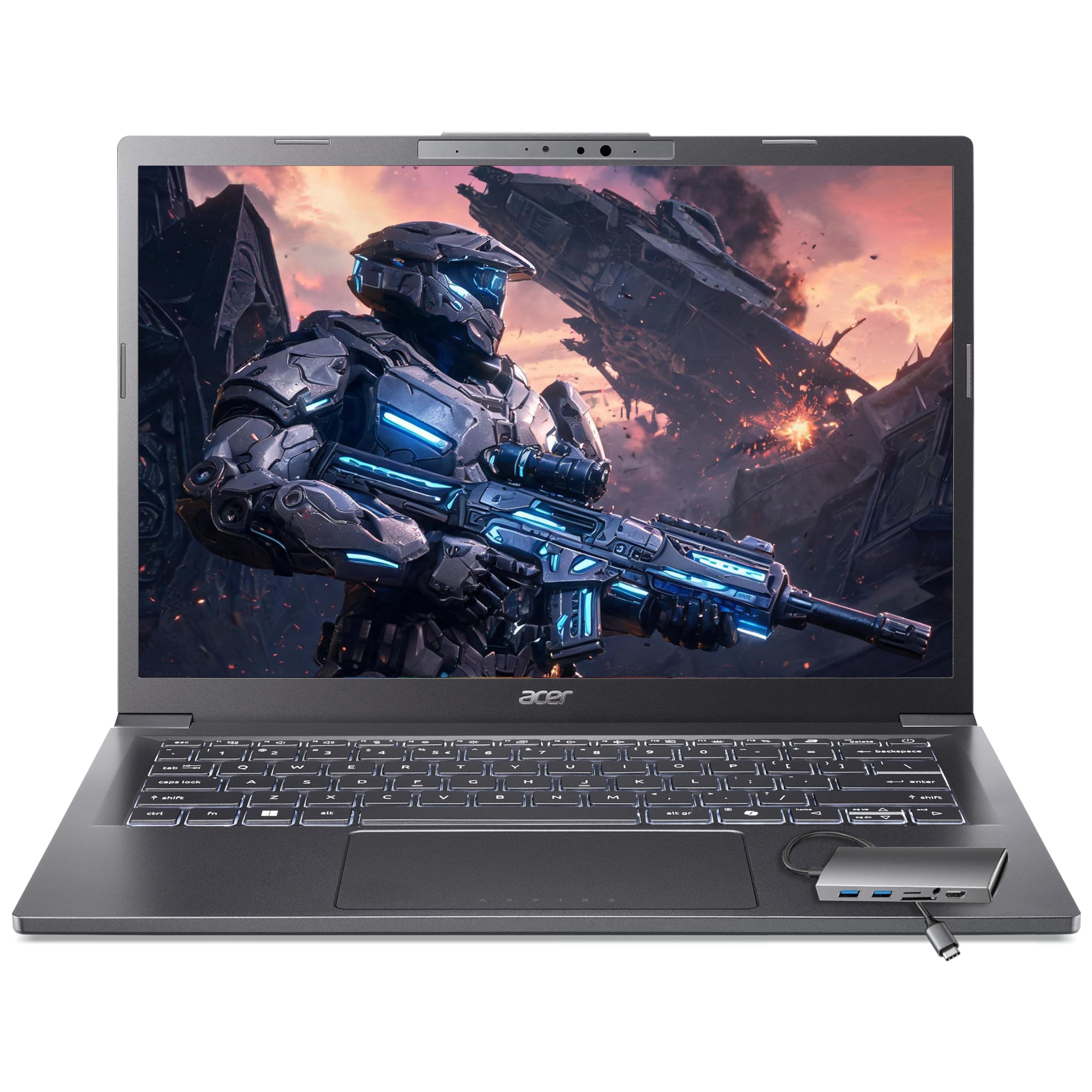
The Acer Aspire 5 is the traditional budget champion, offering workable performance for everyday tasks at industry-low prices. It comes with a Full HD display, 16GB of RAM, and a modern Ryzen 5 chip, though the plastic chassis and dim screen are clear compromises.
Main limitation: The display is dim (around 220 nits) and the speakers are muffled.
Skip if: If you value a bright, color-accurate display for photo editing, this isn't the right fit.
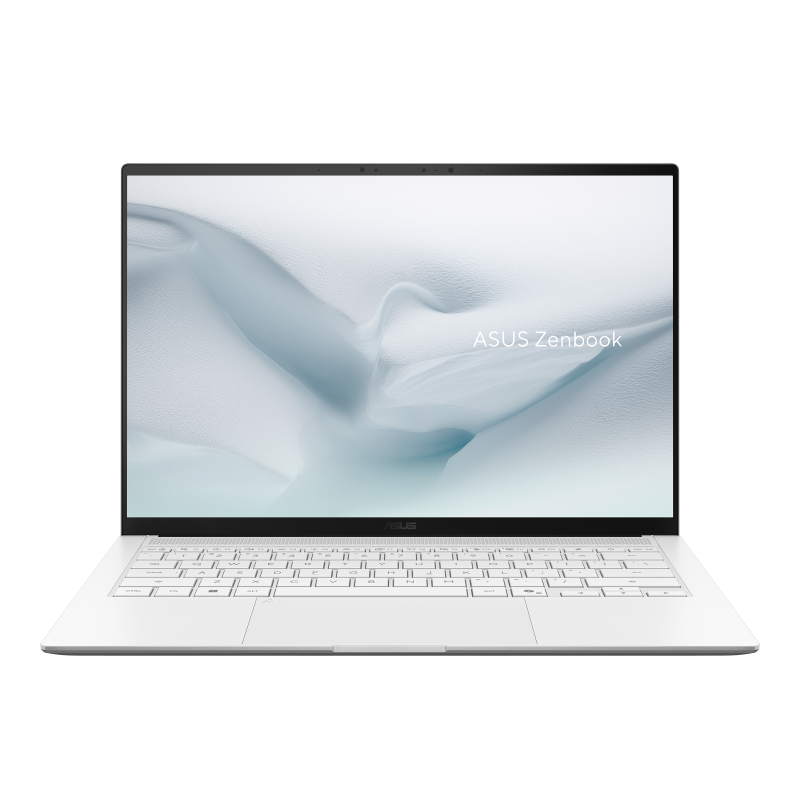
The Asus Vivobook S 14 OLED brings the gorgeous impact of a 2.8K OLED panel to the sub-$800 bracket, along with all-day battery life and a reasonably light chassis. It's a superb choice for streaming, browsing, and productivity, but you'll have to live with a 720p webcam and limited ports.
Main limitation: The 720p webcam and lack of HDMI port are notable downgrades.
Skip if: If you need frequent video conferencing or a stable HDMI connection, it's better to look elsewhere.
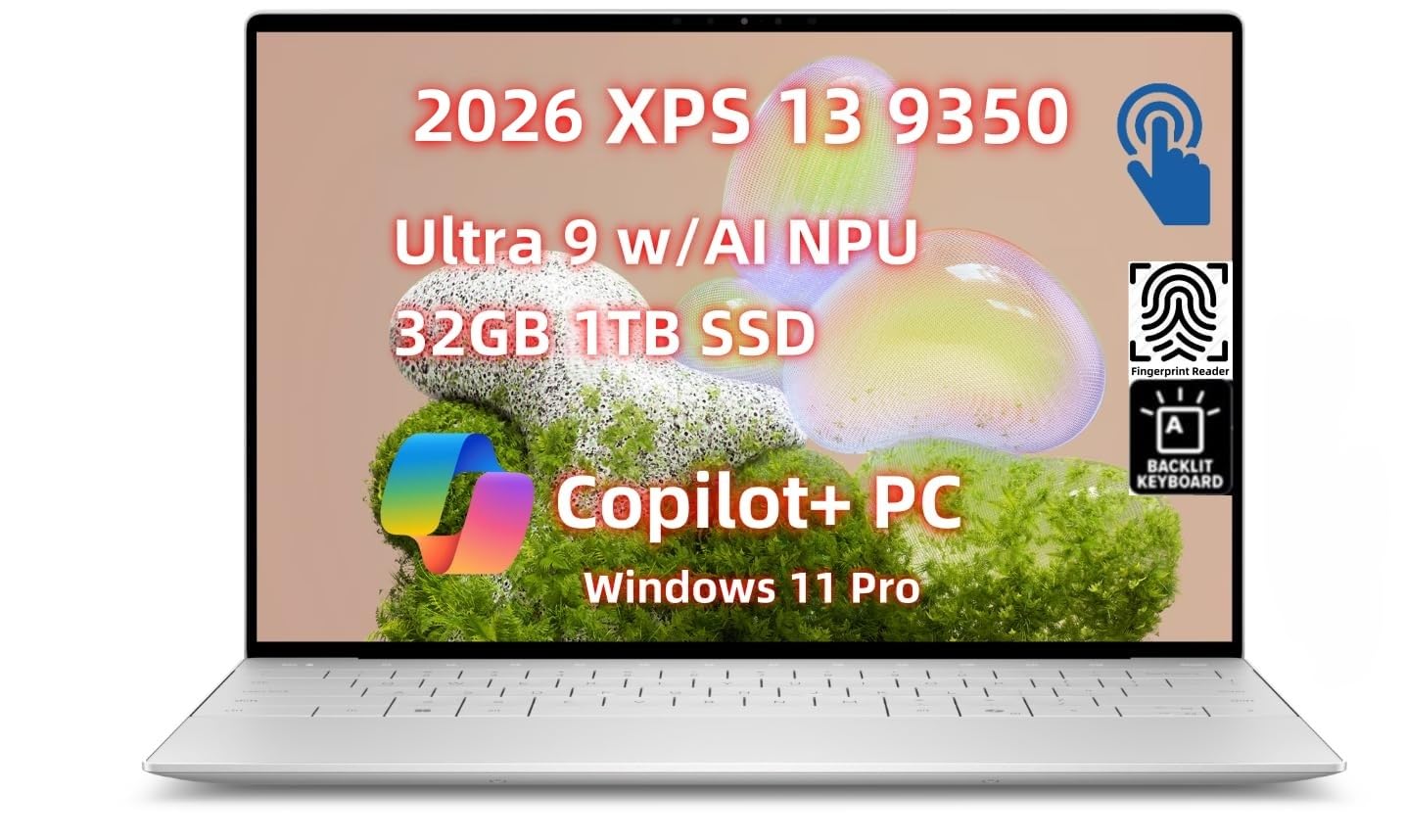
The Dell XPS 13 is the quintessential premium Windows laptop, with a stunning edge-to-edge display, precision CNC aluminum chassis, and top-tier performance. This compact device is ideal for business and travel, but its high price and sparse selection of ports can be a turn-off.
Main limitation: The trackpad is narrower than expected and there are no USB-A ports.
Skip if: Budget-conscious buyers or anyone who needs a full-size HDMI port should skip.
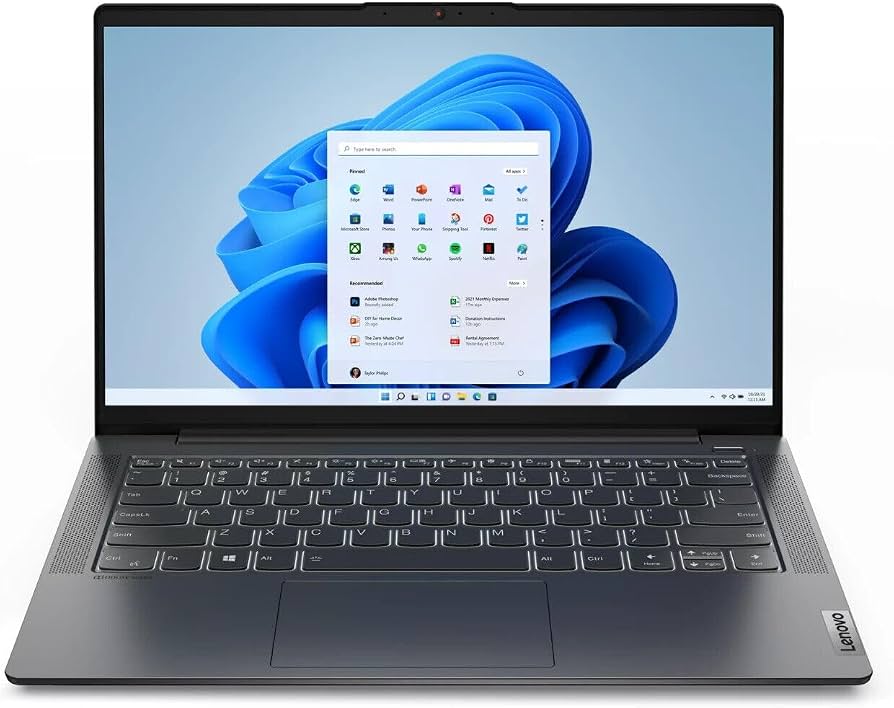
The Lenovo IdeaPad Slim 5 nails the basics at a student-friendly price—sharp display, comfy keyboard, and battery life that lasts a full day of classes. It's not built for hardcore gaming or video editing, but it handles online learning and typing essays confidently.
Main limitation: Single-channel RAM handicaps integrated graphics performance.
Skip if: Students who plan to edit videos or play games should look for a laptop with a discrete GPU.
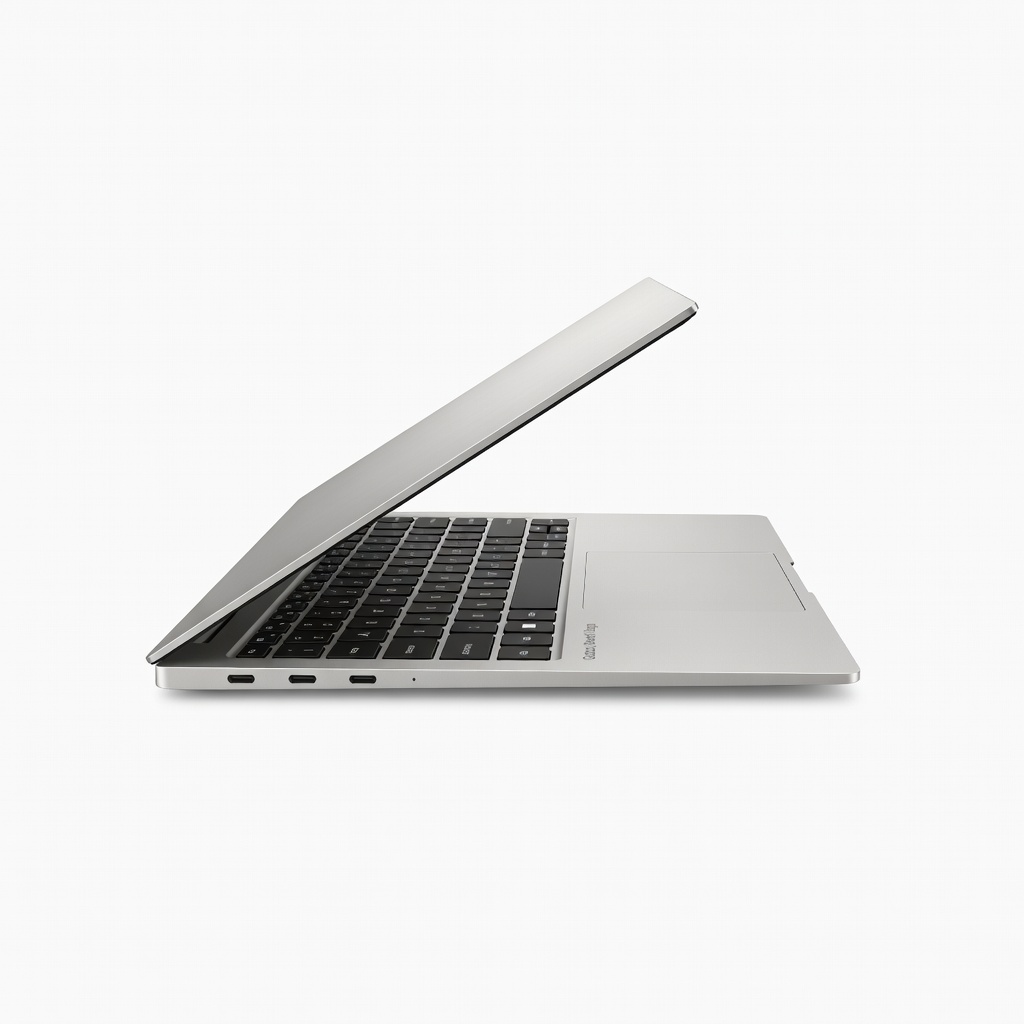
If you obsess over unplugged productivity, the Galaxy Book4 Edge sets a new marathon standard, delivering over a full real-world day of work thanks to the Snapdragon X Elite chip. Its 3K AMOLED display is vibrant, and the laptop is impressively thin, but beware of x86 software compatibility issues.
Main limitation: ARM architecture can cause performance drops or incompatibility with some legacy Windows software.
Skip if: If you rely on specialized enterprise or creative apps that don't run natively on ARM, don't buy this.
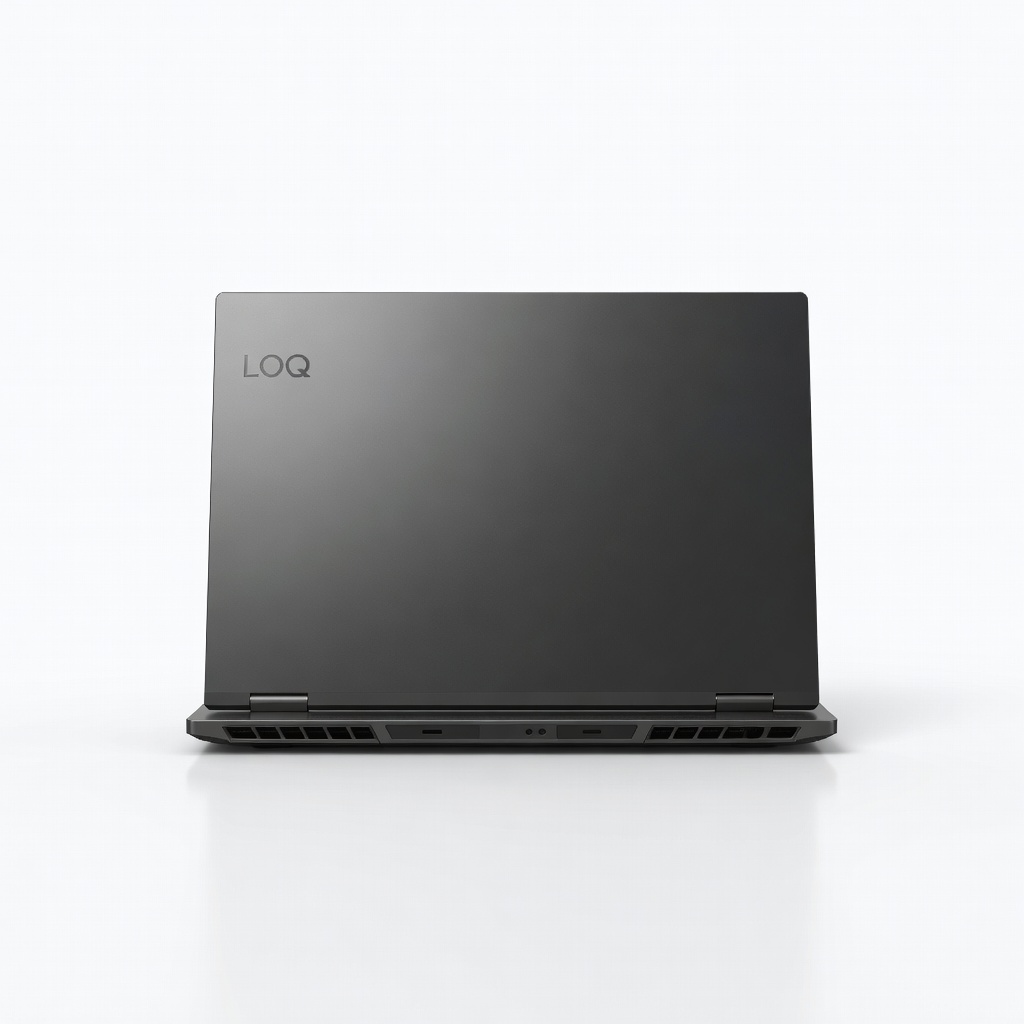
The Lenovo LOQ 15 proves that decent gaming doesn't have to cost a fortune, pairing a robust RTX 4060 with a smooth 144Hz display for under $1,000. You'll get reliable frame rates on modern titles at 1080p, but the laptop is bulky and battery life under load is short.
Main limitation: Plastic chassis and short battery life under load are major trade-offs.
Skip if: If you want a laptop for work and occasional gaming, the LOQ's weight might be cumbersome; consider a lighter alternative.
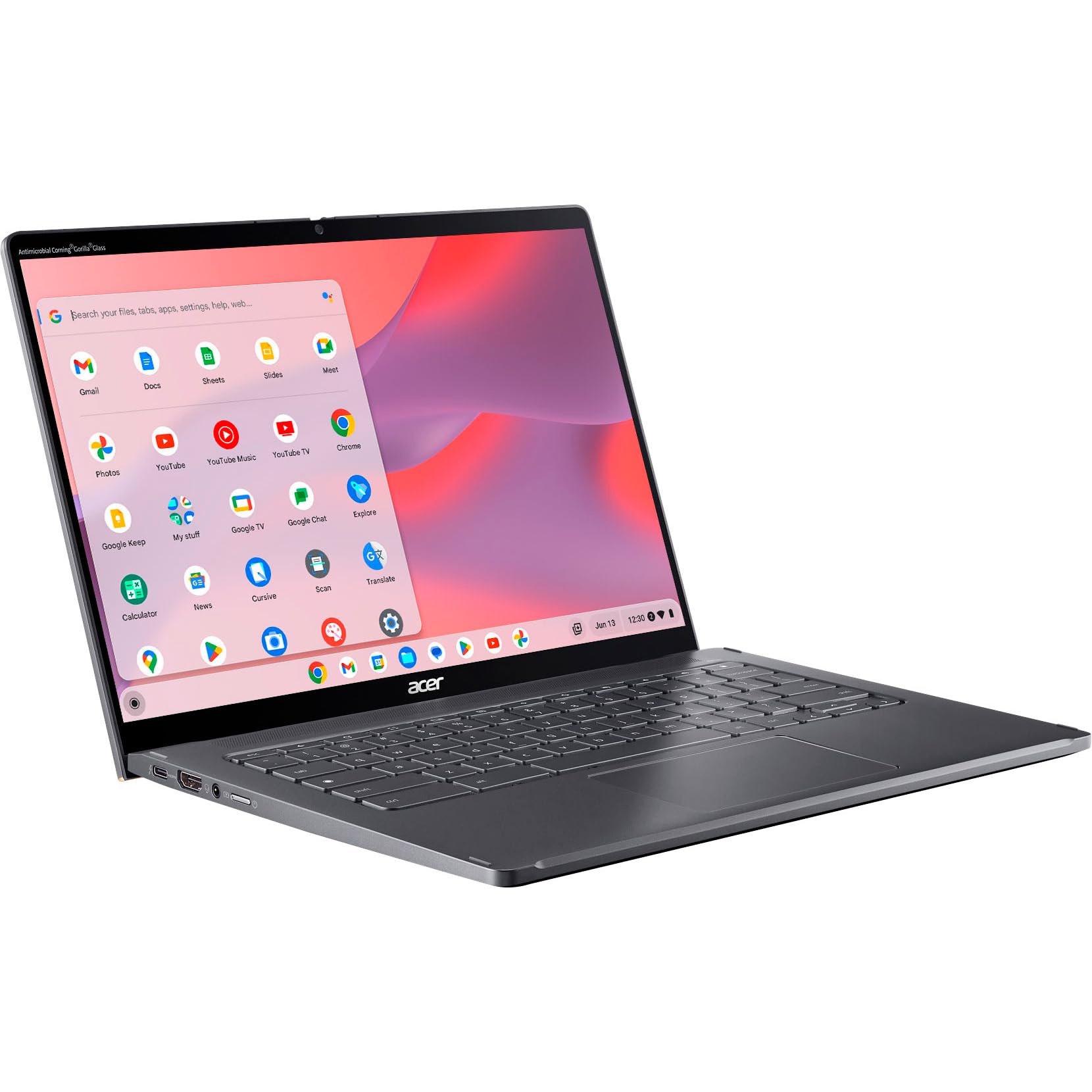
The Chromebook Spin 714 is one of the few ChromeOS devices that can hang with laptops twice its price, featuring a sharp 2K touchscreen, solid Core i5 performance, and an included stylus. It's ideal for cloud-centric workflows, but ChromeOS still limits heavy offline apps.
Main limitation: ChromeOS's storage and app library are limited, and the 720p webcam is outdated.
Skip if: If you need offline desktop software like full Adobe suite or need to run Windows applications, skip this.
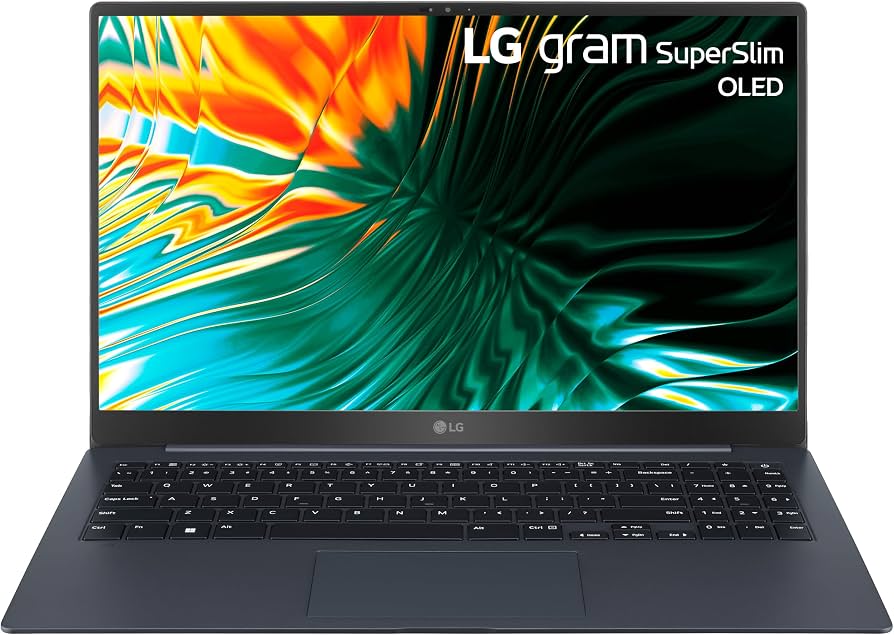
At under 2 pounds, the LG Gram SuperSlim is the lightest 15-inch laptop we've found in 2026, making it effortless to carry through airports and daily commutes. Despite the featherweight build, it delivers a beautiful OLED display and competent performance for productivity—just don't expect a fortress-like chassis.
Main limitation: The chassis flexes noticeably, and the modest processor may bottleneck intensive tasks.
Skip if: If you need maximum performance for video editing or CAD, this isn't your machine.
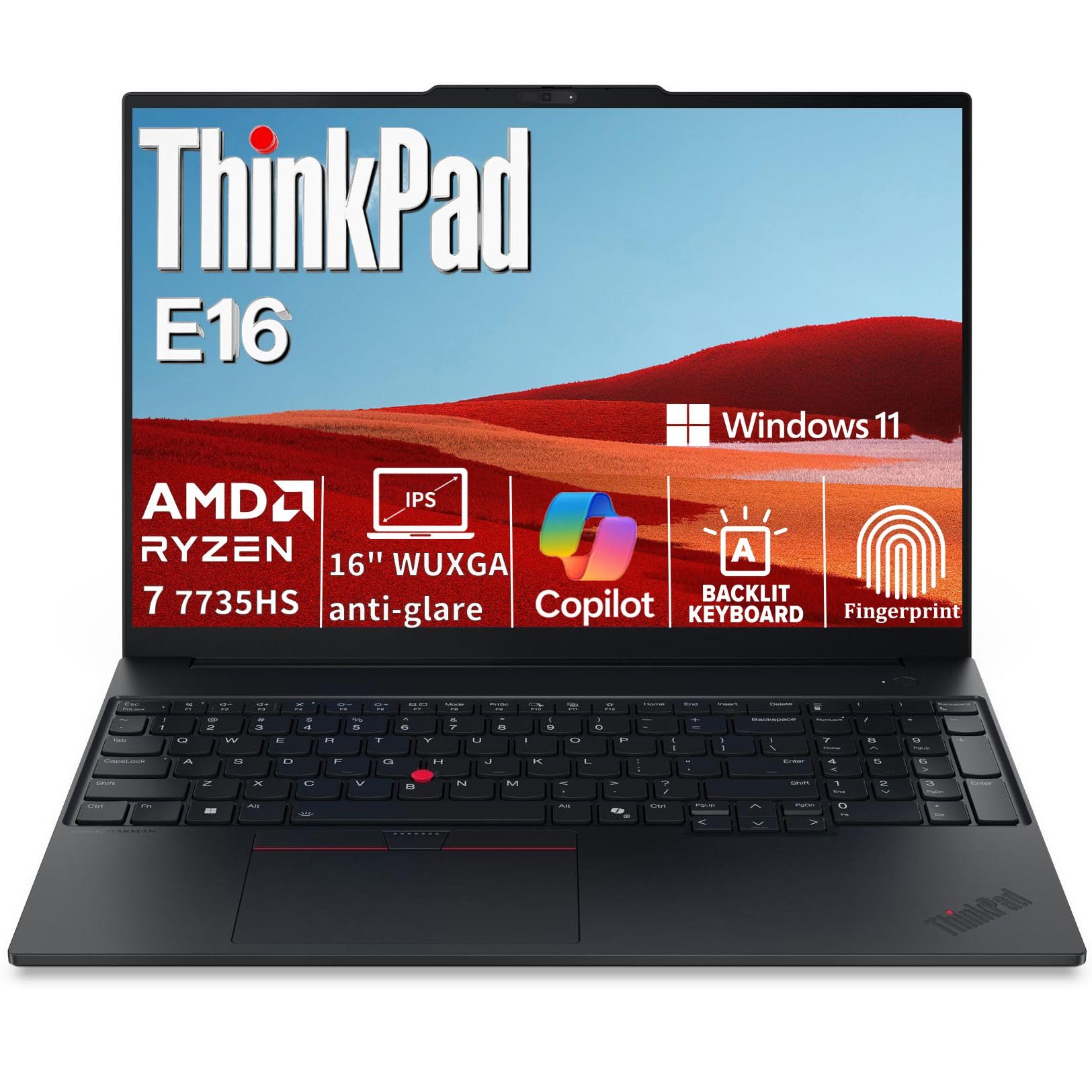
The ThinkPad E16 brings enterprise-grade durability, legendary keyboard comfort, and security features to a middle-of-the-road price. It's built to survive rigorous daily work and offers solid performance, though the 16-inch size may be too large for tight desks and travel.
Main limitation: The display is only 1920x1200 and the battery life is average for the class.
Skip if: If you want a smaller 14-inch laptop or need a 4K OLED display, you'll want a different ThinkPad.
Compare key specs and features of all our recommendations side-by-side
| Product | Recommendation | Rating | Price |
|---|---|---|---|
Apple MacBook Air 13-inch M4 Rank #1 | 🏆 Top Pick | 9.2/10 | $1,099–$1,299 Check current price → |
Acer Aspire 5 15 (2026) Rank #2 | 💰 Budget Pick | 8.0/10 | $450–$550 Check current price → |
Asus Vivobook S 14 OLED (UX5406) Rank #3 | ⭐ Editor's Choice | 8.3/10 | $799–$899 Check current price → |
Dell XPS 13 9350 (2026) Rank #4 | — | 8.7/10 | $1,299–$1,499 Check current price → |
Lenovo IdeaPad Slim 5 14 (2026) Rank #5 | — | 8.0/10 | $600–$700 Check current price → |
Samsung Galaxy Book4 Edge 14 Rank #6 | — | 8.4/10 | $1,049–$1,249 Check current price → |
Lenovo LOQ 15 (2026) Rank #7 | — | 8.2/10 | $999–$1,199 Check current price → |
Acer Chromebook Spin 714 (2026) Rank #8 | — | 7.9/10 | $599–$749 Check current price → |
LG Gram SuperSlim (2026) Rank #9 | — | 8.0/10 | $1,199–$1,399 Check current price → |
Lenovo ThinkPad E16 Gen 2 (2026) Rank #10 | — | 8.3/10 | $899–$1,099 Check current price → |
Common questions buyers have about this category.
Snapdragon X chips deliver exceptional battery life and strong CPU performance for productivity, often beating Intel and AMD on efficiency. However, some legacy Windows applications and games can be incompatible, so if you rely on niche or older software, an Intel or AMD laptop is the safer bet.
In 2026, 16GB is the sweet spot for most people. It supports dozens of browser tabs, office suites, and light content creation without slowdowns. If you can only afford 8GB, you'll likely face bottlenecks within a year, so we recommend stretching your budget.
Chromebooks are great for cloud-based study, Google Docs, and browsing, and they're often cheaper and more portable. But if your coursework requires Windows/Mac software like AutoCAD or Adobe Premiere, you'll need a full laptop instead.
The Asus Vivobook S 14 OLED is the standout under $700 with its gorgeous OLED screen, long battery life, and solid performance. Alternatively, the Acer Aspire 5 is the best traditional budget laptop if you need a larger display and HDMI port.
Yes, but look for a laptop with a discrete GPU like an RTX 4050 or RTX 4060. The Lenovo LOQ 15 is the best budget gaming option in 2026, offering high-refresh displays and enough power for most modern titles at 1080p. Integrated graphics are not sufficient for most games.
With six years of typical use, a modern budget laptop should survive 3–5 years, depending on build quality and battery life. You'll likely need to replace the battery after 2–3 years, and the chassis might feel dated, but components are upgradable in some models.
Products we evaluated but did not recommend — and why.
