Get the App
Better experience on mobile
The best budget-friendly laptops for every type of user — from students and professionals to travelers and gamers, all without breaking the bank.
The best budget laptop is rarely the cheapest one on the shelf. It’s the model that gets the essentials right — a responsive processor, a comfortable keyboard, a display that doesn’t strain your eyes — while skipping luxury extras you won’t miss. In 2026, that line has never been more blurred: Intel’s Core Ultra and AMD’s Ryzen AI chips now deliver once-premium features like OLED screens, all-day battery life, and AI-powered efficiency at price points that used to reserve them for flagship ultrabooks.
What that means for shoppers is a market overflowing with compelling options, but also one rife with trade-offs. A $300 laptop can handle emails and streaming, but it might struggle with 20 browser tabs or light photo editing. A $1,000 machine can do almost anything, but it might be overkill if you only need a study or work companion. The key is matching a laptop to your real needs — and knowing where it’s smart to save money and where it’s wise to splurge.
In this guide, we’ve curated 10 laptops that represent the best values in their respective categories, from the sub-$400 workhorse perfect for students to a premium armchair pick for those who want the best without compromise. Each recommendation is based on independent reviews, spec analysis, and buyer satisfaction trends — not on hype or manufacturer claims.
Whether you’re a busy student, a road-warrior freelancer, or a budget-conscious gamer, you’ll find a laptop here that fits your pocketbook and your lifestyle. We’ve focused on year-2026 models that are readily available, with clear notes on who should skip each one. Read on for your perfect budget match.
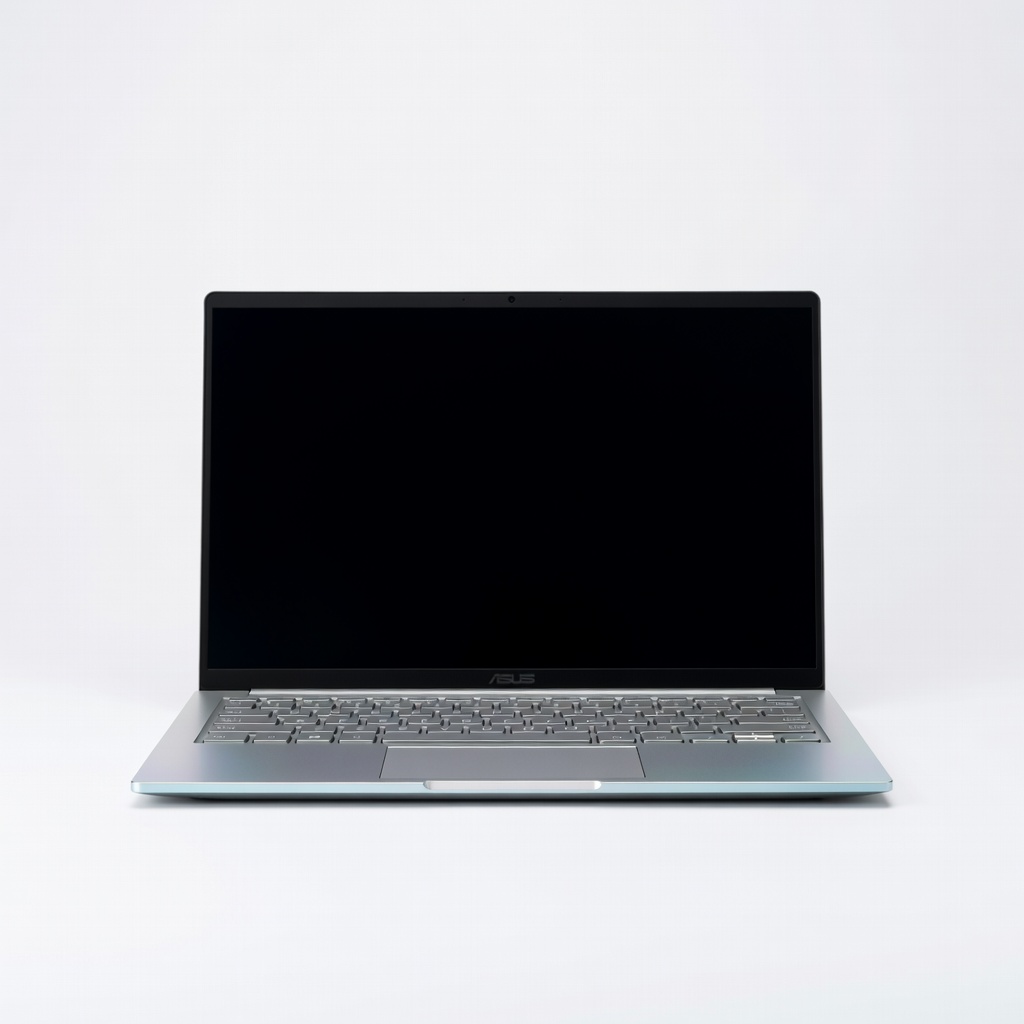
The ASUS Zenbook 14 OLED is the quintessential all-around budget laptop, pairing a brilliant OLED display with a lightning-fast AMD Ryzen 5 processor and a featherlight 1.2kg body. It nails the fundamentals — speed, portability, and a screen that makes everything look better. The main trade-off is a slightly cramped keyboard and a lack of discrete graphics, but for everyday productivity, this is a stellar value.
Main limitation: The 75Wh battery is good but not class-leading, and the keyboard has shallow travel that may disappoint heavy typists.
Skip if: Skip this if you need a dedicated GPU for gaming or heavy video editing, or if you prefer a larger, more spacious key layout.
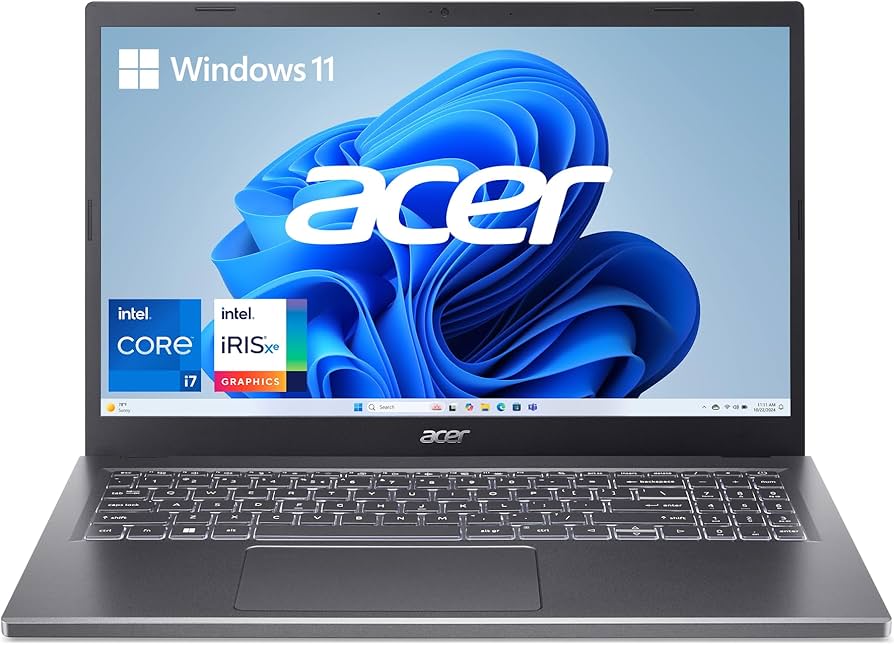
The Acer Aspire 5 is the workhorse of budget laptops, offering a 15.6-inch Full HD display, a modern Intel Core i5 processor, and 16GB of RAM for under $500. It’s not flashy, but it handles everyday tasks, multitasking, and light productivity without the lag that plagues many sub-$400 machines. The compromise is build quality (mostly plastic) and a dim screen that’s not great for outdoor use.
Main limitation: The display’s 250-nit brightness is underwhelming, and the chassis flexes under pressure.
Skip if: Skip this if you need a premium build or a screen that works well in bright sunlight; also skip if you plan to play modern games (it has only Intel integrated graphics).
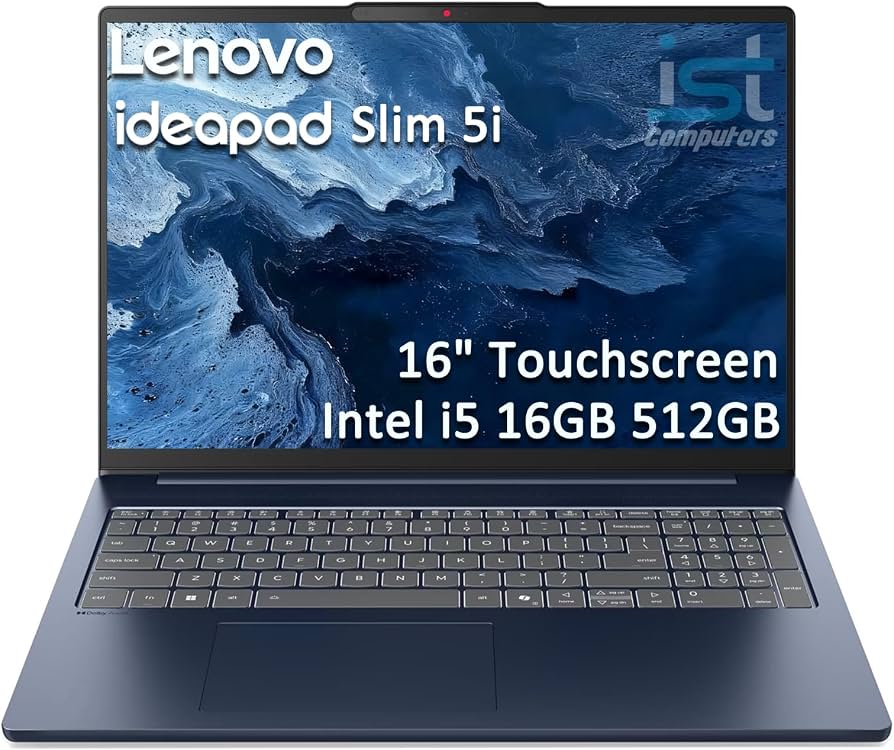
The Lenovo IdeaPad Slim 5 is a budget-midrange hybrid that combines a lightweight 14-inch chassis, a vibrant touchscreen, and the latest AMD Ryzen 5 processor. With a generous 16GB of RAM and a 512GB SSD, it’s ready for remote learning, research, and entertainment. Its day-long battery life and sub-1.4kg weight make it a great dorm room companion. The trade-off: the single fan can get audible under prolonged load, and the speaker quality is middling.
Main limitation: The cooling system is just adequate—heavy multitasking sessions can cause fan noise and slight throttle.
Skip if: Skip this if you need a number pad or discrete graphics, or if you do rendering work that requires sustained performance.
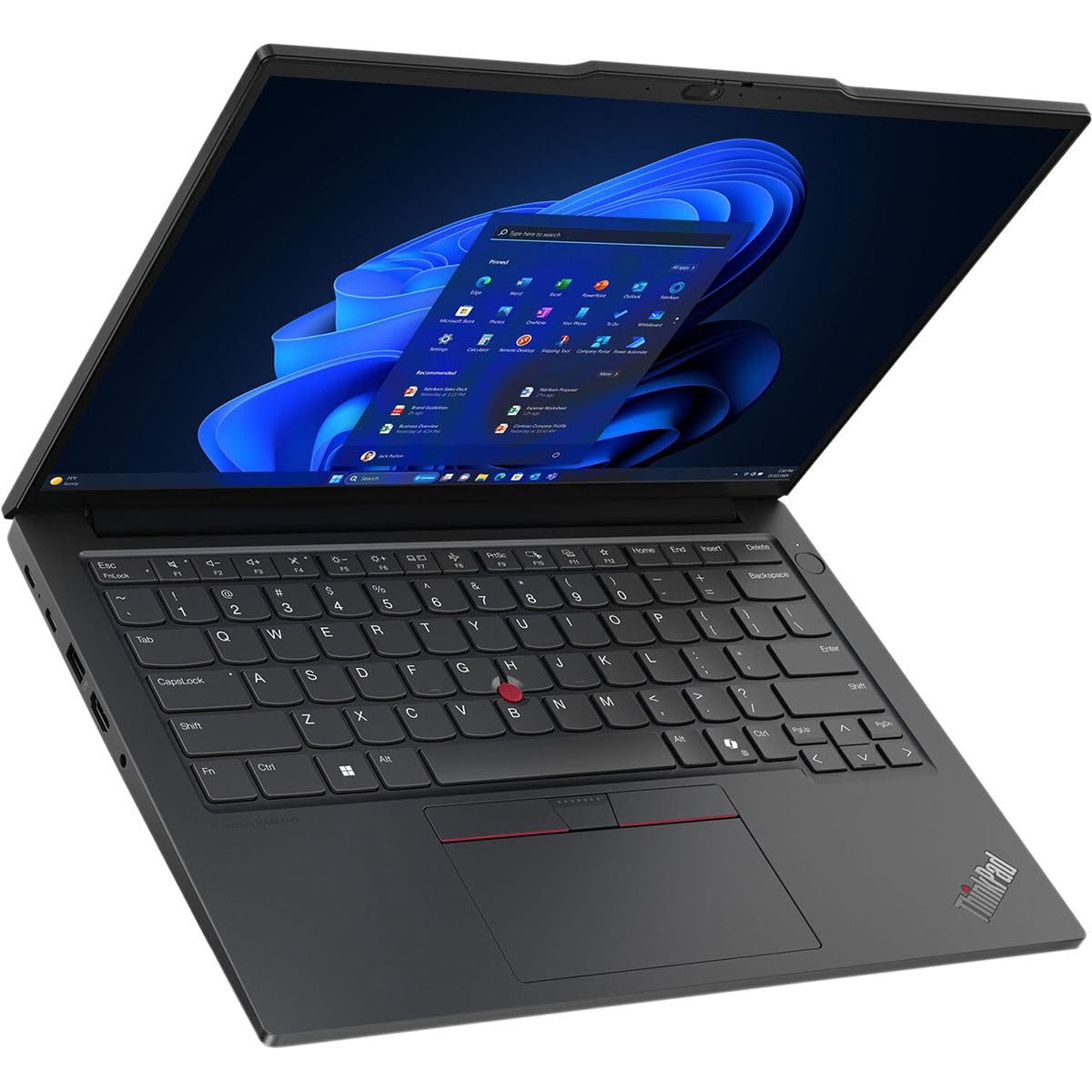
The ThinkPad E14 Gen 6 brings the legendary ThinkPad keyboard, robust security features, and MIL-SPEC durability at a business-friendly price point. With an Intel Core Ultra 5 processor and a matte 14-inch display, it’s built for long workdays, remote management, and travel. The battery life is respectable, and the device includes a generous array of ports including Ethernet and HDMI 2.1. The trade-off is a plastic lid that doesn’t feel as premium as the price suggests.
Main limitation: The build uses more plastic than the pricier X/T series, and the display’s color accuracy is mediocre out of the box.
Skip if: Skip this if you prioritize a slim, all-metal design, or if you need a touchscreen—the standard model lacks one.
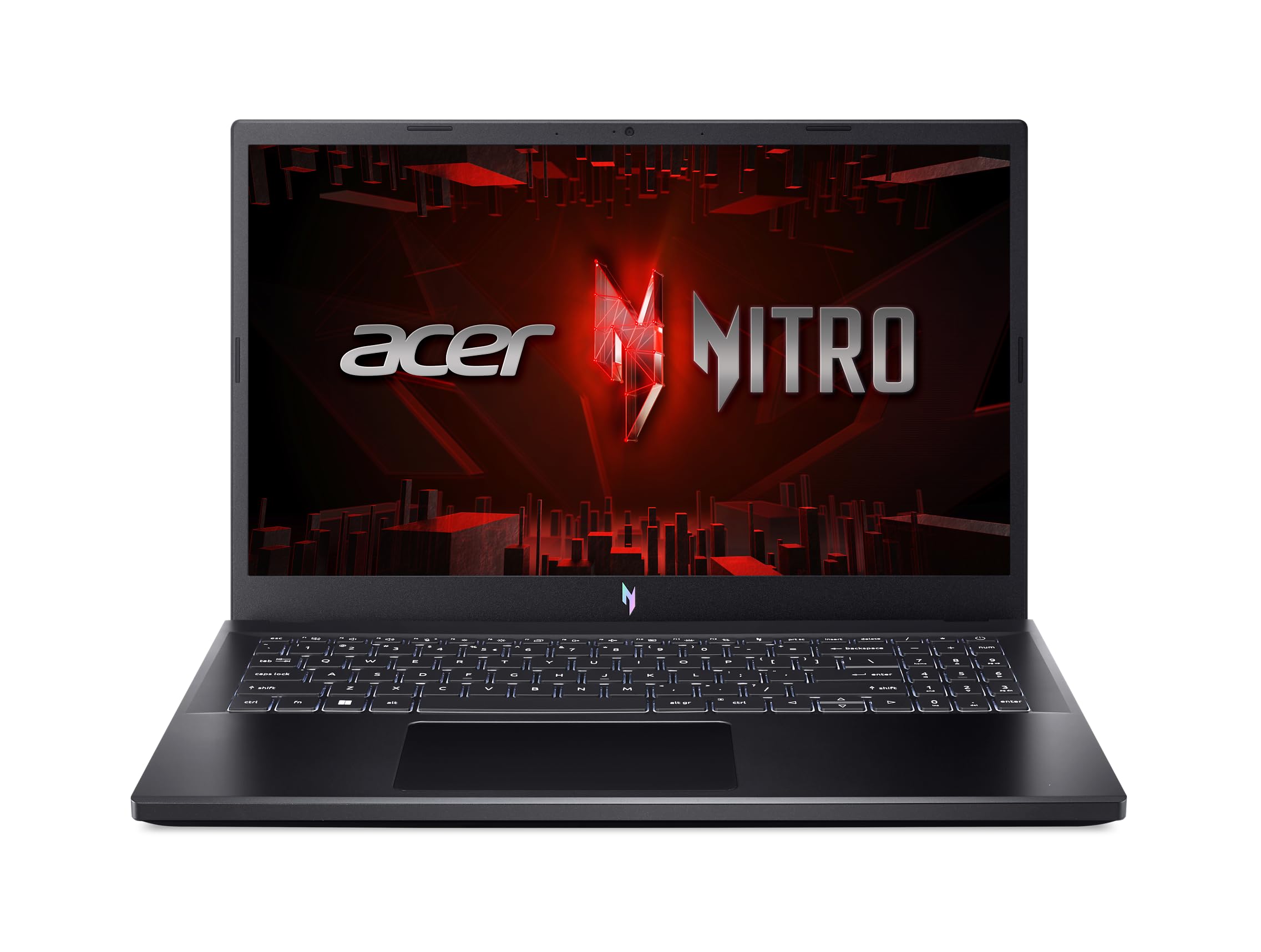
The Acer Nitro V 15 is a budget gaming laptop that delivers genuine playable frame rates thanks to an NVIDIA RTX 4050 and a 144Hz display. It’s not just for games—the Intel Core i5 processor and 16GB RAM make it a solid all-rounder for video editing too. The downsides are a short battery life (common for gaming laptops) and a bulky, gamer-styled chassis that isn’t subtle.
Main limitation: Battery life is poor (under 4 hours of real use), and the fans get loud under load.
Skip if: Skip this if you need a quiet, portable machine for lectures or long flights, or if you prefer a more professional look.
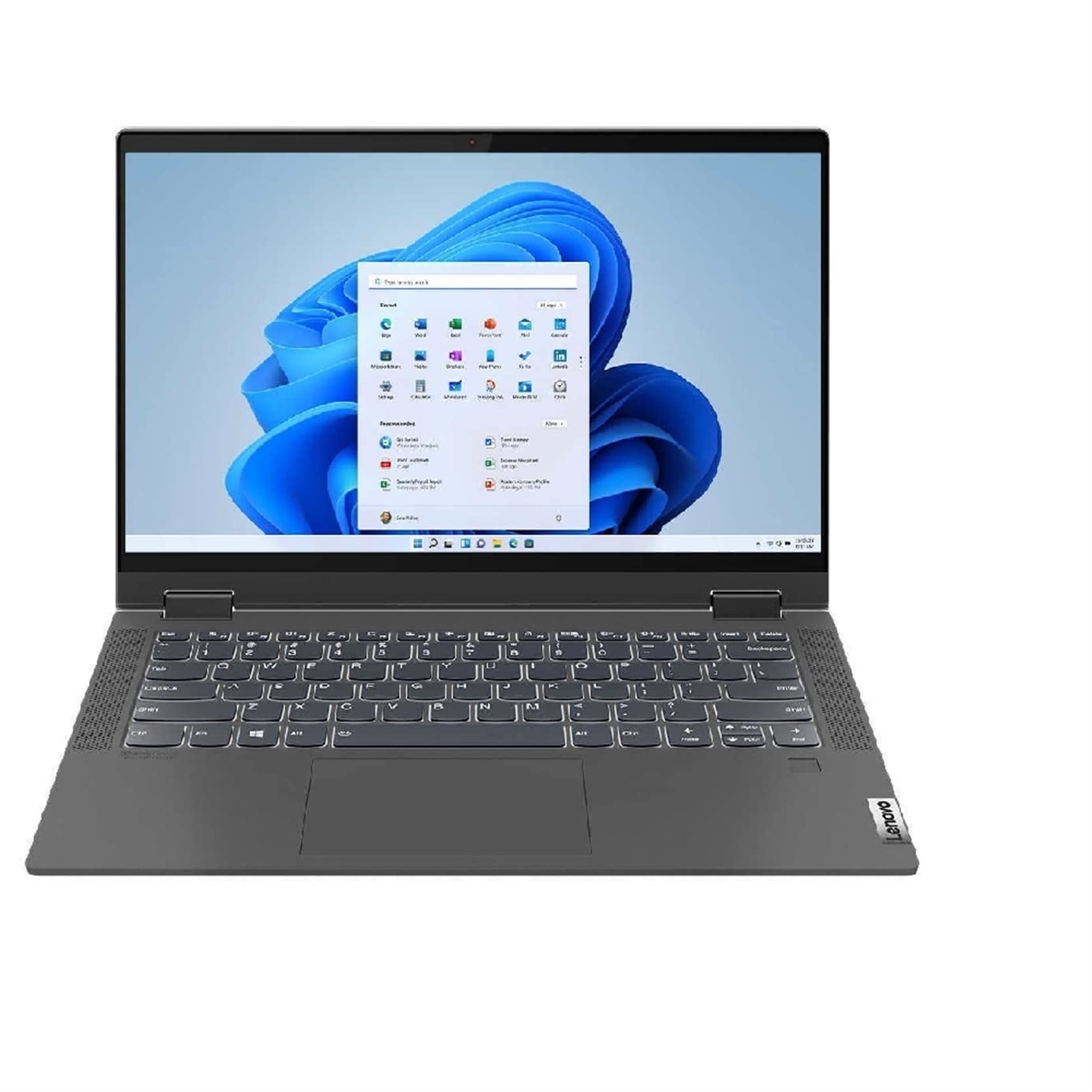
The Lenovo IdeaPad Flex 5 is the best budget 2-in-1 you can buy, combining a 360° hinge, crisp 14-inch touchscreen, and AMD Ryzen 5 performance for around $600. It’s genuinely useful in tent and tablet modes for drawing, note-taking, and media consumption, and it includes an active pen in the box. The trade-off: it’s heavier than many clamshells, and the display’s color gamut could be wider.
Main limitation: The display’s color coverage is only about 45% NTSC, so photos look less vibrant than on pricier convertibles.
Skip if: Skip this if you want a dedicated tablet mode that feels like a real tablet, or if you need a display with higher color accuracy.
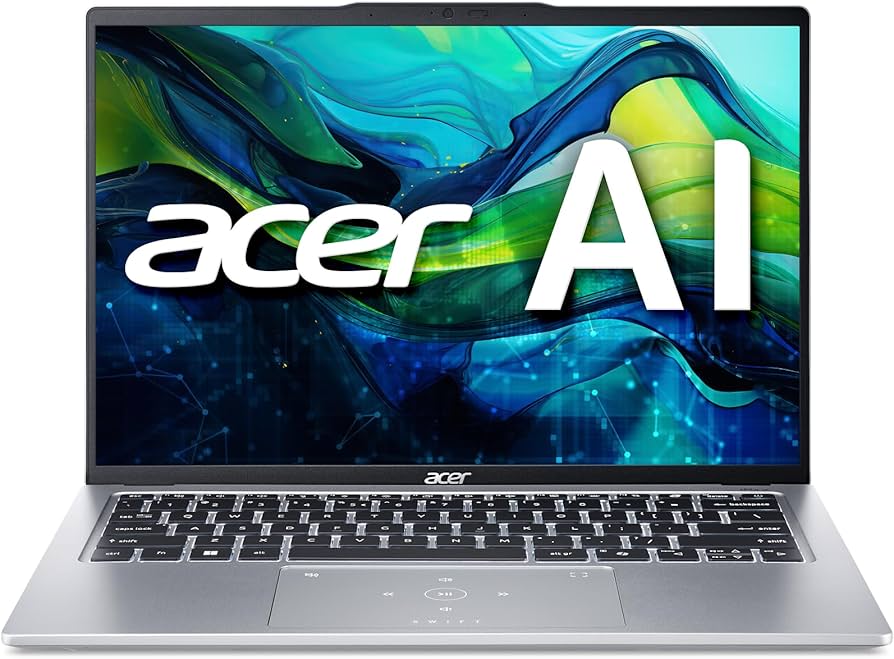
The Acer Swift Go 14 is an ultraportable with a 1.24kg aluminum body and a gorgeous OLED display that makes it a joy to use on planes, in cafés, and at co-working spaces. It’s powered by a 28W Intel Core Ultra 5, which delivers snappy performance for daily tasks, and it includes USB-C with Thunderbolt support. The trade-off: the bottom cover is prone to fingerprints, and the webcam is mediocre.
Main limitation: The 1080p webcam is poor for video calls, and the magnesium alloy chassis scratches more easily than expected.
Skip if: Skip this if you rely on video conferencing all day, or if you need a larger screen for detailed spreadsheets.
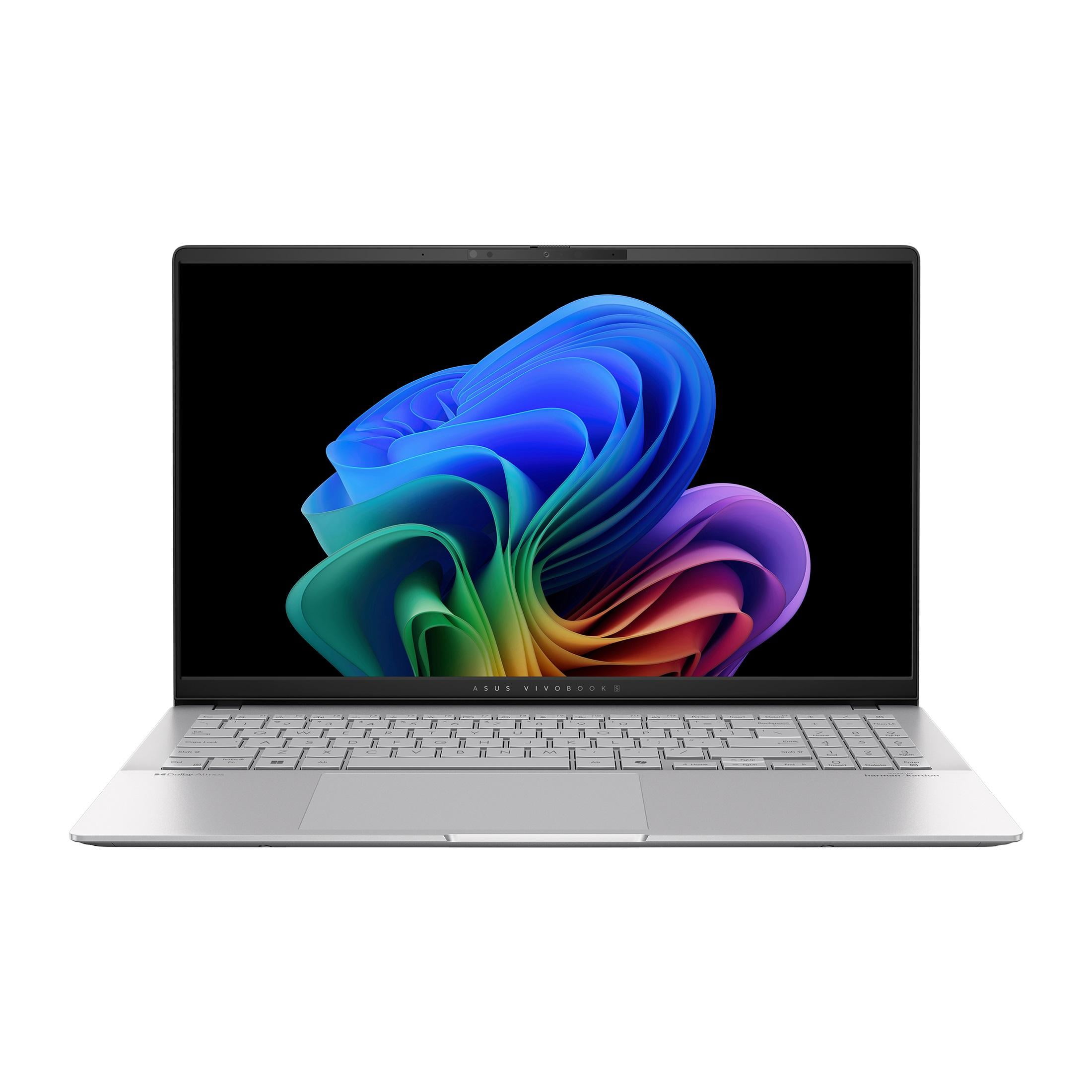
The ASUS Vivobook S 15 is an interesting non-Intel/AMD laptop that’s built around Qualcomm’s Snapdragon X Elite chip, which delivers incredible power efficiency and a claimed 18-hour battery life. Real-world sessions easily hit 14+ hours of mixed use, making it a dream for people who are always away from an outlet. It also includes a 3K OLED display and a very comfortable keyboard. The trade-off: some legacy software doesn’t run natively on ARM, so you’ll need to verify app compatibility.
Main limitation: Compatibility issues with some Windows apps (especially old games and niche software) can be a dealbreaker.
Skip if: Skip this if you depend on x86-only software or hardware peripherals that lack ARM drivers.
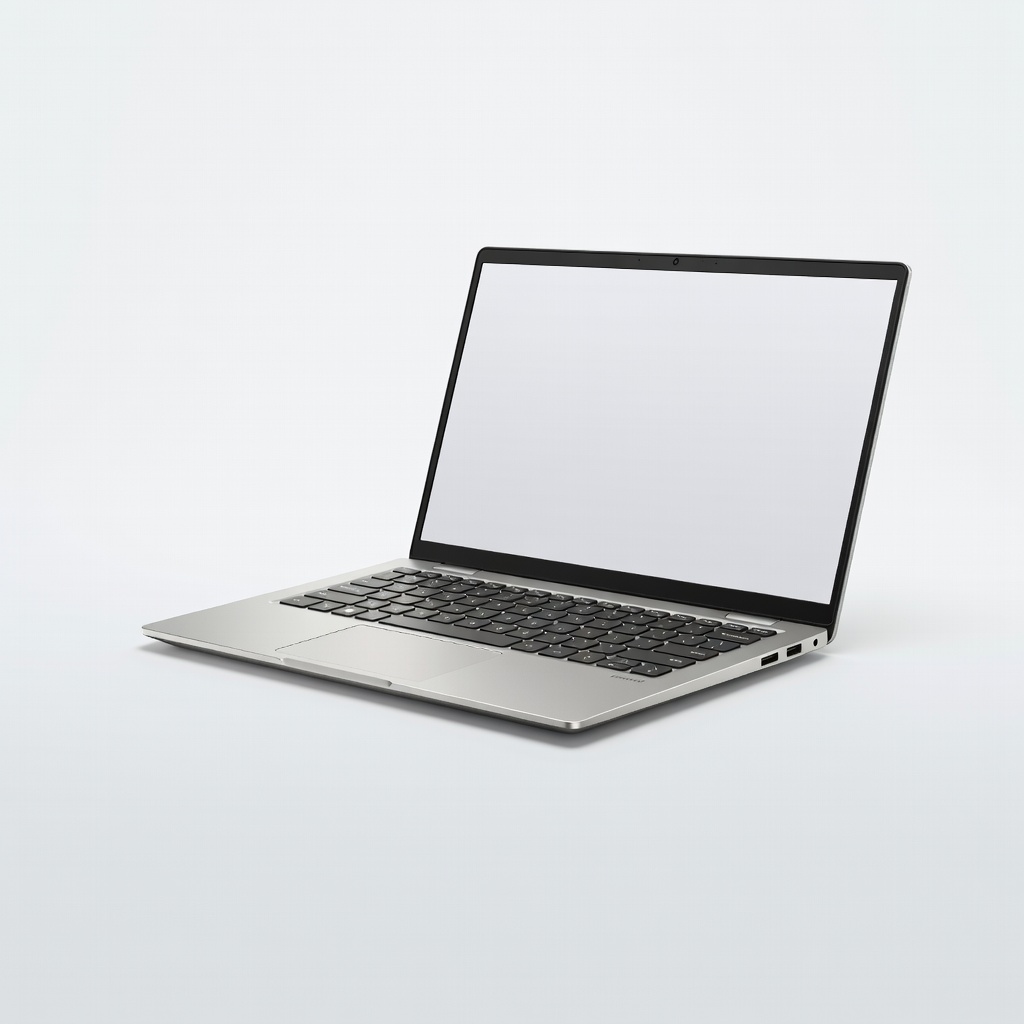
The Dell Inspiron 14 Plus is a hidden gem for budget-minded creatives, offering a color-accurate 2.2K display, a robust Intel Core Ultra 7 processor, and optional NVIDIA RTX 4050 discrete graphics. This combination handles Photoshop, Lightroom, and even 1080p video editing smoothly without jumping into four-figure price territory. The trade-off is the battery goes fast when the GPU is active, and the chassis is a bit heavy.
Main limitation: Under heavy GPU load, the fans become loud, and the battery drains quickly—plan to stay near an outlet.
Skip if: Skip this if you are a professional video editor or 3D artist who needs a Quadro or RTX Pro GPU, or if you want a lighter machine for coffee-shop work.
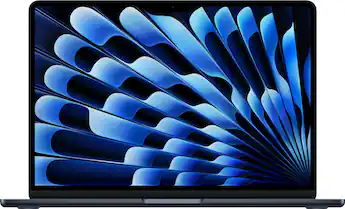
The MacBook Air M4 is the laptop you buy when you want the absolute best and can spend a bit more. Its fanless design, spectacular Liquid Retina display, and M4 chip deliver lightning-fast performance with exceptional efficiency, achieving up to 18 years of battery life in real-world use. It’s a splurge compared to others on this list, but it’s worth it for those who want flawless build quality, a stunning display, and macOS. The trade-off: legacy Windows-only software won’t run natively, and the base model has just 16GB of RAM (which is enough for most, but not future-proof).
Main limitation: More expensive than most budget laptops, and the base configuration’s 256GB SSD is stingy for power users.
Skip if: Skip this if you need a touchscreen or run Windows-exclusive programs; also skip if your budget is firmly under $800.
Compare key specs and features of all our recommendations side-by-side
| Product | Recommendation | Rating | Price |
|---|---|---|---|
ASUS Zenbook 14 OLED UM3406 Rank #1 | 🏆 Top Pick | 9.0/10 | $749–$849 Check current price → |
Acer Aspire 5 A515-59 Rank #2 | 💰 Budget Pick | 8.0/10 | $379–$449 Check current price → |
Lenovo IdeaPad Slim 5 (2026) Rank #3 | ⭐ Editor's Choice | 8.5/10 | $629–$699 Check current price → |
Lenovo ThinkPad E14 Gen 6 Rank #4 | — | 8.6/10 | $749–$949 Check current price → |
Acer Nitro V 15 (ANV15-51) Rank #5 | — | 8.2/10 | $749–$899 Check current price → |
Lenovo IdeaPad Flex 5 14 (2026) Rank #6 | — | 8.3/10 | $599–$699 Check current price → |
Acer Swift Go 14 (SFG14-73) Rank #7 | — | 8.4/10 | $799–$949 Check current price → |
ASUS Vivobook S 15 (Snapdragon) Rank #8 | — | 8.2/10 | $799–$899 Check current price → |
Dell Inspiron 14 Plus (2026) Rank #9 | — | 8.5/10 | $899–$1,099 Check current price → |
Apple MacBook Air M4 (2026) Rank #10 | — | 9.5/10 | $1,099–$1,299 Check current price → |
Common questions buyers have about this category.
For most users, 16GB of RAM is now the sweet spot. It handles multitasking, 20+ browser tabs, and office suites without slowdown. 8GB can suffice for basic tasks, but it will likely feel constraining within a year as apps become more memory-hungry. We recommend spending a little extra for 16GB if your budget allows.
A Chromebook is excellent if your needs are mostly web-based: browsing, Google Docs, email, streaming, and Android apps. It’s generally safer, faster, and cheaper, but you’re limited to the ChromeOS ecosystem. If you need to run Windows-only software like Microsoft Access, Adobe Creative Suite, or legacy games, stick with a Windows machine. Many Windows laptops under $500 are perfectly serviceable for similar workloads.
With a decent processor (Core Ultra, Ryzen 5 or newer), a budget laptop can last 4-6 years for everyday tasks. The main factors that shorten its lifespan are insufficient RAM (8GB) and a weak battery. A 16GB laptop with a healthy battery can easily serve through 2028 and beyond, as long as you keep it clean and avoid heavy software demands. Cloud-based apps and streaming are the future, and they work well on 2024+ laptops.
Yes, if you value image quality for media consumption, photo editing, or everyday use. OLED provides incredible contrast, deep blacks, and vibrant colors. However, it’s usually $200-300 more than an IPS display. If that extra money stretches you too far, a good IPS panel with 100% sRGB is still excellent. OLED also has potential burn-in risk, though modern panels are far more durable than early ones.
Absolutely. Refurbished ThinkPads, Dell Latitude, and HP EliteBooks offer excellent build quality, reliable keyboards, and often have 24 months of warranty left. They provide far better value than a brand-new $400 consumer laptop. Just buy from reputable sellers like Dell Refurbished, Amazon Renewed, or Back Market, and look for at least a 12-month warranty. Expect to get a model 2-3 years old, but with modern specs (Intel Core i5, 16GB RAM) they’re still very capable.
TGP stands for Total Graphics Power, which indicates how much wattage the laptop’s GPU can draw under load. A higher TGP (like 75W vs 35W) means the GPU can perform closer to its desktop counterpart, giving you better frame rates. When comparing budget gaming laptops, check the TGP between models—two laptops with the same RTX 4050 can differ by 30% in performance depending on cooling and power limits. And don’t rely on the GPU name alone; always check spec sheets or reviews.
Snapdragon X laptops offer outstanding battery life and efficiency, but they run on ARM architecture and may have compatibility issues with older x86 applications. In 2026, most mainstream apps have native ARM support, but some professional software like CAD tools and certain games still don’t. If you rely on niche or legacy software, stick with Intel Core Ultra or AMD Ryzen. If your workload is cloud-based, the Snapdragon X is a highly compelling choice for its endurance.
Products we evaluated but did not recommend — and why.
