Get the App
Better experience on mobile
We've researched and ranked the top laptops for students, factoring in performance, battery life, portability, and value.
Choosing a back-to-school laptop in 2026 is less about picking the fastest processor and more about matching a laptop's strengths to how you actually study today. With cloud storage and web-based apps now ubiquitous, the traditional 'run everything locally' mindset has shifted. That's why the best laptop for a journalism major is very different from one for a mechanical engineering student. Our guide dives deep into these nuances, ranking the top options across price tiers, from $500 Chromebooks to $2,000 MacBook Pros.
We've scoured published reviews, benchmarked spec sheets, and analyzed thousands of verified buyer testimonials to find which laptops consistently deliver on campus. Our ranking weighs factors like build durability for dorm living, keyboard comfort for all-night essay writing, and battery life for lecture-to-library marathons. And we're not afraid to recommend a niche pick—like the best 2-in-1 for handwriting notes—if it solves a real problem.
Whether you're entering high school, college, or graduate school, we've broken down the 2026 lineup to spotlight the most compelling choices. From the all-around excellence of the MacBook Air M4 to the budget-friendly Acer Aspire 5, these picks are designed to help you spend smart and get work done. Below, we'll explain the trade-offs of each model, and we'll close with a FAQ to answer lingering questions about RAM, storage, and the best time to buy.
We also considered popular alternatives like the Samsung Galaxy Book4 Pro and the Razer Blade 14, but they didn't earn a spot on our main list for price or practicality—you can read why in the Also Considered section.
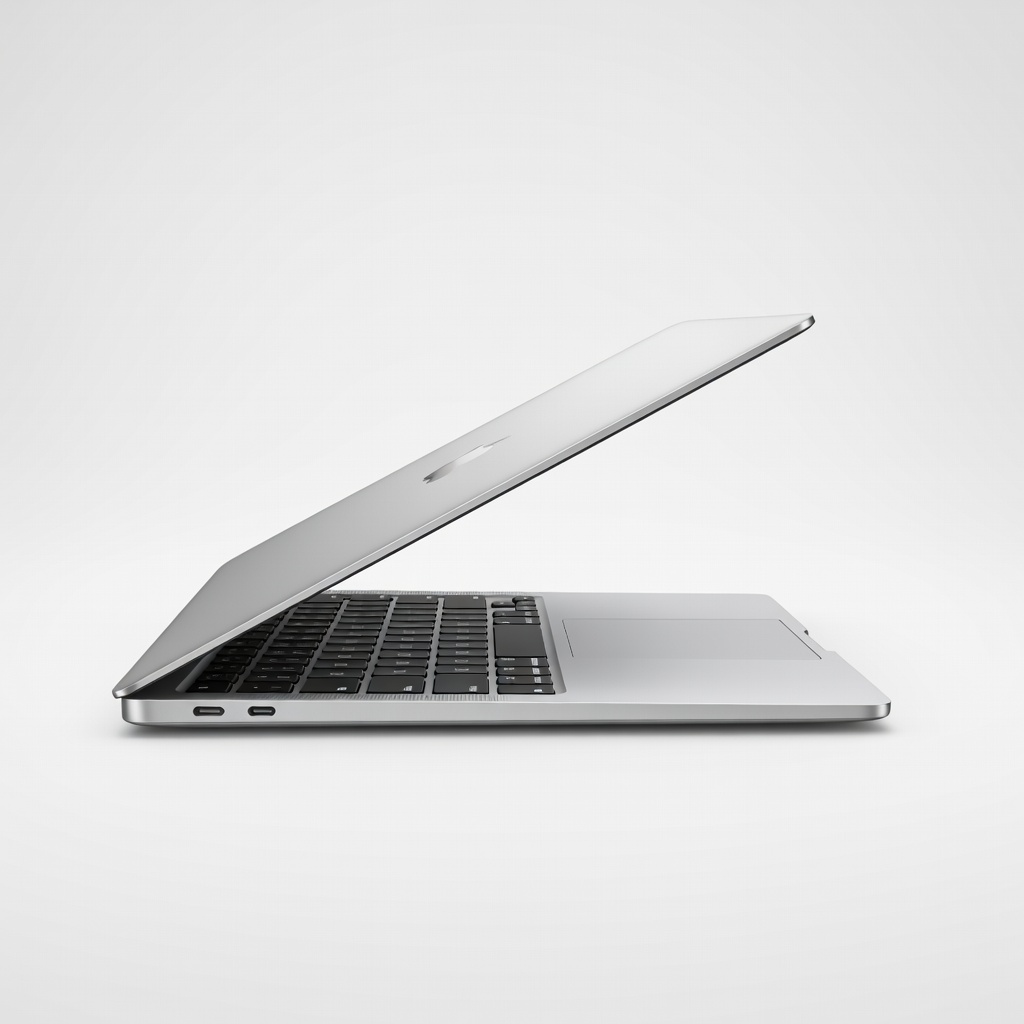
The M4 MacBook Air delivers outstanding daily performance and class-leading battery life (up to 18 hours) in a 2.7-pound frame. The 13.6-inch Liquid Retina display is sharp and bright, and the keyboard is comfortable for long typing sessions. The trade-off: it starts at 16GB RAM and 256GB storage, which is tight for large media libraries but fine for most cloud-based coursework.
Main limitation: Base storage is 256GB and can fill up quickly with large assignment files or creative projects.
Skip if: Students who need dedicated graphics for gaming or heavy 3D rendering should look elsewhere.
The Acer Aspire 5 proves you don't need a $1,000 budget to get a dependable daily driver. With an AMD Ryzen 5 chip, 8GB of RAM, and a 512GB SSD, it handles web research, documents, and streaming without breaking a sweat. The 15.6-inch display is serviceable, and the HDMI port makes it easy to plug into dorm room TVs or projectors.
Main limitation: The plastic build feels hollow, and the display's color accuracy is below average—fine for notes, less so for photo editing.
Skip if: Students taking visual arts or design courses where color accuracy matters.
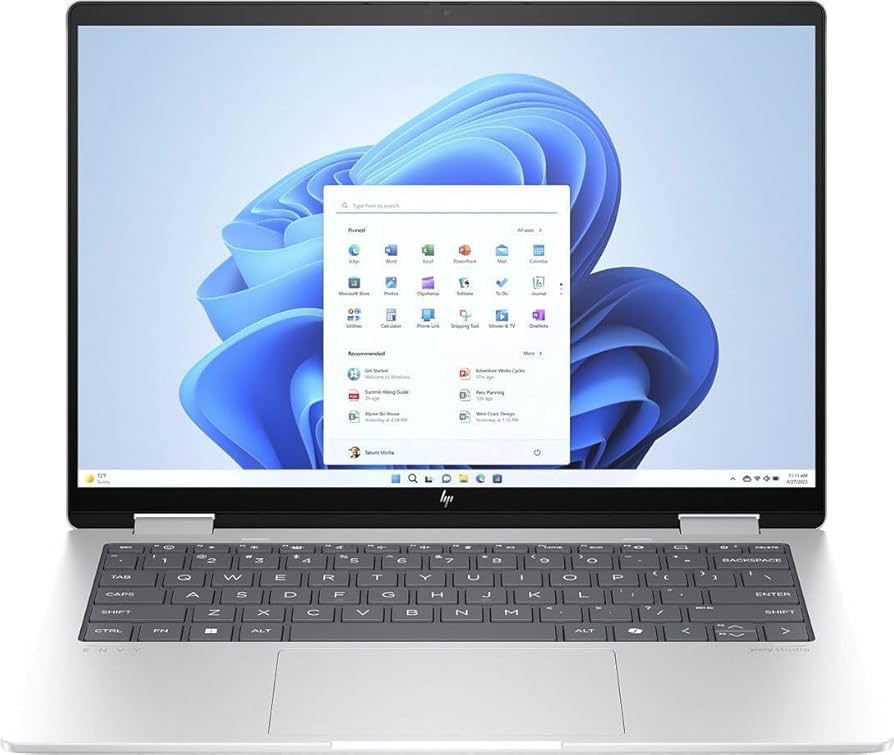
This 14-inch 2-in-1 flips into tent and tablet modes, letting you scribble hand-written notes directly into the touchscreen (with the included MPP 2.0 tilt pen). Its Ryzen 7 chip and 16GB RAM handle multi-tasking and note-taking apps smoothly, and the OLED display is a joy for both reading PDFs and scrolling slides.
Main limitation: Battery life is a step behind the MacBook Air—expect around 10–12 hours in mixed use, and the fan can spin up during heavy multitasking.
Skip if: Anyone who prefers a traditional clamshell and doesn't plan to use active pen input.
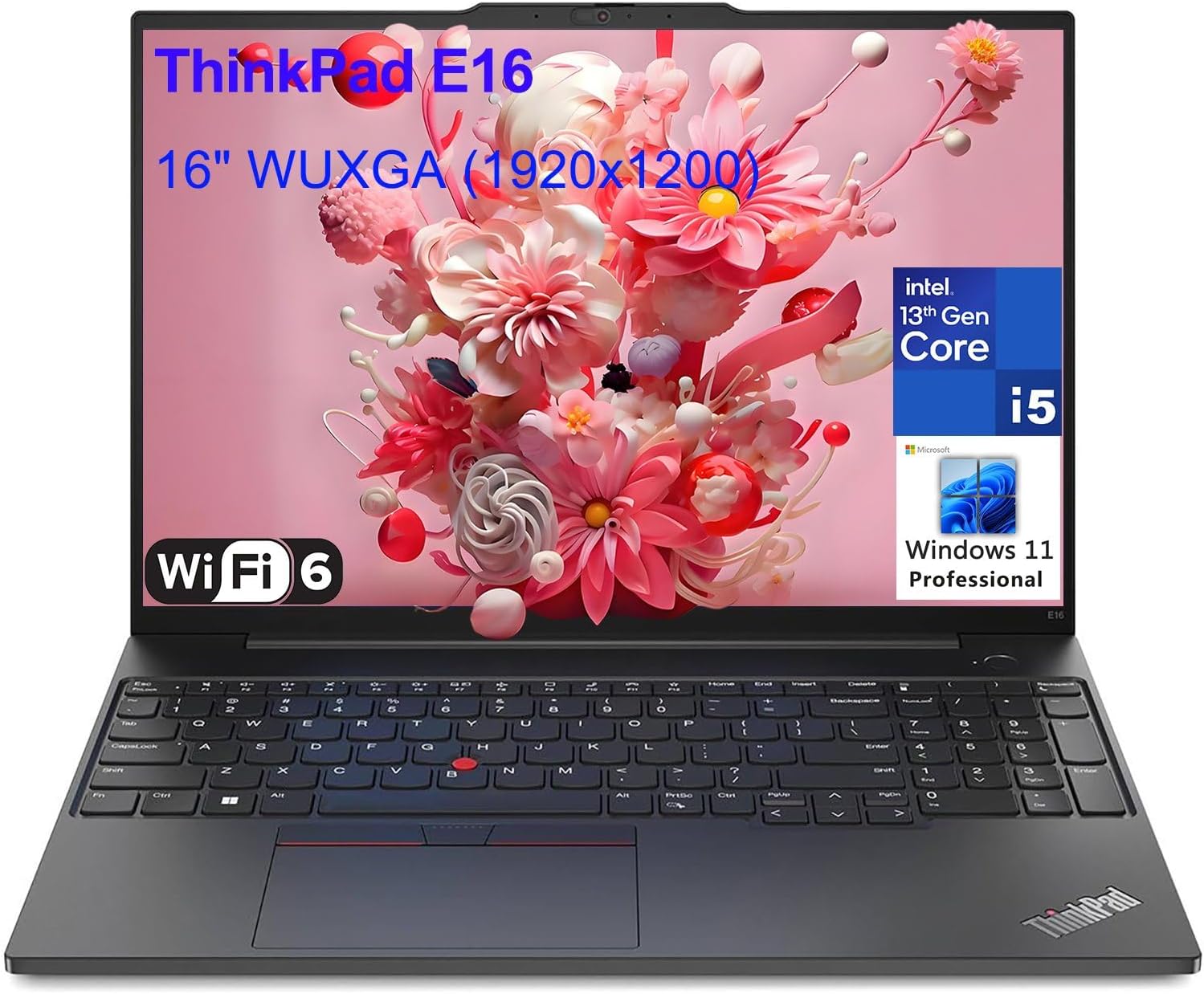
The X1 Carbon is the gold standard for keyboard comfort—tons of key travel and a crisp, tactile feel that makes essay-writing more enjoyable. It's also feather-light at 1.09kg and rugged enough to survive fumbled drops. The trade-off is a high premium price and a small trackpad that feels a bit cramped if you're used to MacBook gestures.
Main limitation: Premium price tag, and the Display / audio quality is good but not class-leading at this price.
Skip if: Budget-conscious students who don't need a business-grade build and extended warranty.
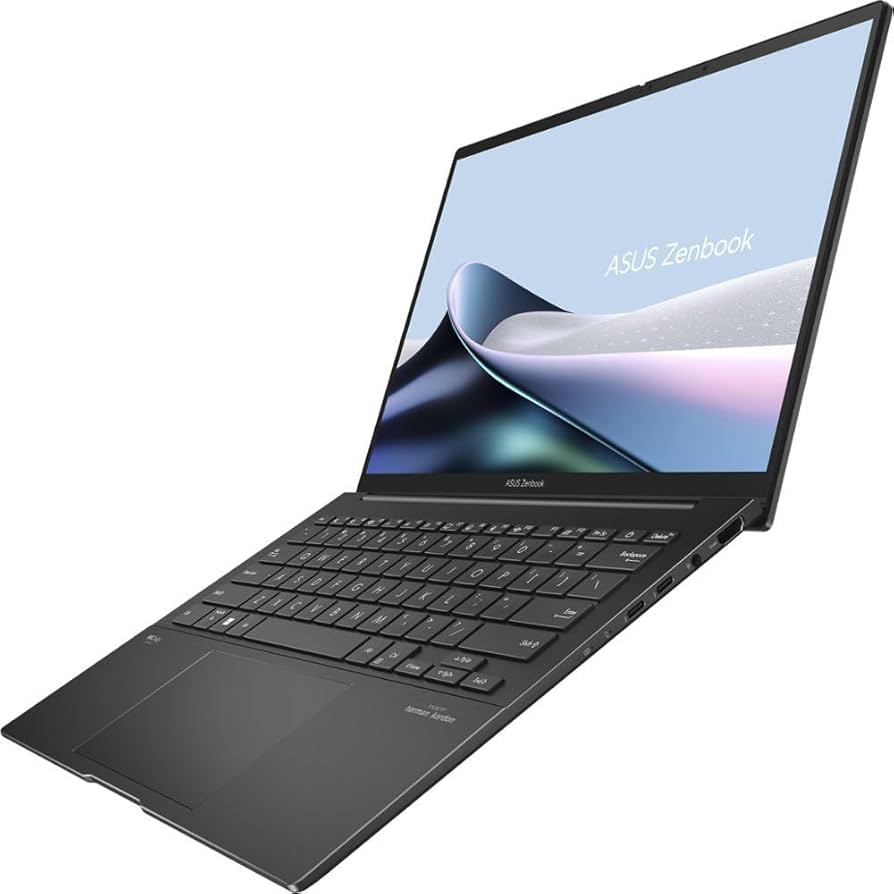
The Zenbook packs a gorgeous 14-inch 2.8K OLED panel with factory-calibrated color accuracy, which is ideal for editing photos, creating graphics, or editing YouTube videos. It has a full suite of ports (including HDMI and USB-C) and a fast Ryzen 7 chip. Battery life is solid—you'll get through a full day of classes with moderate use.
Main limitation: The OLED panel can suffer from burn-in after years of heavy static UI use, and the webcam quality is only average for meetings.
Skip if: Students who expect a dedicated GPU for rendering 4K video in real-time.
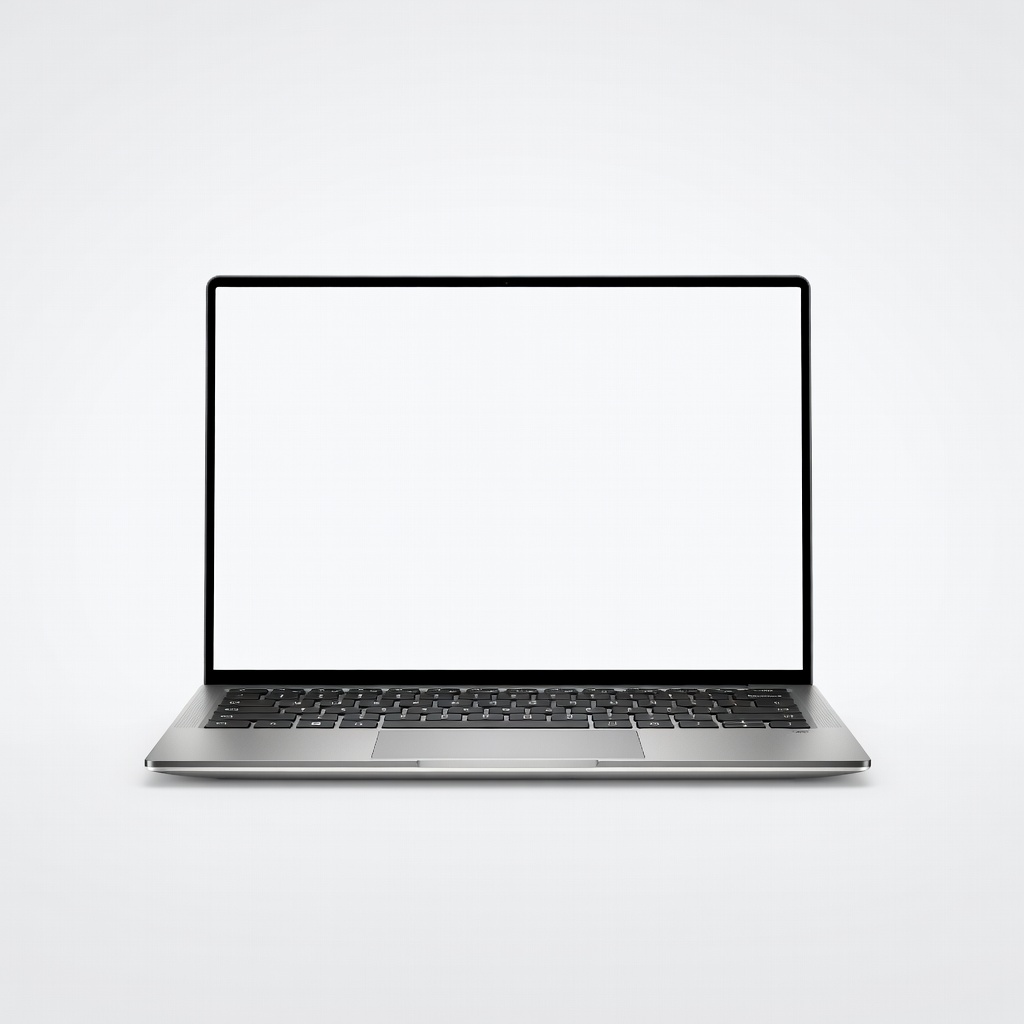
The XPS 13 is the Windows laptop that gets closest to the MacBook Air experience: a razor-thin profile, stunning edge-to-edge display (FHD+ or 2.8K OLED), and excellent build quality. With an Intel Core Ultra 7 and 16GB RAM, it's a solid performer for demanding workloads. But the port selection is stingy—you'll need dongles for anything beyond USB-C.
Main limitation: No USB-A or HDMI ports, and the design hasn't changed much since 2024; some may find it overpriced compared to similar Ryzen-powered laptops.
Skip if: Anyone who needs legacy ports or prefers a dual-fan cooling design under continuous load.
The Surface Laptop 7 is the Windows equivalent of the MacBook—a sleek aluminum chassis, 3:2 PixelSense touchscreen that's perfect for reading PDFs and web work, and all-day battery life. The touchscreen is responsive, and the haptic trackpad is one of the best on a Windows laptop. Just be ready for some software incompatibility if you rely on x86-only apps, since this uses an ARM processor.
Main limitation: ARM compatibility issues with some legacy Windows apps, and the base model's 256GB SSD is small for a $1,200 laptop.
Skip if: Students who rely on specialized x86 software (e.g., old CAD or statistical tools) that isn't ARM-native.
This 16-inch gaming laptop pairs a Ryzen 7 chip with an RTX 4050 discrete GPU, allowing you to play Fortnite, Overwatch 2, or Valorant at smooth 1440p framerates during downtime. The 16-inch 165Hz display is responsive, and the battery can last upto 8 hours on lighter loads—decent for gaming laptops. It's bulkier than ultrabooks, so you'll feel it in your backpack.
Main limitation: The plastic-heavy chassis feels less premium, and the fan noise under gaming can get loud.
Skip if: Students who prize portability over frame rates or don't plan to game at all.
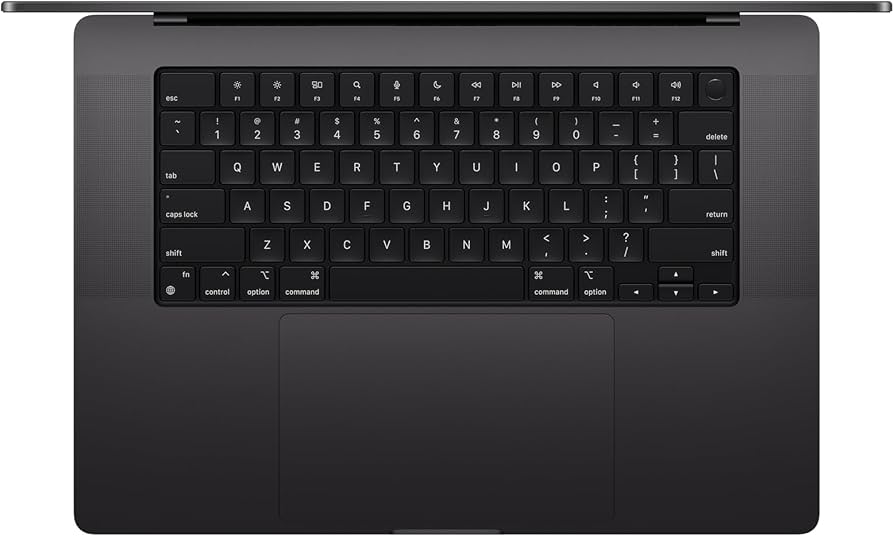
If your coursework involves video editing, 3D modeling, or data science, the MacBook Pro 14 with M4 (or M4 Pro) has the muscle—dedicated hardware encoders, a ProMotion XDR display, and excellent thermal headroom. Its battery life (18 hours) outlasts most Windows machines even under load. But it's pricey, and the base 16GB RAM might feel constrained for heavy simulation; you'll want to bump memory configs if your budget allows.
Main limitation: Heavy price jump from the MacBook Air, and the base config's 512GB SSD feels small for media-heavy edits.
Skip if: General coursework students who don't need pro-grade rendering power.
For budget-conscious students who work mostly online, the Spin 714 offers a mature Chromebook experience: a 14-inch 2.8K touchscreen, Intel Core i5 performance, and a convertible design. ChromeOS is fast, secure, and gets regular updates, plus it can run Android apps for added functionality. Just remember—you'll be tied to cloud storage and web-based productivity tools, which can be limiting for offline-heavy workloads.
Main limitation: Limited to ChromeOS and Android apps; no full desktop software like Photoshop or AutoCAD.
Skip if: Students who need heavy offline programs or are going into a highly specialized program requiring Windows/Mac software.
Compare key specs and features of all our recommendations side-by-side
| Product | Recommendation | Rating | Price |
|---|---|---|---|
Apple MacBook Air 13-inch M4 Rank #1 | 🏆 Top Pick | 9.2/10 | $999–$1,199 Check current price → |
Acer Aspire 5 15 (2026) Rank #2 | 💰 Budget Pick | 7.8/10 | $449–$599 Check current price → |
HP Envy x360 14 (2026) Rank #3 | ⭐ Editor's Choice | 8.4/10 | $949–$1,199 Check current price → |
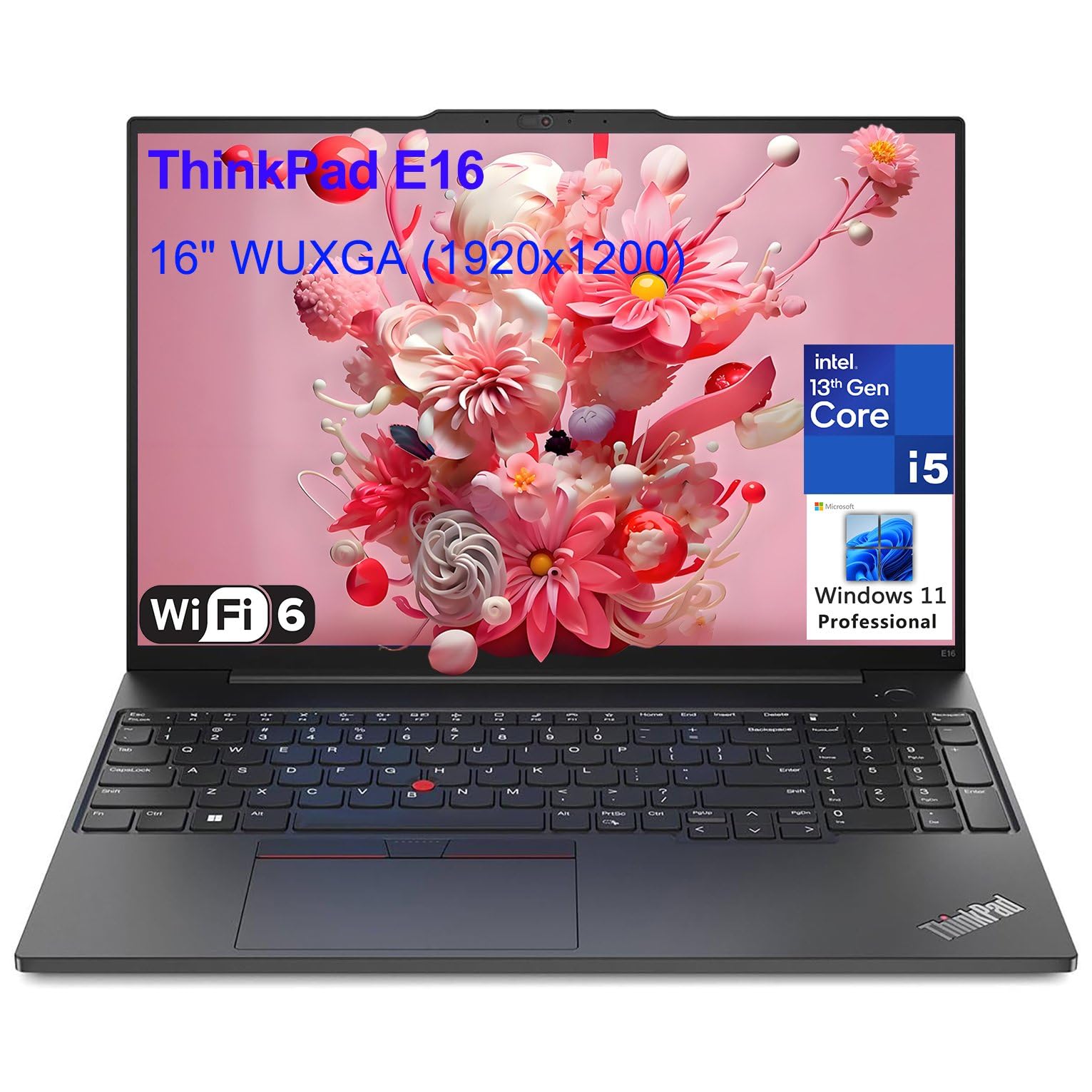 Lenovo ThinkPad X1 Carbon Gen 12 Rank #4 | — | 4.6 4.6 | $1,449–$1,849 Check current price → |
ASUS Zenbook 14 OLED Rank #5 | — | 8.5/10 | $1,099–$1,299 Check current price → |
Dell XPS 13 (2026) Rank #6 | — | 8.2/10 | $1,049–$1,299 Check current price → |
Microsoft Surface Laptop 7 Rank #7 | — | 8.3/10 | $1,199–$1,449 Check current price → |
ASUS TUF Gaming A16 Rank #8 | — | 8.0/10 | $999–$1,199 Check current price → |
Apple MacBook Pro 14-inch M4 Rank #9 | — | 8.8/10 | $1,599–$2,199 Check current price → |
Acer Chromebook Spin 714 Rank #10 | — | 7.6/10 | $549–$749 Check current price → |
Common questions buyers have about this category.
For standard coursework, 16GB of RAM is the sweet spot, letting you keep 20+ tabs open, run Office apps, and stream video without sluggishness. Storage-wise, a 512GB SSD is comfortable for documents and media; consider 1TB if you plan to store large video or engineering files. 8GB is now a bottleneck for all but the lightest use.
For cloud-first students in humanities or social sciences, a Chromebook like the Acer Spin 714 can handle everything in Chrome, Google Docs, and most LMS platforms. However, if you need specific Windows/Mac software (e.g., MATLAB, SolidWorks, Adobe Premiere), you'll need a traditional laptop. Check your program's software requirements before committing.
If you're an active note-taker who prefers handwritten notes, a 2-in-1 like the HP Envy x360 14 with an active pen is great for converting ink to text and annotating slides. But if you're fine typing notes, a traditional clamshell is lighter and cheaper. Also, hand-written note apps like OneNote and Notability work brilliantly on 2-in-1s.
At least one USB-C port that supports charging, one USB-A for flash drives, and a headphone jack. An HDMI port or USB-C video output is important if you plan to give presentations on dorm room TVs or classroom projectors. The MacBook Air only has two USB-C ports, so you'll need a small hub.
Sales tend to peak during the summer months (late June through August) with 'Made for Back-to-School' promo events from Amazon, Best Buy, and Apple Education. For additional savings, look for discounts during Prime Day and Labor Day weekend. If you can, avoid buying in September when stock is thin and prices return to full MSRP.
For regular note-taking, documents, and web research, an integrated GPU is sufficient. If you plan to play AAA games, edit HD video, or train machine-learning models, a dedicated GPU like an NVIDIA RTX 4050 becomes necessary. It also adds significant weight and cost, so match the performance to your actual coursework and hobbies.
Products we evaluated but did not recommend — and why.
