Get the App
Better experience on mobile
A step-by-step guide to diagnose and fix step-tracking issues on your Apple Watch, with upgrade options if needed.
Having your Apple Watch fail to track steps can be incredibly frustrating. You rely on it to monitor your daily activity, hit fitness goals, and stay motivated, only to find that your step count is stuck at zero—or wildly inaccurate. You're not alone; this is a common issue reported by many Apple Watch users across forums like Reddit and Apple Support Communities. Whether it's a software glitch, a calibration issue, or a hardware problem, this guide is here to help you get back on track.
This problem often stems from simple oversights like improper wrist placement or disabled settings, but it can also indicate deeper issues like sensor failure. Based on real user experiences, we've compiled a comprehensive troubleshooting process to diagnose and fix the issue. In this guide, you'll learn 8 actionable fixes—from quick checks to advanced resets—ordered from easiest to hardest. We'll also discuss when it's time to consider an upgrade and recommend reliable alternatives if repair isn't worth it.
By the end, you'll either have your Apple Watch counting steps again or know exactly what to do next. Let's dive into the most common causes and solutions to get your device working properly!
Difficulty: easy | Time: 2 minutes
Make sure your Apple Watch is worn correctly. The watch should be snug on your wrist, with the sensors in contact with your skin, as loose fitting can prevent accurate motion detection. Adjust the band if needed and ensure it's not on the wrong wrist (check Settings > General > Orientation on your watch).
Why this works: The Apple Watch relies on wrist detection to activate step tracking. If it’s too loose or incorrectly positioned, the accelerometer won't register movement. What you should see: After adjusting, walk around for a few minutes and check the Activity app for updated step counts. Warning signs: If steps still don’t register, move to the next step.
Difficulty: easy | Time: 3 minutes
Check if Wrist Detection is turned on. On your Apple Watch, go to Settings > General > Wake Screen and ensure 'Wrist Detection' is enabled. Alternatively, open the Watch app on your iPhone, go to My Watch > General, and toggle it on.
Why this works: Wrist Detection ensures the watch knows it's being worn, which is required for step tracking. What you should see: After enabling, test by walking; steps should start registering in the Activity app. Warning signs: If no change, there may be a settings or software issue.
Difficulty: easy | Time: 5 minutes
Ensure fitness tracking is enabled. On your iPhone, open the Watch app, go to My Watch > Privacy, and make sure 'Fitness Tracking' is toggled on. Also, check the Health app to confirm the Apple Watch has permission to access Motion & Fitness data.
Why this works: Without permission, the watch can’t access sensor data to count steps. What you should see: Steps should update in the Activity app after a short walk. Warning signs: If permissions are correct but steps aren’t tracking, try the next step.
Difficulty: easy | Time: 5 minutes
Perform a simple restart. Press and hold the side button until the power menu appears, then slide to power off. Turn it back on by holding the side button again. Alternatively, restart via Settings > General > Shut Down.
Why this works: A restart can resolve temporary software glitches affecting step tracking. What you should see: After rebooting, walk around and check if steps register in the Activity app. Warning signs: If restarting doesn’t help, a deeper software issue may exist.
Difficulty: medium | Time: 15-30 minutes
Check for software updates. On your iPhone, open the Watch app, go to My Watch > General > Software Update, and install any available updates. Ensure your watch is charged and on Wi-Fi during the process.
Why this works: Bugs in older watchOS versions can disrupt step tracking, and updates often include fixes. What you should see: Post-update, test step tracking over a few hours. Warning signs: If the issue persists, calibration or hardware may be the culprit.
Difficulty: medium | Time: 30 minutes
Reset calibration data to improve accuracy. On your iPhone, open the Watch app, go to My Watch > Privacy > Reset Fitness Calibration Data. Then, wear your watch during a 20-minute outdoor walk or run using the Workout app to recalibrate.
Why this works: Incorrect calibration can cause step miscounts; resetting forces the watch to relearn your stride. What you should see: Steps should be more accurate after recalibration. Warning signs: If no improvement, the issue might be hardware-related.
Difficulty: medium | Time: 20-30 minutes
Unpair and set up your watch as new. On your iPhone, open the Watch app, go to My Watch, tap 'All Watches,' select your watch, and choose 'Unpair Apple Watch.' Then, pair it again by following the on-screen setup.
Why this works: This resets software connections that might be causing tracking issues. What you should see: After setup, test step tracking; it should work normally. Warning signs: If steps still don’t track, consider hardware failure. Note: Back up data first, as unpairing erases settings.
Difficulty: hard | Time: 1-2 hours (plus wait time)
Reach out to Apple for professional help. Visit support.apple.com or book an appointment at an Apple Store for a diagnostic test. Explain the step-tracking issue and mention the steps you've tried.
Why this works: If none of the above fixes work, the accelerometer or other hardware may be faulty, requiring professional repair or replacement. What you should see: Apple will confirm if it’s a hardware issue and provide repair options. Warning signs: Be prepared for potential repair costs if out of warranty.
It might be time to upgrade your Apple Watch if troubleshooting doesn’t resolve the step-tracking issue. Persistent failure to track steps, even after software resets and recalibration, often points to hardware failure—specifically the accelerometer or motion sensors. If your Apple Watch is older than 3-4 years (e.g., Series 3 or earlier), the likelihood of hardware degradation increases, and repair costs can range from $79-$199 depending on the model and warranty status. At this point, investing in a new device may be more cost-effective than fixing an outdated model, especially since newer watches offer improved accuracy, battery life, and features.
Check your warranty status at support.apple.com before deciding. AppleCare+ or standard warranty (1 year from purchase) may cover repairs for free if the issue is a manufacturing defect. However, out-of-warranty repairs for older models often approach the cost of a discounted newer model like the Apple Watch SE. Red flags for upgrading include: frequent sensor failures, other performance issues (like slow response or battery drain), or if the watch no longer receives software updates (e.g., Series 3 with watchOS limitations). Upgrading ensures better reliability for fitness tracking—your primary use case.
Safety isn’t typically a concern with step-tracking issues, but a failing device could mislead you with inaccurate health data. If you rely on your watch for medical tracking (e.g., heart rate alongside steps), don’t delay in addressing the problem. Below, we’ve recommended upgrades at various price points to suit your needs.
🛒 Buy Apple Watch SE (2nd Gen) on Amazon
🛒 Buy Apple Watch Series 9 on Amazon
🛒 Buy Apple Watch Ultra 2 on Amazon
🛒 Buy Garmin Venu 3 (Alternative Smartwatch) on Amazon
🛒 Buy Fitbit Charge 6 (Budget Alternative) on Amazon
A budget-friendly Apple Watch with reliable step tracking and the latest watchOS support for accurate fitness data.
Price Range: $249-$299
Key Benefits:

Mid-range option with enhanced sensors and features like Double Tap for improved usability and step tracking accuracy.
Price Range: $399-$429
Key Benefits:
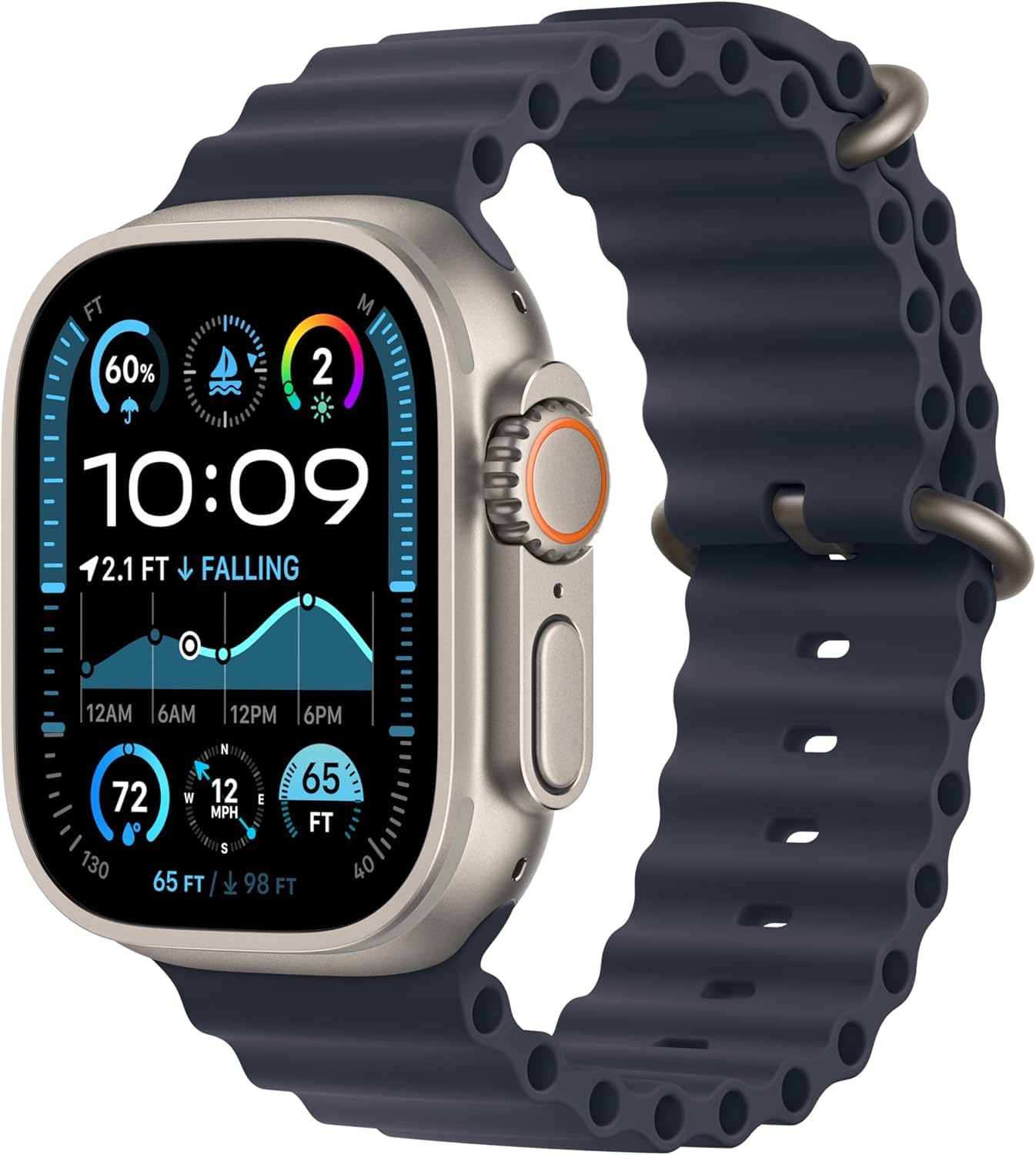
Premium choice for fitness enthusiasts, offering rugged durability and the most precise step and GPS tracking.
Price Range: $799-$849
Key Benefits:
A non-Apple alternative with excellent fitness tracking, ideal if you want to switch ecosystems for better step accuracy.
Price Range: $449-$499
Key Benefits:
A cheaper fitness tracker with reliable step counting if you don’t need full smartwatch features.
Price Range: $159-$179
Key Benefits:
Compare key specs and features of all our recommendations side-by-side
| Product | Recommendation | Rating | Price |
|---|---|---|---|
Apple Watch SE (2nd Gen) Rank #1 | 🏆 Top Pick | — | — |
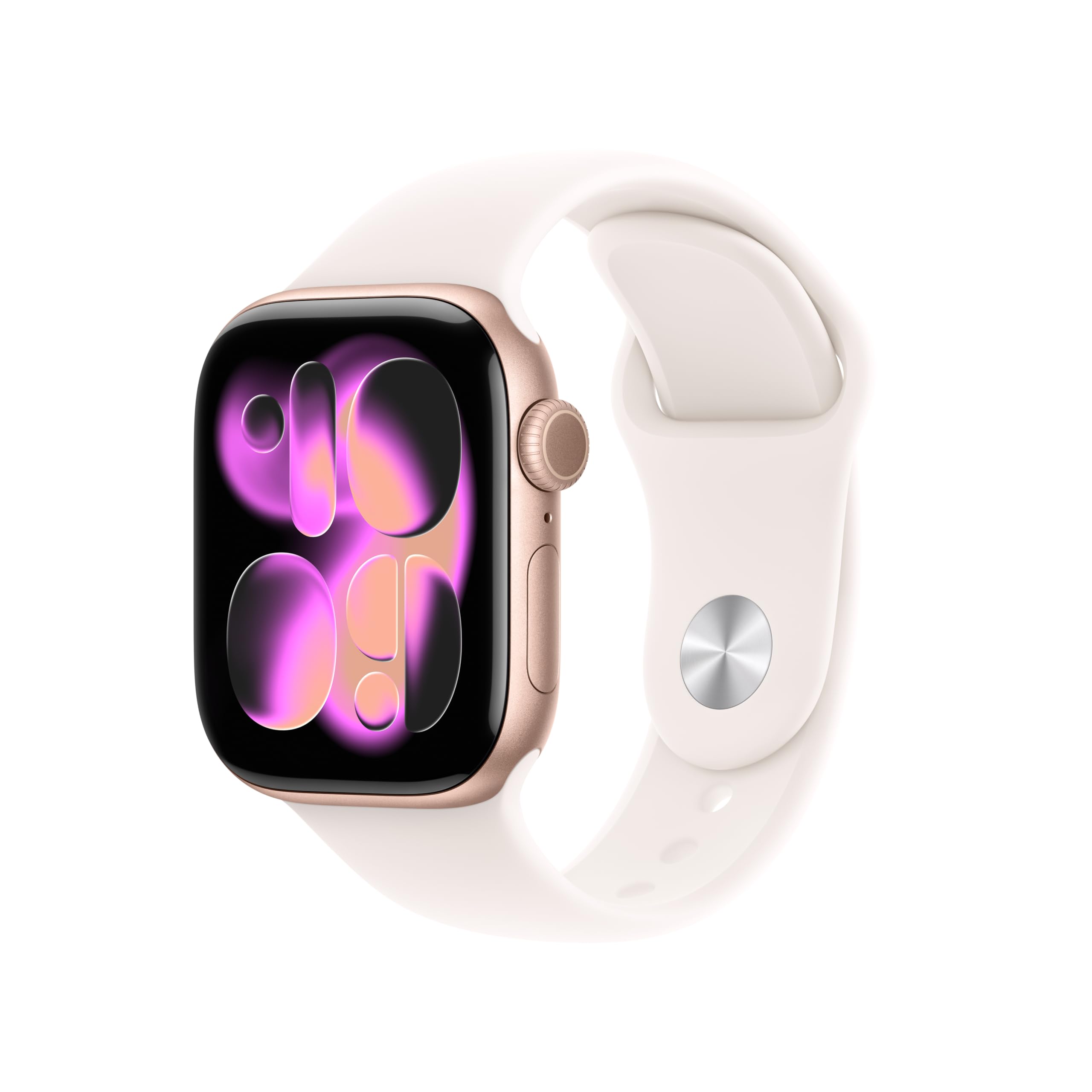 Apple Watch Series 9 Rank #2 | 💰 Budget Pick | — | Check price → |
Apple Watch Ultra 2 Rank #3 | — | — | Check price → |
Garmin Venu 3 (Alternative Smartwatch) Rank #4 | — | — | — |
Fitbit Charge 6 (Budget Alternative) Rank #5 | — | — | — |
