Get the App
Better experience on mobile
If the Dell XPS 17's high price or limited customization leaves you wanting more options, these alternatives offer superior value, portability, or specialized features without compromising on premium performance.
The Dell XPS 17 has long been a favorite among professionals, creators, and power users for its stunning 17-inch InfinityEdge display, sleek aluminum chassis, and powerhouse specs like Intel Core i9 processors and NVIDIA RTX GPUs. However, many seek alternatives due to its steep starting price of around $1,899, occasional availability issues, or a desire for better integration with ecosystems like macOS or more gaming-focused hardware. In 2026, with evolving laptop tech emphasizing AI capabilities, longer battery life, and sustainable materials, alternatives abound that address these pain points while potentially offering enhanced portability or value.
When choosing an alternative, prioritize factors like screen size (aim for 16-17 inches for similar real estate), processor (Intel Core Ultra or AMD Ryzen AI series for 2026 efficiency), GPU for creative or gaming tasks, build quality, battery life (target 10+ hours), and ports (Thunderbolt 4, USB-C). Consider your workflow: creators need color-accurate displays, gamers want high-refresh-rate screens, and professionals prioritize keyboard comfort and webcam quality. Budget plays a key role too—options range from sub-$1,000 for basics to over $3,000 for ultra-premium setups.
Our top recommendations span price points: budget picks like the HP Pavilion 17 for everyday use, value-driven options like the Lenovo IdeaPad Pro 5i for balanced performance, premium contenders like the Razer Blade 17 for luxury gaming, and ecosystem shifts like the Apple MacBook Pro 16-inch for seamless Apple integration. These are ideal for students on a budget, creators needing portability, gamers craving power, or executives wanting Windows alternatives with better durability.

This 16-inch laptop features an Intel Core Ultra 7 155H processor (16 cores), integrated Arc graphics or optional NVIDIA RTX 4050, 16GB LPDDR5X RAM (upgradable to 32GB), 1TB SSD, and a 16-inch 3.2K OLED touchscreen (3200x2000, 165Hz refresh). It includes a 1080p webcam, Dolby Vision support, and rapid charge (80% in 60 minutes). Key advantages over the XPS 17: significantly lower cost with comparable display vibrancy and a touchscreen for interactive use, plus better upgradability via user-accessible RAM/SSD slots. It performs well for productivity, light photo editing, and casual gaming, often outpacing the XPS in multi-threaded tasks due to newer AI-optimized silicon. Limitations include a plastic chassis (less premium feel), shorter battery life (around 8-10 hours), and no discrete GPU in base models for heavy rendering. Ideal for students, remote workers, and budget-conscious creators who want a large screen without the XPS premium. Approximate price range: $999 - $1,499.
Key Difference: It delivers a vibrant OLED touchscreen and solid performance at half the price, prioritizing affordability over the XPS 17's all-aluminum luxury build.
Price: $900 cheaper
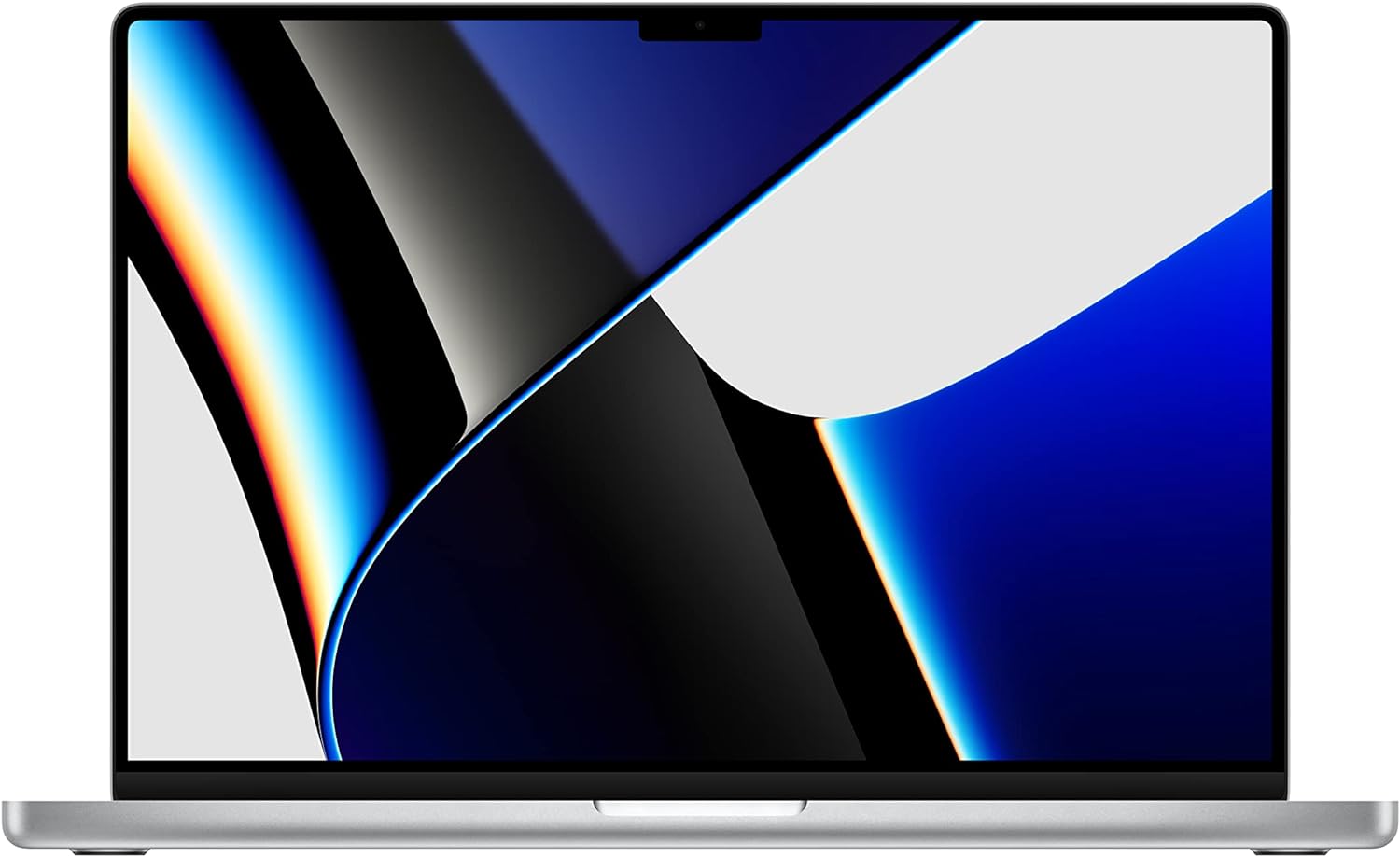
The Apple MacBook Pro 16-inch stands out with its M4 Pro chip (up to 14-core CPU and 20-core GPU), 16.2-inch Liquid Retina XDR display (3456x2234 resolution, 1600 nits brightness, ProMotion 120Hz), up to 128GB unified memory, and 8TB SSD storage. It excels in battery life (up to 22 hours) and thermal efficiency, making it perfect for video editing, 3D rendering, and multitasking. Advantages over the Dell XPS 17 include superior color accuracy (P3 wide gamut, ideal for creators), a more immersive audio system with six speakers, and seamless integration with iOS devices via Continuity features. It handles demanding apps like Final Cut Pro natively better than Windows equivalents on the XPS. Trade-offs: macOS may require adjustment for Windows users, no touchscreen, and it's pricier for base configs. Best for creative professionals, filmmakers, and Apple ecosystem users seeking unmatched performance and build quality. Approximate price range: $2,499 - $4,999.
Key Difference: The MacBook Pro offers dramatically better battery life and macOS-optimized creative software support, making it more efficient for prolonged unplugged workflows than the XPS 17.
Price: $600 more expensive

Equipped with an Intel Core i9-14900HX (24 cores), NVIDIA RTX 4080 GPU (up to 175W TGP), 32GB DDR5 RAM (upgradable to 96GB), 2TB SSD, and a 17.3-inch QHD+ display (2560x1600, 240Hz, 100% DCI-P3). It boasts a CNC-milled aluminum unibody, per-key RGB keyboard, and advanced cooling with vapor chamber tech. Over the XPS 17, it shines in raw gaming and rendering power, with higher frame rates in titles like Cyberpunk 2077 and faster exports in Adobe Premiere, plus a more customizable RGB aesthetic. The slim 0.8-inch profile rivals the XPS's portability while adding Thunderbolt 5 support. Drawbacks: shorter battery life (4-6 hours under load), louder fans during intensive tasks, and a higher price for non-gamers. Suited for gamers, 3D artists, and video producers needing top-tier GPU performance in a sleek package. Approximate price range: $2,999 - $4,500.
Key Difference: The Razer Blade 17 provides unmatched gaming GPU power and a high-refresh-rate display, elevating it beyond the XPS 17 for graphics-intensive professional and entertainment use.
Price: $1,100 more expensive

This beast features an AMD Ryzen 9 7945HX (16 cores), NVIDIA RTX 4080 GPU, 32GB DDR5 RAM, 1TB SSD, and a 17.3-inch QHD display (2560x1600, 165Hz, G-Sync). It includes Cherry MX mechanical keyboard options, Dolby Vision HDR, and AlienFX lighting. Advantages against the XPS 17: superior gaming benchmarks (e.g., 100+ FPS in AAA titles at high settings) thanks to AMD's efficiency and NVIDIA DLSS, plus customizable performance modes via Alienware Command Center. It's better for esports, VR, and content creation involving real-time rendering. Trade-offs: bulkier (6.2 lbs) and less portable, mediocre battery (3-5 hours), and a gamer-centric design that may not suit offices. Perfect for hardcore gamers, streamers, and developers testing game engines who prioritize frame rates over the XPS's subtlety. Approximate price range: $1,999 - $3,299.
Key Difference: With AMD's high-core-count CPU and advanced NVIDIA GPU, it crushes the XPS 17 in gaming performance while maintaining a large, immersive screen.
Price: Similar price

Powered by Intel Core Ultra 9 185H (16 cores), NVIDIA RTX 4070 GPU, 64GB DDR5 RAM, 2TB SSD, and a 16-inch 4K OLED touchscreen (3840x2400, 120Hz, 100% Adobe RGB, Pantone validated). It features the ASUS DialPad for intuitive creative controls, X-Rite color calibration, and a stylus-compatible screen. Compared to the XPS 17, it offers deeper blacks and higher contrast for photo/video pros, faster AI-accelerated workflows in apps like Photoshop and DaVinci Resolve, and built-in color accuracy tools that reduce calibration time. The detachable numeric keypad adds versatility. Limitations: slightly heavier (4.8 lbs) and battery life around 7-9 hours under creative loads. Best for digital artists, photographers, and filmmakers needing precise color and touch input in a Windows environment. Approximate price range: $2,299 - $3,499.
Key Difference: Its 4K OLED touchscreen with factory-calibrated color and DialPad controller make it a more intuitive tool for creative software than the XPS 17's standard display.
Price: $400 more expensive
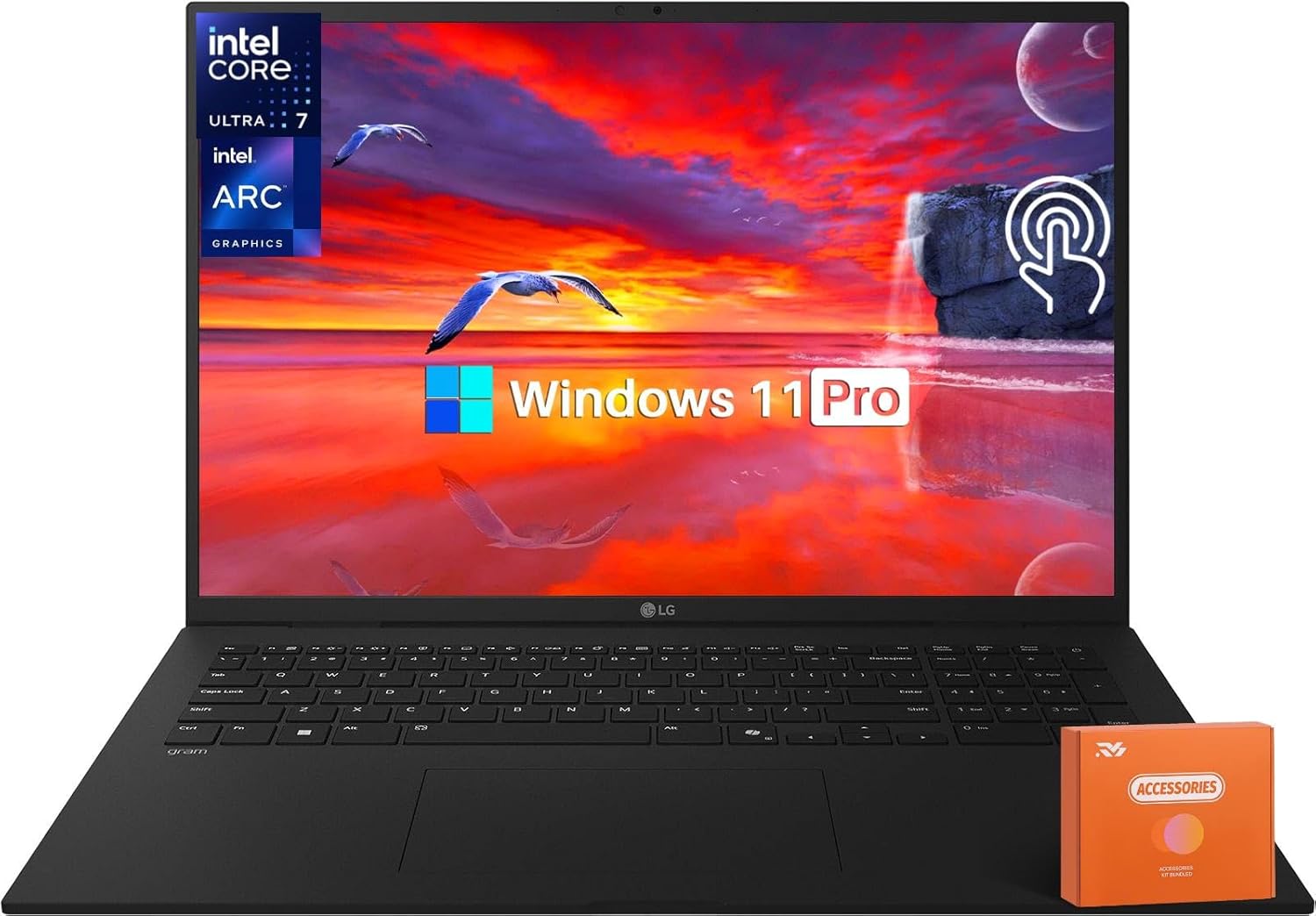
Weighing just 2.18 lbs, this 17-inch laptop has an Intel Core Ultra 7 155H, integrated Arc graphics, 32GB LPDDR5X RAM, 1TB SSD, and a 17-inch WQXGA IPS display (2560x1600, 100% DCI-P3). It boasts MIL-STD-810H durability, up to 20 hours battery, and Thunderbolt 4 ports. Edges out the XPS 17 in extreme lightness (half the weight) for travel, with a brighter anti-glare screen and longer endurance for on-the-go productivity. It's excellent for note-taking, browsing, and light editing, with a comfortable keyboard. Downsides: no discrete GPU for heavy graphics, and integrated speakers are average. Ideal for business travelers, writers, and mobile professionals who value a large screen in an ultra-portable form without sacrificing visibility. Approximate price range: $1,499 - $1,999.
Key Difference: At under 2.3 pounds, it provides the XPS 17's screen size in a far more portable chassis, perfect for users prioritizing mobility over raw power.
Price: $400 cheaper
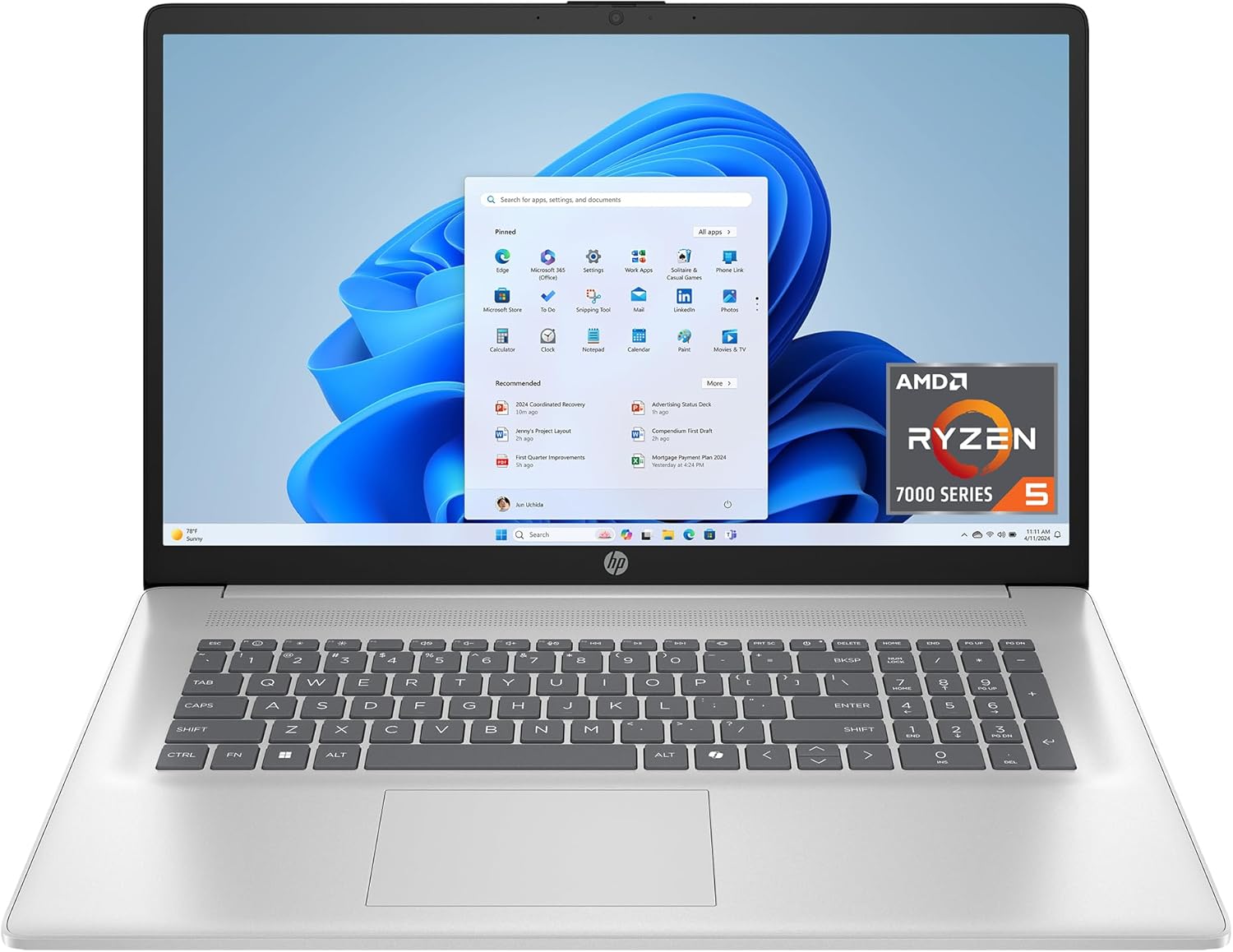
This model includes an AMD Ryzen 7 8840HS (8 cores with AI NPU), optional NVIDIA RTX 4060, 16GB LPDDR5X RAM, 512GB SSD, and a 17.3-inch WUXGA IPS display (1920x1200, 300 nits). It features Bang & Olufsen audio, a 5MP webcam, and fast charging. Versus the XPS 17, it offers better value with AMD's efficient multitasking (strong in Excel, coding), a numeric keypad standard, and more ports (HDMI 2.1). It handles office work, streaming, and moderate creative tasks well, often with fewer thermal throttles. Trade-offs: lower resolution display lacks the XPS's edge-to-edge wow factor, and build is aluminum-plastic hybrid (durable but not as premium). Great for office workers, students, and casual users wanting a big-screen Windows laptop at an accessible price. Approximate price range: $799 - $1,299.
Key Difference: It combines AMD's power-efficient processing with essential features at a fraction of the cost, focusing on practical everyday use over the XPS 17's luxury aesthetics.
Price: $600 cheaper
Compare key specs and features of all our recommendations side-by-side
| Product | Recommendation | Rating | Price |
|---|---|---|---|
2021 Apple MacBook Pro (16-inch, M1 Pro chip with 10‑core CPU and 16‑core GPU, 16GB RAM, 1TB SSD) - Silver Apple M1 Pro Chip 1 TB Silver Rank #1 | — | 4.6 4.6 | |
Lenovo ThinkPad E16 Gen 3 Business Laptop Computer, Intel 16-Core Ultra 7 255H (Beat i9-13900H), 32GB DDR5 RAM, 2TB PCIe SSD, 16" FHD+, WiFi 6E, Bluetooth 5.3, Webcam, Numeric Keypad, Windows 11 Pro Rank #2 | 💰 Budget Pick | 4.5 4.5 | |
 Razer Blade 16 Gaming Laptop: NVIDIA GeForce RTX 4090 - Intel Core i9-14900HX 14th Gen CPU - 16" OLED QHD+ 240Hz Display - 32GB RAM - 2TB SSD - Windows 11 - Chroma RGB - Snap Tap i9-14900HX 32 GB RTX 4090 OLED QHD+ 240Hz Black Rank #3 | — | 4.2 4.2 | |
AMD Ryzen 9 7950X 16-Core, 32-Thread Unlocked Desktop Processor Rank #4 | — | 4.7 4.7 | |
ASUS 2023 ProArt StudioBook 16 OLED Laptop, 16†3.2K OLED Touch Display, Intel Core i9-13980HX CPU, Nvidia Geforce RTX 4070 GPU, 32GB DDR5 SO-DIMM RAM, 1TB SSD, Windows 11 Home, H7604JI-DS96T Rank #5 | — | 4.4 4.4 | |
LG 2025 Gram 17 Ultra-Light Business Laptop - 17" 2560x1600 Touchscreen, Intel Ultra 7 258V, 32 GB RAM, 1 TB SSD, Intel Arc Graphics, Thunderbolt 4, Wi-Fi 7, Backlit, Copilot+, Dolby Atmos, Win11 Pro 32 GB RAM | 1 TB SSD 17" Rank #6 | — | 4.2 4.2 | |
HP 17.3 inch Laptop, HD+ Display, AMD Ryzen 5 7520U, 16 GB RAM, 512 GB SSD, AMD Radeon Graphics, Windows 11 Home, Natural Silver, 17-cp2199nr 16GB RAM , 512GB SSD Rank #7 | — | 4.5 4.5 |
