
Quick Verdict
The Sony WH-1000XM5 are a good but not ideal choice for podcast editing. Their comfort and noise cancellation are strong assets, but the bass-heavy sound and wireless latency require workarounds. Best suited for casual or travel editing, not critical studio work.
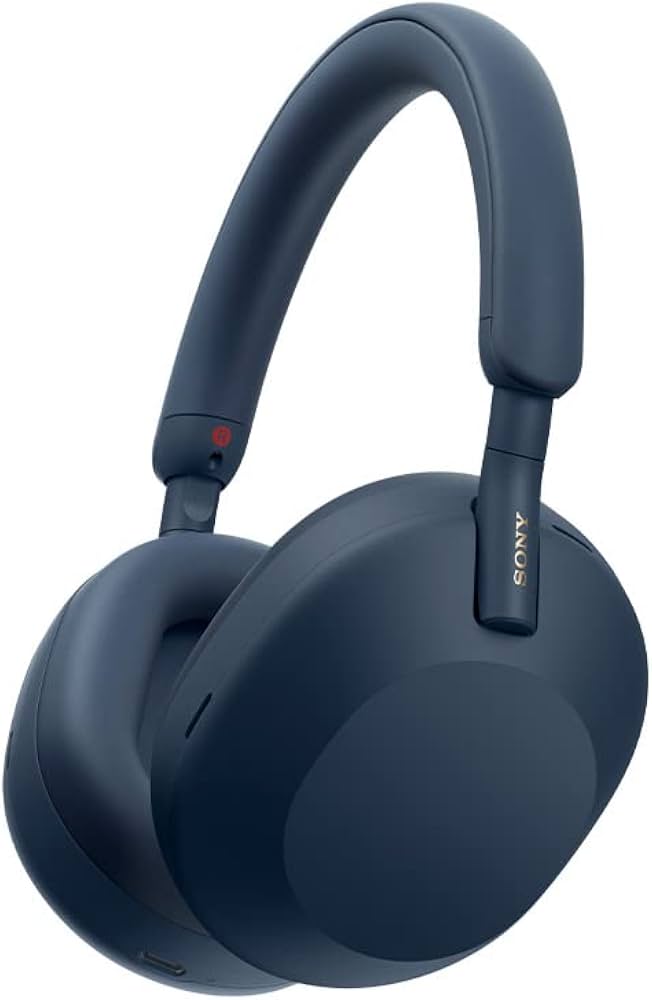
Sony WH-1000XM5
$299.99

✓ Key Strengths
- •Excellent active noise cancellation for focused editing in noisy environments
- •Very comfortable for long sessions, even exceeding 4 hours
- •Solid battery life of 30 hours with ANC, and quick charge capability
- •Wired option (3.5mm cable) eliminates Bluetooth latency issues
- •Lightweight design (250g) reduces fatigue
- •Multipoint Bluetooth for easy switching between editing computer and phone
✗ Key Weaknesses
- •Consumer-tuned sound with elevated bass and recessed mids, not neutral
- •Bluetooth latency (150-200ms) makes wireless unusable for sync-critical editing
- •No built-in EQ customization without app (requires Sony Headphones Connect app)
- •Price is high compared to purpose-built studio headphones
- •Proprietary touch controls can be accidentally triggered during use
- •Not as durable as some studio headphones for daily heavy use
What is Sony WH-1000XM5?
What is podcast editing?
Detailed Analysis
👍 Perfect For
- ✓Podcast editors who work in open offices, cafes, or while traveling
- ✓Editors who prioritize comfort for marathon sessions
- ✓Those who need one pair of headphones for both commuting and occasional editing
- ✓Editors using the wired connection and willing to adjust EQ for flatter response
👎 Not Ideal For
- ✗Professional audio engineers who require flat frequency response for precise EQ decisions
- ✗Editors who need low-latency wireless monitoring (e.g., live recording)
- ✗Budget-conscious buyers who want dedicated studio headphones at a lower price
Use Case Scenarios
Professional Editor in a Quiet Studio
An editor working in a sound-treated room with high standards for audio accuracy. They use headphones for precise leveling, noise reduction, and final mastering.
✓ Strengths
- Wired operation eliminates latency
- Comfortable for all-day sessions
- Adequate detail retrieval for speech editing
✗ Weaknesses
- Bass emphasis masks low-end rumble and plosives
- Midrange dip makes some vocal frequencies less prominent
- Not a standard reference for translation to other playback systems
💡 Workarounds
- Use EQ app (e.g., Wavelet or system EQ) to flatten response towards Harman target
- Frequently check mix on neutral earbuds or studio monitors
- Keep the cable attached to avoid accidental Bluetooth connection
While usable, the XM5's sound colorations are a liability in a critical listening environment. They are not designed for studio accuracy.
Editor on the Go (Coffee Shop, Airport)
A mobile podcaster who edits in noisy public places, relying on headphones to block out distractions and provide decent sound for quick edits.
✓ Strengths
- Best-in-class ANC for noisy environments
- Wireless freedom for moving around
- Comfortable for extended use in various positions
✗ Weaknesses
- Bluetooth latency prevents use for live recording or sync
- Sound signature not ideal for precise editing
- ANC may cause slight pressure feeling after long use
💡 Workarounds
- Use wired connection when editing time-sensitive audio
- Rely on visual waveforms for timing adjustments when wireless
- Take short breaks to relieve ear pressure from ANC
For mobile editors who prioritize noise isolation and convenience over absolute accuracy, the XM5 are a strong choice. The limitations are manageable with wired use.
Live Recording and Monitoring
A podcaster who needs to monitor their own voice or guests in real-time during recording sessions, requiring zero latency.
✓ Strengths
- Comfort for long recording sessions (wired)
- Good passive isolation when powered off (wired mode)
✗ Weaknesses
- Wireless latency prohibits live monitoring
- No built-in microphone for intercom
- Bass-heavy sound may mislead level adjustments
💡 Workarounds
- Use wired connection and a low-latency audio interface
- Rely on meters (software) for level setting rather than sound alone
- Consider using a dedicated monitoring headphone for recording
For live monitoring, the XM5's latency and sound signature are significant drawbacks. They are not recommended for this scenario.
Related Products You Should Consider
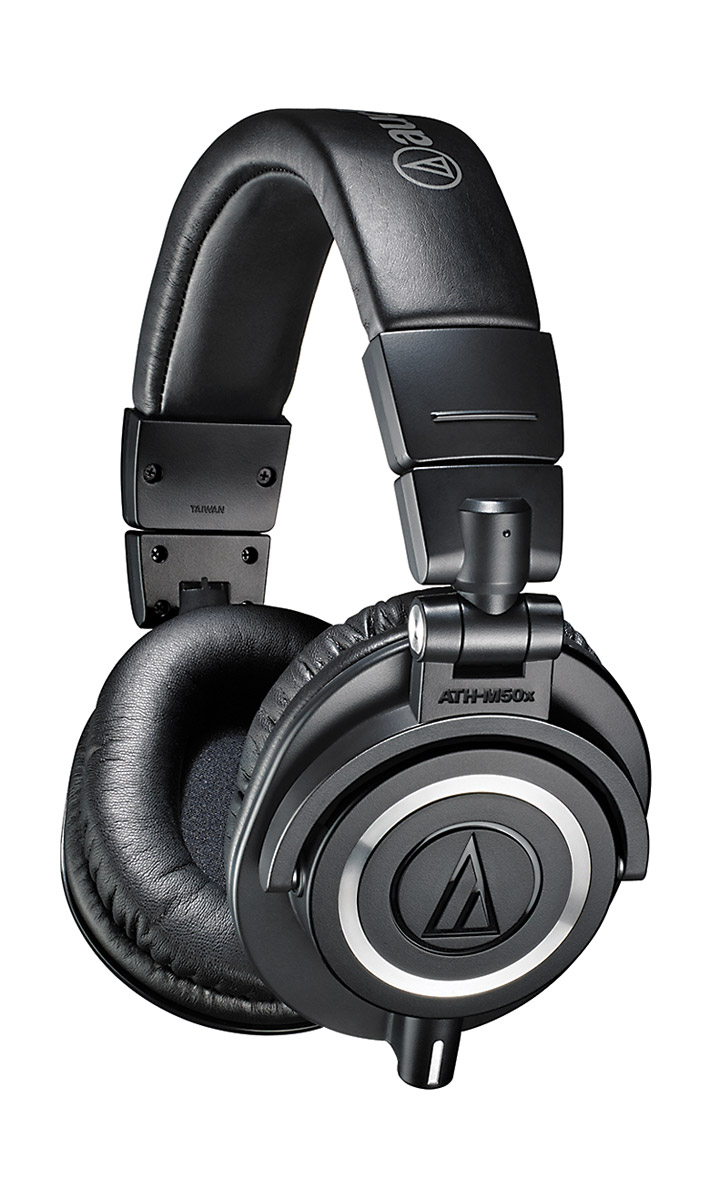
Audio-Technica ATH-M50x Professional Studio Monitor Headphones
$149.00
Why recommend: Better neutrality and lower price make the ATH-M50x a superior choice for dedicated podcast editing.
Best for: Editors who prioritize sound accuracy and don't need wireless or ANC.
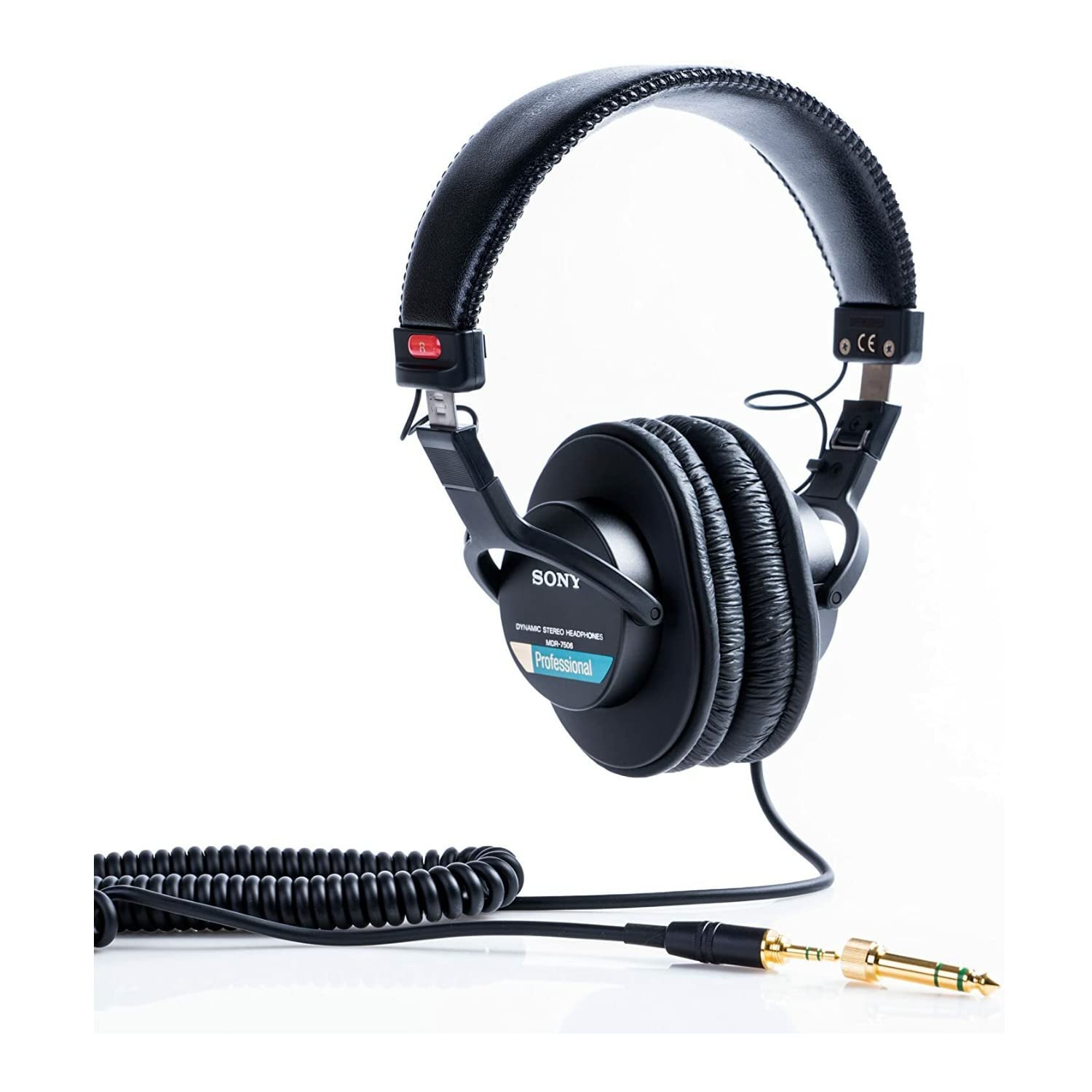
Sony MDR-7506 Professional Large Diaphragm Headphones
$99.99
Why recommend: Industry standard for accurate monitoring at a fraction of the cost.
Best for: Budget-conscious editors or professionals needing a reliable reference headphone.
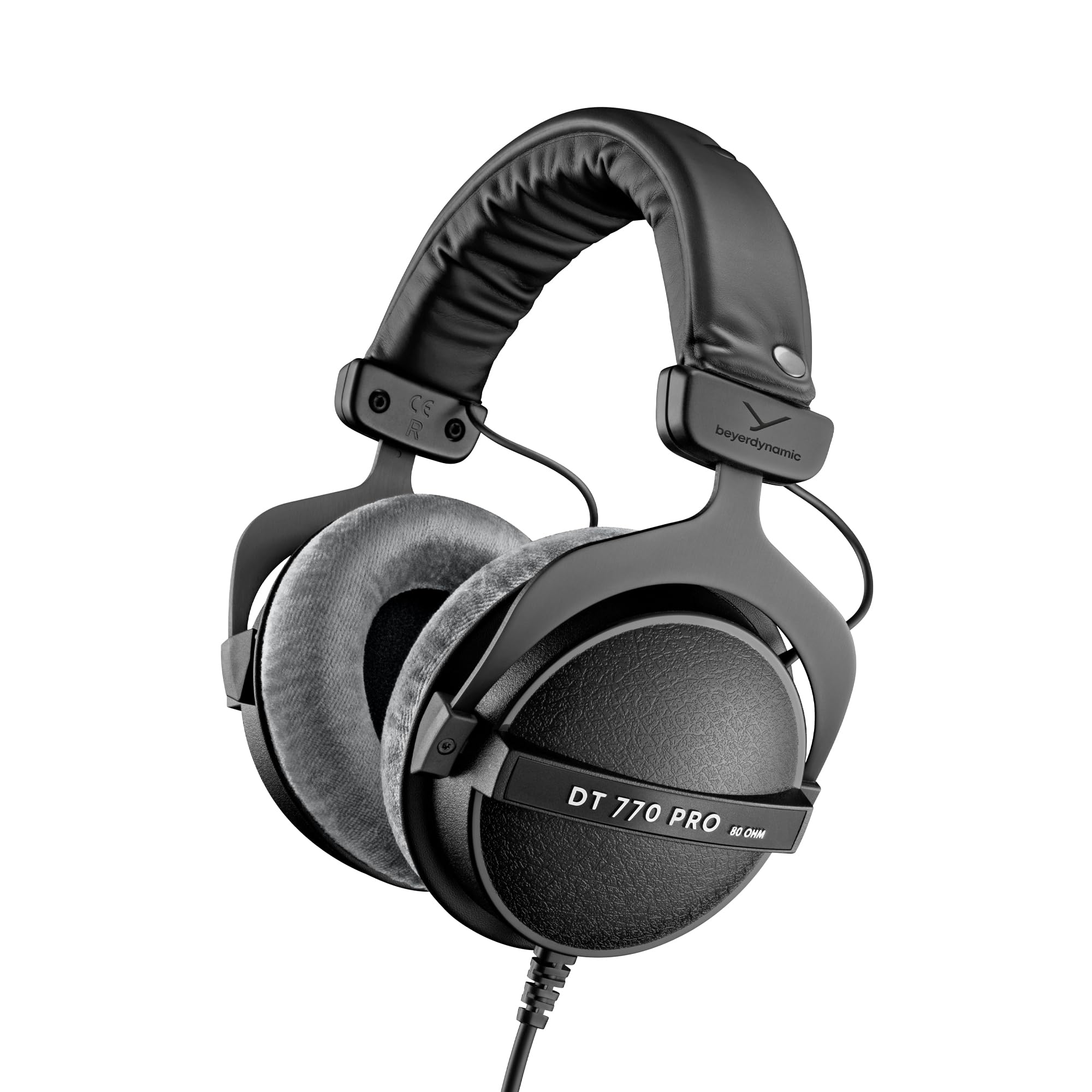
Beyerdynamic DT 770 Pro 80 Ohm Over-Ear Studio Headphones
$159.00
Why recommend: Great for isolation and comfort, with a sound that many find more enjoyable than the XM5 for editing, though still not flat.
Best for: Editors who want passive noise isolation and a robust wired headphone.
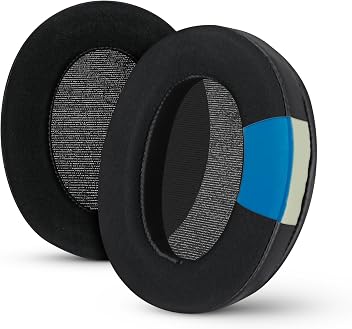
Brainwavz Oval Replacement Earpads for Sony WH-1000XM5
$24.95
Why recommend: If you already own the XM5 and use them for long editing sessions, upgraded ear pads can enhance comfort and reduce sweat.
Best for: Existing XM5 owners who edit for hours and want more breathable or plush pads.
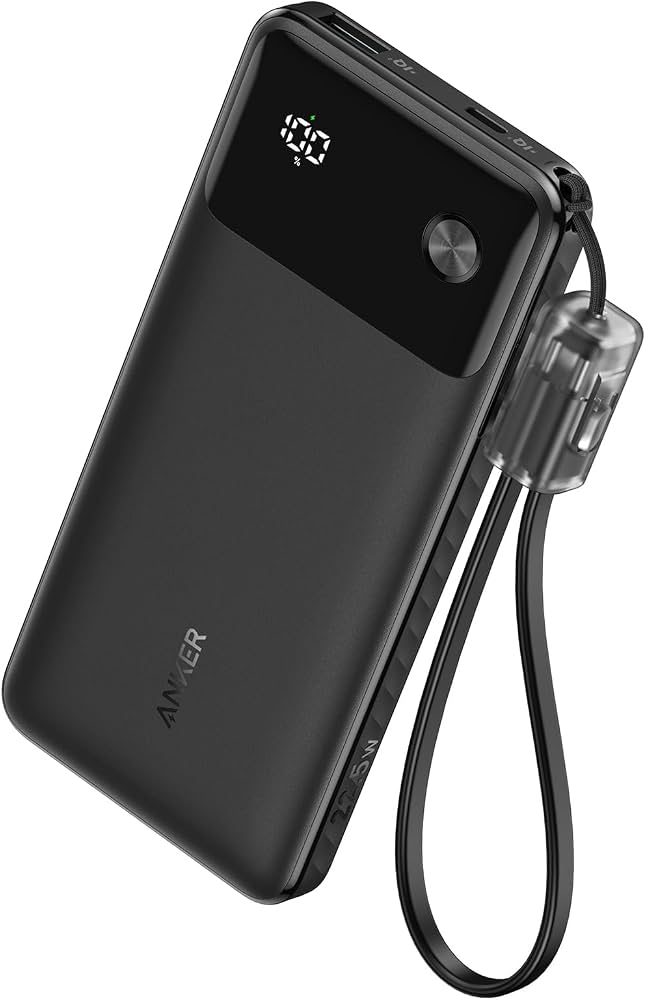
Anker PowerCore 10000mAh Portable Charger
$22.99
Why recommend: Ensures uninterrupted use of the XM5 when traveling or working without nearby power.
Best for: Editors on the go who rely on wireless mode and want peace of mind.
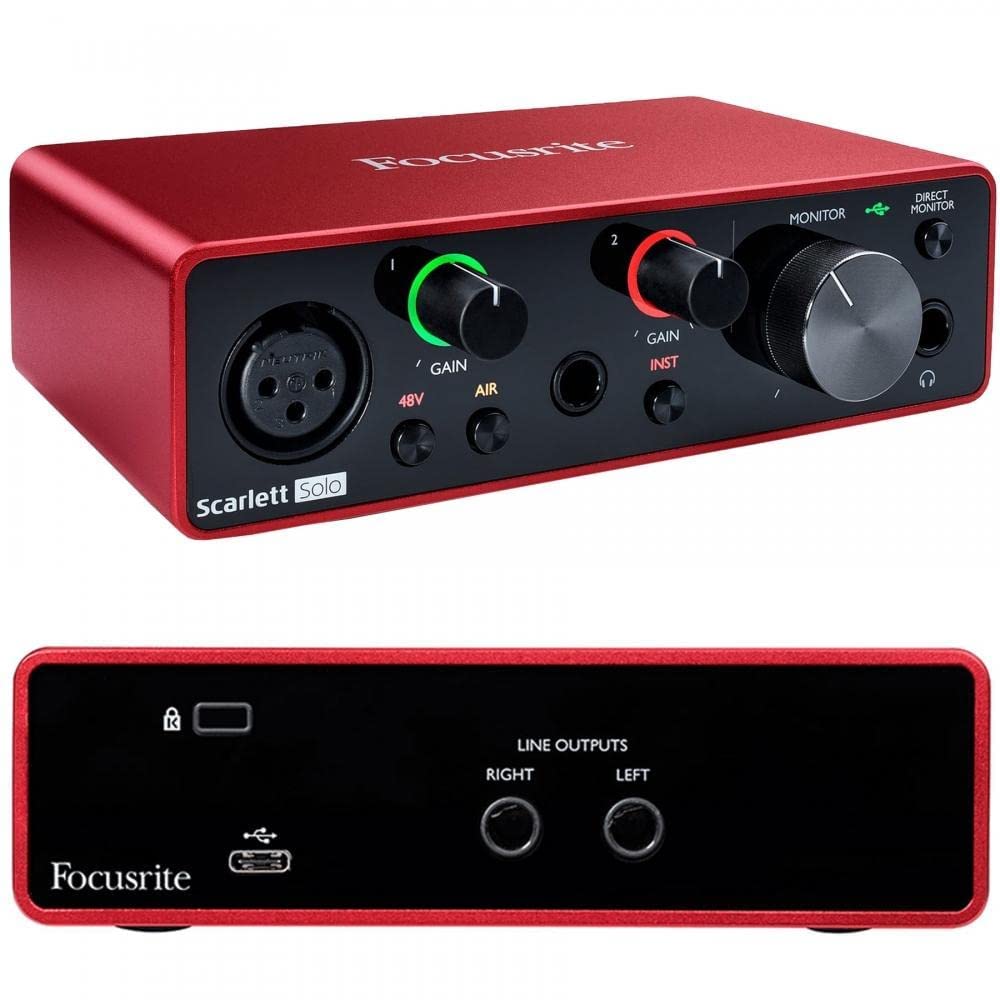
Focusrite Scarlett Solo 3rd Gen USB Audio Interface
$109.99
Why recommend: Enhances audio quality for critical editing and allows for low-latency monitoring during recording.
Best for: Editors who want to upgrade their audio chain for better accuracy and recording flexibility.
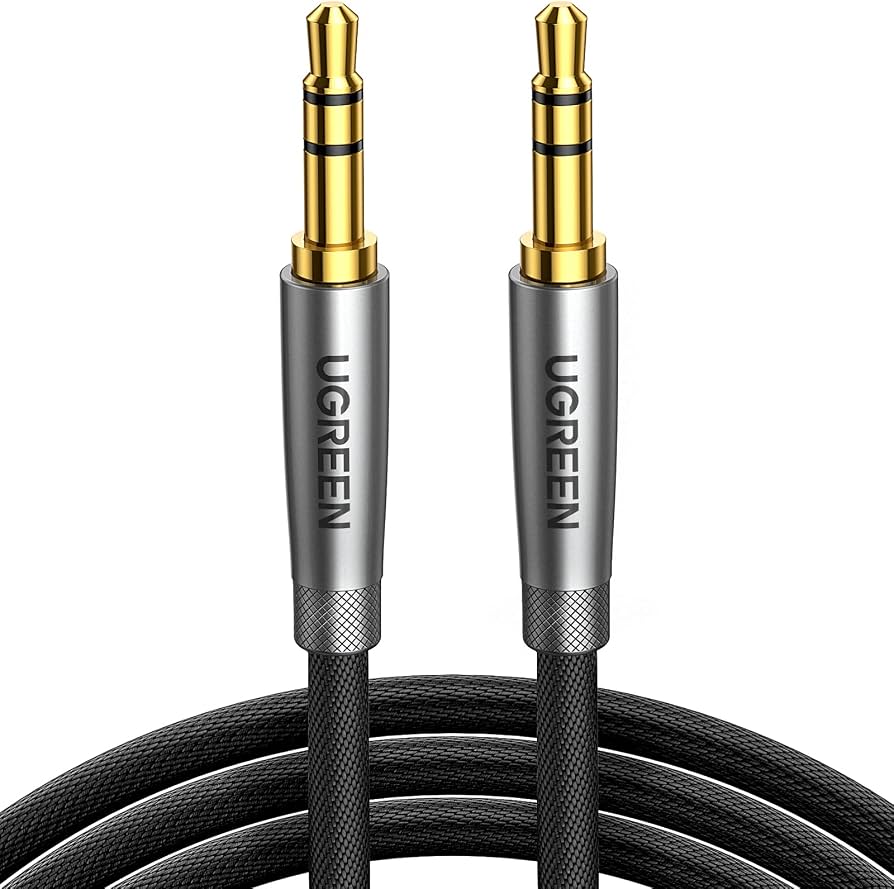
UGREEN 3.5mm Audio Cable Braided
$7.99
Why recommend: Affordable insurance against cable failure, and braided design reduces tangles.
Best for: Any XM5 owner who uses wired mode frequently.
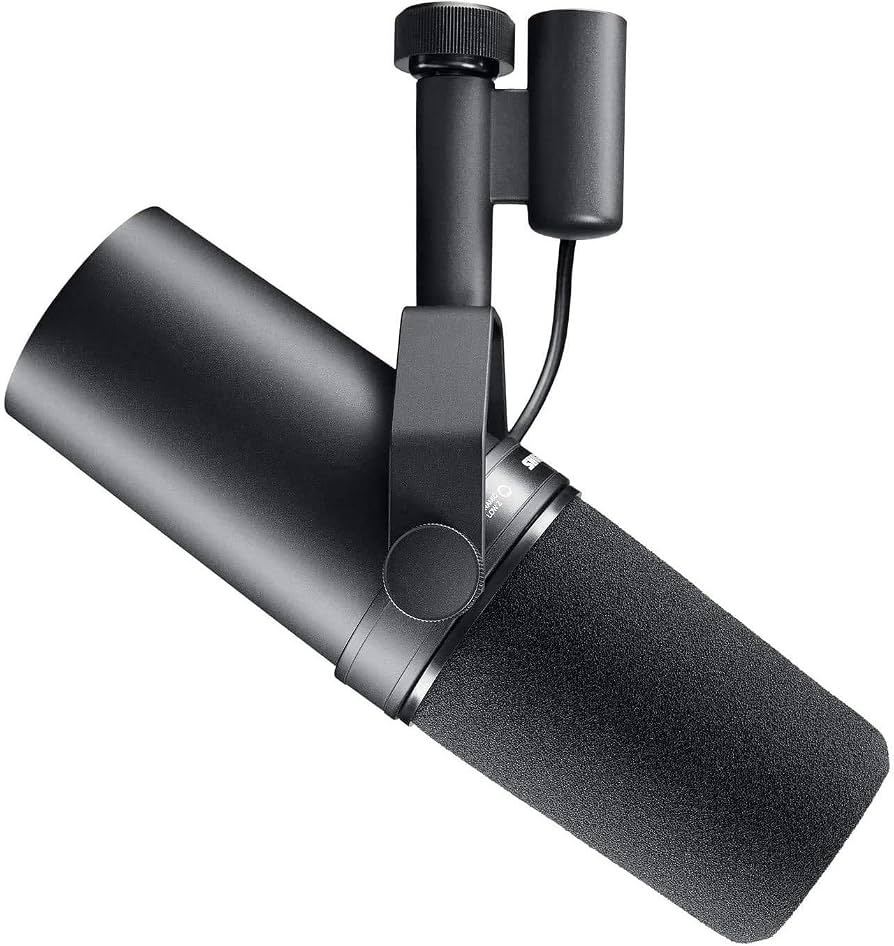
Shure SM7B Dynamic Microphone
$399.00
Why recommend: High-quality microphone that, combined with the XM5's ANC, enables recording in less-than-ideal environments.
Best for: Podcasters who record and edit, wanting a complete professional setup.
Bottom Line
Ready to get the Sony WH-1000XM5? Check the latest price on Amazon.
🛒 Buy on AmazonAs an Amazon Associate we earn from qualifying purchases.
Frequently Asked Questions
Is Sony WH-1000XM5 good for podcast editing?
Yes, but with caveats. The XM5 are good for podcast editing if you value comfort and noise cancellation, and if you use them wired to avoid latency. Their sound is not neutral, making them less ideal for critical mixing. They work best as a secondary pair or for editing in noisy environments.
Can you use Sony WH-1000XM5 for podcast editing wirelessly?
You can, but Bluetooth latency (around 150-200ms) makes it unsuitable for synced editing or live monitoring. For basic editing tasks like cutting silence or rough assembly, it might be acceptable. For precise work, use the wired cable.
Is Sony WH-1000XM5 suitable for professional podcast editing?
Not typically. Professional editors prefer headphones with a flat frequency response, such as the Audio-Technica ATH-M50x or Sony MDR-7506. The XM5's consumer sound signature can lead to mix translation issues.
What's better than Sony WH-1000XM5 for podcast editing?
For similar price, the Audio-Technica ATH-M50x offers better neutrality. For less, the Sony MDR-7506 is an industry standard. The Beyerdynamic DT 770 Pro is also a strong wired alternative with passive isolation.
Does Sony WH-1000XM5 work for podcast editing with a cable?
Yes, wired operation eliminates latency and allows passive use even if the battery is dead. The sound quality remains the same (with DAC in the cable), but you can use an external DAC/amp for potentially better performance.
What accessories do I need for Sony WH-1000XM5 for podcast editing?
A spare 3.5mm cable, replacement ear pads (for comfort), and a portable charger if you edit wirelessly. An audio interface can improve sound quality when wired.
How does the Sony WH-1000XM5 compare to Audio-Technica ATH-M50x for podcast editing?
The ATH-M50x have a more balanced sound with better midrange clarity, making them better for critical editing. The XM5 offer ANC and wireless but are less accurate. For editing, the ATH-M50x is generally preferred.
Can I use Sony WH-1000XM5 for recording podcasts?
They can be used for monitoring during recording, but only wired due to latency. Their built-in microphone is not suitable for podcast recording; use a dedicated mic. For monitoring, they work fine but may not sound as neutral as studio headphones.
Are Sony WH-1000XM5 comfortable for long editing sessions?
Yes, they are among the most comfortable headphones for extended wear due to their plush ear pads and lightweight design. Many users report wearing them for 4+ hours without discomfort.
Should I buy Sony WH-1000XM5 if I exclusively edit podcasts?
Probably not. You can get better audio accuracy for less money with wired studio headphones. Buy the XM5 only if you also need ANC for other activities (commuting, travel) and are willing to compromise on audio neutrality.
What EQ settings should I use for Sony WH-1000XM5 for podcast editing?
In the Sony Headphones Connect app, try reducing bass (100-200Hz by -3dB) and boosting mids slightly (1kHz by +2dB) to approximate a more neutral response. Alternatively, use system-wide EQ like Peace Equalizer for precise adjustments.
Are there any issues with the Sony WH-1000XM5 when used wired?
When powered off and used wired, the ANC does not work, but the headphones still produce sound. In wired mode with power on, you can use ANC, but the battery will eventually drain. The sound in wired passive mode is slightly different (less bass) due to lack of DSP.