
Quick Verdict
The Shure MV7 is one of the best all-around podcast microphones, especially for solo creators who want a balance of simplicity, sound quality, and flexibility. Its dynamic capsule, built-in DSP, and dual USB/XLR outputs make it a standout choice for podcasts at any level. Despite a few minor accessories needed and a higher price than entry-level mics, it offers exceptional value for its versatility.
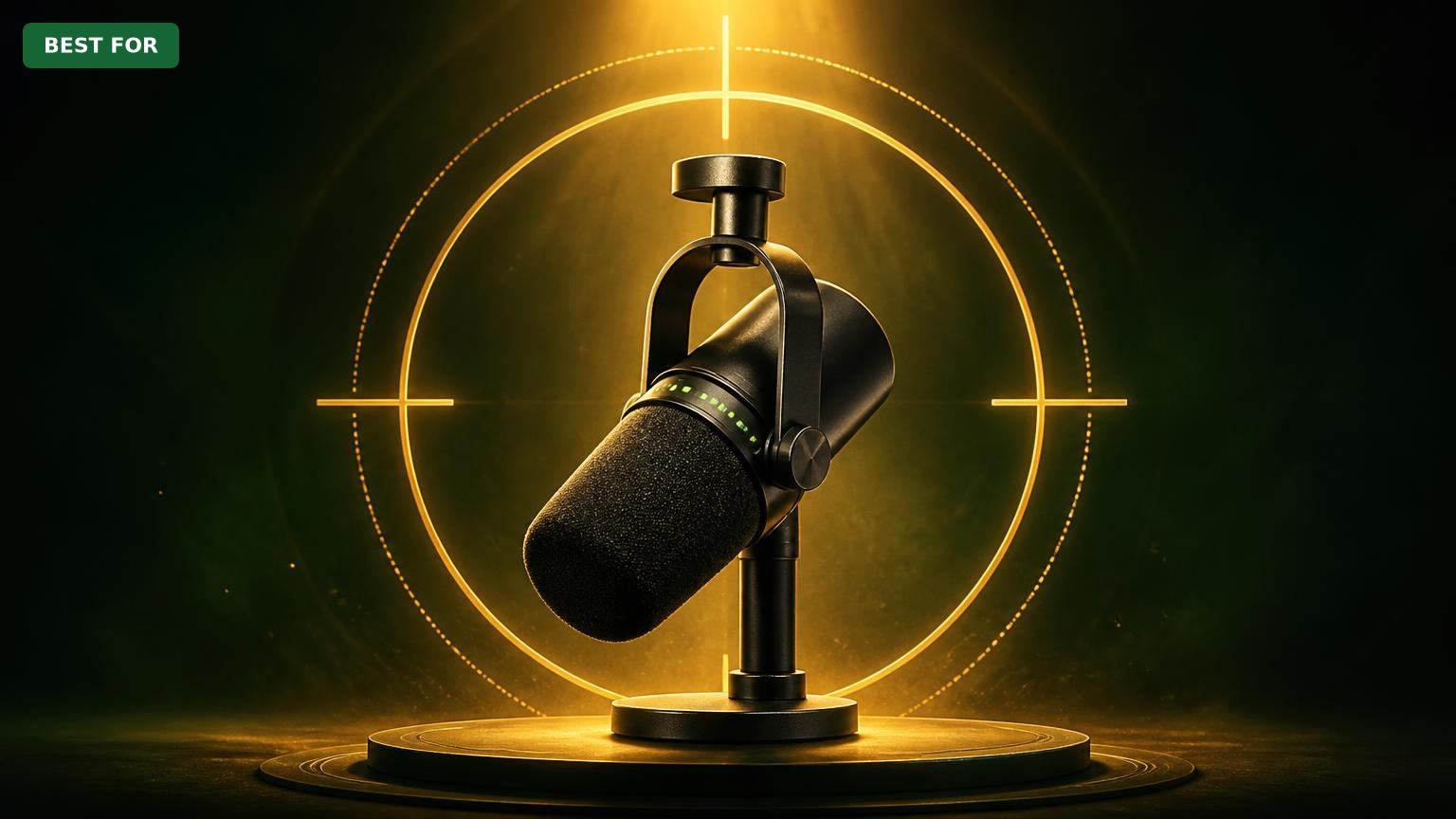
Shure MV7
$249.99

✓ Key Strengths
- •Warm, broadcast-style dynamic sound that excels for voice
- •Dual USB and XLR connectivity for future flexibility
- •Auto Level Mode maintains consistent audio without manual adjustments
- •Built-in headphone monitoring with zero latency
- •Excellent background noise rejection thanks to cardioid dynamic capsule
- •Compact, all-metal design that looks professional on camera
- •Free MOTIV app with EQ, compression, and user-friendly presets
- •Works with Windows, Mac, iOS, and Android
✗ Key Weaknesses
- •Price is higher than entry-level USB mics
- •Touch controls can be accidentally triggered
- •No included pop filter or shock mount, so you'll need to buy extras
- •Auto Level Mode may be too aggressive for dynamic voices; manual mode takes more effort
- •XLR output bypasses DSP, so you lose Auto Level when using analog setup
What is Shure MV7?
What is podcasting?
Detailed Analysis
👍 Perfect For
- ✓Solo podcasters who want a professional sound without complicated setup
- ✓Streamers and YouTubers who need a durable, great-looking mic for voice
- ✓Journalists and interviewers recording in noisy or untreated environments
- ✓Creators who plan to upgrade to XLR later but want a single mic that covers both worlds
- ✓Home office workers who need to record podcasts, videos, and meetings with excellent clarity
👎 Not Ideal For
- ✗Budget-conscious beginners who can't justify the cost and prefer to start under $100
- ✗Podcasters who already own a high-end interface and prefer a dedicated XLR-only mic without DSP (like the Shure SM7B)
- ✗People who dislike using software and want a fully analog chain
- ✗Those who need the brightest, 'hi-fi' condenser sound for roundtable discussions with multiple talkers
Use Case Scenarios
Solo Podcaster in an Untreated Room
A podcaster who records solo episodes in a home office that has echo, background noise from a computer, or outside traffic.
✓ Strengths
- Strong rejection of room and background noise
- Consistent vocal levels thanks to Auto Level Mode
- Warm, 'podcast-ready' tone with little EQ needed
- Compact design fits any desk setup
✗ Weaknesses
- No included shock mount, so vibrations can be recorded
- Touch controls might get bumped when repositioning the mic
💡 Workarounds
- Use a boom arm like the Rode PSA1 to isolate the mic from the desk
- Add a shock mount or place mic on a padded surface
- Lock the touch panel via the MOTIV app to prevent accidental taps
The MV7's noise rejection and automatic leveling are perfect for solo podcasters in challenging rooms. The minor vibration issue is easily resolved with an affordable boom arm.
Remote Interviewer
A podcaster who records interviews over Zoom or Skype with guests in different locations, often using a computer for the video call and a separate microphone for recording.
✓ Strengths
- Low latency headphone monitoring integrated
- Mute button and volume control quickly accessible
- Clear voice capture that stands out in video calls
- USB connectivity works with all major conferencing apps
✗ Weaknesses
- Can only record one person's audio at a time (expected for a single mic)
- No built-in echo cancellation, so headphones are a must
💡 Workarounds
- Use a headset like the Sony MDR-7506 for accurate monitoring
- Use recording software like Audacity to record your local track while using the mic as the default input for Zoom
The MV7 excels in remote interview scenarios due to its integrated monitoring and mute controls. It's not ideal for recording multiple in-person guests, but for one-on-one remote calls, it's reliable and sounds professional.
Beginner Podcaster on a Budget
Someone who is just starting a podcast and wants to spend as little as possible, but still get decent quality.
✓ Strengths
- Plug-and-play USB connection
- Auto Level Mode simplifies gain setting
- Excellent build quality means it will last
- MOTIV app offers guidance-friendly presets
✗ Weaknesses
- Initial cost is high for a hobby
- Beginner may not use the advanced features, leading to unused features
💡 Workarounds
- Consider a budget mic such as the ATR2100x or Samson Q2U (also on Amazon) and later upgrade
- Look for open-box or refurbished MV7 deals
- Use the MV7's presets to quickly get a good sound
While the MV7 is excellent, its high price makes it less fitting for beginners who are unsure if podcasting is their long-term hobby. Those on a strict budget can get acceptable sound for far less.
Professional XLR Podcaster
A podcaster who already owns an audio interface (like the Focusrite Scarlett Solo) and expects to use XLR mics for group or high-quality recordings.
✓ Strengths
- Produces a clean, balanced sound through XLR
- Lower gain requirement than SM7B, so less background hiss
- Can serve as a hybrid backup mic if a guest forgets theirs
✗ Weaknesses
- DSP not active in XLR mode
- Lacks the low-end weight of the SM7B
- Not a true broadcast-style dynamic, though it's close
💡 Workarounds
- Use software plugins for EQ/compression in post
- Consider a high-quality interface like the Scarlett Solo for clean gain
- If you only need XLR and want the premium broadcast sound, look at the Shure SM7B (affiliate link)
The MV7 works well in a professional XLR environment, but its digital features are wasted in that mode. Professionals who already have a capable interface might prefer the slightly more refined sound of the SM7B for a similar investment.
Related Products You Should Consider
Rode PSA1 Boom Arm
$99.00
Why recommend: Provides essential shock isolation and flexible positioning, solving one of the MV7's main weaknesses.
Best for: Solo podcasters and remote interviewers who want professional desk setup and freedom from accidental bumps.
Sony MDR-7506 Professional Headphones
$79.95
Why recommend: Accurate closed-back monitoring is essential for podcasting, and the MDR-7506 is a reliable, budget-friendly choice trusted by pros.
Best for: Podcasters who need precise monitoring and want to avoid echo from open-backed headphones.
Focusrite Scarlett Solo (3rd Gen) USB Audio Interface
$119.99
Why recommend: Gives you a professional XLR path for the MV7 and a foundation for expanding your podcast studio.
Best for: Podcasters who want to move beyond USB and use the MV7 as a true XLR microphone, often with plans to add more mics.
Shure SM7B Cardioid Dynamic Microphone
$399.00
Why recommend: The SM7B is the gold standard for broadcast dynamic mics; it's a superior choice if you're building a professional XLR-only studio.
Best for: Experienced podcasters with existing audio interfaces who demand the classic SM7B broadcast sound.
Aokeo Professional Pop Filter
$9.99
Why recommend: An inexpensive yet effective way to eliminate plosives and improve overall sound quality for podcast vocals.
Best for: Podcasters who speak very close to the mic or struggle with 'p'/'b' sounds in their recordings.
AmazonBasics XLR to XLR Cable (6 ft)
$7.99
Why recommend: Essential cable for using the MV7 in XLR mode; a reliable cable prevents hum and signal degradation.
Best for: Podcasters who use the MV7 with an interface and need a dependable XLR connection.
Bottom Line
Ready to get the Shure MV7? Check the latest price on Amazon.
🛒 Buy on AmazonAs an Amazon Associate we earn from qualifying purchases.
Frequently Asked Questions
Is Shure MV7 good for podcasting?
Absolutely. The Shure MV7 is one of the best podcast microphones available, offering professional dynamic sound, USB/XLR versatility, and features like Auto Level Mode and built-in headphone monitoring. It's especially great for solo podcasters.
Can you use Shure MV7 for podcasting?
Yes, the MV7 was designed specifically for podcasting and streaming. It plugs directly into your computer via USB and works with all major recording software. You can also use its XLR output with an audio interface for studio-grade setups.
Is Shure MV7 suitable for solo podcasters?
Yes. The MV7's cardioid dynamic capsule rejects room noise and its Auto Level Mode ensures consistent volume, making it perfect for one-person shows. The built-in headphone output lets you monitor yourself without extra gear.
What's better than Shure MV7 for podcasting?
For some users, the Shure SM7B (with a high-gain interface) offers a more classic broadcast tone, but it's more expensive and complex. Budget-wise, the Audio-Technica ATR2100x and Samson Q2U are cheaper alternatives, though they lack the MV7's DSP and quality.
Does Shure MV7 work without an audio interface?
Yes, via USB. The MV7 is plug-and-play on Mac, Windows, and even iOS/Android. You don't need an interface unless you want to use the XLR output or connect multiple mics.
How do you set up Shure MV7 for podcasting?
Connect it via USB to your computer, select it as the input in your recording software, and adjust gain using the touch panel or MOTIV app. For best results, set it to 'Natural' preset and enable Auto Level Mode. Use the headphone output for monitoring.
Does Shure MV7 require software to sound good?
No. The MV7 sounds great out of the box, but the MOTIV app lets you customize EQ, compression, and presets. Many users get excellent results using the 'Natural' preset with no additional adjustments.
Shure MV7 vs Shure SM7B for podcasting - which is better?
For most podcasters, the MV7 is more practical due to its USB connectivity, built-in DSP, and lower price. The SM7B is better for professional XLR-only studios that want a classic broadcast sound, but it requires an interface and often a Cloudlifter.
Is the Shure MV7 worth it for beginners?
It's a great long-term investment, but the high price might be overkill for someone just trying podcasting. If you have the budget, it will serve you well for years and eliminate the need to upgrade later. If not, start with a cheaper USB dynamic mic.
Can Shure MV7 be used for group conversations?
The MV7 is a single-microphone device. For in-person multi-person podcasts, you'll need one MV7 per person or a different multi-mic setup. The XLR output allows you to connect multiple MV7s to a mixer/interface.
What accessories do I need for the Shure MV7 for podcasting?
We recommend a boom arm (e.g., Rode PSA1), headphones (e.g., Sony MDR-7506), a pop filter, and optionally an audio interface for XLR use. These accessories help you get the best sound and a comfortable setup.
Can you use Shure MV7 with an iPhone for podcasting?
Yes, you can connect the MV7 to an iPhone using an Apple Lightning-to-USB camera adapter (or a USB-C adapter for newer iPhones). It works with the MOTIV app and many recording apps, though you may need external power in some cases.