
Quick Verdict
The Razer Blade 15 (2023) is a mixed bag for Maya: it offers great raw power but is hindered by thermal limits and lack of professional GPU certification. It’s adequate for intermediate work but not a top recommendation for heavy production.
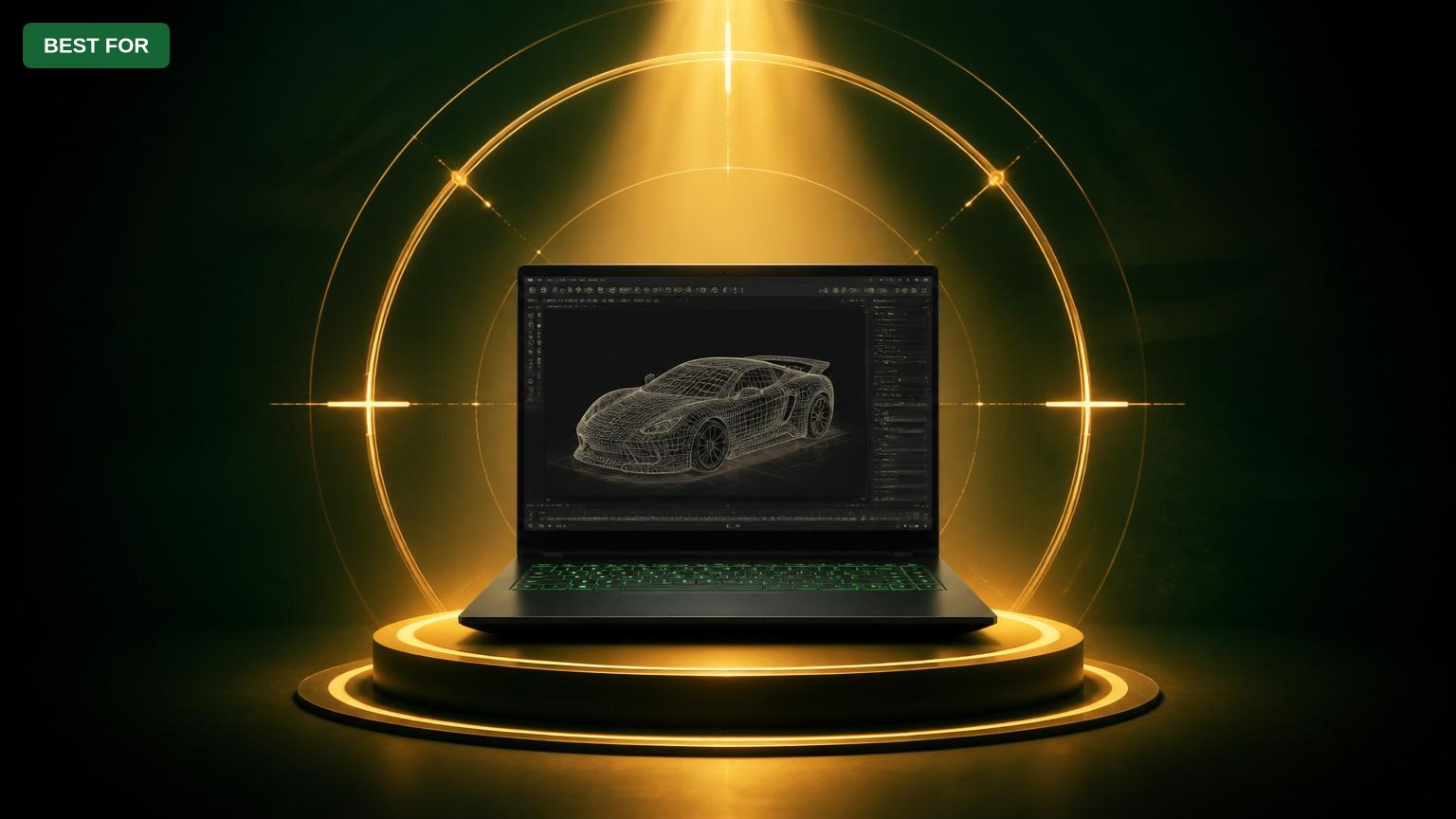
Razer Blade 15 (2023)
$2699.99

✓ Key Strengths
- •Powerful CPU (Intel Core i9-13900H) with high single-core speeds for viewport responsiveness
- •Strong GPU (RTX 4070/4080) supports viewport 2.0 with decent frame rates in Maya
- •Excellent build quality and premium aluminum chassis
- •Color-accurate QHD 240Hz display (100% DCI-P3) for accurate color work
- •Portable design (4.4 lbs, under 0.7" thin) for mobile artists
- •Thunderbolt 4 and HDMI 2.1 support for multi-monitor setups
✗ Key Weaknesses
- •Thermal throttling under sustained Maya workloads reduces performance over time
- •RAM is soldered; no upgrade beyond 32GB, limiting future-proofing
- •Loud fan noise during heavy modeling sessions
- •GeForce RTX drivers lack ISV certification for Maya (may cause stability issues in complex scenes)
- •Battery life is poor (3-4 hours) when running Maya unplugged
- •Limited to one internal SSD slot (M.2) without additional storage options
What is Razer Blade 15 (2023)?
What is 3D modeling in Autodesk Maya?
Detailed Analysis
👍 Perfect For
- ✓Freelance 3D artists who need a portable laptop for client meetings and occasional Maya work
- ✓Students learning Maya who want a gaming laptop that can also handle moderate 3D projects
- ✓Creators who use Maya alongside gaming, video editing, and other tasks
- ✓Professionals working with lightweight scenes or low-poly modeling
👎 Not Ideal For
- ✗Full-time production artists handling complex scenes with millions of polygons
- ✗Users who need a quiet workstation for shared studio environments
- ✗Artists requiring ISV-certified GPU drivers for stability in Maya
- ✗Those who plan to keep the laptop for more than 3 years without upgrading RAM/GPU
Use Case Scenarios
Freelance Artist on the Go
A freelance 3D modeler who works from coffee shops, client sites, and home, needing a powerful yet portable laptop for Maya.
✓ Strengths
- Portable and lightweight
- Strong CPU for quick viewport response
- Decent battery for modeling (3.5 hours) with power-saving settings
✗ Weaknesses
- Thermal throttling during long renders
- Loud fans in quiet cafes
💡 Workarounds
- Use a cooling pad like the Kootek Laptop Cooling Pad
- External keyboard and mouse to avoid uncomfortable heat
- Opt for the RTX 4080 model for better rendering headroom
Portability and power meet the needs of a mobile freelancer, but thermal and noise issues require mitigation.
Student in a 3D Animation Program
A college student taking Maya courses, needing a laptop that can handle class projects and gaming on weekends.
✓ Strengths
- Dual-use for gaming and modeling
- Sleek design fits in a backpack
- Great keyboard and trackpad for note-taking
✗ Weaknesses
- Cost is high for a student budget
- Limited RAM upgrade path
💡 Workarounds
- Use cloud rendering for heavy scenes
- External storage via USB-C SSD
- Invest in an external monitor for dual-screen workflow
Excellent all-around laptop for a student, but price and thermal limitations are drawbacks.
Studio Professional in Production Pipeline
A lead modeler in a VFX studio working on complex scenes with millions of polygons, character rigs, and textures.
✓ Strengths
- Fast single-core performance for viewport operations
- Thunderbolt 4 for docking to eGPU (but adds cost)
✗ Weaknesses
- No ISV certification, risking stability
- RAM and storage not expandable
- Runs hot and loud in performance mode
💡 Workarounds
- Use external eGPU with Quadro card (e.g., Razer Core X Chroma)
- Keep scenes optimized and use proxies
- Rely on render farms for final quality
Not suitable for heavy production due to thermal limits, lack of ISV drivers, and limited expandability.
Related Products You Should Consider
Lenovo ThinkPad P16 Gen 2 Workstation
$2899.99
Why recommend: ISV-certified GPU and superior thermal design make it ideal for production Maya work.
Best for: Full-time 3D artists and studios requiring stability and reliability.
Dell XPS 16 (2024)
$2499.99
Why recommend: Better display and quieter operation, with similar GPU performance.
Best for: Designers prioritizing screen quality and a sleek form factor.
Razer Blade 15 Cooling Pad (Kootek)
$39.99
Why recommend: Directly addresses the Blade's thermal limitations.
Best for: Razer Blade 15 owners who experience overheating during 3D work.
Logitech MX Master 3S Mouse
$99.99
Why recommend: Improves workflow efficiency and comfort during long modeling sessions.
Best for: Anyone spending hours in Maya needing accurate cursor control.
Samsung T7 Portable SSD 2TB
$179.99
Why recommend: Expands storage and speeds up file access for large Maya scenes.
Best for: Users who need additional storage without opening the laptop.
Razer Core X Chroma eGPU Enclosure
$499.99
Why recommend: Upgrade path for users needing professional GPU stability without buying a new laptop.
Best for: Razer Blade 15 owners who want workstation-level performance at a desk.
Wacom Intuos Pro Medium Drawing Tablet
$349.99
Why recommend: Essential for artists who sculpt or paint textures in Maya.
Best for: Digital sculptors and texture artists using Maya.

Anker PowerCore 26800mAh Portable Charger
$49.99
Why recommend: Addresses the Blade's poor battery life during on-the-go Maya work.
Best for: Freelancers working in cafes or outdoors.
Bottom Line
Ready to get the Razer Blade 15 (2023)? Check the latest price on Amazon.
🛒 Buy on AmazonAs an Amazon Associate we earn from qualifying purchases.
Frequently Asked Questions
Is Razer Blade 15 (2023) good for 3D modeling in Autodesk Maya?
It's decent for light to moderate modeling but struggles with heavy scenes due to thermal throttling and lack of ISV drivers. Consider it if you need a portable machine, but a workstation laptop is better for professional use.
Can you use Razer Blade 15 (2023) for 3D modeling in Autodesk Maya professionally?
For light professional work (e.g., simple product models), yes. For complex VFX or film work, the Blade's thermal and stability issues make it unreliable. A Lenovo ThinkPad P16 or HP ZBook is recommended.
Is Razer Blade 15 (2023) suitable for 3D modeling in Autodesk Maya on a budget?
The Blade 15 is not budget-friendly. A more affordable but capable option is the ASUS TUF Dash F15 with similar specs, but it also has thermal limitations. For Maya on a budget, consider a desktop or a refurbished Dell Precision.
What's better than Razer Blade 15 (2023) for 3D modeling in Autodesk Maya?
The Lenovo ThinkPad P16, Dell XPS 16, or MacBook Pro 16 (M3 Max) offer better thermal management, professional GPU options, and longer battery life for Maya. The MacBook Pro especially excels in stability and render performance.
Does Razer Blade 15 (2023) have a good GPU for Maya?
Yes, the RTX 4070 and 4080 are powerful but lack ISV certification. Maya runs fine, but occasional driver crashes may occur. For critical work, a Quadro GPU is safer.
How much RAM do I need for Maya on Razer Blade 15?
At least 32GB. 16GB is insufficient for complex scenes. Note that the RAM in the Blade 15 is soldered, so choose the 32GB configuration.
Does Razer Blade 15 overheat with Maya?
Yes, under sustained load the Blade 15 thermal throttles, reducing performance. Using a cooling pad and undervolting can help, but not eliminate the issue.
Can I upgrade the Razer Blade 15's RAM or storage?
RAM is soldered and not upgradeable. Storage has one M.2 slot; you can replace the SSD but cannot add a second internal drive. External SSDs are recommended.
Is the Razer Blade 15 display good for Maya?
Yes, the QHD 240Hz display has 100% DCI-P3 color gamut and good brightness. It's excellent for color-accurate modeling, though the high refresh rate is unnecessary for Maya.
How does Razer Blade 15 compare to MacBook Pro for Maya?
The MacBook Pro with M3 Max has better sustained performance, longer battery life, and quieter operation. However, Maya on macOS lacks some plugins and may have compatibility issues. The Blade 15 runs Windows natively with full software support.
What accessories do I need for Maya on Razer Blade 15?
A cooling pad, external mouse (Logitech MX Master 3S), and an external monitor are highly recommended. A portable SSD for backups and a USB-C hub for connectivity also help.
Is the Razer Blade 15 good for rendering in Maya?
The Blade 15 can render, but it's slow compared to desktops and the CPU throttles. For GPU rendering (Arnold GPU), the RTX 4070 is decent, but the laptop runs very hot and loud.