
Quick Verdict
The Philips Hue Play Light Bar is a good choice for gaming ambience, especially for PC gamers who can leverage the Hue Sync app. However, the need for a Hue Bridge and, for console users, an HDMI Sync Box, makes it a premium and somewhat complicated option. Its color quality and smoothness outweigh these issues for many enthusiasts, but budget alternatives offer more bang for the buck.
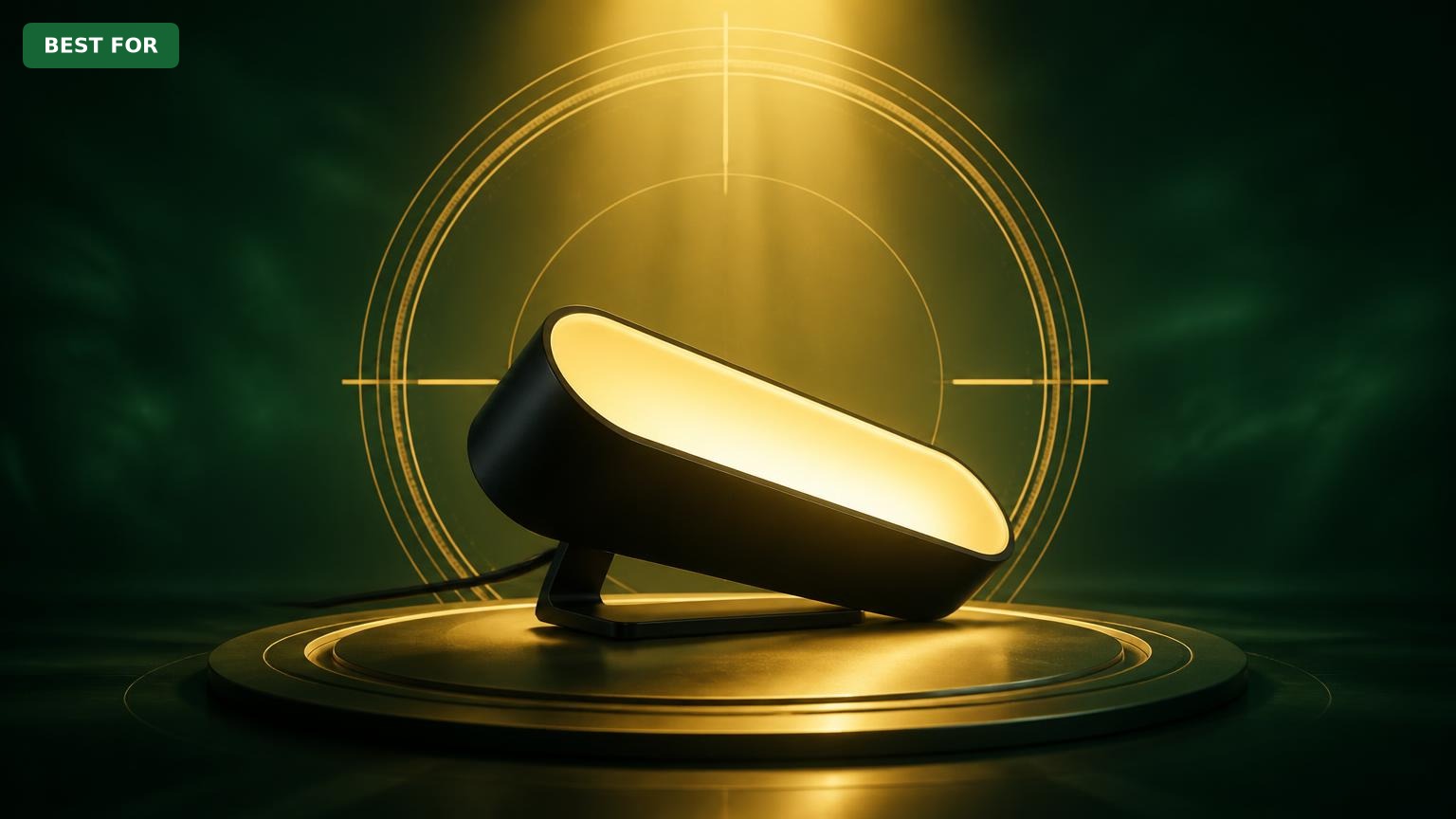
Philips Hue Play Light Bar
$79.99

✓ Key Strengths
- •Superb color accuracy and smooth transitions
- •Seamless game sync with Hue Sync desktop app
- •Compact design fits discreetly behind monitors
- •Expandable ecosystem with many integrated accessories
- •Voice control via Alexa/Google/HomeKit with Bridge
- •Low latency reaction to on-screen actions
- •Reduces eye strain in dark rooms
✗ Key Weaknesses
- •Requires separate Hue Bridge for full functionality
- •Console gaming needs expensive HDMI Sync Box
- •Only single-color zone per light bar
- •Moderate brightness, weak in bright rooms
- •Premium price compared to generic RGB alternatives
What is Philips Hue Play Light Bar?
What is gaming ambience?
Detailed Analysis
👍 Perfect For
- ✓PC gamers who want immersive game-reactive ambient lighting
- ✓Streamers looking to enhance their background with dynamic effects
- ✓Smart home enthusiasts who already own a Hue Bridge
- ✓Gamers who prefer a polished, brand-supported product over DIY RGB
👎 Not Ideal For
- ✗Console gamers who don’t want to pay for a separate HDMI Sync Box
- ✗Budget-conscious users who want maximum visual effect for the least money
- ✗People who want multi-zone addressable lighting for wall patterns
- ✗Users who need extremely bright ambient lighting during daytime play
Use Case Scenarios
PC Gamer with Hue Sync
A gamer plays on a Windows or macOS computer, using a single monitor, and wants lighting to react to games for immersion.
✓ Strengths
- Free Hue Sync app for PC
- Low-latency color updates
- Compact footprint for desk setups
- Customizable intensity and brightness
✗ Weaknesses
- Requires Hue Bridge, an extra $60 expense
- Hue Sync app must be running in the background
- One bar only gives a single color zone
💡 Workarounds
- Use two Play Light Bars to create multi-location ambience
- Turn off Hue Sync during competitive play if you need max FPS
- Set up voice shortcuts to toggle ambience on/off
This is the intended use case; the Hue Sync software works brilliantly with the Play Light Bar, making it one of the best game-reactive lighting solutions you can buy for a PC.
Console Gamer on Living Room TV
A gamer plays on a PlayStation 5 or Xbox Series X on a large TV in the living room and wants the ambient lights to sync with games.
✓ Strengths
- Great visual impact when synced
- Can also sync to movies and TV shows
- Extensible with Hue Gradient strips for a full Ambilight effect
✗ Weaknesses
- Sync Box adds significant cost
- 4K Sync Box lacks 120Hz/VRR support
- Cables clutter behind TV
- Requires Hue Bridge as well
💡 Workarounds
- Buy the newer 8K Sync Box or wait for further compatibility updates
- Use the Hue app’s music mode to approximate game-reactive lighting
- Mount the Sync Box flat against the TV stand and use cable ties
It works and looks great when you invest in the whole ecosystem, but the high cost and HDMI compatibility challenges make it a less elegant choice than dedicated PC gaming or camera-based alternatives.
Twitch Streamer with a Dedicated Setup
A streamer has a PC for gaming, a separate capture PC, and a webcam. They want dynamic lighting behind their setup to make the stream look professional.
✓ Strengths
- Professional-grade light quality
- Multiple light bars create a layered background
- Can sync to game or a custom screen region
- Voice control for hands-free adjustment during streams
✗ Weaknesses
- Costs accumulate with multiple bars
- Requires mounting hardware for walls/stands
- Hue Sync app may conflict with other overlays
💡 Workarounds
- Use the Hue Play mounts or 3M tape to secure bars out of view
- Create a separate Hue scene for intermission and switch via Stream Deck
- Plug the Sync Box into the capture PC to sync to the stream preview
The Play Light Bar provides a high-quality, customizable glow that elevates a stream’s visual appeal, but the upfront spending for multiple bars and accessories is significant.
Budget-Conscious Gamer
A gamer wants a cool ambient lighting setup for under $100 and doesn’t want to invest in a whole smart home ecosystem.
✓ Strengths
- You get what you pay for in terms of color fidelity
- Eco-system integration is safer for future expansion
✗ Weaknesses
- Initial cost is three times that of basic RGB strips
- No addressable multi-color zones on a single bar
- Durability of cheap alternatives may be comparable
💡 Workarounds
- Start with a single Play Light Bar and no Bridge if you use the older Hue Bluetooth app (but functionality is limited)
- Look for refurbished or open-box deals on eBay/Amazon Warehouse
- Buy used Govee products on marketplace to save money
For budget-focused users, the Hue Play Light Bar simply doesn’t make sense; the per-watt cost is too high compared to alternatives that deliver similar ambience cheaply.
Related Products You Should Consider
Philips Hue Bridge (2nd Generation)
$49.99
Why recommend: The Bridge is required for full Hue Sync functionality and overall user experience.
Best for: Anyone buying their first Hue Play Light Bar, or console/PC gamers who want game-reactive lighting.
Philips Hue Play Light Bar Double Pack
$169.99
Why recommend: Doubles the ambient coverage for a relatively modest price increase over one bar.
Best for: PC gamers who want a proper multi-directional ambience setup.
Philips Hue Play HDMI Sync Box (4K)
$279.99
Why recommend: Essential for PlayStation/Xbox players who want synced ambience without a PC in the signal chain.
Best for: Console gamers and movie enthusiasts who already have or plan to buy the Hue Bridge and Play Light Bars.
Govee Envisual TV LED Backlight (with Camera)
$99.99
Why recommend: Delivers game-reactive ambience on a TV for less than half the cost of a Hue Bridge + Sync Box combo.
Best for: Budget-conscious console gamers and people who don’t want to break into the Hue ecosystem.
Govee Glide Hexagon Light Panels
$129.99
Why recommend: Offers addressable, multi-color panel lighting at a competitive price, with a more modern aesthetic.
Best for: Gamers who love visual flair and multi-zone lighting on their setups, especially streamers.
Govee RGBIC LED Strip Lights (32.8ft)
$29.99
Why recommend: Budget-friendly way to add a lot of ambient color to a gaming setup.
Best for: Casual gamers or those just starting to explore ambient lighting.
Philips Hue Gradient Lightstrip (65 inch)
$229.99
Why recommend: Adds multi-zone gradient light to TVs for the ultimate ambient gaming experience.
Best for: Console gamers with a prominent TV who already own the Hue ecosystem and Sync Box.
Bottom Line
Ready to get the Philips Hue Play Light Bar? Check the latest price on Amazon.
🛒 Buy on AmazonAs an Amazon Associate we earn from qualifying purchases.
Frequently Asked Questions
Is Philips Hue Play Light Bar good for gaming ambience?
Yes, the Play Light Bar is excellent for gaming ambience, particularly for PC gamers who use the free Hue Sync desktop app. It provides smooth, low-latency color updates and vivid light. However, console gamers need the Hue Play HDMI Sync Box to achieve game-reactive effects, which adds significant cost.
Can you use Philips Hue Play Light Bar without a Hue Bridge?
Yes, in a limited sense. The Play Light Bar supports Bluetooth on compatible devices, which allows you to control lights from your phone without a Bridge. However, Bluetooth mode does not support Hue Sync (which requires the Bridge) or automations, and it only works within a short range. For gaming ambience, a Hue Bridge is strongly recommended.
Does the Philips Hue Play Light Bar sync with console games?
Yes, but only if you add the Philips Hue Play HDMI Sync Box. This box connects between your console and TV, intercepting the video signal to control the lights. Without it, you’re limited to static or music-reactive scenes, not game-synced effects.
What's better than Philips Hue Play Light Bar for gaming ambience?
For a similar price, the Philips Hue Gradient Lightstrip offers multiple color zones and is better for TV backlights. Cheaper alternatives like Govee’s Envisual TV Backlight with camera syncing are more budget-friendly and work well on consoles. For a desk setup, the Play Light Bar is still one of the best, but Govee Hexagon Panels are a popular more affordable alternative that also add visual flair.
Is the Philips Hue Play Light Bar worth the money for gaming?
If you value polished integration, accurate colors, and are already in the Philips Hue ecosystem, yes. The main downside is the total cost of ownership: the Play Light Bar plus Bridge plus (for consoles) Sync Box adds up. If you are on a budget or don’t want extra boxes, a Govee system will give you a comparable ambience for much less.
How many Hue Play Light Bars do I need for gaming?
A single bar is enough to add a subtle glow, but most gamers find that two bars—one on each side behind the monitor—create a much more immersive experience. For a full surround effect, you could add a strip underneath or behind the desk. The Hue Sync app can sync up to 10 light zones, so you can expand as you like.
Can the Hue Play Light Bar produce multiple colors at once?
Each individual Play Light Bar can only display one color at a time because it has a single light zone. To show multiple colors simultaneously, you need to use multiple bars or pair it with a Gradient Lightstrip. That’s why the Gradient Lightstrip is often preferred for TV backlighting, while the Play bars work best as accent lights.
Does the Hue Play Light Bar run hot?
The Play Light Bar is designed with an aluminum housing that dissipates heat effectively. Most users report that the bar gets slightly warm to the touch during extended use but not hot enough to be a concern. It’s safe to mount on surfaces, but you should ensure adequate ventilation if you place it in a very enclosed space.
Can the Hue Play Light Bar sync with music for gaming?
Yes, via the Hue Sync app there is a music mode that reacts to audio from your computer or a microphone. You can also use the Hue app’s “Music” feature, which scans ambient sound. This is a workaround for static scenes, but for gaming, the screen-sync option is more immersive.
What are the best accessories for the Philips Hue Play Light Bar?
The most useful accessory is the Philips Hue Bridge, which unlocks sync capabilities. Mounts like 3M Command Strips or Hue-specific mounting clips let you position the bar behind your monitor cleanly. If you’re a console gamer, the Hue Play HDMI Sync Box is essential. For cable management, any adhesive cable clips will do.