
Quick Verdict
The Mophie 3-in-1 Wireless Charging Mat is a good choice for nightstands if you value a flat, unobtrusive design and have modest charging needs. However, it falls short for those who want a phone stand or faster charging. It's a solid, affordable option but not the best for everyone.
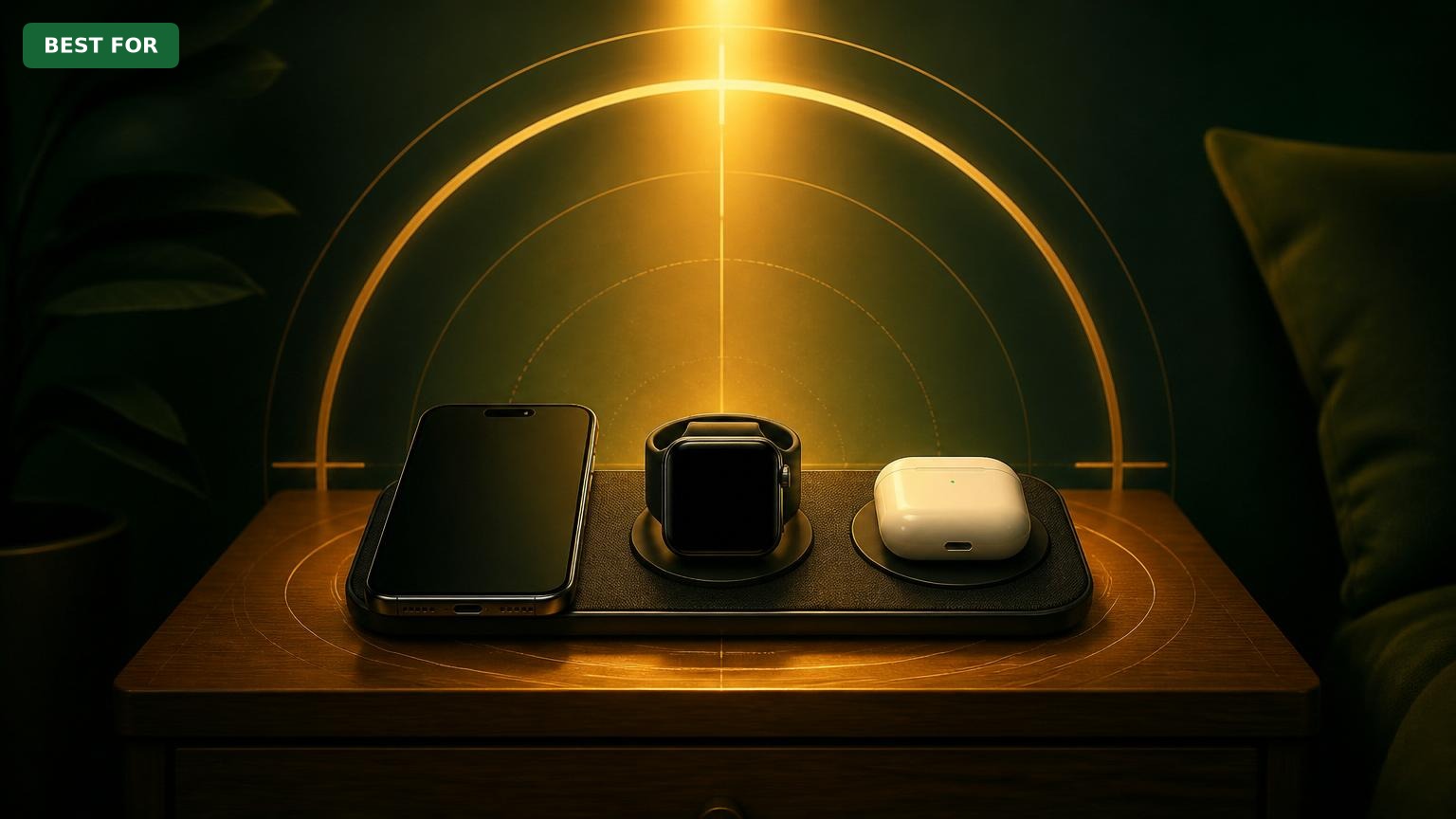
Mophie 3-in-1 Wireless Charging Mat
$59.95

✓ Key Strengths
- •Compact flat design fits neatly on small nightstands without taking up vertical space.
- •Simultaneously charges three devices – iPhone, Apple Watch, and AirPods – from a single cable.
- •MFi certified and works reliably with most iPhone cases (up to 3mm thick) without removal.
- •Silent operation with no fan noise; dim LED doesn't disturb sleep.
- •Non-slip fabric bottom keeps the mat stable on nightstand surfaces.
- •Affordable compared to many 3-in-1 chargers (around $60).
✗ Key Weaknesses
- •iPhone charges at only 7.5W (not MagSafe fast charging), so top-ups are slower if needed.
- •Apple Watch charger lies flat, requiring you to lay the watch face-up – less convenient for seeing the time overnight.
- •Does not include a power adapter; you need a USB-A adapter with at least 18W output.
- •Short 1.5m cable may not reach from some bedside outlets; cable management is average.
- •Flat design means your phone is horizontal – cannot use StandBy mode or see clock while charging.
What is Mophie 3-in-1 Wireless Charging Mat?
What is nightstand?
Detailed Analysis
👍 Perfect For
- ✓Minimalists who want a single, low-profile pad that blends into the nightstand.
- ✓Users who charge their devices overnight and don't need fast charging or phone stand functionality.
- ✓People with small nightstands where a vertical charging stand might not fit.
- ✓Those who already own a high-wattage USB-A power adapter and don't want to buy another.
👎 Not Ideal For
- ✗Users who rely on their phone as a bedside clock and want to see the time in StandBy mode.
- ✗Heavy phone users who need quick top-ups (e.g., 15W+ charging) in the evening.
- ✗People who prefer a charging stand that holds their Apple Watch in nightstand mode (vertical).
- ✗Those who want a true 'wireless' experience without a cable (the mat still has a cable).
Use Case Scenarios
Minimalist Overnight Charging
A user who wants a clean nightstand with no visible cables, charging their iPhone, Apple Watch, and AirPods overnight without any interaction.
✓ Strengths
- No cables to plug each device individually – just drop them on the mat.
- Silent and dark – perfect for uninterrupted sleep.
- Compact and stable – won't clutter the nightstand.
✗ Weaknesses
- If you need to see the time in the middle of the night, you must pick up your phone.
💡 Workarounds
- Use a separate nightstand clock or your Apple Watch in flat mode (but you still can't see it easily).
- Get a phone standalone stand for nightstand mode, but then you lose the all-in-one convenience.
This scenario matches the product's strengths perfectly – simplicity, silence, and low profile.
Quick Evening Top-Up
A user who comes home late, needs to charge their phone quickly before bed, and uses the Apple Watch as a silent alarm.
✓ Strengths
- All three device charge simultaneously, so you don't need to prioritize.
- Watch charges overnight regardless – fine for morning use.
✗ Weaknesses
- Slow iPhone charging – not enough for quick top-ups.
- Watch must be placed face-up, making alarm viewing awkward.
💡 Workarounds
- Use a separate fast charger for the iPhone (e.g., Anker 20W USB-C brick) and only use the mat for watch and AirPods.
- Rotate the watch 90 degrees so the face is slightly elevated? Not recommended – may not charge.
While it does charge, the slow speed and flat watch position reduce convenience for quick charging and alarm use.
Phone as Bedside Clock (StandBy Mode)
A user who uses iOS 17's StandBy mode to display time, weather, and widgets while charging overnight.
✗ Weaknesses
- Phone lies flat, so StandBy mode does not activate.
- No way to see time at a glance without touching the phone.
💡 Workarounds
- Use a separate MagSafe stand (like Belkin BoostCharge Pro 3-in-1) that props the phone up – but that defeats the purpose of the Mophie mat.
- Keep a small separate alarm clock on the nightstand.
The flat design is fundamentally incompatible with StandBy mode, which is a key feature for many users.
Travel-Friendly Nightstand Setup
A user who frequently travels and wants a single charger for their hotel nightstand that works with all their Apple devices.
✓ Strengths
- All-in-one design reduces cable clutter in hotel rooms.
- Fabric finish is gentle on nightstand surfaces.
- Lightweight (around 200g) and easy to pack.
✗ Weaknesses
- Requires 18W USB-A adapter – not all hotel outlets provide that.
- Short cable may not reach bedside plug; you might need an extension cord.
- No international voltage compatibility issues? Works 100-240V, but adapter needed for plug type.
💡 Workarounds
- Buy a travel-ready USB-A 18W adapter (e.g., Anker PowerPort III Nano) and a longer USB-A to USB-C cable.
- Use the hotel's USB ports if they output 2.4A+ (about 12W) – will charge slower but still work.
It's a great space-saver but has power requirements that may not be met in all hotel rooms, plus the short cable is a hassle.
Family Nightstand Sharing
A couple sharing a nightstand, each with their own iPhone and watch, wanting to charge both sets overnight.
✗ Weaknesses
- Only one iPhone, one watch, and one pair of AirPods can charge at a time.
- No way to charge two watches.
💡 Workarounds
- Use the mat for one person's devices and a separate standalone charger (e.g., Apple Watch magnetic charger) for the other.
- Rotate who uses the mat each night – not ideal.
The single-device-per-category design makes it impossible to charge two people's devices simultaneously without additional chargers.
Related Products You Should Consider
Anker PowerWave 3-in-1 Charging Station
$69.99
Why recommend: Better for StandBy mode, similar price, and vertical watch charging.
Best for: Users who want a phone stand and easier watch placement.
Belkin BoostCharge Pro 3-in-1 Wireless Charger with MagSafe
$149.99
Why recommend: Fast MagSafe charging and vertical watch dock – ideal for heavy users.
Best for: Those who prioritize fast charging and StandBy mode.
Spigen 3-in-1 Wireless Charging Stand
$49.99
Why recommend: Cheaper and includes a phone stand feature for nightstand mode.
Best for: Budget-conscious users who still want a stand option.
Anker 18W USB-A Power Adapter (PowerPort III Nano)
$14.99
Why recommend: Necessary accessory for optimal charging performance.
Best for: All Mophie mat users who need an adapter.
Anker USB-C to USB-A Cable (6ft)
$9.99
Why recommend: Longer cable for flexible placement.
Best for: Users with nightstands not directly next to an outlet.
Phone Stand for StandBy Mode (e.g., Lisen Adjustable Stand)
$12.99
Why recommend: Enables StandBy mode without replacing the mat.
Best for: Users who want the best of both worlds: StandBy for phone and mat for watch/AirPods.
Apple Watch Magnetic Charging Cable (1m)
$29.99
Why recommend: Alternative for those who want vertical watch charging.
Best for: Users who dislike the flat watch placement.
Bottom Line
Ready to get the Mophie 3-in-1 Wireless Charging Mat? Check the latest price on Amazon.
🛒 Buy on AmazonAs an Amazon Associate we earn from qualifying purchases.
Frequently Asked Questions
Is Mophie 3-in-1 Wireless Charging Mat good for nightstand use?
Yes, it's a good choice if you want a flat, low-profile charging pad that charges three Apple devices silently. However, it does not support StandBy mode and only charges at 7.5W for iPhones, so it's best for overnight top-ups, not fast charging.
Can you use Mophie 3-in-1 Wireless Charging Mat for nightstand without an adapter?
No, the mat does not include a power adapter. You need a USB-A power adapter that provides at least 18W (like the Anker PowerPort III Nano). If you use a lower-power adapter, charging will be slower or may not work at all.
Does Mophie 3-in-1 work with thick phone cases on a nightstand?
It works with most cases up to 3mm thick. Thicker cases, pop sockets, or metal attachments may need removal. The mat's charging area is slightly recessed but generally case-friendly.
What's better than Mophie 3-in-1 for nightstand?
For StandBy mode and faster charging, the Belkin BoostCharge Pro 3-in-1 with MagSafe (15W) is better. For a similar price with a phone stand, consider the Anker PowerWave 3-in-1. For budget, the Spigen 3-in-1 offers a small stand.
Does Mophie 3-in-1 charge Apple Watch fast on nightstand?
No, it charges the Apple Watch at standard 5W speed, which is fine for overnight but not fast compared to watch-specific fast chargers (e.g., Apple Watch fast charger).
Is Mophie 3-in-1 silent for sleep?
Yes, it is completely silent – no fans or buzzing. The LED is dim and not distracting. It's great for light sleepers.
Can I use Mophie 3-in-1 with a nightstand that has a drawer?
Yes, its flat design fits on top of most nightstands. The cable can be routed to a drawer if you have an outlet inside, but the cable is only 1.5m long, so consider a longer cable if needed.
What accessories do I need for Mophie 3-in-1 on a nightstand?
At minimum, a 18W USB-A power adapter. Optional but helpful: a longer USB-A to USB-C cable (6ft) for better reach, and a small phone stand if you want StandBy mode.
Is Mophie 3-in-1 compatible with Android phones on nightstand?
The iPhone pad is Qi-compatible, so any Qi-enabled phone (including Android) can charge there at up to 5W (since it's optimized for Apple). The Apple Watch pad only works with Apple Watch. The third pad works with any Qi earbuds case.
How do I clean Mophie 3-in-1 on a nightstand?
Use a soft, dry cloth to wipe the fabric surface. For stubborn smudges, lightly dampen with water. Avoid harsh cleaners.
Can Mophie 3-in-1 charge through a wooden nightstand?
No, wireless charging requires direct contact. The mat must be placed on the surface, not under it.
Does Mophie 3-in-1 get hot on a nightstand?
It may become slightly warm during use, but customer reviews indicate it stays within safe limits. Overheating is rare and would cut off due to built-in protection.