
Quick Verdict
The MacBook Air M3 is a good fit for Android development for students and light-to-moderate workloads, but its thermal and RAM limitations make it less suitable for heavy professional use. Upgrade RAM and storage for best results.
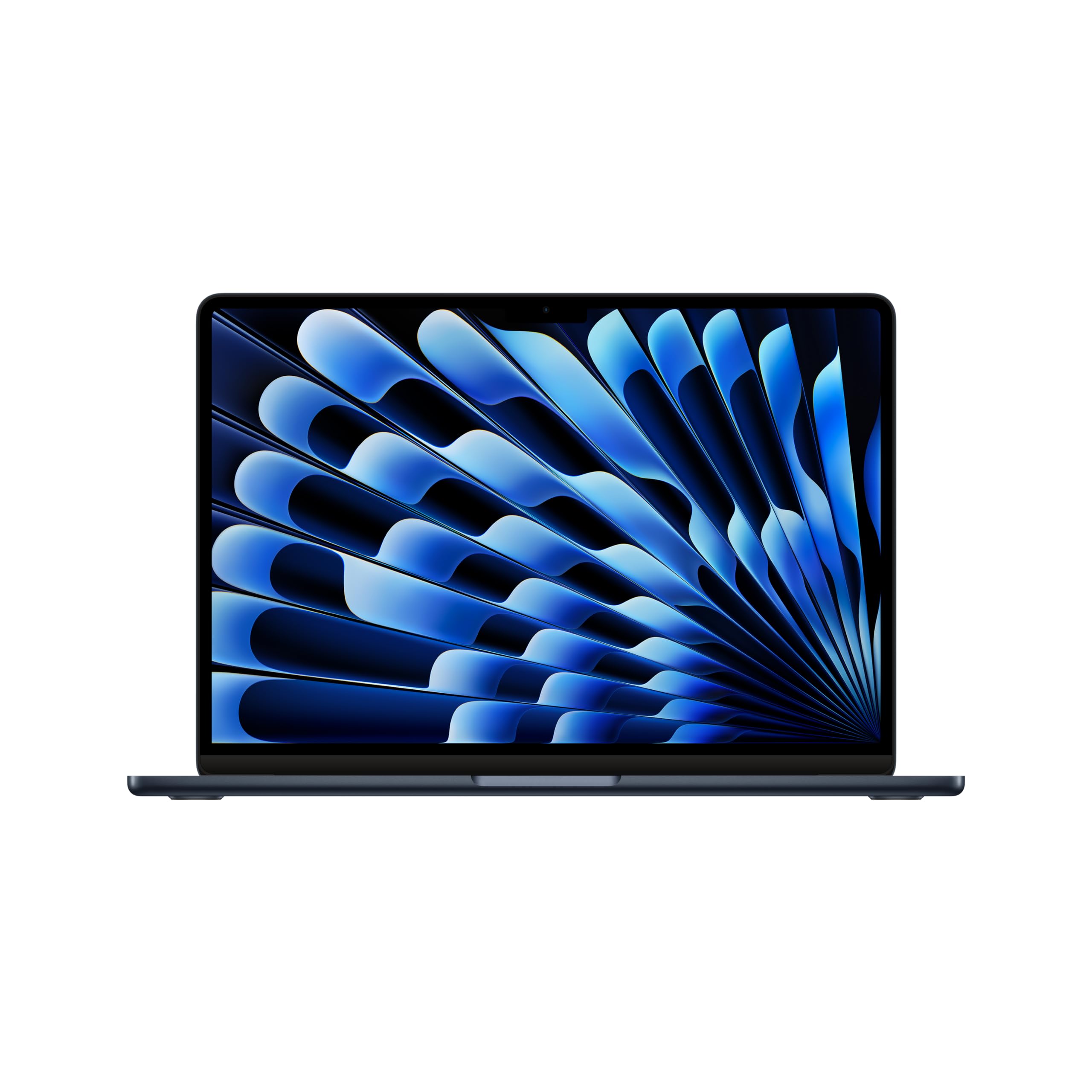
MacBook Air M3
$1099.99

✓ Key Strengths
- •Exceptional battery life (up to 18 hours) allows all-day coding without searching for an outlet.
- •M3 chip delivers fast single-core and multi-core performance for compile and build tasks.
- •Silent, fanless operation is perfect for libraries, coffee shops, or quiet workspaces.
- •Stunning Liquid Retina display with P3 wide color provides accurate UI previews.
- •Lightweight and thin design makes it highly portable for developers on the move.
- •macOS provides a Unix-based terminal, making it easy to run command-line tools and scripts.
- •Fast SSD storage (up to 2TB) ensures quick project loading and file operations.
✗ Key Weaknesses
- •Thermal throttling under sustained heavy loads can slow down long builds and intensive emulation.
- •Limited RAM (max 24GB) may be insufficient for large projects with many dependencies.
- •Only one external display supported natively, reducing multitasking efficiency for multi-monitor setups.
- •Base storage (256GB) is too small for Android SDKs, AVDs, and multiple projects; upgrades are expensive.
- •No SD card slot or USB-A ports; requires dongles or hubs for legacy devices.
- •Repair- and upgradeability is limited; memory and storage are soldered.
What is MacBook Air M3?
What is Android development?
Detailed Analysis
👍 Perfect For
- ✓Students learning Android development who need a portable laptop for class and studying.
- ✓Indie developers building small to medium apps with simple requirements.
- ✓Freelancers who work from different locations and value battery life and quiet operation.
- ✓Developers who primarily use physical Android devices for testing, reducing reliance on emulators.
👎 Not Ideal For
- ✗Professional developers working on large, multi-module enterprise apps with long build times.
- ✗Developers who need to run multiple emulators or heavy virtual machines simultaneously.
- ✗Users who require multiple external monitors for a multi-screen development setup.
- ✗Budget-conscious buyers who prefer upgradeable or more cost-effective Windows laptops.
Use Case Scenarios
Student Learning Android Development
A computer science student who is learning Android basics, building small sample apps, and attending classes. They need a portable, quiet laptop with long battery life.
✓ Strengths
- Portable and lightweight for carrying between classes.
- Excellent battery life for full-day use without charging.
- Silent operation in quiet environments.
- Great display for reading code and UI design.
✗ Weaknesses
- Emulator performance can cause heat and fanless throttling after long sessions.
- Base model storage (256GB) may fill up with SDKs and sample projects over time.
- Maximum 24GB RAM may become a limitation if projects grow or run multiple tools.
💡 Workarounds
- Use a physical Android device for testing instead of the emulator to reduce load.
- Store SDKs and AVD images on an external SSD to save internal storage.
- Upgrade to 16GB RAM and 512GB SSD at purchase for future-proofing.
The portability, battery life, and sufficient performance for beginner projects make it ideal for students, but storage and emulator limitations are minor drawbacks.
Professional Developer on the Go
A freelance Android developer who works from coffee shops, co-working spaces, and home. They manage medium-sized apps with moderate complexity and occasional heavy builds.
✓ Strengths
- Long battery life for all-day remote work.
- Fast enough for most daily builds and emulator usage.
- Silent operation in public spaces.
- High-resolution display for detailed UI design.
✗ Weaknesses
- Thermal throttling can slow down heavy builds and extended emulator use.
- Single external display limit might reduce productivity for multi-tasking.
- Limited RAM (max 24GB) could be tight for large projects with many dependencies.
💡 Workarounds
- Use a cloud build service (e.g., Firebase Test Lab) for heavy builds to reduce local load.
- Connect a single large external monitor (e.g., 4K) at home for expanded screen space.
- Expand storage with a fast external SSD for SDKs and AVDs.
Good portability and performance for on-the-go development, but thermal and RAM limits prevent it from being ideal for heavy professional use.
Power User with Large Codebase
An experienced developer working on a large enterprise Android app with many modules, a huge codebase, and frequent builds. They need maximum performance and multitasking capability.
✓ Strengths
- Fast SSD for quick file access.
- M3 chip's performance per watt is still impressive, but throttling negates it under sustained load.
- macOS stability and Unix terminal are beneficial.
✗ Weaknesses
- Severe thermal throttling under sustained heavy loads, increasing build times significantly.
- RAM limited to 24GB, insufficient for large projects with multiple services.
- Only one external display, reducing multitasking efficiency.
- Cannot upgrade RAM or storage after purchase.
💡 Workarounds
- Use a remote build server or cloud CI like GitHub Actions for heavy compilations.
- Minimize emulator usage; rely on physical devices or cloud-based device farms.
- Keep projects lean and use modularization to reduce build times.
The lack of active cooling, limited RAM, and single display support severely hamper performance for heavy Android development, making it a poor choice for power users.
Developer Preferring Physical Devices for Testing
A developer who tests almost exclusively on a physical Android phone and rarely uses the emulator. They focus on coding, debugging, and occasional builds.
✓ Strengths
- No emulator load means less thermal stress and battery drain.
- Excellent battery life for extended coding sessions.
- Lightweight and portable for traveling with a phone for testing.
✗ Weaknesses
- Heavy builds can still cause some throttling, but less frequent.
- Limited RAM may still be an issue for very large projects.
- Only one external display if needed.
💡 Workarounds
- Use a USB-C to HDMI hub for a single external monitor.
- Upgrade to 24GB RAM if working on large projects.
- Store SDKs on an external SSD to free internal storage.
Without emulator tax, the MacBook Air M3 is an excellent portable option for developers who test on real devices, with only minor compromises.
Related Products You Should Consider
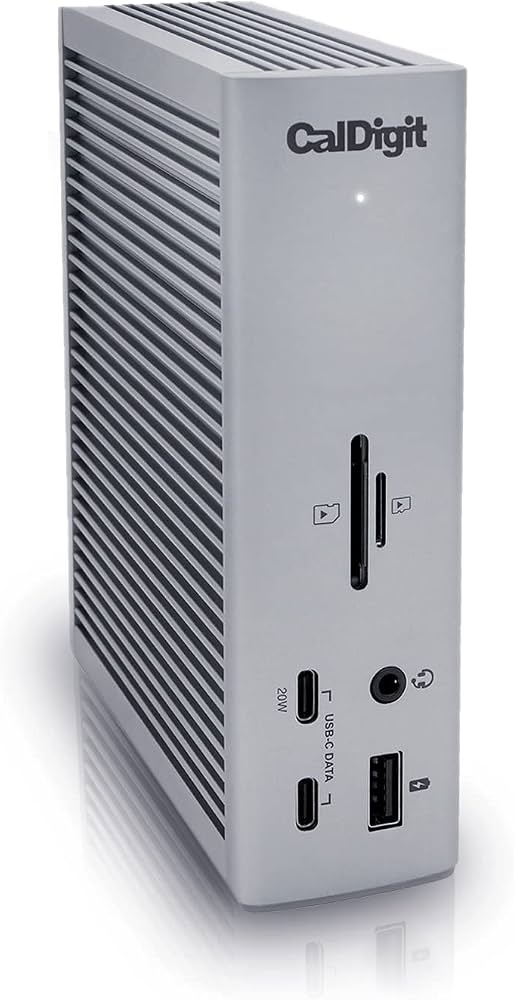
CalDigit TS4 Thunderbolt 4 Dock
$379.99
Why recommend: Overcomes the single display limitation and adds essential ports for a more comfortable development setup.
Best for: Developers who need multiple displays and wired network connectivity.
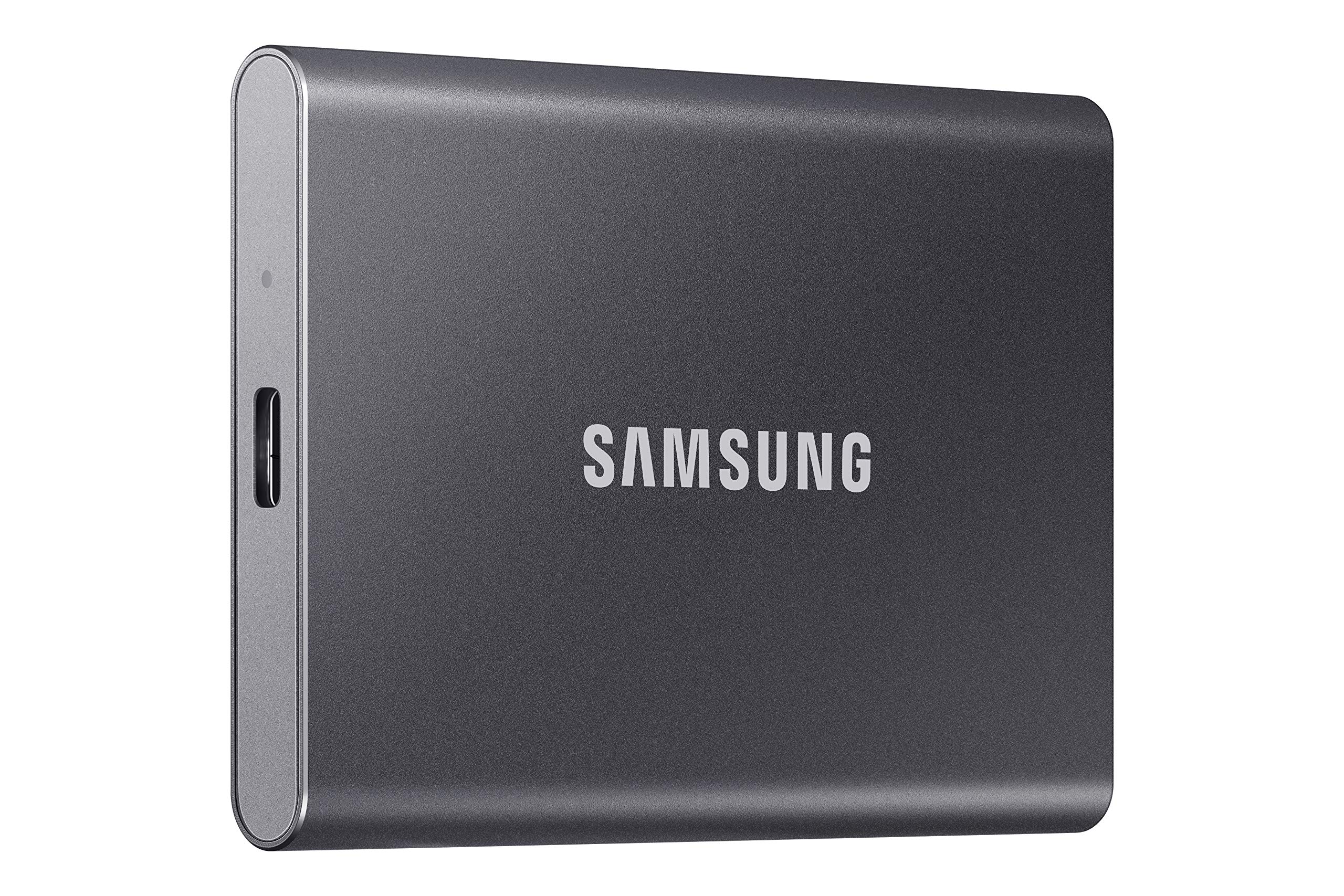
Samsung T7 Portable SSD 1TB
$109.99
Why recommend: Addresses the limited base storage of the MacBook Air M3, allowing you to keep SDKs external and save internal space for projects.
Best for: Developers who need extra storage for SDKs and large projects.
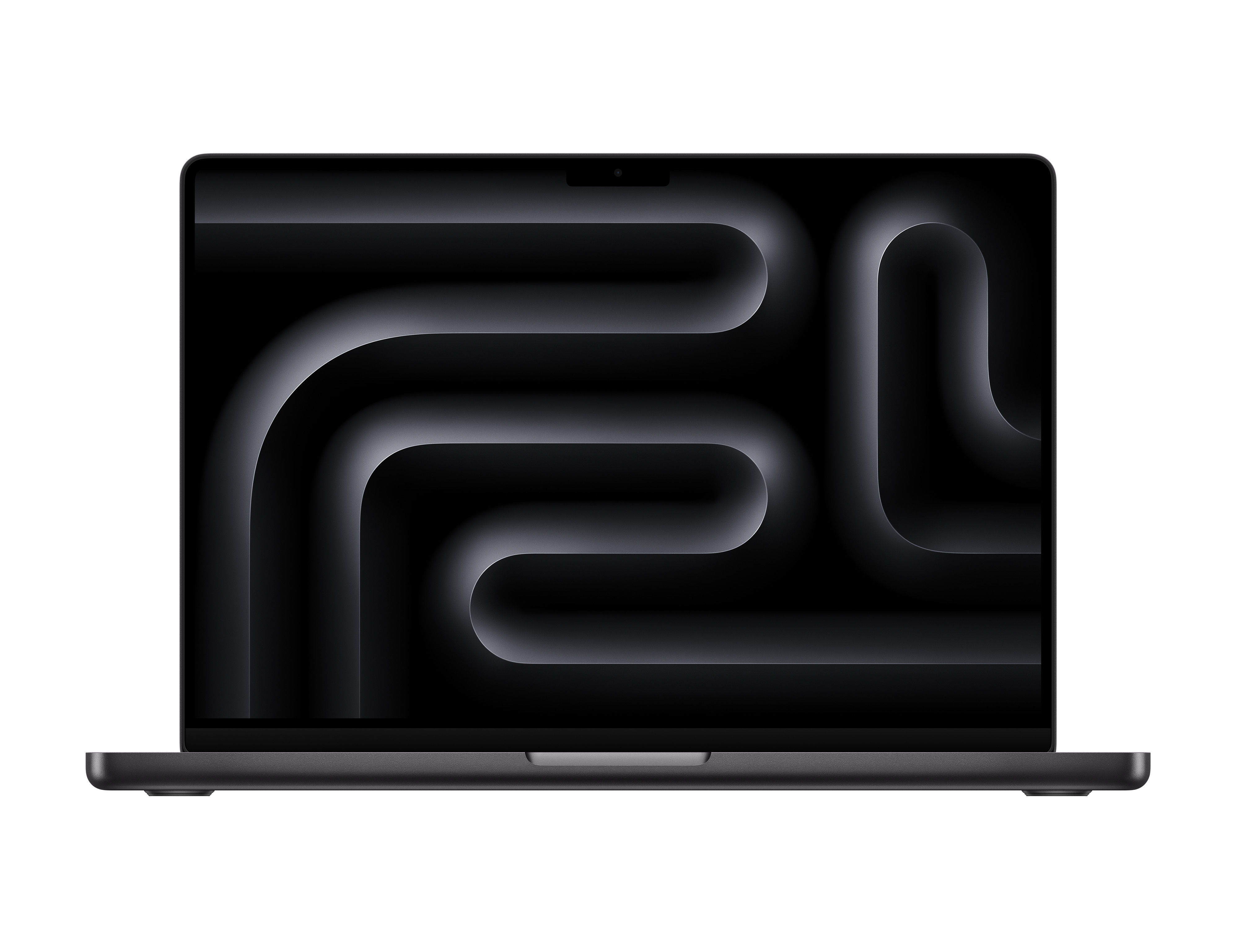
Apple MacBook Pro 14-inch M3 Pro
$1999.99
Why recommend: A direct upgrade for power users who need sustained performance, more RAM, and multi-display support for professional Android development.
Best for: Professional developers with large projects who prioritize performance over portability.
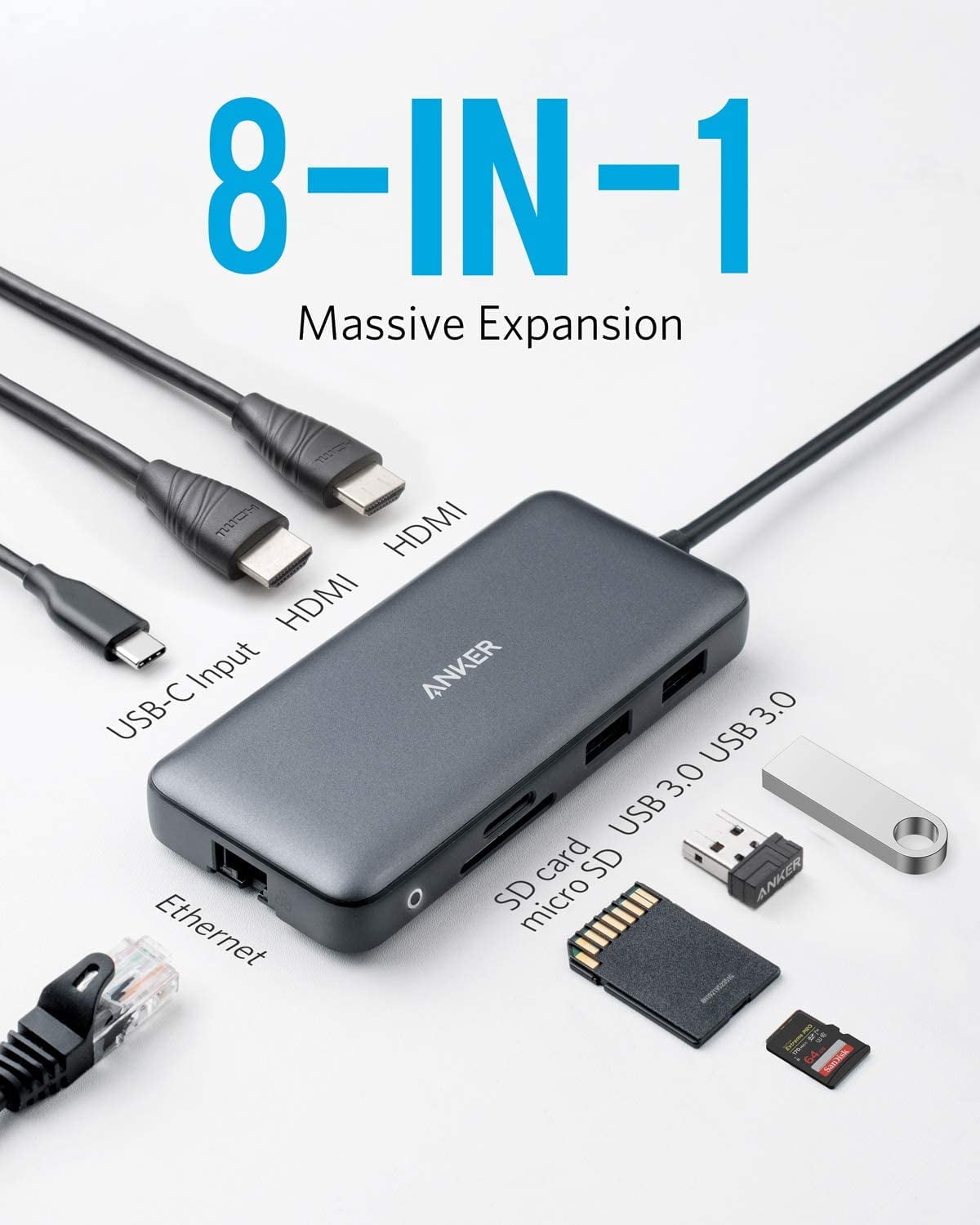
Anker PowerExpand 8-in-1 USB-C Hub
$39.99
Why recommend: A budget-friendly way to add essential ports for a desk setup without the cost of a full Thunderbolt dock.
Best for: Developers on a budget who need basic connectivity expansion.

Logitech MX Master 3S Mouse
$99.99
Why recommend: Enhances comfort and efficiency during long coding sessions compared to the trackpad.
Best for: Developers who prefer a mouse for precise navigation and ergonomic support.
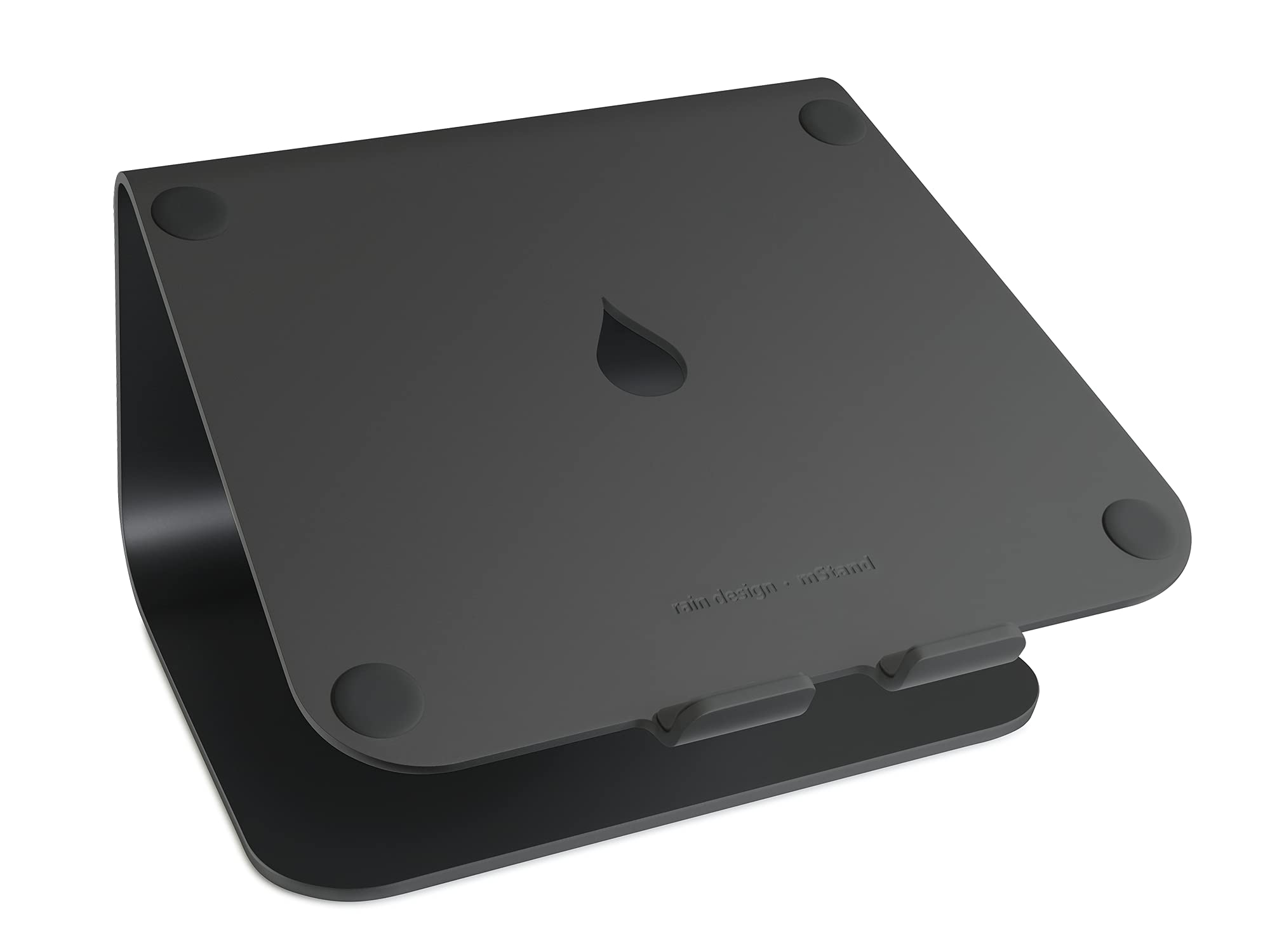
Rain Design mStand Laptop Stand
$49.99
Why recommend: Reduces neck strain and promotes better ergonomics for all-day coding.
Best for: Developers who work at a desk for extended periods.
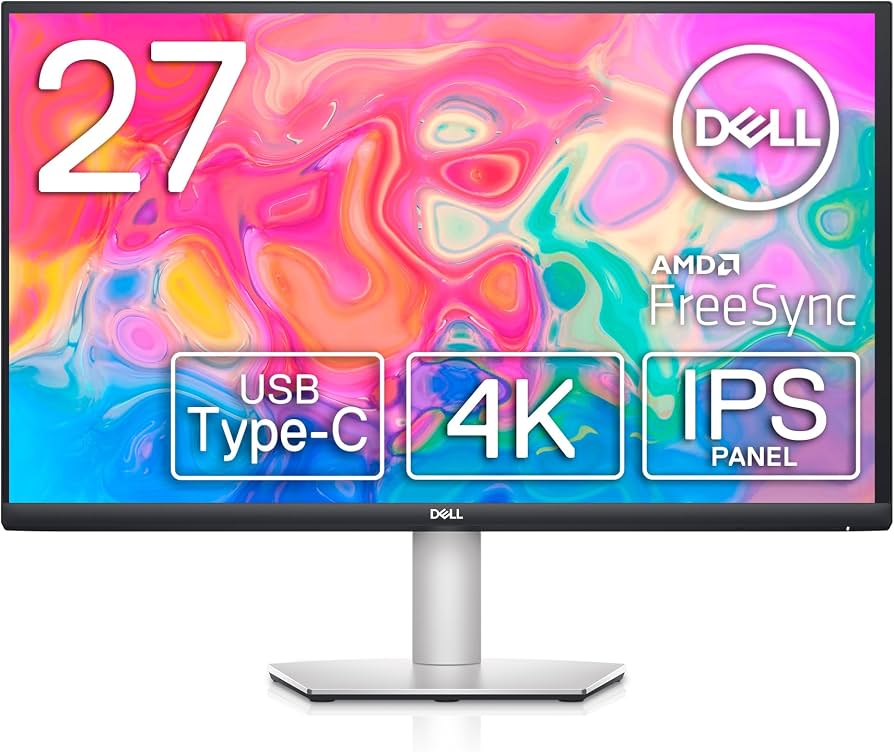
Dell S2722QC 27-inch 4K Monitor
$309.99
Why recommend: Provides a large, high-resolution screen that pairs well with the MacBook Air M3 for improved productivity and better ergonomics.
Best for: Developers who want a single, high-quality external monitor.

AppleCare+ for MacBook Air
$249.00
Why recommend: Provides peace of mind for a premium laptop that is not easily repairable, covering accidental spills, drops, and hardware failures.
Best for: Anyone investing in a MacBook Air, especially those who travel frequently.
Bottom Line
Ready to get the MacBook Air M3? Check the latest price on Amazon.
🛒 Buy on AmazonAs an Amazon Associate we earn from qualifying purchases.
Frequently Asked Questions
Is the MacBook Air M3 good for Android development?
It's good for light to moderate Android development, such as small to medium projects and learning. For large enterprise apps or heavy emulator use, a MacBook Pro with active cooling is better.
Can you use MacBook Air M3 for Android development professionally?
Yes, but with caveats. It works well for professionals who test on physical devices and have moderate builds. For heavy workloads, consider the MacBook Pro M3 Pro or a Windows laptop with more RAM and better cooling.
Is the MacBook Air M3 suitable for Android development with an emulator?
The M3 chip can run the emulator, but the fanless design may cause thermal throttling under sustained emulation, leading to slower performance. For occasional emulator use, it's fine; for constant emulator use, a Pro model is better.
What's better than MacBook Air M3 for Android development?
MacBook Pro 14-inch M3 Pro/Max offers better thermal management, more RAM (up to 96GB), and multiple external display support. Windows laptops like Dell XPS 15 or ThinkPad P1 with Intel i7/i9 and upgradeable RAM are also strong alternatives.
Does MacBook Air M3 work for Android development with Kotlin and Jetpack Compose?
Yes, Android Studio and Kotlin compile well. Jetpack Compose preview may be slightly slower on the base model, but overall it's functional. Upgrading to 16GB RAM helps.
How much RAM do I need for Android development on MacBook Air M3?
16GB is the minimum recommended for comfortable development. 24GB is better for larger projects or if you run multiple tools. Avoid 8GB unless doing very basic tasks.
Can the MacBook Air M3 handle large Android projects?
It can handle them, but build times will be longer due to thermal throttling and limited RAM. For large projects (100k+ lines), consider a MacBook Pro with active cooling and more RAM.
Is MacBook Air M3 good for Android development with multiple monitors?
The M3 chip supports only one external display natively. You can use DisplayLink adapters to add more, but performance may vary. For multi-monitor setups, MacBook Pro M3 Pro/Max supports up to three displays.
What are the best accessories for MacBook Air M3 for Android development?
A USB-C hub (like Anker PowerExpand), external SSD (Samsung T7), ergonomic mouse (Logitech MX Master 3S), and a laptop stand (mStand) are highly recommended.
Should I buy MacBook Air M3 or MacBook Pro for Android development?
Choose Air if you prioritize portability, battery life, and work on smaller projects. Choose Pro if you need sustained performance for heavy builds, more RAM, and multiple monitors.
Can you use Android Studio on MacBook Air M3?
Yes, Android Studio runs natively on Apple Silicon and performs well. The M3 chip handles the IDE smoothly, but ensure you have at least 16GB RAM for best experience.
Is MacBook Air M3 good for Android development if I use Linux tools?
macOS has a Unix-based terminal, making many Linux tools compatible via Homebrew. You can install adb, fastboot, and Gradle easily. So it's a good fit if you prefer macOS.