
Quick Verdict
The Logitech G Pro X Superlight is a good choice for MOBA gaming for players who value ultra-lightweight and precise clicks, but its limited side buttons and shape make it less versatile for those who need extensive mouse button customization.
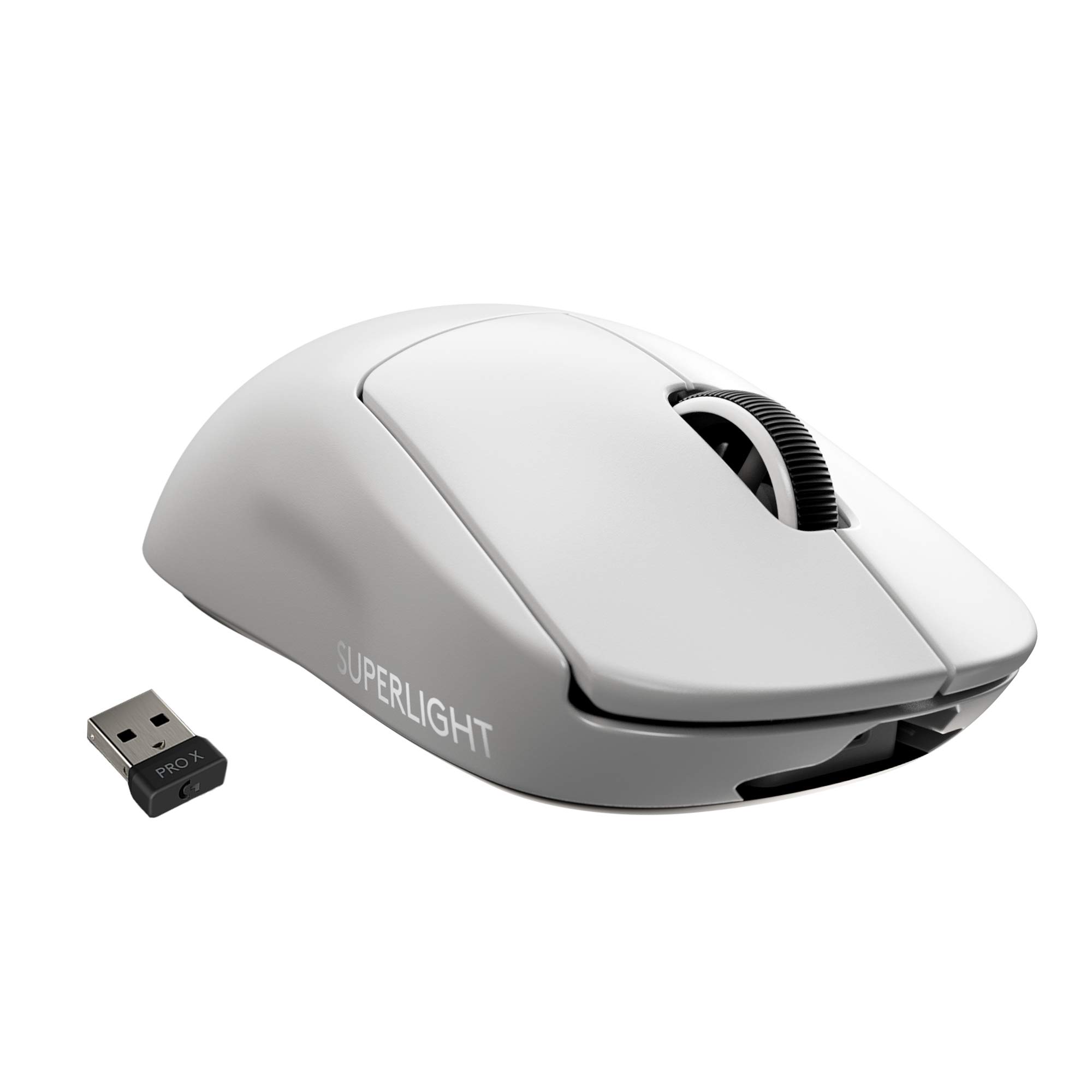
Logitech G Pro X Superlight
$139.99

✓ Key Strengths
- •Extremely lightweight (63g) reduces hand fatigue during long MOBA sessions
- •Crisp, responsive main clicks ideal for rapid attack-move and last-hitting
- •Flawless HERO 25K sensor ensures precise tracking for skill shots
- •Excellent battery life (up to 70 hours) with no downtime
- •Low latency LIGHTSPEED wireless, indistinguishable from wired
- •Large PTFE feet provide smooth, consistent glide on any surface
- •Minimal design avoids accidental button presses during intense fights
- •Optional grip tape included for enhanced control
✗ Key Weaknesses
- •Only two side buttons, insufficient for binding multiple abilities and items
- •Symmetrical shape may not suit palm grip users or larger hands
- •Side buttons are small and somewhat stiff, less ideal for quick ability activation
- •No adjustable weight or customizable RGB (not a priority for MOBA but missing for some)
- •Reported double-clicking issues on some units over time
What is Logitech G Pro X Superlight?
What is MOBA gaming?
Detailed Analysis
👍 Perfect For
- ✓MOBA players who use keyboard for all abilities and only need mouse for basic commands
- ✓Players who prioritize lightweight design to reduce hand fatigue in long sessions
- ✓Competitive gamers who want a no-frills, high-performance mouse for precision clicks
- ✓Fingertip or claw grip users who benefit from the low weight and responsive clicks
👎 Not Ideal For
- ✗MOBA players who rely heavily on mouse buttons for abilities, items, or pings
- ✗Palm grippers with large hands who need a wider, more ergonomic shape
- ✗Players who prefer heavy mice with more tactile feedback
- ✗Budget-conscious gamers seeking a cheaper alternative with more features
Use Case Scenarios
Competitive League of Legends Player with Keyboard Abilities
A high-elo League player who uses default keyboard bindings (Q,W,E,R, etc.) and only uses mouse for attack-move, movement, and occasional item activations on side buttons.
✓ Strengths
- Ultra-lightweight reduces fatigue in extended sessions
- Crisp main clicks enhance attack-move precision
- Perfect for players who want minimal buttons to avoid misclicks
- Flawless tracking supports precise skill shots
✗ Weaknesses
- If player later wants more side buttons, they'd need a new mouse
- Shape may be too narrow for larger hands using claw grip
💡 Workarounds
- Use G-shift in Logitech G Hub to assign secondary functions to the two side buttons
- Consider buying grip tape (included) for better control
For a player who doesn't need many mouse buttons, the Superlight's strengths outweigh its weaknesses, providing a premium lightweight experience.
Dota 2 Player Using Many Mouse Buttons for Items
A Dota 2 player who prefers to bind items (like Blink Dagger, BKB, etc.) to side buttons for faster activation, often requiring 4-6 thumb buttons.
✓ Strengths
- Main clicks are great for denying and last-hitting
- Low weight helps with rapid mouse movement for map awareness
✗ Weaknesses
- Insufficient side buttons for item bindings
- Side buttons are stiff and not ideal for frequent use
- Shape not ergonomic for prolonged item-spamming sessions
💡 Workarounds
- Use G-shift to double the number of functions (e.g., side button 1 + shift = another item), but this requires coordination and may slow down actions
- Consider a mouse with more buttons for a better experience
The Superlight's button layout significantly hampers the ability to efficiently use item hotkeys, making it a poor fit for this player's needs.
Casual MOBA Player Who Plays Occasionally
A casual player who plays a few MOBA games per week, not at a high competitive level, and doesn't mind using keyboard for most commands.
✓ Strengths
- Pleasant to use with low effort clicks
- Wireless freedom without compromising performance
- Long battery life means infrequent charging
✗ Weaknesses
- Higher cost than needed for casual play
- Missing extra buttons that could simplify casual gameplay
💡 Workarounds
- Assign simple functions to the two side buttons (e.g., 'Recall' and 'Quick Ping')
- Combine with a cheap keyboard with macro keys if needed
While the Superlight is more than capable, its premium price may not be justified for casual play. But if the user also values weight and wireless, it's a solid choice.
Player with Large Hands Using Palm Grip
A player with large hands who prefers a palm grip and wants a comfortable mouse for sustained MOBA gaming.
✓ Strengths
- Low weight is still beneficial for reduced fatigue
- Main clicks are still good
✗ Weaknesses
- Shape is too small and narrow for palm grip
- No palm support leads to discomfort in extended sessions
- Side buttons may be hard to reach
💡 Workarounds
- Consider using claw or fingertip grip with this mouse, but that may not be comfortable for large hands
- Add grip tape for better hold, but shape remains an issue
The Superlight's shape is fundamentally unsuitable for palm grip with large hands, making it a poor choice for this scenario.
Related Products You Should Consider
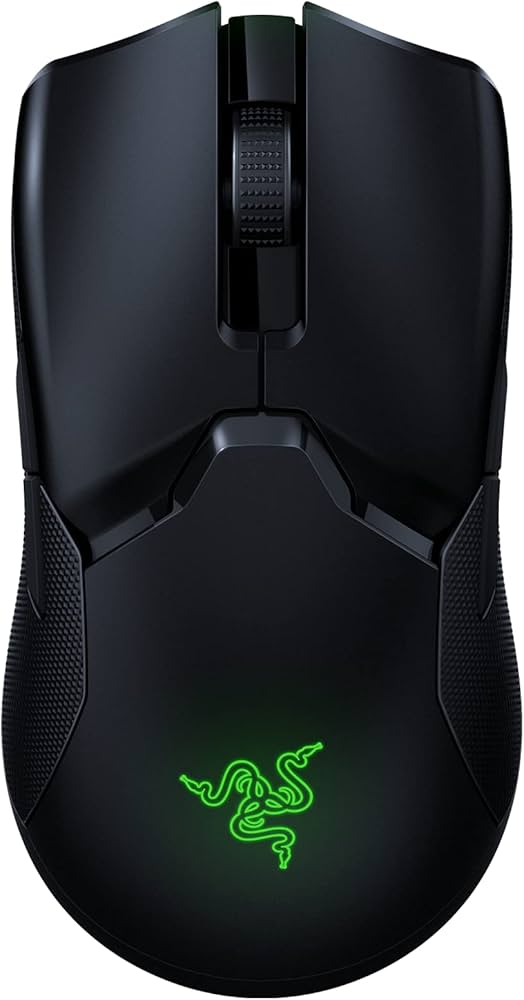
Razer Viper Ultimate
$129.99
Why recommend: Offers more buttons while maintaining similar weight and performance.
Best for: MOBA players who want a lightweight wireless mouse with enough buttons for abilities/items.
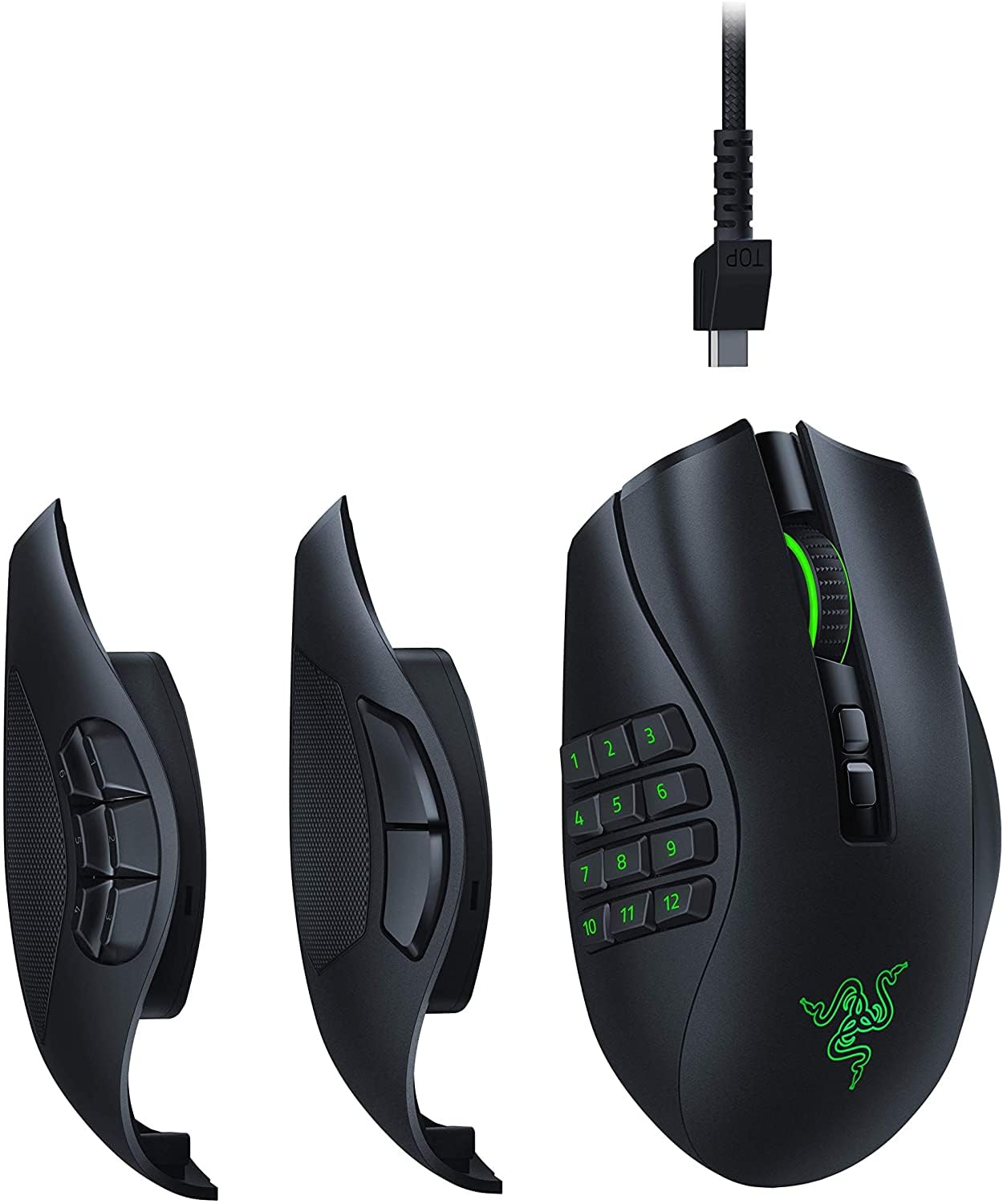
Razer Naga Pro
$149.99
Why recommend: Provides customizable side buttons perfectly suited for MOBA bindings.
Best for: MOBA players who want maximum button options and don't mind a heavier mouse.
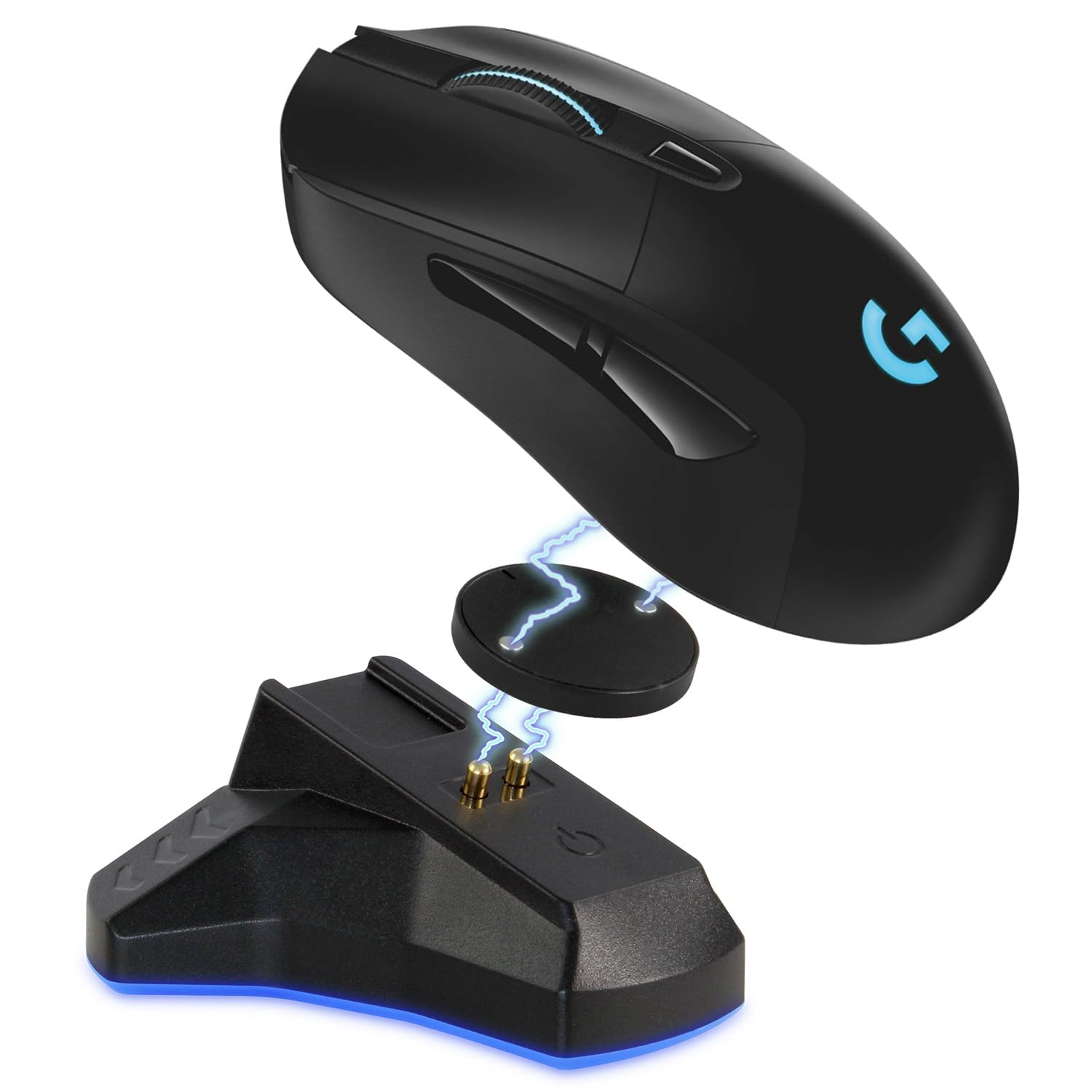
Logitech G703 Lightspeed
$99.99
Why recommend: Better ergonomics for palm grip users at a lower price.
Best for: MOBA players with large hands who use palm grip and want a Logitech wireless mouse.
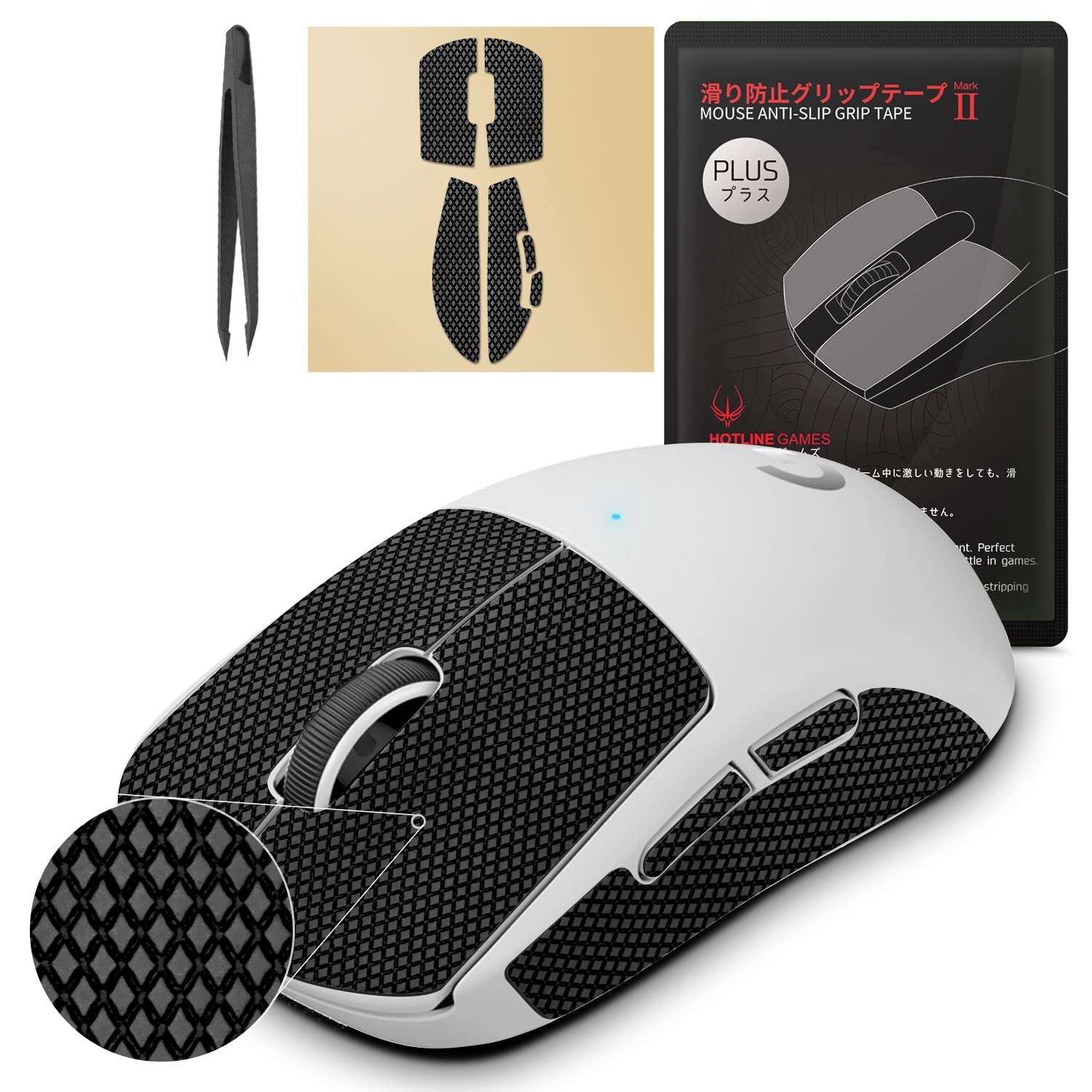
Logitech G Pro X Superlight Grip Tape
$9.99
Why recommend: Enhances comfort and control for MOBA gaming, easy to apply.
Best for: Superlight users who want a more secure grip and reduced slipping.
Logitech G PowerPlay Wireless Charging System
$119.99
Why recommend: Keeps the Superlight charged indefinitely, ideal for players who hate cables.
Best for: Dedicated MOBA players who want a truly wireless experience without ever worrying about battery.
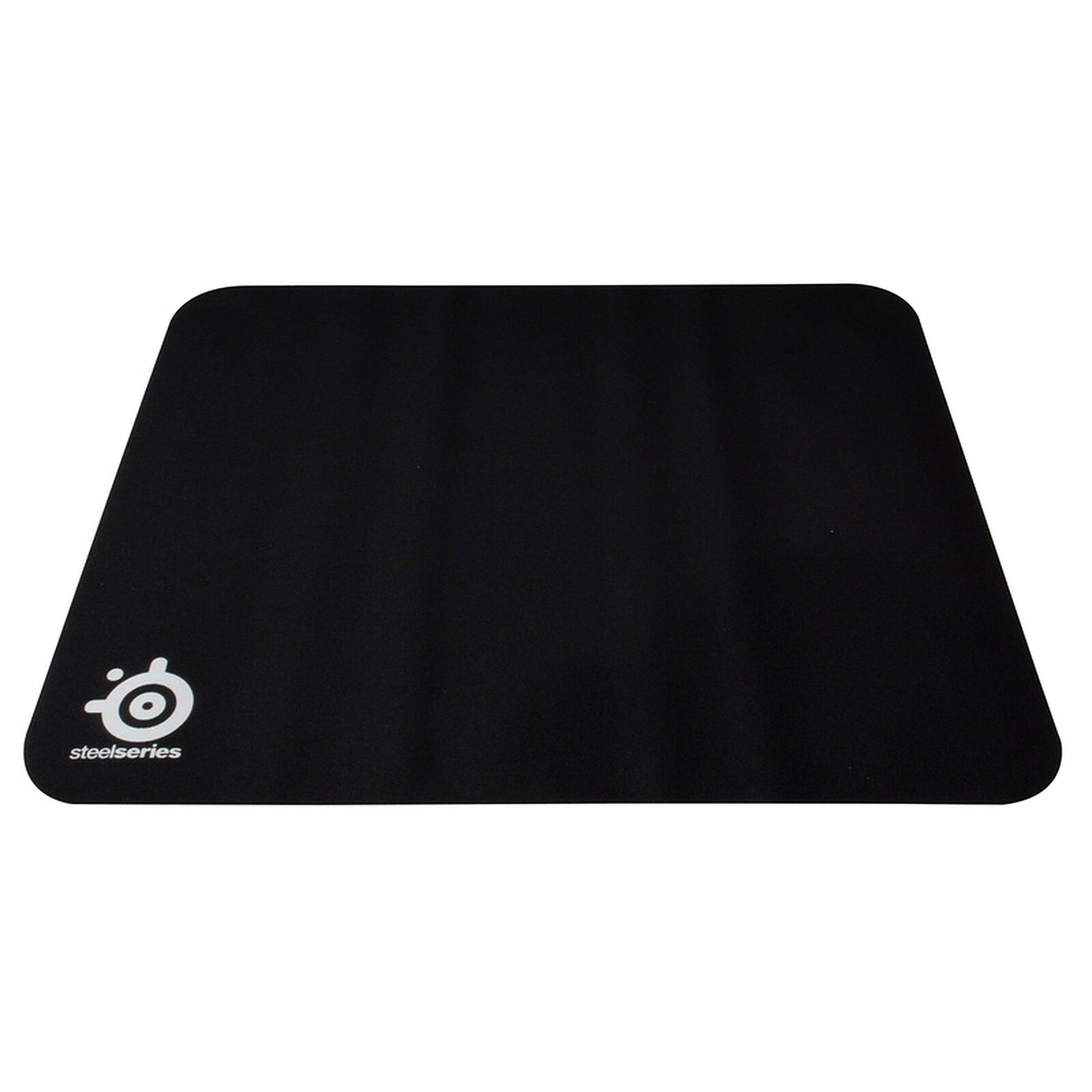
SteelSeries QcK Gaming Mouse Pad
$9.99
Why recommend: Improves glide and consistency, affordable upgrade.
Best for: Any MOBA player looking for a reliable, low-cost mouse pad.
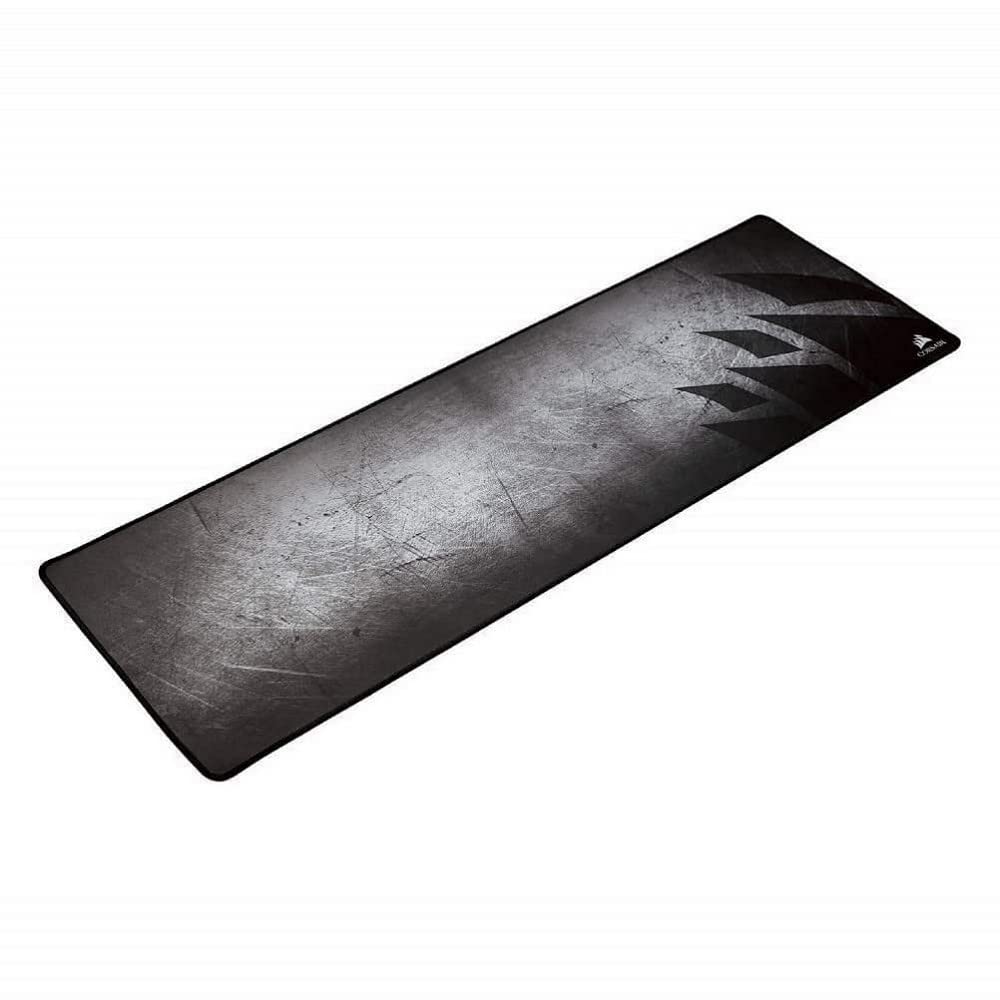
Corsair MM300 Anti-Fray Cloth Gaming Mouse Pad
$14.99
Why recommend: Large surface area reduces need to reposition mouse, keeps desk clean.
Best for: Players who use low DPI or want extra space for sweeping movements.
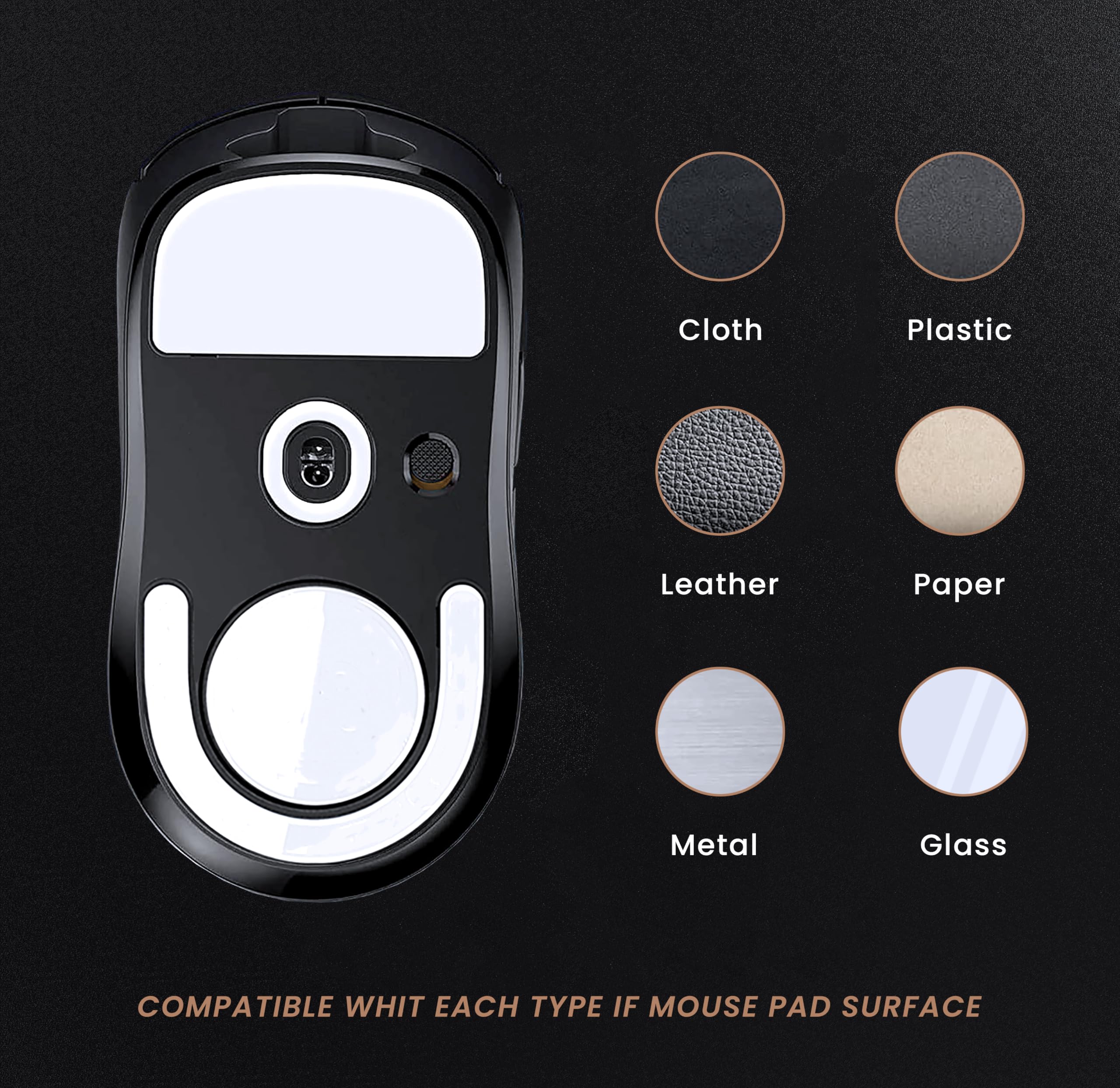
Logitech G Pro X Superlight Replacement PTFE Feet
$7.99
Why recommend: Extends the life of the mouse and maintains smooth gliding.
Best for: Superlight owners who notice degraded glide or want spare feet.
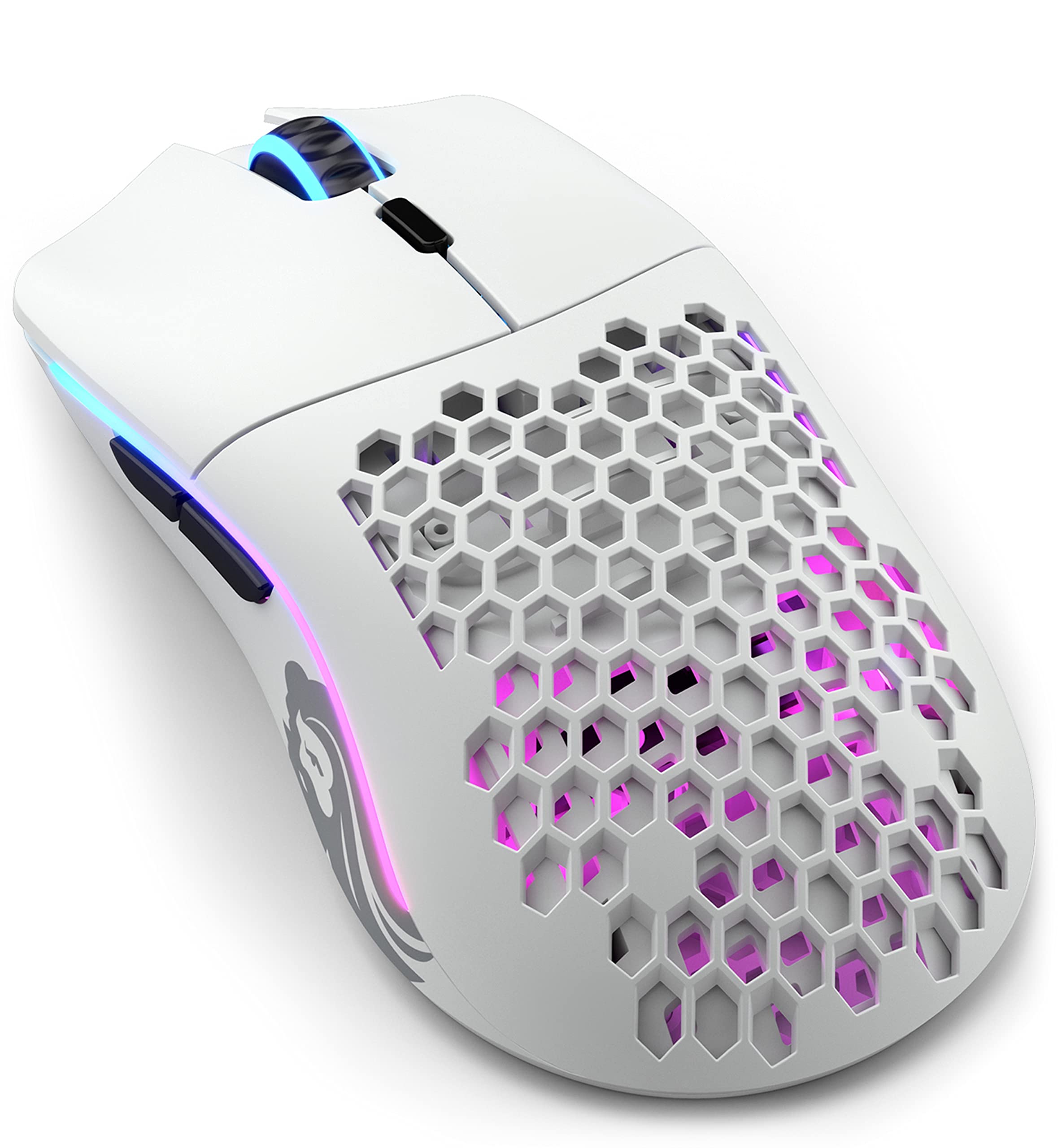
Glorious Model O Wireless
$79.99
Why recommend: Offers similar lightweight wireless performance at a lower price point.
Best for: Budget-conscious MOBA players who still want a lightweight wireless mouse.
Bottom Line
Ready to get the Logitech G Pro X Superlight? Check the latest price on Amazon.
🛒 Buy on AmazonAs an Amazon Associate we earn from qualifying purchases.
Frequently Asked Questions
Is Logitech G Pro X Superlight good for MOBA gaming?
Yes, but with caveats. It excels in lightweight and click precision, making rapid clicking comfortable. However, its two side buttons may be insufficient for players who want to bind multiple abilities or items. It's best for players who use keyboard for most commands.
Can you use Logitech G Pro X Superlight for MOBA gaming?
Absolutely, you can use it. The mouse is fully functional for MOBAs. The main clicks are excellent, the sensor is flawless, and wireless performance is top-notch. The only limitation is the button count, which may require you to adapt your playstyle.
Is Logitech G Pro X Superlight suitable for MOBA gaming?
It is suitable for MOBA gaming if you don't need many extra buttons. For players who prioritize weight and click feel over button programmability, it's a very suitable high-end choice.
What's better than Logitech G Pro X Superlight for MOBA gaming?
For MOBA gaming, a mouse with more side buttons like the Razer Naga Pro (swappable 6-button plate) or Razer Viper Ultimate (8 buttons) is often better. The Logitech G703 is a more ergonomic alternative if you prefer a palm grip.
Does Logitech G Pro X Superlight work for MOBA gaming?
Yes, it works perfectly for MOBA gaming. Its performance is excellent in terms of tracking, latency, and click registration. The only potential issue is the limited number of programmable buttons.
Logitech G Pro X Superlight vs Razer Viper Ultimate for MOBA gaming?
The Viper Ultimate has more buttons (8 vs 2 side), making it more versatile for MOBA. Both are lightweight, wireless, and have great sensors. The Superlight is slightly lighter (63g vs 74g), but the Viper Ultimate offers better button layout for ability binding. Choose Viper Ultimate if you need buttons; Superlight if you want absolute minimalism.
Best accessories for Logitech G Pro X Superlight for MOBA gaming?
Recommended accessories include the official grip tape for better hold, a good mousepad like the SteelSeries QcK for consistent glide, and replacement PTFE feet for longevity. The PowerPlay charging pad is optional but convenient.
How to use Logitech G Pro X Superlight for MOBA gaming?
Set up via Logitech G Hub: adjust DPI to your preferred sensitivity (typically 800-1600 dpi for MOBA), assign the two side buttons to abilities, items, or pings. Consider using G-shift to double the button functions. For best results, use a claw or fingertip grip to take advantage of the low weight.
Is the Logitech G Pro X Superlight worth it for MOBA?
If you are a competitive MOBA player who values lightweight and click precision and can cope with limited side buttons, yes. For casual players or those who need many thumb buttons, there are better value options.
Does the Logitech G Pro X Superlight have double-click issues?
Some users have reported double-clicking after extended use, likely due to the mechanical switches. Logitech's warranty covers this, but it's a known concern. If this worries you, consider optical switch mice like Razer Viper Ultimate.