
Quick Verdict
The Logitech G Pro X Superlight is a good MOBA mouse for players who value lightweight speed and flawless sensor performance, but its limited button count holds it back for those who need extensive mouse-based keybinds. It works well as a versatile option for gamers who play both MOBA and FPS.
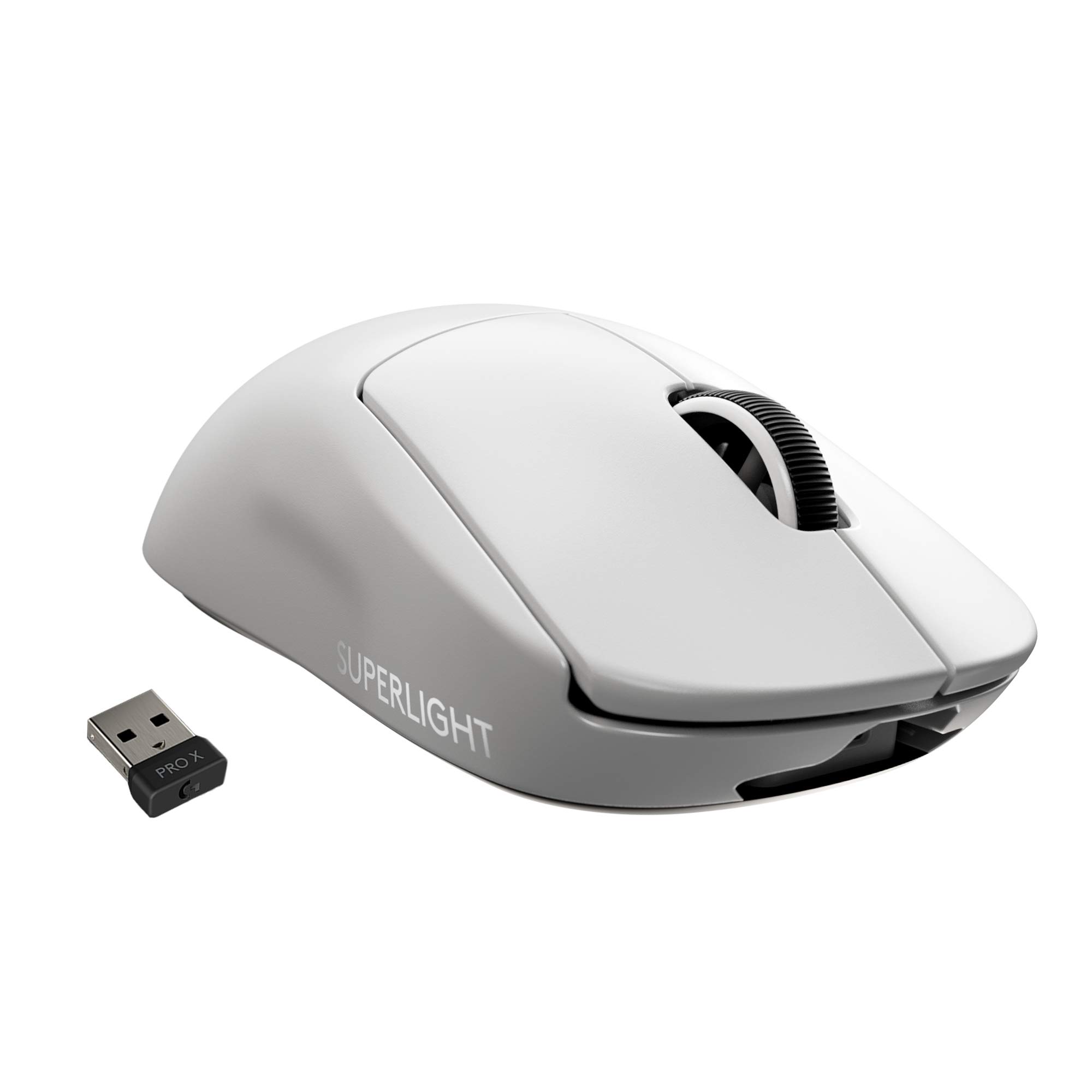
Logitech G Pro X Superlight
$149.99

✓ Key Strengths
- •Ultra-lightweight (63g) reduces fatigue during long MOBA matches
- •HERO 25K sensor delivers flawless tracking with zero smoothing
- •LIGHTSPEED wireless offers low-latency, reliable connection
- •Exceptional build quality and durable Omron switches (50M clicks)
- •Long battery life (70 hours) with fast charging via USB-C
- •Large PTFE feet provide smooth gliding on most mouse pads
✗ Key Weaknesses
- •Only two side buttons, limiting in-game binding options for abilities/items
- •Ambidextrous shape may not suit all hand sizes or grip styles
- •Relatively high price compared to mice with more buttons
- •No adjustable weight or RGB lighting (cosmetic preference)
- •Scroll wheel lacks free-spin mode preferred by some for inventory navigation
What is Logitech G Pro X Superlight?
What is MOBA?
Detailed Analysis
👍 Perfect For
- ✓MOBA players who rely primarily on keyboard for abilities and use mouse only for movement and attacks
- ✓Competitive gamers who prioritize weight and sensor performance over extra buttons
- ✓Players with small to medium hands who use claw or fingertip grip
- ✓Those who want a single mouse that excels in both FPS and MOBA without compromise
- ✓Minimalists who prefer a clean, no-frills design
👎 Not Ideal For
- ✗MOBA players who heavily use mouse side buttons for abilities (e.g., Dota 2 players with complex keybinds)
- ✗Gamers with large hands who find the shape too small for comfortable palm grip
- ✗Players on a tight budget who need more features per dollar
- ✗Those who prefer a mouse with adjustable weight or customizable RGB
Use Case Scenarios
Competitive MOBA Player (Keyboard-Centric)
A high-level MOBA player who uses keyboard for all ability activations and items, and only needs the mouse for movement, basic attacks, and maybe one or two quick commands.
✓ Strengths
- Extremely low weight enhances agility and reduces strain
- Flawless sensor for pixel-perfect cursor control
- Low-latency wireless for instant response
- Durable switches withstand high APM
✗ Weaknesses
- Limited side buttons may require heavy keyboard reliance
- Shape may not be ideal for palm grip users with large hands
💡 Workarounds
- Use keyboard for all ability bindings; mouse for attack-move and ping
- Attach grip tape (e.g., BTL Grip Tape on Amazon) to improve shape comfort
The mouse excels in core performance metrics that matter most to competitive players: weight, sensor, and latency. The button limitation is irrelevant for this player type.
MOBA Player with Heavy Mouse Binding Needs
A player who prefers to bind multiple abilities, items, and quick commands to mouse buttons to reduce keyboard hand movement, common in Dota 2 or Smite.
✓ Strengths
- Low weight still helps with rapid movements
- Sensor accuracy remains beneficial for skill shots
✗ Weaknesses
- Insufficient side buttons for desired bindings
- Forces reliance on keyboard, reducing potential benefit
💡 Workarounds
- Use keyboard for all binds (defeats purpose of mouse binding)
- Consider a MOBA-specific mouse with more buttons like the Razer Naga Pro
- If determined to use Superlight, map only two most-used actions to side buttons
The mouse does not meet the core requirement of multiple programmable buttons, making it a poor choice for this use case.
Casual MOBA Player (Mixed Usage)
A player who enjoys MOBAs occasionally and also plays other genres like FPS or RPG. They want a versatile mouse that works well across genres without breaking the bank.
✓ Strengths
- Versatile performance across gaming genres
- Lightweight and comfortable for extended sessions
- Wireless freedom without compromising latency
- Excellent sensor for all types of games
✗ Weaknesses
- Price may be high for casual use compared to more affordable options
- Button count may limit advanced MOBA play
💡 Workarounds
- Utilize software (G HUB) to create profiles for different games
- Invest in a good mouse pad like the Logitech G640 to enhance glide
The Superlight offers a great all-around experience for casual MOBA players, but its price and button limitation prevent it from being perfect.
MOBA Player with Large Hands
A player with large hands (over 19cm) who uses a palm grip and wants a mouse that fills the hand for comfort during long games.
✓ Strengths
- Low weight still helps with quick flicks
- Good sensor and wireless performance
✗ Weaknesses
- Shape too small for comfortable palm grip with large hands
- May cause hand fatigue or cramps
💡 Workarounds
- Switch to claw or fingertip grip (if comfortable)
- Use a larger mouse like the Razer DeathAdder V2 Pro or Logitech G703
- Consider adding grip tape to widen the shell slightly
The mouse is functional but ergonomically suboptimal for large-handed palm grippers, making it a decent compromise at best.
Related Products You Should Consider
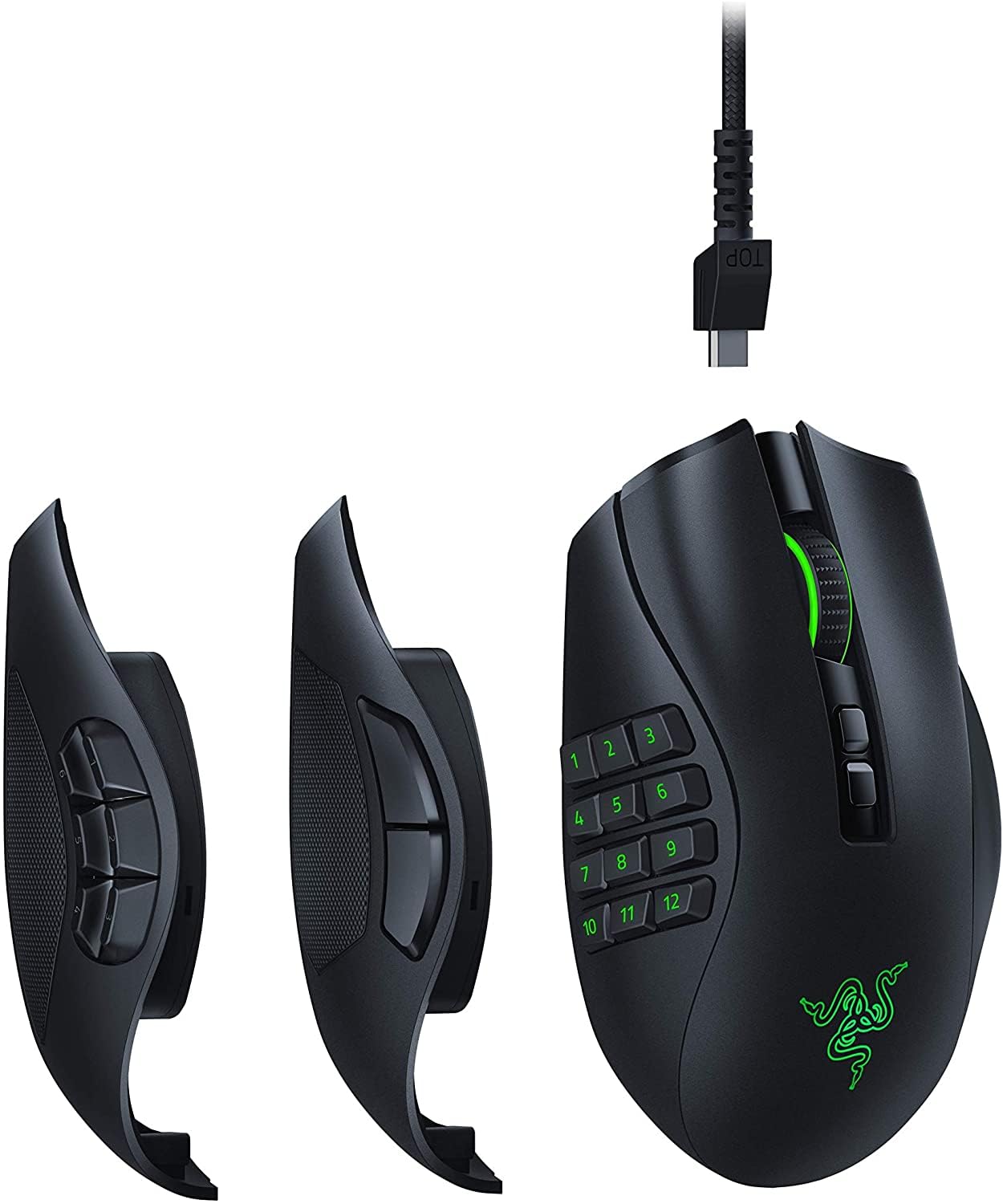
Razer Naga Pro Wireless
$149.99
Why recommend: If you need more side buttons for MOBA, the Naga Pro is a superior choice with its customizable side plates.
Best for: MOBA players who rely on mouse binds for abilities and items.
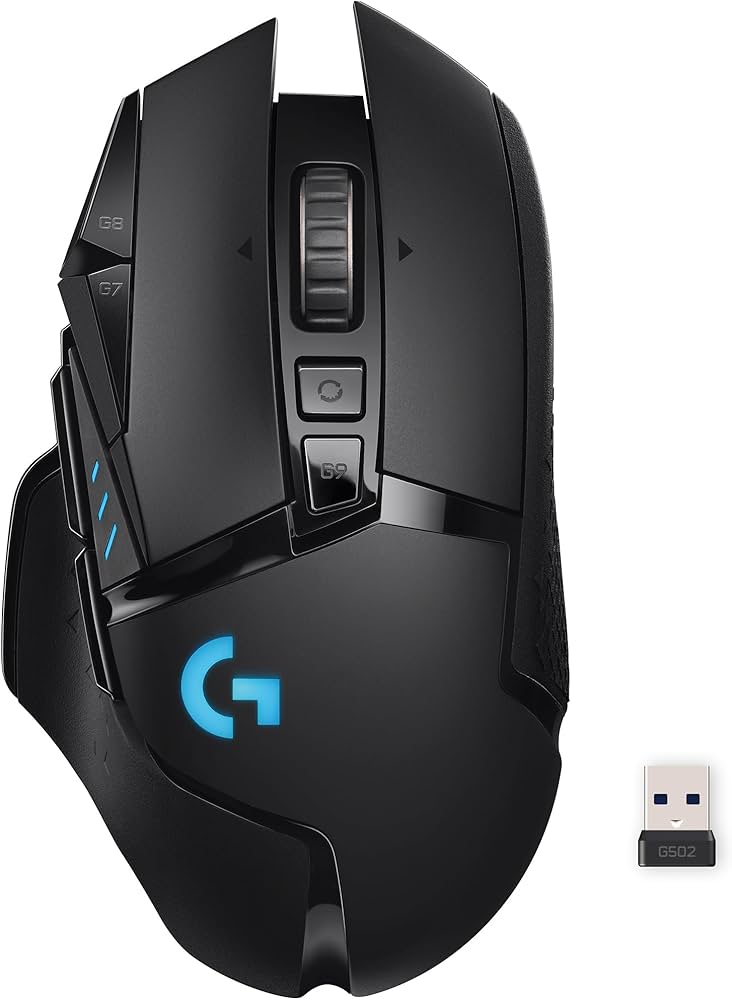
Logitech G502 Lightspeed Wireless
$129.99
Why recommend: Provides more buttons and customization compared to the Superlight, ideal for button-intensive MOBA gaming.
Best for: MOBA players who want plenty of programmable buttons and don't mind a heavier mouse.
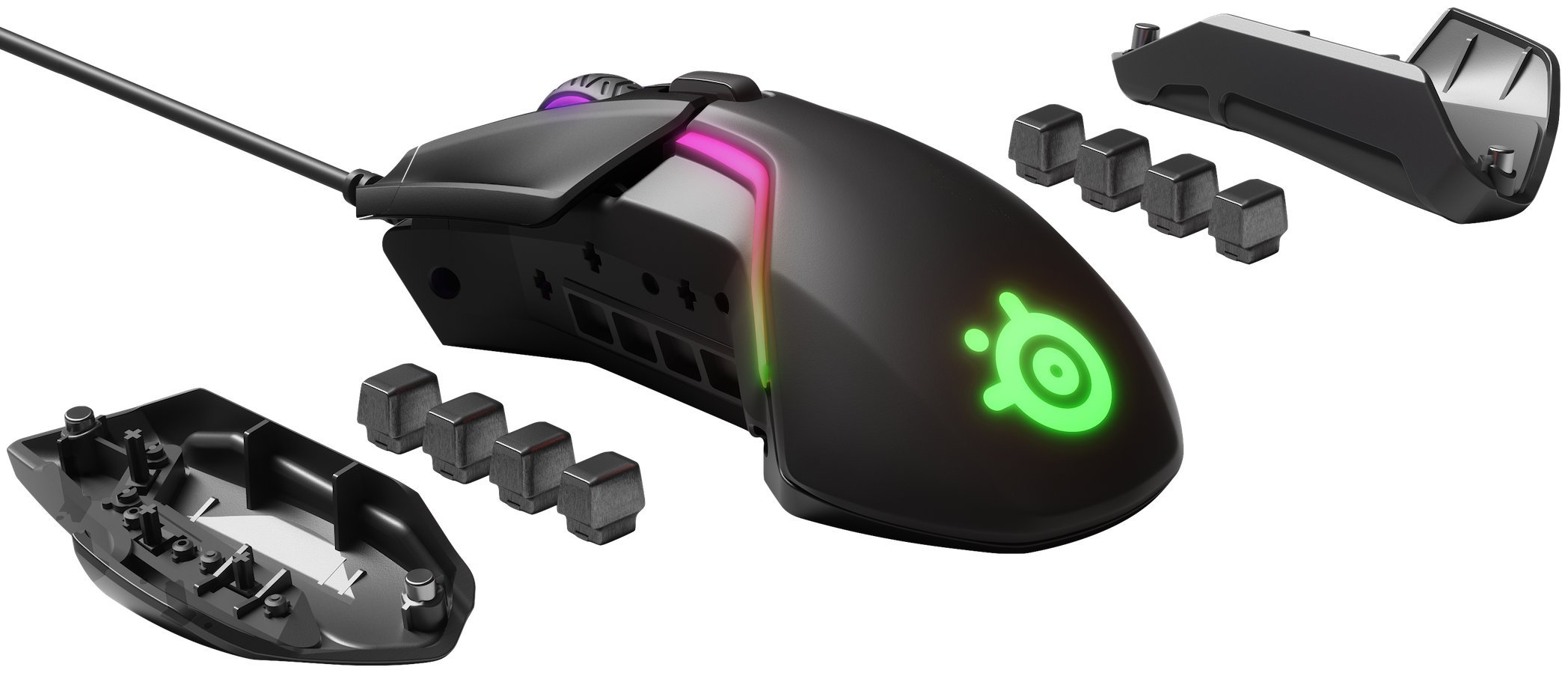
SteelSeries Rival 600
$79.99
Why recommend: Affordable alternative with more buttons and weight customization, suitable for MOBA on a budget.
Best for: Budget-conscious MOBA gamers who prefer wired mice and need more programmable buttons.
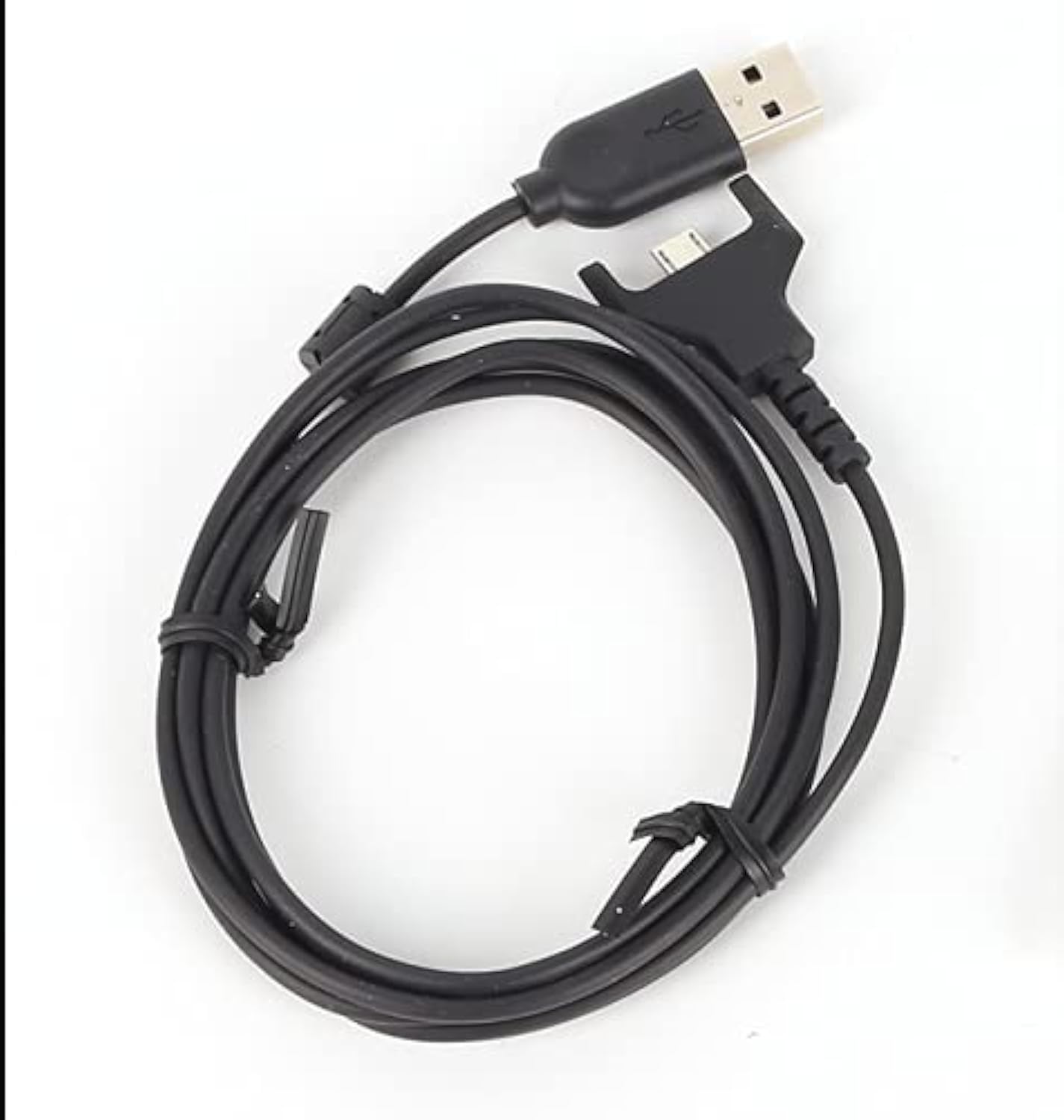
Logitech G Pro Wireless Mouse Cable
$9.99
Why recommend: Essential backup cable to maintain uptime and charge conveniently.
Best for: All Superlight owners who want a spare charging cable.
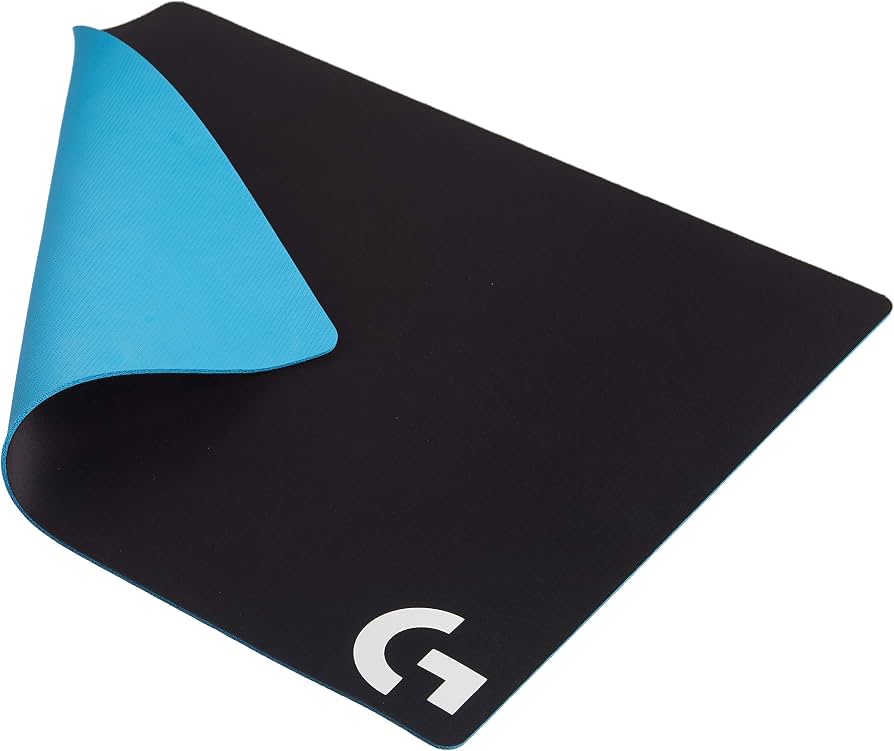
Logitech G640 Gaming Mouse Pad
$39.99
Why recommend: Optimizes the glide and tracking of the Superlight for better in-game accuracy.
Best for: Superlight users who want a high-quality surface for consistent mouse movement.
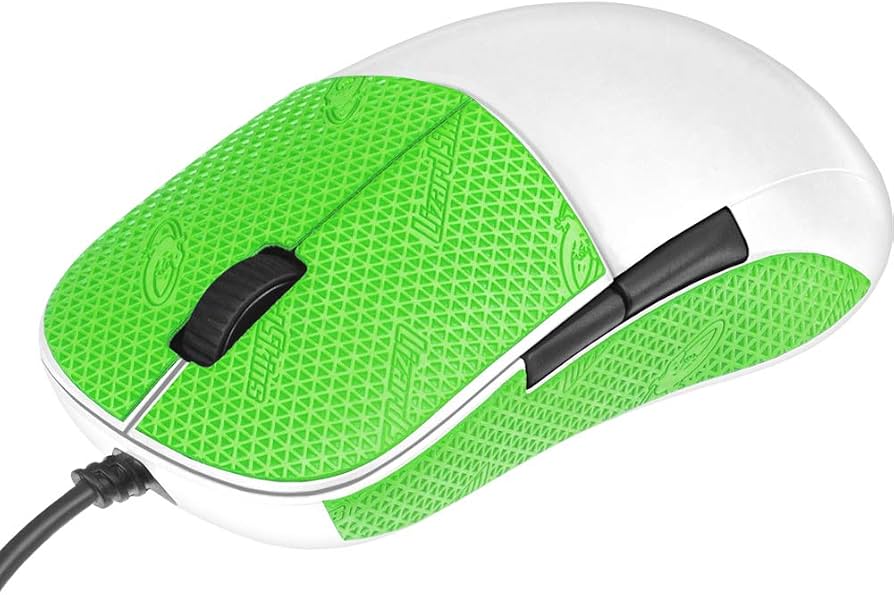
Lizard Skins DSP Gaming Mouse Grip Tape
$12.99
Why recommend: Enhances grip and comfort, reducing hand fatigue and improving mouse control.
Best for: Players who want extra grip or find the Superlight's shell slippery.
Bottom Line
Ready to get the Logitech G Pro X Superlight? Check the latest price on Amazon.
🛒 Buy on AmazonAs an Amazon Associate we earn from qualifying purchases.
Frequently Asked Questions
Is the Logitech G Pro X Superlight good for MOBA?
Yes, but with caveats. Its lightweight design and flawless sensor make it excellent for quick movements and precision. However, it only has two side buttons, which may be insufficient for players who rely on mouse binds for abilities. It's best for those who use keyboard shortcuts.
Can you use the Superlight for MOBA if you need more buttons?
You can, but you'll have to rely heavily on keyboard binds. Many MOBA players prefer mice with at least 6 side buttons for abilities and items. If you need more buttons, consider the Razer Naga Pro or Logitech G502.
How does the Superlight compare to the Razer Viper Ultimate for MOBA?
Both are lightweight, wireless mice with similar sensor performance. The Viper Ultimate has 8 programmable buttons (including two on top) and is slightly heavier at 74g. For MOBA, the Viper's extra buttons give it an edge, but the Superlight is lighter. Both are good choices depending on button preference.
Is the Superlight good for League of Legends?
Yes, many LoL players use it effectively. The two side buttons can be mapped to summoner spells. The low weight helps with fast clicks and kiting. However, for players who bind items to mouse buttons, the limited buttons may be a drawback.
Is the Superlight good for Dota 2?
It's less ideal for Dota 2 because the game has many active items and abilities. With only two side buttons, you'll need to rely on keyboard for most actions. Dota 2 players often prefer mice with more buttons, like the Razer Naga or Logitech G600.
What's better than the Superlight for MOBA?
For players needing more buttons, the Razer Naga Pro, Logitech G502 Lightspeed, or SteelSeries Rival 600 are better options. If you want a similar lightweight design with extra buttons, the Razer Viper Ultimate or G Pro Wireless (not Superlight) have 8 buttons.
Does the Superlight have double-click issues?
Some users have reported double-click issues over time, but Logitech has improved switch durability. The Superlight uses Omron switches rated for 50 million clicks. If issues occur, it's covered under warranty. Overall, reliability is good.
What accessories should I buy for the Superlight for MOBA?
Consider a quality mouse pad like the Logitech G640 to enhance glide, and grip tape for better control. A spare USB-C cable is useful for charging. Also, a wireless charging dock can keep the mouse topped up, though you'll need the PowerPlay mat for that.
Is the Superlight worth the price for MOBA?
It depends on your needs. If you value lightweight performance and don't need many buttons, yes. If you require more buttons for binds, cheaper alternatives with more buttons offer better value. The price is premium for the features it offers.
How does the Superlight's weight affect MOBA performance?
The low weight reduces fatigue during long sessions and allows quicker flicks and micro-adjustments. This is beneficial for last-hitting and skill shots. However, some players prefer slightly heavier mice for stability; it's a personal preference.
Can I use the Superlight wirelessly without latency issues in MOBA?
Yes, Logitech's LIGHTSPEED wireless technology provides a 1ms report rate, which is practically indistinguishable from wired. Many professional gamers use it in tournaments. No latency issues for MOBA.
What grip style is best for the Superlight in MOBA?
The Superlight's shape works best with claw or fingertip grips. Palm grip users, especially with larger hands, may find it uncomfortable. Grip tape can help improve comfort and control for any grip style.