
Quick Verdict
The Logitech C920s Pro HD is a very good webcam for video conferencing, offering excellent video quality for its price. It's reliable and easy to use, but its low-light performance and audio quality are only average. For most users, it's a solid choice.
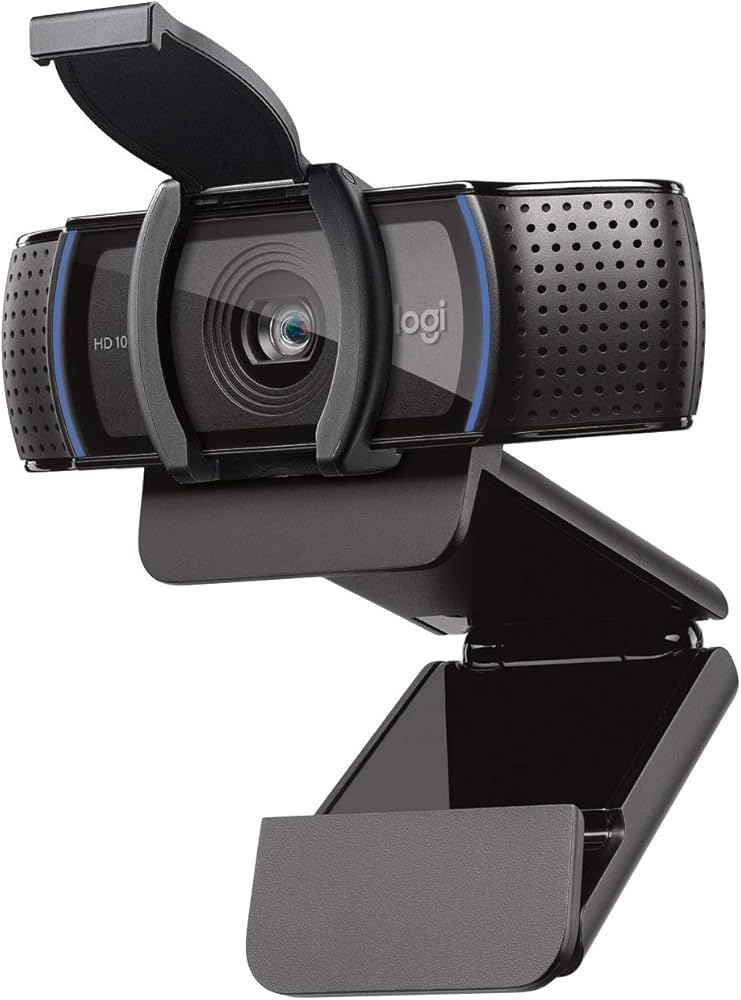
Logitech C920s Pro HD
$69.99

✓ Key Strengths
- •Sharp 1080p video with Carl Zeiss optics for clear image quality
- •Autofocus keeps you in focus during meetings
- •Privacy shutter for security when not in use
- •Plug-and-play compatibility with all major video conferencing software
- •Dual omnidirectional mics capture sound from a wide area
- •Affordable price point for its quality
- •Sturdy universal clip fits most monitors and laptops
✗ Key Weaknesses
- •Average low-light performance with grainy video in dim environments
- •Microphone picks up background noise; external mic recommended for best audio
- •78° field of view may be too narrow for group calls or showing physical objects
- •No 4K resolution or 60fps option for smoother video
- •Fixed mount design; no adjustable tilt without third-party accessories
What is Logitech C920s Pro HD?
What is video conferencing?
Detailed Analysis
👍 Perfect For
- ✓Remote workers who have consistent lighting and need a reliable, affordable webcam
- ✓Educators teaching from home with good lighting and no need for advanced features
- ✓Casual users making video calls with family and friends
- ✓Budget-conscious professionals who want a reputable brand
👎 Not Ideal For
- ✗Users in low-light environments who cannot improve lighting; consider a webcam with a ring light
- ✗Streamers or presenters who want 60fps or 4K video for higher quality
- ✗Professionals who require superior audio quality without additional equipment
- ✗Large group meetings where a wider field of view is necessary
Use Case Scenarios
Home Office Professional
A remote worker using video conferencing daily for team meetings, client calls, and presentations.
✓ Strengths
- Clear 1080p video
- Autofocus keeps you in frame
- Plug-and-play simplicity
✗ Weaknesses
- Mediocre microphone in noisy environments
- No 4K for very large monitors
💡 Workarounds
- Use an external USB microphone like the Blue Snowball
- Add a desk lamp to improve lighting
Excellent value for daily professional use, but minor audio and low-light limitations are easily addressed with simple accessories.
Virtual Classroom Teacher
An educator conducting live classes, often sharing a whiteboard or showing objects.
✓ Strengths
- Sharp image for talking head
- Privacy shutter for security
- Works with all major teaching platforms
✗ Weaknesses
- Narrow field of view
- Autofocus can be slow or hunt
- Microphone picks up ambient noise
💡 Workarounds
- Use a document camera for close-ups
- Add a separate room microphone or lapel mic
- Mount camera on a tripod to adjust position
Adequate for basic teaching, but the limited field of view and autofocus issues make it less than ideal for dynamic classroom settings.
Content Creator/Streamer
A streamer or YouTuber who uses video conferencing for collaborations, but also streams gameplay or talks.
✓ Strengths
- Good 1080p color accuracy
- Autofocus helpful for movement
- Works with OBS and streaming software
✗ Weaknesses
- 30fps only
- No built-in background removal
- Field of view too narrow for two-person streams
💡 Workarounds
- Use in combination with a 60fps main camera
- Add a green screen for virtual backgrounds
Passable for secondary use, but lacks the frame rate and features that streamers demand.
Frequent Traveler
A business traveler who needs a portable webcam for hotel rooms and co-working spaces.
✓ Strengths
- Compact and lightweight
- Universal clip fits any laptop
- USB-A connector (requires adapter for newer Macs)
✗ Weaknesses
- Poor low-light performance
- No built-in ring light
- Cable length may be short for some setups
💡 Workarounds
- Carry a small clip-on LED light
- Use a USB-C adapter cable
- Bring a mini tripod
Portable and functional, but low-light capability is a common travel challenge that may require additional gear.
Related Products You Should Consider
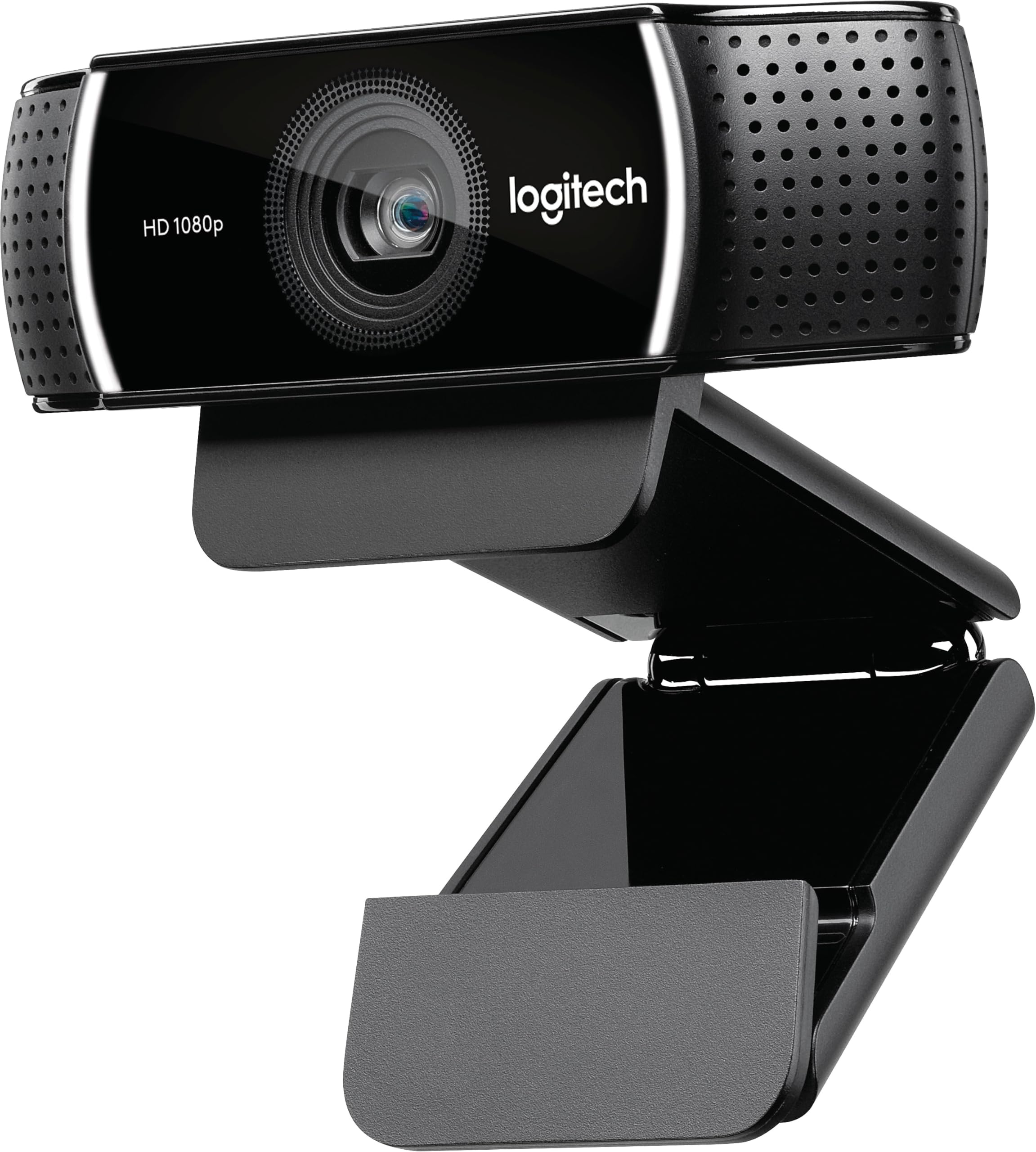
Logitech C922 Pro Stream Webcam
$99.99
Why recommend: If you need 60fps or automated background removal, the C922 is a worthwhile upgrade over the C920s.
Best for: Streamers, presenters, and professionals who want smoother video and virtual backgrounds.
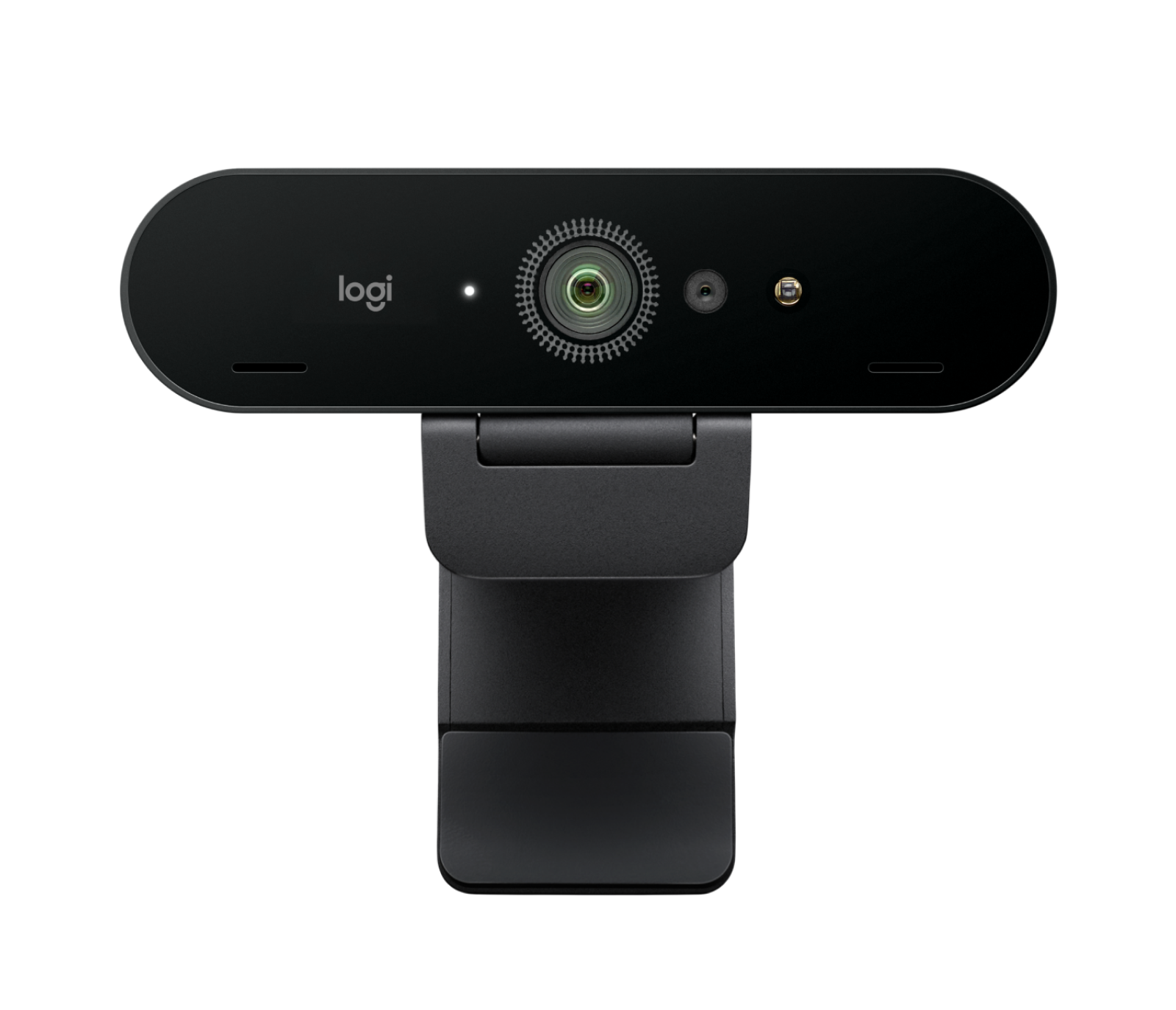
Logitech Brio 4K Webcam
$199.99
Why recommend: For professionals who need 4K, HDR, and a wider field of view, the Brio is the ultimate choice.
Best for: Executives, high-end streamers, and anyone conducting frequent high-stakes video calls.
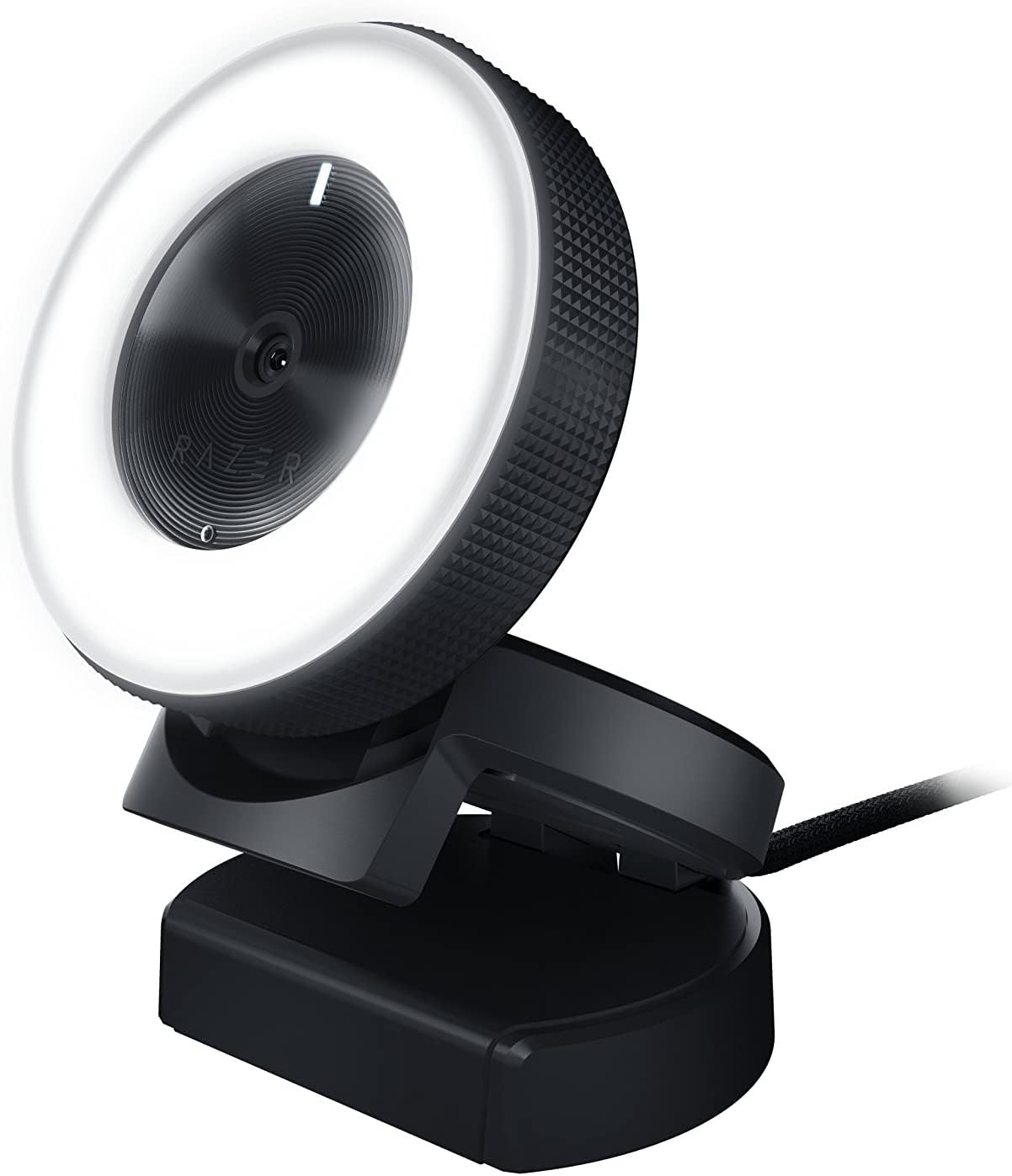
Razer Kiyo Webcam with Ring Light
$99.99
Why recommend: If you often take calls in dim lighting without additional lights, the built-in ring light makes the Kiyo a better choice.
Best for: Home office users with poor lighting, night-owl professionals, and streamers.
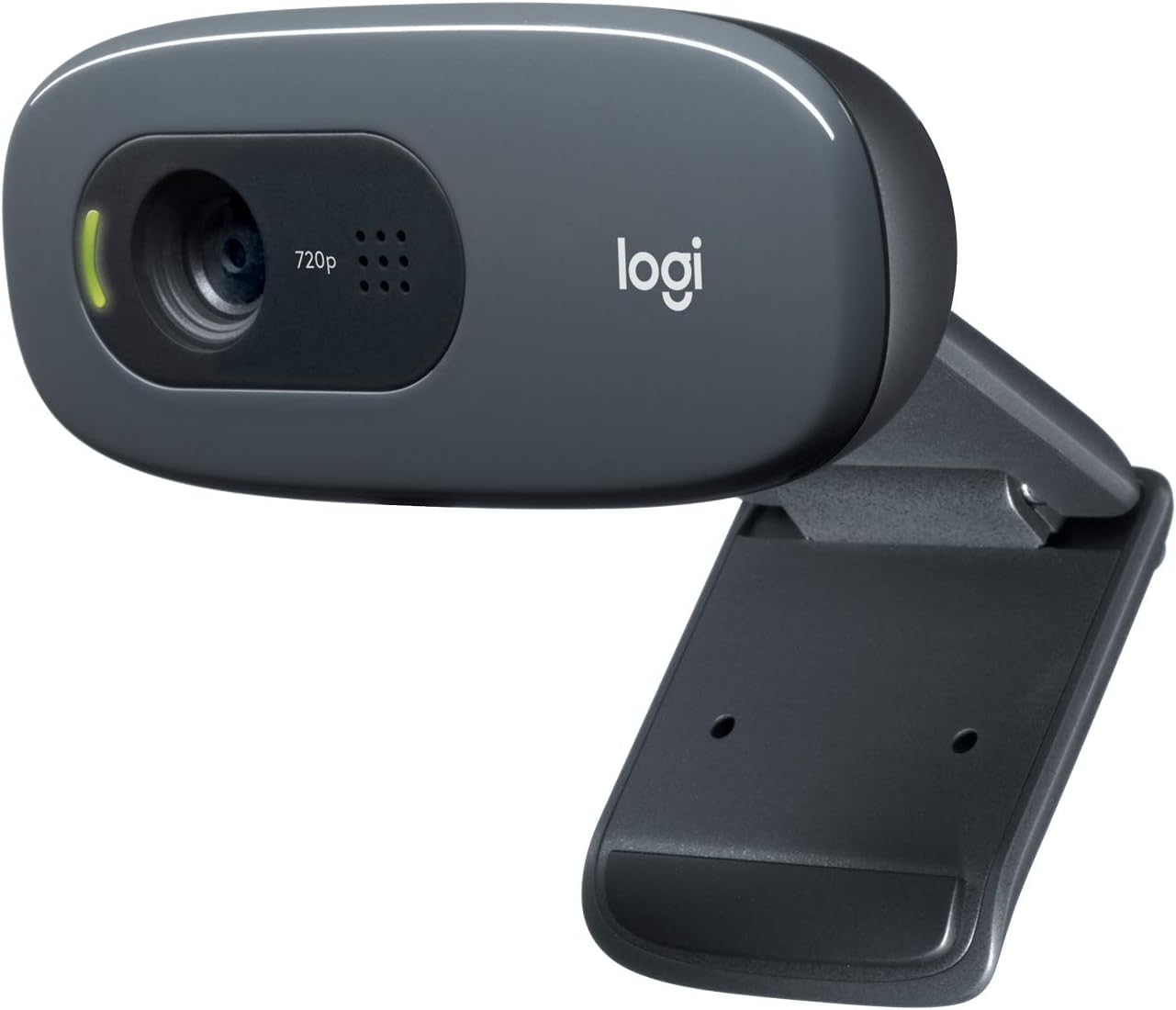
Logitech C270 HD Webcam
$29.99
Why recommend: If you need a webcam for occasional calls and cannot afford the C920s, the C270 is a passable entry option.
Best for: Casual users, students on a tight budget, or second-webcam needs.
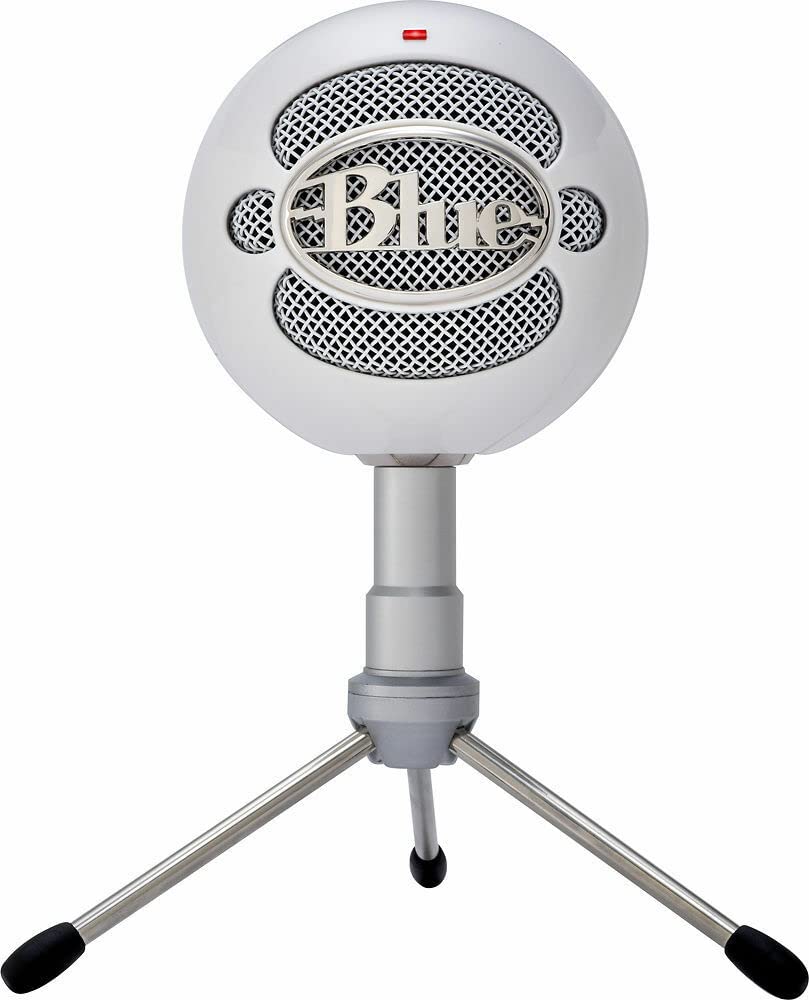
Blue Snowball iCE USB Microphone
$49.99
Why recommend: For professionals who want studio-quality audio without breaking the bank, this mic is an excellent companion to the C920s.
Best for: Anyone who does frequent video calls and wants their voice to sound crisp and professional.
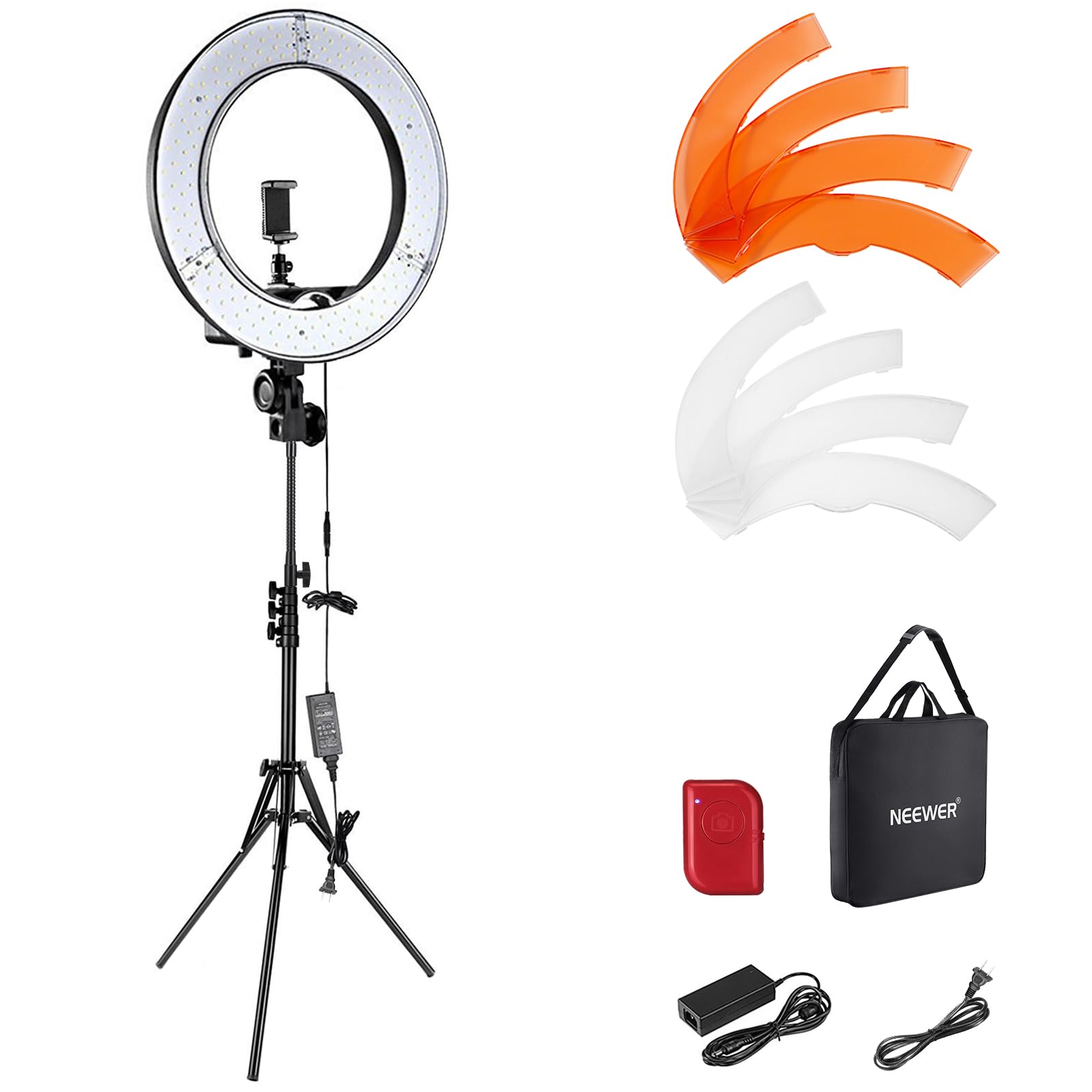
NEEWER 18" LED Ring Light Kit
$59.99
Why recommend: A ring light is the single best accessory to improve your video quality with the C920s, making it look like a much more expensive camera.
Best for: Home office workers, streamers, and anyone who wants professional-looking lighting.
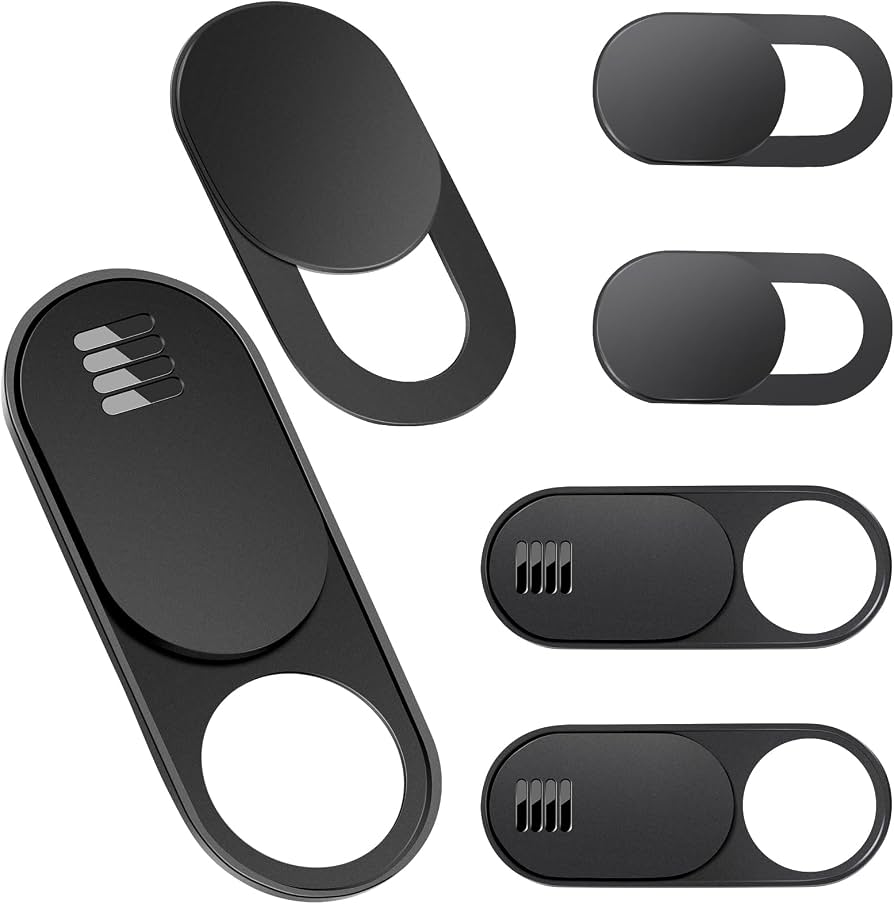
Webcam Cover Slide for Privacy
$5.99
Why recommend: A simple and cheap backup privacy solution, especially if you want to keep the built-in shutter closed permanently or need a cover for other devices.
Best for: Privacy-conscious users who want a visible indicator that the camera is blocked.
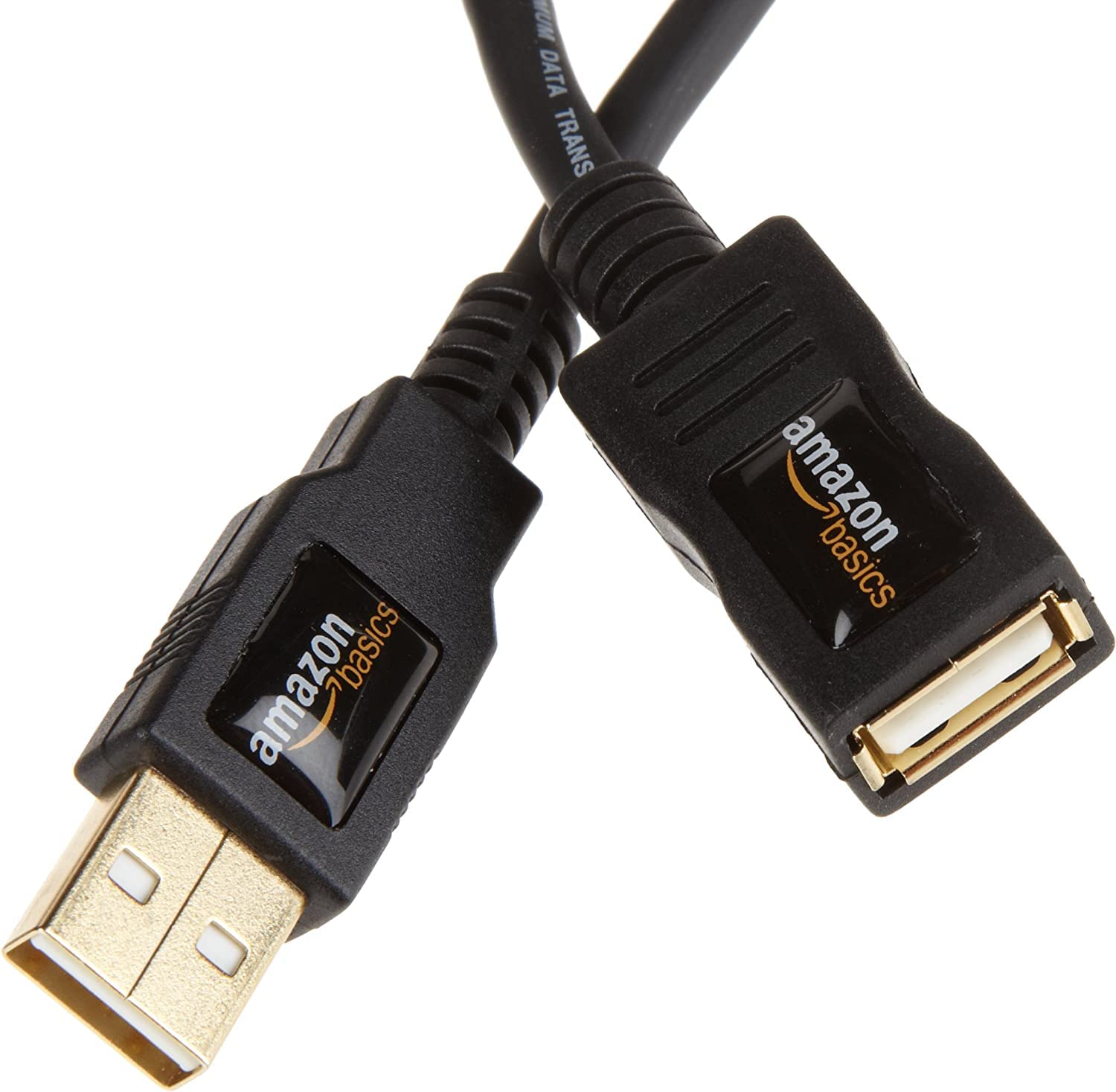
AmazonBasics USB 2.0 Extension Cable
$8.49
Why recommend: If you need to mount the webcam on a tripod away from your desk, this cable ensures you have enough length without straining the port.
Best for: Users with large desks, tripod mounts, or awkward computer placement.
Joby GorillaPod Mini Tripod
$27.95
Why recommend: For users who want more flexible camera positioning without the permanent mount of a monitor clip.
Best for: Travelers, presenters, and anyone who needs to set up their webcam in unconventional locations.
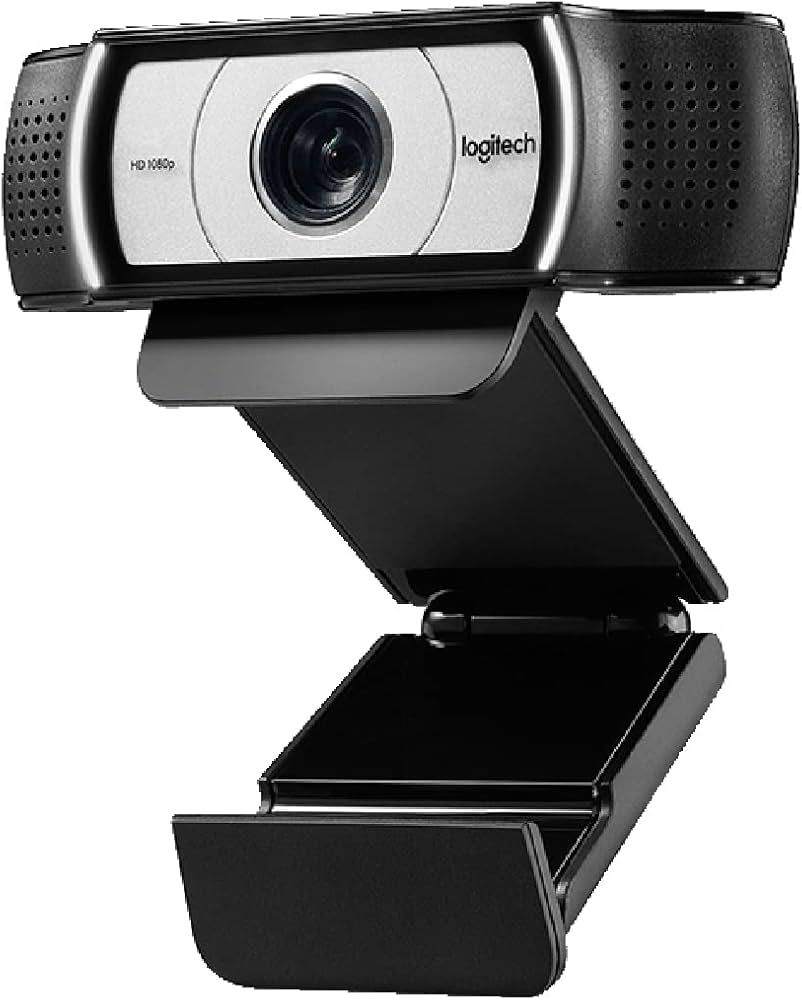
Logitech C930e Business Webcam
$119.99
Why recommend: If you need a wider field of view and better low-light performance but don't require 4K, the C930e is a step up from the C920s.
Best for: Business professionals in demanding environments or larger meeting rooms.
Bottom Line
Ready to get the Logitech C920s Pro HD? Check the latest price on Amazon.
🛒 Buy on AmazonAs an Amazon Associate we earn from qualifying purchases.
Frequently Asked Questions
Is Logitech C920s Pro HD good for video conferencing?
Yes, it is a very good webcam for video conferencing. It offers sharp 1080p video, autofocus, and dual microphones. It's compatible with all major platforms and has a privacy shutter. However, its low-light performance and microphone quality are average, so for optimal results, consider additional lighting or a dedicated microphone.
Can you use Logitech C920s Pro HD for video conferencing?
Absolutely. The Logitech C920s Pro HD is designed for video conferencing and works plug-and-play with Zoom, Teams, Google Meet, Webex, and more. Just plug it into a USB port, and it will be recognized instantly.
Is Logitech C920s Pro HD suitable for video conferencing?
It is suitable for most video conferencing needs. It lacks 4K and 60fps, but for standard meetings, the quality is excellent. It also has a privacy shutter, which is a nice security feature. The main limitation is low-light performance, so it's best used in a well-lit room.
What's better than Logitech C920s Pro HD for video conferencing?
Better options include the Logitech C922 (for 60fps and background replacement), the Logitech Brio (for 4K and HDR), and the Razer Kiyo (for its built-in ring light). The Logitech C930e offers a wider field of view. Depending on your needs, these may be superior.
Does Logitech C920s Pro HD work for video conferencing?
Yes, it works perfectly for video conferencing. It is widely used by professionals and educators. Some users report that the microphone picks up keyboard noises, but overall the webcam performs reliably.
Logitech C920s Pro HD vs Logitech C922 for video conferencing?
The C922 adds 720p at 60fps and background removal software, making it better for streamers. For standard video conferencing, the C920s is nearly identical in image quality and is often cheaper. If you don't need 60fps, the C920s is sufficient.
Logitech C920s Pro HD vs Razer Kiyo for video conferencing?
The Razer Kiyo has a built-in ring light, which dramatically improves video in low light. The C920s has slightly better color accuracy in good light. If you often take calls in dim rooms, the Kiyo is the better choice. Otherwise, the C920s offers similar image quality at a lower price.
Best accessories for Logitech C920s Pro HD for video conferencing?
A ring light (e.g., NEEWER 18") greatly improves lighting, an external mic (e.g., Blue Snowball iCE) enhances audio, and a tripod (e.g., Joby GorillaPod) offers flexible positioning. A USB extension cable helps with distance.
How to use Logitech C920s Pro HD for video conferencing?
Simply plug the webcam into a USB port on your computer. Most operating systems will automatically install drivers. Then, in your video conferencing app, select 'Logitech C920s' as your camera and microphone. You can adjust settings like brightness and autofocus using Logitech’s Camera Settings software.
Does the Logitech C920s Pro HD have autofocus?
Yes, it has autofocus that works reasonably well. It adjusts when you move closer or farther from the camera, though it can be slow or hunt for focus in low light or with rapid movements.
Is the Logitech C920s Pro HD worth it in 2025?
Yes, it remains a solid choice for its price. While newer webcams offer 4K or better lighting compensation, the C920s still delivers reliable 1080p video and is often available at a discount. For most users, it’s a worthwhile investment.
Does the Logitech C920s Pro HD work with Windows, Mac, and Chrome?
Yes, it works with Windows (7, 8, 10, 11), macOS (10.10 and later), and Chrome OS. It also works with Linux thanks to UVC support. It is certified for Skype for Business and Teams.