
Quick Verdict
The Logitech Brio 4K is an excellent webcam for video conferencing, delivering top-tier image quality and low-light performance. However, because most conferencing platforms cap at 1080p, its 4K capability is essentially 'future-proofing' for most users. It's a great fit for professionals who want the best and can justify the high price, but it's not a savvy buy for casual users.

Logitech Brio 4K
$199.99

✓ Key Strengths
- •Outstanding 4K sensor with HDR provides exceptional dynamic range and low-light performance, making you look natural in challenging lighting conditions.
- •RightLight 3 technology automatically adjusts exposure, so you don't need manual tweaking—a big plus for non-technical users.
- •Versatile field-of-view options (90°, 78°, 65°) let you frame the shot exactly how you want, whether it's a close-up or showing your whole desk.
- •Integrated IR sensor supports Windows Hello facial recognition, enabling secure and instant login when using your computer.
- •Built-in privacy shade mechanically covers the lens when not in use, giving peace of mind and avoiding the need for a separate cover.
- •High-quality dual microphones are useful for casual calls, though most users still pair it with a dedicated mic.
- •Works with all major video conferencing apps and supports both Windows and macOS without additional drivers.
- •Solid build quality and a flexible, full-height mount that fits a variety of monitors and laptops.
✗ Key Weaknesses
- •Premium price tag—often $150-200 more than capable 1080p webcams like the Logitech C920, which many users find hard to justify.
- •4K resolution is not used in most video conferencing platforms, so the biggest feature is effectively capped at 1080p during actual calls.
- •Digital zoom reduces sharpness if you push beyond 2x, and autofocus can occasionally hunt in low-speed 4K modes.
- •The large lens and body make it bulkier than portable webcams like the Logitech StreamCam, making travel less convenient.
- •Dual microphones are good but not exceptional; voices at the edge of the pickup range can sound distant compared to dedicated USB mics.
- •Some users report the camera runs warm during extended use, though it doesn't affect performance.
What is Logitech Brio 4K?
What is video conferencing?
Detailed Analysis
👍 Perfect For
- ✓Professionals who attend multiple video calls daily and want the most polished, professional image possible, especially in tricky lighting.
- ✓Employees in executive roles or client-facing positions where visual presence matters for their career or business relationships.
- ✓Hybrid workers who also use their webcam for streaming, product demos, or recording video messages at high quality.
- ✓Users who rely on Windows Hello for secure and convenient face unlock and want a webcam that doubles as an IR sensor.
- ✓Those who want flexibility in framing—such as showing whiteboards or presenting live to an audience—and are willing to pay for it.
👎 Not Ideal For
- ✗Budget-conscious individuals who just need a webcam for occasional video calls and prefer spending the $150+ savings on other gear.
- ✗Casual users who already have a decent built-in laptop webcam and don't struggle with lighting or image quality issues.
- ✗Travelers who need an ultra-portable webcam that fits in a pocket; the Brio is relatively large and heavy.
- ✗Streamers who prefer a webcam that natively captures vertical video at high quality, like the Logitech StreamCam, for TikTok or Instagram content.
Use Case Scenarios
Home Office Professional
A remote worker who spends 4-6 hours per day in Zoom or Teams meetings from a home office with varying natural light, a mix of desk lamps, and occasional backlight from windows.
✓ Strengths
- Excellent adaptation to challenging home lighting
- Sharp 1080p output even downscaled from 4K
- Versatile mounting options for any monitor
- Windows Hello integration for quick login
- Privacy shade provides peace of mind between calls
✗ Weaknesses
- Overkill for budget-conscious home workers
- No standalone speaker (not expected, but users need to rely on computer speakers)
- Mics are good but not premium—background noise can be picked up
💡 Workarounds
- Use Logitech Capture software to adjust exposure and color if needed
- Invest in a USB microphone like the Blue Snowball iCE for better audio
- Position the camera at eye level for best angle
- Consider a monitor-mounted webcam light to further improve lighting
For dedicated remote professionals, the Brio 4K's lighting correction and image quality are worth the investment, making you look sharp in every meeting and reducing the need for manual webcam tweaking.
Corporate Executive in Boardroom
An executive who joins important client presentations, board meetings, and all-hands calls from a conference room or private office, often sharing a screen.
✓ Strengths
- Sharp, professional video that projects confidence
- Wide FOV for group shots and conferencing cameras
- HDR handling of mixed lighting in conference rooms
- High-end brand reputation that aligns with corporate image
- Digital zoom for sharing physical documents
✗ Weaknesses
- Expensive if the organization is deploying many units
- Mics are underutilized and not room-grade
- May be overkill if the boardroom already has a professional camera system
💡 Workarounds
- Pair with a conferencing speaker/microphone like the Poly Sync 20 for superior audio
- Use the 65° FOV to mimic a traditional webcam view in private offices
- Mount it on a desktop tripod for flexible positioning
For executives who need to put their best face forward, the Brio 4K's image quality, reliable autofocus, and lighting correction make it a top-tier choice that conveys professionalism.
Frequent Traveler
A digital nomad or business traveler who carries a laptop and needs a webcam for calls from hotel rooms, airport lounges, and co-working spaces.
✓ Strengths
- Delivers excellent video in poor hotel room lighting
- Privacy shade covers the lens when not in use, perfect for unprotected environments
- Durable build withstands travel wear
- Universal mounting clip fits most monitors and tripods
- Windows Hello allows quick, secure login on the go
✗ Weaknesses
- Bulky and relatively heavy for travel
- Clip may not fit thinner laptop lids without an adapter
- No built-in carrying case included
- Expensive to replace if lost or stolen
💡 Workarounds
- Use a neoprene protective sleeve or small tech organizer
- Carry a compact tripod like the UBeesize Mini Flexible Tripod for stable placement
- Use USB-C to USB-A adapter if connecting to modern laptops
- Rely on laptop lid as a stand if the mount is awkward
The Brio 4K is a good webcam on the road, but its size and weight are limiting factors for frequent travelers. If you value image quality over portability, it's fine, but other webcams offer more convenience for travel.
Teacher or Educator
An educator who teaches online classes, records lectures, or hosts virtual office hours, often needing to display books, diagrams, and solve problems in real-time.
✓ Strengths
- 5x digital zoom lets you focus on close-up materials
- 90° FOV captures a teaching desk setup effectively
- HDR keeps exposure correct when panning between bright windows and dark bookshelves
- Reliable autofocus for hands-on demonstrations
- Privacy shade helps maintain work-life boundaries
✗ Weaknesses
- Expensive for educational budgets
- Autofocus may hunt when rapidly moving objects
- No on-screen annotation feature (requires software like Logitech Capture)
💡 Workarounds
- Use Logitech Capture software to set presets for different focal lengths
- Pair with a USB document camera if teaching physical subjects
- Invest in a small LED panel light for consistent lighting
- Position the camera slightly above eye level for a natural perspective
The Brio 4K's flexibility and image quality are excellent for online teaching, but the high price may be prohibitive for many educators. For those who can afford it, it's a powerful tool.
Streamer or Content Creator
A gamer, streamer, or YouTuber who uses their webcam for live streaming on Twitch, YouTube, or creating video content, and may also use it for occasional video calls.
✓ Strengths
- 1080p at 60fps for smooth streaming
- 4K resolution for future-proofing and high-res recording
- HDR for well-exposed face even with RGB lights
- Wide FOV for desk setups
- Digital zoom for dynamic camera effects
✗ Weaknesses
- No native vertical video support without third-party software
- Higher price than streaming-specific cameras
- Microphones are fine but not pro-level for streaming audio
💡 Workarounds
- Use OBS or Logitech Capture to rotate the video 90° for vertical output
- Pair with a high-quality microphone like the Blue Yeti
- Add a background light to enhance depth
- Use a heavy-duty tripod for placement
For streamers and content creators who need excellent video quality and flexibility, the Brio 4K is a top performer that doubles perfectly for video conferencing.
Related Products You Should Consider
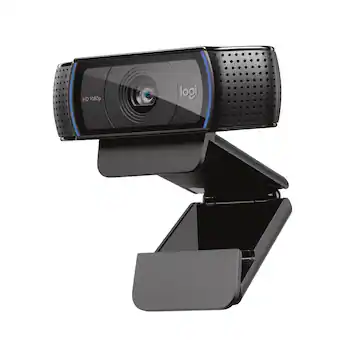
Logitech C920s HD Pro Webcam
$59.99
Why recommend: If you want good video quality without spending $199, the C920s offers 80% of the Brio's performance for a third of the price.
Best for: Casual zoom participants, students, remote workers on a budget
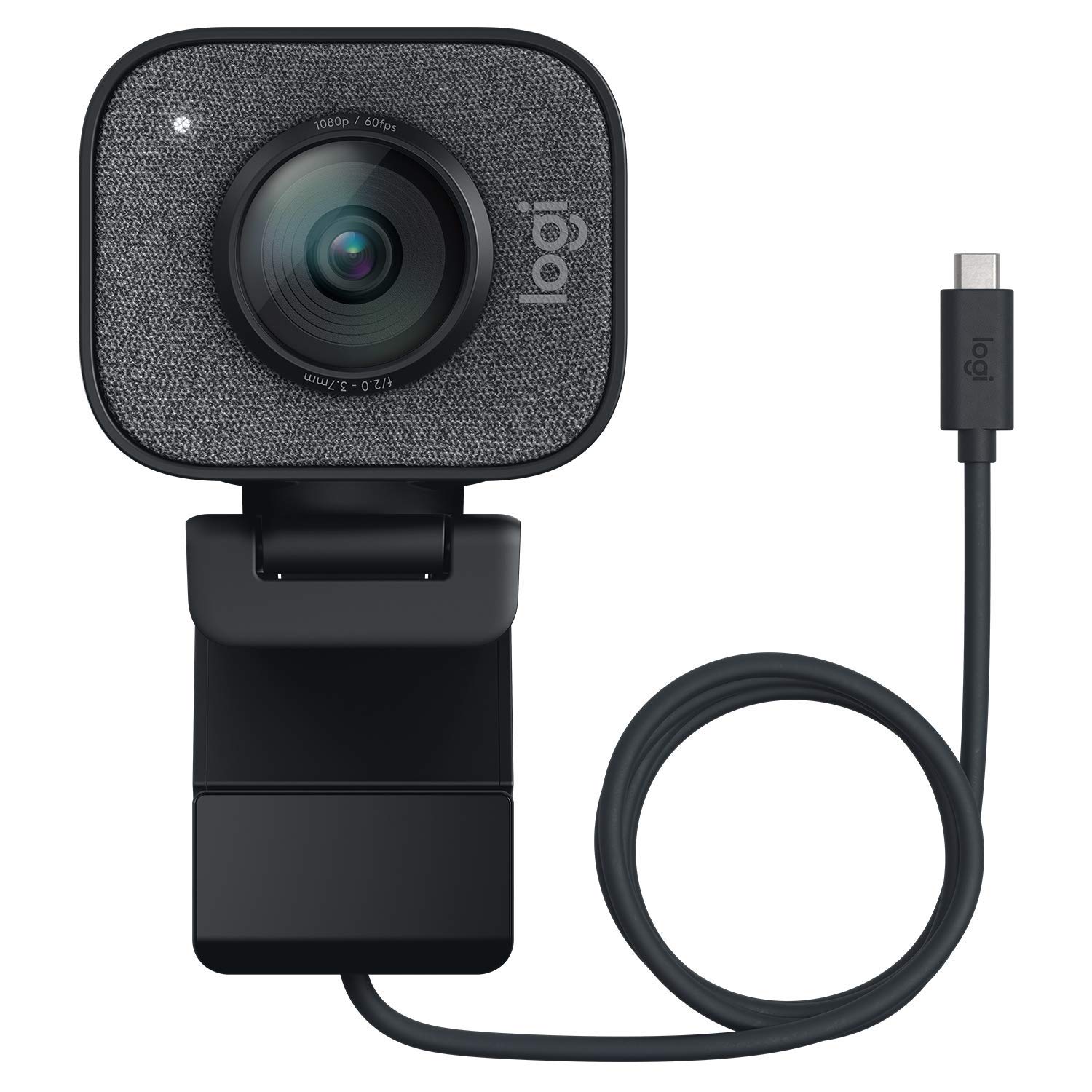
Logitech StreamCam
$149.99
Why recommend: For streamers and those who need vertical video, the StreamCam is a more practical alternative to the Brio with similar 1080p quality.
Best for: Streamers, YouTubers, content creators, Windows/macOS users
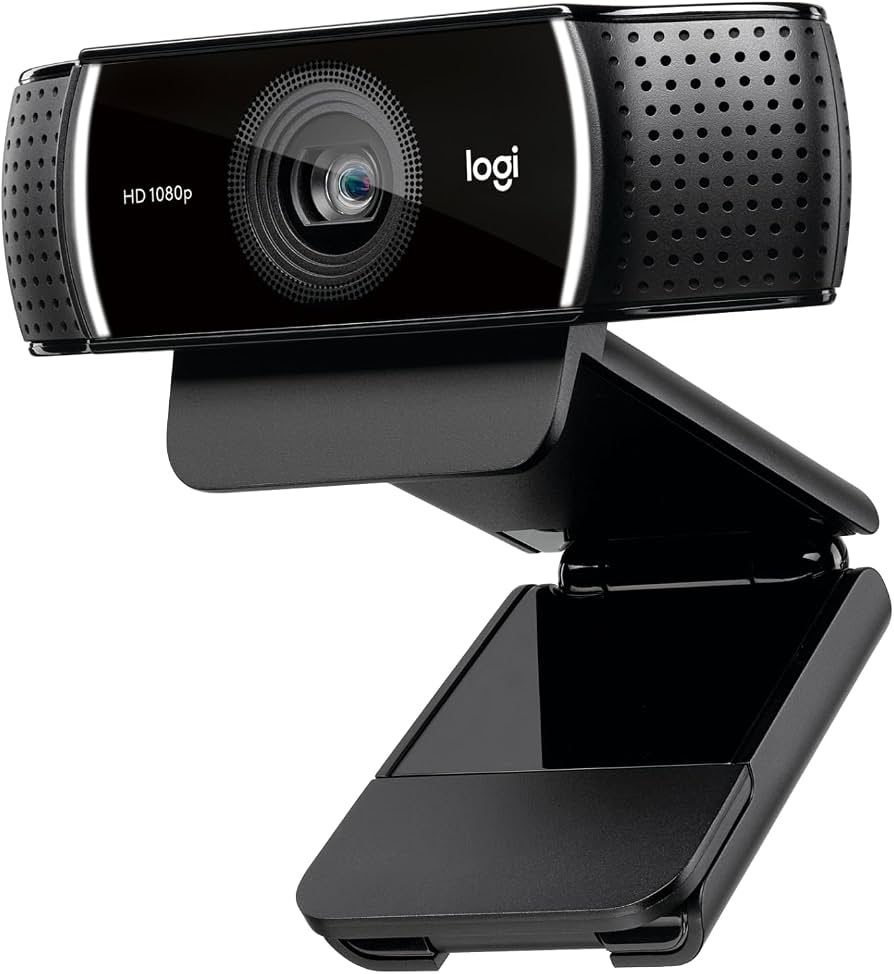
Logitech C922x Pro Stream Webcam
$109.99
Why recommend: A great stepping stone between the C920s and the Brio, offering 60fps at 720p for smoother motion in streams or presentations.
Best for: Streamers, gamers, video callers who want a trusted webcam
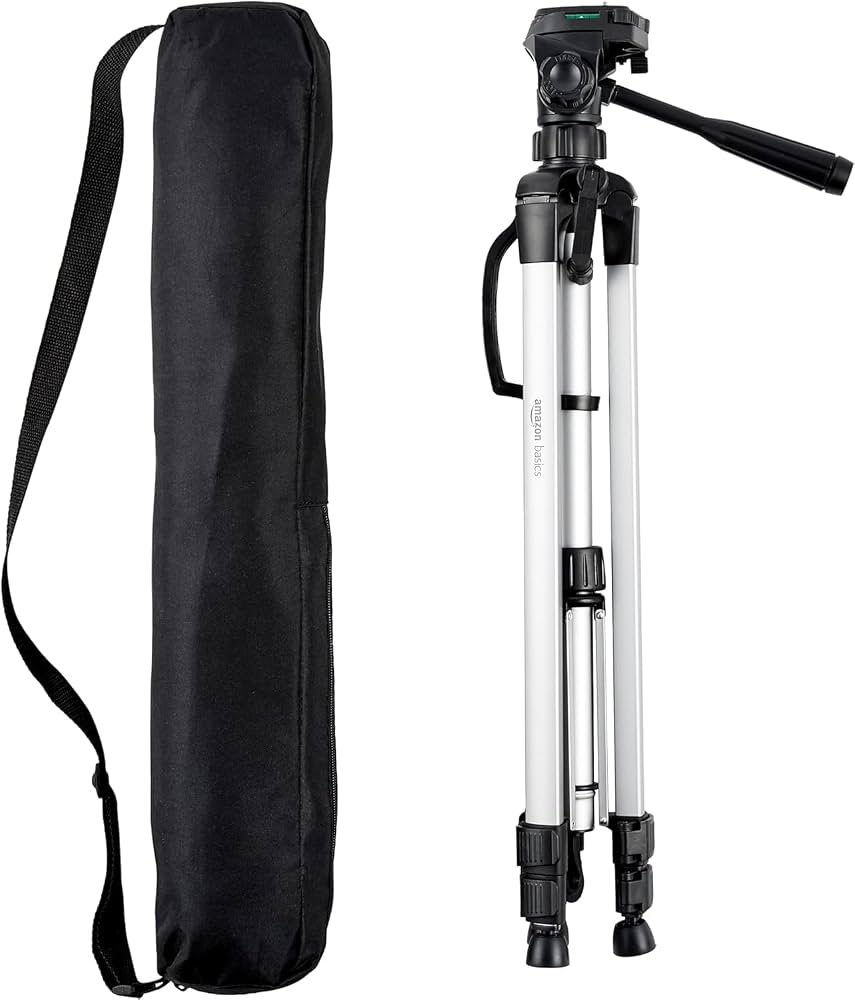
AmazonBasics Lightweight Tripod
$22.99
Why recommend: A sturdy tripod expands the Brio's placement options, improving your webcam's versatility for video conferencing and content creation.
Best for: Anyone who wants to place the webcam beyond the monitor, including presenters and streamers.
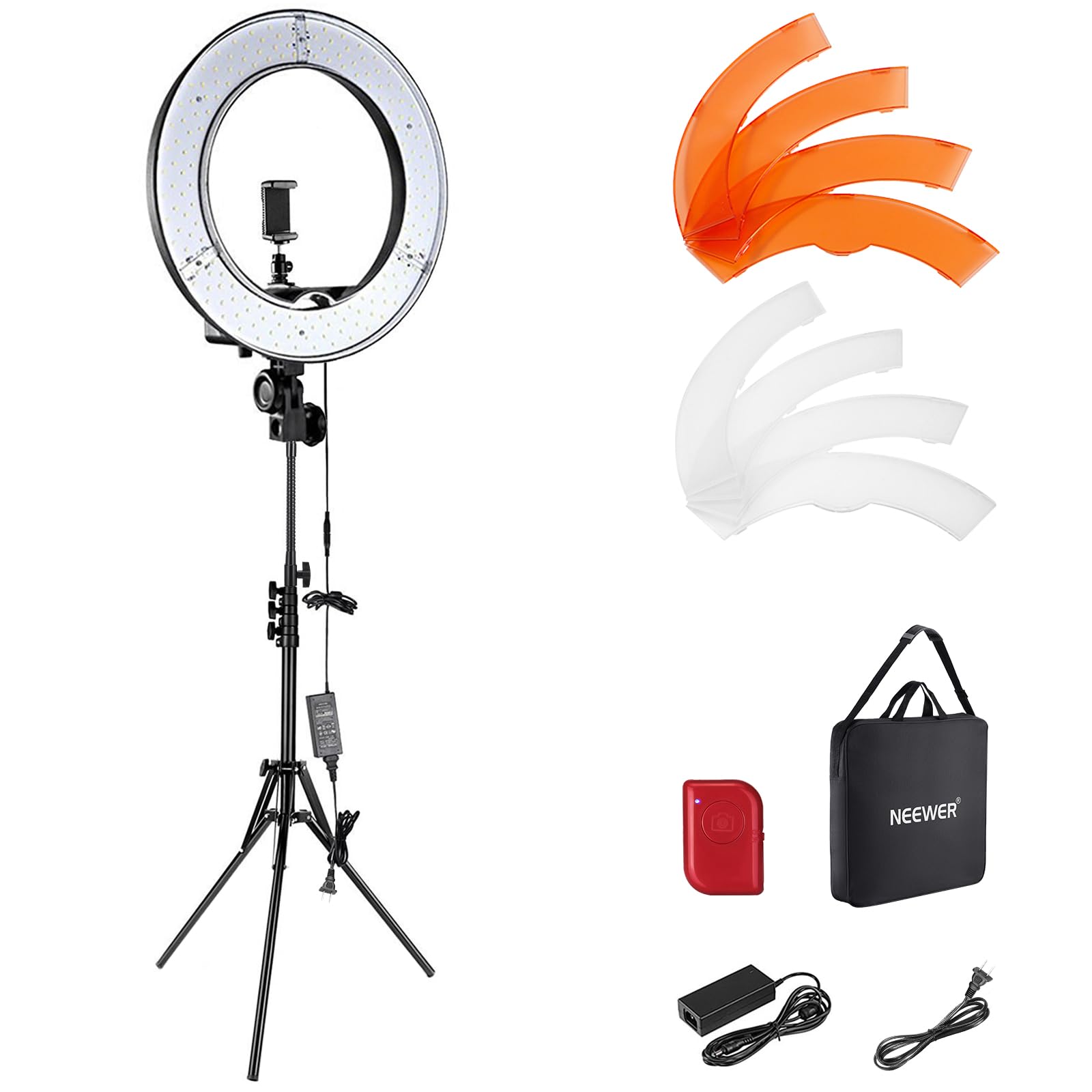
NEEWER Ring Light Kit
$52.99
Why recommend: A ring light is a simple way to improve your on-camera appearance, and this kit works with the Brio's low-light sensor to create flawless video.
Best for: Professionals, streamers, and anyone who wants to look their absolute best during video calls.
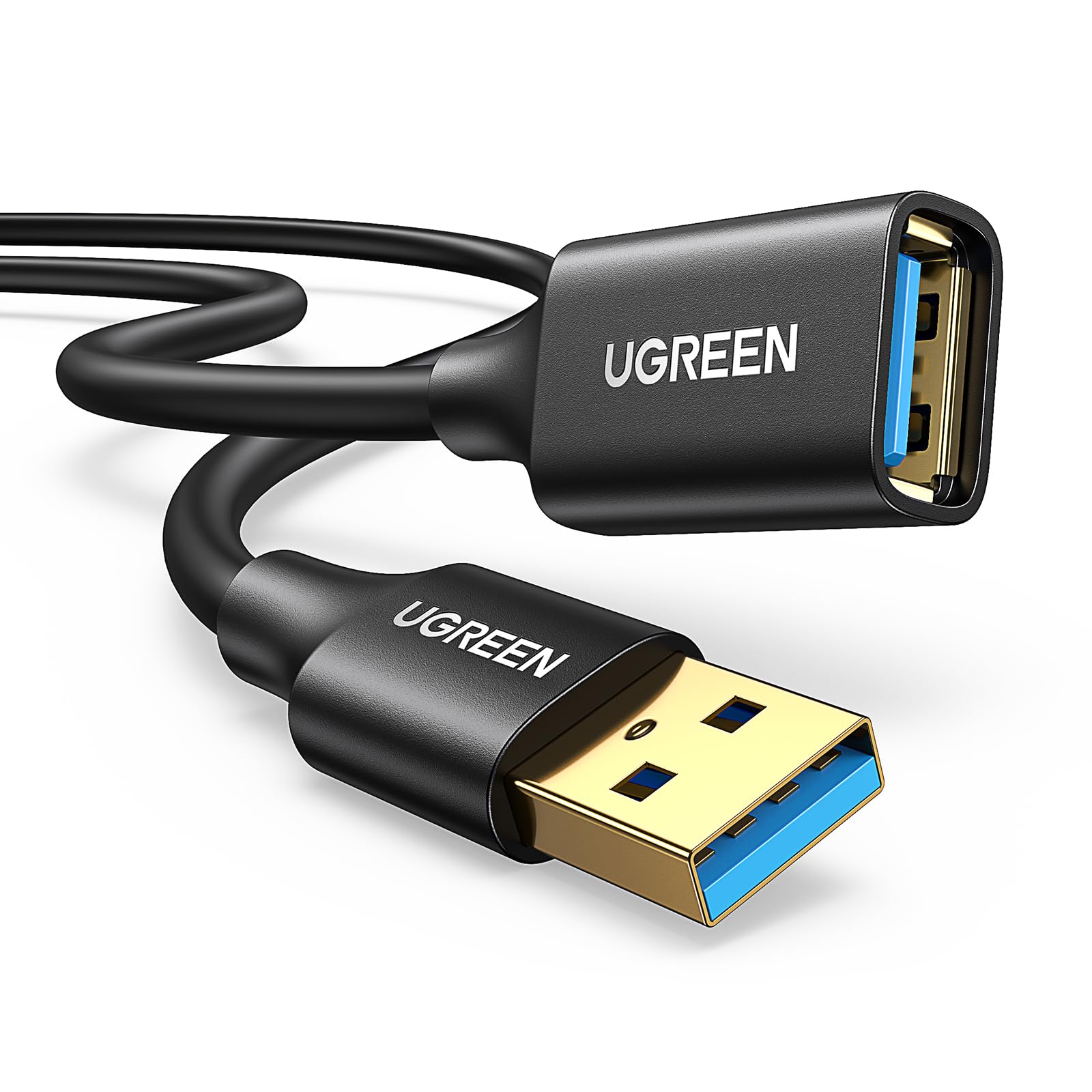
UGREEN USB 3.0 Extension Cable
$9.99
Why recommend: Provides reliable cable length flexibility, especially when using the Brio with a tripod or in a larger room.
Best for: Users who need to extend the webcam's reach beyond the standard 3-foot cable
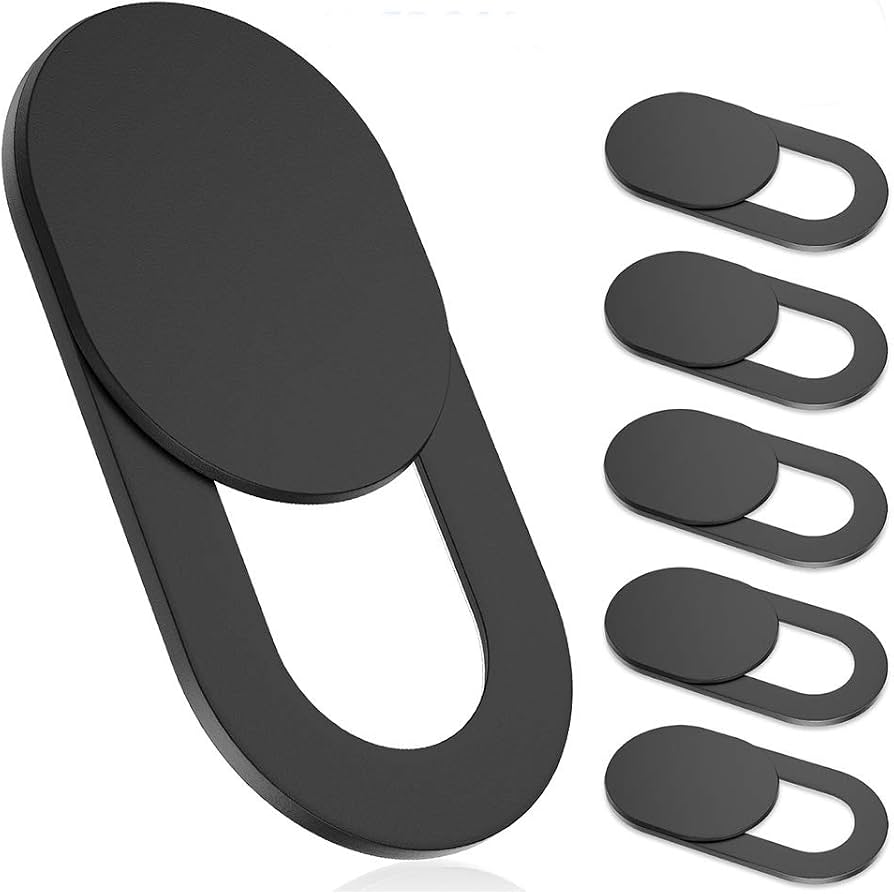
Webcam Privacy Cover Slide
$7.99
Why recommend: Adds a redundant privacy measure and protects the lens from scratches or dust when traveling.
Best for: Privacy-conscious users and travelers who want to keep the lens clean and sealed.
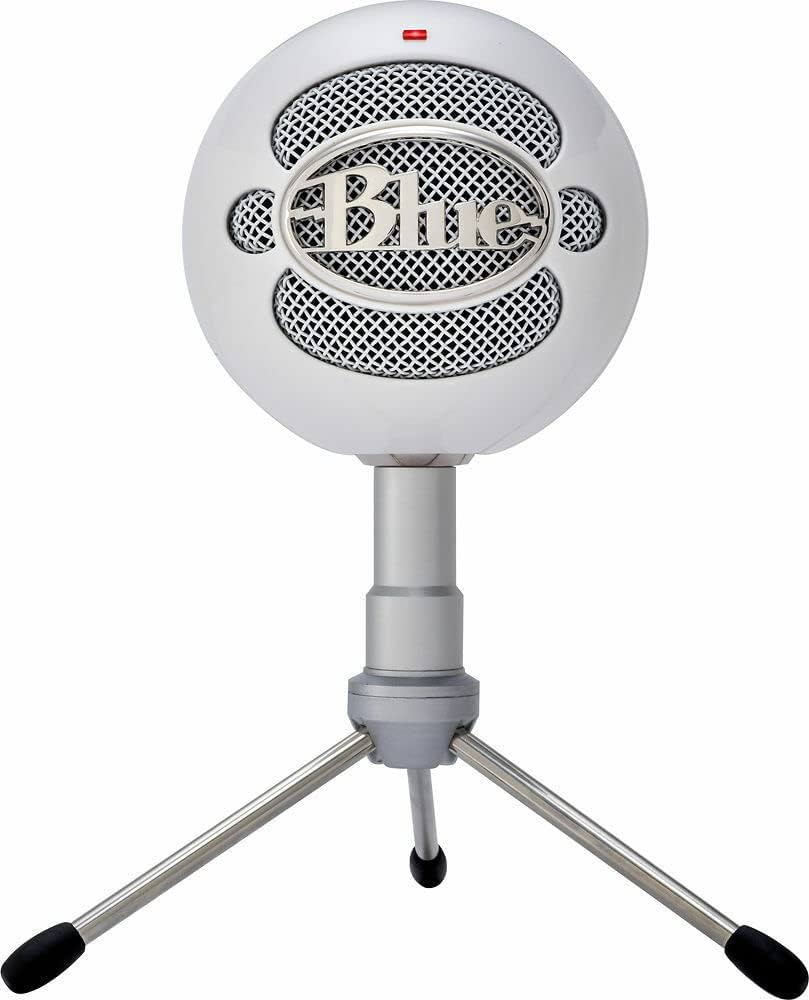
Blue Snowball iCE USB Microphone
$45.99
Why recommend: Elevate your audio quality to match your video quality. The Snowball iCE is an affordable, high-quality choice that pros recommend.
Best for: Remote workers, podcasters, and anyone who wants better speech intelligibility
Bottom Line
Ready to get the Logitech Brio 4K? Check the latest price on Amazon.
🛒 Buy on AmazonAs an Amazon Associate we earn from qualifying purchases.
Frequently Asked Questions
Is the Logitech Brio 4K good for video conferencing?
Yes, the Logitech Brio 4K is excellent for video conferencing due to its high-resolution sensor, HDR, and lighting correction. However, most platforms cap at 1080p, so its 4K advantage is mainly for future-proofing and improving 1080p downscaling.
Can you use the Logitech Brio 4K for video conferencing on Zoom and Teams?
Absolutely. The Brio is certified for Zoom, Microsoft Teams, Google Meet, Skype, and other platforms. It works plug-and-play without needing additional drivers.
Does the Logitech Brio 4K have a microphone?
Yes, the Brio has dual omni-directional microphones that capture decent audio up to about 3 feet. For professional call quality, many users add an external USB microphone.
Is the 4K resolution of the Logitech Brio worth it if video conferencing apps don't support 4K?
Even though apps don't transmit 4K, the Brio downscales the 4K sensor feed to 1080p, resulting in sharper, more detailed video than a native 1080p sensor of the same size. It also allows for digital zoom without going below 1080p.
What is the Logitech Brio 4K's field of view?
The Brio offers three field-of-view settings: 90 degrees (wide), 78 degrees (medium), and 65 degrees (narrow). You can switch using the Logitech Capture software or the button on the camera? (Actually the button is for changing FOV via software, not hardware.)
Does the Logitech Brio 4K support Windows Hello?
Yes. The Brio includes an IR sensor that allows face login with Windows Hello on compatible Windows computers. This works alongside the RGB camera for standard video calls.
Is the Logitech Brio 4K compatible with macOS?
Yes, the Brio works on macOS with the UVC protocol. You can use it with FaceTime, Zoom, Teams, and other apps without additional drivers.
What are the best alternatives to the Logitech Brio 4K for video conferencing?
The best alternatives vary by budget: Logitech C920s (budget), Logitech StreamCam (streaming or vertical video), Logitech C922x (gaming/streaming), and for higher-end, the Razer Kiyo Pro or the Elgato Facecam. For most users, the C920s is an excellent value.
How do I set up the Logitech Brio 4K for video conferencing?
Plug the Brio into a USB 3.0 port for best performance. Mount it on your monitor or tripod, then adjust the field of view using Logitech Capture (optional). In your conferencing app, select Logitech Brio as the camera. No drivers are needed for basic usage.
Is the Logitech Brio 4K good for low light conditions?
Yes, the Brio is known for its excellent low-light performance. The large sensor and RightLight 3 technology automatically increase gain and adjust settings to produce a visible, well-exposed image even in dim rooms, though some noise may appear.
Does the Logitech Brio 4K have autofocus?
Yes, it has autofocus with a focus range from about 4 inches to infinity. In some cases, it can keep you sharp when you lean in or move closer, and the HDR mode maintains face exposure.
Can the Logitech Brio 4K do 4K at 60fps?
No. The Brio does 4K at 30fps, 1080p at 60fps, and 720p at 90fps. For video conferencing, 1080p at 30fps is the norm, and the Brio's 4K mode is only available for recording.