
Quick Verdict
The LG Gram 17 (2023) is an outstanding laptop for spreadsheet work, offering the perfect blend of a stunning large display, comfortable keyboard with numpad, long battery life, and ultra-light portability. It is the ideal choice for professionals who need to see a lot of data without strain and carry their machine everywhere. While pricey, the value it delivers is unmatched for spreadsheet-centric workloads.
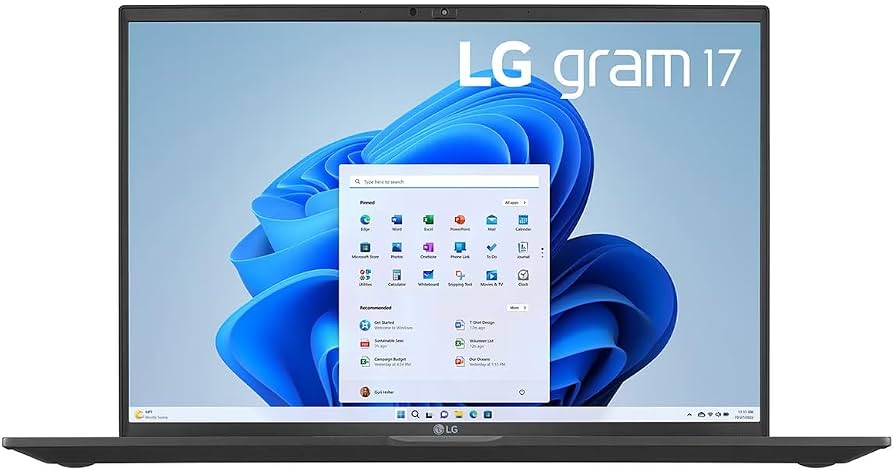
LG Gram 17 (2023)
$1497.00

✓ Key Strengths
- •Massive 17-inch WQXGA (2560x1600) display with 16:10 aspect ratio – provides extra vertical space for more visible rows, reducing scrolling.
- •Incredibly lightweight at just 2.7 pounds, making it easy to carry to meetings, client sites, or work from home.
- •Long battery life (80Wh) easily lasts a full workday, with some users reporting 10-12 hours of real-world usage.
- •Full-scope keyboard with numeric keypad, ideal for high-volume numerical data entry.
- •Fast performance with 13th Gen Intel Core processors and up to 32GB LPDDR5 RAM, handling large spreadsheets and complex formulas without lag.
- •Durable build quality with MIL-STD-810G certification, ensuring it withstands the bumps of daily commute and travel.
- •Plenty of ports including Thunderbolt 4, USB-C, USB-A, HDMI, and microSD, allowing easy connection to peripherals and external displays.
- •16:10 display also makes multitasking easier when viewing two spreadsheets side-by-side.
✗ Key Weaknesses
- •Expensive price point, often above $1,500, which may be overkill for basic spreadsheet tasks.
- •RAM is soldered and not upgradeable, so you must decide between 16GB and 32GB at purchase time.
- •Glossy display is prone to reflections and glare in bright environments, which can strain eyes over time.
- •Keyboard has moderate key travel (around 1.2mm) that might feel shallow for touch typists accustomed to deeper keys.
- •No discrete GPU – not an issue for spreadsheets, but could limit users who also want to do light video editing or design work.
What is LG Gram 17 (2023)?
What is spreadsheet work?
Detailed Analysis
👍 Perfect For
- ✓Financial analysts and accountants who work with complex Excel models all day and need a large screen plus number pad.
- ✓Consultants and business professionals who travel frequently and need a lightweight laptop that doesn't sacrifice screen real estate.
- ✓Data analysts and BI professionals who handle large datasets and require a high-resolution display for clarity and vertical space.
- ✓Project managers and operations managers who rely on spreadsheets for reporting and need a portable laptop for workshops and meetings.
- ✓Students in business, economics, or engineering who spend hours on spreadsheets and want a long-lasting, reliable machine for campus life.
👎 Not Ideal For
- ✗Budget-conscious users who simply need a basic laptop for occasional spreadsheet use – cheaper alternatives exist.
- ✗Those who require a touchscreen for inking or tactile input – the LG Gram 17 is non-touch.
- ✗Users who prefer a compact laptop for travel and don't need 17 inches of display space.
- ✗Users who need heavy computing power beyond spreadsheets, such as 3D rendering or video editing, where a dedicated GPU is essential.
Use Case Scenarios
Financial Analyst in a Corporate Office
A financial analyst spends 8+ hours in Excel, building complex financial models, performing variance analysis, and preparing reports with large datasets. The laptop must support heavy multitasking, multiple monitors, and reliable performance.
✓ Strengths
- Enhanced productivity thanks to the large screen and extra vertical workspace.
- Number pad speeds up transaction entry and data input.
- Powerful enough for complex calculations and multiple large Excel files.
- Lightweight design makes it easy to carry to meeting rooms or the finance department across the building.
✗ Weaknesses
- Glossy display can create glare in a brightly lit office.
- Soldered RAM means you need to choose the right size upfront; 16GB might be limiting for very heavy work.
- High price may require approval from IT budgets.
💡 Workarounds
- Use an anti-glare screen protector or adjust the desk position to reduce reflections.
- Opt for the 32GB RAM version to future-proof for increasingly large datasets.
- Pair the laptop with a high-quality external monitor and a laptop stand to create a desktop-like setup.
This is the primary target use case for the LG Gram 17. It delivers everything a financial analyst needs: large display, numpad, performance, and portability, with only minor cosmetic concerns.
Remote Consultant or Frequent Traveler
A management consultant works from client sites, airport lounges, and hotels. They need a laptop that is easy to carry, has excellent battery life, and shows large amounts of data without an external monitor.
✓ Strengths
- Ultra-lightweight for a 17-inch laptop, reducing traveler fatigue.
- All-day battery life ensures productivity during long flights and layovers.
- Large screen reduces the need for an external monitor when on the road.
- Durable construction withstands the bumps and jostles of regular travel.
✗ Weaknesses
- 17-inch size may feel bulky on economy-class tray tables.
- Premium build comes with premium price, which might be hard to justify if travel is infrequent.
💡 Workarounds
- Use the laptop on a laptop stand with a small external keyboard and mouse when working in temporary office setups.
- Choose a 17-inch sleeve with extra padding for protection.
- Take along a small USB-C hub to connect to projectors or monitors at client sites.
The weight and battery life make it a top choice for travelers, but the sheer screen size may occasionally be cumbersome in tight spaces.
Data Science Student
A graduate student uses spreadsheets extensively, but also does introductory programming in Python and R. They need a laptop for classes, research projects, and maybe some light machine learning tasks.
✓ Strengths
- Crisp display and great color accuracy beneficial for data visualization.
- Excellent performance for coding in Python/R and running statistical analysis.
- Portability and battery life suit the mobile student lifestyle.
- Numeric keypad is helpful for matrix entry and data manipulation.
✗ Weaknesses
- Integrated GPU may struggle with machine learning tasks that require CUDA acceleration.
- 16GB RAM base model may be limiting for large data science projects; 32GB is recommended.
- High price may be a barrier for students on a budget.
💡 Workarounds
- Use cloud services like Google Colab for GPU-accelerated deep learning tasks.
- Opt for the 32GB RAM model to ensure smooth handling of larger datasets.
- Take advantage of student discounts or refurbished units to save money.
It handles spreadsheet and programming workloads well, but the absence of a dedicated GPU and high cost may be limiting for some students.
Budget-Conscious Basic Spreadsheet User
A user needs a laptop for light spreadsheet work like creating budgets, tracking expenses, and simple data entry. They are price-sensitive and don't require advanced features or high portability.
✓ Strengths
- Large screen is pleasant to use, but not necessary for simple tasks.
- Long battery life is a bonus for occasional use, but not critical.
✗ Weaknesses
- Exorbitant price compared to the needs of a basic spreadsheet user.
- Elite features (lightweight, high-res display) are wasted if not utilized.
- Upfront investment is hard to justify for occasional usage.
💡 Workarounds
- Consider a budget-friendly laptop in the $300-$500 range that supports Excel comfortably.
- If you still want a large screen, look at 17-inch budget laptops, though they are heavier.
- Explore refurbished or older LG Gram models for a more affordable price.
The LG Gram 17 is an excellent machine but severely overpriced for the demands of a basic spreadsheet user. There is no cost-benefit justification for this purchase.
Related Products You Should Consider
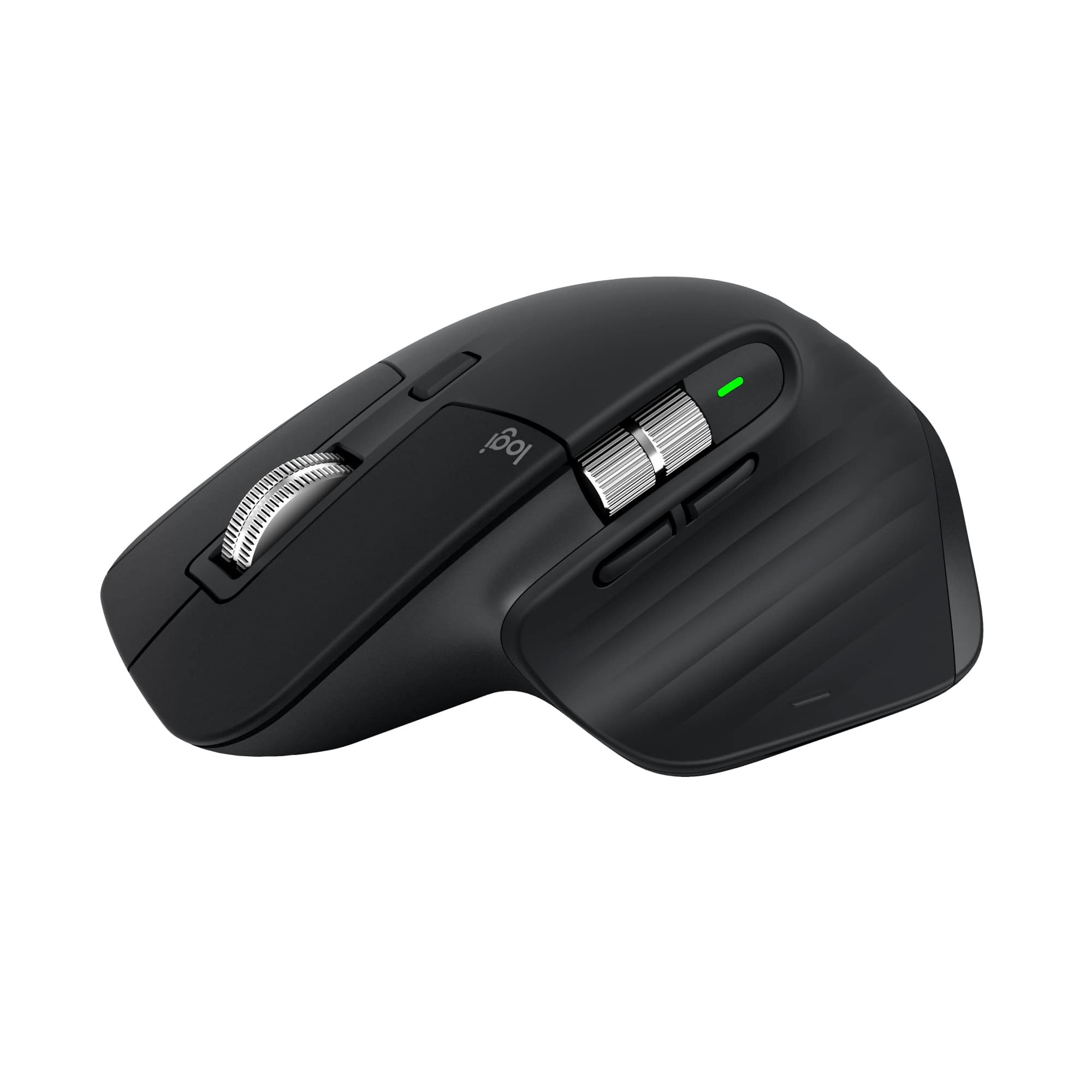
Logitech MX Master 3S Wireless Mouse
$99.99
Why recommend: Enhances navigation and speed in spreadsheets with horizontal scroll and precision wheel, reducing fatigue and boosting efficiency.
Best for: Spreadsheet professionals who spend long hours navigating large data sets and want maximum comfort and efficiency.
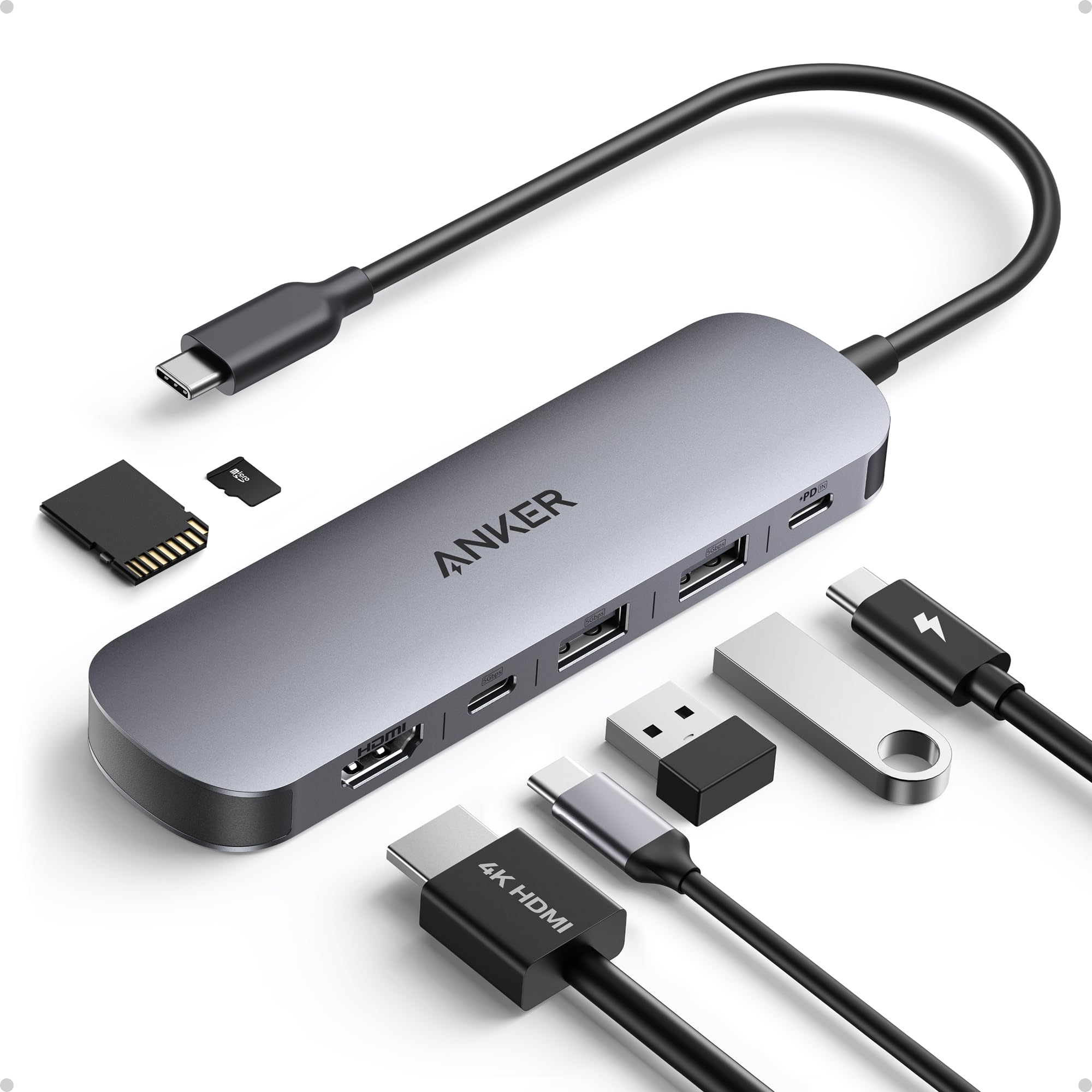
Anker USB-C Hub (7-in-1, with HDMI, Ethernet, USB-A, microSD)
$59.99
Why recommend: Expands display and peripheral options, boosting productivity for spreadsheet work that benefits from dual monitors or multiple USB devices.
Best for: Users who dock their LG Gram 17 at a desk or need to connect various devices for data transfer and enhanced workflows.
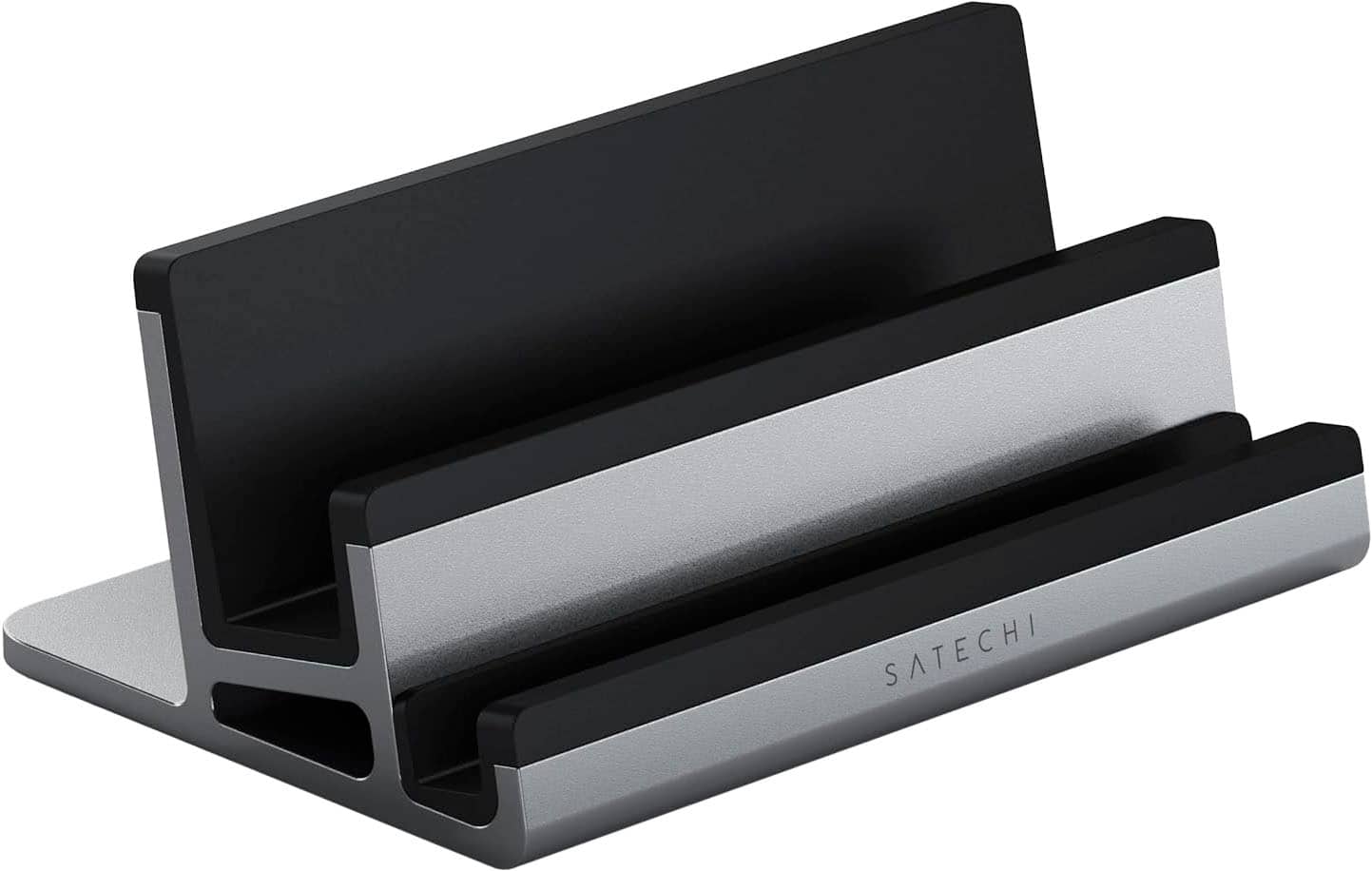
Satechi Type-C Aluminum Laptop Stand with Adjustable Height
$79.99
Why recommend: Improves ergonomics and comfort during long hours of spreadsheet work, reducing the risk of neck and back pain.
Best for: Users who work at a desk all day and want to maintain a healthy posture and a cleaner setup.
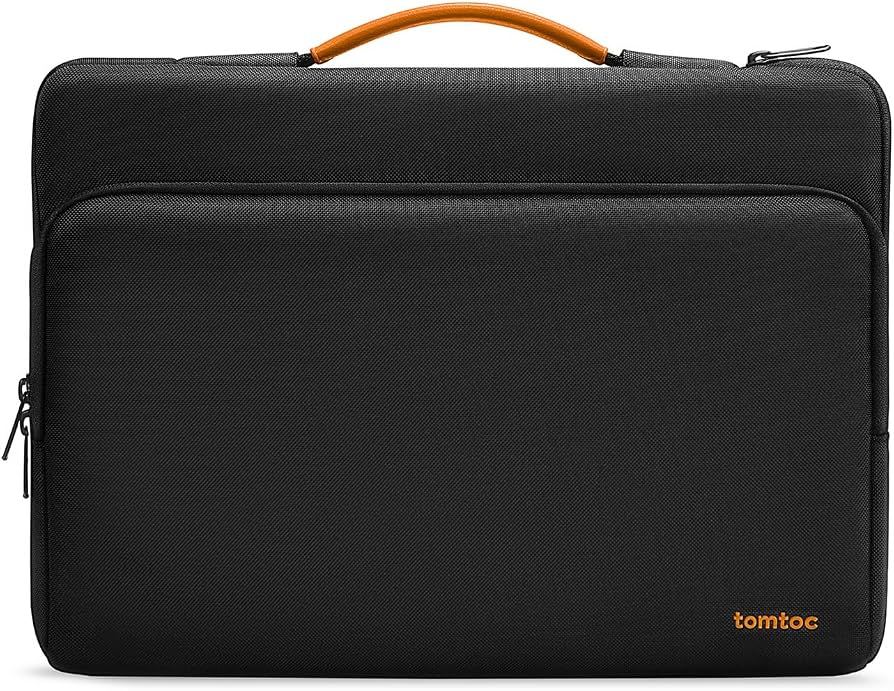
Tomtoc 17-17.3 Inch Laptop Sleeve with Expanded Carry Pocket
$26.99
Why recommend: Protects the LG Gram 17 from physical damage and provides convenient storage for peripherals, ensuring the laptop remains in good condition.
Best for: Commuting professionals and students who want to safeguard their expensive laptop during daily travel.
Microsoft 365 Personal - 12 Month Subscription
$69.99
Why recommend: Provides essential Excel software and storage, enhancing the spreadsheet capabilities of the LG Gram 17.
Best for: Users who need the full Microsoft Office suite, especially Excel, for professional or academic spreadsheet work.
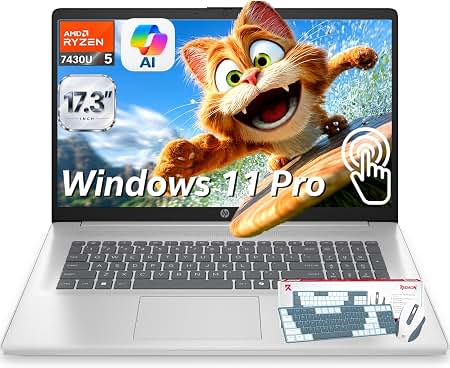
Lenovo IdeaPad Slim 3 17" Laptop (2022)
$549.99
Why recommend: Offers a 17-inch screen and keypad at a fraction of the price, making it an attractive option for budget-conscious spreadsheet users.
Best for: Students or casual users who need a large display for spreadsheets but have a limited budget.
Bottom Line
Ready to get the LG Gram 17 (2023)? Check the latest price on Amazon.
🛒 Buy on AmazonAs an Amazon Associate we earn from qualifying purchases.
Frequently Asked Questions
Is LG Gram 17 (2023) good for spreadsheet work?
Yes, the LG Gram 17 (2023) is excellent for spreadsheet work. Its large 17-inch, 2560x1600 display with 16:10 aspect ratio shows more rows and columns, reducing the need for constant scrolling. The numeric keypad speeds up data entry, and the lightweight design makes it easy to carry. With long battery life and strong performance from 13th Gen Intel processors, it's a top choice for spreadsheet-centric tasks.
Can you use LG Gram 17 (2023) for spreadsheet work?
Absolutely. The LG Gram 17 can handle even the most demanding spreadsheet workloads, including large datasets, complex formulas, and multiple workbooks. Its 16:10 display is particularly beneficial for seeing more data vertically, which is an advantage over many other laptops. The keyboard includes a number pad, essential for touch typists and those who work with numbers. You can comfortably use Microsoft Excel, Google Sheets, and other spreadsheet applications with excellent performance.
Is LG Gram 17 (2023) suitable for spreadsheet work?
Yes, it is highly suitable. The combination of a large high-resolution screen, comfortable keyboard, and portable design makes it ideal for spreadsheet work. The only caveats are the high price and the glossy screen, which may produce glare in bright conditions. But for most spreadsheet professionals, the pros far outweigh these minor issues.
What's better than LG Gram 17 (2023) for spreadsheet work?
It depends on your priorities. If you need a larger, ultra-wide display, consider a 16-inch laptop like the Dell XPS 16 or MacBook Pro 16, but they are heavier and more expensive. If you want the lightest 17-inch laptop for travel, the LG Gram is already the best. For the absolute best keyboard, you might prefer a Lenovo ThinkPad, but they don't offer a 17-inch model as light. If you are on a budget, a cheaper 17-inch laptop can handle basic spreadsheet work. In summary, the LG Gram 17 offers the best balance of screen size, weight, and performance for spreadsheet work.
Does LG Gram 17 (2023) work for spreadsheet work?
Yes, it works flawlessly. The LG Gram 17 is powerful enough to run Excel, including macros and power queries, without lag. The screen is sharp and large, the battery lasts all day, and the laptop is light enough to carry to any meeting. It simply works for spreadsheet work—no compromises necessary.
Is LG Gram 17 (2023) good for Excel?
Yes, it is exceptionally good for Excel. The 16:10 screen ratio gives you more rows on screen, the number pad helps with data entry, and the processor handles complex formulas quickly. The only thing to watch out for is that the glossy screen can reflect lights, so you may need to adjust your workspace or use a matte screen protector. Overall, it's one of the best laptops for Excel work.
What are the best accessories for LG Gram 17 (2023) for spreadsheet work?
Top accessories include a wireless mouse with horizontal scrolling (like Logitech MX Master 3S), a USB-C hub for connecting external monitors, a laptop stand for ergonomics, a good sleeve for protection, and a Microsoft 365 subscription for Excel. These accessories will enhance your productivity and comfort during long spreadsheet sessions.
How to use LG Gram 17 (2023) for spreadsheet work?
To maximize productivity on the LG Gram 17, take advantage of its 16:10 screen by enabling 'snap' features to view two spreadsheets side-by-side. Use the number pad for rapid data entry. Customize your mouse (if you use one) with horizontal scrolling to navigate wide sheets. Connect an external monitor via Thunderbolt 4 for even more screen space. And make sure to use Excel's keyboard shortcuts to speed up your work. The LG Gram's excellent battery means you can work untethered for hours.
Is the LG Gram 17 (2023) too expensive for spreadsheet work?
It can be, if you only use basic spreadsheets. The LG Gram 17 is a premium laptop, so its price is justified by its lightweight design, large high-res screen, and strong specs. If you're a professional who works with spreadsheets all day, the investment is well worth it due to improved productivity and portability. But if your spreadsheet needs are minimal, you can find much cheaper laptops that will get the job done.
How does LG Gram 17 (2023) compare to MacBook Air 15 for spreadsheet work?
The LG Gram 17 has a larger 17-inch screen with 16:10 aspect ratio and a numeric keypad, which are advantages for spreadsheet work. The MacBook Air 15 is lighter (2.7 lbs vs 2.8 lbs) and offers longer battery life, but its display is 15.3 inches and lacks a touchscreen or number pad. For spreadsheet work, the extra screen real estate and numpad of the LG Gram make it a stronger choice, unless you are deeply invested in the macOS ecosystem.
Is the LG Gram 17 (2023) good for comparing large spreadsheets side by side?
Yes, its 17-inch screen and high resolution allow you to comfortably view two large spreadsheet windows side by side using Windows Snap features. The 16:10 aspect ratio and 2560x1600 resolution provide plenty of horizontal and vertical space. For even more space, you can connect an external monitor via Thunderbolt 4 to create a multi-monitor arrangement.
Does the LG Gram 17 (2023) have a numeric keypad?
Yes, the LG Gram 17 (2023) includes a full-size keyboard with a numeric keypad on the right side. This is extremely beneficial for spreadsheet work, allowing for efficient numerical input and calculations. Few laptops in this size class offer a number pad, making this a standout feature for data entry tasks.