
Quick Verdict
The iPad mini is a solid, portable choice for reading sheet music, especially for musicians who play single-line parts and value portability. However, its small screen is a significant limitation for pianists and those who need to see two pages at once. Overall, it's a good but not excellent fit for general sheet-music reading.
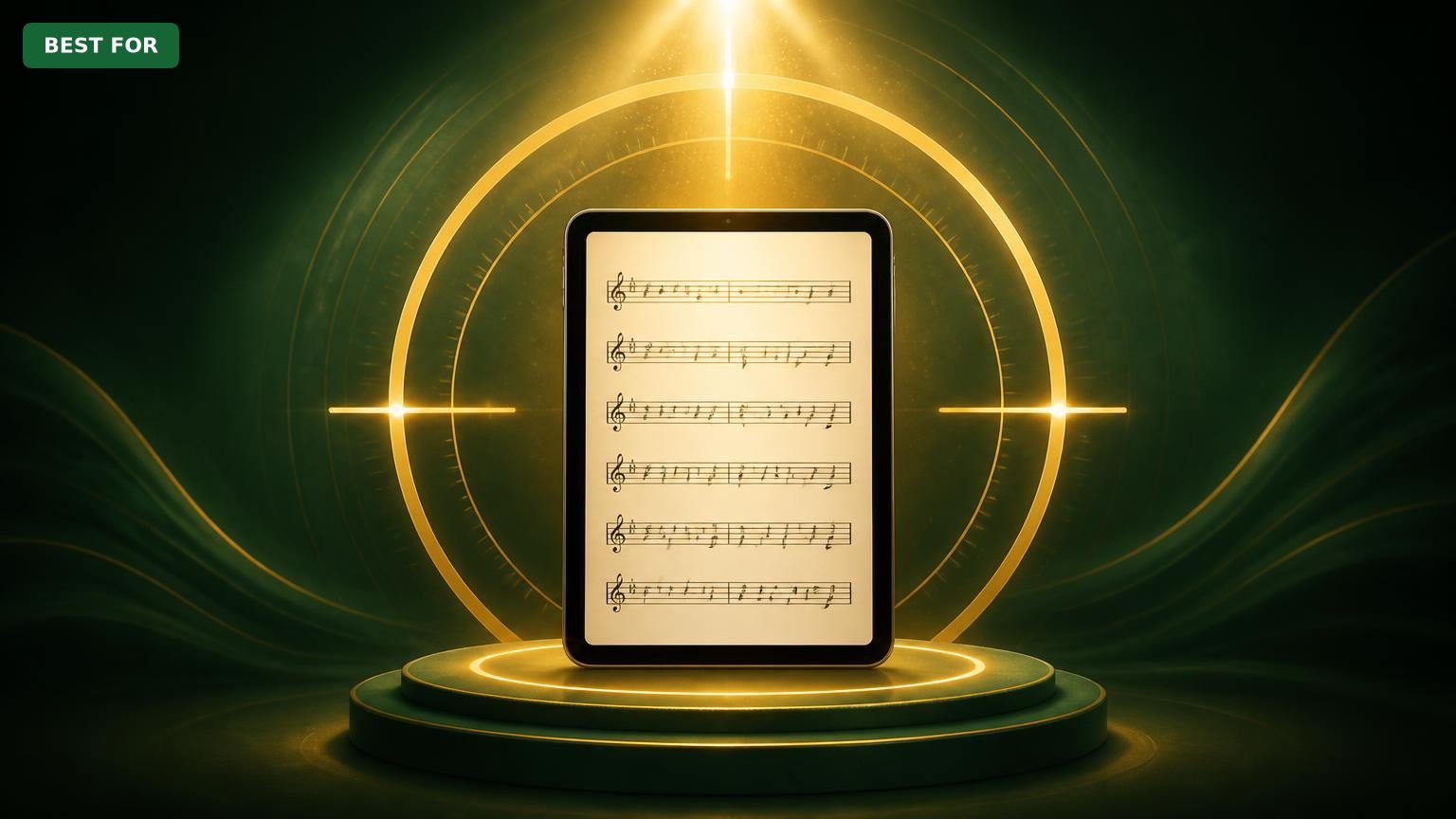
iPad mini
$499.99

✓ Key Strengths
- •Ultra-portable: weighs under a pound and fits in a music bag or large pocket.
- •Excellent battery life: up to 10 hours, enough for full rehearsals and performances.
- •Sharp 8.3-inch display with 326 ppi and anti-reflective coating, readable in most lighting.
- •Powerful A15 Bionic chip handles large PDFs and music notation apps fluidly.
- •Apple Pencil 2 support enables natural annotation and marking on scores.
- •Compatible with Bluetooth page turners like the PageFlip Firefly and AirTurn BT-105.
- •Landscape stereo speakers provide clear audio for play-along practice.
✗ Key Weaknesses
- •Small 8.3-inch screen doesn't show a full 8.5x11 page at a comfortable size without zooming.
- •Difficult to read two-page spreads for piano or conductor scores: each page becomes tiny in landscape.
- •No headphone jack means you need Bluetooth or a USB-C adapter for silent practice.
- •Base 64GB storage may be limiting if you store lots of full-orchestra PDFs at high resolution.
- •Prone to glare under bright stage lights; requires a matte screen protector for outdoor or stage use.
- •Smaller touch target means page-tapping can accidentally trigger if your fingers are damp or you're wearing gloves.
What is iPad mini?
What is reading sheet music?
Detailed Analysis
👍 Perfect For
- ✓Musicians who prioritize portability and need a tablet that disappears into a gig bag.
- ✓Wind and string players who read single-line parts and want a lightweight substitute for paper.
- ✓Hobbyist pianists who practice one page at a time and don't mind zooming in and out.
- ✓Students who want to annotate scores with fingerings and bowings and keep every PDF organized.
- ✓Gigging performers who use a foot-pedal page turner and need a reliable, ultra-compact screen.
👎 Not Ideal For
- ✗Professional or serious pianists who sight-read complex two-page scores and need a wide view.
- ✗Conductors or anyone who must see multiple staves and parts simultaneously at a glance.
- ✗Musicians with poor vision who need large note symbols and a larger display.
- ✗Anyone who wants a single device to serve as a primary sheet-music library and a laptop replacement.
Use Case Scenarios
Amateur Hobbyist Reading Lead Sheets at Home
A casual pianist or guitarist who picks up sheet music from time to time and wants to keep a digital library on a small tablet.
✓ Strengths
- Sharp display for lead sheets and chord charts.
- Lightweight and easy to set up anywhere.
- Great for storing a large repertoire in one place.
- Apple Pencil support for simple annotations.
✗ Weaknesses
- Small screen may require zooming for multi-staff arrangements.
- No dedicated music stand included; you'll need a stand or prop.
💡 Workarounds
- Use a simple tablet stand or leaning against a music rest.
- Set the sheet music app to 'scroll' mode and use a Bluetooth page turner.
- Purchase an inexpensive music stand like the AmazonBasics Portable Music Stand.
For a hobbyist who doesn't depend on complex scores, the iPad mini's portability and ease of use make it an excellent sheet-music reader.
Professional Gigging Musician Performing in Small Venues
A working musician, perhaps a guitarists or saxophonist, who plays live shows frequently and needs a compact tablet that can be clipped to a microphone stand or music stand without blocking the view.
✓ Strengths
- Ultra-portable and easy to set up on stage.
- Excellent battery life for multi-set gigs.
- Can be combined with a wireless foot pedal for page turns.
- Durable with a good case, survives bumpy travel in a gear bag.
✗ Weaknesses
- Screen may not show a full page at readable size without zooming.
- Glare from stage lights can be an issue; a matte screen protector is highly recommended.
- Requires a reliable Bluetooth page turner; if the battery dies mid-gig, you're stuck.
💡 Workarounds
- Invest in a matte screen protector to reduce glare.
- Use a robust page turner like the AirTurn BT-105 and keep backup batteries.
- Attach a small power bank to the music stand to charge during breaks.
The iPad mini's portability and practical attributes shine for live gigs, but screen size constraints for complex charts prevent it from being excellent.
Pianist Rehearsing Accompaniment with Two-Page Scores
A pianist who accompanies singers or instrumentalists and often uses a two-page spread that requires frequent page turns.
✓ Strengths
- Portable enough to carry in a piano bench.
- Apple Pencil support for adding pedal marks and fingerings.
- A15 chip makes scrolling and zooming smooth.
✗ Weaknesses
- Two-page display is unreadably small at a practical distance.
- Frequent zooming breaks sight-reading rhythm.
- May cause eye strain over long rehearsal sessions.
💡 Workarounds
- Use the landscape orientation and set the app to show half-pages that scroll vertically.
- Split a two-page PDF into single pages and use a page turner, but this still disrupts the visual memory of the page layout.
- Better: use a larger iPad, like the iPad Pro 12.9, or stick to paper for piano scores.
While technically possible, the iPad mini's screen is too small for comfortable two-page reading, making it a poor fit for accompaniment pianists.
Student Practicing in a Dorm Room
A music student who frequently practices in confined spaces and wants to avoid carrying heavy music books and binders.
✓ Strengths
- Lightweight design makes it easy to bring to lessons and practice rooms.
- 10-hour battery life supports extensive practice sessions.
- Great for storing sight-reading assignments and digital method books.
- Apple Pencil enables clean shorthand notes.
✗ Weaknesses
- Small screen may be a challenge for full orchestral scores.
- It is an additional expensive gadget to carry; students must be careful not to lose it.
💡 Workarounds
- Use the 'auto scroll' feature in sheet music apps to keep the score moving at your pace.
- Download your university's required scores and set up a folder system.
- Keep a backup of your scores in the cloud (e.g., iCloud Drive) in case you lose the tablet.
For practice-room use, the iPad mini is a fantastic tool, offering portability, battery life, and annotation features that enhance learning.
Related Products You Should Consider
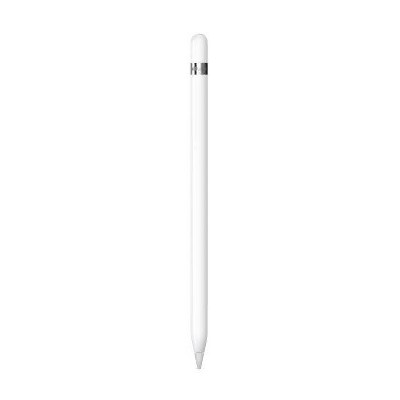
Apple Pencil (2nd Generation)
$129.00
Why recommend: Enables natural annotation on sheet music, making the iPad mini a powerful practice and rehearsal tool.
Best for: Students and performers who want to write on their digital scores without erasing or carrying a separate pencil.
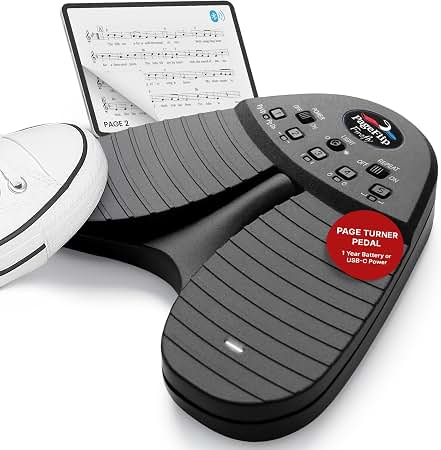
PageFlip Firefly Bluetooth Page Turner
$79.99
Why recommend: Provides hands-free page turning, crucial for musicians who can't use their hands to turn pages during a performance.
Best for: Any musician who wants to keep their hands on the instrument, especially wind, string, and keyboard players.
AirTurn BT-105 Dual Bluetooth Foot Switch
$89.99
Why recommend: A dedicated foot pedal offers a more natural and stable way to turn pages in live settings than a hand-tap device.
Best for: Pianists and other instrumentalists who play seated and benefit from a foot-operated page turner.
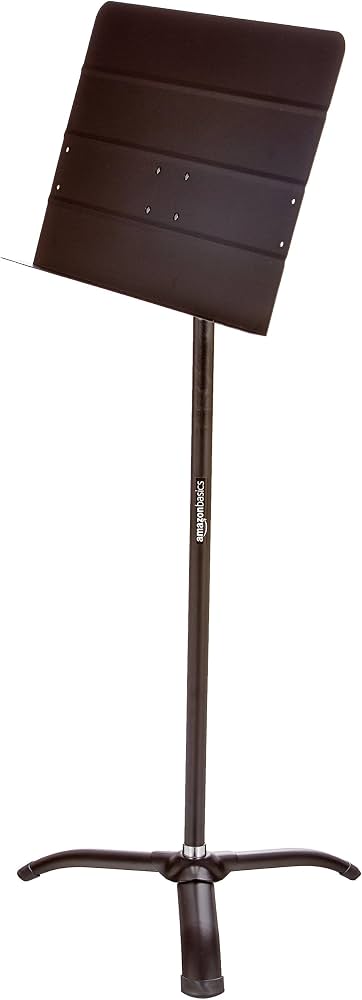
AmazonBasics Portable Adjustable Sheet Music Stand
$29.99
Why recommend: A music stand is necessary to position the iPad mini at a comfortable viewing height, and this model is affordable and practical.
Best for: Musicians who don't have a built-in mount on their music stand and need a dependable, portable solution.
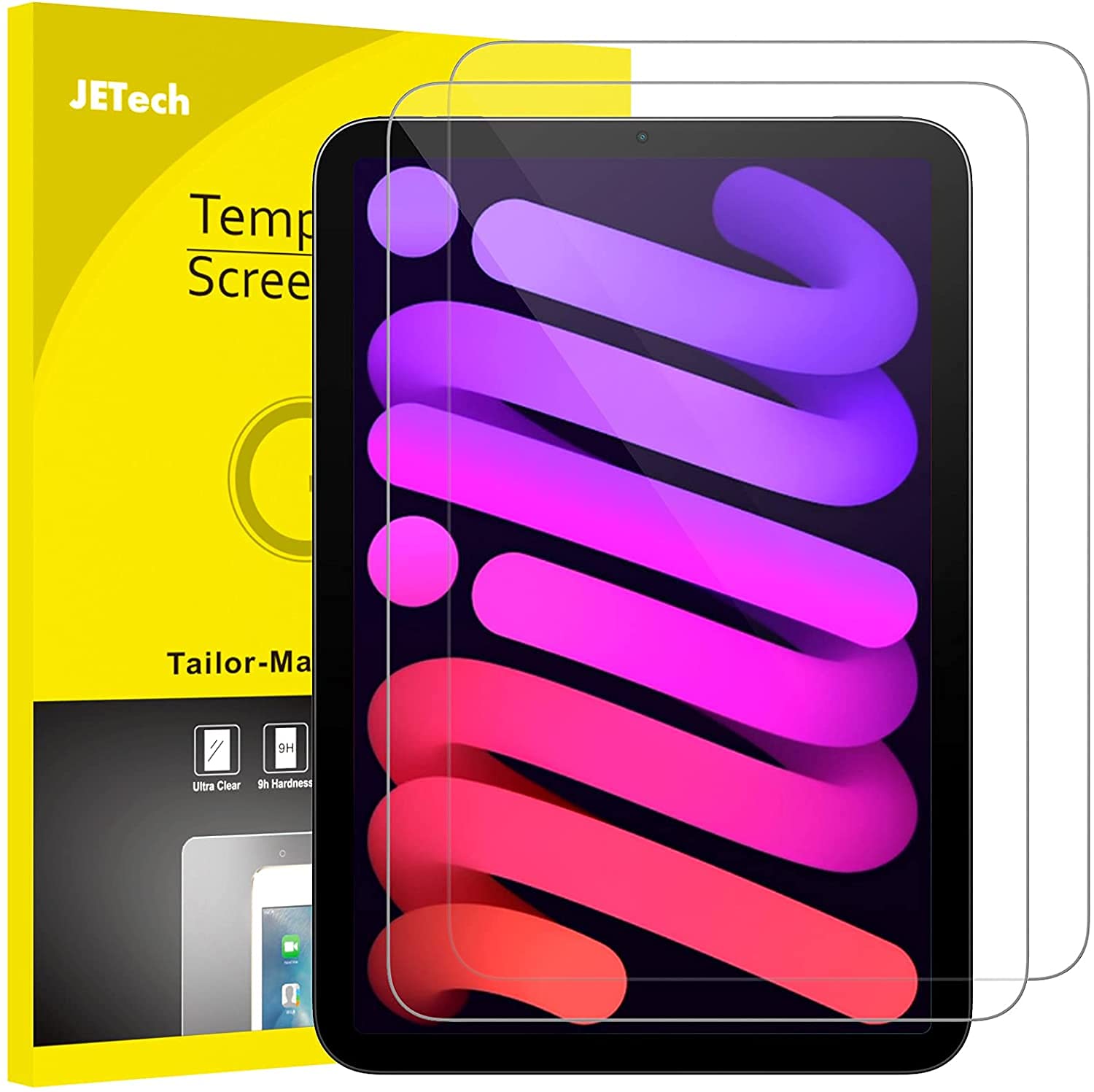
JETech Matte Screen Protector for iPad mini 6 (2-Pack)
$8.99
Why recommend: Reduces glare and enhances Apple Pencil usability, directly improving sheet-music readability on stage.
Best for: Gigging musicians who perform under bright lights or in outdoor venues, and anyone who writes on their iPad with a stylus.
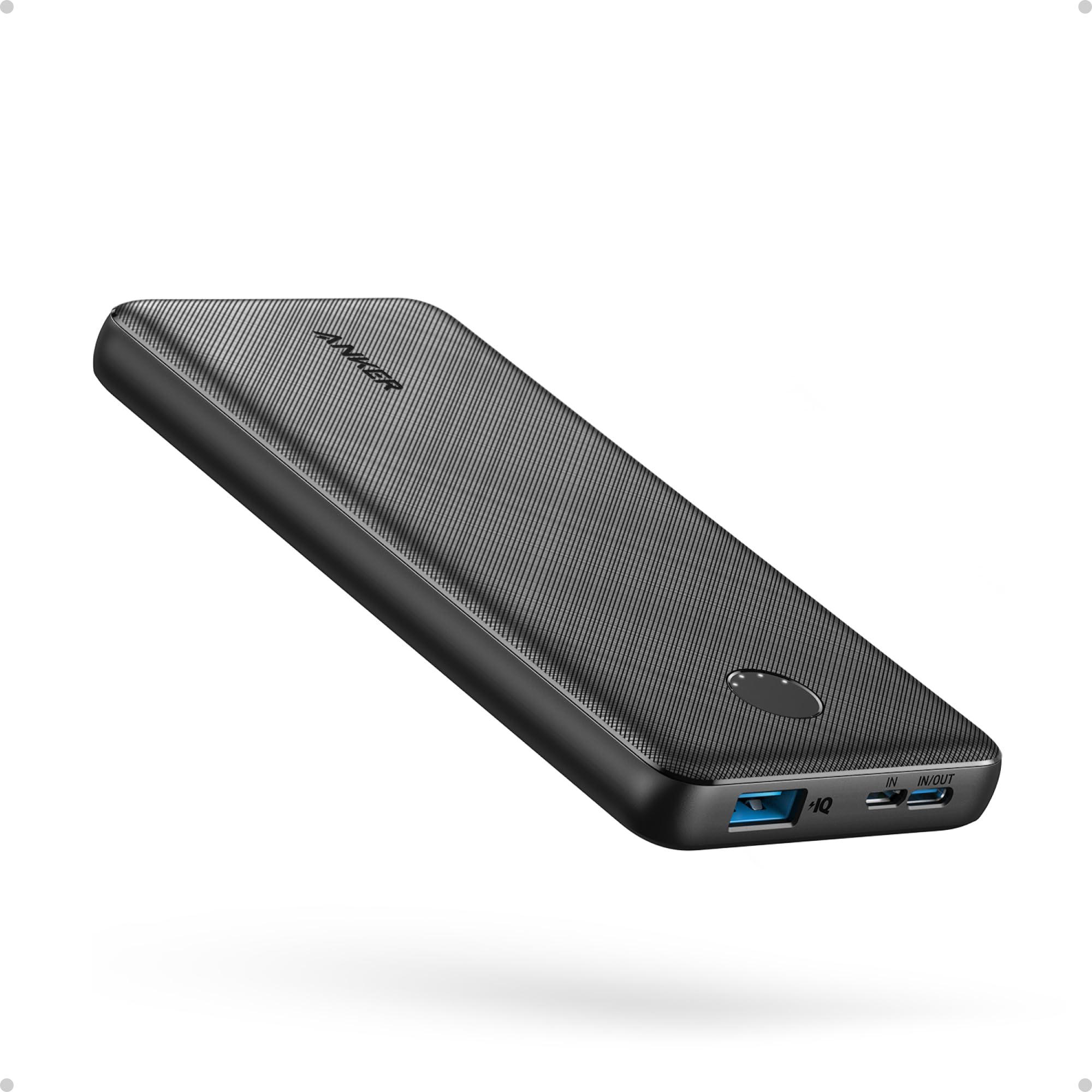
Anker PowerCore 10000 Portable Charger
$21.99
Why recommend: The iPad mini's battery is rated for 10 hours, but power is always tight during long gigs or multi-hour rehearsals, so a portable charger is a smart backup.
Best for: Musicians who travel frequently, play long sets, or work in locations without easy access to power outlets.
Bottom Line
Ready to get the iPad mini? Check the latest price on Amazon.
🛒 Buy on AmazonAs an Amazon Associate we earn from qualifying purchases.
Frequently Asked Questions
Is the iPad mini good for reading sheet music?
Yes, the iPad mini is good for reading sheet music, especially if you are a wind, string, or vocal performer who reads single-line music and values portability. Its 8.3-inch screen is sharp and bright enough for most situations, and it supports Apple Pencil annotation and Bluetooth page turners. However, its compact size makes it less suitable for pianists or conductors who need to see two-page spreads at a comfortable size. For those uses, a larger iPad like the iPad Pro 12.9 is a better choice.
Can you use the iPad mini for reading sheet music at a glance?
Yes, but you'll likely need to zoom in for dense scores. The iPad mini's screen is small, so a full standard sheet-music page will appear reduced to about 70% of actual size. In apps like forScore, you can set the document to 'fit to width' and scroll horizontally or vertically as you play. A Bluetooth foot pedal makes this seamless, but it's not ideal for sight-reading where you need to see the entire page at once.
What is the best app for reading sheet music on the iPad mini?
forScore is widely considered the best sheet-music app for any iPad. It offers extensive annotation tools, page-turn pedal compatibility, playlist organization, and a huge library of downloadable music. Other popular options include Piascore, MusicNotes, and Unreal Book. For the iPad mini, we recommend using 'scroll mode' in forScore to avoid page-turn interruptions, and setting the page to a comfortable zoom level.
Can you use the Apple Pencil with the iPad mini for annotating sheet music?
Absolutely. The iPad mini (6th generation) works with the Apple Pencil (2nd generation). You can write fingering numbers, bowing indications, and dynamic reminders directly on the PDF. The pencil is precise and the screen responds instantaneously, making it feel natural. Keep in mind that you'll need to buy the Apple Pencil separately; it's not included with the iPad mini.
How do you turn pages hands-free with the iPad mini?
The most common method is to use a Bluetooth page turner or foot pedal, such as the PageFlip Firefly or AirTurn BT-105. These devices connect to your iPad and send page-turn signals to the sheet-music app, so you can flip pages by tapping a button with your foot or hand. Some apps also support Bluetooth page-turning via MIDI. Alternatively, you can use Apple's 'Voice Control' or simply tap the screen, but neither is as practical for live performance.
Is the iPad mini's 8.3-inch screen too small for reading sheet music?
It depends on the type of music. For a single melody line with lyrics, 8.3 inches can be perfectly adequate. For piano music with two hands and multiple staves, it will feel cramped; a full page reduced to fit will make small notes hard to read. For orchestral scores or any music with many staves, the iPad mini is not recommended. If you already own an iPad mini, we suggest trying it with your repertoire to see what works.
Which iPad is best for reading sheet music: mini, Air, or Pro?
The iPad Pro 12.9-inch is generally considered the best for reading sheet music because its large display shows a full page at near natural size and two-page spreads are still readable. The iPad Air (10.9-inch) is a good middle ground, being lighter and cheaper than the Pro but larger than the mini. The iPad mini is best for those who prioritize portability and won't mind zooming. In summary: Pro for professionals (especially pianists/conductors), Air for most hobbyists and students, and mini for gigging performers who want to travel light.
Can I use the iPad mini for two-page spread sheet music?
Technically yes, but it's not pleasant. In landscape orientation, the iPad mini's width is 7.7 inches, so two pages side-by-side would each be only about 3.5 inches wide. This makes music symbols too small for most people to read comfortably. Pianists who need two-page spreads will find this impractical. You could instead use a single-page view and use a page turner, but that breaks the visual memory of the score.
Do I need a screen protector for reading sheet music on the iPad mini?
A screen protector isn't mandatory, but we strongly recommend a matte or anti-glare screen protector if you perform in bright conditions. Stage lights and sunlight can cause reflections that obscure the score. A matte protector scatters light, reducing glare, and it also provides a slightly rougher surface that makes the Apple Pencil feel more like a pen on paper. It's a low-cost upgrade that significantly improves the experience.
Will the iPad mini's battery last through a full rehearsal or performance?
Yes. The iPad mini has a battery life of up to 10 hours for general use. When reading sheet music with the screen on and a Bluetooth page turner connected, you can expect around 8–9 hours. This is more than enough for a multi-hour rehearsal or a full set of gigs. Just be mindful of other apps running in the background; closing unnecessary apps will preserve battery.
How many PDFs of sheet music can the iPad mini store?
The base iPad mini starts with 64GB of storage. A typical sheet-music PDF is between 1 and 5 MB, so you could store over 10,000 scores in 64GB. If you have a massive library of high-resolution orchestral scans, they can be larger (10–20 MB each), but still a 256GB model can hold tens of thousands of files. iCloud, Google Drive, and other cloud services allow you to expand storage virtually.