
Quick Verdict
The iPad Air M2 is an excellent choice for college note-taking, offering a superb writing experience with the Apple Pencil, long battery life, and a vast app ecosystem. While there are minor drawbacks like the 60Hz display and base storage limitations, they don't significantly hinder its primary function. It's a top-tier device for handwritten notes, PDF annotation, and organizing study materials.
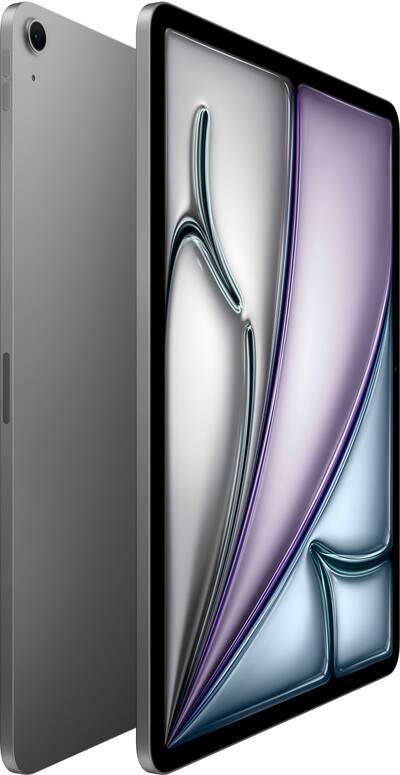
iPad Air M2
$599.00

✓ Key Strengths
- •Excellent Apple Pencil support with low latency and pressure sensitivity makes handwriting feel natural.
- •Lightweight and portable design (1.02 lbs) easily fits in a backpack alongside books.
- •Long battery life (up to 10 hours) lasts through a full day of classes without recharging.
- •Vibrant 10.9-inch Liquid Retina display with P3 wide color and True Tone for comfortable reading.
- •Robust app ecosystem with top-tier note-taking apps like GoodNotes, Notability, and OneNote.
- •Multitasking with Split View and Slide Over allows simultaneous note-taking and reference material viewing.
- •Fast M2 chip ensures smooth performance for heavy PDFs and quick app switching.
- •iCloud sync integrates notes seamlessly across iPhone, iPad, and Mac.
✗ Key Weaknesses
- •60Hz display refresh rate lacks ProMotion's smooth scrolling, though handwriting feels fine.
- •Base storage of 64GB may fill up quickly; upgrading to 256GB increases cost significantly.
- •No headphone jack; requires wireless earbuds or USB-C adapter for wired audio.
- •iPadOS file management is less capable than macOS/Windows, complicating multi-device workflows.
- •Apple Pencil (2nd gen) and Magic Keyboard are sold separately, adding $250+ to total cost.
- •Camera placement on the landscape edge is not optimized for video calls during note-taking.
What is iPad Air M2?
What is college note-taking?
Detailed Analysis
👍 Perfect For
- ✓Students who prefer handwritten lecture notes and want a digital solution that feels like paper.
- ✓Pre-med, science, or engineering students who need to draw diagrams, graph equations, and annotate complex slides.
- ✓Students already in the Apple ecosystem who want seamless sync with iPhone and Mac.
- ✓Budget-conscious students willing to invest in a tablet that doubles as an e-reader and media device.
👎 Not Ideal For
- ✗Students who rely heavily on typing and need a full keyboard experience for long papers (consider a MacBook Air or iPad with Magic Keyboard).
- ✗Users who need to run desktop-only software (e.g., SPSS, AutoCAD, coding IDEs) – a laptop is better.
- ✗Those who prefer a distraction-free, minimalistic note-taking device (e-reink like reMarkable may be better).
- ✗Students on a tight budget who can't afford the additional cost of Apple Pencil and apps.
Use Case Scenarios
Handwritten Lecture Notes (Liberal Arts)
A student attends humanities lectures where most content is text-based, with occasional diagrams. They write long notes quickly, needing palm rejection and good organization.
✓ Strengths
- Apple Pencil handwriting feels smooth and responsive.
- GoodNotes' handwriting recognition makes notes searchable.
- Lightweight enough to hold in one hand while walking between classes.
✗ Weaknesses
- Typing long essays requires an additional keyboard accessory.
- Some users may miss the tactile feel of paper.
💡 Workarounds
- Use a Paperlike screen protector to add friction for a paper-like feel.
- Pair with the Magic Keyboard for typing-intensive tasks.
Handwriting experience is nearly as good as the iPad Pro, and the app support is unmatched. The device is purpose-built for this type of note-taking.
STEM Student (Diagrams & Equations)
An engineering or math student needs to draw complex diagrams, graphs, and mathematical equations. They often work with PDFs of textbooks and need to annotate directly.
✓ Strengths
- Apple Pencil precision for drawing graphs and complex formulas.
- Shape recognition tools in note-taking apps save time.
- Ability to import and annotate PDFs of textbooks directly.
✗ Weaknesses
- No ProMotion; rapid sketching may show slight ghosting.
- Small screen compared to 12.9-inch iPad Pro for side-by-side view of large diagrams.
💡 Workarounds
- Zoom in when drawing fine details to reduce perceived lag.
- Use an app like Concepts that vectorizes sketches for infinite canvas.
Very capable, but iPad Pro offers a smoother drawing experience with ProMotion and larger screen. Still, for most STEM needs, the Air is sufficient.
Typing Notes with Magic Keyboard
A student who types faster than they write prefers using the Magic Keyboard to take notes in class, using Notion or Word.
✓ Strengths
- Magic Keyboard provides a great typing experience with a responsive trackpad.
- iPadOS multitasking allows side-by-side browser and notes.
- Battery lasts all day even with keyboard backlight on.
✗ Weaknesses
- The keyboard adds weight and bulk, reducing portability.
- iPadOS Office apps have limitations compared to desktop versions (e.g., lack of advanced formatting).
- Cannot use the iPad flat for handwritten notes with the keyboard attached.
💡 Workarounds
- Detach the keyboard when you need to write by hand.
- Use cloud-based tools like Google Docs for seamless access from other devices.
Good but not perfect. A MacBook Air or even a Chromebook might be better for pure keyboard typing, but the iPad Air offers flexibility to switch to handwriting.
Annotating Scientific Papers (PDFs)
A graduate student reads and annotates numerous PDF research papers daily, highlighting, adding comments, and extracting figures.
✓ Strengths
- PDF annotation is fluid with minimal lag.
- Apps like LiquidText offer unique features like linking notes to source text.
- Can be used as a second screen with a Mac via Sidecar for reference.
✗ Weaknesses
- Reading dense text for hours can cause eye strain; e-ink might be better.
- No file system; managing PDFs in folders requires using Files app or cloud services.
💡 Workarounds
- Use a matte screen protector to reduce glare, but may lower clarity.
- Organize PDFs in Zotero or Mendeley via cloud integration.
Nearly perfect for academic PDF work. The combination of a high-res screen, excellent stylus, and specialized apps makes it a top choice for researchers.
Related Products You Should Consider
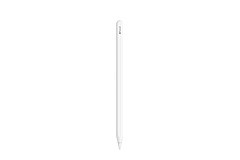
Apple Pencil (2nd Generation)
$129.00
Why recommend: The best stylus for the iPad Air M2, offering precision and functionality that no third-party alternative matches.
Best for: Students who plan to take handwritten notes, draw diagrams, or annotate PDFs.
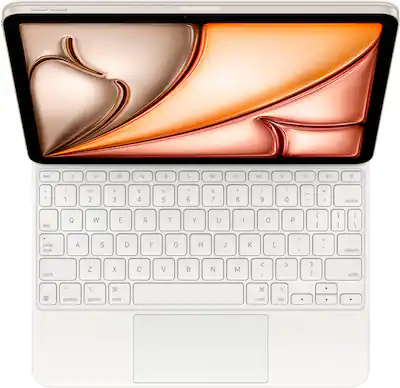
Magic Keyboard for iPad Air (4th/5th Gen)
$299.00
Why recommend: Best keyboard accessory for those who need a laptop-like experience; integrates seamlessly with iPadOS.
Best for: Students who type frequently and want a portable workstation.
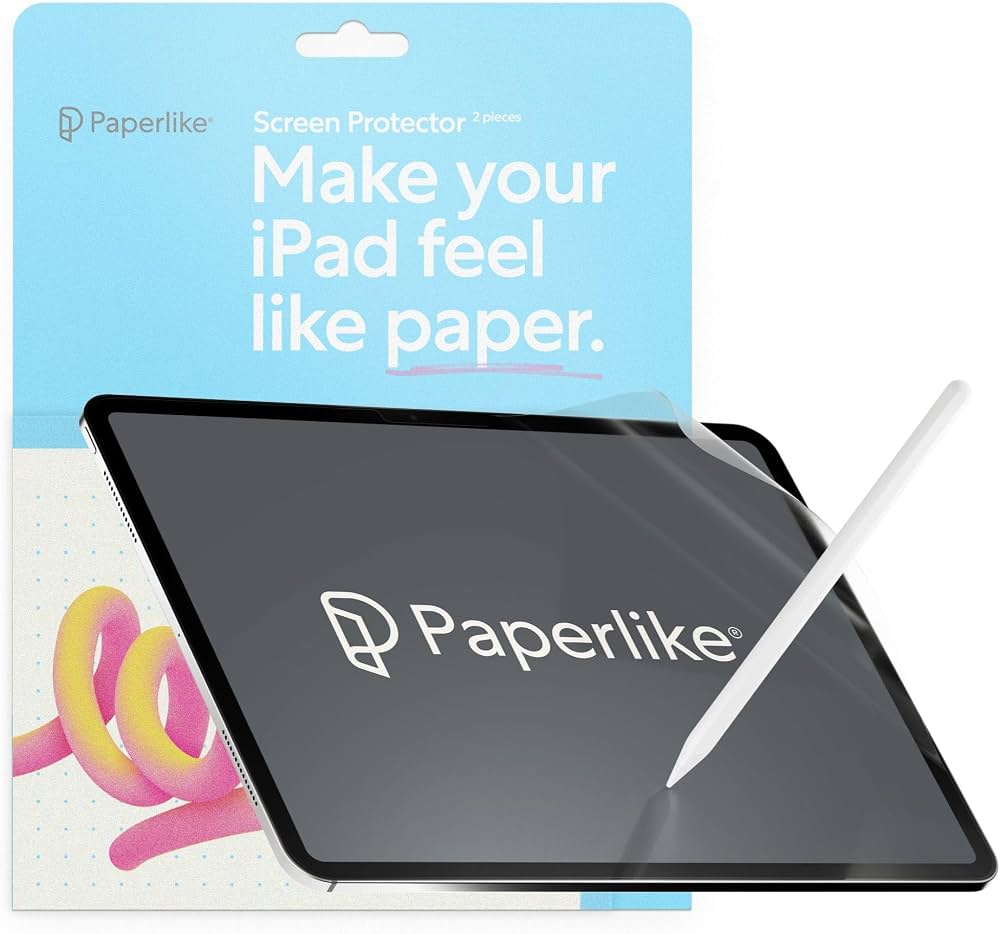
Paperlike Screen Protector (Matte)
$24.99
Why recommend: Enhances the note-taking experience by providing a paper-like feel; reduces glare for outdoor use.
Best for: Students who find the glossy screen too slippery or reflective.
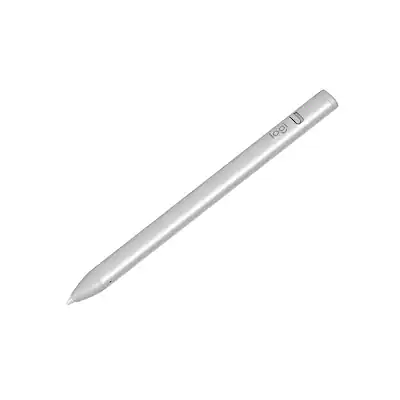
Logitech Crayon (Digital Pencil)
$69.99
Why recommend: Budget-friendly stylus that works well for note-taking, though not as feature-rich as the Apple Pencil.
Best for: Students who need a stylus but cannot justify the cost of an Apple Pencil.
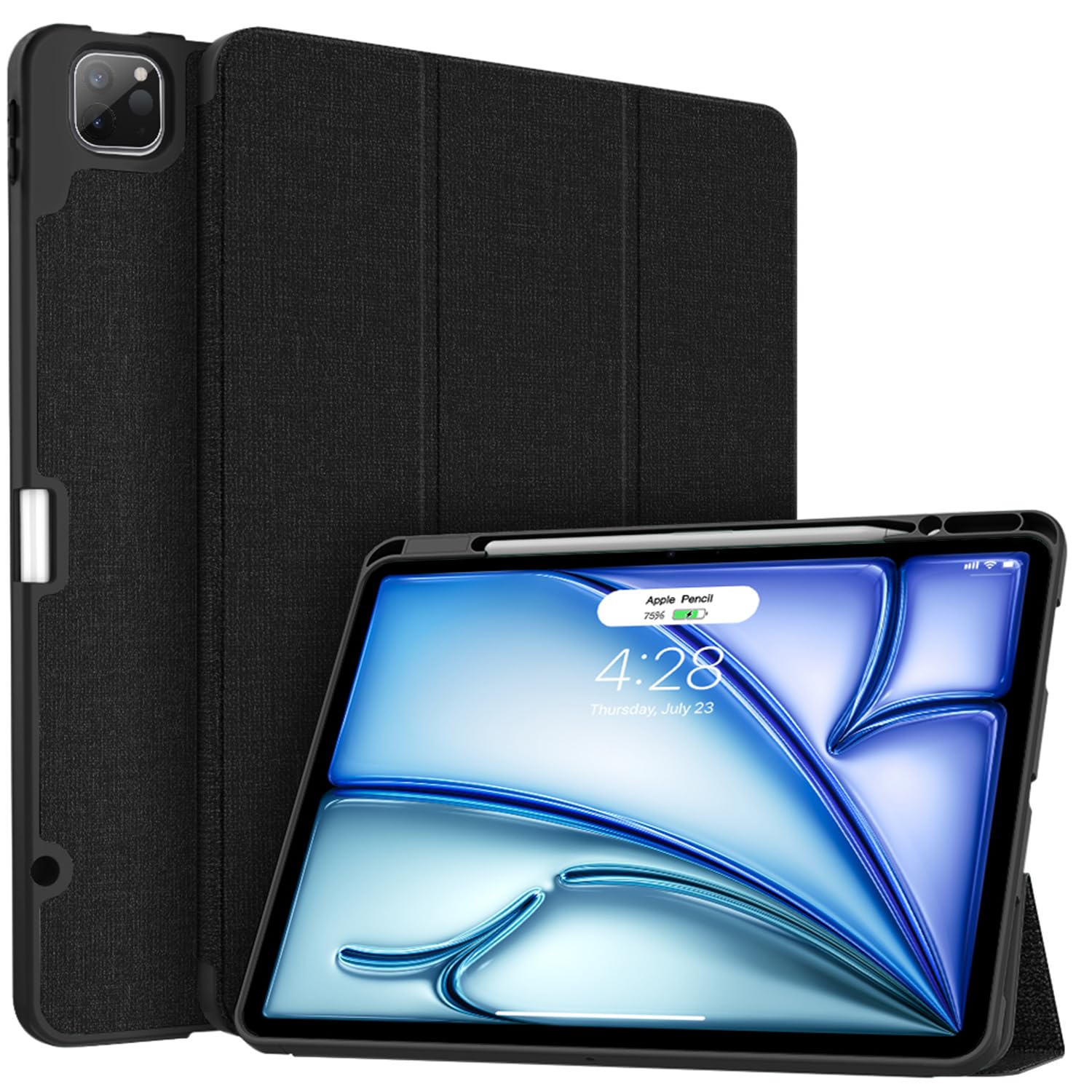
iPad Air M2 Case with Pencil Holder
$29.99
Why recommend: Offers protection and convenient pencil storage; a must-have for daily carry.
Best for: All students – any iPad owner should have a case.
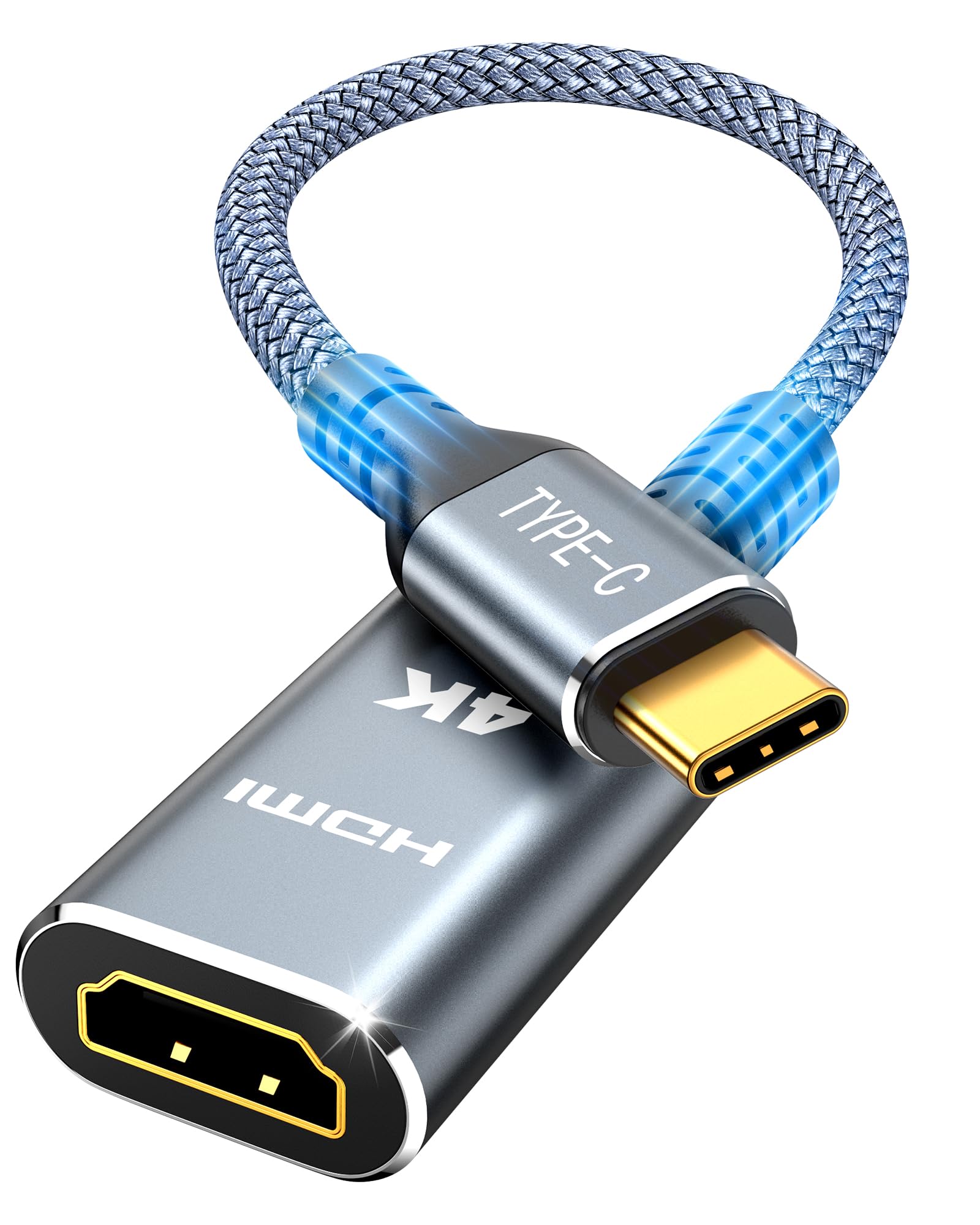
USB-C to HDMI Adapter (4K)
$19.99
Why recommend: Useful for presentations and extending screen real estate; compact and affordable.
Best for: Students who give presentations or want to connect to external displays.
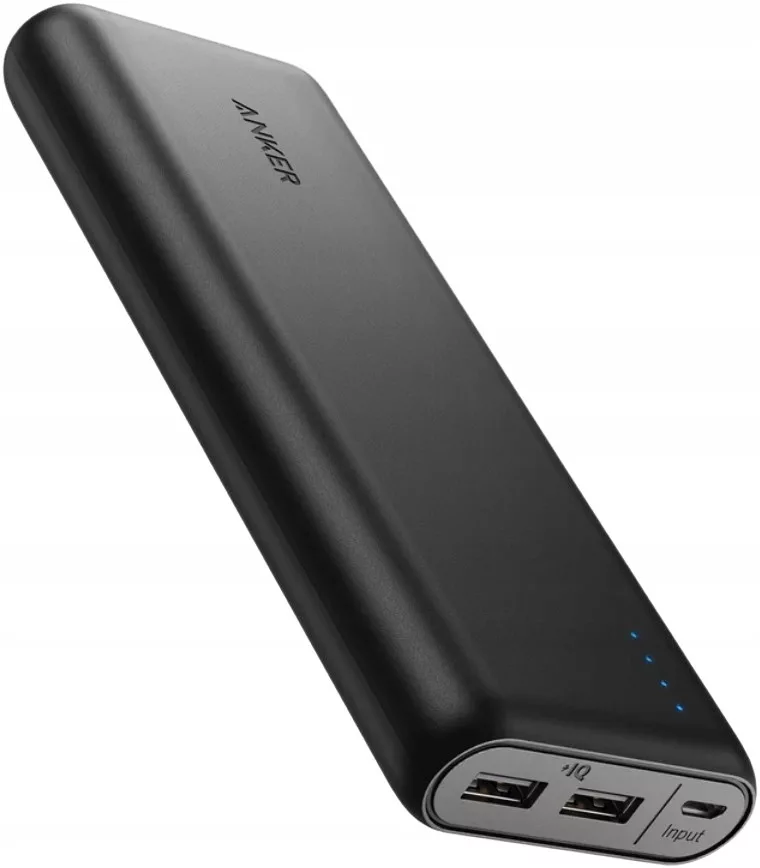
Anker PowerCore 20100mAh Power Bank
$35.99
Why recommend: Ensures you never run out of power during exam periods or long study days.
Best for: Students with heavy usage who need extra battery security.
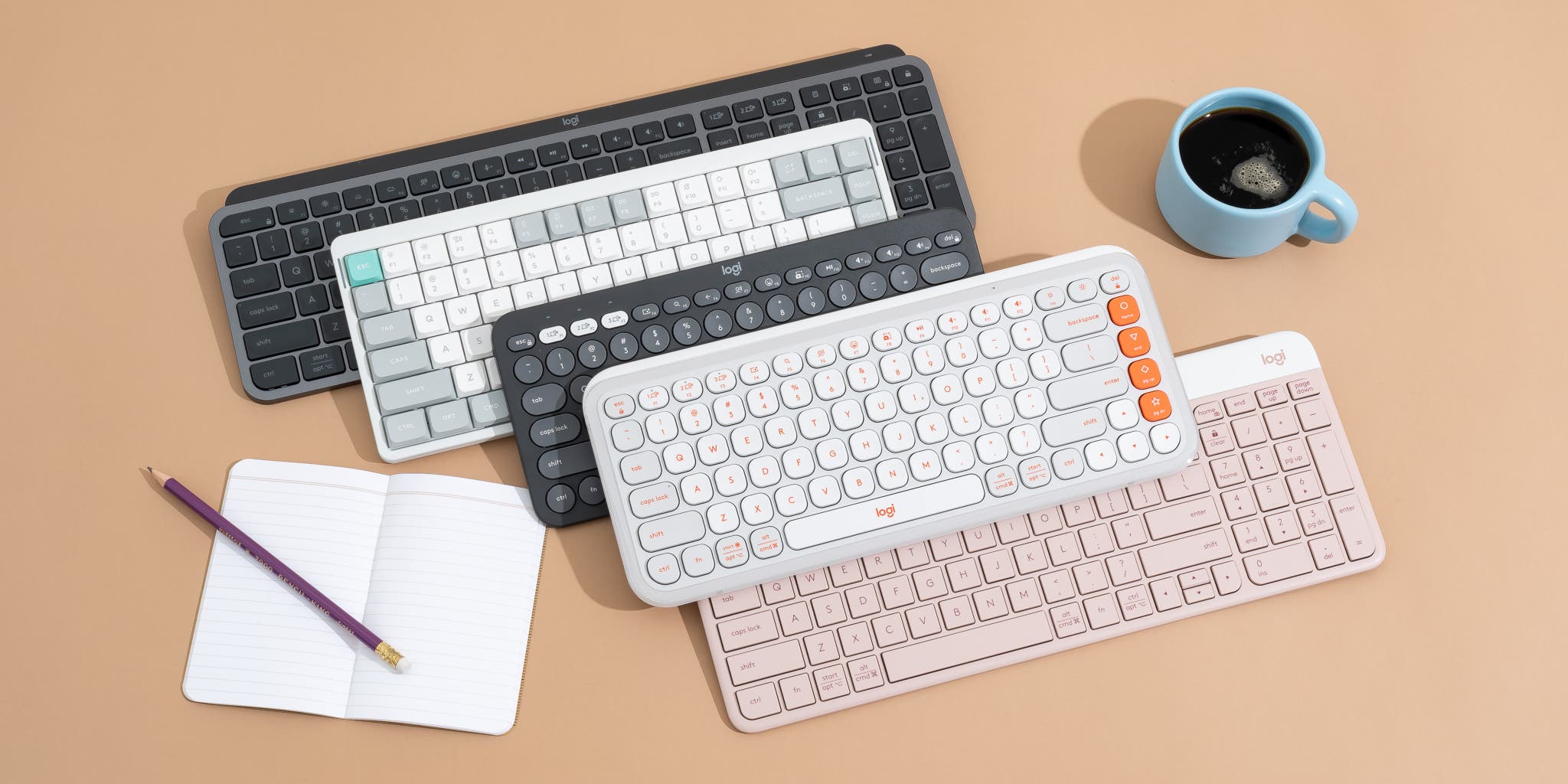
Bluetooth Keyboard (Budget Option)
$29.99
Why recommend: Affordable typing solution for students on a tight budget.
Best for: Students who need to type but cannot spend $300 on the Magic Keyboard.
Bottom Line
Ready to get the iPad Air M2? Check the latest price on Amazon.
🛒 Buy on AmazonAs an Amazon Associate we earn from qualifying purchases.
Frequently Asked Questions
Is iPad Air M2 good for college note-taking?
Yes, the iPad Air M2 is excellent for college note-taking. It offers a great handwriting experience with the Apple Pencil, long battery life, and powerful note-taking apps like GoodNotes and Notability.
Can you use iPad Air M2 for college note-taking without an Apple Pencil?
Yes, you can type notes using the on-screen keyboard or a Bluetooth keyboard. However, handwriting with the Apple Pencil is a key advantage for note-taking.
Is iPad Air M2 suitable for college note-taking in STEM subjects?
Absolutely. It handles diagrams, equations, and PDF annotations well. The Apple Pencil's precision is ideal for drawing graphs and chemical structures.
What's better than iPad Air M2 for college note-taking?
The iPad Pro (11-inch) offers ProMotion and a better camera, but the Air is nearly as good for note-taking and costs less. For a distraction-free experience, the reMarkable 2 is lighter but lacks color and apps.
Does iPad Air M2 work for college note-taking with GoodNotes?
Yes, GoodNotes is fully compatible and optimized for the iPad Air M2, offering features like handwriting search, shape recognition, and iCloud sync.
Is 64GB enough for college note-taking on iPad Air M2?
64GB can be sufficient if you primarily use cloud storage and don't store many large files. However, if you download many textbooks or apps, consider 256GB.
Can iPad Air M2 replace a laptop for college note-taking?
For note-taking, yes. For tasks requiring desktop software (e.g., SPSS, coding), no. It complements a laptop well.
What accessories do I need for college note-taking on iPad Air M2?
Essential: Apple Pencil (2nd gen) and a case. Optional: Magic Keyboard for typing and a screen protector for a paper-like feel.
How long does the battery last on iPad Air M2 for note-taking?
Battery life is rated at 10 hours. In real-world use with Wi-Fi on and moderate screen brightness, it easily lasts a full day of classes.
Is iPad Air M2 good for taking notes in medical school?
Yes, many medical students use it for annotating anatomy diagrams, recording lectures, and organizing study notes.
Does iPad Air M2 have palm rejection?
Yes, it has excellent palm rejection, especially in note-taking apps. You can rest your hand on the screen while writing without accidental marks.
What is the best note-taking app for iPad Air M2?
Popular options include GoodNotes, Notability, OneNote, and LiquidText. Each has unique features; GoodNotes is great for organization, Notability for audio recording.