
Quick Verdict
The Google Pixel Tablet is a solid and versatile smart home hub for Google-centric households, especially those embracing Matter and Thread. However, its lack of Zigbee/Z-Wave support and reliance on the dock for full hub functionality keep it from earning an 'excellent' rating.
✓ Key Strengths
- •Dedicated Chrome OS/Android smart display with an 11-inch QHD display that makes camera feeds and controls easy to see and manipulate
- •Charging Speaker Dock keeps the tablet constantly charged and functioning as a hub, with a surprisingly powerful speaker for music and voice
- •Native Google Home Panel provides one-tap control of compatible devices, with a highly visual dashboard featuring camera thumbnails
- •Supports Matter and acts as a Thread border router when docked, which future-proofs your smart home for newer devices
- •Google Assistant hands-free voice control works from across the room, including multi-user voice matching for personalized answers
- •Functions as a Chromecast target; you can cast music, videos, or your phone screen to the docked tablet
- •The tablet is a full-featured Android device, so you can run the Google Home app, switch to portrait mode, and even use your home control panel as an entertainment tablet
- •Regular software updates directly from Google ensure you get the latest smart home features and security fixes
✗ Key Weaknesses
- •No native Zigbee or Z-Wave support, so many existing smart home devices require extra bridges or hubs to work
- •The smart hub functionality disappears when the tablet is undocked; the dock alone cannot serve as a hub without the tablet
- •Google Assistant is less capable for complex multi-step routines compared to Amazon Alexa, which may frustrate power users
- •The $499 bundled price with the dock is significantly more expensive than dedicated hubs like the Nest Hub ($99) or Echo Hub ($179)
- •When undocked, the tablet does not act as a Thread border router, temporarily losing that functionality until it’s re-docked
- •The Smart Home Panel can occasionally feel slower or laggier than dedicated hubs, as it relies on the tablet’s Android system
What is Google Pixel Tablet?
What is smart home hub?
Detailed Analysis
👍 Perfect For
- ✓Google Pixel and Nest ecosystem owners who want a smart display that works seamlessly with their existing Google Home devices
- ✓Families looking for a multipurpose kitchen/bedroom hub that shows a photo frame when idle and turns into an entertainment tablet when needed
- ✓Tech enthusiasts who are adopting Matter and Thread devices and want a future-ready hub with a large screen
- ✓Apartment dwellers who rent and don’t want to permanently wall-mount a hub; the dock sits neatly on a counter or shelf
👎 Not Ideal For
- ✗Users with a large collection of Zigbee or Z-Wave smart home devices who need native protocol support without extra bridges
- ✗Apple HomeKit households that are heavily invested in Siri and iOS integrations; the Pixel Tablet offers no HomeKit support
- ✗Those who want a dedicated, always-on, wall-mountable control panel without paying extra for a tablet they won’t use
- ✗Smart home power users who rely on advanced automation engines like Home Assistant or Hubitat with complex logical rules
Use Case Scenarios
Google Ecosystem Home with Nest Cameras and Matter Devices
A user has a Nest Thermostat, Nest Cam (Battery), and a few Matter-compatible smart plugs and bulbs. They want a central display to see camera feeds, adjust the thermostat, and control plugs with voice and touch.
✓ Strengths
- Seamless integration with Nest and Google-branded devices
- Excellent camera feed viewing on a large, high-res screen
- Thread border router functionality for Matter devices
- Home Panel with contextual controls and camera thumbnails
- Google Assistant voice control with multi-user support
✗ Weaknesses
- If you undock the tablet to take it with you, you lose the live camera feed display and hub control until you dock it again
- Nest Cam feeds on the Home Panel may take a couple of seconds to load, which is slightly slower than on a dedicated Nest Hub
💡 Workarounds
- Use a third-party stand or wall mount to keep the tablet docked more permanently or in a high-traffic area
- Set up a routine that shows camera feeds on the lock screen when a doorbell rings, so you don't even need to tap
- Keep the tablet mostly docked and use your phone or Pixel phone feed widget for remote viewing when undocked
For a household already invested in Google Nest and Matter devices, the Pixel Tablet provides the best possible smart home hub experience—large display, Thread border router, and deep integration—with only minor compromises around portability.
Family Living Room Hub (Kitchen Commander)
A family wants a shared device in the kitchen for recipes, family calendar, quick smart home controls, and ambient photo displays. They also want to use it to cast music and watch YouTube videos.
✓ Strengths
- Large, bright screen perfect for reading recipes and glancing at controls
- Great speaker loudness and clarity for music and podcasts
- Multi-user voice match personalizes experience for each family member
- Chromecast Built-in for casting media from phones or laptops
- Digital photo frame mode adds a personal, ambient touch to the living space
✗ Weaknesses
- The tablet is easy to pick up and walk away with, which can be annoying when you want it to stay as a hub
- No official wall-mount from Google, so landing a permanent, unremovable placement is hard
- Screen visibility in direct sunlight on a kitchen counter can be difficult, though it’s fine in indoor lighting
💡 Workarounds
- Buy a third-party protective wall mount or a weighted counter stand to keep the tablet in its dock indefinitely
- Use YouTube and Google Photos in ambient mode to make the screen more useful when idle
- Set up a 'Kitchen' speaker group so music continues on other speakers if you need to move the tablet
The Pixel Tablet's large screen and excellent speaker make it an outstanding family hub. The only downsides are the tendency for the tablet to be walked off and the lack of wall mount, but these are minor for most households.
Mixed-Brand Home with Zigbee Devices
A user has existing Zigbee smart bulbs, Zigbee motion sensors, and a Philips Hue Bridge. They also have some Wi-Fi smart plugs and a Google Nest device. They want the Pixel Tablet to control everything from one interface.
✓ Strengths
- Matter support allows some Zigbee bridges (like Hue) to be integrated via Matter
- Big screen is still a nice interface for controlling devices that do work
- Wi-Fi–based smart home devices work flawlessly through the Home Panel
✗ Weaknesses
- No native Zigbee or Z-Wave radio, so those devices require extra bridges and may not appear in the Home app
- Zigbee scenes and groups are often not fully exposed to Google Home, limiting automation and control
- The user is forced to jump between the Pixel Tablet hub and vendor apps, defeating the purpose of a unified hub
💡 Workarounds
- Replace aging Zigbee bulbs with Matter-enabled ones (like the Philips Hue Matter support) to reduce bridge dependency
- Use a Home Assistant or Hubitat as an intermediary to bridge Zigbee devices to Google Home
- Keep vendor apps (Hue, Aqara) on the tablet for full device management, accepting a less unified experience
The Pixel Tablet can technically work in a mixed-brand house with Zigbee devices, but only by adding bridges and putting up with partial integration. It’s functional but nowhere near seamless, so it fails to satisfy users looking for one true hub for everything.
Apartment Dweller Needing a Portable Hub
A renter wants a smart home hub that they can take with them if they move and that can double as a tablet for casual use. They have a few Matter devices and a Wi-Fi kettle.
✓ Strengths
- Portability between rooms: take the tablet to your couch or bedroom, then re-dock it to restore hub mode
- No permanent installation required—ideal for renters
- Fast to set up and move to a new apartment
- Full Android tablet functionality covers entertainment, reading, and more
✗ Weaknesses
- Undocked, the hub is effectively off—no ambient display or camera feed monitoring
- Should be docked most of the time to function as a hub, which may feel counterproductive for a 'portable' hub
- The dock is an extra thing to lose or pack during a move
💡 Workarounds
- Set up a routine so that when you return home, the tablet prompts you to dock it
- Use the Google Home app on your phone as a backup control surface when the tablet is undocked
- Purchase an additional dock for the bedroom or living room so you have a hub in more than one spot
For apartment dwellers who don't need 24/7 ambient monitoring, the Pixel Tablet strikes a great balance between tablet utility and hub capability. But the hub functionality is tied to the dock, so it's not a fully portable hub experience.
Apple HomeKit Household
A family uses iPhones, owns several HomeKit-enabled lights, and controls everything through Siri. They want to add a smart display that fits into their ecosystem.
✓ Strengths
- Some Matter devices can be set up with both HomeKit and Google Home, offering a narrow bridge
- The large screen can be used as a web dashboard if you run Home Assistant in a browser, but that's very rough
✗ Weaknesses
- No HomeKit support, so the majority of HomeKit devices are invisible to the tablet
- Google Assistant does not integrate with Siri; you lose voice control over HomeKit accessories
- Automations set up in the Home app won't run through the Pixel Tablet
- The user would need to buy a second hub (HomePod Mini) to get any smart home value, making the Pixel Tablet redundant
💡 Workarounds
- Set up a Google Home or a third-party bridge like Home Assistant to connect HomeKit devices to the tablet for basic control
- Replace HomeKit-unique devices with Matter equivalents that work across ecosystems
- Use the tablet as a Chromecast target for media, and keep HomeKit control on your iPhone
The Pixel Tablet is simply not compatible with the Apple HomeKit ecosystem, making it a poor choice for households that rely on HomeKit and Siri. The user would be far better served by an iPad on a dock or a HomePod Mini.
Related Products You Should Consider
Google Pixel Tablet with Charging Speaker Dock (128GB, Porcelain)
$499.00
Why recommend: It’s the subject of this review and the best way to get a Pixel Tablet + smart hub functionality all in one package.
Best for: Google-centric users who want a premium tablet and a smart home hub without needing to buy extra accessories.

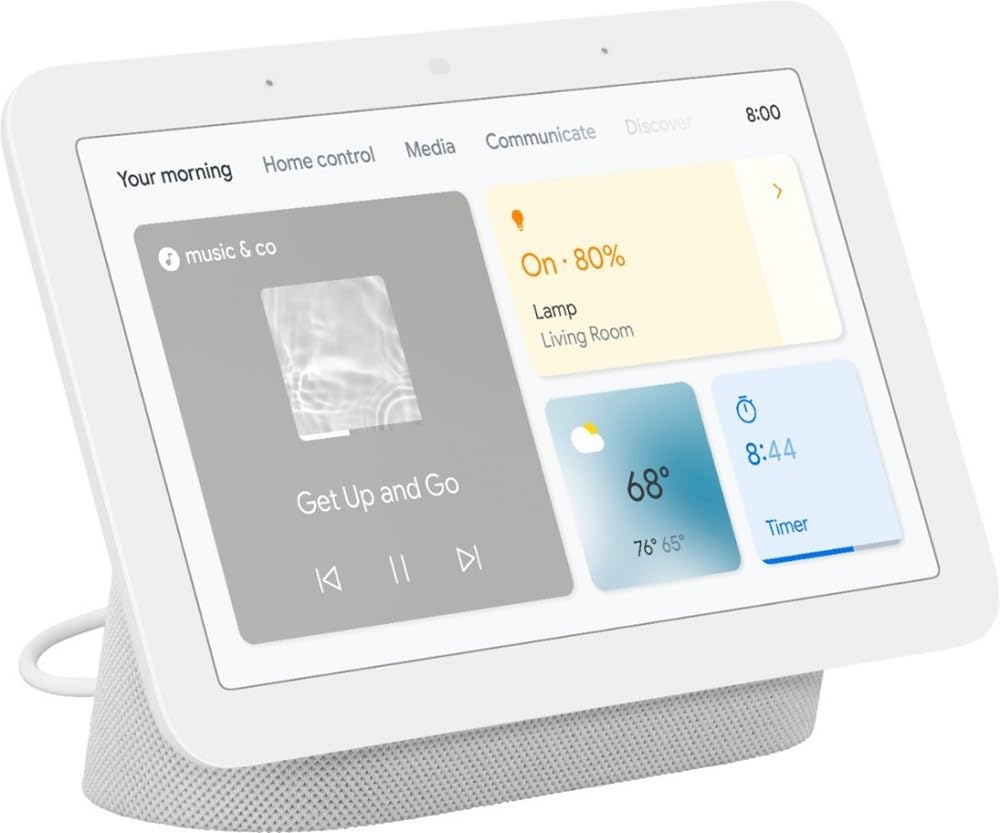
Google Nest Hub (2nd Gen)
$99.99
Why recommend: The Nest Hub is the most affordable way to get a Google Home smart display with Matter/Thread, especially for users who don't need a full tablet.
Best for: Users who want a dedicated, low-cost smart home display for a single room and don't care about tablet functionality.
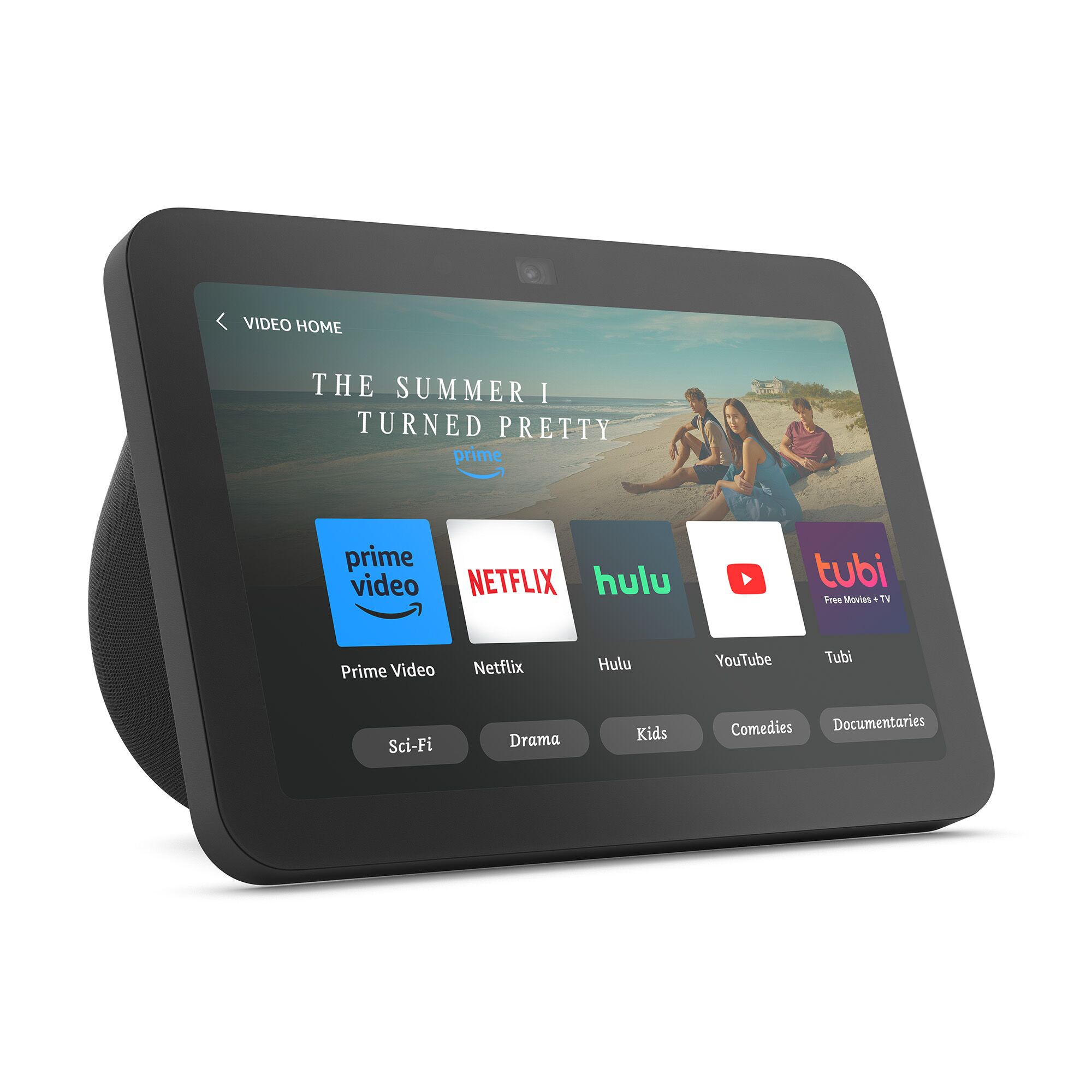
Amazon Echo Show 8 (3rd Gen)
$149.99
Why recommend: For users who want Alexa’s superior smart home integration and native Zigbee support, the Echo Show 8 is the best smart display alternative to the Pixel Tablet.
Best for: Smart home users who are heavily invested in Amazon’s ecosystem and have Zigbee devices that need a built-in hub.
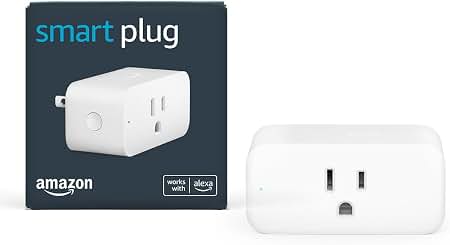
Amazon Smart Plug
$24.99
Why recommend: An inexpensive way to add smart control to any appliance, which pairs perfectly with the Pixel Tablet's Google Home Panel.
Best for: Beginners who want to try smart home control on a budget and need a reliable plug that works with Google Assistant.
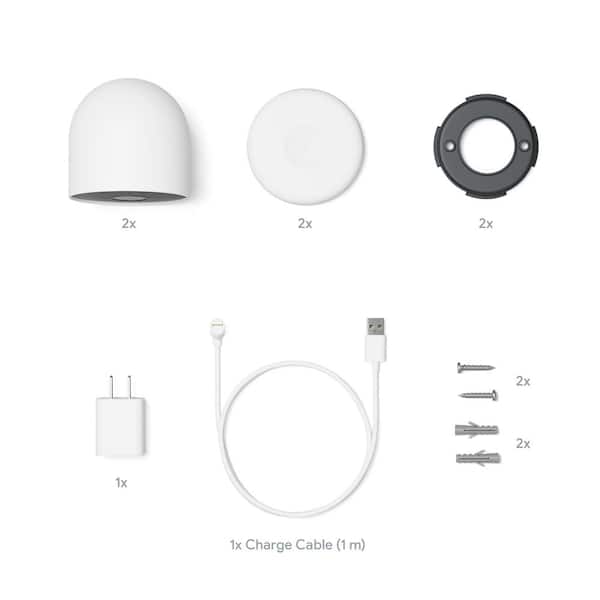
Google Nest Cam (Battery)
$179.99
Why recommend: Adds home security monitoring to the Pixel Tablet experience, so you can view a live feed on the big screen and receive smart alerts.
Best for: Homeowners who want an easy-to-install wireless security camera that works natively with Google Home and their Pixel Tablet.
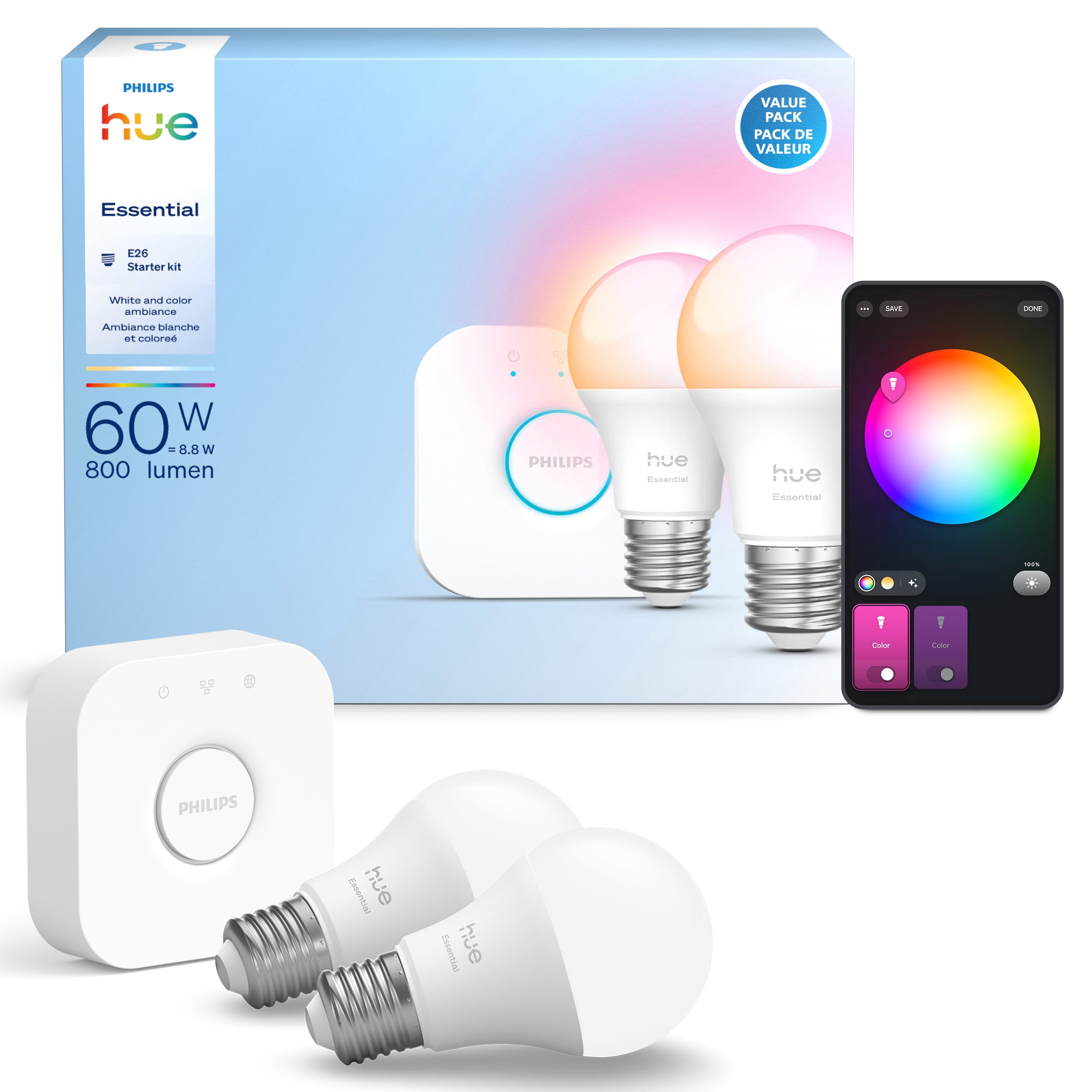
Philips Hue White and Color Ambiance Starter Kit
$199.99
Why recommend: Adds beautiful smart lighting that is fully controllable from the Pixel Tablet, either via Google Home or the Hue app on the tablet.
Best for: Users who want top-quality smart bulbs with a reliable bridge, and want to explore color scenes and automations.
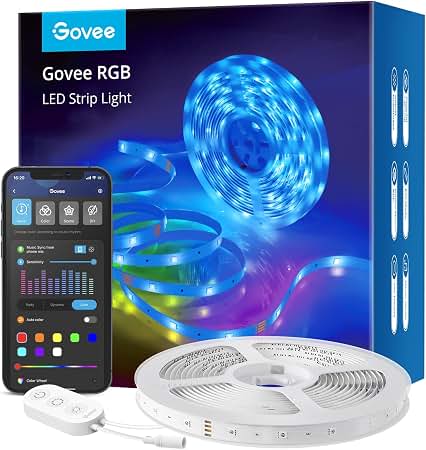
Govee Smart LED Strip Lights (16.4ft)
$19.99
Why recommend: Gives you smart lighting at a fraction of the cost, allowing you to experiment with color lighting and integrate it with Google Home on the Pixel Tablet.
Best for: Budget-conscious users who want a big visual impact from ambient lighting without investing in a premium ecosystem like Hue.
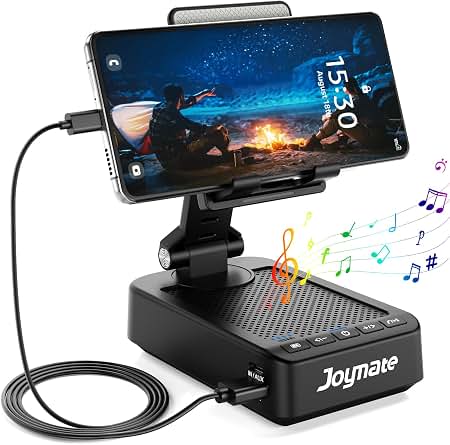
Anker 523 Charging Speaker Dock Mount Holder (for Pixel Tablet)
$39.99
Why recommend: Essential for wall-mounting your Pixel Tablet to keep it in place as a dedicated smart home hub, especially in entryways or hallways.
Best for: Users who want to mount their Pixel Tablet on a wall to create a fixed smart home control panel without constantly moving it.
Bottom Line
Ready to get the Google Pixel Tablet? Check the latest price on Amazon.
🛒 Buy on AmazonAs an Amazon Associate we earn from qualifying purchases.
Frequently Asked Questions
Is the Google Pixel Tablet good for smart home hub?
Yes, the Pixel Tablet is a very good smart home hub for Google-centric households, particularly those embracing Matter and Thread. It offers a large screen, Google Assistant voice control, and the Home Panel dashboard. However, it lacks native Zigbee/Z-Wave support and requires the dock to function as an always-on hub, which might be deal-breakers for some users.
Can you use Google Pixel Tablet as a smart home hub without the dock?
You can use the Google Home app and Google Assistant on the tablet even without the dock, but you lose the always-on ambient hub experience. The Home Panel is not available unless the tablet is docked, and the Thread border router only works when the tablet is plugged in. For the best hub experience, you should keep the tablet docked.
Does Google Pixel Tablet support Matter and Thread?
Yes, the Google Pixel Tablet supports Matter as a controller and, when docked and connected to power, acts as a Thread border router. This means you can directly control Matter devices over Thread without needing a separate hub. This makes it future-proof for the emerging Matter ecosystem.
Does Google Pixel Tablet work with Alexa or Apple HomeKit?
No, the Pixel Tablet does not directly support Alexa or Apple HomeKit. It relies on Google Home. Some Matter devices can be paired with both ChatGPT and Google Home, but you would need to set them up in the Alexa app separately. HomeKit devices cannot be controlled natively.
Is the Pixel Tablet better than Nest Hub for smart home hub?
It depends. The Pixel Tablet offers a much larger screen, a front camera for video calls, and the ability to function as a full Android tablet. The Nest Hub is cheaper, smaller, and always stays put, but it lacks a camera, battery, and tablet functionality. For productivity and entertainment, the Pixel Tablet is better; for a simple, budget-friendly hub, the Nest Hub is the smarter choice.
Does the Pixel Tablet have a built-in Zigbee hub?
No, the Google Pixel Tablet does not have a built-in Zigbee radio. It only supports Wi-Fi, Bluetooth, Thread, and Matter. If you have Zigbee devices, you'll need to connect a Zigbee bridge, like the Philips Hue Bridge or an Aqara Hub, to the Google Home app.
Can I view Nest camera feeds on Pixel Tablet?
Absolutely. The Pixel Tablet integrates with the Google Home app, allowing you to view live feeds from Nest cameras and other compatible cameras. When docked, the Home Panel can display camera thumbnails, and you can tap to expand a feed to full screen. You can also ask Google Assistant to show a camera feed on the tablet.
Is Google Pixel Tablet worth $499 for smart home hub?
If you need both a high-quality Android tablet and a smart home display, the $499 price for the tablet + dock bundle is worth it. If you only need a smart home hub, you can save money by getting a Nest Hub ($99) or an Amazon Echo Hub ($179). The Pixel Tablet makes sense when you want the versatility of a full tablet.
Can I use Google Pixel Tablet to control my smart home when it's undocked?
Yes, you can use the Google Home app on the tablet even when it's undocked, and you can still say 'Hey Google' to control devices. However, the tablet screen will not stay in ambient Hub Mode, and the Home Panel won't be one tap away. The Thread border router is also inactive when the tablet is on battery.
What accessories should I buy with Pixel Tablet for smart home hub?
The dock is the most important accessory, but other useful add-ons include smart plugs (like Amazon Smart Plug), smart bulbs (Philips Hue), a Nest Cam for security, and a magnetic wall mount to keep the tablet fixed in place. A screen protector and a case can also be helpful if you use the tablet portably.
Can I use Pixel Tablet as a Home Assistant dashboard?
Yes, you can use the Pixel Tablet as a Home Assistant dashboard by installing the Home Assistant Companion app from the Google Play Store, or by opening the Home Assistant web interface in a browser and using kiosk mode. The large touchscreen works well as an interactive dashboard, giving you even more control than the factory Home Panel.
Does the Pixel Tablet have a voice remote or wake word?
Yes, when docked, the Pixel Tablet is always listening for the 'Hey Google' wake word (if you enable it). You can also change the wake word settings to 'OK Google'. The dock’s microphone array works well for far-field voice pickup, and you can even use the tablet to make hands-free Google Home calls.