
Quick Verdict
The Focusrite Scarlett 2i2 is a strong performer for home recording, offering excellent sound quality and ease of use. It's ideal for single or dual-source recording but falls short for multitrack sessions. Overall, it's a solid investment for most home studios.
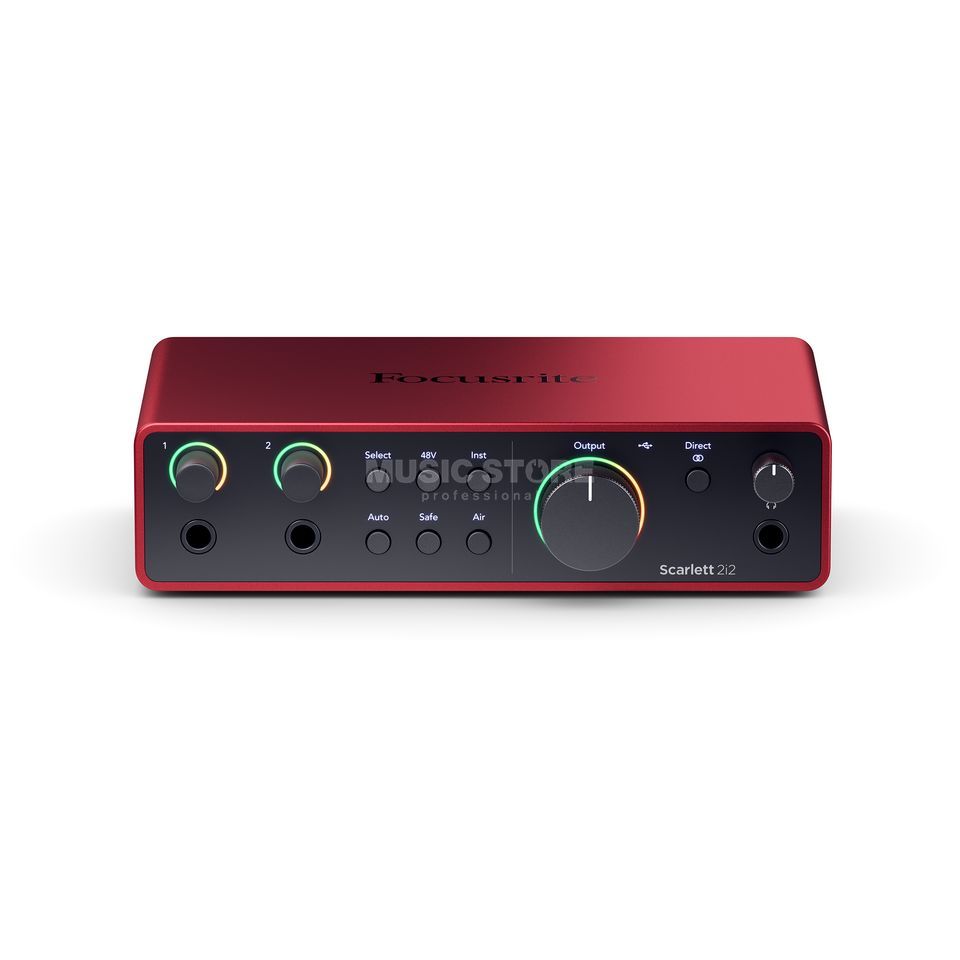
Focusrite Scarlett 2i2
$159.99

✓ Key Strengths
- •Exceptional preamp quality with low noise floor for clean recordings
- •Air mode adds clarity to vocals and acoustic instruments
- •Zero-latency direct monitoring allows natural performance
- •Stable drivers and low round-trip latency for smooth recording
- •Robust metal build quality suitable for portable use
- •Generous software bundle includes Ableton Live Lite and Pro Tools First
✗ Key Weaknesses
- •Only two inputs limit multi-mic or simultaneous instrument recording
- •Headphone output may not drive high-impedance headphones adequately
- •No MIDI I/O (requires a separate MIDI interface for MIDI keyboards/controllers)
- •Occasional driver glitches on Windows at higher sample rates
What is Focusrite Scarlett 2i2?
What is home recording?
Detailed Analysis
👍 Perfect For
- ✓Solo podcasters recording one or two microphones
- ✓Singer-songwriters recording vocals and guitar simultaneously
- ✓Voiceover artists needing a clean, reliable interface for home auditions
- ✓Beginner musicians starting their first home studio with a DAW
👎 Not Ideal For
- ✗Producers who need to record more than two sources simultaneously (e.g., full drum kits)
- ✗Users with high-impedance headphones who need a powerful headphone amp
- ✗Those on a strict budget under $100 (consider Behringer U-Phoria UM2)
Use Case Scenarios
Solo Podcaster Recording with One Microphone
A podcaster records solo episodes using a single dynamic XLR microphone like the Shure SM57 or Audio-Technica ATR2100x.
✓ Strengths
- Plenty of gain for dynamic microphones (up to 56dB)
- Air mode enhances vocal clarity without extra EQ
- Zero-latency direct monitoring for natural delivery
- Compact and bus-powered – easy to set up anywhere
✗ Weaknesses
- If you later want to record a second guest, you'll need another interface or mixer
- Headphone output may be a bit quiet if using high-impedance headphones for monitoring
💡 Workarounds
- Use a headphone amplifier (e.g., Behringer HA400) to boost headphone volume
- For occasional second mic, consider a small mixer like the Mackie Mix5 before upgrading the interface
The interface perfectly meets the needs of a solo podcaster: high-quality sound, simple operation, and reliable performance. The limitations (only one input) are not an issue here.
Singer-Songwriter Recording Vocals and Guitar Simultaneously
A musician records vocals and acoustic guitar at the same time using two microphones (or one mic and a DI for electric guitar).
✓ Strengths
- Two inputs with high-quality preamps for clear dual-source capture
- Air mode can be applied individually to each channel (though only one physical switch shared on 2i2? Actually each channel has its own Air switch)
- Direct monitoring blend allows mixing of input and playback
- Includes software bundle with Ableton Live for recording and editing
✗ Weaknesses
- No MIDI input – if you want to trigger virtual instruments with a keyboard, you'll need a separate MIDI interface
- Headphone output may lack power for some monitoring setups
💡 Workarounds
- For MIDI, use a USB MIDI keyboard (most have USB MIDI, no interface needed)
- Use a headphone amplifier for louder monitoring
The interface handles the core task well, but limitations like MIDI and headphone output can be minor inconveniences. Still, it's a widely-used solution by singer-songwriters.
Voiceover Artist Recording Auditions at Home
A voiceover artist records clean voice tracks for demos, auditions, or narration, typically with a single condenser microphone.
✓ Strengths
- Ultra-low noise preamps (noise floor typically -120dB) perfect for quiet voice recordings
- Reliable phantom power (48V) for condenser microphones
- Air mode adds presence, saving time in post-processing
- Bus-powered and portable – easy to take to different recording spots
✗ Weaknesses
- No built-in compression or EQ (unlike UA Volt with its analog effects)
- The headphone output may not drive high-impedance headphones loud enough for critical monitoring
💡 Workarounds
- Use software-based compression/cleanup (e.g., iZotope RX Elements) in post
- For louder headphones, use an external headphone amp like the Schiit Magni
The Scarlett 2i2 provides excellent audio quality for voiceovers, but competitors offer built-in processing that some may prefer. It's a reliable choice but not the absolute best if hardware effects are desired.
Beginner Producer Recording Multiple Instruments via Overdubs
A new producer records one instrument at a time (vocals, guitar, synth) into a DAW, using a single microphone or a direct input.
✓ Strengths
- Simple operation – plug in and play with most DAWs
- Software bundle includes everything needed to start producing
- Low-latency operation for over dubs
- Affordable price point for beginners
✗ Weaknesses
- No ADAT expansion – cannot add more inputs later
- Only two inputs limit simultaneous multi-instrument recording
💡 Workarounds
- Use overdubbing technique – record each part separately
- If more inputs become necessary later, consider upgrading to Scarlett 18i8 or similar
For a beginner producer who records one track at a time, the Scarlett 2i2 offers everything needed. It's easy to use, sounds great, and the software bundle provides a solid foundation. Overdubbing works flawlessly.
Related Products You Should Consider
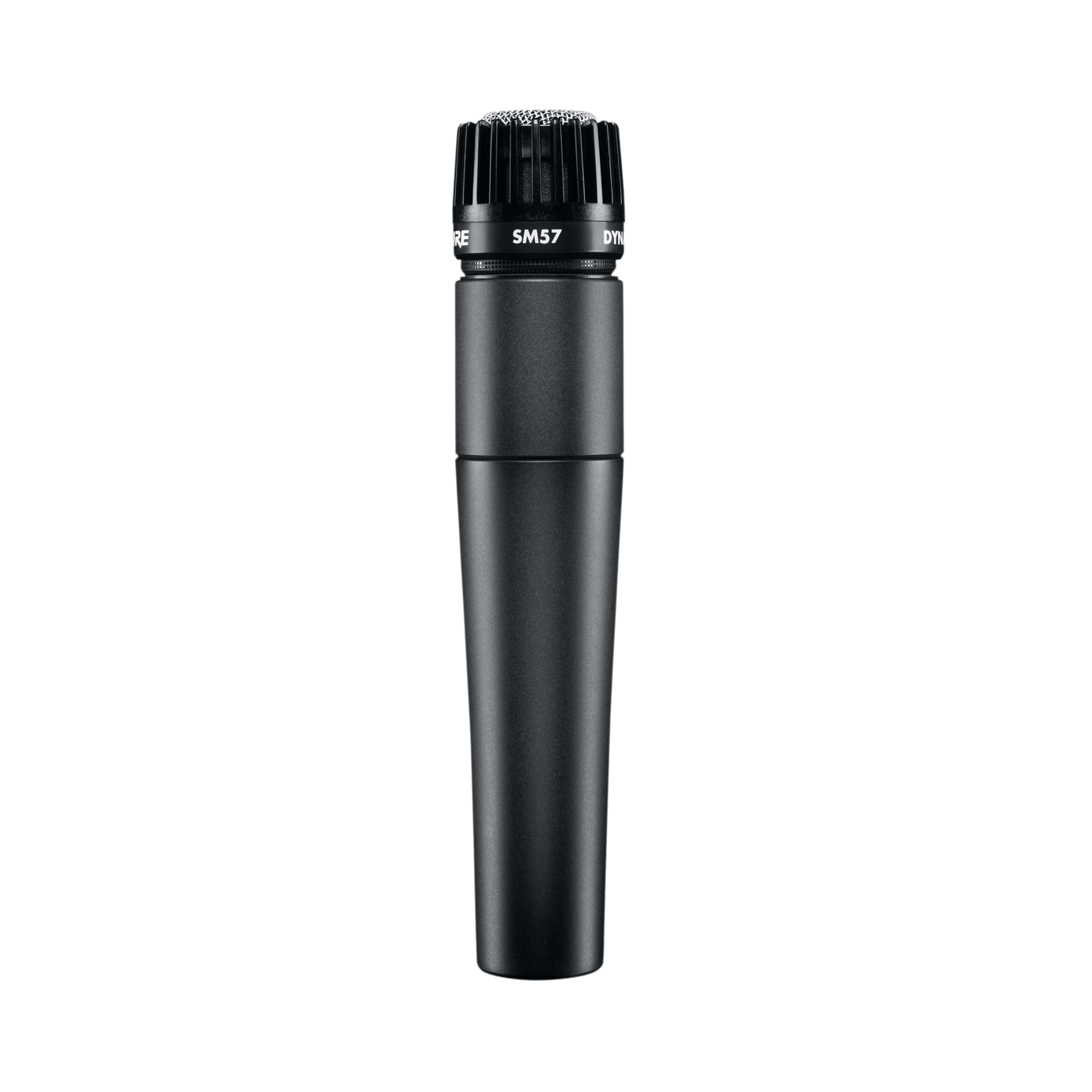
Shure SM57 Instrument Microphone
$99.00
Why recommend: A versatile, durable mic that complements the Scarlett 2i2 for home recording.
Best for: Musicians recording electric guitar, snare, or vocals
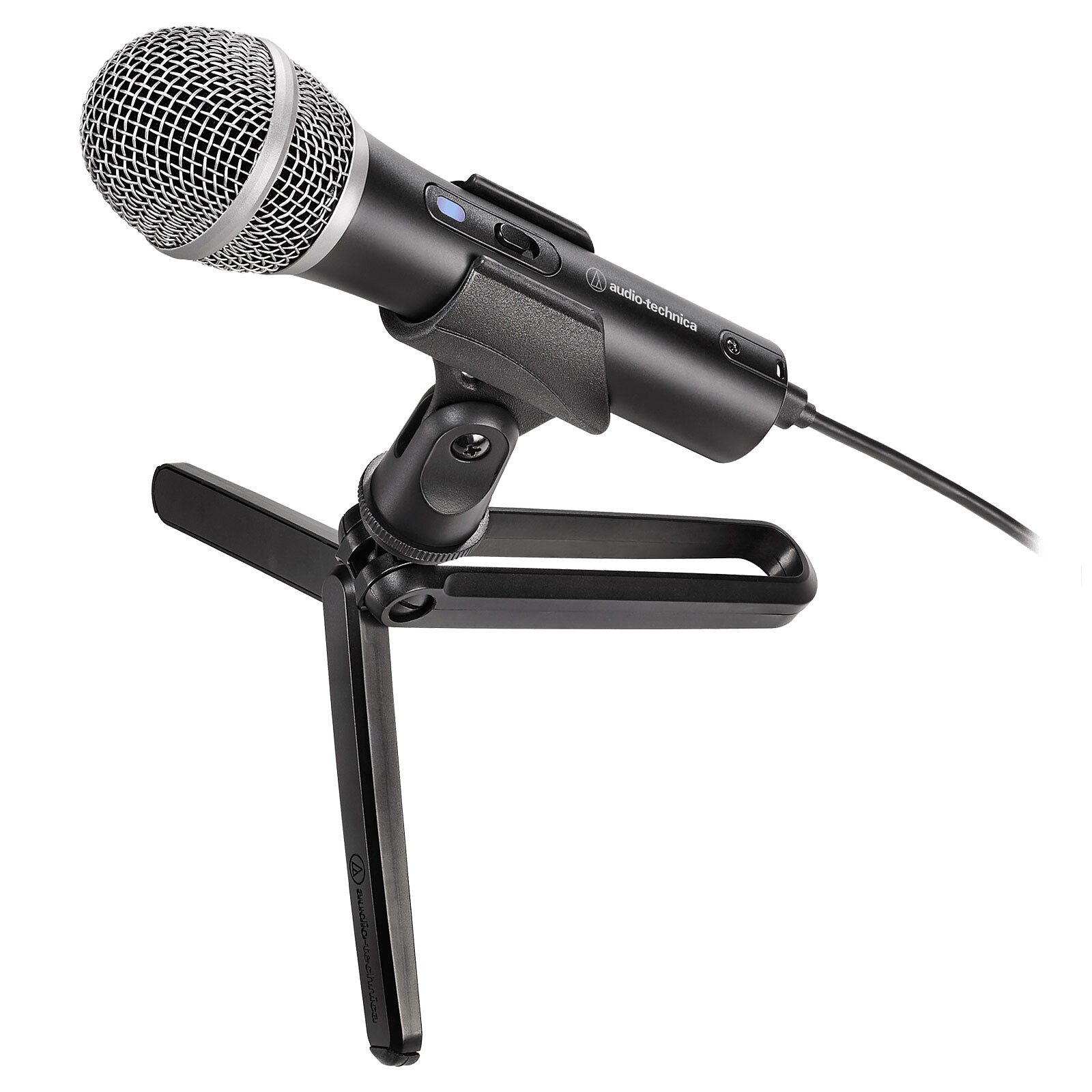
Audio-Technica ATR2100x-USB Cardioid Dynamic Microphone
$79.00
Why recommend: Great budget-friendly alternative that also works as a standalone USB mic for simple setups.
Best for: Podcasters and streamers who want flexibility
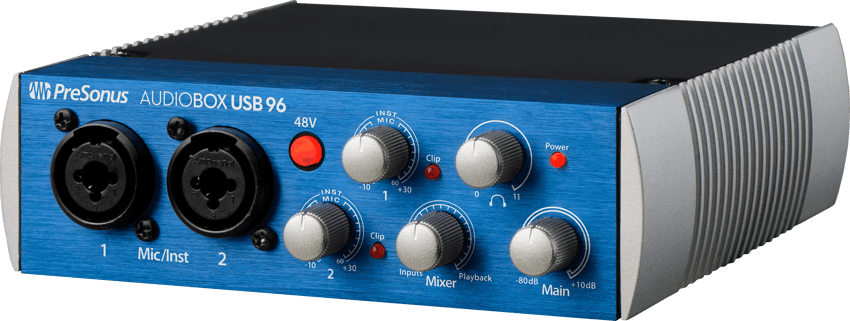
PreSonus AudioBox USB 96 Audio Interface
$129.95
Why recommend: A solid alternative for those who need MIDI connections and prefer PreSonus's Studio One Artist DAW.
Best for: Users who need MIDI connectivity or prefer PreSonus ecosystem
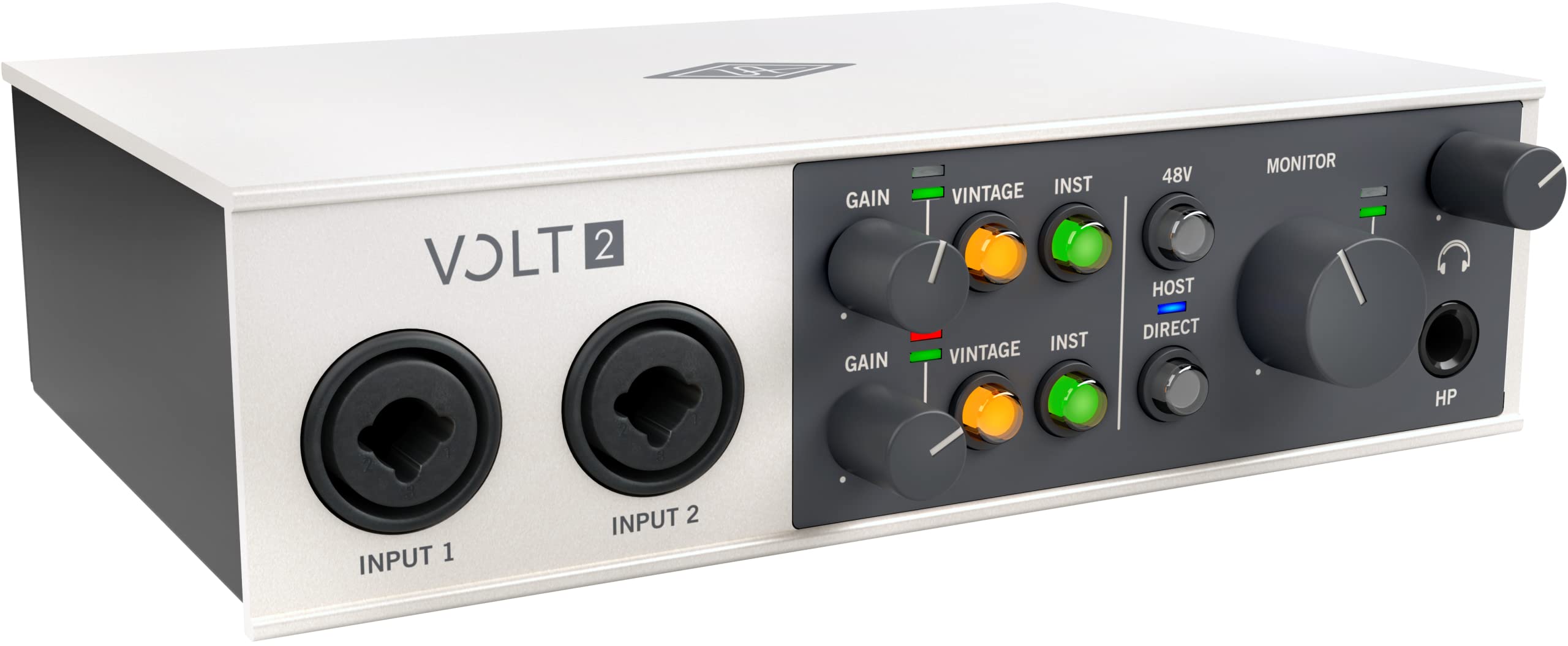
Universal Audio Volt 2 USB Audio Interface
$199.00
Why recommend: A step up in sound quality and built-in effects for serious home recordists.
Best for: Music producers and vocalists wanting a more analog sound
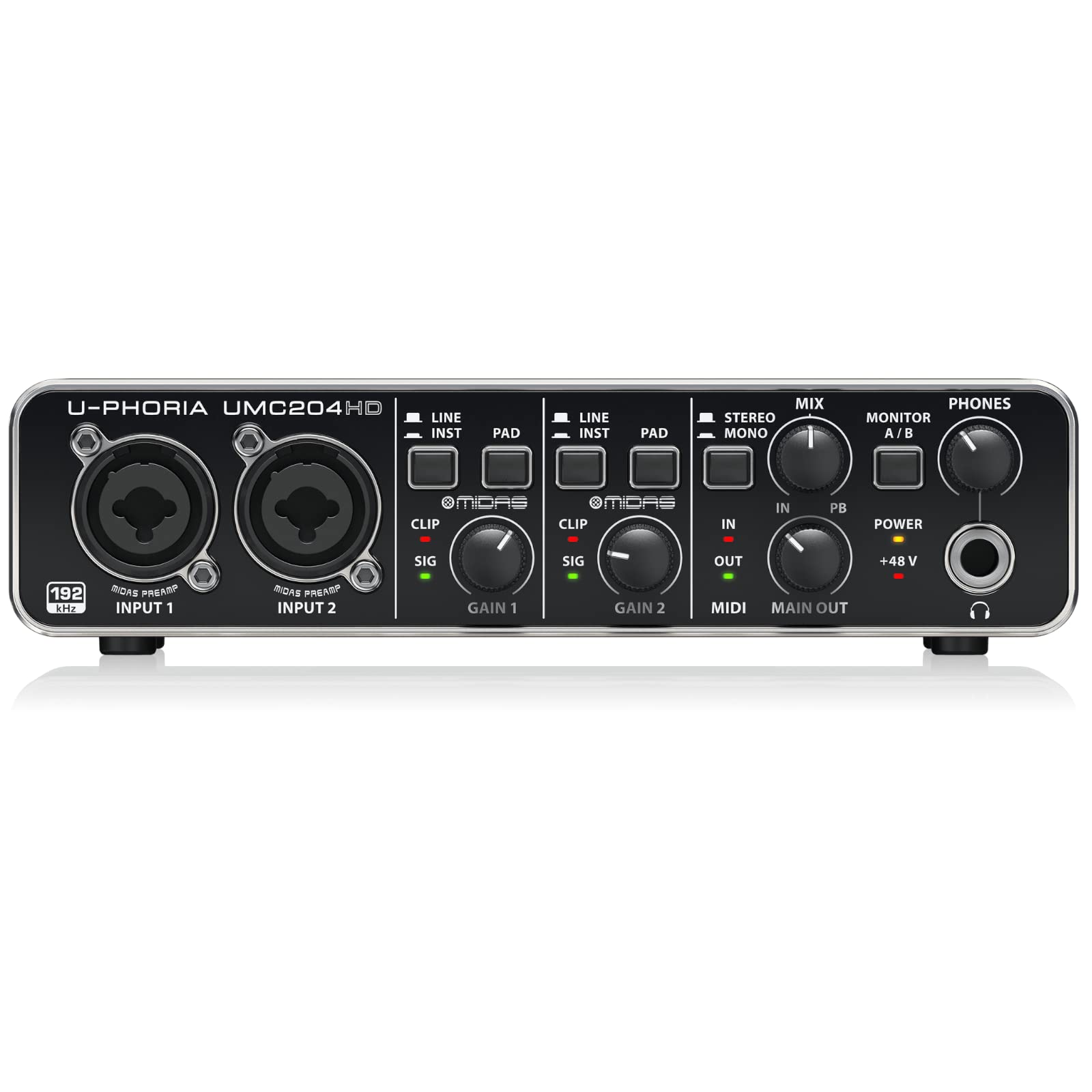
Behringer U-Phoria UMC204HD Audio Interface
$119.00
Why recommend: An affordable alternative with more inputs and MIDI for budget-conscious users.
Best for: Home recordists on a tight budget needing multiple inputs
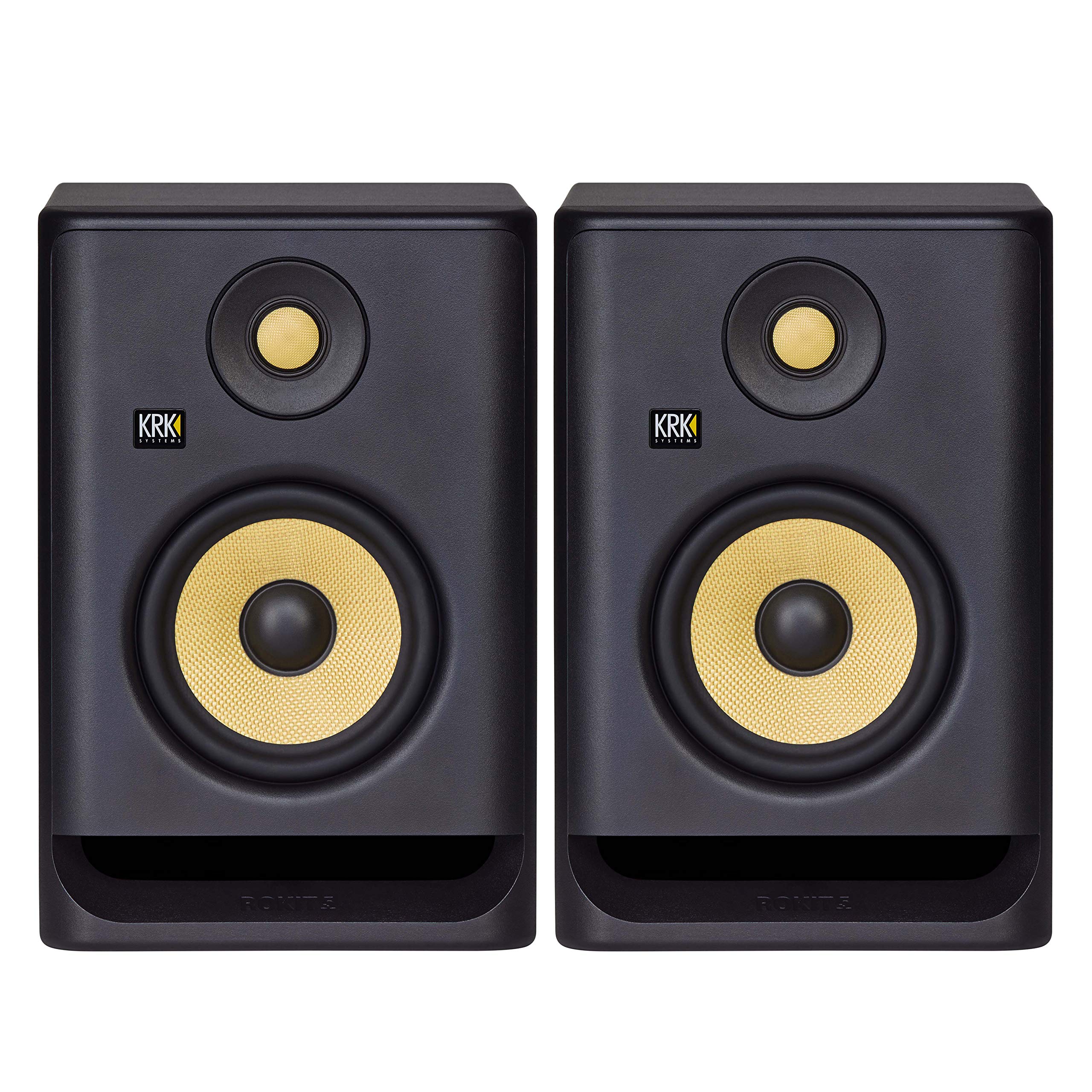
KRK Rokit 5 G4 Studio Monitor (Pair)
$299.00
Why recommend: Essential for critical listening in home recording; they reveal the true quality of the Scarlett's output.
Best for: Music producers and mixing engineers
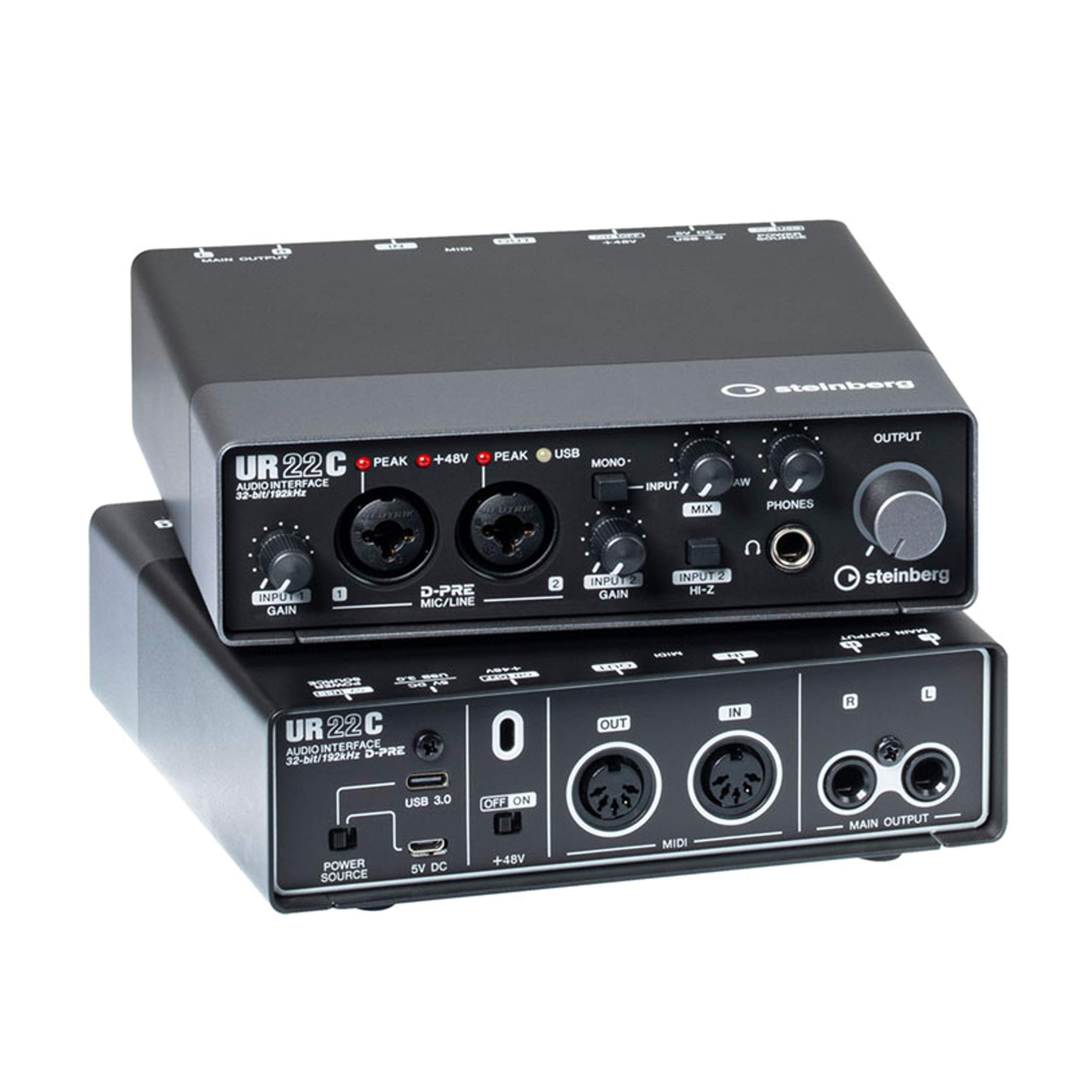
Steinberg UR22C Audio Interface
$179.99
Why recommend: A direct competitor with similar specs but includes MIDI and USB-C; choose based on DAW preference.
Best for: Users who work with Cubase or need MIDI
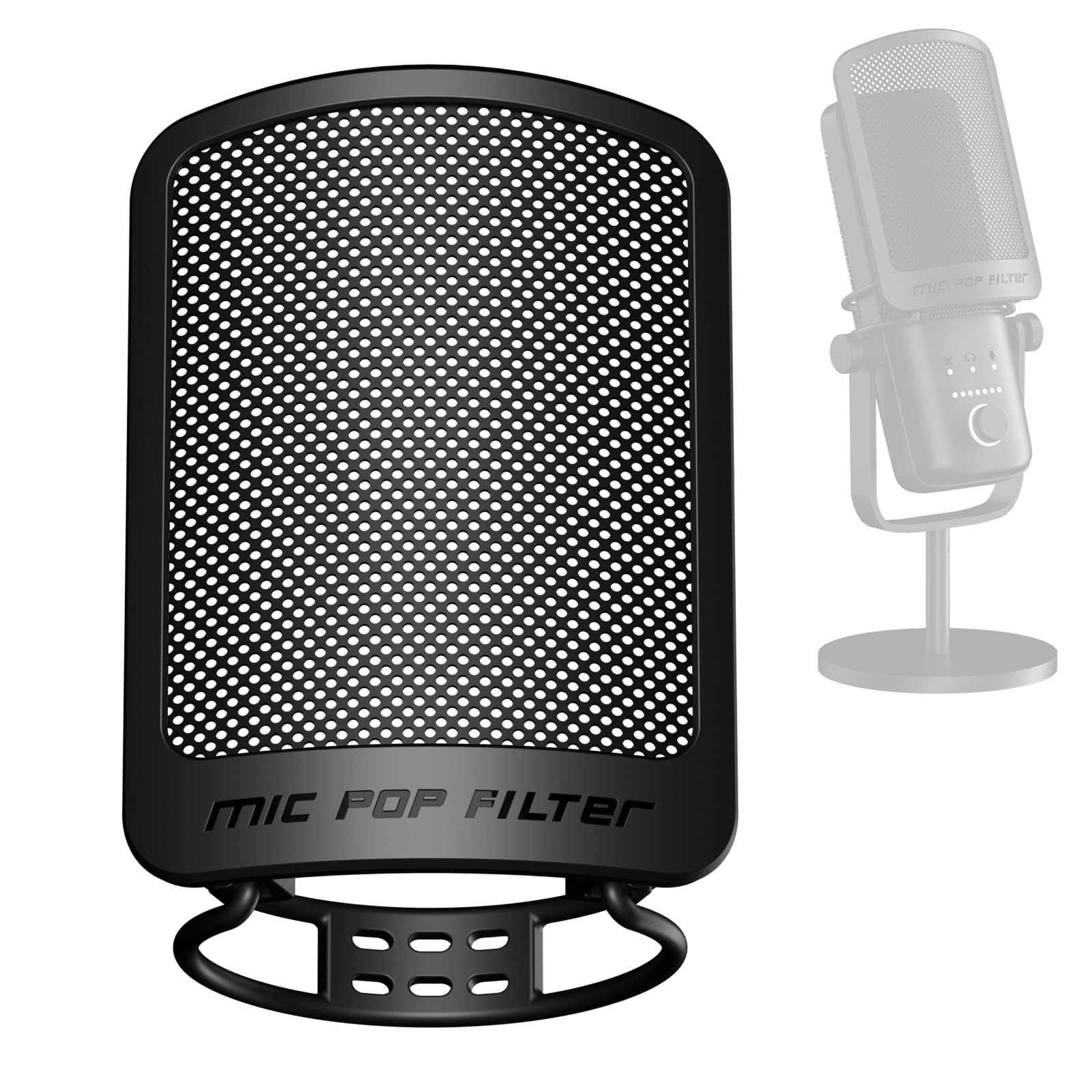
Pop Filter for Microphone
$9.99
Why recommend: Inexpensive and highly effective for improving vocal recording quality.
Best for: All home recordists using a microphone
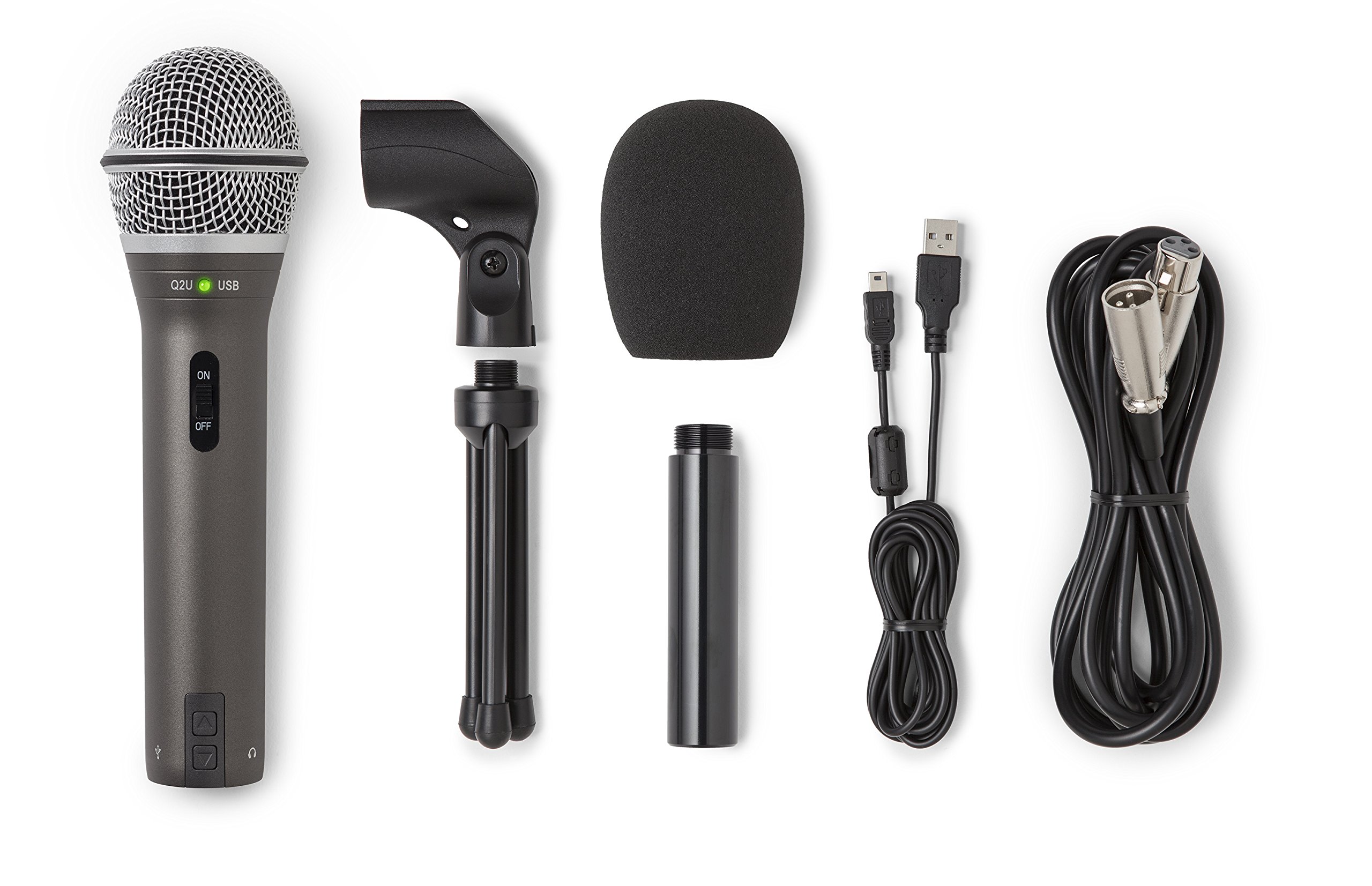
Samson Q2U Dynamic Microphone
$49.99
Why recommend: A great entry-level mic for podcasting and voiceovers that pairs well with the Scarlett.
Best for: Budget-conscious podcasters and streamers
Livewire (by Hosa) XLR Microphone Cable 6ft
$8.99
Why recommend: Affordable, high-quality cable ensures clean signal transfer.
Best for: All users needing to connect an XLR mic
Bottom Line
Ready to get the Focusrite Scarlett 2i2? Check the latest price on Amazon.
🛒 Buy on AmazonAs an Amazon Associate we earn from qualifying purchases.
Frequently Asked Questions
Is Focusrite Scarlett 2i2 good for home recording?
Yes, the Focusrite Scarlett 2i2 is widely regarded as an excellent audio interface for home recording. It offers clean preamps, low latency, and easy setup, making it ideal for solo podcasters, singer-songwriters, and voiceover artists. However, it only has two inputs, so it's not suitable for recording full bands live.
Can you use Focusrite Scarlett 2i2 for home recording?
Absolutely. The Scarlett 2i2 is designed for home recording. It connects to your computer via USB, provides high-quality microphone preamps, and works with all major DAWs. You can record vocals, instruments, and even produce full songs using overdubs.
Is Focusrite Scarlett 2i2 suitable for home recording?
Yes, it is very suitable. Its low noise floor and Air mode enhance vocal recordings, and its direct monitoring eliminates latency issues. For most home recording tasks that require one or two inputs, it performs exceptionally well.
What's better than Focusrite Scarlett 2i2 for home recording?
For more inputs, the PreSonus AudioBox USB 96 or Behringer U-Phoria UMC204HD offer more channels. For built-in analog processing, the Universal Audio Volt 2 provides compression and vintage sound. For higher-end preamps, consider the Audient iD4. It depends on your specific needs.
Does Focusrite Scarlett 2i2 work for home recording?
Yes, it works very well. It is plug-and-play on macOS and Windows, with stable drivers. Many home recordists use it successfully for podcasts, music production, and voiceovers.
Focusrite Scarlett 2i2 vs PreSonus AudioBox USB 96 for home recording
Both are excellent. The Scarlett 2i2 has better preamps and Air mode; the AudioBox includes MIDI I/O and works with Studio One Artist. For most home recording, the Scarlett's sound quality gives it an edge, but if you need MIDI, go with PreSonus.
Best accessories for Focusrite Scarlett 2i2 for home recording
Essential accessories include a good XLR microphone (e.g., Shure SM57 or Audio-Technica ATR2100x), a pop filter, a microphone stand, an XLR cable, and a headphone splitter if you need to monitor with others. For monitoring, consider studio monitors like KRK Rokit 5s.
How to use Focusrite Scarlett 2i2 for home recording
1. Connect your microphone to input 1 via XLR. 2. Connect the interface to your computer via USB. 3. Install the latest drivers from Focusrite. 4. Open your DAW and select the Scarlett as the audio input/output device. 5. Set gain levels so peaks hit -6dB. 6. Use direct monitoring if latency is an issue. 7. Hit record.
Is Focusrite Scarlett 2i2 good for singing?
Yes, it's great for singing. The preamps are clean and the Air mode adds a nice presence. It can handle both dynamic and condenser microphones, and direct monitoring helps singers hear themselves without delay.
Is Focusrite Scarlett 2i2 good for podcasting?
Yes, it's a top choice for podcasting. Its two inputs allow for a host and a guest, or for hosting solo with a backup option. The stability and sound quality ensure professional-sounding podcasts.
Is Focusrite Scarlett 2i2 good for beginners?
Yes, it's often recommended for beginners because of its ease of use, clear manual, and bundled software. It provides high-quality audio without complexity, making it a perfect starting point for home recording.
What is the difference between Focusrite Scarlett 2i2 2nd Gen and 3rd Gen?
The 3rd Gen features improved preamps with lower noise, Air mode, a more robust output stage, and a faster USB connection (USB 3.0 compatible). It also comes with updated software. For home recording, the 3rd Gen is a worthwhile upgrade.