
Quick Verdict
The Ergotron LX is an outstanding single monitor arm, but for dual monitor setup it requires buying two units, which doubles the cost. It's a great choice if you value independent adjustability and premium build quality; otherwise a dedicated dual-arm mount offers more convenience for less money.
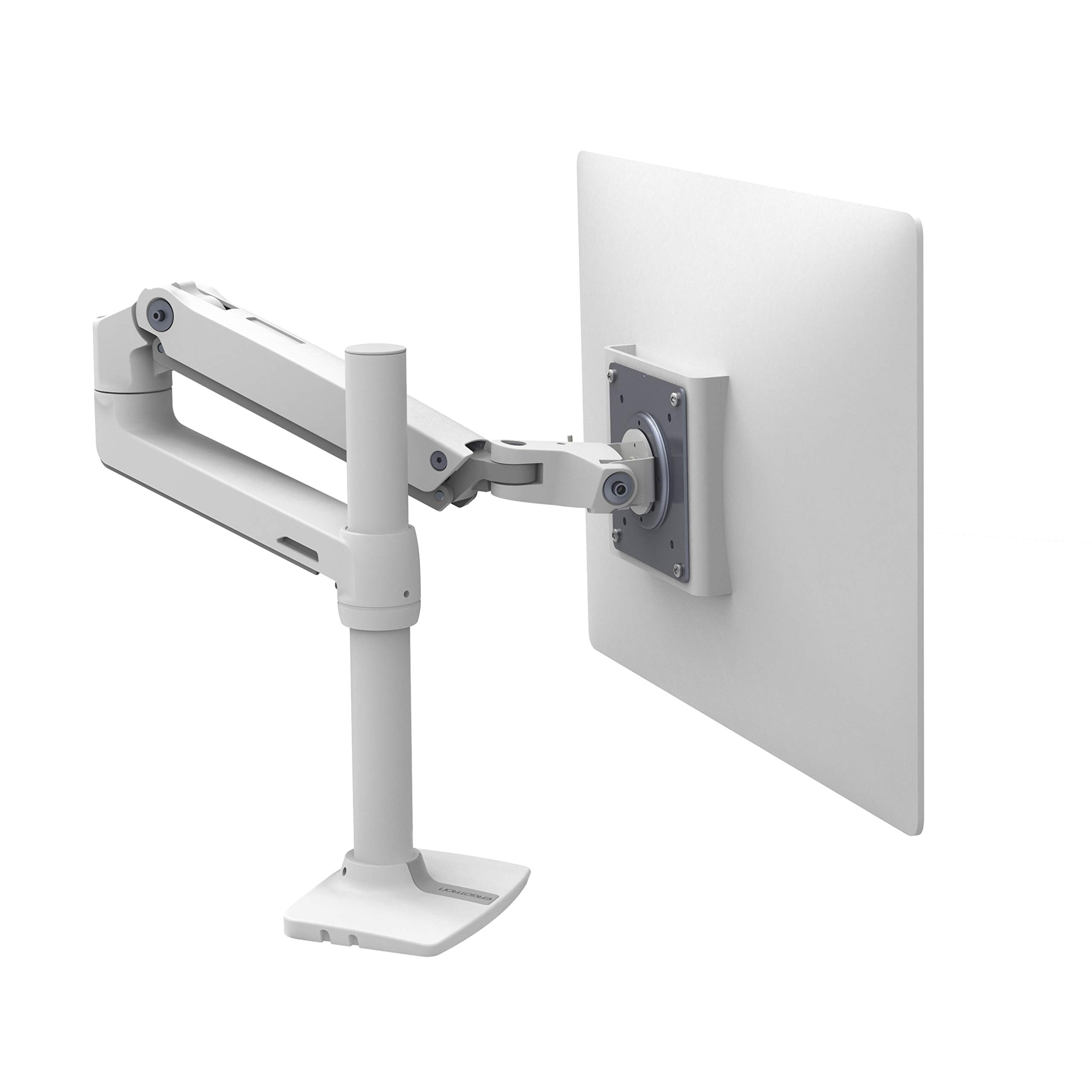
Ergotron LX Monitor Arm
$149.99

✓ Key Strengths
- •Constant Lift technology keeps 7–25 lb monitors floating smoothly at any height, making it easy to align two screens.
- •Top-notch build quality: aluminum and steel construction feels premium and lasts for years.
- •Independent adjustment with two LX arms allows each monitor to be positioned exactly where you need it.
- •Integrated cable management hides wires and keeps a dual monitor desk clean.
- •Compatible with VESA 75x100mm and supports most monitors up to 34 inches (if under 25 lbs).
- •10-year warranty offers great long-term protection.
- •Comes with both clamp and grommet mount for flexible installation.
✗ Key Weaknesses
- •Designed for one monitor only; dual monitor setup requires purchasing two arms.
- •High cost: two LX arms can exceed $300.
- •Each arm needs its own desk clamp, consuming more desk edge space.
- •No built-in USB ports or additional docking features.
- •Installation and cable routing across two arms is more time-consuming than a single dual-arm mount.
- •Not suitable for monitors heavier than 25 lbs, so large 38-inch ultrawides won't work.
What is Ergotron LX Monitor Arm?
What is dual monitor setup?
Detailed Analysis
👍 Perfect For
- ✓Professionals who need perfectly aligned dual monitors to reduce neck strain and boost productivity.
- ✓Heavy computer users who adjust their screens multiple times per day and want smooth, endless motion.
- ✓Users with larger monitors (up to 25 lbs each) who need sturdy support and long-term durability.
- ✓Those who already own one Ergotron LX and want to add a second monitor with matching quality.
- ✓Ergonomically-conscious home office builders who want independent positioning rather than a shared dual-arm mount.
👎 Not Ideal For
- ✗Budget-conscious users who want a single inexpensive mount for two monitors.
- ✗People with limited desk edge space where two separate clamps won't fit comfortably.
- ✗Owners of ultra-heavy monitors over 25 lbs, such as some 49-inch super ultrawides.
- ✗Users who prefer a clean, minimalist central pole dual-arm setup with a single clamping point.
Use Case Scenarios
Home Office Professional with Two 24-inch Monitors
A remote worker uses two 24-inch monitors side by side for email, spreadsheets, video calls, and project management. They want a tidy desk and flexible screen positioning.
✓ Strengths
- Precise independent height and tilt adjustment
- Very stable, no monitor wobble
- Cable management keeps desk clean
- 10-year warranty for long-term use
✗ Weaknesses
- Requires two clamps on the same desk
- Expensive for someone who just needs a basic arm
- Installation takes longer than a single dual-arm mount
💡 Workarounds
- Use a desk spacer or a thick clamp adapter for a rounded edge
- Plan clamp positions before installation to maximize desk space
- Mount one arm on a grommet hole if the desk has one to reduce clutter
For a professional who can afford premium equipment, two LX arms deliver outstanding ergonomics and durability, though the price and desk space requirements may be overkill for simple needs.
Gamer with Dual 27-inch Curved Monitors
A gamer builds a battlestation with two 27-inch curved monitors for immersive play and easier multitasking with Discord, game guides, or streaming software.
✓ Strengths
- Supports the weight of common gaming monitors
- Allows easy angle adjustment for a curved setup
- Frees up desk space for speakers and other gear
- Smooth movement makes it easy to switch between gaming and work
✗ Weaknesses
- Desk clamps can block the corners where some gamers mount accessories
- Two arms cost more than a specialized dual-arm gaming mount
- A 27-inch monitor in portrait mode may be too tall if the arm reaches its height limit
💡 Workarounds
- Mount the arms offset from each other rather than side by side along the same back edge
- Use a VESA adapter if your monitor has a nonstandard mounting pattern
- Consider a single dual-arm heavy-duty mount from a brand like Ergotron or WALI if you prefer one clamp
The LX handles gaming monitors beautifully and gives gamers the flexibility to curve their displays, but the cost and footprint can be a drawback for a casual setup.
Budget-Conscious Student Setting Up a Dual Monitor Study Station
A college student on a tight budget wants to mount two budget 22-inch monitors to a shared desk in a dorm room. They need a simple, reliable solution without spending a fortune.
✓ Strengths
- Unmatched durability if they decide to use them for many years
- Smooth adjustment if they share a room and often change the screen angle
- Premium feel and brand reputation
✗ Weaknesses
- Very high cost for this use case
- Two clamps take up valuable dorm desk edge space
- Installation may be intimidating for a first-time buyer
💡 Workarounds
- Buy a budget dual-arm mount instead of two LX arms
- Use a single LX arm for your primary monitor and keep the second on its stand temporarily
- Choose a clamp-compatible C-clamp desk extender if the desk surface is too thin
For a budget-conscious student, the Ergotron LX is simply too expensive for a dual monitor setup. A budget dual arm offers 90% of the practical benefit at a fraction of the cost.
Ergonomic Enthusiast with Two Different-Sized Monitors
An ergonomics-focused user wants to pair a 24-inch primary monitor with a 22-inch secondary monitor, with the ability to place one in portrait orientation for documents and the other landscape.
✓ Strengths
- Perfect for asymmetric monitor setups
- Each monitor can be independently tilted, panned, and rotated
- Maintains all adjustments securely
- Reduces neck and shoulder pain with proper alignment
✗ Weaknesses
- You need to buy two arms, which is more expensive than a single mount
- Two separate bases take up more desk edge space
- Requires more time to calibrate the two arms to match heights
💡 Workarounds
- Use a tape measure or laser level to align the top of the screens
- Use cable ties to route both arm cables together behind the desk
- If one monitor is noticeably lighter, the arm's tension may need a small screwdriver adjustment
For an ergonomics-minded user with differently sized monitors, two Ergotron LX arms offer the greatest flexibility and precise control, making them worth the premium price.
Casual Dual Monitor User with Basic Needs
A casual user simply wants to lift both monitors off the desk to reclaim space, doesn't care about frequent adjustment, and wants a simple one-clamp solution.
✓ Strengths
- Premium components mean less chance of sagging over time
- Easy to adjust on the rare occasion they want a change
- Strong enough for larger monitors if they upgrade later
✗ Weaknesses
- Too expensive for basic needs
- Two clamps are more obtrusive than one
- Wasted capabilities and cost
💡 Workarounds
- Opt for a basic dual-arm mount like the WALI Dual Monitor Mount
- If they already own one LX arm, mount the second monitor on a wall mount for a low-cost solution
- Use a monitor stand riser for the second monitor instead of another arm
Casual users don't need the advanced features of the Ergotron LX, and the additional cost and desk footprint aren't worth it for a set-and-forget dual monitor setup.
Related Products You Should Consider
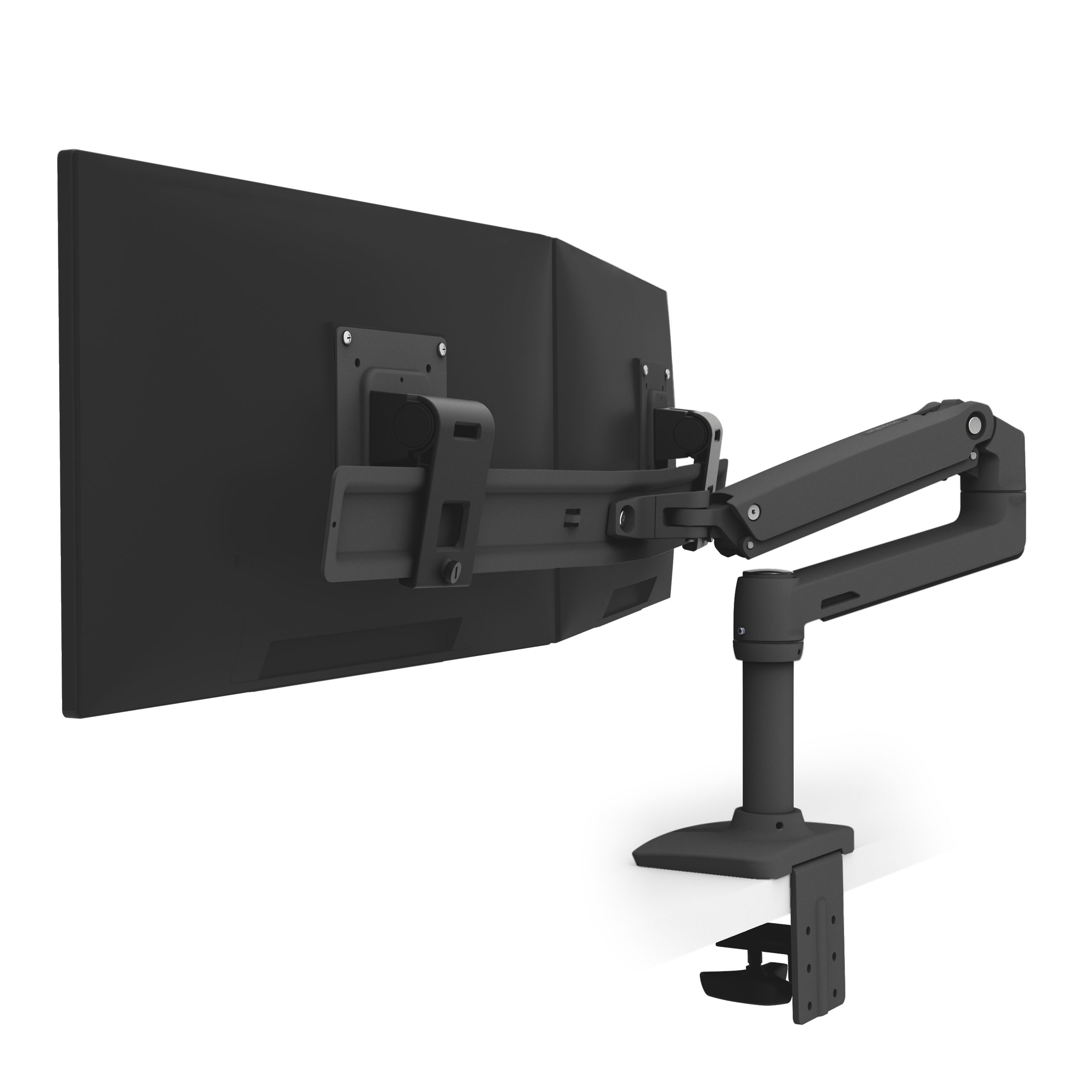
Ergotron LX Dual Monitor Arm, Black
$255.99
Why recommend: A natural step up if you want Ergotron reliability in a single dual-arm solution.
Best for: People who want a clean, one-clamp dual monitor setup with Ergotron quality.
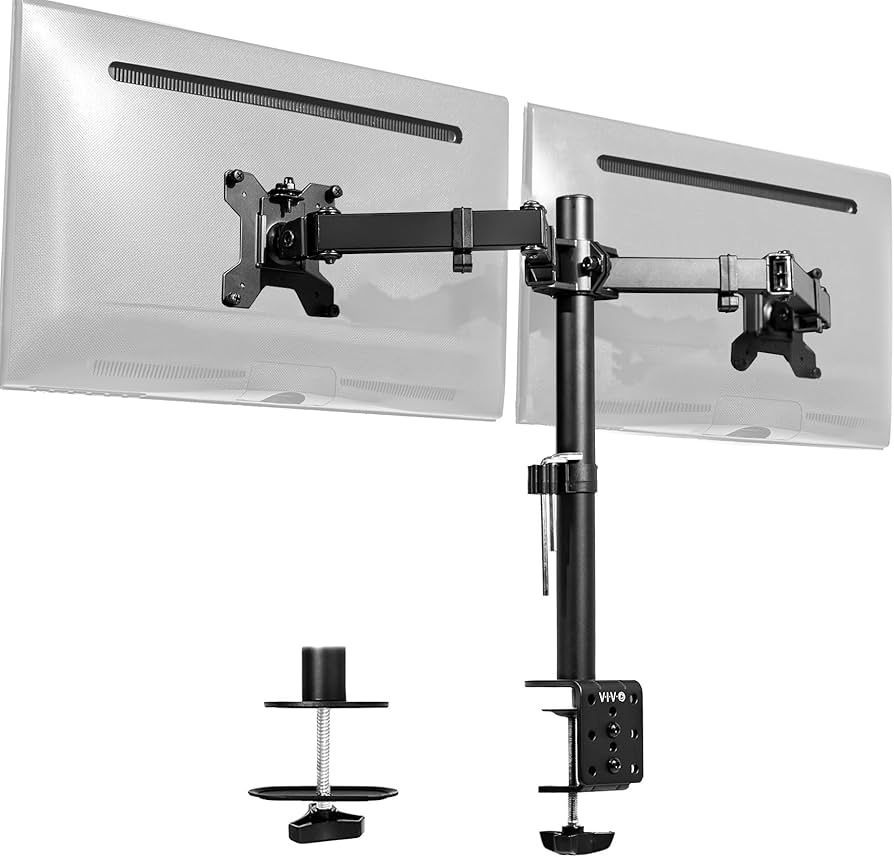
VIVO Dual Monitor Desk Mount V002
$39.99
Why recommend: Affordable alternative that delivers solid performance for the price.
Best for: Budget-conscious users who still want a stable dual arm solution.
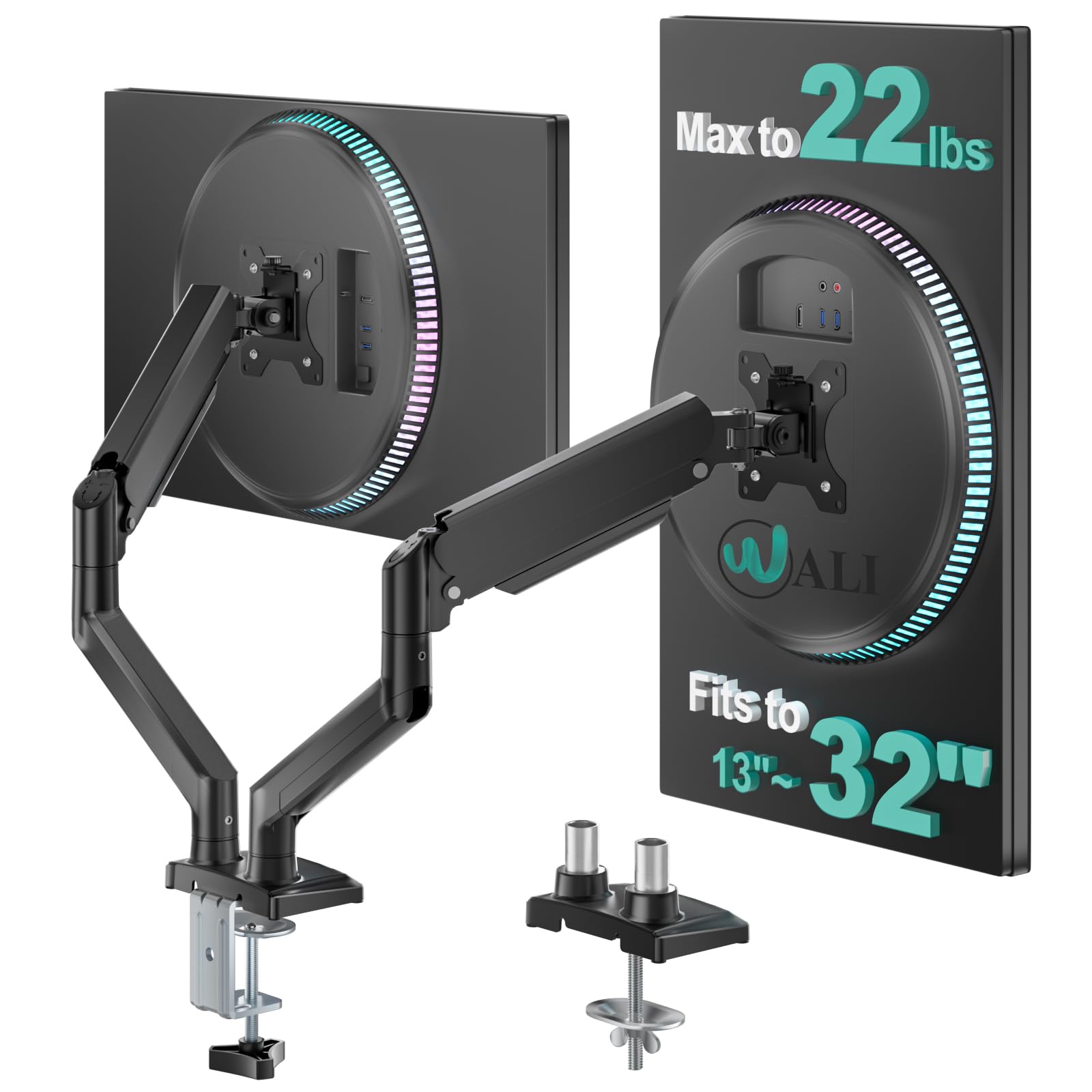
WALI Dual Monitor Mount Desk Stand
$25.99
Why recommend: One of the cheapest reliable dual monitor mounts available on Amazon.
Best for: Students and budget builders who need a functional dual monitor setup on a budget.
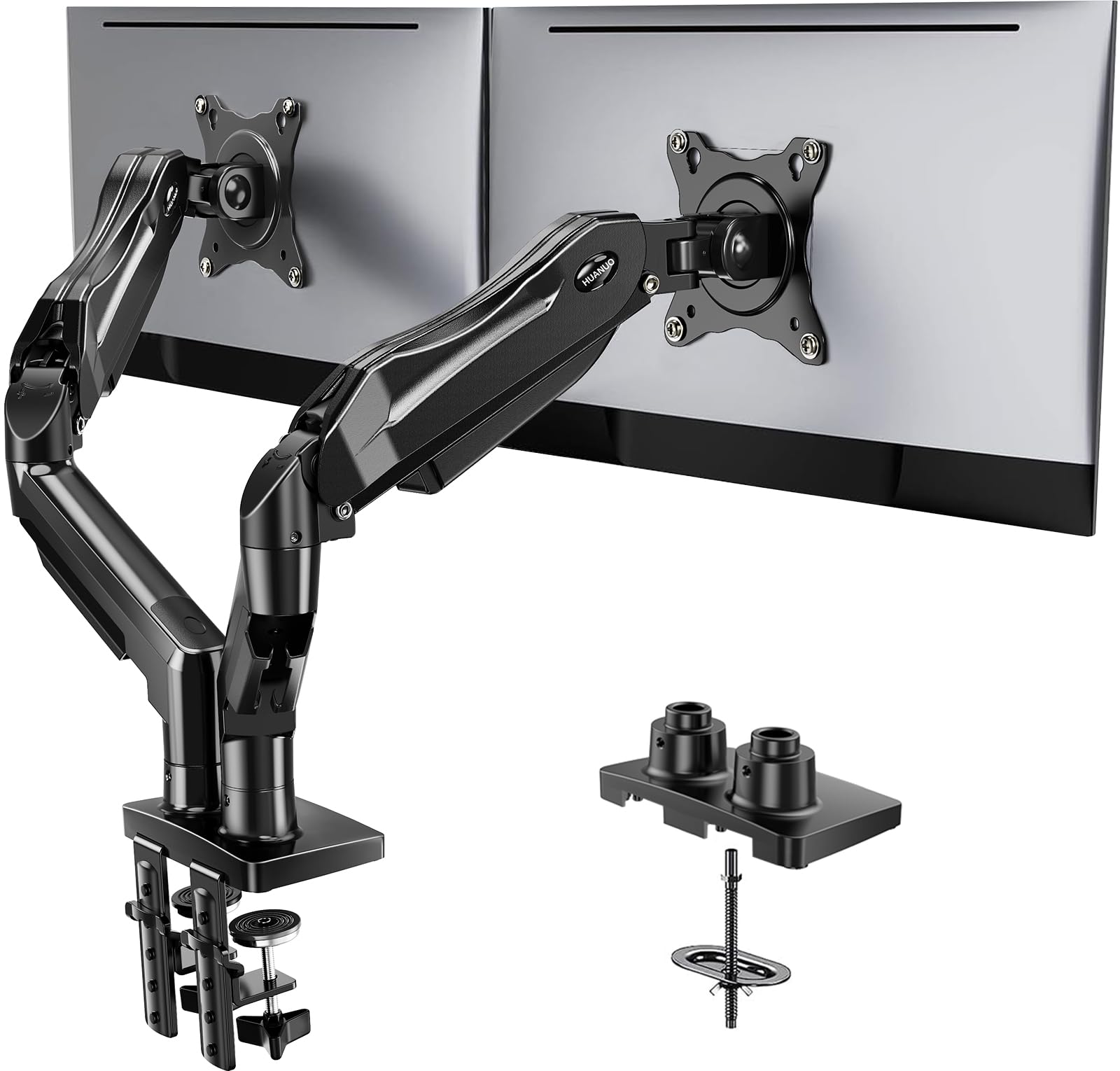
HUANUO Dual Monitor Mount
$45.99
Why recommend: Offers gas-spring smoothness at a much lower price than the Ergotron LX.
Best for: Users who want a smooth adjustment experience without the premium price tag.
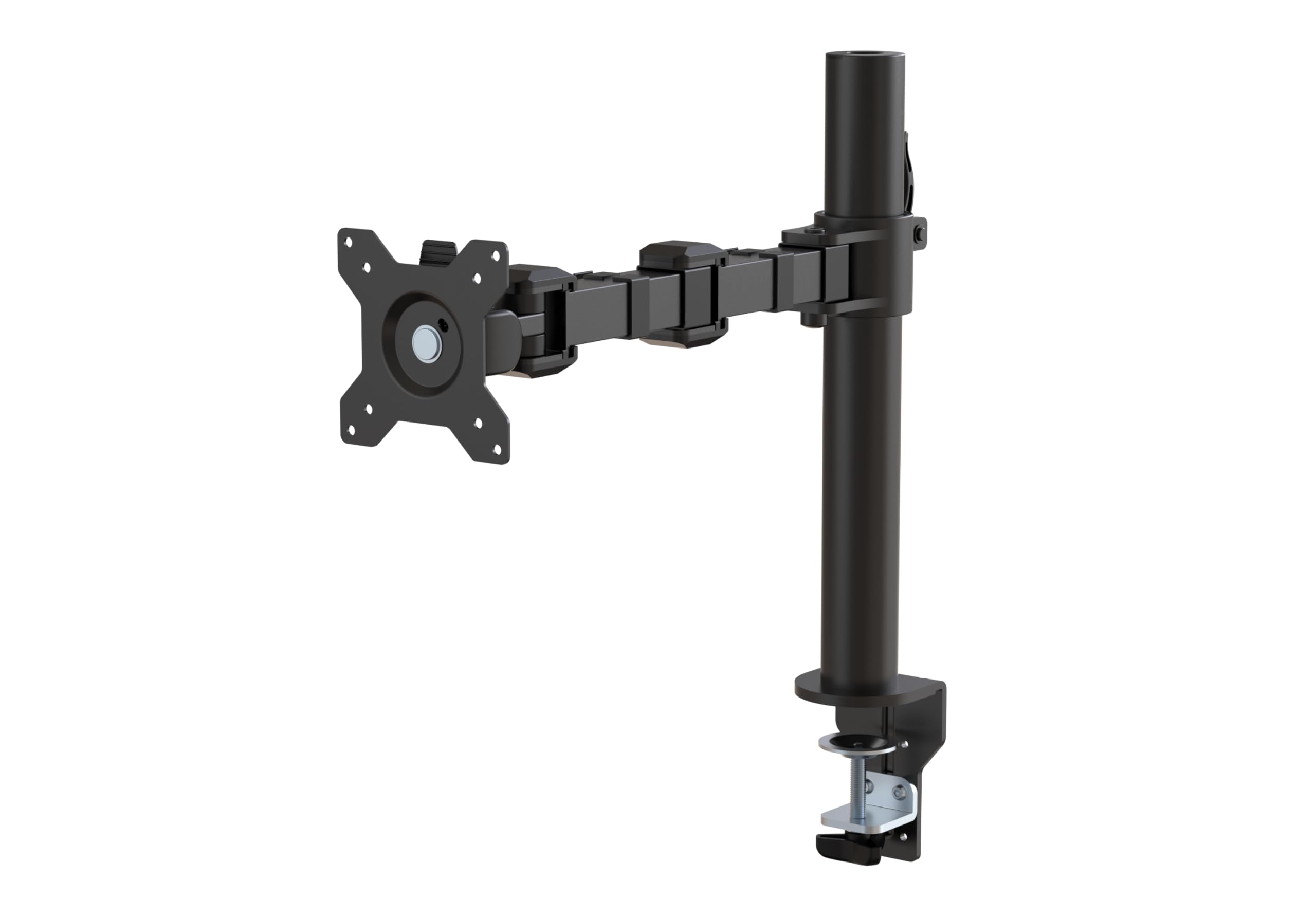
AmazonBasics Premium Single Monitor Stand
$119.99
Why recommend: A good balance of price and performance for dual monitor users who want two independent arms.
Best for: Users who want dual independent arms but want to keep costs down compared to the Ergotron LX.
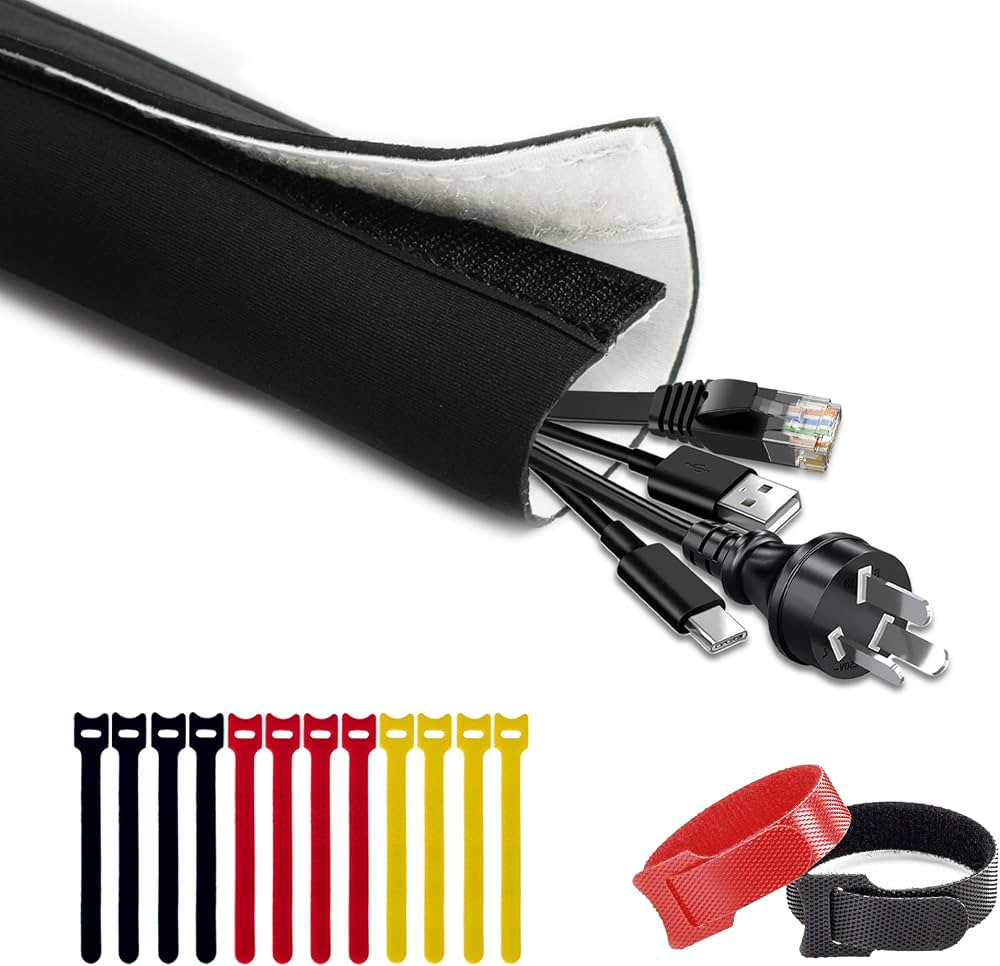
Cable Matters Cable Management Sleeve
$12.99
Why recommend: A cheap accessory that makes a dual monitor arm setup look much cleaner.
Best for: Users who want a polished, tangle-free desk setup.
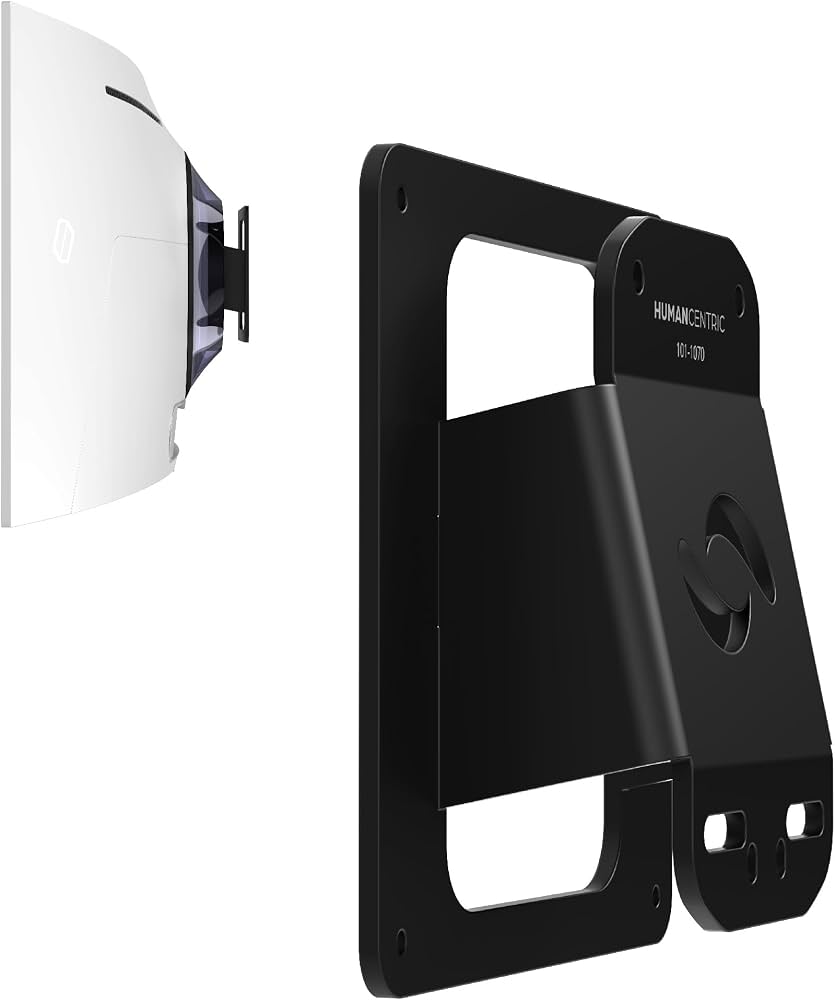
HumanCentric VESA Mount Adapter for Non-VESA Monitors
$24.99
Why recommend: Essential accessory if your monitor doesn't have VESA screw holes.
Best for: Users with older or budget monitors who want to mount them on an Ergotron LX.
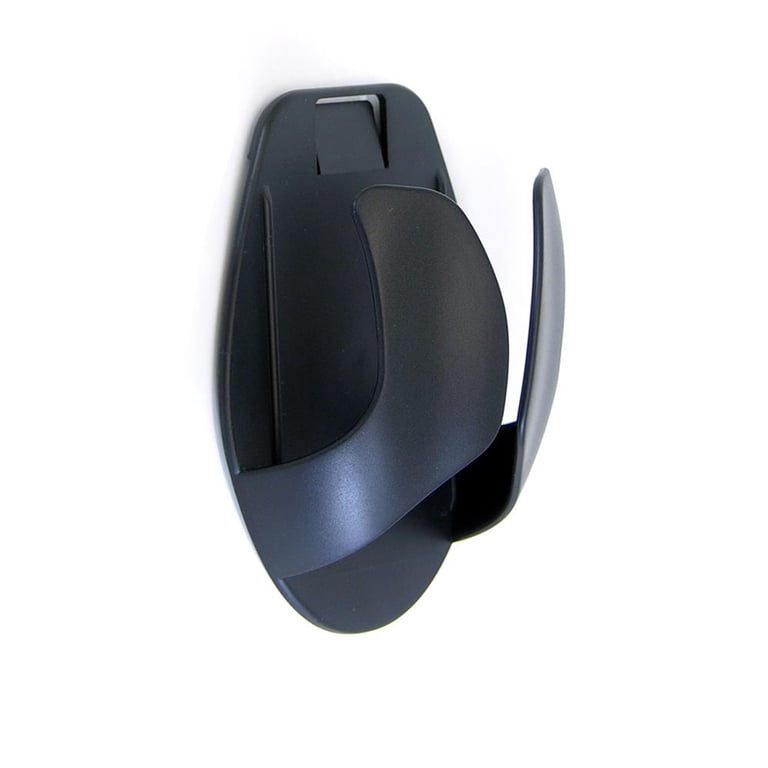
Ergotron Neoprene Desk Cover
$12.99
Why recommend: Protects your desk when mounting an Ergotron monitor arm.
Best for: Users with expensive desks or glass tabletops.
Bottom Line
Ready to get the Ergotron LX Monitor Arm? Check the latest price on Amazon.
🛒 Buy on AmazonAs an Amazon Associate we earn from qualifying purchases.
Frequently Asked Questions
Is Ergotron LX Monitor Arm good for dual monitor setup?
It can be, but not as a single unit. The Ergotron LX is designed to hold one monitor. To use it for a dual monitor setup, you must buy two LX arms—one for each monitor. This works extremely well and offers independent adjustability, but the total cost is nearly $300. If you want a simpler and cheaper solution, a dual monitor arm like the VIVO or WALI is a better fit.
Can you use Ergotron LX Monitor Arm for dual monitor setup with just one arm?
No. The Ergotron LX has a single VESA plate and a maximum weight capacity of 25 pounds, so it cannot physically hold two monitors in a standard side-by-side configuration. Attempting to improvise a dual mount using brackets or adapters is unsafe and puts excessive stress on the arm, which may cause it to fail and damage your monitors.
How many Ergotron LX arms do I need for two monitors?
You need two separate Ergotron LX arms, one for each monitor. Some users prefer to use one Ergotron LX and leave the second monitor on its original stand, but this often results in misaligned screen heights, which defeats the ergonomic purpose of a dual monitor setup.
Does Ergotron LX Monitor Arm work with 27-inch monitors?
Yes, most 27-inch monitors weigh between 7 and 20 pounds, so they fall within the Ergotron LX's weight capacity of 7 to 25 pounds. The VESA pattern on most 27-inch monitors is 75x100mm, which the LX supports. Always check the exact weight and VESA pattern of your monitor before purchasing.
Is Ergotron LX Monitor Arm better than a dedicated dual monitor arm?
For independent adjustment, two LX arms are better because each monitor can be moved without affecting the other. A dedicated dual-arm mount with a shared base may limit range or make it harder to adjust one monitor without nudging the other. However, dedicated dual arms are cheaper and use only one clamp, making them better for limited desk space.
What is the weight limit for Ergotron LX Monitor Arm?
The Ergotron LX supports monitors weighing between 7 and 25 pounds. This covers most 24-inch and 27-inch monitors, and even smaller 34-inch ultrawides, provided they weigh under 25 pounds. For heavier monitors, you would need a heavy-duty mount such as the Ergotron LX HD or a different brand.
Does Ergotron LX Monitor Arm come with a VESA plate?
Yes, the Ergotron LX comes with a detachable VESA plate that fits 75x100mm mounting patterns. If you have a monitor with a larger VESA pattern, like 100x200mm, you'll need an adapter. The package includes both a desk clamp and a through-desk grommet mount.
Is the Ergotron LX Monitor Arm easy to install for dual monitors?
Installing two Ergotron LX arms is more time-consuming than installing a single dual-arm mount. You need to attach two clamps, position them carefully, and route cables for both. The LX instructions are clear, and most users report a smooth process, but expect it to take 45 to 60 minutes for two arms. If you want a quicker setup, choose a dual-arm mount with a single clamp.
What is the best dual monitor arm alternative to two Ergotron LX arms?
Some of the best alternatives on Amazon are the Ergotron LX Dual Monitor Arm, VIVO Dual Monitor Mount V002, WALI Dual Monitor Mount, and HUANUO Dual Monitor Mount. The Ergotron dual arm preserves premium quality with a single clamp, while the VIVO and WALI offer great value for budget-conscious users.
Does the Ergotron LX Monitor Arm have a warranty?
Yes, the Ergotron LX comes with a 10-year warranty from Ergotron. This is one of the longest warranties in the monitor arm category and reflects the arm's premium build quality. When you buy from an authorized Amazon seller, the warranty is valid.
Can I mount an ultrawide monitor on the Ergotron LX and still use a dual monitor setup?
Yes, if your ultrawide monitor weighs under 25 pounds and uses a VESA 75x100mm pattern, you can mount it on one LX arm. Some users pair a 34-inch ultrawide with a smaller monitor on a second LX arm to create an extremely productive setup. Just verify the weight, as some 38-inch and 49-inch ultrawides exceed 25 pounds.
What accessories do I need for a dual monitor setup with Ergotron LX arms?
At minimum, you need two Ergotron LX arms. If your monitors lack VESA holes, you'll need a VESA adapter. To keep cables organized, a cable management sleeve is recommended. A neoprene desk cover can protect your desk from clamp marks. You may also need a longer HDMI or DisplayPort cable, which is not included with the arm.