
Quick Verdict
The Eero Pro 6E 3-pack is a strong contender for stable Wi-Fi in a large smart home with 50+ devices, offering excellent coverage and ease of use. Its limitations in advanced settings are minor for most users, making it a very good choice overall.
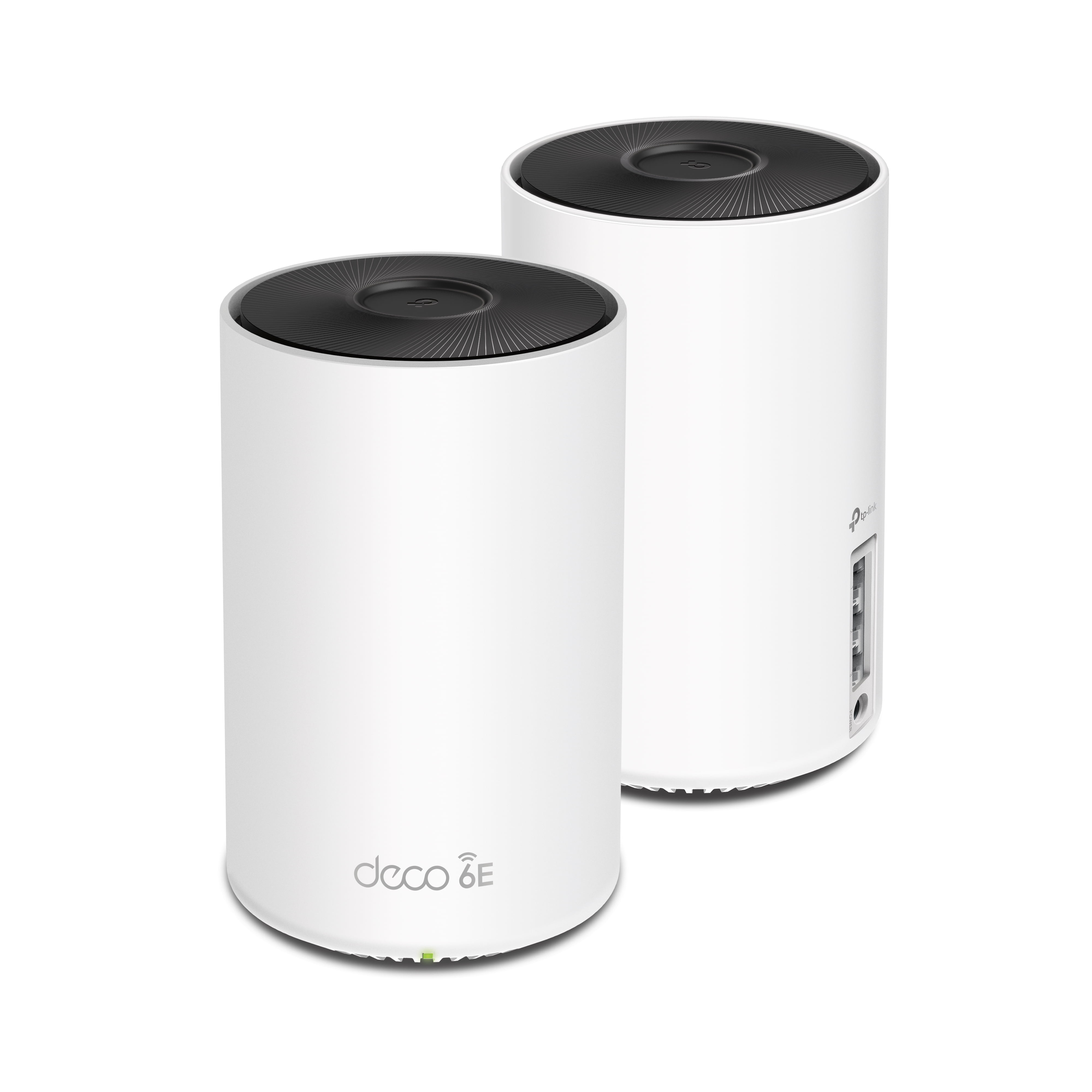
Eero Pro 6E 3-pack
$399.99

✓ Key Strengths
- •Tri-band Wi-Fi 6E with dedicated 6 GHz band reduces congestion for IoT and streaming devices.
- •Covers up to 6,000 sq ft, eliminating dead zones in most large homes.
- •Supports up to 100+ devices with TrueMesh self-healing technology for stability.
- •Built-in Zigbee and Thread radios act as a smart home hub, simplifying IoT integration.
- •Easy setup and management via the Eero app with automatic updates.
- •Consistent performance with minimal drops, according to user reviews.
- •Expandable with additional Eero nodes for even larger homes.
✗ Key Weaknesses
- •Limited advanced networking features (e.g., VLANs, custom DNS, per-interface controls).
- •Does not support multiple SSIDs; IoT and user devices share the same network, which may cause interference.
- •Occasional reports of IoT device disconnections when roaming between nodes.
- •Price is higher than some competing Wi-Fi 6E mesh systems.
- •Requires a subscription for advanced security features (Eero Secure).
What is Eero Pro 6E 3-pack?
What is providing stable Wi-Fi for a large smart home with 50+ devices?
Detailed Analysis
👍 Perfect For
- ✓Homeowners with 3,000-6,000 sq ft houses who want a reliable, easy-to-manage mesh network for 50+ devices.
- ✓Smart home enthusiasts using Zigbee/Thread devices (e.g., Philips Hue, Amazon Smart Plug) who want to eliminate hubs.
- ✓Families with many devices (smart TVs, consoles, tablets, phones) who need seamless streaming and gaming.
- ✓Users who prioritize stability over advanced configuration options.
👎 Not Ideal For
- ✗Tech enthusiasts who need advanced features like VLANs, per-device band steering, or granular QoS.
- ✗Users with exceptionally demanding environments (e.g., heavy gaming on multiple PCs, simultaneous 4K streaming on many TVs) who may benefit from a higher-performance system.
- ✗Those on a tight budget who are willing to trade some ease of use for lower cost.
Use Case Scenarios
Suburban Family Home with Diverse Smart Devices
A 4,000 sq ft suburban home with 2 adults, 2 teenagers, and a mix of smart lights, thermostats, doorbell, locks, cameras, and multiple streaming devices (total 55 devices).
✓ Strengths
- Adequate coverage for 4,000 sq ft.
- Handles mixed IoT and high-bandwidth usage simultaneously.
- Simple app for monitoring device connections and prioritizing gaming consoles.
✗ Weaknesses
- During peak usage, some buffering may occur on lower-priority devices.
- Cannot set separate SSID for IoT, so 2.4 GHz band can become crowded.
💡 Workarounds
- Use device prioritization in the Eero app to give bandwidth to critical devices.
- Place nodes centrally and avoid interference from large appliances.
Covers the home well, handles the device count, and the built-in smart hub is a plus. Minor congestion issues are manageable.
Large Open-Plan Apartment with Many Smart Gadgets
A 2,500 sq ft apartment with a single node? Actually 3-pack overkill, but user has 50+ smart plugs, bulbs, sensors, and streaming devices.
✓ Strengths
- Overlapping coverage ensures no dead spots.
- 6 GHz band offers high speed for streaming and gaming.
- Easy to configure and manage.
✗ Weaknesses
- Overkill for the space; could be achieved with a cheaper dual-pack or even a single Pro 6E.
- Multiple nodes may cause unnecessary handoffs for stationary devices.
💡 Workarounds
- Use fewer nodes and sell the extra or keep as backup.
- Place nodes farther apart to reduce handoffs.
Works perfectly but is overspending. For the use case, a cheaper system would suffice.
Tech-Savvy Enthusiast with Custom Networking Requirements
A user who wants VLANs for IoT segregation, custom DNS, and advanced QoS settings, with 60+ devices including many IP cameras.
✓ Strengths
- Stable and easy to set up out of the box.
✗ Weaknesses
- No VLAN support, no advanced QoS, no multi-SSID.
- Cannot segregate IoT traffic from user traffic, which this user desires for security.
💡 Workarounds
- Use a managed switch behind the Eero to create VLANs (complex and not fully integrated).
- Use a separate router for advanced features and disable Eero's routing mode.
Lacks essential advanced features for this user type. Not recommended.
Related Products You Should Consider
TP-Link Deco XE75 (3-pack)
$299.99
Why recommend: Cheaper, comparable performance, and slightly more advanced settings.
Best for: Budget-conscious smart home owners who want Wi-Fi 6E.
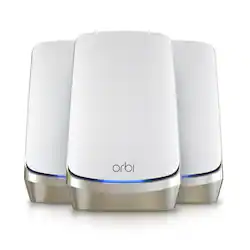
Netgear Orbi AXE11000 (3-pack)
$699.99
Why recommend: Higher performance, dedicated backhaul, and more advanced features for demanding users.
Best for: Power users with very high bandwidth needs and a bigger budget.
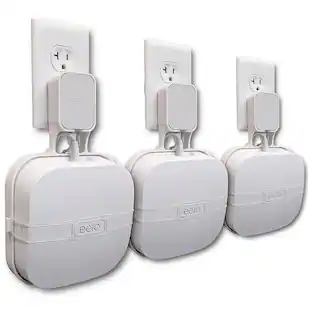
Eero Pro 6E Wall Mount (2-pack)
$14.99
Why recommend: Improves placement flexibility and signal strength.
Best for: Users who want to place nodes in optimal positions, especially on walls or high shelves.
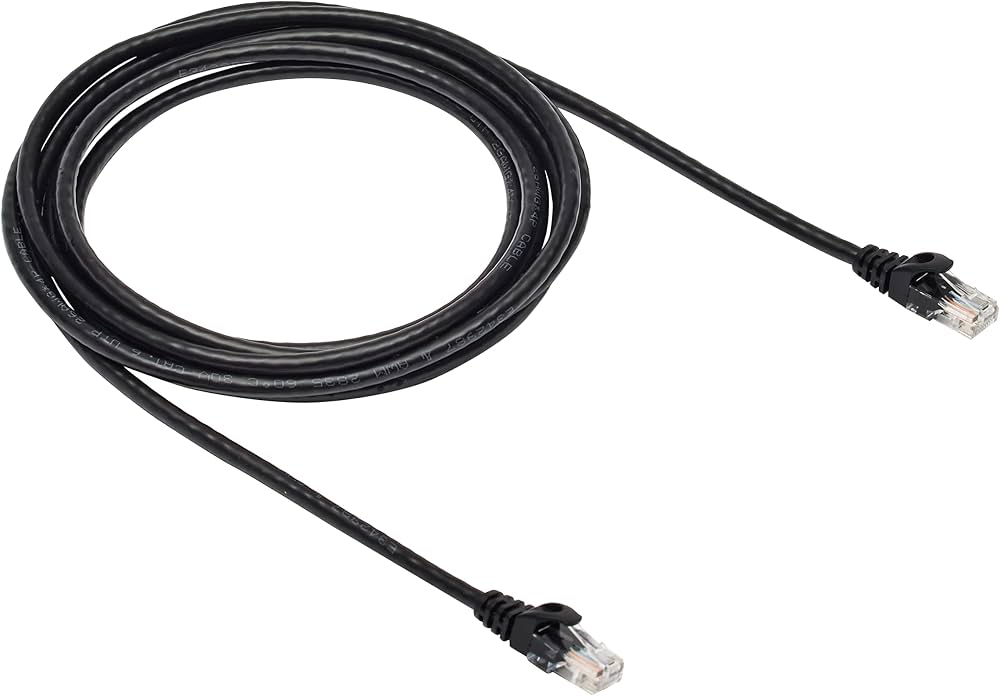
Amazon Basics Cat6 Ethernet Cable (10 ft)
$9.99
Why recommend: Hardwiring helps reduce wireless congestion for better overall stability.
Best for: Users with devices near nodes that benefit from wired connections.
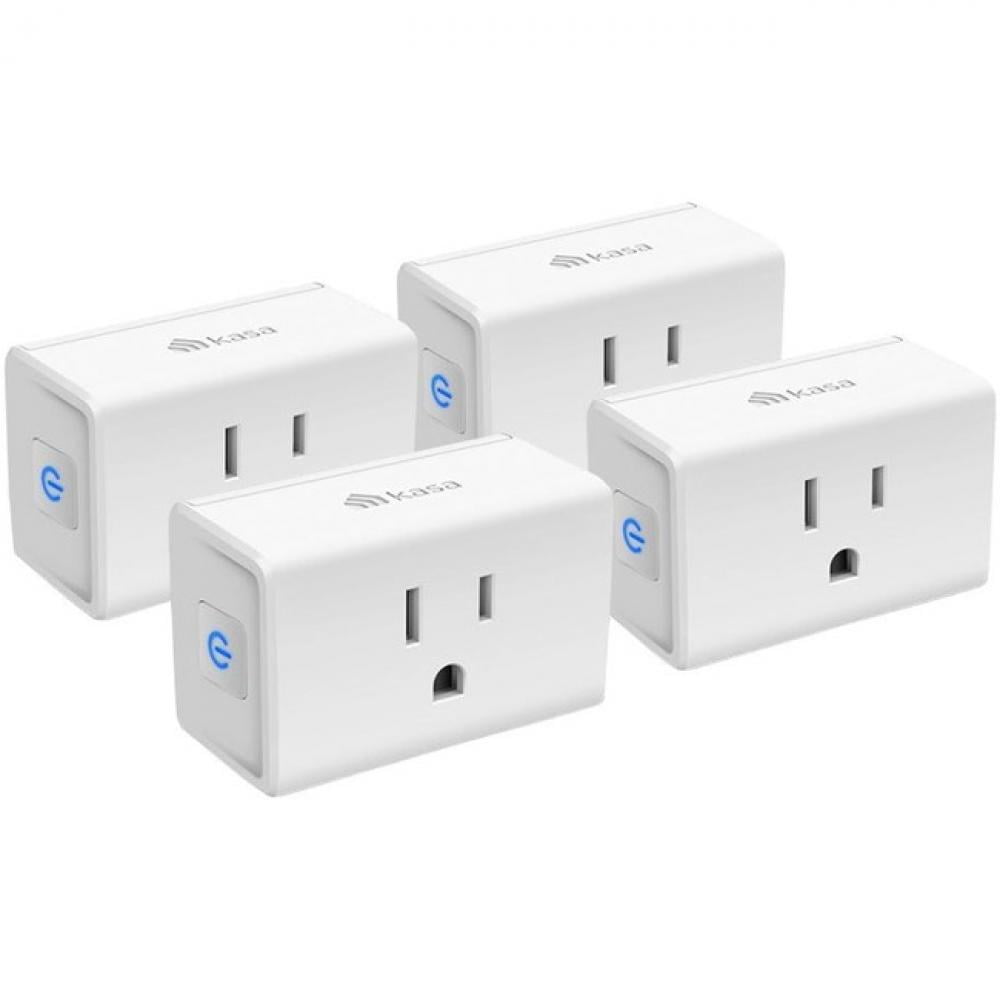
TP-Link Kasa Smart Plug (4-pack)
$29.99
Why recommend: Expands your smart home ecosystem in a way that complements Eero's smart hub capabilities.
Best for: Users looking to add more smart devices that integrate well with Eero.
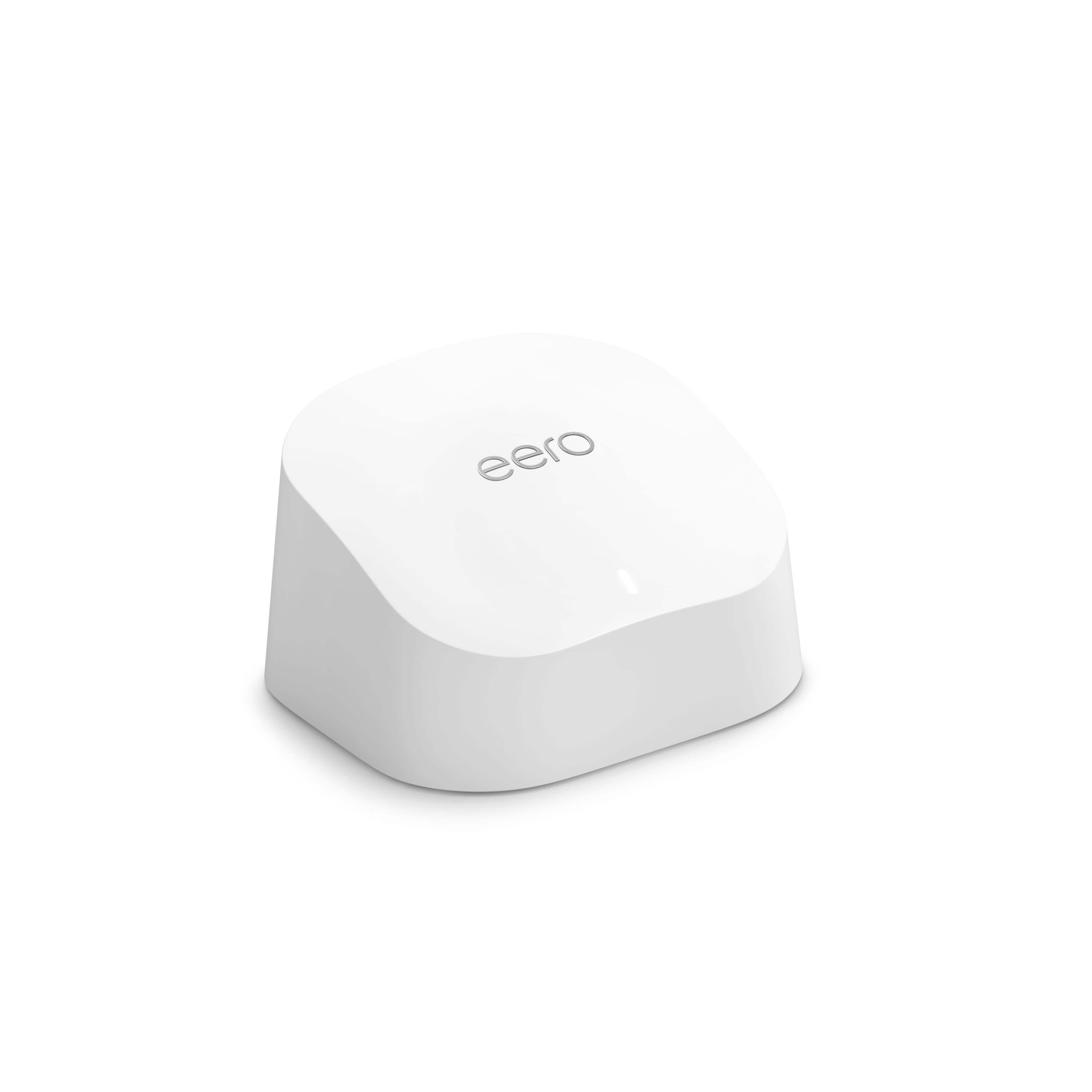
Eero 6+ Extender (single)
$99.99
Why recommend: Affordable expansion for larger homes or areas with weak signal.
Best for: Users who already have the Pro 6E 3-pack and need even more coverage.
Bottom Line
Ready to get the Eero Pro 6E 3-pack? Check the latest price on Amazon.
🛒 Buy on AmazonAs an Amazon Associate we earn from qualifying purchases.
Frequently Asked Questions
Is Eero Pro 6E 3-pack good for providing stable Wi-Fi for a large smart home with 50+ devices?
Yes, overall it is a good choice. It offers wide coverage, supports over 100 devices, and uses tri-band Wi-Fi 6E to minimize congestion. Most users will experience stable connections, though advanced users may miss fine-grained controls.
Can you use Eero Pro 6E 3-pack for providing stable Wi-Fi for a large smart home with 50+ devices?
Absolutely. The system is designed for such use cases. Its TrueMesh technology ensures traffic is routed efficiently, and the built-in Zigbee/Thread hub simplifies smart device integration.
Is Eero Pro 6E 3-pack suitable for providing stable Wi-Fi for a large smart home with 50+ devices?
It is very suitable, especially for those who prefer a user-friendly experience. However, if you need VLANs or advanced QoS, you may want to consider an alternative like the TP-Link Deco XE75 or Ubiquiti.
What's better than Eero Pro 6E 3-pack for providing stable Wi-Fi for a large smart home with 50+ devices?
For pure performance, the Netgear Orbi AXE11000 offers faster speeds and a dedicated backhaul. For advanced features and lower cost, the TP-Link Deco XE75 is a strong contender. For ultimate control, Ubiquiti UniFi systems are superior.
Does Eero Pro 6E 3-pack work for providing stable Wi-Fi for a large smart home with 50+ devices?
Yes, it works well. Thousands of users report stable connectivity with many devices. The key is proper placement of nodes to ensure good mesh backhaul.
Eero Pro 6E 3-pack vs TP-Link Deco XE75 for providing stable Wi-Fi for a large smart home with 50+ devices
Both are excellent. The Eero has a smarter mobile app and built-in Zigbee/Thread, while the Deco offers slightly more control and a lower price. For stability alone, both are comparable. Choose Eero for simplicity, Deco for value.
Eero Pro 6E 3-pack vs Netgear Orbi AXE11000 for providing stable Wi-Fi for a large smart home with 50+ devices
The Orbi AXE11000 is faster and has a dedicated backhaul, which may provide better stability under heavy load. However, it is significantly more expensive. Eero wins on price and ease of use, while Orbi wins on raw performance.
Best accessories for Eero Pro 6E 3-pack for providing stable Wi-Fi for a large smart home with 50+ devices
Essential accessories include Cat6 Ethernet cables for hardwiring key devices, wall mounts for optimal node placement, and a managed switch if you need to connect multiple wired devices. Also consider Eero Secure subscription for advanced security.
How to use Eero Pro 6E 3-pack for providing stable Wi-Fi for a large smart home with 50+ devices
Start by placing one node connected to your modem, then place the other nodes throughout the home, ideally halfway between the main node and the edge of coverage. Use the app to run a placement test. Connect as many devices as possible via Ethernet to reduce Wi-Fi load. Enable device prioritization for critical devices.
Will Eero Pro 6E 3-pack handle 100 devices?
Yes, the system is rated for 100+ devices. However, real-world performance depends on bandwidth demands. With 50+ devices, you will likely have no issues as long as not all are streaming 4K simultaneously.
Does Eero Pro 6E 3-pack support my Zigbee smart devices?
Yes, the Pro 6E has built-in Zigbee and Thread radios, so it can directly control compatible devices like Philips Hue, Samsung SmartThings, and Amazon Smart Plug without a separate hub.