
Quick Verdict
The ASUS ROG Zephyrus G14 is a capable and portable laptop for machine learning, especially for students and professionals who work on smaller models and supplement with cloud compute. Its powerful CPU/GPU combo and fast storage make local development smooth, but VRAM limitations and thermal throttling prevent it from being excellent for heavy training.
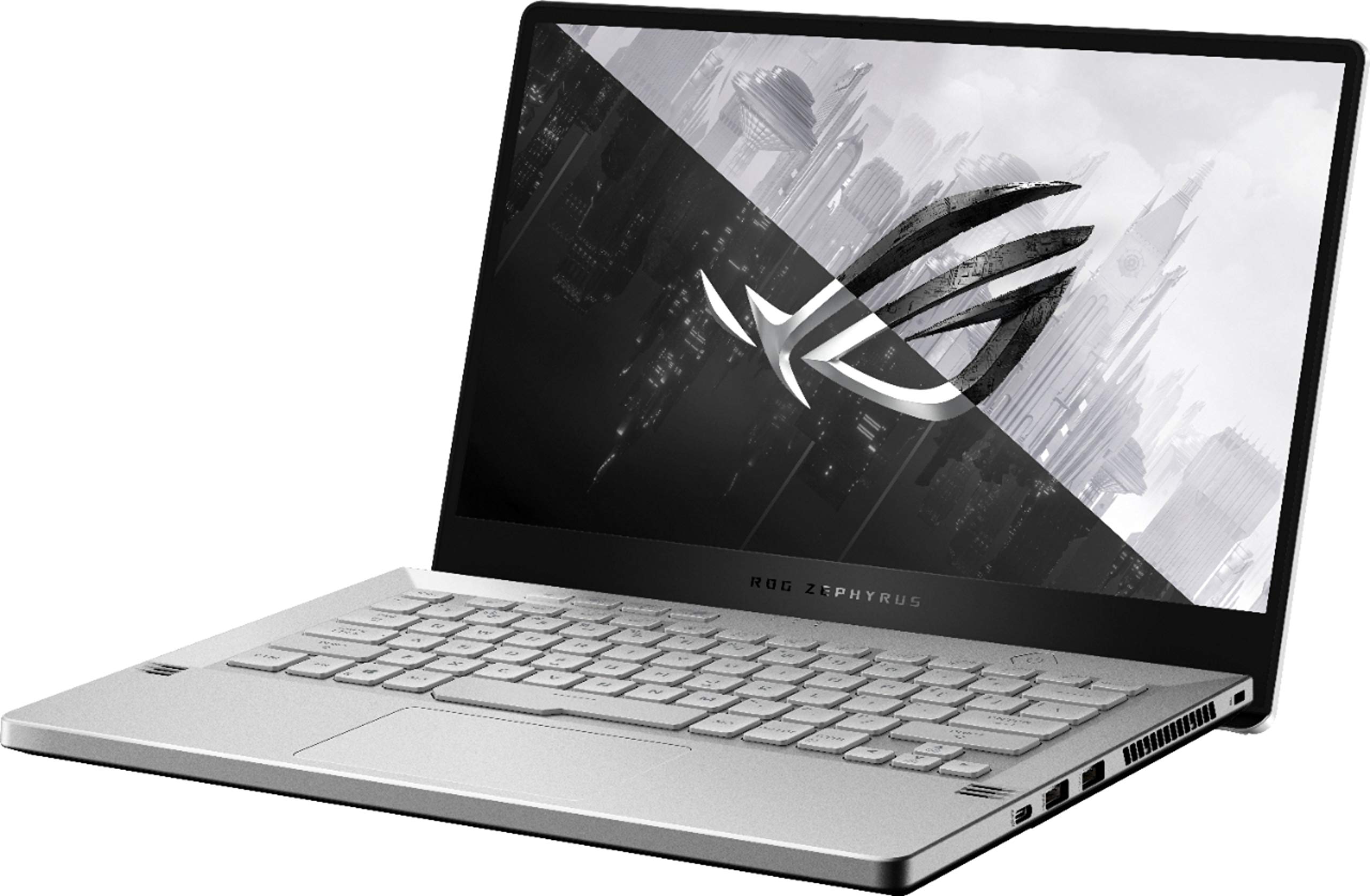
ASUS ROG Zephyrus G14
$1999.99

✓ Key Strengths
- •Powerful NVIDIA GPU options with up to 16GB VRAM (RTX 4090) that enable CUDA acceleration and can train moderate-sized deep learning models.
- •Compact and lightweight 14-inch design (3.31 lbs) makes it easy to carry to lectures, meetings, or co-working spaces.
- •Excellent AMD Ryzen 9 CPU with 8 cores and 16 threads, ideal for data preprocessing and parallel CPU-bound tasks.
- •Fast PCIe Gen4 SSD (up to 2TB) dramatically reduces dataset loading and code compilation times.
- •Attractive OLED display (2024 models) with high resolution and color accuracy, perfect for data visualization and viewing loss curves.
- •Good battery life for a gaming laptop, allowing for a few hours of coding or light use unplugged.
- •Expandable memory (two SODIMM slots) and storage (M.2), letting you upgrade RAM and SSD to better fit ML workloads.
- •Strong driver support for CUDA and PyTorch on Windows, with a large community of G14 ML users sharing tips.
✗ Key Weaknesses
- •VRAM is limited on base models (8GB), which restricts the size of models you can train directly on the laptop.
- •Thermal throttling under sustained load: the small footprint causes GPU clock speeds to drop after 10-15 minutes of intensive training.
- •No Ethernet port; requires a USB-C dongle for wired internet, which is often preferred for downloading large datasets.
- •Limited RAM in some configurations (16GB dual-channel) may be insufficient for large dataframes and multi-task workloads without upgrading.
- •Loud fans during heavy workloads can be disruptive in quiet environments like libraries or open offices.
What is ASUS ROG Zephyrus G14?
What is machine learning?
Detailed Analysis
👍 Perfect For
- ✓Students enrolled in machine learning or deep learning courses who need a portable yet powerful laptop for assignments and Kaggle competitions.
- ✓Data scientists and ML engineers who prototype on a laptop and offload heavy training to cloud servers or desktops.
- ✓Developers who build and test small models (e.g., CNNs, RNNs) locally and need a high-quality screen for debugging.
- ✓Professionals who require a versatile ultraportable that can also handle gaming or creative work without carrying a separate machine.
👎 Not Ideal For
- ✗Researchers and engineers training large-scale transformer models (e.g., LLMs like GPT-3 with billions of parameters) – the VRAM and thermal budget are simply insufficient.
- ✗Teams requiring multi-GPU or cluster-level training – the G14 is a single-GPU system and cannot be expanded with additional internal GPUs.
- ✗Budget-conscious buyers seeking raw performance per dollar – a desktop with an RTX 4070 Ti or a cloud GPU subscription may offer better value.
Use Case Scenarios
Student Learning Machine Learning
Under this scenario, a student is taking courses like CS231n or working through online certifications (e.g., Andrew Ng's Deep Learning Specialization). They need a machine to run Jupyter notebooks, train small models on datasets like CIFAR-10 or MNIST, and attend classes.
✓ Strengths
- Portability encourages use in libraries and classrooms.
- 8GB VRAM handles all educational benchmarks (MNIST, CIFAR-10, etc.) without issues.
- Excellent color display for visualizing data and attention maps.
- Great keyboard and trackpad for coding in notebooks.
- Strong CPU for data augmentation and preprocessing.
✗ Weaknesses
- Some modern tutorials require more VRAM than 8GB for transformer-based exercises.
- Fan noise can be noticeable in a quiet classroom during extended training.
💡 Workarounds
- Use pre-trained models and fine-tune with small batch sizes.
- Take advantage of free Google Colab TPU/GPU for larger models.
- Use a laptop cooling pad to manage temps during desk training sessions.
The G14 covers all student ML needs with mobility and enough compute. It's an A for this use.
Data Scientist Prototyping
A data scientist at a company works with medium-sized datasets (millions of rows) and trains models like gradient boosting or small neural networks. They need to quickly iterate and often move between meetings and a desk.
✓ Strengths
- Fast I/O thanks to NVMe SSD speeds up data load operations.
- Capable CPU and RAM handle common data-wrangling tasks.
- Portability allows seamless context switching in an office environment.
- Good quality webcam and mic for online meetings.
- Long battery life during non-CPU-intensive tasks.
✗ Weaknesses
- 14-inch screen isn't ideal for code + data visualization side-by-side.
- When the GPU is training, the battery drains quickly and fans become loud.
💡 Workarounds
- Use a dual-monitor setup at your desk with a USB-C hub.
- Enable hybrid mode to use integrated graphics for light work and dGPU only when needed.
- Keep the power adapter plugged in during heavy compute tasks.
The G14 is a great companion for a data scientist who emphasizes mobility and doesn't need to train huge models locally. It hits the sweet spot for prototyping.
Researcher Training Deep Learning Models
A graduate student or research scientist regularly trains custom deep neural networks—like vision transformers or sequence models—that require high VRAM and sustained GPU load for hours.
✓ Strengths
- Can run small-scale experiments locally before sending them to a cluster.
- CUDA support and good compute capability for debugging kernels.
- SSD and CPU help with data preprocessing and code compilation.
✗ Weaknesses
- VRAM limits model size even at 16GB.
- Thermal throttling reduces training speed and can cause instability.
- Battery is irrelevant during long training; you need to be plugged in.
💡 Workarounds
- Reserve the laptop for prototyping and leverage distributed cloud training.
- Use model quantization and gradient checkpointing to squeeze larger models into VRAM.
- Invest in an external GPU (eGPU) enclosure with a desktop RTX 4080/4090 (though this may be cost-prohibitive).
For heavy research work, the G14 is not a primary tool. It's acceptable for development and small tests but falls short of real training demands.
Remote Machine Learning Engineer
Working for a tech company as a ML engineer, you spend most of your time writing code, running remote training jobs on cloud platforms, and monitoring experiments via SSH. Your laptop is a terminal and IDE.
✓ Strengths
- Superb keyboard and trackpad for long coding sessions.
- Lightweight and well-built, perfect for travel.
- Excellent battery life for non-GPU tasks.
- High-res OLED display makes reading code and documentation much less tiring.
- Fast enough to run small local models for quick experiments.
✗ Weaknesses
- In a completely cloud-based role, the GPU may be underutilized, making it more expensive than a non-gaming ultrabook.
- Limited ports require a hub for connecting multiple external devices.
💡 Workarounds
- Use a USB-C hub to connect to monitors, mouse, and keyboard at your desk.
- Consider the Ryzen 7 / RTX 4060 configuration to save money if you don't need the extra GPU.
The G14's portability, battery, and keyboard make it a fantastic machine for a remote ML engineer. It handles local workloads adequately and supports the cloud-based workflow flawlessly.
Related Products You Should Consider
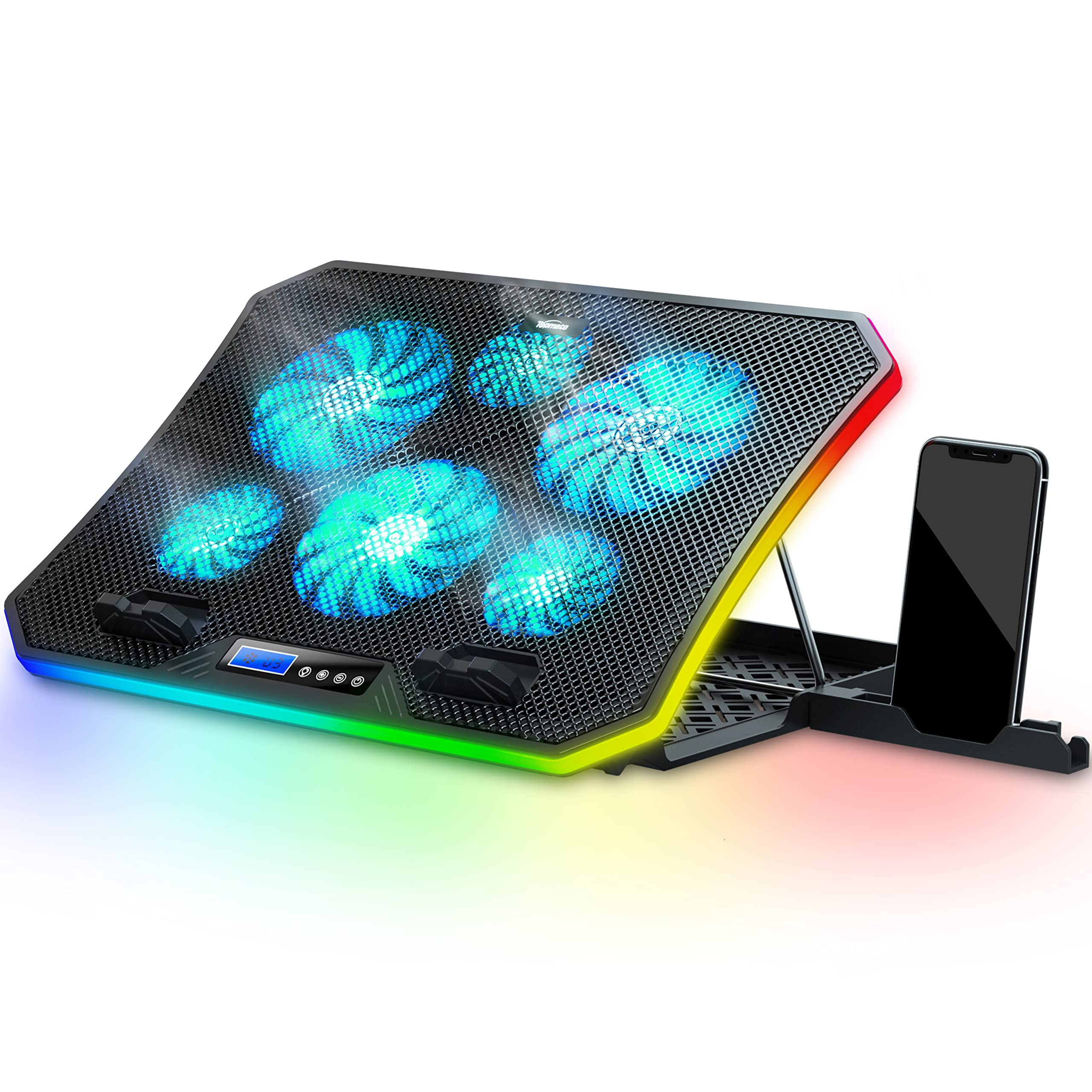
TopMate C12 Laptop Cooling Pad
$26.99
Why recommend: Essential for maintaining high GPU clock speeds during prolonged training runs, thereby reducing throttling.
Best for: Users who train models for longer than 10 minutes and want stable performance.
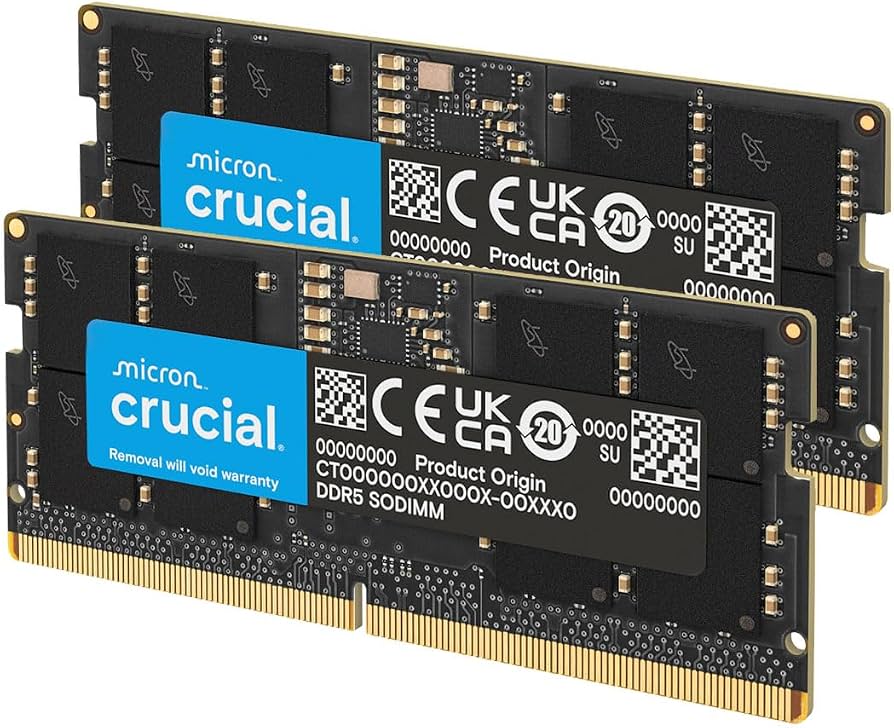
Crucial 32GB (2x16GB) DDR5 4800MHz Laptop Memory
$119.99
Why recommend: RAM is often the bottleneck in professional ML workloads. 32GB is the sweet spot for a mobile ML workstation.
Best for: Data scientists and students who work with medium-sized datasets or multitask heavily.
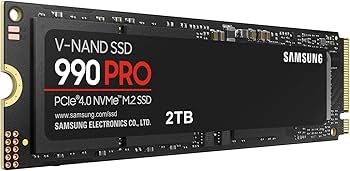
Samsung 990 PRO 2TB PCIe 4.0 NVMe M.2 SSD
$229.99
Why recommend: Datasets are huge; a 2TB SSD ensures you can store and access data locally without carrying external drives.
Best for: Those working with large image datasets or who plan to keep the G14 for years.
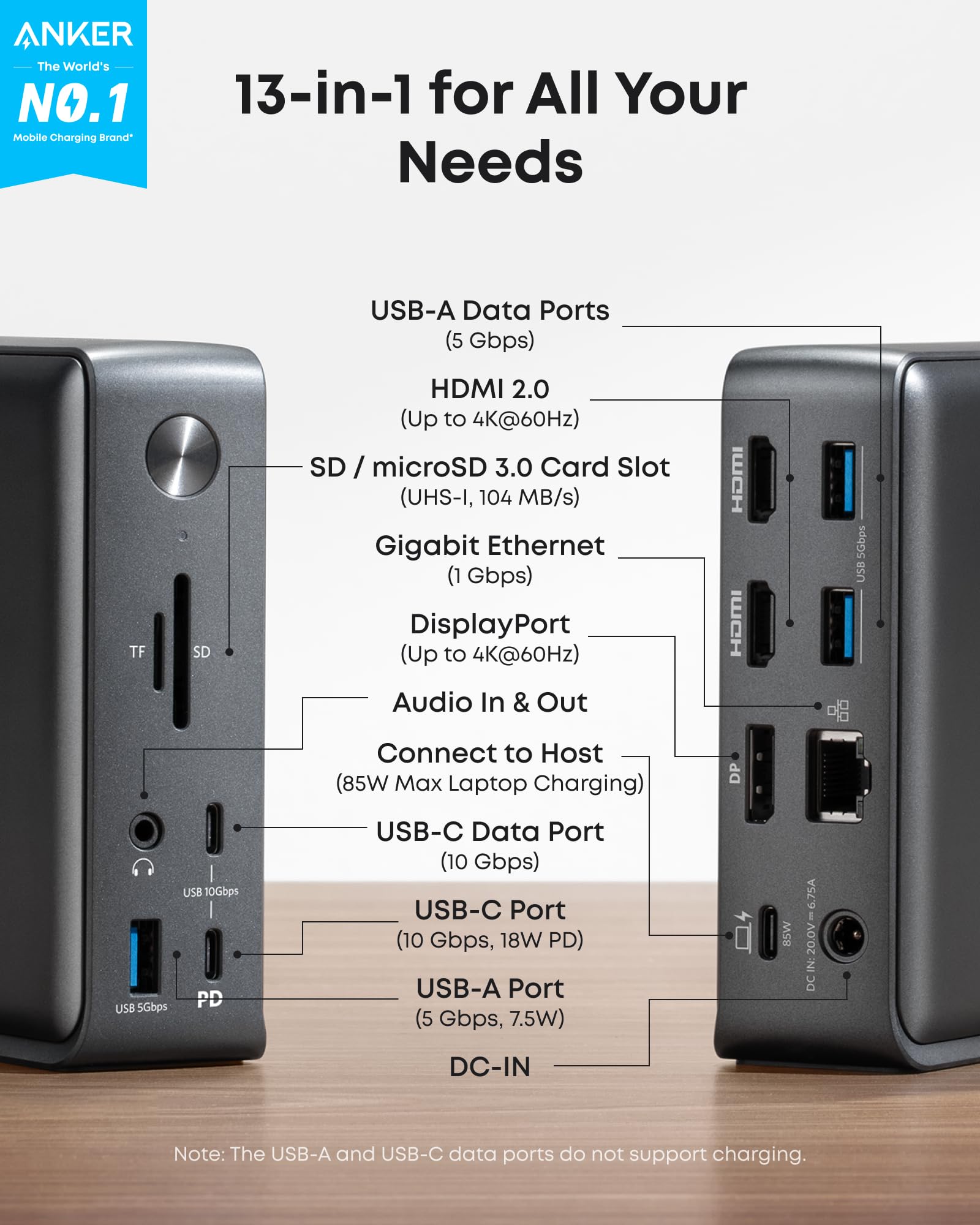
Anker 575 USB-C Hub (10-in-1)
$79.99
Why recommend: Expands connectivity to support external monitors, data transfer, and SD cards, which are common in ML workflows.
Best for: Anyone who uses the G14 with a multi-monitor setup or needs to transfer files from SD cards.
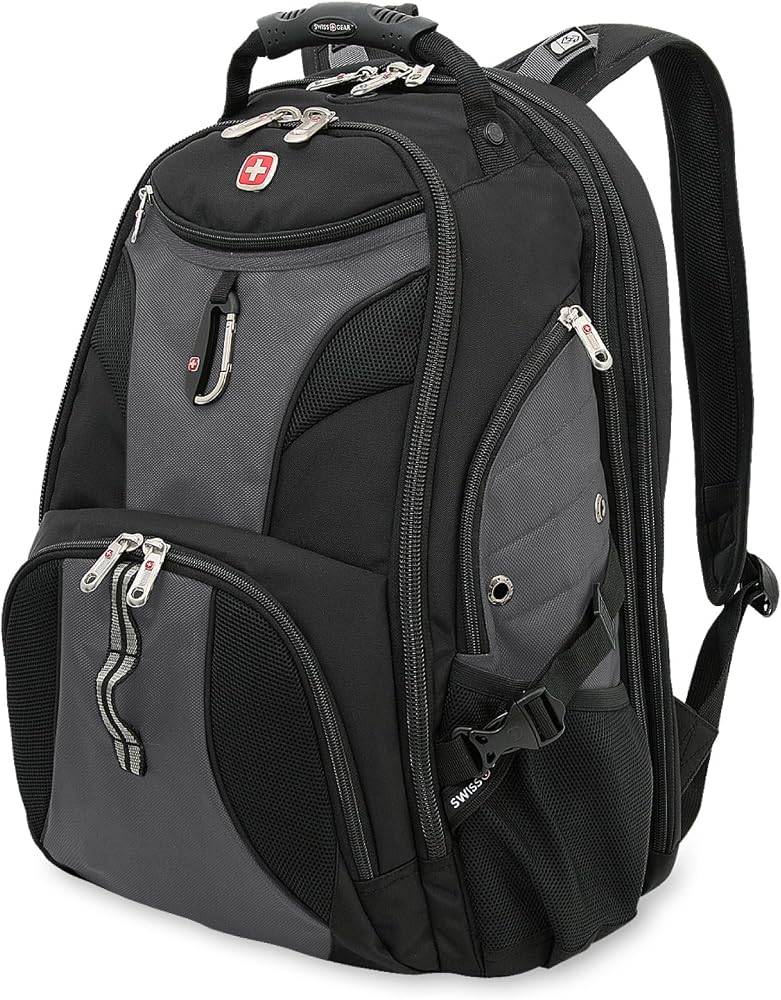
SwissGear 1900 Scansmart TSA Laptop Backpack
$89.99
Why recommend: Safely carries the G14 and essential peripherals, reducing the risk of damage during travel.
Best for: Students and professionals who need a reliable daypack for carrying their ML rig to classes, labs, or conferences.
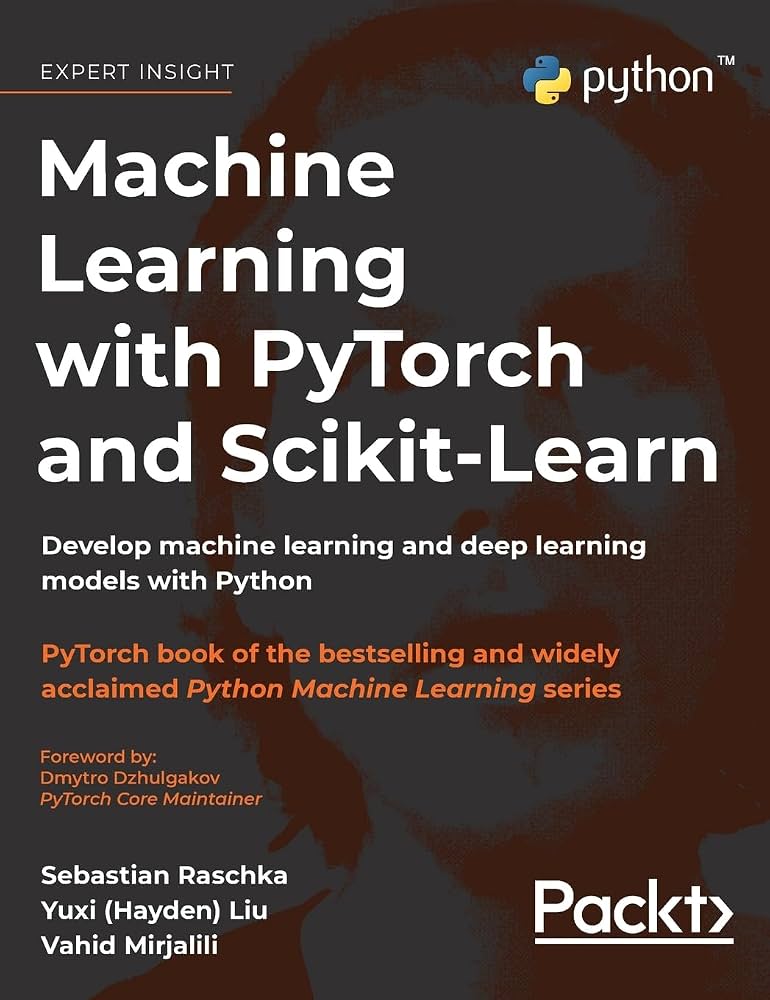
Machine Learning with PyTorch and Scikit-Learn (Book)
$39.99
Why recommend: The book pairs perfectly with the G14, guiding you on how to use its GPU for real-world ML projects.
Best for: Beginners and intermediate ML practitioners who want to solidify their skills with a practical learning tool.
Bottom Line
Ready to get the ASUS ROG Zephyrus G14? Check the latest price on Amazon.
🛒 Buy on AmazonAs an Amazon Associate we earn from qualifying purchases.
Frequently Asked Questions
Is the ASUS ROG Zephyrus G14 good for machine learning?
Yes, for most machine learning tasks like learning, prototyping, and small to medium model training. The G14 offers an NVIDIA RTX GPU with CUDA support and a fast CPU, but its limited VRAM (8GB on base models) and thermal throttling make it unsuitable for very large deep learning models.
Can you use the ASUS ROG Zephyrus G14 for deep learning?
Yes, especially for training CNNs and small transformers. The 8GB VRAM on RTX 4060/4070 is sufficient for many common architectures. For deeper learning with large transformers, you may need to reduce batch size or use cloud GPU instances.
How much VRAM does the G14 have for ML?
It varies by model: the RTX 4060 and 4070 versions have 8GB GDDR6 VRAM, the RTX 4080 has 12GB, and the RTX 4090 has 16GB. For ML, the more VRAM, the better, but even 8GB is workable for educational projects.
Is 8GB VRAM enough for machine learning?
It's enough for many classic computer vision models (e.g., ResNet-50, YOLOv5) and small NLP models (BERT-base) with mixed precision. However, it's insufficient for larger models like ResNet-152, GPT-2, or vision transformers with high-resolution images. Consider a configuration with 12GB or 16GB VRAM if you can afford it.
Does the G14 overheat during ML training?
Yes, sustained GPU load can cause thermal throttling after 10-15 minutes, reducing performance. Using a cooling pad, elevating the laptop, and ensuring good airflow helps minimize this. The laptop's fans will become loud, but that's normal for a compact gaming laptop.
Should I buy the G14 or a MacBook Pro for machine learning?
That depends. If you primarily use PyTorch/TensorFlow, the G14's NVIDIA GPU offers faster training on Windows (though macOS also supports Metal but with fewer compatible libraries). For general programming and battery life, MacBook Pro excels. If you plan to use cloud GPU, both work; MacBooks are more luxurious, but G14 supports more local CUDA acceleration.
Can I expand the RAM and SSD on the ASUS ROG Zephyrus G14?
Yes, the G14 has two SODIMM slots for RAM (user-replaceable) and one M.2 NVMe SSD slot. Some configurations might come with one slot occupied. Upgrading to 32GB or 64GB RAM and a larger SSD is straightforward, following the manual's disassembly guide.
Is the G14 worth it for machine learning and gaming?
Yes, the G14 is sold as a gaming laptop, so it excels at both. It's a dual-purpose machine that lets you train models and then play games on the same GPU. This versatility makes it a compelling buy for students and enthusiasts who want a single laptop for work and play.
What are the best G14 configurations for machine learning?
We recommend the RTX 4070 (8GB) or RTX 4080 (12GB) with 32GB RAM and a 2TB SSD. The RTX 4080/4090 are heavier in terms of price, but the extra VRAM future-proofs your ability to run larger models. Ensure you have the NVIDIA GeForce Experience drivers installed and optionally set up CUDA WSL for Linux tools.
Does the G14 work with Linux for machine learning?
Generally, yes. Many users run Ubuntu or Pop!_OS on the G14. NVIDIA's proprietary drivers work, and you can install CUDA and cuDNN. Some features like AniMe Matrix and power profiles are not natively supported, but you can install customized tools from the community. Check online forums for the latest compatibility.
Can I use an external GPU (eGPU) with the G14 to improve ML performance?
Yes, the G14's USB4/Thunderbolt port supports external GPU enclosures like the Razer Core X. However, an eGPU with a powerful desktop GPU can be expensive, and the connection will bottleneck compared to a desktop but still boost performance. It's a less practical option than upgrading to a stronger model or using the cloud.
What alternatives are there to the G14 for ML?
Alternatives include the Lenovo Legion Slim 5 (16-inch) for better thermals, the Dell XPS 16 (RTX 4070), the Razer Blade 14 (similar size, but more expensive), and the MacBook Pro 14 M3 Pro (excellent productivity but no CUDA). For cloud-first users, consider a lightweight ultrabook with a long battery life.