
Quick Verdict
The ASUS ROG Ally is a good choice for game streaming, offering a vibrant 120Hz display, solid Wi-Fi 6E, and full Windows compatibility. However, its battery life and weight hinder extended use. For mixed native/streaming gamers, it's excellent; for streaming purists, there are better options.

ASUS ROG Ally
$699.99

✓ Key Strengths
- •Windows 11 provides native support for all streaming apps (Xbox, GeForce Now, Steam, etc.)
- •7-inch 1080p 120Hz display delivers crisp, fluid visuals ideal for streamed games
- •Wi-Fi 6E ensures low-latency, high-bandwidth connections for cloud gaming
- •Powerful Z1 Extreme APU enables local streaming with minimal lag (e.g., Moonlight) and runs stream decoding efficiently
- •Touchscreen and joysticks offer precise control; front-facing speakers provide decent audio
- •Expandable storage via microSD allows ample space for streaming app installations
✗ Key Weaknesses
- •Battery life is only 2-2.5 hours during Wi-Fi streaming, requiring frequent recharging
- •Heavier and bulkier than dedicated streaming handhelds (608g vs ~400g), causing fatigue over long sessions
- •Fan noise can be distracting, especially in quiet environments or when streaming demanding codecs
- •No built-in mobile internet (cellular) – relies solely on Wi-Fi, limiting on-the-go streaming without hotspot
What is ASUS ROG Ally?
What is game streaming?
Detailed Analysis
👍 Perfect For
- ✓Gamers who want a single device for both native and streaming gaming, especially those with Game Pass Ultimate or GeForce Now subscriptions
- ✓Users with reliable high-speed Wi-Fi 6E routers who prioritize display quality and low latency
- ✓Enthusiasts who enjoy local streaming from a powerful gaming PC (e.g., using Moonlight) and want a handheld client with high-end features
- ✓Windows users who prefer dedicated apps over browser-based streaming solutions
👎 Not Ideal For
- ✗Streaming-only users who want maximum battery life (e.g., long flights, commutes) – consider a Logitech G Cloud or Android handheld
- ✗Budget-conscious buyers – the ROG Ally is expensive ($699) compared to cheaper streaming options
- ✗Players who need cellular connectivity for streaming on the go – the Ally lacks 4G/5G support
- ✗Those who dislike fan noise or prefer a completely silent streaming experience
Use Case Scenarios
Cloud Gaming Subscriber (Xbox Game Pass / GeForce Now)
A user who subscribes to cloud gaming services and primarily plays on the go, relying on services like Xbox Cloud Gaming or GeForce Now.
✓ Strengths
- Excellent display for vibrant streaming visuals
- Low latency with Wi-Fi 6E
- Full support for all cloud gaming apps
✗ Weaknesses
- Battery life limits extended play
- Heavy for prolonged handheld use
- Fan noise can be distracting
💡 Workarounds
- Use a 65W power bank to extend sessions
- Reduce brightness to save battery
- Use Turbo mode to keep performance consistent but adjust fan curve in Armoury Crate
The Ally delivers a premium streaming experience but its short battery life prevents it from being excellent for this scenario.
Local Remote Player (Steam Link / Moonlight)
A user who streams games from their home gaming PC to the handheld while on the same local network (e.g., in another room or on the couch).
✓ Strengths
- Near-native gaming experience with low latency over local network
- 120Hz display matches high-fps streaming
- Compatible with all major remote play protocols
✗ Weaknesses
- Heavy for long sessions
- Battery still limited to ~3 hours
- Requires a capable host PC for best quality
💡 Workarounds
- Use a grip attachment to improve ergonomics
- Set a battery charge limit (80%) to prolong battery health
- Use a power bank or plug in while near a couch
The Ally's display, performance, and software compatibility make it an outstanding remote play client.
Commuter / Air Travel Streamer
A user who wants to game during commutes or flights, often without reliable Wi-Fi or cellular connectivity.
✓ Strengths
- Good for offline native games when streaming isn't possible
- USB-C for power bank support
✗ Weaknesses
- No cellular connectivity
- Battery life short for long trips
- Heavy and bulky for travel
💡 Workarounds
- Download games natively to the SSD for offline play
- Carry a 65W power bank for extended streaming
- Use a hotspot with a data plan, but be mindful of data limits
The lack of cellular and short battery make it a poor choice for travel streaming; a smartphone or dedicated LTE handheld is better.
Casual Streamer / Living Room Use
A user who occasionally streams games while relaxing on the couch, within reach of a power outlet and strong home Wi-Fi.
✓ Strengths
- Plugged-in eliminates battery worry
- Excellent display and low latency for living room Wi-Fi
- Versatile – can also play native games
✗ Weaknesses
- Still heavy for extended lap use
- Fan noise may be audible during quiet scenes
- No built-in stand; need a case with kickstand
💡 Workarounds
- Use a pillow or a lap desk for support
- Set a custom fan curve in Armoury Crate to reduce noise
- Buy a case with a built-in kickstand, like the official ROG Ally case
When plugged in and on strong Wi-Fi, the Ally offers a top-tier streaming experience.
Related Products You Should Consider
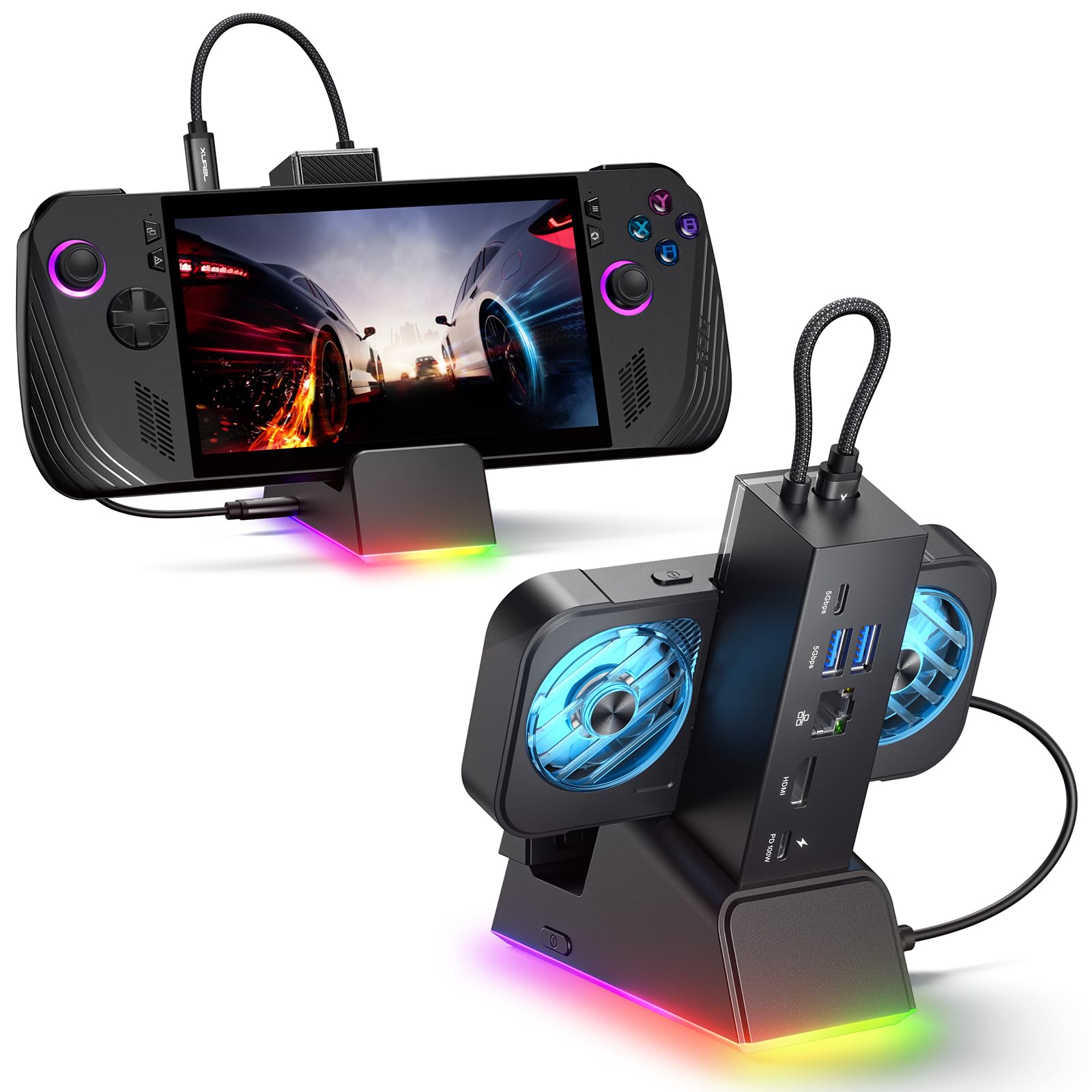
JSAUX ROG Ally Charging Dock with HDMI
$39.99
Why recommend: Essential for couch streaming setups; allows you to play with a controller on a big screen while keeping the Ally charged.
Best for: Users who want to stream on a TV or monitor while keeping the Ally powered.
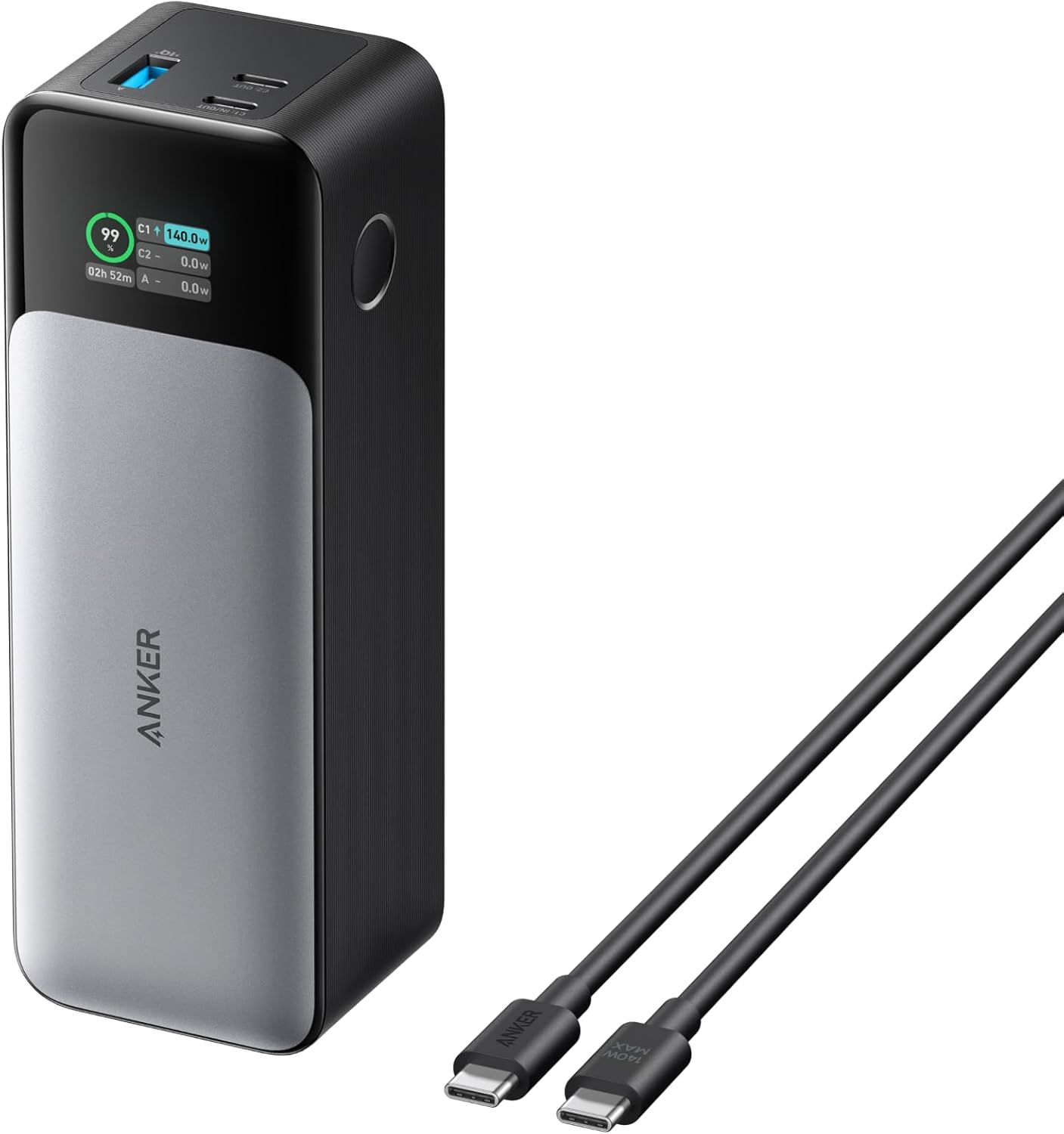
Anker 737 Power Bank (PowerCore 24K)
$99.99
Why recommend: Mitigates the Ally's biggest weakness: battery life. Highly recommended for any streaming scenario where power is limited.
Best for: Travelers, commuters, and anyone who streams away from a wall outlet.
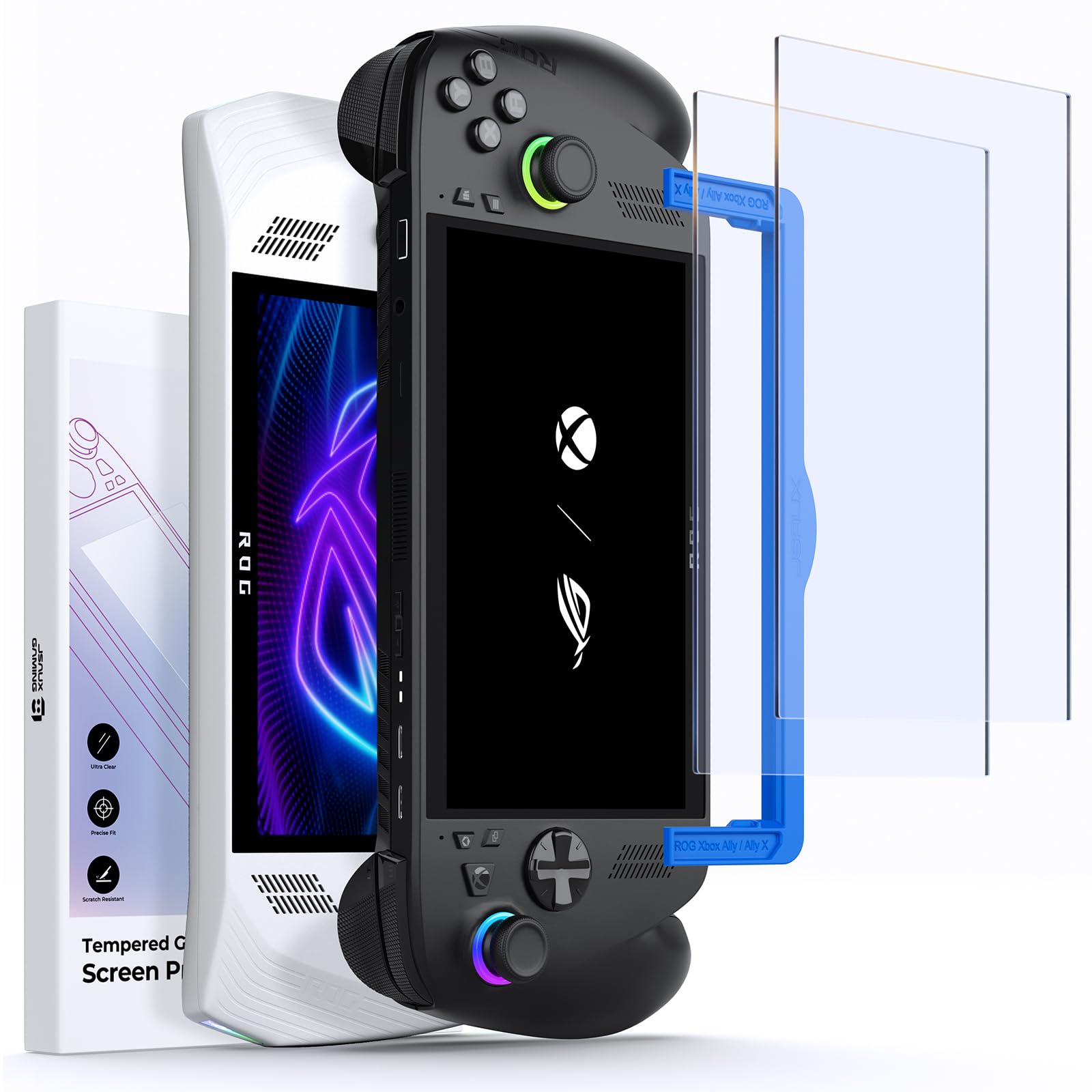
Skull & Co. Grip Case for ROG Ally
$19.99
Why recommend: The Ally can be slippery and heavy; this case improves grip and comfort significantly. The kickstand is handy for streaming with a separate controller.
Best for: Users who find the Ally uncomfortable for long sessions or want a stand for couch streaming.
Razer Kishi V2 for Android (with USB-C)
$79.99
Why recommend: A more affordable and portable alternative for streaming-only users who already own a capable smartphone.
Best for: Casual streamers who prioritize portability and battery life over native gaming.
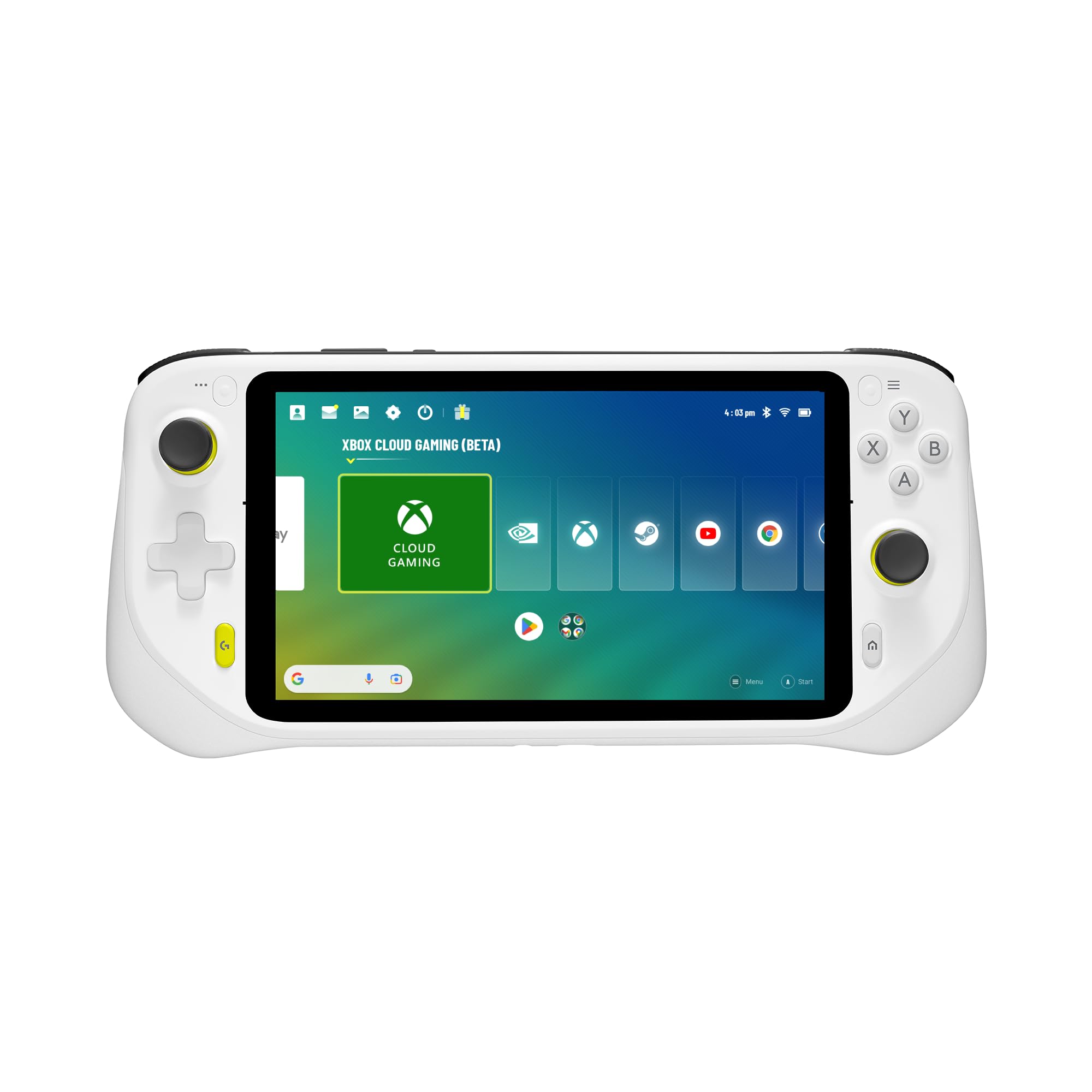
Logitech G Cloud Gaming Handheld
$299.99
Why recommend: If you only stream and want all-day battery, the G Cloud is a superior choice. Much lighter and more comfortable for long sessions.
Best for: Streaming-only users who value battery life and ergonomics over native gaming performance.
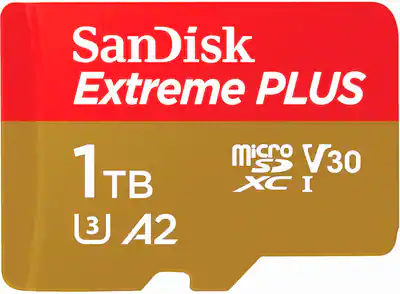
SanDisk 1TB microSDXC Card for ROG Ally
$99.99
Why recommend: Essential for heavy users who need extra storage for local games or app cache. Allows you to keep multiple streaming apps and offline titles installed.
Best for: Users who plan to install many games or apps and need additional storage.
JSAUX ROG Ally Screen Protector (Tempered Glass)
$9.99
Why recommend: Protects the display during travel and everyday use. Inexpensive insurance.
Best for: All ROG Ally owners, especially those who use the device on the go.
Bottom Line
Ready to get the ASUS ROG Ally? Check the latest price on Amazon.
🛒 Buy on AmazonAs an Amazon Associate we earn from qualifying purchases.
Frequently Asked Questions
Is the ASUS ROG Ally good for game streaming?
Yes, it's a good choice for game streaming thanks to its Windows 11 OS, vibrant 120Hz display, and Wi-Fi 6E support. However, battery life is limited to about 2 hours, and the device is heavier than dedicated streaming handhelds. It excels for local streaming (Moonlight) and works well with all cloud services.
Can you use ASUS ROG Ally for Xbox Cloud Gaming?
Absolutely. The ROG Ally supports Xbox Cloud Gaming through the official app or browser. The experience is smooth on a strong Wi-Fi connection. The 120Hz screen, however, is limited to 60Hz for cloud streaming, but still looks great.
Does the ASUS ROG Ally support GeForce Now?
Yes, you can install the GeForce Now app from the Windows Store or use the browser. Performance is excellent, with low latency if you have a good Wi-Fi 6E router. The Ally's display and controls are well-suited for GeForce Now's library.
What is the battery life when streaming games on the ROG Ally?
Battery life varies but typically lasts around 2 to 2.5 hours for cloud streaming. Local streaming (like Moonlight) may extend to 3 hours. Using a power bank or plugging in is recommended for longer sessions.
Is the ROG Ally good for Steam Remote Play?
Yes, Steam Remote Play works flawlessly. You can stream from your gaming PC to the Ally with low latency, especially over a 5GHz or Wi-Fi 6 network. The 120Hz display can utilize high frame rates if your host PC supports it.
Can the ASUS ROG Ally replace a dedicated streaming handheld like the Logitech G Cloud?
It depends. The ROG Ally offers superior display quality and the ability to run native PC games, but the Logitech G Cloud has over 12 hours of battery life and is lighter. If native gaming matters, choose the ROG Ally; if streaming is your only focus, the G Cloud is better.
Does the ROG Ally have cellular connectivity for streaming on the go?
No, the ROG Ally lacks a cellular modem. It relies solely on Wi-Fi. For streaming on the go, you would need a mobile hotspot or portable Wi-Fi device.
What accessories improve game streaming on the ROG Ally?
A power bank (like Anker 737) for extended battery, a grip case for better ergonomics, a charging dock for TV streaming, and a microSD card for extra storage are highly recommended.
Is the ROG Ally's fan loud during streaming?
The fan can be audible, especially in Turbo mode or when the device is warm. During streaming, it typically runs at lower speeds but can still be noticeable in quiet rooms. You can adjust the fan curve in Armoury Crate to reduce noise at the cost of slightly higher temperatures.
Can I use an external controller with the ROG Ally for streaming?
Yes, the ROG Ally supports Bluetooth controllers (e.g., Xbox Wireless Controller) and USB-C controllers. This is useful when using the Ally in a docked mode or if you prefer a larger controller for comfort.