
Quick Verdict
The Apple Mac Studio (M2 Max) is an exceptional tool for video editing with Final Cut Pro. Its raw performance, optimized media engines, and silent operation make it a dream for professional editors. While it lacks upgradability and requires external peripherals, for most users the trade-off is well worth it.
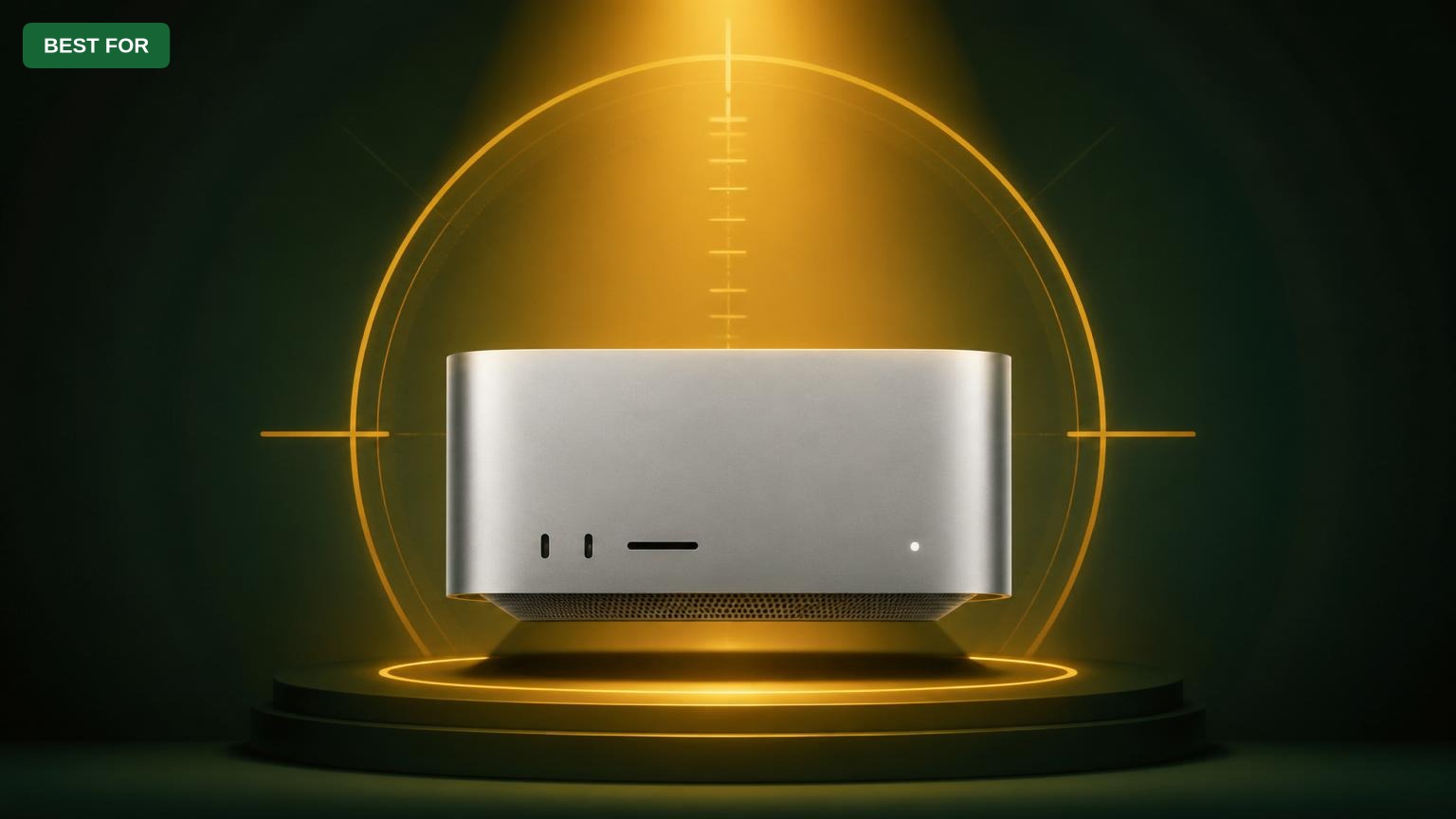
Apple Mac Studio (M2 Max)
$1999.00

✓ Key Strengths
- •Unmatched performance with M2 Max chip, especially in Final Cut Pro's optimized workflows.
- •Hardware-accelerated encoding/decoding for ProRes, H.264, and HEVC speeds up import, playback, and export.
- •Silent operation even under heavy load due to efficient thermal design.
- •Compact size saves desk space while providing extensive port connectivity (Thunderbolt 4, HDMI, 10Gb Ethernet).
- •Up to 96GB unified memory allows for seamless multitasking with large projects.
- •Excellent build quality and reliability typical of Apple products.
- •Supports multiple high-resolution displays (up to three 6K or two 8K).
✗ Key Weaknesses
- •No user-upgradeable RAM or storage – must configure at purchase, which can be costly upfront.
- •Requires external monitor, keyboard, and mouse, adding to overall cost.
- •Base model with 32GB RAM may be limiting for heavy 8K workflows or complex composite timelines.
- •Limited to macOS – not suitable for editors who need Windows-only software.
- •Higher price point compared to similarly spec'd Windows desktops (though performance per watt is better).
What is Apple Mac Studio (M2 Max)?
What is video editing with Final Cut Pro?
Detailed Analysis
👍 Perfect For
- ✓Professional video editors working with Final Cut Pro on a daily basis, especially with 4K/8K footage.
- ✓Content creators and YouTubers who need fast render times and quiet operation.
- ✓Colorists and motion graphics artists using Final Cut Pro and Motion.
- ✓Creative teams in post-production houses that require multiple Mac Studios for consistent performance.
👎 Not Ideal For
- ✗Users on a tight budget who can't afford the premium price or need expandable hardware.
- ✗Editors who rely primarily on DaVinci Resolve or Adobe Premiere Pro (though M2 Max still performs well, optimization varies).
- ✗Those who need a portable editing solution – a MacBook Pro would be more suitable.
- ✗Users who prefer Windows-based software and need dual-boot or Boot Camp (Apple Silicon does not support it).
Use Case Scenarios
4K ProRes Workflow for a YouTube Creator
A YouTuber edits daily vlogs in 4K ProRes 422, with multiple cuts, text overlays, and color grading, expecting fast exports and real-time playback.
✓ Strengths
- Real-time playback of multiple 4K ProRes streams.
- Extremely fast export times, saving hours per week.
- Silent operation – no fan noise to interfere with voice recording.
- Compact size fits easily on a desk with dual monitors.
✗ Weaknesses
- If the YouTuber also uses Adobe Premiere or After Effects, performance might not be as optimized as Final Cut Pro.
- 32GB RAM base model may be tight if also running After Effects simultaneously.
- No internal card reader – need external USB-C reader for camera SD cards.
💡 Workarounds
- Opt for 64GB or 96GB RAM if budget allows.
- Use a fast USB-C card reader like ProGrade Digital SD UHS-II Reader.
- Consider using proxy media if working with extremely high-bitrate footage (e.g., 8K).
The M2 Max Mac Studio is purpose-built for this exact workflow. The combination of Final Cut Pro's optimization and the M2 Max's hardware acceleration makes this an ideal match.
8K Multi-Cam Editing with Heavy Effects
A professional filmmaker edits a documentary with 8K RED RAW or ProRes RAW footage, multiple camera angles, and advanced color grading with LUTs and masks.
✓ Strengths
- Capable of handling 8K ProRes RAW with proxy or optimized media workflow.
- GPU and Media Engine accelerate effects and color grading.
- High memory bandwidth (400 GB/s) aids large data throughput.
- Multiple Thunderbolt 4 ports allow connection to fast external SSDs and high-resolution monitors.
✗ Weaknesses
- 8K native playback without proxies may still have stutter on complex timelines.
- Limited to 96GB RAM – some pro users may require more for extremely large projects.
- No option for dual PowerVR or AMD GPUs – single GPU performance, though potent, is fixed.
💡 Workarounds
- Use proxy editing and switch to full resolution for final exports (automatic in Final Cut Pro).
- Use external NVMe RAID arrays for high-speed storage (e.g., OWC Envoy Pro).
- Consider the M2 Ultra Mac Studio with a 60-core GPU for even more headroom.
While the M2 Max is capable, 8K workflows can push its limits. For demanding 8K multi-cam editing, the M2 Ultra or a Mac Pro might be better, but the M2 Max still delivers a solid experience with the right proxy workflow.
Real-Time Color Grading and VFX
A colorist grades a feature film in Final Cut Pro with extensive use of Color Board, curves, masks, and third-party plugins like Color Finale 2 or Magic Bullet Suite.
✓ Strengths
- Real-time playback with multiple color corrections and masks applied.
- Fast rendering of effects and LUTs, reducing wait time.
- Silent operation allows focus on critical color decisions.
- Dual display support for reference monitor and interface.
✗ Weaknesses
- Some third-party plugins may have compatibility issues or less optimization than Adobe counterparts.
- No hardware calibration support built-in – requires external monitor and calibration device.
- Grading in 8K or with very high-bitrate codecs may require proxies.
💡 Workarounds
- Use a dedicated color-accurate monitor like the LG UltraFine 5K (ASIN: B09X4BTNPJ) with hardware calibration.
- Invest in a calibration tool like Datacolor SpyderX (ASIN: B07YV1YVM2).
- For 8K grading, use optimized media (ProRes) from RAW source.
The M2 Max provides the needed GPU power and memory bandwidth for real-time color grading, making it an excellent workstation for colorists using Final Cut Pro.
Professional Post-Production House with Shared Storage
A small post-production team edits multiple projects simultaneously, using Final Cut Pro and shared network storage (e.g., Synology NAS) for collaborative workflows.
✓ Strengths
- 10Gb Ethernet built-in for fast network connectivity.
- Powerful enough to handle multiple project versions and background rendering.
- Quiet – important in open-plan edit suites.
- Small footprint – can be placed under desk or in a rack.
✗ Weaknesses
- No internal SAS/PCIe slots for direct SAN connection (requires external adapter).
- Maximum 8TB internal storage may be insufficient for collaborative cache files – external storage necessary.
- Final Cut Pro's library system not as robust as Avid for multi-user workflows.
💡 Workarounds
- Use a high-performance NAS like Synology DiskStation DS1823xs+ (ASIN: B0C2Z6RZVV) with 10GbE.
- Connect via Thunderbolt to direct-attached RAID like OWC ThunderBay 8 (ASIN: B09R6M7J9D).
- Employ Final Cut Pro proxy workflows to minimize network load.
The Mac Studio fits well in a post-production house thanks to its connectivity and performance, but collaborative features of Final Cut Pro may require additional workflow planning. Overall a solid choice.
Mobile Editor Who Needs Portability
A freelance video editor who works from coffee shops, client offices, and home, requiring a single device that can be easily packed.
✓ Strengths
- Very compact compared to traditional towers – easier to transport than a Mac Pro.
- Once set up at a fixed location, it provides excellent performance.
- No battery degradation concerns compared to a laptop.
✗ Weaknesses
- Requires external monitor, keyboard, and mouse – adds bulk and setup time.
- No battery – must be plugged into AC power.
- Not practical for working in cafes or on-the-go edits.
💡 Workarounds
- Use a portable monitor like ASUS ZenScreen (ASIN: B089R8KFXJ) and a compact keyboard/trackpad.
- Consider a MacBook Pro (M2 Max) instead if mobility is a priority.
- If occasional transport, keep a dedicated monitor and peripherals at each location.
The Mac Studio is not designed for mobile editing. A laptop is far more suitable for this workflow, despite similar raw performance.
Related Products You Should Consider
Apple Studio Display
$1599.00
Why recommend: Completes the desktop experience with color-accurate 5K display and excellent build quality.
Best for: Editors who need a high-quality monitor for color-critical work.
LG UltraFine 5K 27-inch Monitor
$1299.99
Why recommend: Excellent color-accurate display at a more affordable price; ideal for budget-conscious editors.
Best for: Editors who want 5K resolution without the premium of Apple's own display.
Samsung 27-inch 5K ViewFinity S9
$1599.99
Why recommend: Matte 5K display with hardware calibration, perfect for colorists.
Best for: Colorists who need a matte screen and built-in calibration.

Logitech MX Master 3S Mouse
$99.99
Why recommend: Enhances productivity with precision scrolling and customizable buttons for Final Cut Pro shortcuts.
Best for: Editors who prefer a mouse over trackpad and want customizable controls.
Apple Magic Keyboard with Touch ID
$149.00
Why recommend: Official Apple keyboard with Touch ID for seamless integration and productivity.
Best for: Editors who want a full-size keyboard with fingerprint unlock.
Samsung T7 Shield Portable SSD 2TB
$179.99
Why recommend: Fast, durable external storage for media files and backups.
Best for: Editors who need high-speed portable storage for project files and proxies.
OWC ThunderBay 8 8-Bay RAID Enclosure
$699.99
Why recommend: Provides expandable, high-speed storage for large video projects and multi-user environments.
Best for: Professionals who need huge, fast storage for 8K/RAW footage and project archives.
Datacolor SpyderX Pro Color Calibration Tool
$159.99
Why recommend: Essential for maintaining color accuracy in the editing workflow.
Best for: Colorists and editors working with color-critical projects.
CalDigit TS4 Thunderbolt 4 Dock
$359.99
Why recommend: Expands connectivity with more ports and faster SD card reading for camera footage.
Best for: Editors who use multiple peripherals and need a reliable hub with card reader.
APC Back-UPS Pro 1500VA UPS
$199.99
Why recommend: Protects expensive gear and ongoing projects from power fluctuations.
Best for: Editors working in areas with unstable power or for extra peace of mind.
Bottom Line
Ready to get the Apple Mac Studio (M2 Max)? Check the latest price on Amazon.
🛒 Buy on AmazonAs an Amazon Associate we earn from qualifying purchases.
Frequently Asked Questions
Is the Apple Mac Studio (M2 Max) good for video editing with Final Cut Pro?
Yes, it is excellent. The M2 Max chip, combined with Final Cut Pro's optimization for Apple Silicon, delivers outstanding performance for editing, effects, and exports. It handles 4K and 8K ProRes streams smoothly, and the silent operation is a bonus.
Can you use the Mac Studio (M2 Max) for 8K video editing?
Yes, but with some caveats. Native 8K playback may require proxies or optimized media for complex timelines. With proxy workflows, it performs well. For heavy 8K multi-cam, the M2 Ultra version is more capable.
How much RAM do I need for video editing on the Mac Studio?
For 4K editing, 32GB is sufficient. For 8K or heavy effects, 64GB or 96GB is recommended. The unified memory is shared between CPU and GPU, so more RAM helps with large projects and multitasking.
Is the Mac Studio (M2 Max) better than a MacBook Pro for video editing?
For desktop use, the Mac Studio offers more ports, better thermal performance (silent), and slightly higher sustained performance. But if you need portability, a MacBook Pro with M2 Max is nearly as powerful and allows editing on the go.
What monitor should I pair with the Mac Studio for video editing?
The Apple Studio Display (5K) or LG UltraFine 5K are excellent choices for color accuracy. For an ultrawide, consider the LG 49WL95C or Dell U4919DW. If budget is tight, a 4K monitor like the BenQ PD3200U works as well.
Does the Mac Studio (M2 Max) support multiple monitors?
Yes, it supports up to three 6K displays via Thunderbolt, or two 8K displays via HDMI. This is great for editing with a timeline on one screen and preview on another.
Can I upgrade the Mac Studio's RAM or storage later?
No, the RAM and SSD are soldered to the logic board. You must configure these at purchase. However, you can use external Thunderbolt drives for additional storage.
Is the Mac Studio (M2 Max) good for DaVinci Resolve?
Yes, DaVinci Resolve also runs well on Apple Silicon, but Final Cut Pro is even more optimized. For Resolve, the M2 Max provides solid performance, though some workflows may benefit from the M2 Ultra's extra GPU cores.
What are the best accessories for the Mac Studio for video editing?
A high-quality monitor, a Thunderbolt dock (like CalDigit TS4), a fast external SSD (Samsung T7 Shield), a calibrated color tool (SpyderX), and a comfortable keyboard/mouse (Magic Keyboard + MX Master 3S) are top recommendations.
Is the Mac Studio (M2 Max) worth the price for video editing?
For professional editors who value performance and reliability, yes. The time savings from fast exports and smooth playback can justify the cost. Hobbyists might find the Mac mini M2 Pro more budget-friendly.
Does the Mac Studio (M2 Max) run Final Cut Pro efficiently?
Extremely efficiently. The Media Engine accelerates encode/decode tasks, reducing CPU load and power consumption. Battery life is not a concern as it's a desktop, but it stays cool and quiet.
What is the difference between Mac Studio M2 Max and M2 Ultra for video editing?
The M2 Ultra has double the CPU/GPU cores and up to 192GB RAM. It handles 8K editing with more headroom and renders faster, but is significantly more expensive. For most editors, the M2 Max is sufficient.