
Quick Verdict
The Amazon eero 6+ is a good, not great, choice for gaming. For casual gamers and families, it provides reliable coverage and decent speeds. Competitive gamers will find it lacking advanced features and may experience latency issues.
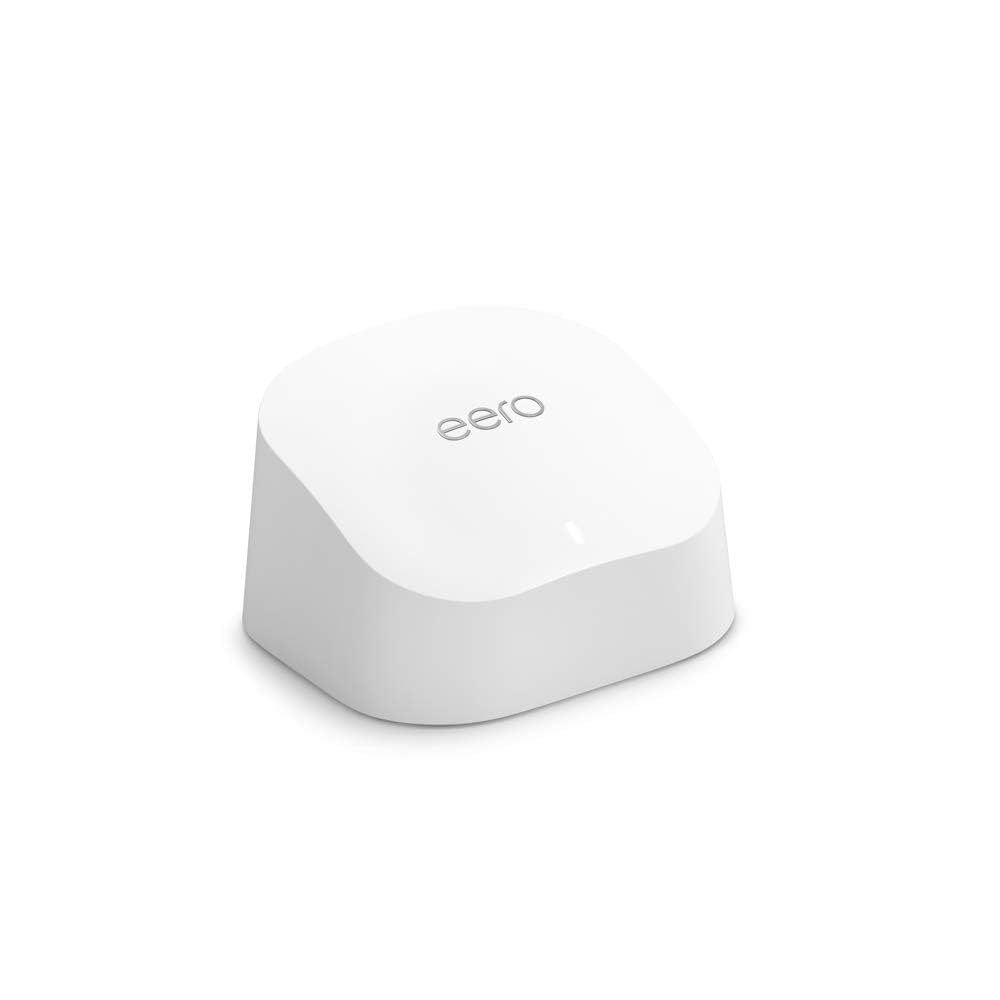
Amazon eero 6+
$299.99

✓ Key Strengths
- •Tri-band Wi-Fi 6 provides ample bandwidth for multiple gaming devices
- •Mesh coverage eliminates dead zones, ensuring reliable connection anywhere in the home
- •Easy setup and user-friendly app even for non-techies
- •Built-in Zigbee hub simplifies smart home integration
- •Optional eero Secure subscription adds network-level gaming optimization and security
- •Regular firmware updates from Amazon improve stability and performance
- •Supports up to 75+ devices, ideal for large families with multiple gamers
✗ Key Weaknesses
- •Lack of per-device QoS prioritization; only global gaming optimization (paid subscription)
- •Limited advanced settings (port forwarding, VPN, VLAN) require workarounds
- •Auto band steering can cause occasional latency spikes during gameplay
- •No dedicated gaming features like gaming dashboard or ping monitoring
- •Paid subscription needed for full gaming optimization features
What is Amazon eero 6+?
What is gaming?
Detailed Analysis
👍 Perfect For
- ✓Casual gamers who primarily play single-player or non-competitive games
- ✓Households with multiple general internet users and occasional gaming
- ✓Users who prioritize whole-home coverage and smart home integration
- ✓Gamers who can wire their console or PC directly to the eero via Ethernet
👎 Not Ideal For
- ✗Competitive gamers seeking the lowest possible latency and consistent ping
- ✗Users who need advanced QoS to prioritize a specific gaming device
- ✗Gamers who want full control over network settings (port forwarding, VPN)
- ✗Power users who require detailed network analytics and custom setups
Use Case Scenarios
Casual Console Gamer
A gamer who plays single-player adventure games and occasionally jumps into casual online multiplayer on PlayStation or Xbox. They have a simple home with moderate internet speeds.
✓ Strengths
- Reliable whole-home coverage
- Easy setup and management
- Good speeds for single-player and casual online gaming
✗ Weaknesses
- No per-device QoS to prioritize console
- Auto band steering can cause occasional hiccups
💡 Workarounds
- Wired Ethernet connection for the console to bypass Wi-Fi variability
- Use eero Secure subscription to enable gaming optimization
The eero 6+ meets basic needs for casual console gaming, but lacks fine control that could improve performance.
Competitive PC Gamer
A dedicated PC gamer who plays fast-paced shooters like Valorant or Call of Duty, requiring sub-20ms ping and zero packet loss. They live in a house with multiple devices and internet use.
✓ Strengths
- Tri-band reduces congestion
- Wired backhaul or direct Ethernet can stabilize connection
✗ Weaknesses
- No per-device traffic prioritization
- Limited advanced settings (port forwarding, etc.)
- Auto band steering may cause lag spikes
💡 Workarounds
- Use a wired connection to the eero node (preferably via Ethernet)
- Disable band steering by forcing the PC to use only 5 GHz (requires eero Secure subscription and app tweaks)
- Consider adding a dedicated gaming router downstream
While it can be made to work with wired connections and manual adjustments, the eero 6+ is not optimized for competitive gaming needs.
Related Products You Should Consider
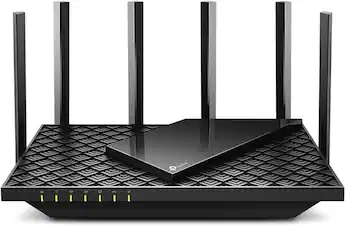
TP-Link Archer AX73 AX5400 Dual-Band Wi-Fi 6 Router
$179.99
Why recommend: Provides dedicated gaming features like per-device QoS and port forwarding at a lower price point than a multi-node eero system.
Best for: Competitive gamers who prioritize latency and have a single gaming setup
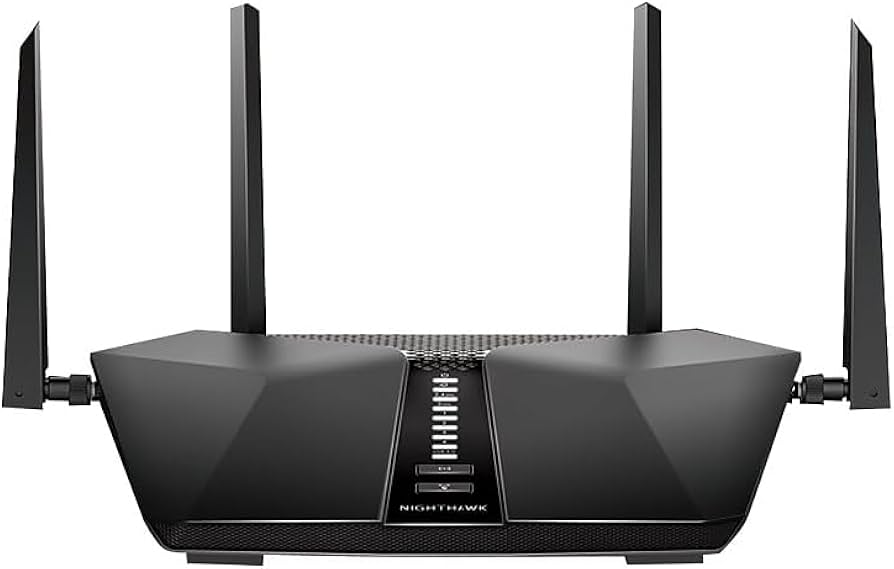
NETGEAR Nighthawk AX5400 6-Stream Wi-Fi 6 Router (RAX50)
$249.99
Why recommend: Superior CPU and QoS capabilities directly reduce latency for gaming devices.
Best for: Gamers with a concentrated gaming setup who want wired-like wireless performance
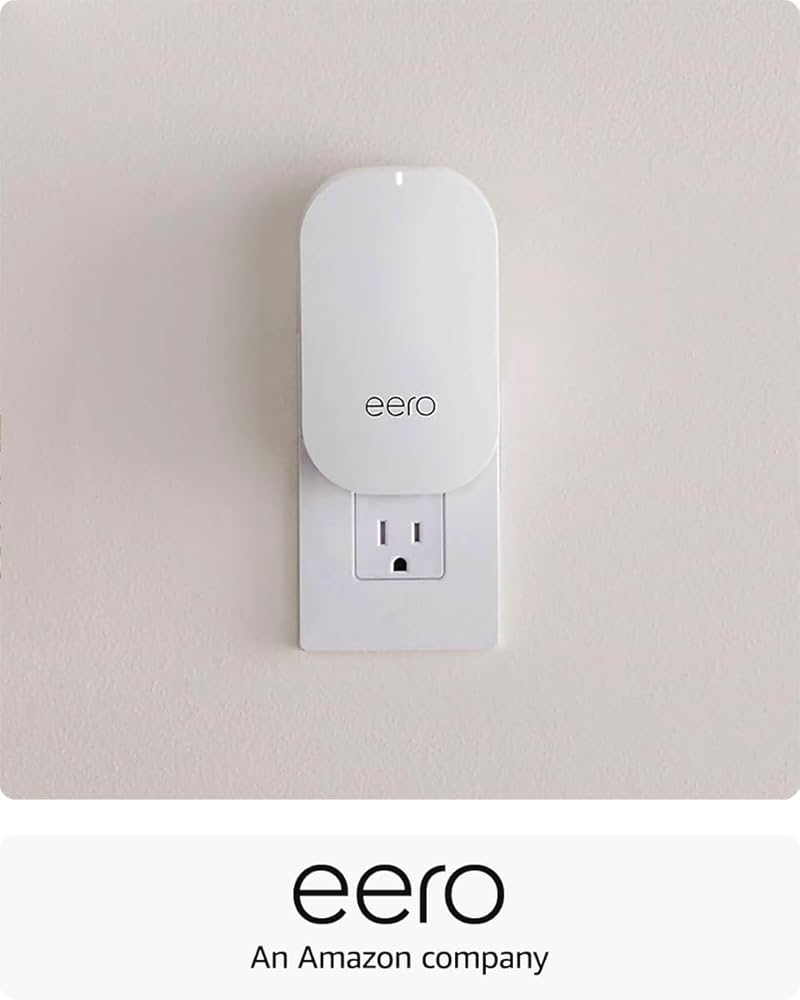
eero 6+ Add-on eero Beacon (for extending coverage)
$129.99
Why recommend: Easily expands mesh coverage to gaming spaces without additional wiring.
Best for: Users with existing eero 6+ who need to extend coverage to a gaming room
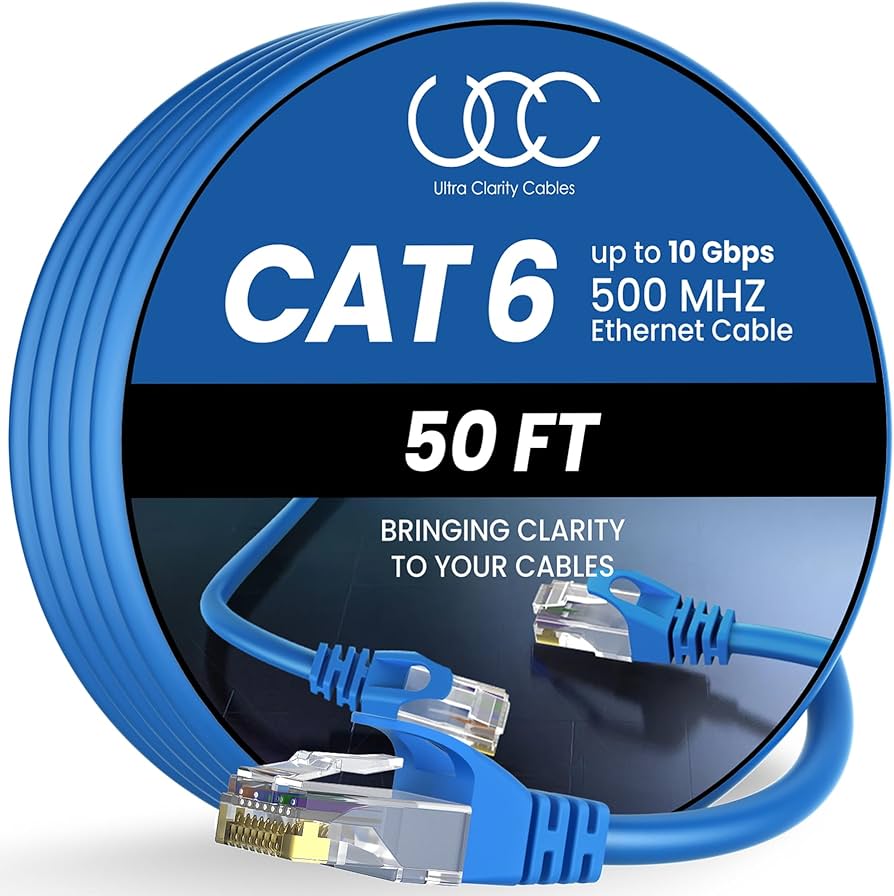
Cat6 Ethernet Cable 50 ft - Flat Internet Cable
$15.99
Why recommend: Provides the most reliable connection for gaming, bypassing Wi-Fi variations.
Best for: Any gamer wanting to ensure the lowest latency and most stable connection
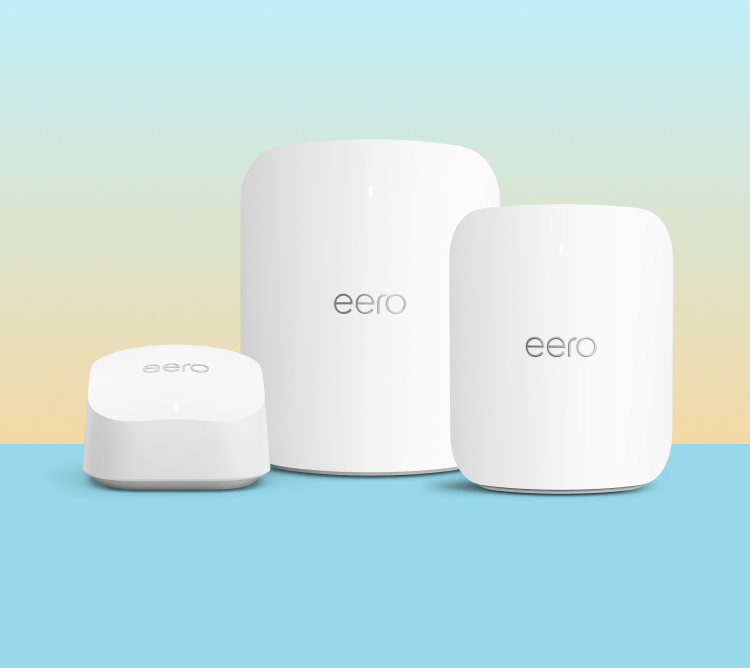
eero Secure 1-Year Subscription (Digital Code)
$29.99
Why recommend: Adds some level of gaming traffic prioritization and extra security features.
Best for: eero users who want to improve gaming performance without switching hardware
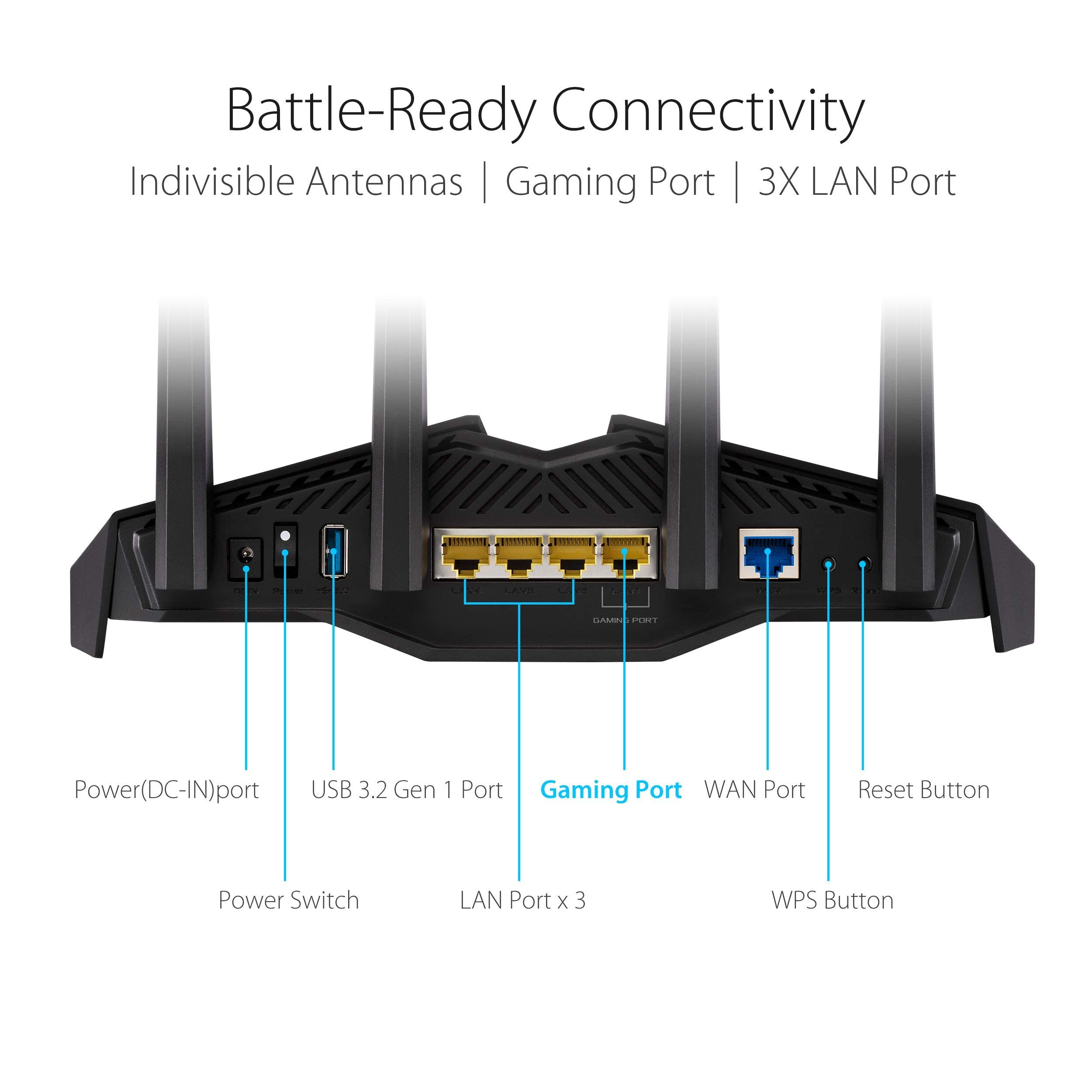
ASUS AX5400 Dual-Band Wi-Fi 6 Gaming Router (RT-AX82U)
$229.99
Why recommend: Combines gaming router features with potential for mesh expansion, beating eero on customization.
Best for: Gamers who want routing power and future mesh capability
Bottom Line
Ready to get the Amazon eero 6+? Check the latest price on Amazon.
🛒 Buy on AmazonAs an Amazon Associate we earn from qualifying purchases.
Frequently Asked Questions
Is Amazon eero 6+ good for gaming?
The eero 6+ is decent for casual gaming but not ideal for competitive gaming. It offers good coverage and speeds, but lacks per-device QoS and advanced gaming features. For serious gamers, a dedicated gaming router is better.
Can you use Amazon eero 6+ for competitive gaming?
You can use it, but it's not recommended. The absence of fine-grained QoS means your game traffic may compete with other devices. Latency spikes can occur with auto band steering. A wired connection helps, but advanced features are missing.
Is Amazon eero 6+ suitable for cloud gaming like Stadia or GeForce NOW?
Generally yes, if you have strong internet. The eero 6+ provides stable coverage and sufficient speed. However, some users report occasional lag spikes. For best results, connect your streaming device via Ethernet.
Does eero 6+ have QoS for gaming?
eero 6+ has a basic 'Optimize for Gaming' feature as part of the paid eero Secure subscription. It prioritizes gaming traffic network-wide, but cannot prioritize a specific device. This is less effective than per-device QoS found in gaming routers.
Can I use port forwarding on eero 6+ for gaming?
Yes, port forwarding is available in the eero app, but it's not as straightforward as on traditional routers. You need to enable it for specific devices. Some advanced options like UPnP are also available, but control is limited.
What's better than Amazon eero 6+ for gaming?
Consider the TP-Link Archer AX73, NETGEAR Nighthawk RAX50, or ASUS RT-AX82U. These offer per-device QoS, gaming VPN, and more advanced control, leading to lower latency and better performance for competitive gaming.
Does eero 6+ work with Xbox or PlayStation?
Yes, the eero 6+ works well with consoles. For best performance, connect your console via Ethernet to an eero node. Wi-Fi is also fine for casual gaming but may introduce latency in competitive play.
How many gaming devices can eero 6+ support?
The eero 6+ supports up to 75+ devices. It can handle multiple gaming devices simultaneously, but performance may degrade if many are using high bandwidth. Without strong QoS, one device's download can affect others.
Is eero 6+ better than a gaming router for gaming?
No, for gaming purposes a dedicated gaming router is typically better. Gaming routers offer features like per-device QoS, gaming dashboards, and lower latency optimization. eero 6+ excels in whole-home coverage and ease of use, not raw gaming performance.
What accessories improve eero 6+ gaming performance?
A Cat6 Ethernet cable for wired connections is the most important. Also, consider a managed switch if you need more wired ports. eero Secure subscription can slightly help with gaming optimization.