Everything beginners need to choose their first webcam for streaming with confidence – top picks, tips, and mistakes to avoid.
Picking your first webcam can feel overwhelming with all the tech specs and options out there. As a beginner starting content creation or streaming, you might worry about wasting money on something too complicated or not good enough for your videos. Don't stress – this guide is designed just for you.
We'll break it down simply: what features matter, top beginner-friendly picks on Amazon, must-have accessories, and how to avoid common pitfalls. By the end, you'll know exactly what to buy and feel excited to start streaming.
Our recommendations focus on plug-and-play ease, forgiving performance that handles bad lighting or shaky setups, and value that lets you grow without quick upgrades.
📋 In This Guide
• Why Beginners Struggle with Webcam
• What to Look For (Key Features)
• Top 4 Beginner-Friendly Webcam
• Essential Accessories for Beginners
• Common Beginner Mistakes to Avoid
• Your Progression Path
• FAQ & Learning Resources
😰 Why Beginners Struggle with Webcam
Beginners often feel lost because webcam specs like '60fps' or 'wide-angle FOV' sound impressive but confusing without context. You might not know if you need 4K or if 1080p is enough for Twitch or Zoom calls. Forums like Reddit's r/Twitch show new streamers frustrated with grainy video in low light or mics that pick up background noise.
The fear of buying wrong is real – too cheap means blurry streams that kill viewer interest, too fancy overwhelms with settings. Over 100 options on Amazon make decisions paralyzing, especially not knowing your lighting setup or PC compatibility.
Many skip research, grab the bestseller, then struggle with setup or poor quality, leading to abandoned streaming dreams.
🔍 What to Look For: Key Beginner-Friendly Features
For beginners, prioritize plug-and-play webcams that work instantly with USB – no drivers needed. Look for 1080p resolution (clear like HD TV), autofocus (stays sharp as you move), and built-in noise-canceling mic for clear audio without extra gear.
Nice-to-haves: Wide-angle lens (fits more in frame) and low-light correction (works in dim rooms). Skip advanced stuff like 4K or manual controls – they add complexity you don't need yet.
Beginner-friendly means intuitive apps for one-click tweaks, sturdy clip mount for monitors, and forgiving software that auto-adjusts exposure. Check reviews for 'easy setup' keywords.
✅ Essential Features for Beginners
•1080p HD resolution – clear video without pixelation
•Autofocus – stays sharp when you lean or move
•Plug-and-play USB – works instantly, no software hassle
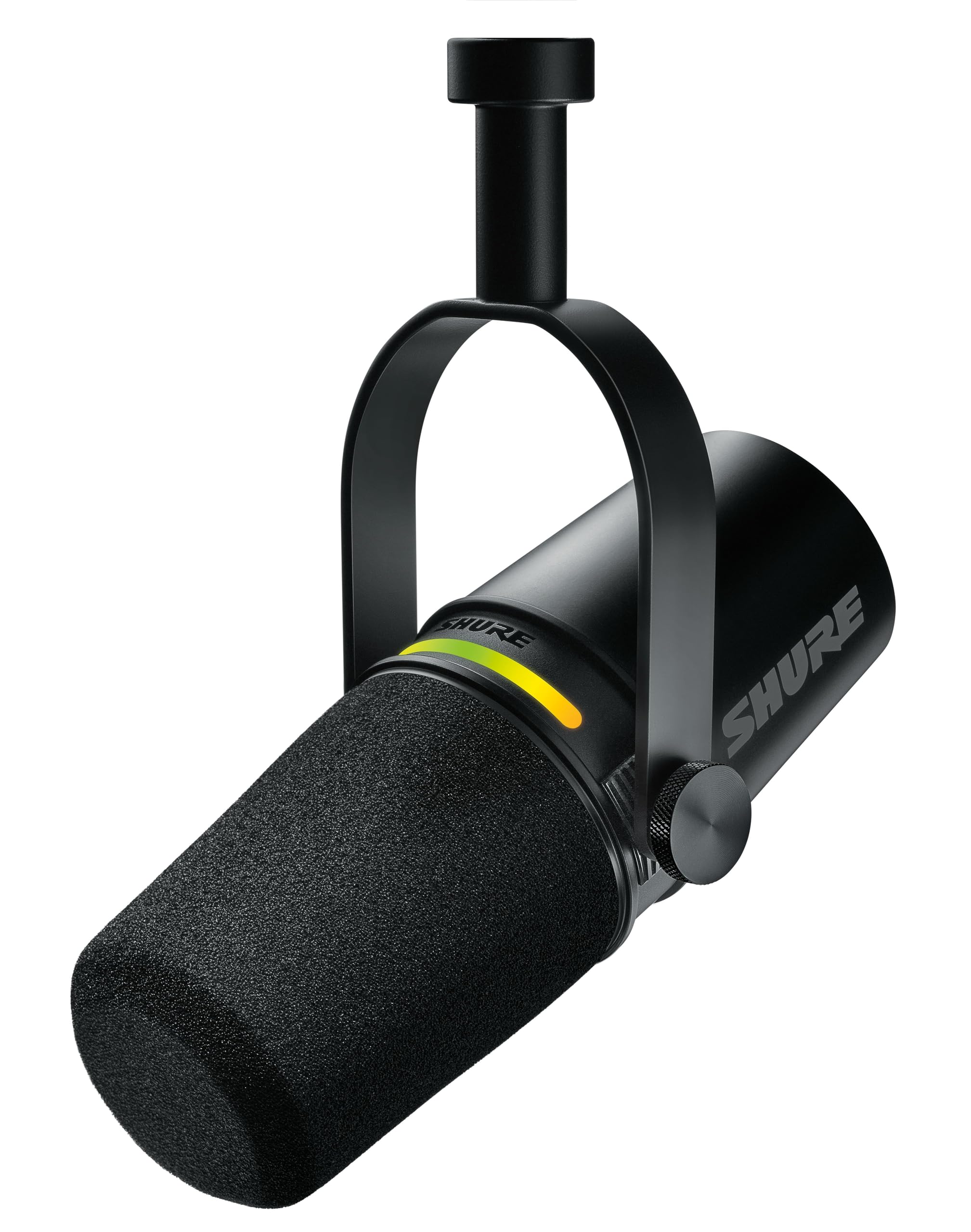
•Noise-reducing microphone – clear voice over fans/traffic
•Low-light correction – decent in room lighting
•Wide-angle lens – fits your setup easily
•Easy clip mount – sticks to any monitor
🏆 Top 4 Best Webcam for Beginners
#1
💰 Budget
Anker PowerConf C200 2K Webcam
Learning Curve: Easy
$59.99
Difficulty: 1/5
Why Great for Beginners:
Super easy USB plug-in with adjustable field of view makes framing simple. Auto low-light fix handles beginner room setups. Comes with solid mic so you don't need extras right away.
✓ Beginner Pros
+Instant setup
+Clear in dim light
+Good built-in mic
+Affordable upgrade path
✗ Beginner Cons
-No tripod mount included
-App slightly basic
👍 Best for: Total newbies testing streaming on tight budget
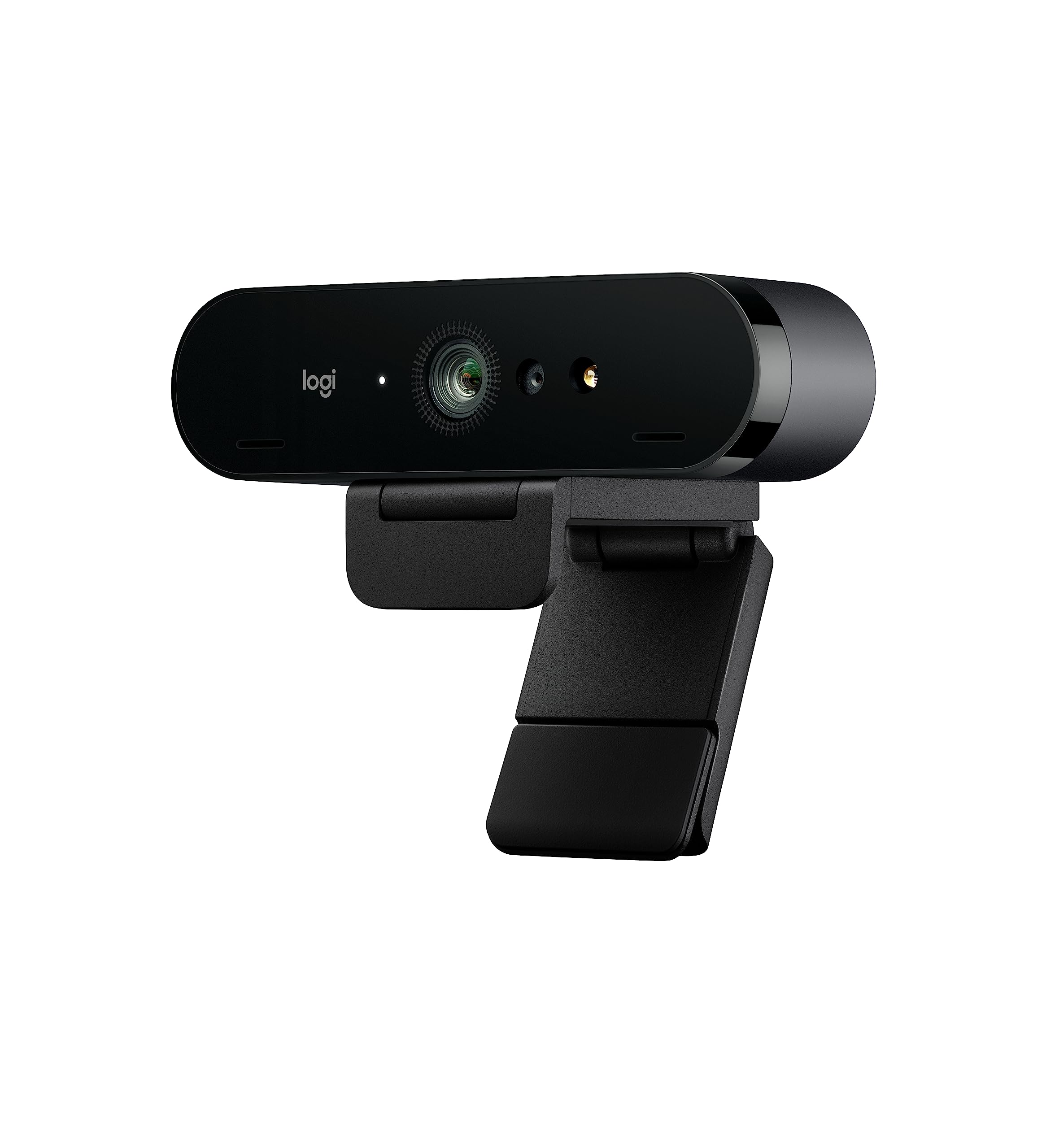
A webcam is basically a camera that plugs into your computer for video calls, streaming, or recording. For streaming in content creation, it captures you clearly so viewers stay engaged.
Types: Basic 720p (budget), 1080p HD (most beginners), 4K (overkill). Stick to USB webcams – wireless is tricky for newbies. Best for beginners: 1080p USB with auto features.
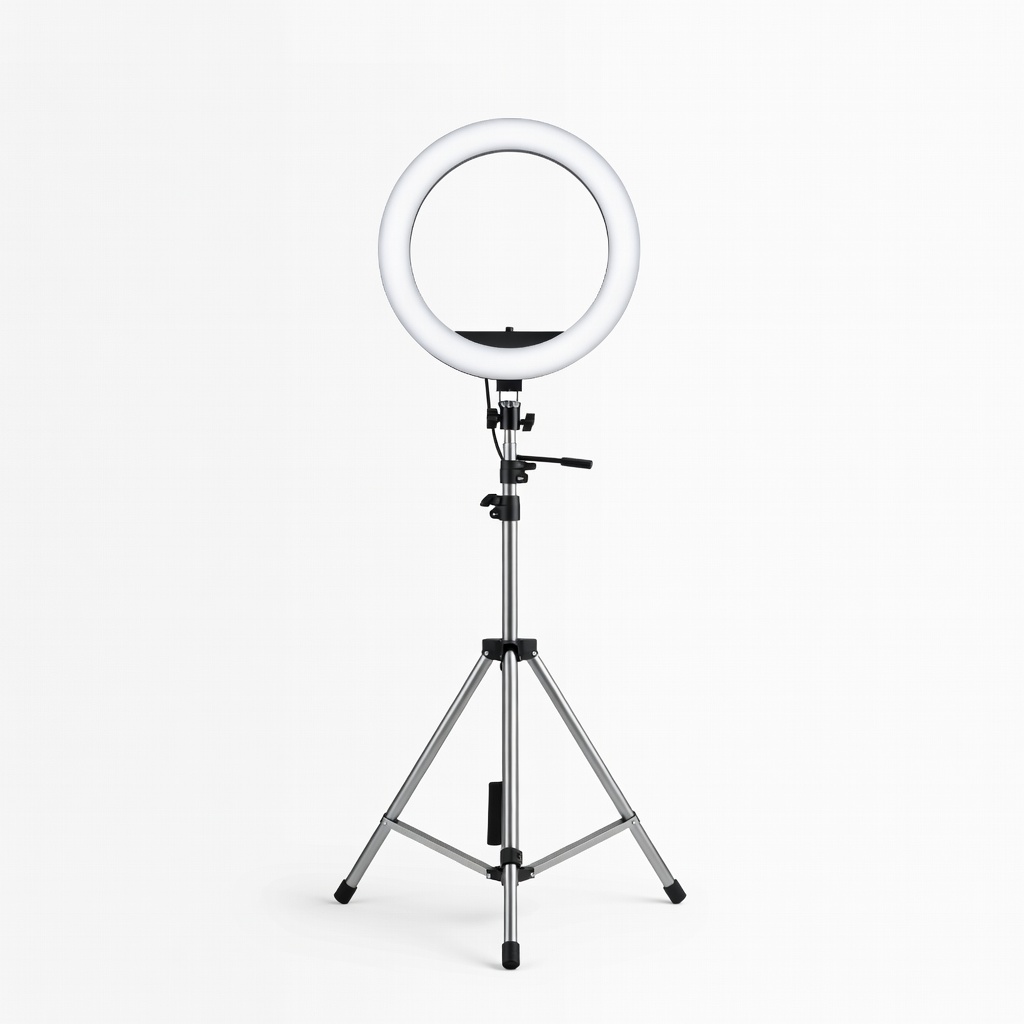
Expect clear face video in good light; low light needs ring lights later. 'Beginner-friendly' means under 5-minute setup, app with presets like 'portrait' mode. Marketing like 'pro-grade' often hides steep learning; ignore if no beginner tutorials.
Evaluate by testing similar models in stores or Amazon videos – look for sharp focus, no lag.
🔧 Essential Accessories for Beginners
Amazon Basics 60-Inch Lightweight Tripod
⚠️ Essential
$24.99
When to buy:
Day one
Prevents shaky, high-angle fails – clip mounts slip. Levels you perfectly for pro looks day one.
Ask: What's your budget? Under $50 to test, $50-100 for solid start, $100+ for future-proof. For streaming, need good low-light? Clip-on or tripod mount? Windows/Mac compatible?
Scenarios: Casual streams – budget 1080p. Regular content – recommended with mic. Serious – premium low-light. Go budget if unsure, recommended for most.
Red flags: No recent reviews, proprietary software only, under $20 (blurry). Plan for growth: Pick with software updates.
💰 Budget Guide for Beginners
150+
Pro entry: 4K/60fps for growing creators
50 - $100
Sweet spot: Full 1080p with auto features, great value for regular use
100 - $150
Premium beginner: Superior low-light and mics, lasts 1-2 years
Under $ - $50
Entry level: Basic 720p-1080p to try streaming, may lack low-light
⚠️ Common Beginner Mistakes to Avoid
Beginners buy cheapest ($20 no-names) expecting pro results – get blurry, noisy video and quit. Or splurge on 4K without basics like good lighting, wasting money.
Skipping mic test leads to echoey audio; ignoring mount means crooked angles. Not checking USB type causes setup fails. Real example: Reddit user bought gamer cam, fought software for hours.
Avoid by sticking to trusted brands (Logitech, Anker), reading 'beginner' reviews, buying bundles.
×Buying the absolute cheapest – blurry video kills streams
×Ignoring low-light performance – grainy night streams
×Skipping audio check – echoey mic ruins first videos
×Overbuying 4K – unnecessary for beginner platforms