Choose your first webcam with confidence - our simple guide covers top picks, features, and mistakes to avoid for streaming success.
Picking your first webcam can feel overwhelming with endless options and tech terms that make no sense. As a beginner streamer, you worry about wasting money on something blurry or complicated that kills your motivation. We've been there - and this guide fixes that.
Webcams seem simple, but specs like '60FPS' or 'wide-angle lens' confuse everyone starting out. You just want clear video for Twitch or Zoom without a headache. This guide simplifies it all.
We'll show you exactly what to buy, why it works for beginners, and how to avoid pitfalls. By the end, you'll feel excited and ready to hit 'go live' with confidence.
📋 In This Guide
• Why Beginners Struggle with Webcam
• What to Look For (Key Features)
• Top 4 Beginner-Friendly Webcam
• Essential Accessories for Beginners
• Common Beginner Mistakes to Avoid
• Your Progression Path
• FAQ & Learning Resources
😰 Why Beginners Struggle with Webcam
Beginners often feel lost because webcams promise '4K magic' but deliver frustration with poor lighting or setup issues. Forums like Reddit's r/Twitch are full of 'my video looks awful' posts from newbies who bought wrong.
Jargon like FOV, CMOS sensors, and bitrate scares people off - you don't know if 1080p is enough or what 'autofocus' really does. Fear of buyer's remorse hits hard: 'What if it's too hard to use?'
Too many choices (budget junk to pro gear) paralyze decisions. Most don't know lighting matters more than megapixels, leading to dim, grainy streams that make them quit early.
🔍 What to Look For: Key Beginner-Friendly Features
Focus on plug-and-play ease: USB connection that works instantly with Windows/Mac, no drivers needed. 1080p resolution at 30FPS is plenty - clear face for streaming without lag.
Autofocus and auto light correction forgive bad setups. Adjustable mount clips anywhere. Skip 4K (overkill, needs strong PC).
Beginner-friendly means forgiving: works in dim rooms, simple app for tweaks, good mic as backup. Look for 'easy setup' reviews, not just stars.
✅ Essential Features for Beginners
•1080p resolution at 30FPS: Sharp video without fancy computer
•Autofocus: Stays clear as you move, no manual fiddling
•Auto low-light correction: Looks good even in poor lighting
•Plug-and-play USB: Works right away, no software hassle
•Built-in mic: Decent audio to start streaming fast
•Wide-angle lens: Fits your setup without distortion
•Clip mount: Easy attach to monitor or tripod
•Privacy shutter: Simple cover for security
🏆 Top 4 Best Webcam for Beginners
#1
💰 Budget
NexiGo N60 1080P Webcam
Learning Curve: Easy
$29.99
Difficulty: 1/5
Why Great for Beginners:
Super affordable entry to streaming with plug-and-play simplicity. Fixed focus and noise reduction mic get you clear video fast without fuss. Perfect for testing if content creation clicks.
✓ Beginner Pros
+Instant USB setup
+Wide 110° view
+Good for dim rooms
+Lightweight clip
✗ Beginner Cons
-Fixed focus can blur if too close
-Mic average in noise
👍 Best for: Total newbies on tight budget trying streaming
👎 Not for: Low-light heavy streamers needing pro quality
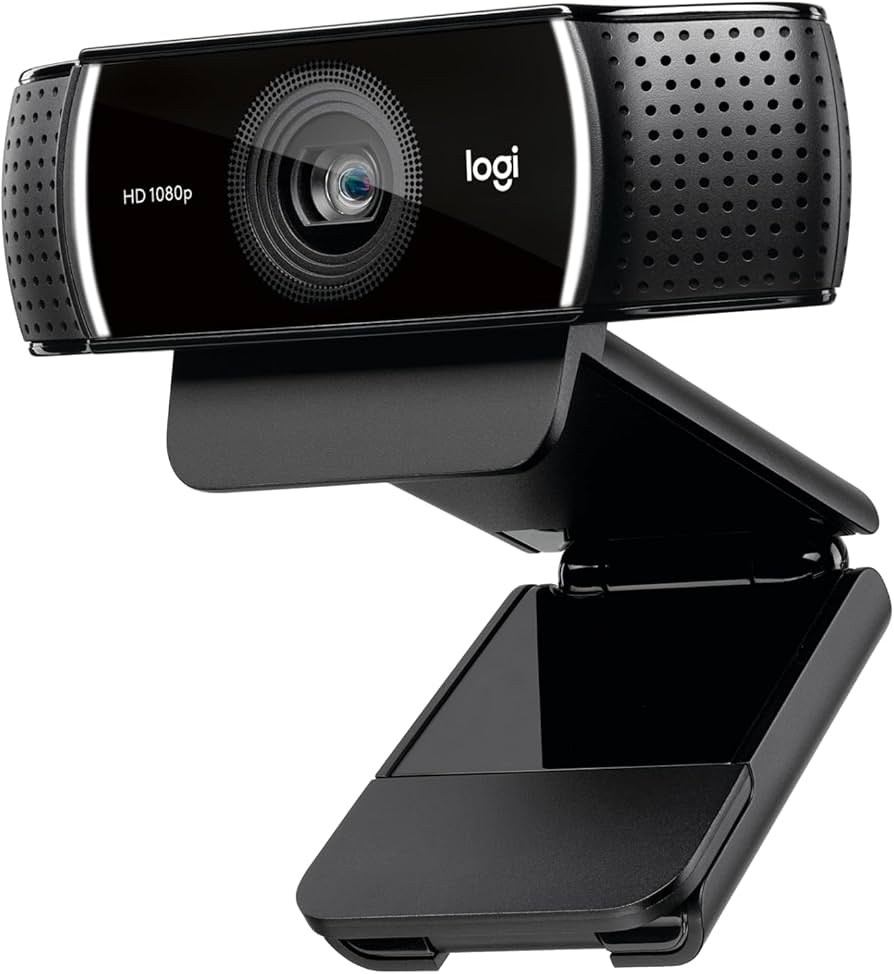
Sweet spot with 60FPS smooth video and auto light correction - forgiving for beginner mistakes like bad lighting. Simple StreamCam software teaches tweaks gently. Lasts through your growth phase.
✓ Beginner Pros
+60FPS for fluid motion
+Excellent low-light
+Background blur option
+Tripod ready
✗ Beginner Cons
-Software mildly overwhelming at first
-Mic good but not stellar
👍 Best for: Twitch/YouTube beginners wanting pro looks cheap
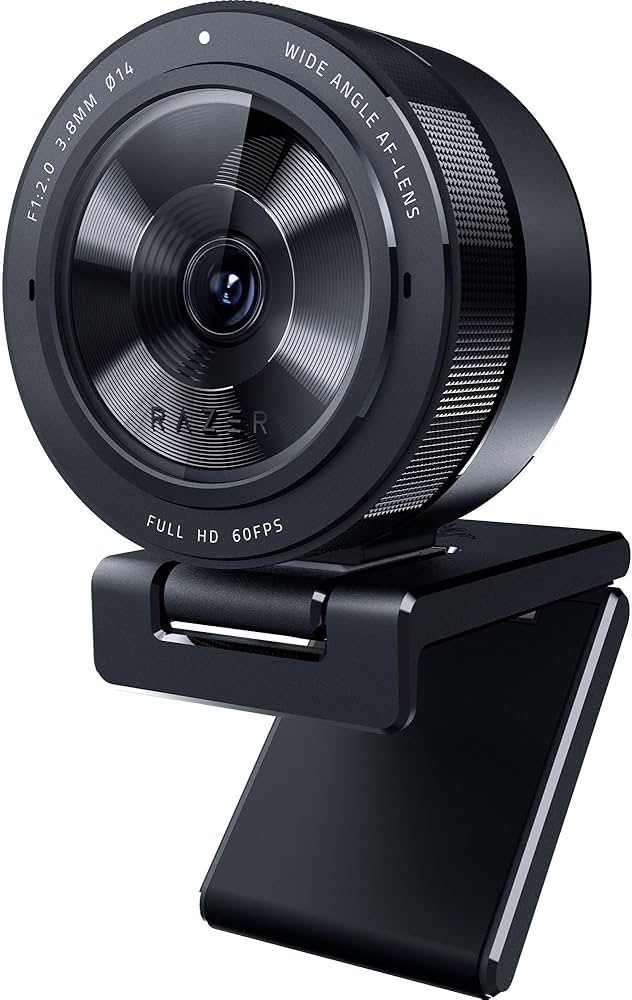
Adaptive light sensor shines in any room, making your stream look polished from day one. Large sensor forgives setup errors. Razer Synapse app has easy presets for newbies.
✓ Beginner Pros
+Amazing low-light
+1080p 60FPS
+HDR for contrast
+Pro mic quality
✗ Beginner Cons
-Pricey for casual
-App needs download
👍 Best for: Serious streaming beginners investing in quality
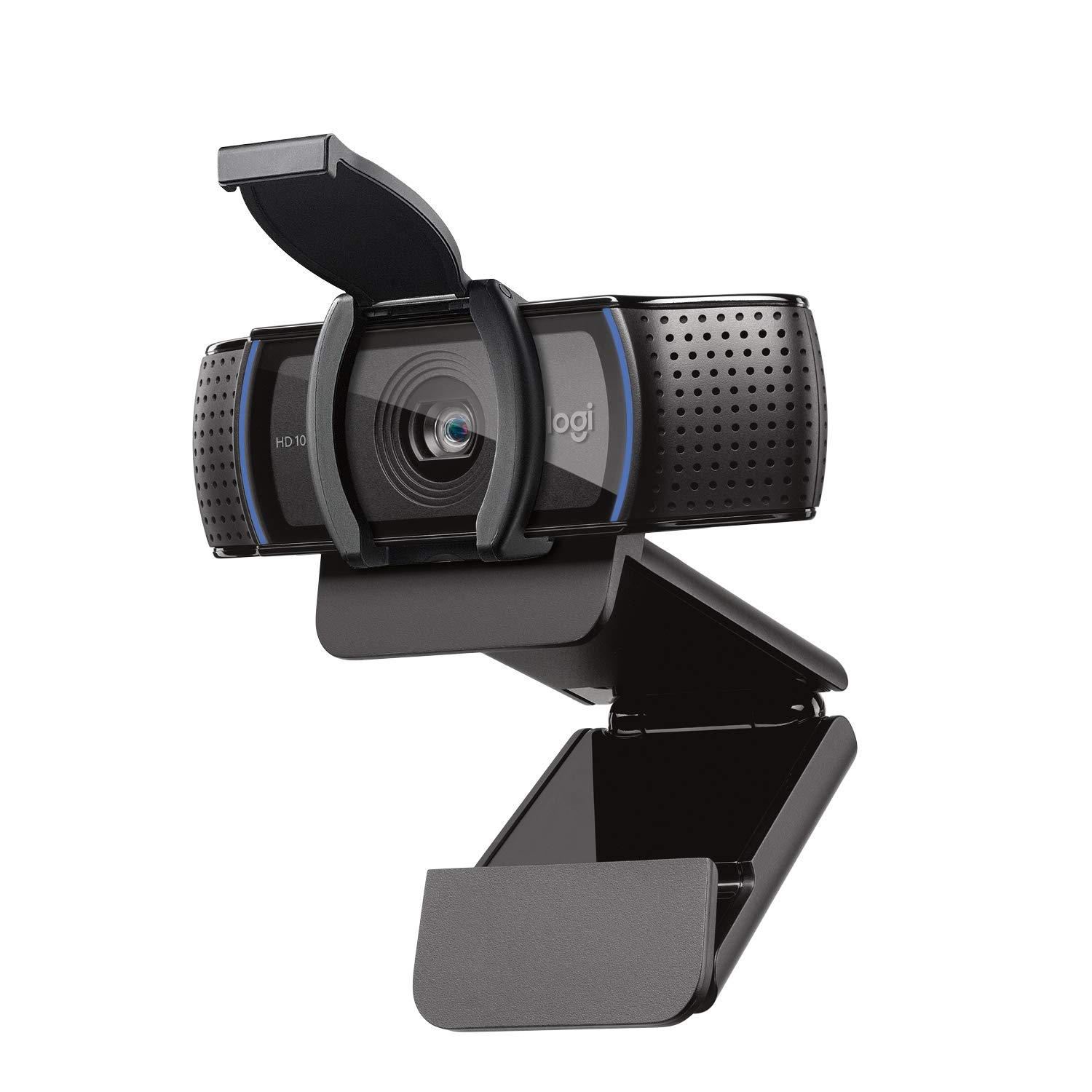
Proven reliable with glass lens for sharp images and privacy shutter for peace. RightLight tech auto-fixes lighting. Used by millions of streamers starting out.
A webcam is a camera that plugs into your computer for video calls or streaming. Basics: lens captures image, sensor processes it, USB sends to PC. For beginners, fixed-focus 1080p HD is ideal - like TV quality.
Types: Basic (720p cheapies), HD 1080p (most beginners), 4K (pro). Stick to HD USB webcams - wireless is finicky for newbies.
Best for beginners: 1080p with auto features. Expect clear face/shoulders in good light; won't be Hollywood but great for Twitch chats.
Evaluate by: Test videos in reviews, check OBS compatibility. 'Beginner-friendly' = 5-min setup, intuitive software.