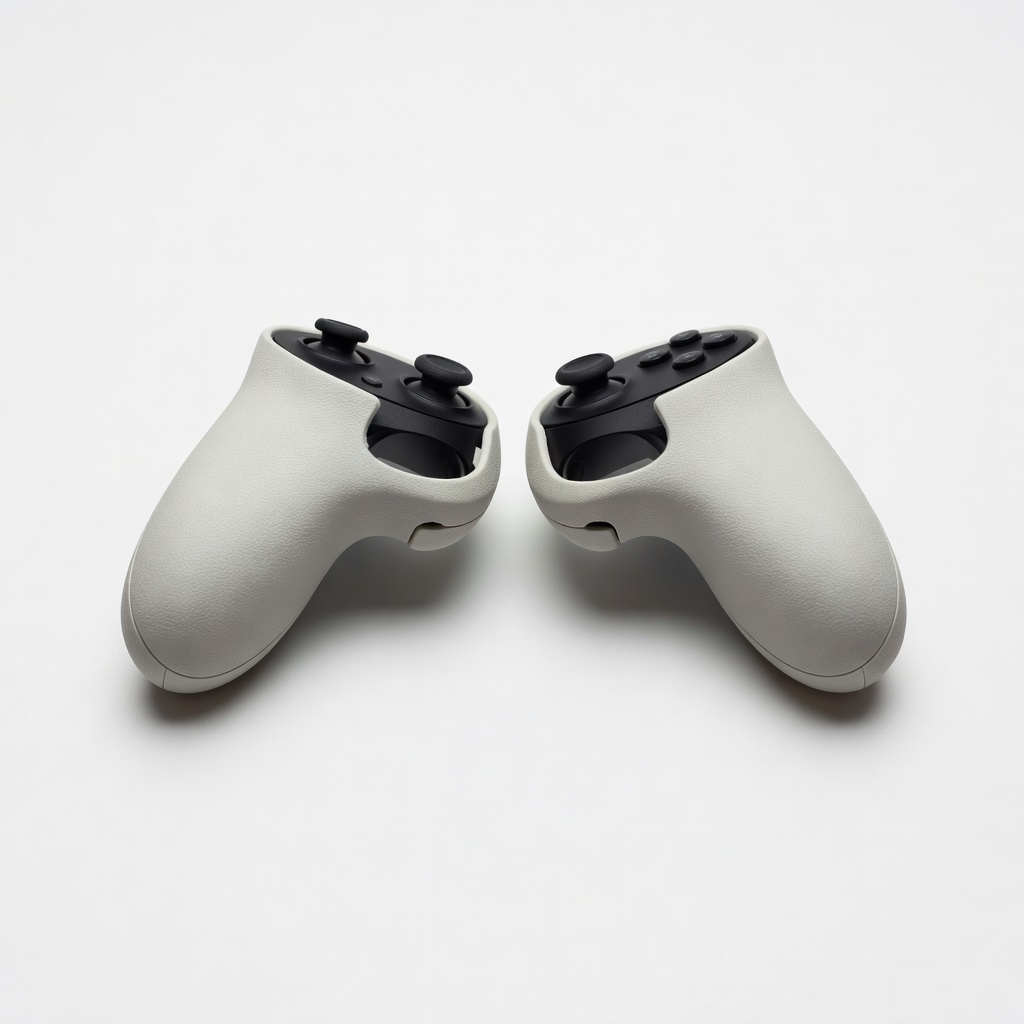
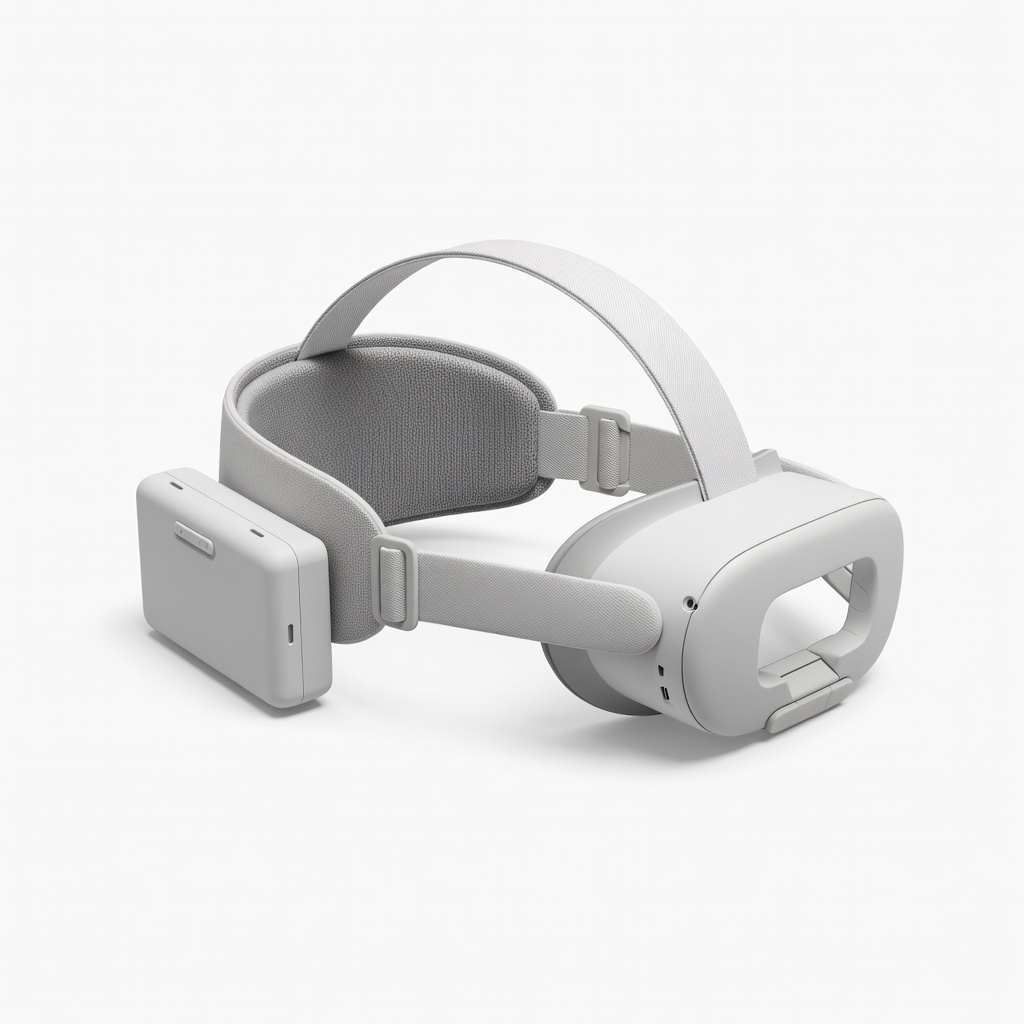
Everything beginners need to choose their first standalone VR headset for gaming with total confidence, no tech jargon required.
Picking your first VR headset can feel scary—like jumping into a new world without a map. With confusing terms like 'refresh rate,' 'field of view,' and endless models, beginners often worry about wasting money on something too complicated or not fun enough. But don't stress: this guide is your simple roadmap to VR gaming joy.
Standalone VR headsets are perfect for beginners because they work without a PC or console—just slip them on and play. We'll break down what matters, recommend real Amazon picks that are easy and forgiving, and help you avoid pitfalls. By the end, you'll know exactly what to buy and why it'll make your first VR sessions awesome.
Our promise: No overwhelming details, just clear steps to get gaming confidently today.
📋 In This Guide
• Why Beginners Struggle with VR Headsets
• What to Look For (Key Features)
• Top 4 Beginner-Friendly VR Headsets
• Essential Accessories for Beginners
• Common Beginner Mistakes to Avoid
• Your Progression Path
• FAQ & Learning Resources
😰 Why Beginners Struggle with VR Headsets
Beginners dive into VR headsets overwhelmed by options—Meta Quest, Pico, PSVR—and jargon like 'degrees of freedom' or 'passthrough cameras' that sound like rocket science. Many fear motion sickness, cramped play spaces, or buying something that breaks in a week. Reddit threads and Amazon reviews are full of 'I bought the wrong one!' stories from newbies who picked PC-only models without a gaming PC.
The fear of 'buyer's remorse' hits hard: Is it comfortable for hours? Will games run smoothly? Without knowing basics, choices feel like gambles. Plus, setup horror stories (endless app downloads, controller pairing fails) scare people off before they start.
Most struggle because they don't know standalone headsets (no wires, instant fun) are beginner gold, while tethered ones add complexity.
🔍 What to Look For: Key Beginner-Friendly Features
For beginners, focus on headsets that are plug-and-play: standalone means no PC needed, just power on and dive into games like Beat Saber or Super Hot. Look for comfortable padding (soft face cushion, adjustable straps), at least 90Hz refresh rate to avoid dizziness, and hand tracking so controllers feel natural without menus.
Must-haves: Color passthrough cameras for seeing your room safely, 100+ degree field of view for immersion without overwhelm, and 2+ hour battery. Nice-to-haves: Guardian boundaries (virtual play area setup) and big app stores. Skip high-end tracking or 8K resolution—you won't notice as a newbie.
Beginner-friendly means forgiving: auto-adjusts fit, simple apps, huge free game library. These tolerate wobbly head movements and small spaces (6x6 ft room).
✅ Essential Features for Beginners
•Standalone operation—no PC or wires for instant gaming
•Easy one-tap setup and automatic room scanning
•Comfortable adjustable straps and soft face padding
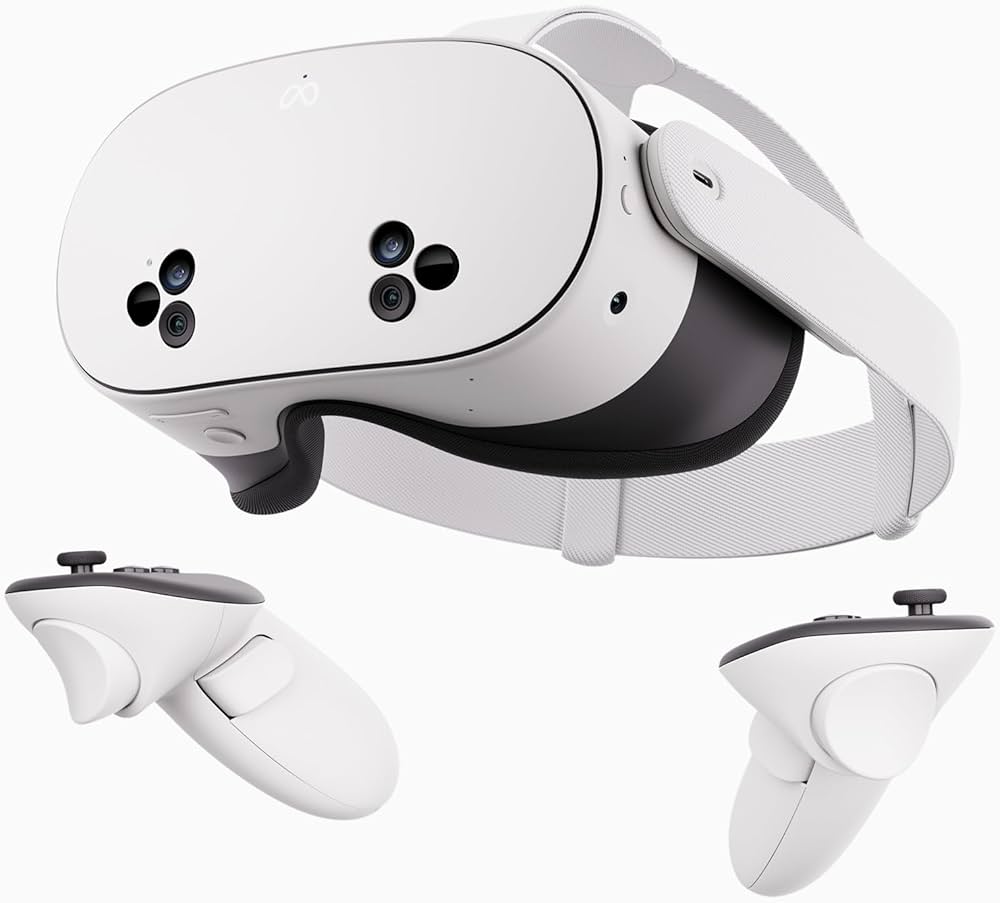
Quest 2 is the ultimate entry to VR gaming—fully standalone, huge game library, super easy setup in minutes. It's forgiving with simple controls and auto-room scan, perfect for small spaces and first-timers avoiding nausea.
✓ Beginner Pros
+Wireless freedom, no PC needed
+Thousands of games/apps included
+Lightweight and comfy for 1hr sessions
+Hand tracking option
+Affordable with great support
✗ Beginner Cons
-Older graphics than newer models
-Battery ~2hrs max
-Basic straps need upgrade
👍 Best for: Total newbies testing VR on tight budget
👎 Not for: Users wanting latest graphics or long sessions
Meta Quest 3S — All-In-One Standalone VR Headset — 128GB
Learning Curve: Easy
$299.99
Difficulty: 1/5
Why Great for Beginners:
Quest 3S upgrades budget VR with sharper visuals and better passthrough, still dead simple for gaming newbies. Pancake lenses reduce edge blur, making movement feel natural without dizziness.
✓ Beginner Pros
+Improved clarity/comfort
+Longer battery
+Mixed reality passthrough
+Same huge app store
+Compact design
✗ Beginner Cons
-Slightly heavier
-No elite strap included
👍 Best for: Most beginners wanting value and future-proofing
Meta Quest 3 — 512GB Advanced All-In-One VR Gaming Headset
Learning Curve: Easy
$649.99
Difficulty: 1/5
Why Great for Beginners:
Quest 3 offers pro-level comfort and graphics in a beginner package—double storage for games, elite pancake lenses for crisp worlds. It's the 'won't regret' pick with all-day battery via accessories.
✓ Beginner Pros
+Best-in-class visuals
+Massive storage
+Superior comfort padding
+Advanced hand tracking
+PC link option later
✗ Beginner Cons
-Higher price
-Overkill for casual play
👍 Best for: Committed beginners planning daily gaming
The sweet spot Quest 3 blends premium features with ease—stunning graphics, natural movement, quick setup. Ideal for immersive gaming without overwhelm.
✓ Beginner Pros
+Pancake lenses for clarity
+Better battery
+Full-color passthrough
+Ergonomic design
✗ Beginner Cons
-Storage fills fast with big games
👍 Best for: Beginners wanting top experience without max price
VR headsets are like wearing a movie theater on your face—they track your head and hands to put you inside games. Standalone ones (our focus) have built-in computers for wireless fun; tethered need a PC/console.
Types: Standalone (Quest series—best for beginners), PCVR (needs powerful PC), mobile (phones inside cheap cases—not recommended). Beginners love standalone for zero hassle.
Expect smooth games, mild wow-factor immersion first week, possible 10-20 min nausea (practice fixes it). Evaluate by comfort test videos, app count (1000+), and refund policy. 'Mixed reality' means blending real/virtual—cool but not essential yet.
Beginner-friendly = quick start (under 10 min), forgiving controls, vast free demos. Marketing like '4K per eye' sounds fancy but prioritize ease.
🔧 Essential Accessories for Beginners
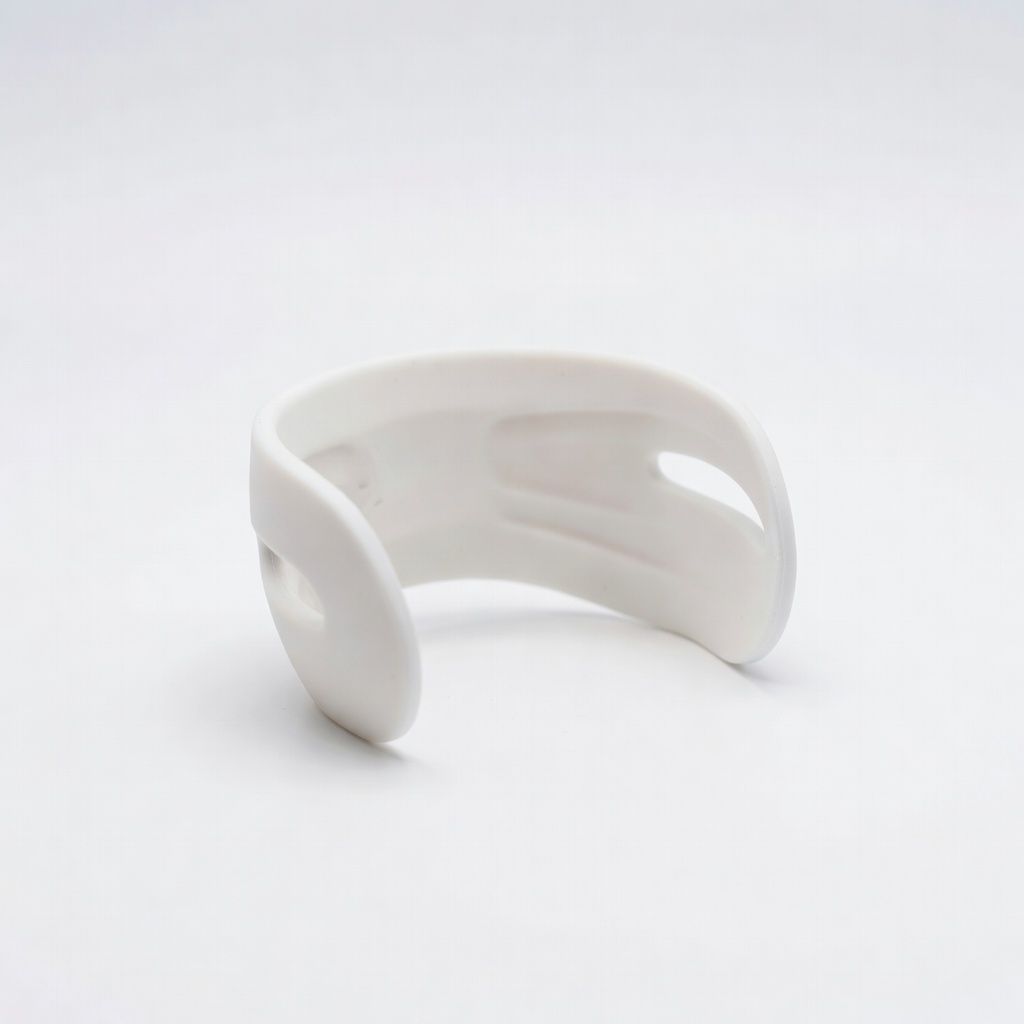
KIWI design Comfort Head Strap for Meta Quest 2/3/3S
⚠️ Essential
$27.99
When to buy:
Day one
Stock straps slip and hurt after 30 mins— this padded halo strap distributes weight evenly, preventing headaches for longer play. Beginners need it to enjoy sessions without frustration.
Ask: What's my budget? Gaming only or fitness too? Space (need 6x6 ft clear)? Playtime (2hr+ battery)? Start with standalone.
Budgets: Under $300 for try-it, $300-500 sweet spot, $500+ premium. Casual gamers: recommended tier. Daily use: premium for comfort.
Scenarios: Kids/family—budget with parental controls. Solo Beat Saber fan—recommended. Go budget if testing waters; premium if committed. Red flags: No passthrough, short battery, no app store, wired-only.
💰 Budget Guide for Beginners
700+
High-end—massive storage/advanced features, for serious gamers ready to invest big.
300 - $500
Sweet spot—best value for beginners, excellent comfort/graphics, room to grow into hundreds of games.
500 - $700
Premium beginner—top comfort/battery/storage, feels pro but easy for newbies.
Under $ - $300
Entry level—affordable standalone to try VR gaming without commitment, solid basics but smaller storage.
⚠️ Common Beginner Mistakes to Avoid
Beginners grab cheapest Amazon listing, ending up with phone-based junk that lags and nauseates. Or splurge on premium without space, frustrated by walls. Forums like r/OculusQuest echo 'should've got strap Day 1!'
Avoid by sticking to standalone Meta Quests, measure room first, buy accessories bundle. Instead of reviews alone, watch 10-min YouTube setups. Experienced users say: Start short 15-min sessions, upgrade comfort before power.
×Buying PC-tethered VR without a gaming PC
×Skipping comfort accessories, quitting after neck pain
Week 1: Learn basics—setup Guardian, play free Beat Saber demos, 15-30 min daily to beat nausea. Master hand tracking, explore store.
Months 1-3: Dive into 10+ games, add fitness like Supernatural. Outgrow beginner when craving PCVR graphics or 4hr sessions (need battery pack).
Upgrade signs: Battery dies mid-game, want photorealism (Quest 3 to PC link). Intermediate: Custom Guardian, modding, multiplayer. Most stay beginner 3-6 months building tolerance.
📚 Learning Resources for Beginners
📖Virtual Reality For Dummies (ASIN: B08L5K5J5J) - Simple intro to VR concepts and tips.