Review Atlas

Menu

Shop by Category

Get the App

Better experience on mobile

Beginners GuideGaming

Best VR Headset for Beginners: Complete Guide 2025

Everything beginners need to choose their first VR headset with confidence, top picks, accessories, and mistakes to avoid.

Choosing your first VR headset can feel scary – there are so many options, confusing tech terms, and worries about wasting money on something too hard to use. As a beginner, you might wonder if VR is even for you or if you'll get motion sick right away. Don't worry; this guide is designed just for newcomers like you.

VR headsets let you step into virtual worlds for gaming, fun experiences, and more, but beginners often get overwhelmed by PC requirements, high prices, or complex setups. We'll break it all down simply.

This guide gives you a clear path: what matters, top beginner picks on Amazon, accessories, and how to grow your skills. By the end, you'll feel ready to buy and play with confidence.

📋 In This Guide

  • • Why Beginners Struggle with VR Headset
  • • What to Look For (Key Features)
  • • Top 3 Beginner-Friendly VR Headset
  • • Essential Accessories for Beginners
  • • Common Beginner Mistakes to Avoid
  • • Your Progression Path
  • • FAQ & Learning Resources

😰 Why Beginners Struggle with VR Headset

Beginners struggle with VR headsets because the tech world throws around terms like 'degrees of freedom,' 'refresh rate,' and 'IPD adjustment' without explaining them. You see prices from $100 to $1,000+ and don't know what's worth it for casual gaming.

Many fear motion sickness, bulky designs that hurt after 10 minutes, or needing a powerful PC they don't have. Forums like Reddit's r/OculusQuest are full of newbies regretting buys because setup took hours or games felt clunky.

The overwhelming choices – standalone vs. PC-tethered, mobile clip-ons vs. full headsets – make it hard to know where to start without buyer's remorse.

🔍 What to Look For: Key Beginner-Friendly Features

For beginners, focus on standalone headsets that work without a PC or phone – plug and play for instant fun. Look for comfortable padding, adjustable straps, and lightweight design (under 1 lb) to avoid headaches during your first sessions.

Must-haves: Easy wireless controllers, good battery life (2+ hours), and a big library of free beginner games. Nice-to-haves: Hand tracking and adjustable lenses for glasses wearers. Skip high-end PC VR or 8K resolution – you don't need them yet.

Beginner-friendly means forgiving setups (under 10 minutes), intuitive menus, and anti-sickness features like teleport movement. These make VR feel magical, not frustrating.

✅ Essential Features for Beginners

  • Standalone operation – no PC needed, just put on and play
  • Comfortable lightweight design with soft padding
  • Easy wireless controllers with simple buttons
  • Long battery life for 2+ hour sessions
  • Adjustable straps and lenses for all head sizes
  • Hand tracking for controller-free fun
  • Guardian system to prevent real-world bumps
  • Huge library of free, easy beginner games

🏆 Top 3 Best VR Headset for Beginners

#1
💰 Budget

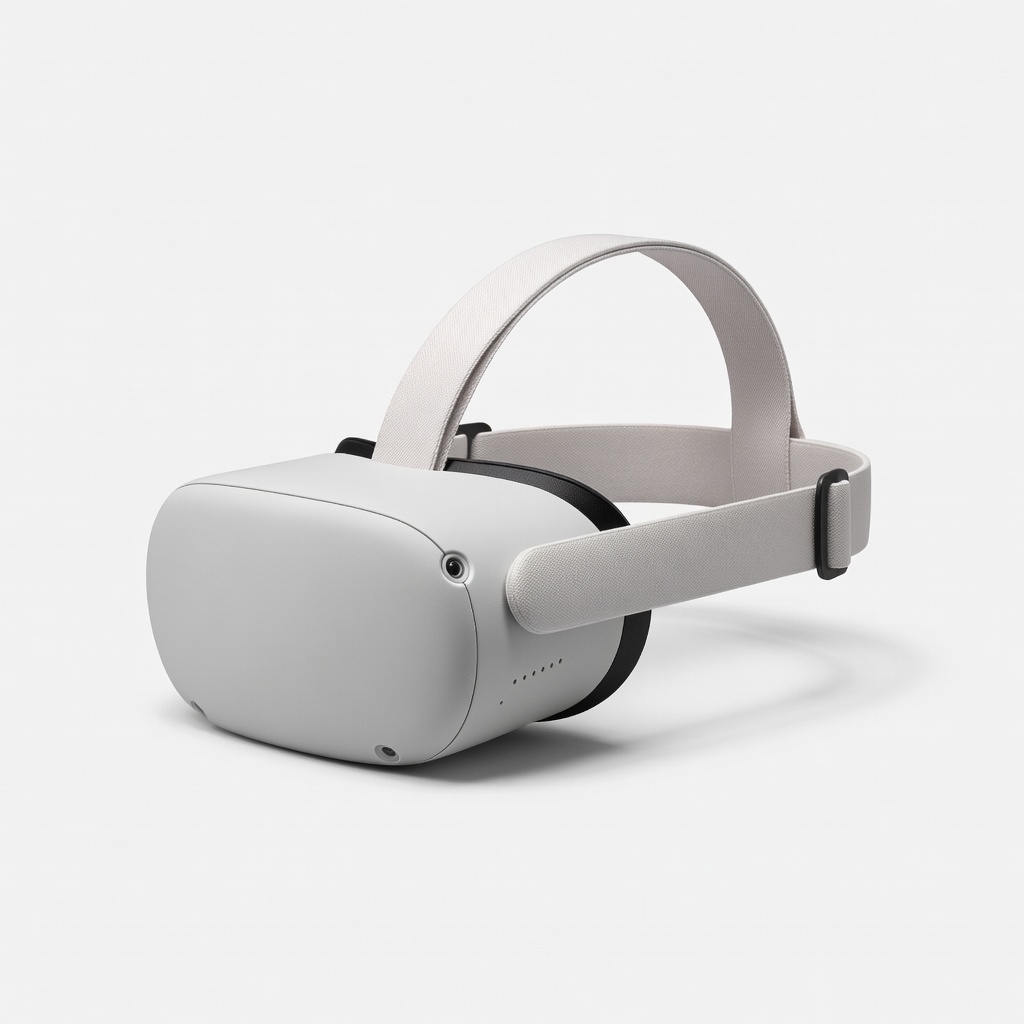
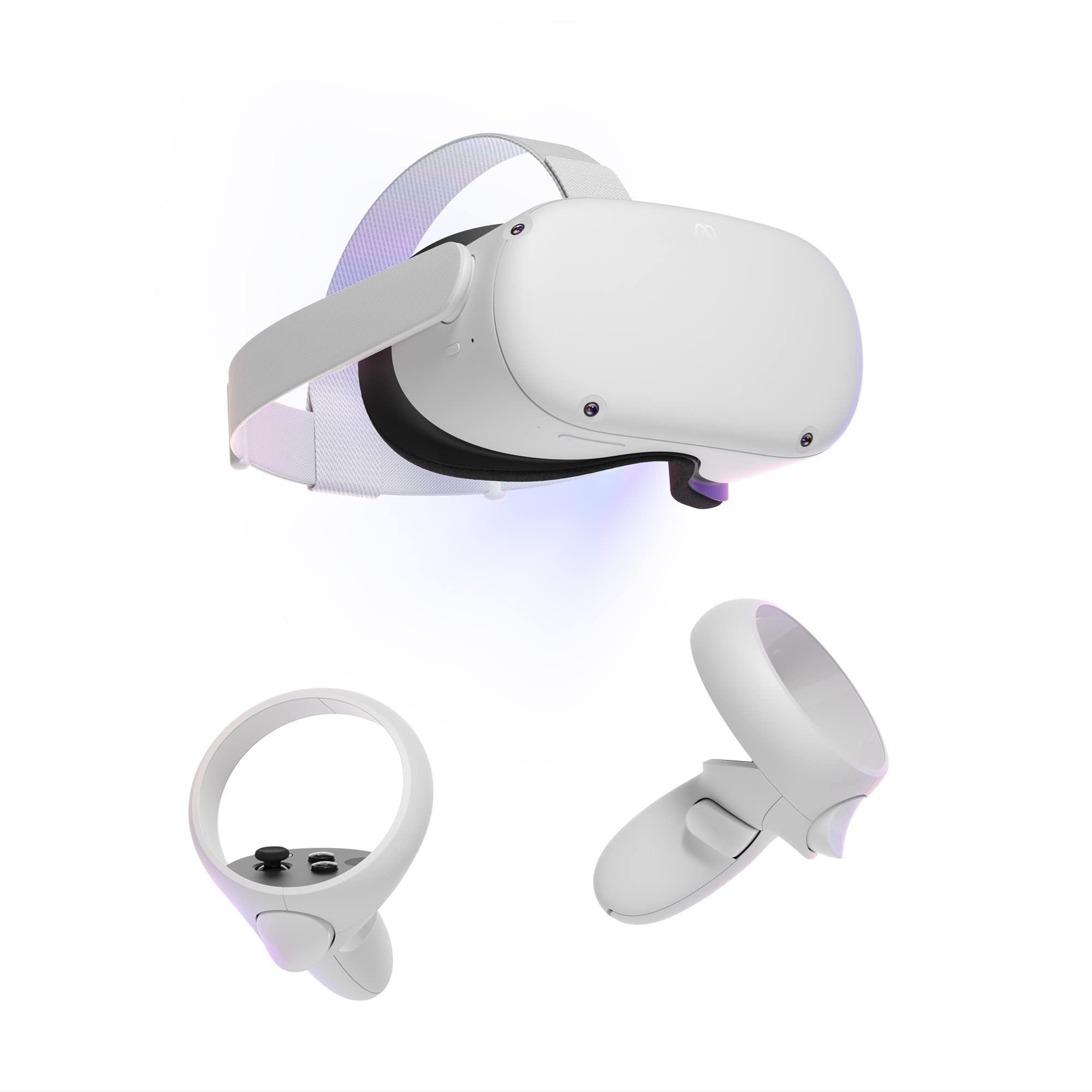
Meta Quest 2 — Advanced All-In-One Virtual Reality Headset — 128 GB

Learning Curve: Easy

$199.99
Difficulty: 1/5
Meta Quest 2 — Advanced All-In-One Virtual Reality Headset — 128 GB

Why Great for Beginners:

This is the ultimate entry VR headset – fully standalone, no wires or PC needed. Setup in minutes with tons of free games to start playing right away. Comfortable for short sessions and super forgiving for newbies.

Beginner Pros

  • +Wireless freedom
  • +Easy 10-min setup
  • +Huge beginner game library
  • +Affordable to test VR

Beginner Cons

  • -Battery 2 hours max
  • -Lower resolution than newer
  • -Straps need upgrade for long play
👍 Best for: Total newbies on tight budget wanting instant fun
👎 Not for: Users wanting crystal-clear graphics or long sessions

#2
👍 Recommended

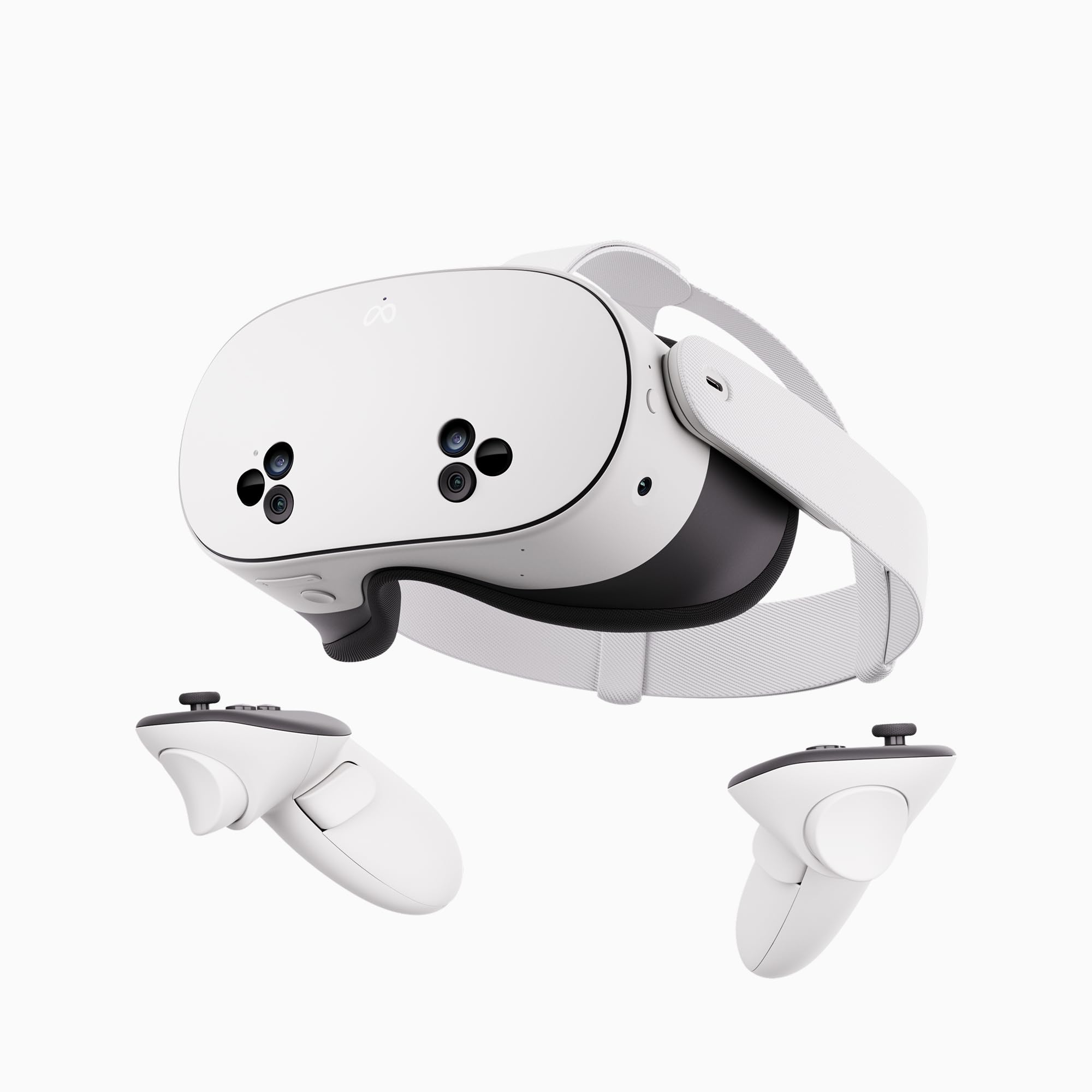
Meta Quest 3S — 128GB VR Headset - Beat Saber Included

Learning Curve: Easy

$299.99
Difficulty: 1/5
Meta Quest 3S — 128GB VR Headset - Beat Saber Included

Why Great for Beginners:

Sweet spot for beginners with improved graphics, pancake lenses for clarity, and hand tracking. Wireless, comfy, and packed with easy games – grows with you without overwhelm.

Beginner Pros

  • +Sharper visuals than Quest 2
  • +Hand tracking no controllers
  • +3-hour battery
  • +Mixed reality passthrough

Beginner Cons

  • -Slightly heavier
  • -Needs occasional charging
👍 Best for: Most beginners wanting value and future-proofing
👎 Not for: Ultra-budget testers
#3
✨ Premium

Meta Quest 3 — 512GB Advanced All-In-One VR Headset

Learning Curve: Easy

$499.99
Difficulty: 2/5
Meta Quest 3 — 512GB Advanced All-In-One VR Headset

Why Great for Beginners:

Premium pick with stunning high-res displays and ultra-comfort – feels pro but beginner-easy. Full color passthrough for safe play, endless storage for games.

Beginner Pros

  • +Best clarity/immersion
  • +Long battery
  • +Advanced comfort
  • +PC link option later

Beginner Cons

  • -Higher price
  • -Overkill for casual
👍 Best for: Serious beginners planning daily use
👎 Not for: Casual or budget-conscious

📖 Complete Beginner's Guide to VR Headset

VR headsets are like wearing a movie theater on your face, immersing you in 3D games and worlds. Basics: They track your head and hands to let you look around and interact naturally.

Types: Mobile (clip on phone, cheap but low quality), Standalone (self-contained like Meta Quest, best for beginners), PC-tethered (needs gaming PC, more powerful but wired hassle), Console (like PSVR2 needs PS5). Beginners love standalone – no extra gear, instant gaming.

Beginner-friendly means wireless freedom, simple apps store, and comfort for short sessions building to longer. Expect clear graphics like a good phone screen, fun games like Beat Saber, but some nausea at first (use seated modes).

Marketing traps: '4K' sounds great but fuzzy in motion; '120Hz' smooth but drains battery. Evaluate by user reviews on comfort/setup, not specs. Realistic: 30-60 min sessions first week, then hours.

'Passthrough' lets you see real world without removing – safety gold for beginners.

🔧 Essential Accessories for Beginners

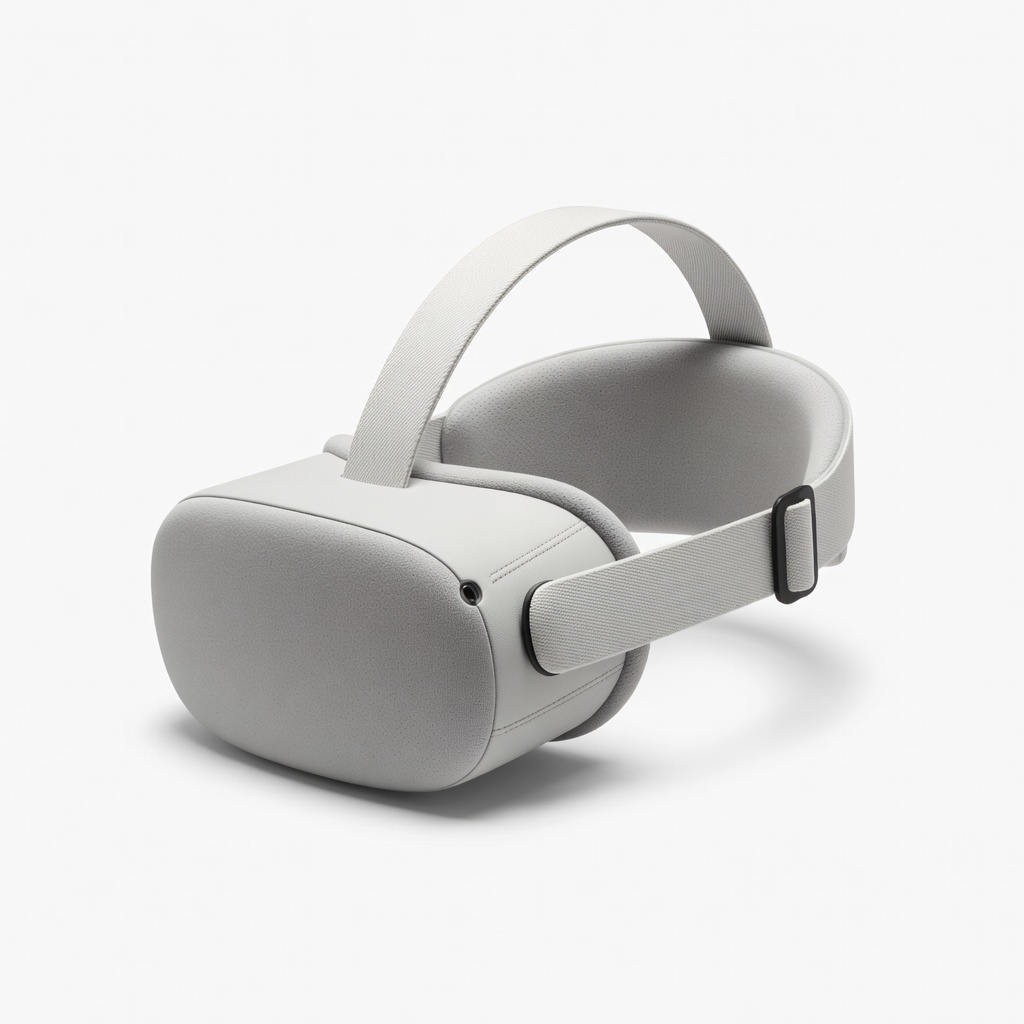
KIWI design Comfort Head Strap for Meta Quest 2/3S

⚠️ Essential

$27.99

When to buy:
Day one

Stock straps slip and hurt after 20 mins – this adds padding and adjustability for comfy hour-long sessions. Prevents neck pain, key for newbies building tolerance.

Beginner Benefits:

  • All-day comfort
  • Stable fit
  • Battery boost
  • Easy install

AMVR Facial Interface & Head Strap Combo for Quest 2

👍 Recommended

$35.99

When to buy:
First week

Sweaty faces make VR gross – this breathable cover keeps it clean and comfy. Reduces hotspots for longer play without breaks.

Beginner Benefits:

  • Anti-sweat
  • Light blocking
  • Easy clean
  • Glasses friendly

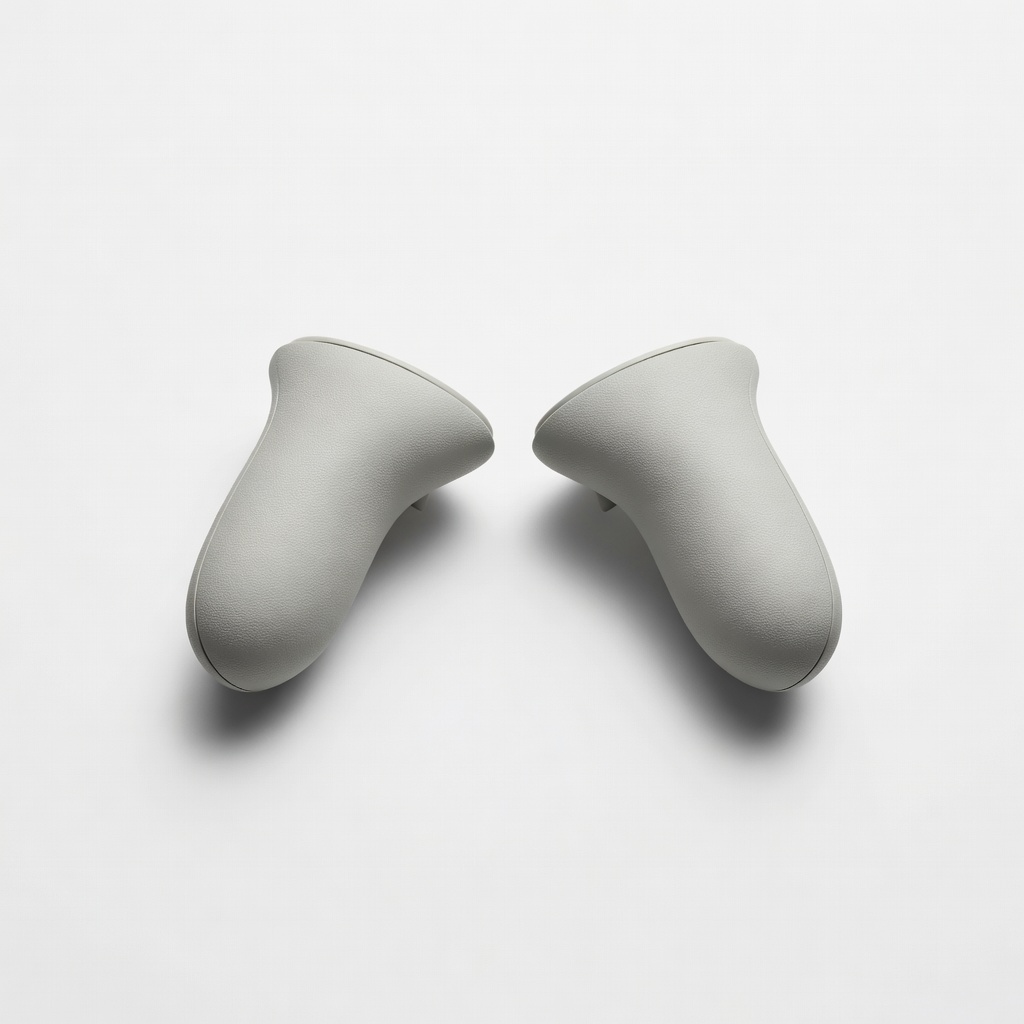
KIWI design Controller Grips Covers for Quest 2

👍 Recommended

$15.99

When to buy:
Day one

Controllers slip from sweat – grips prevent drops and improve aim in games. Builds confidence in controls.

Beginner Benefits:

  • No slips
  • Better grip feel
  • Protects controllers
  • Cheap upgrade

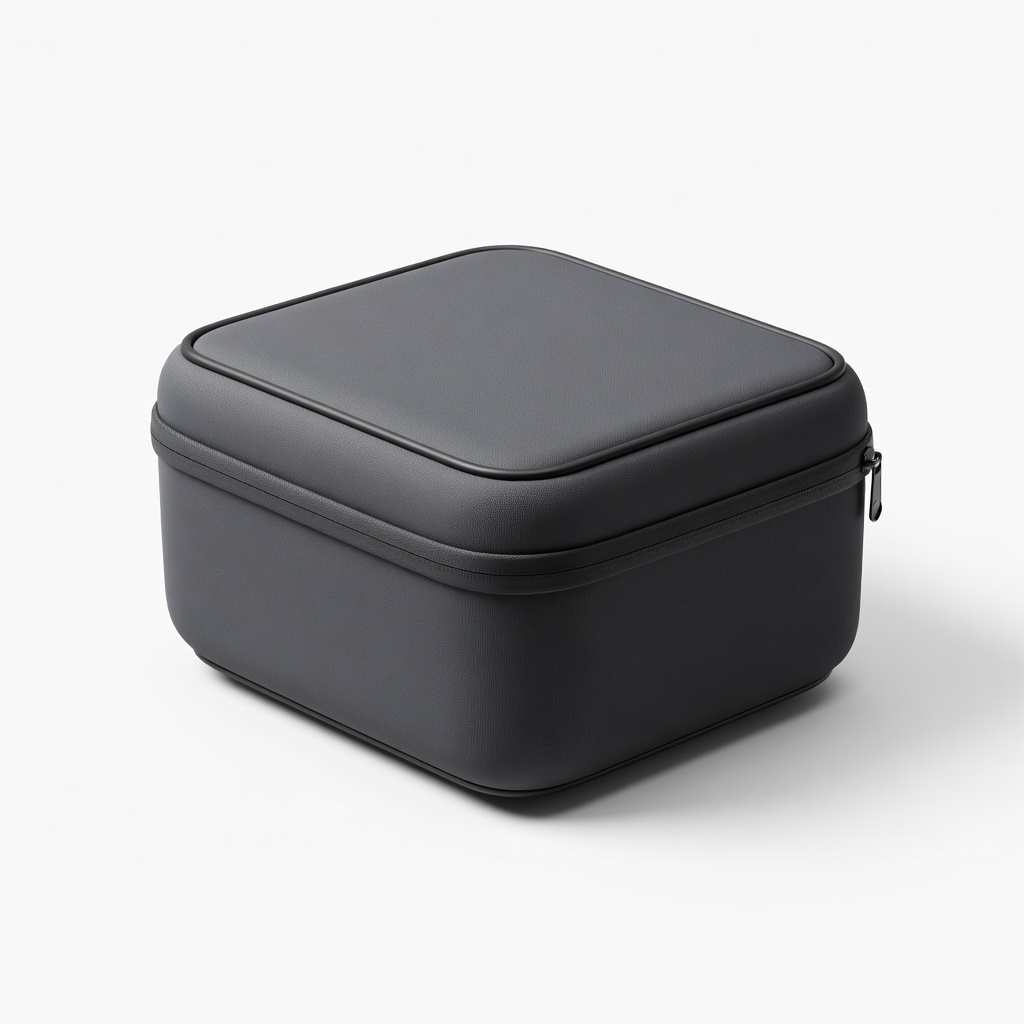
Official Meta Quest Carrying Case

💡 Nice to Have

$59.99

When to buy:
After first month

Protects your investment during travel – padded and fits accessories.

Beginner Benefits:

  • Travel safe
  • Organized storage
  • Durable

🤔 How to Choose Your First VR Headset

Ask: What's your budget? Gaming only or fitness too? Do you have a PC? Start with standalone for ease. Budget under $200 for trying; $300 sweet spot for lasting fun; $500+ if serious.

Scenarios: Casual gamer? Quest 2/3S. Glasses wearer? Check IPD adjust. Space? Need room-scale play. Growth: Pick with app store for endless games.

Red flags: Tethered without PC, no recent reviews, cheap no-name (blurry/low battery). Go budget to test waters, recommended for daily use, premium if you love it fast.

💰 Budget Guide for Beginners

600+

Advanced entry - PC VR or ultra-premium; only if you have setup and budget.

200 - $400

Sweet spot - Best value standalone with modern graphics/battery; perfect for most beginners, lasts 1-2 years.

400 - $600

Premium beginner - High-res, comfy, future-proof; for serious newbies who want top experience day one.

Under $ - $200

Entry level - Basic standalone to try VR without big commitment, like used Quest 2; may feel dated soon.

⚠️ Common Beginner Mistakes to Avoid

Beginners buy tethered VR thinking it's 'better,' but get stuck without PC upgrades – go standalone. They ignore comfort, quitting after neck ache, or skip grips leading to smashed controllers. Forums show regret over $100 AliExpress fakes with broken tracking.

Avoid by sticking to Amazon top-sellers, reading 'first time' reviews, and buying strap day one. Instead, start seated in big room, 15-min sessions. Experienced users say: 'Comfort > specs.'

  • ×Buying PC VR without a gaming PC
  • ×Ignoring comfort – cheap straps cause pain
  • ×Skipping accessories like grips or pads
  • ×Choosing phone-based VR (too blurry/low quality)
  • ×Overbuying premium before trying budget
  • ×Not calibrating IPD (causes blur/nausea)
  • ×Playing in small spaces without guardian
  • ×Expecting no motion sickness (start slow)

📈 Your Progression Path: Beginner to Intermediate

Start with easy games like Rec Room or Superhot – learn movement without nausea. Practice 20-30 mins daily, seated first, then standing/room-scale.

Outgrow beginner gear when craving sharper graphics (Quest 2 fuzzy) or PC power after 6-12 months. Upgrade strap first, then headset. Intermediate: Quest 3 + PC link for SteamVR.

Most stay beginner 3-6 months; build by joining communities, trying fitness VR.

📚 Learning Resources for Beginners

  • 📖Virtual Reality for Beginners: Your Guide to Oculus Quest (Amazon book, ASIN B08JHK5L2M)
  • 📖The VR Book: The Vision of Virtual Reality by Jason Jerald (ASIN B07G9N5K5L)
  • 📖Meta Quest 2 Setup Guide & Tips Video Course (Audible/Amazon, ASIN B09K5M5N5O)
  • 📖Beat Saber Beginner Song Pack (In-app, but practice pad ASIN B09M5N6P5Q)
  • 📖VR Fitness for Beginners Book (ASIN B08N7P8Q9R)

🎯 Bottom Line: Our Recommendations

Best overall for most beginners: Meta Quest 3S – perfect balance of easy, fun, future-proof.

Budget: Quest 2. Premium: Quest 3. Grab head strap and grips on day one.

You're ready! Order, set guardian boundaries, download free games, start slow. VR gaming will blow your mind – you've got this.

❓ Frequently Asked Questions

Meta Quest 3S or Quest 2 – standalone, easy setup, tons of games. No PC needed.