Review Atlas
Review AtlasYour guide to a better purchase

Menu

Shop by Category

Get the App

Better experience on mobile

Beginners GuideDigital Drawing

Best Drawing Tablets for Beginners 2025

Everything beginners need to confidently pick their first drawing tablet for digital art without overwhelm.

Choosing your first drawing tablet can feel scary - too many sizes, brands, and tech terms that make no sense. As a beginner artist, you worry about wasting money on something too hard to use or not good enough for your sketches. This guide cuts through the confusion for digital drawing newbies.

Drawing tablets (also called graphics tablets) connect to your computer and let you draw naturally with a stylus, like paper but digital. Beginners often get stuck comparing endless options without knowing what matters. We'll simplify it.

Our promise: Specific Amazon picks, beginner-focused features, accessories, and tips so you start creating confidently today, avoiding costly mistakes.

📋 In This Guide

  • • Why Beginners Struggle with Tablet
  • • What to Look For (Key Features)
  • • Top 4 Beginner-Friendly Tablet
  • • Essential Accessories for Beginners
  • • Common Beginner Mistakes to Avoid
  • • Your Progression Path
  • • FAQ & Learning Resources

😰 Why Beginners Struggle with Tablet

Beginners dive into drawing tablets overwhelmed by options - Huion, XP-Pen, Wacom, sizes from tiny to huge, pressure levels, drivers. 'What's 8192 pressure sensitivity?' sounds like rocket science but it's just how thick your lines get when pressing.

Common pains from Reddit and Amazon reviews: Frustrating driver installs that won't work on Mac, palm smudging lines accidentally, stylus battery dying mid-sketch, or buying cheap junk that breaks fast. Fear of 'Is this for pros only?' leads to paralysis.

Many think they need a fancy screen tablet right away (hundreds extra), but start simple with a basic pen tablet. Without guidance, you grab the cheapest and quit drawing when it feels clunky.

🔍 What to Look For: Key Beginner-Friendly Features

Focus on forgiving basics: Battery-free stylus (no charging hassle), at least 4096 pressure levels (natural line variation), plug-and-play drivers for Windows/Mac. Small size (6x4 inches) fits any desk, easy for shaky beginner hands.

Nice-to-haves: 4+ express keys (quick shortcuts like undo), tilt support (natural wrist angles). Skip: Wireless (batteries fail), huge areas (intimidating), screens (pricey, overwhelming for first).

Beginner-friendly means intuitive software setup, good tutorials, tolerant of mistakes like heavy presses without skipping. Look for 'OSU mode' for games or free software compatibility like Krita.

✅ Essential Features for Beginners

  • Battery-free stylus - no charging, always ready for quick sketches
  • 8192 pressure levels - smooth thick/thin lines like pencil on paper
  • Easy driver install - works out-of-box on Windows/Mac
  • Small drawing area - fits laptop desk, less intimidating
  • Express keys - simple buttons for undo/zoom, speeds learning
  • Palm rejection area - draw without accidental lines
  • Lightweight design - easy to move and store

🏆 Top 4 Best Tablet for Beginners

#1
💰 Budget

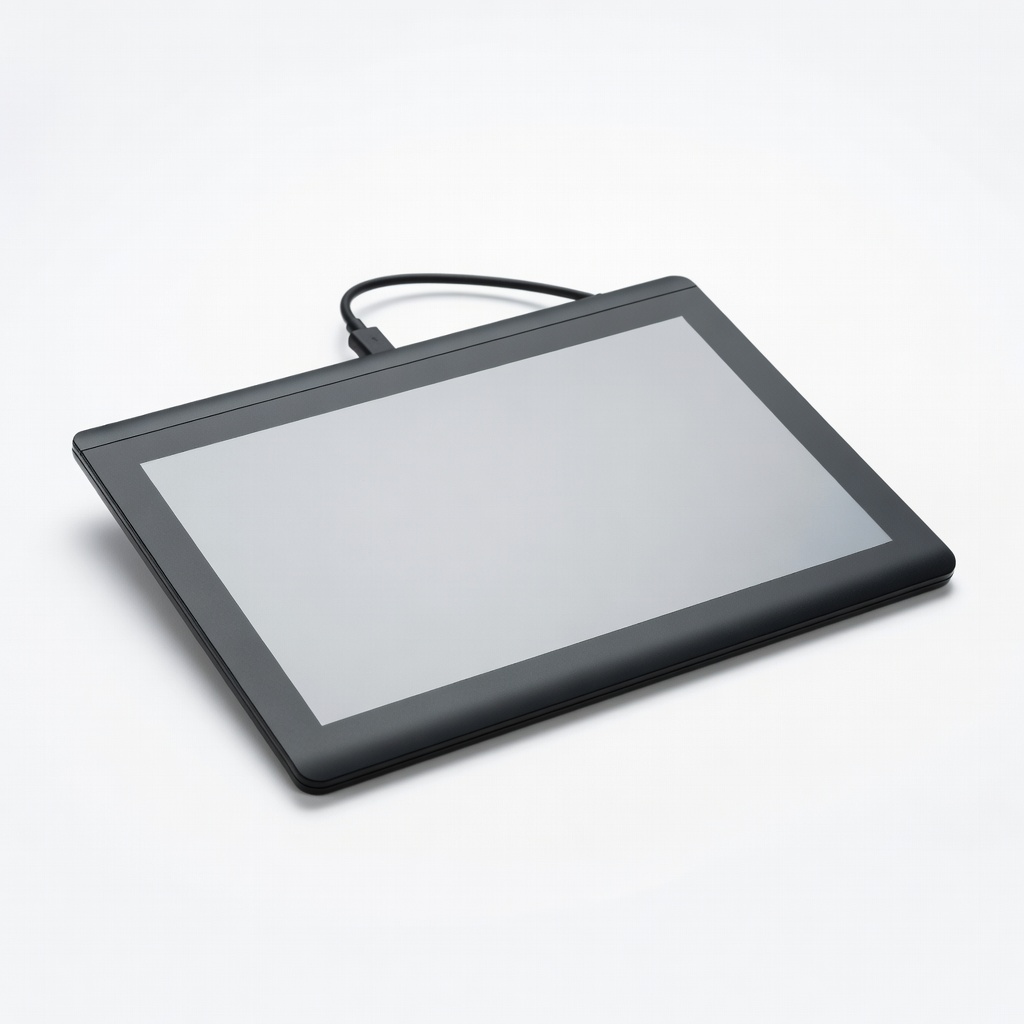
XP-Pen Star G640 6x4 Inch Graphics Drawing Tablet

Learning Curve: Easy

$29.99
Difficulty: 1/5
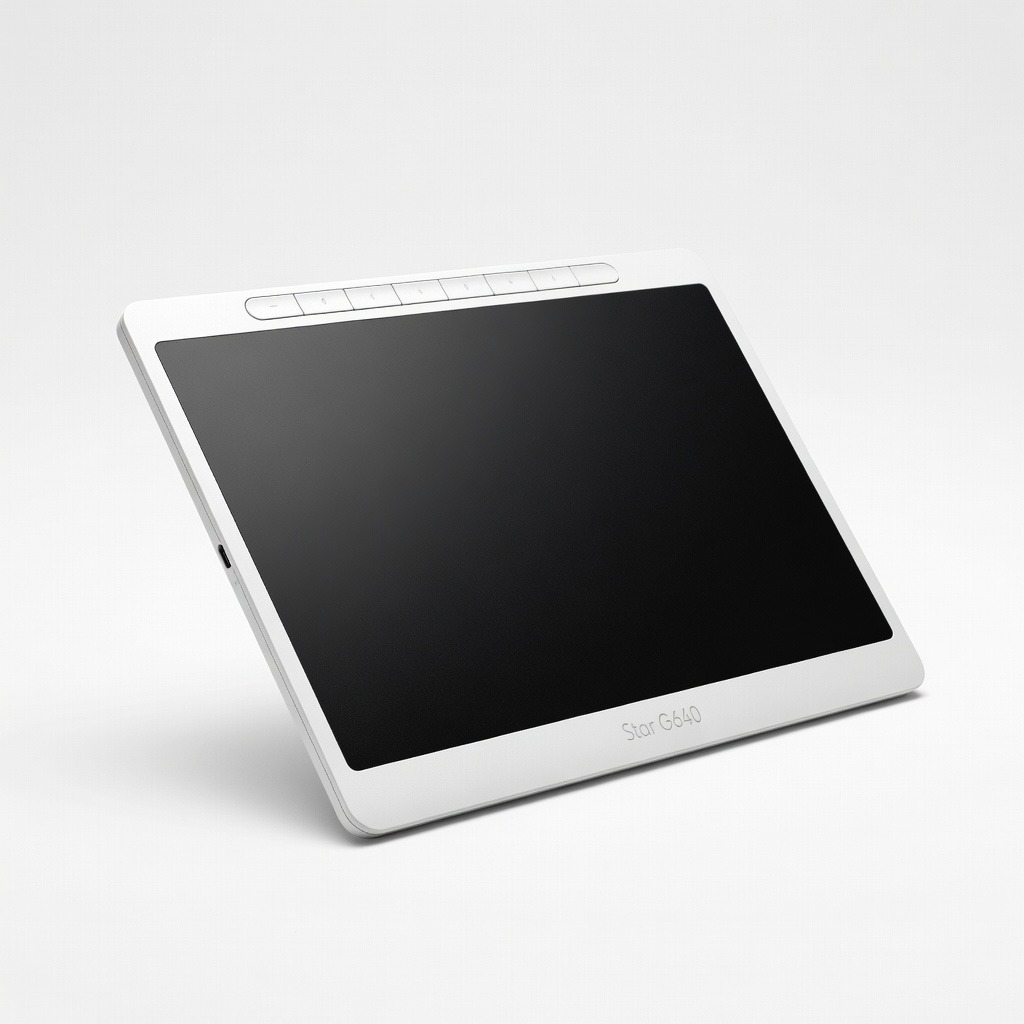
XP-Pen Star G640 6x4 Inch Graphics Drawing Tablet

Why Great for Beginners:

Perfect entry for total newbies - super affordable to try digital drawing risk-free. Tiny size reduces overwhelm, battery-free stylus ready instantly. Great with free Krita software.

Beginner Pros

  • +Ultra cheap to start
  • +Plug-play easy
  • +Light and portable
  • +8192 pressure forgiving

Beginner Cons

  • -Small area limits big art
  • -No express keys
  • -Basic build
👍 Best for: Absolute beginners testing interest on tiny budget
👎 Not for: Those needing shortcuts or large canvases

#2
👍 Recommended

Huion H420 USB Graphics Drawing Tablet

Learning Curve: Easy

$19.99
Difficulty: 1/5
Huion H420 USB Graphics Drawing Tablet

Why Great for Beginners:

Sweet budget sweet-spot with 4 express keys for quick learning undo/zoom. Smooth pressure feels natural, compact for any setup. Tons of beginner tutorials online.

Beginner Pros

  • +Extra-low price
  • +Express keys speed workflow
  • +High report rate no lag
  • +Durable nibs

Beginner Cons

  • -Very small area
  • -Driver tweaks sometimes needed
👍 Best for: Budget-conscious beginners wanting shortcuts
👎 Not for: Large detailed artists
#3
👍 Recommended

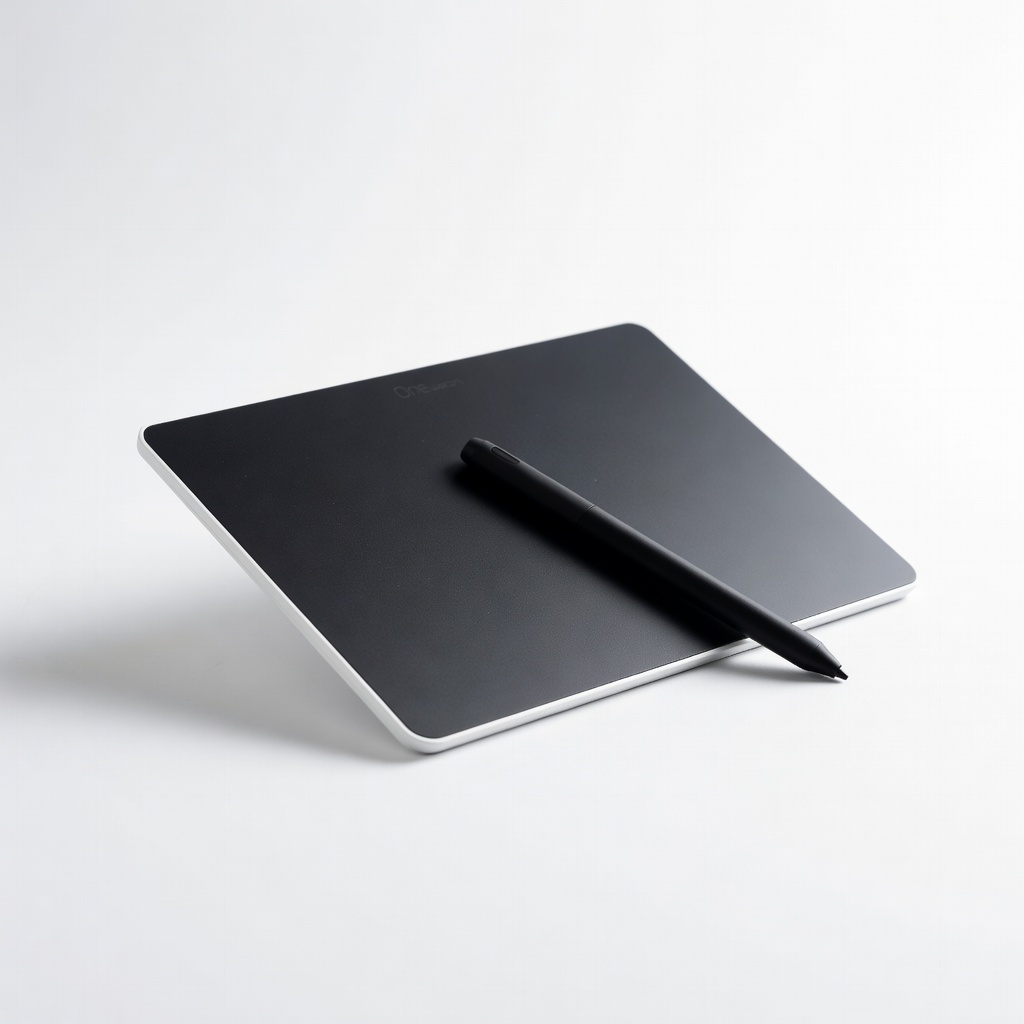
One by Wacom Small Graphics Drawing Tablet

Learning Curve: Easy

$49.95
Difficulty: 1/5
One by Wacom Small Graphics Drawing Tablet

Why Great for Beginners:

Trusted Wacom brand with rock-solid drivers and feel. Slightly larger area for comfy sketching, perfect intro to pro tools. Excellent support and software bundle.

Beginner Pros

  • +Reliable no-fail setup
  • +Natural drawing feel
  • +Good size balance
  • +Long warranty

Beginner Cons

  • -No extras like tilt
  • -Mid price jump
👍 Best for: Beginners wanting dependable quality
👎 Not for: Ultra budget hunters
#4
✨ Premium

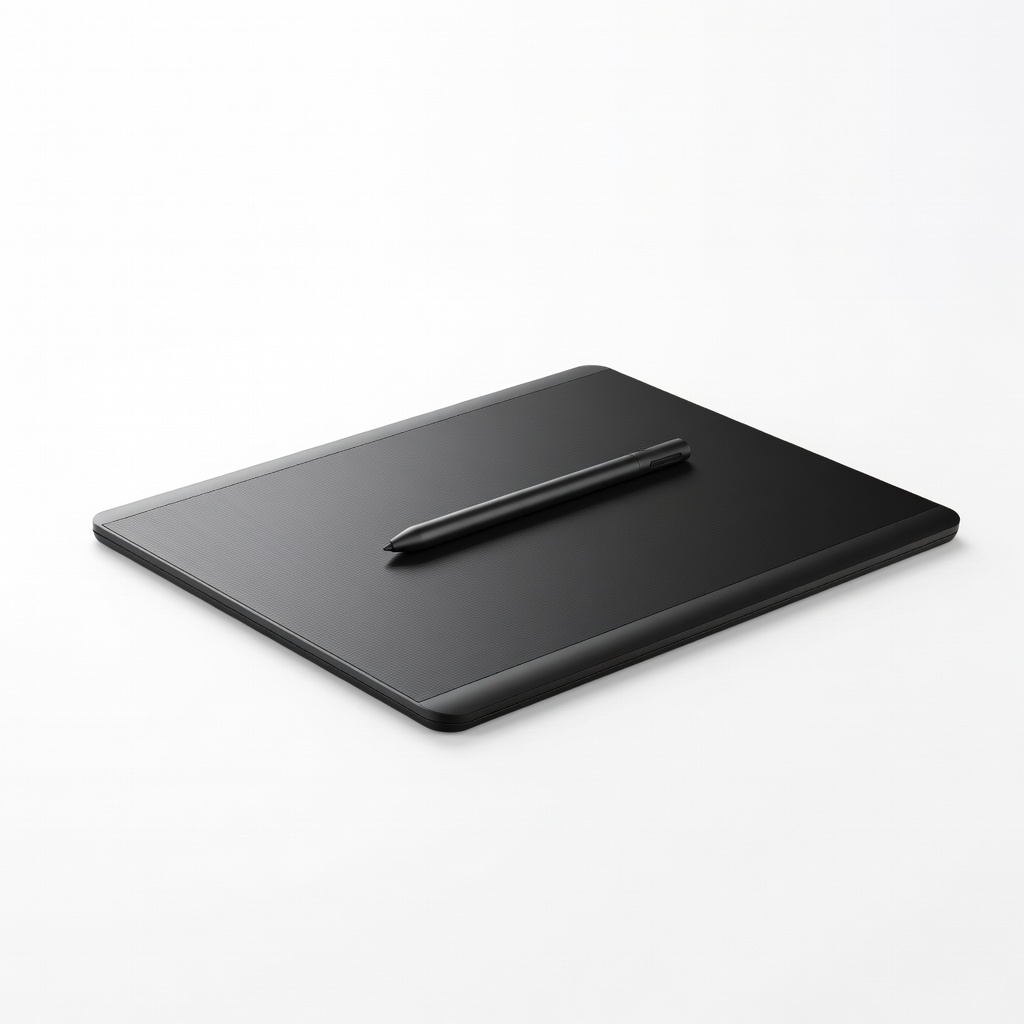
Huion Inspiroy H640P Graphics Drawing Tablet

Learning Curve: Moderate

$39.99
Difficulty: 2/5
Huion Inspiroy H640P Graphics Drawing Tablet - Image 1 of 10

Why Great for Beginners:

Best premium starter with tilt support and 6 keys - grows with you. Smooth battery-free pen, larger area for real art. Beginner modes in software.

Beginner Pros

  • +Tilt for natural strokes
  • +6 customizable keys
  • +Large active area
  • +Great value premium

Beginner Cons

  • -Slightly steeper driver learn
  • -Bulkier
👍 Best for: Serious beginners planning long-term
👎 Not for: Casual one-off tries

📖 Complete Beginner's Guide to Tablet

A drawing tablet is a flat pad with stylus that mirrors to your computer screen - draw on pad, see on screen. Perfect for digital art in free apps like Krita or GIMP. Types: Pen tablets (screenless, beginner best - cheap, simple), pen displays (screen built-in, advanced - see strokes directly, $200+).

For beginners, pen tablets: Affordable ($20-100), low learning curve, focus on skills not gear. Realistic: First week shaky lines, month 1 smooth sketches. Evaluate by size (start 6x4"), pressure (higher=forgiving), brand support.

'Beginner-friendly' = minimal setup (5 mins), free software guides, forgiving to hard presses/noise. Marketing traps: 'Pro' means complex; ignore megapixels (not cameras). Test in store if possible, or Amazon return policy.

🔧 Essential Accessories for Beginners

2 Pack Artist Drawing Glove - Image 1 of 7

2 Pack Artist Drawing Glove

⚠️ Essential

$8.99

When to buy:
Day one

Prevents palm from smudging or clicking screen while drawing - top complaint in reviews. Makes strokes clean from day one.

Beginner Benefits:

  • No accidental lines
  • Comfy long sessions
  • Cheap fix big problem
Adjustable Tablet Stand Holder - Image 1 of 5

Adjustable Tablet Stand Holder

👍 Recommended

$15.99

When to buy:
First week

Raises tablet to eye level, reduces wrist strain during long practice. Better posture helps build habits.

Beginner Benefits:

  • Ergonomic angle
  • Portable
  • Stable no wobble
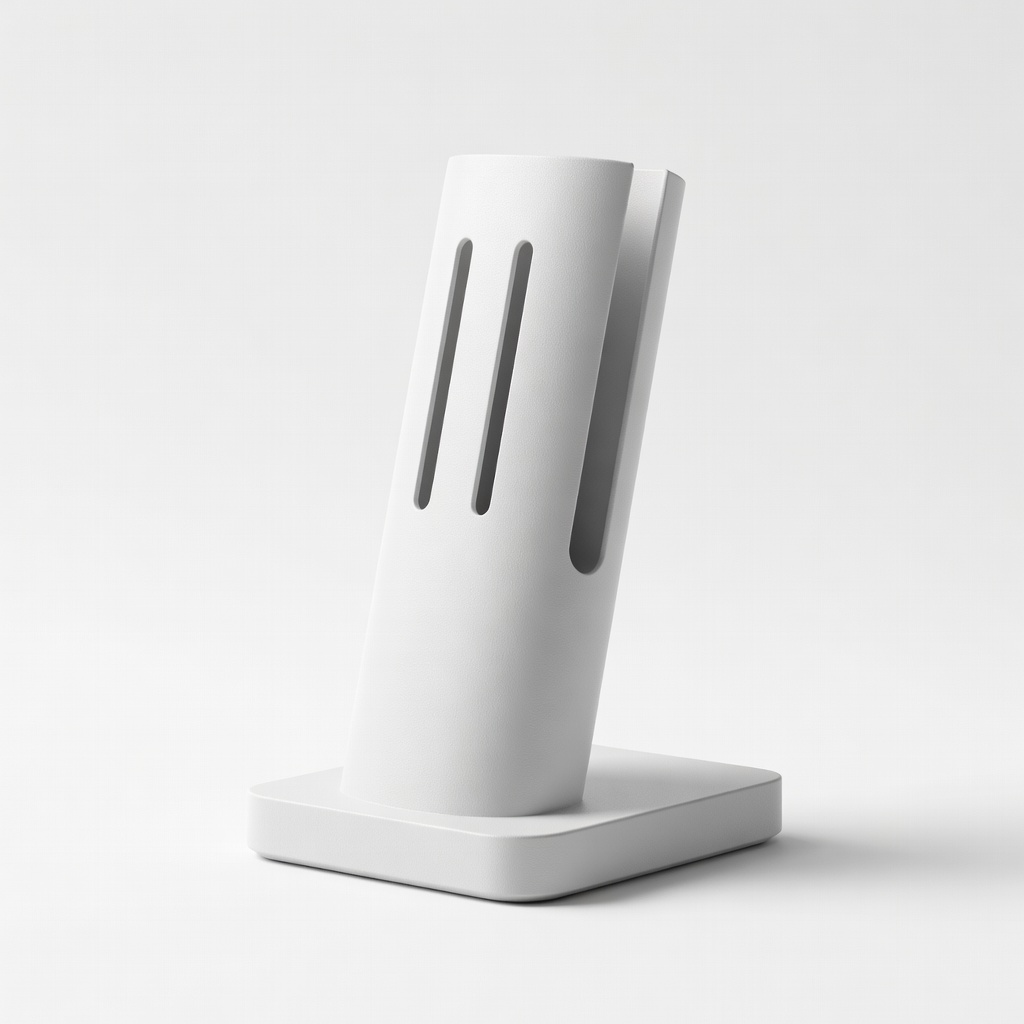
Pen Stylus Holder Stand - Image 1 of 9

Pen Stylus Holder Stand

💡 Nice to Have

$9.99

When to buy:
First month

Keeps stylus safe, organized desk reduces frustration. Extra nibs included for longevity.

Beginner Benefits:

  • No lost pen
  • Extra nibs free
  • Desk tidy
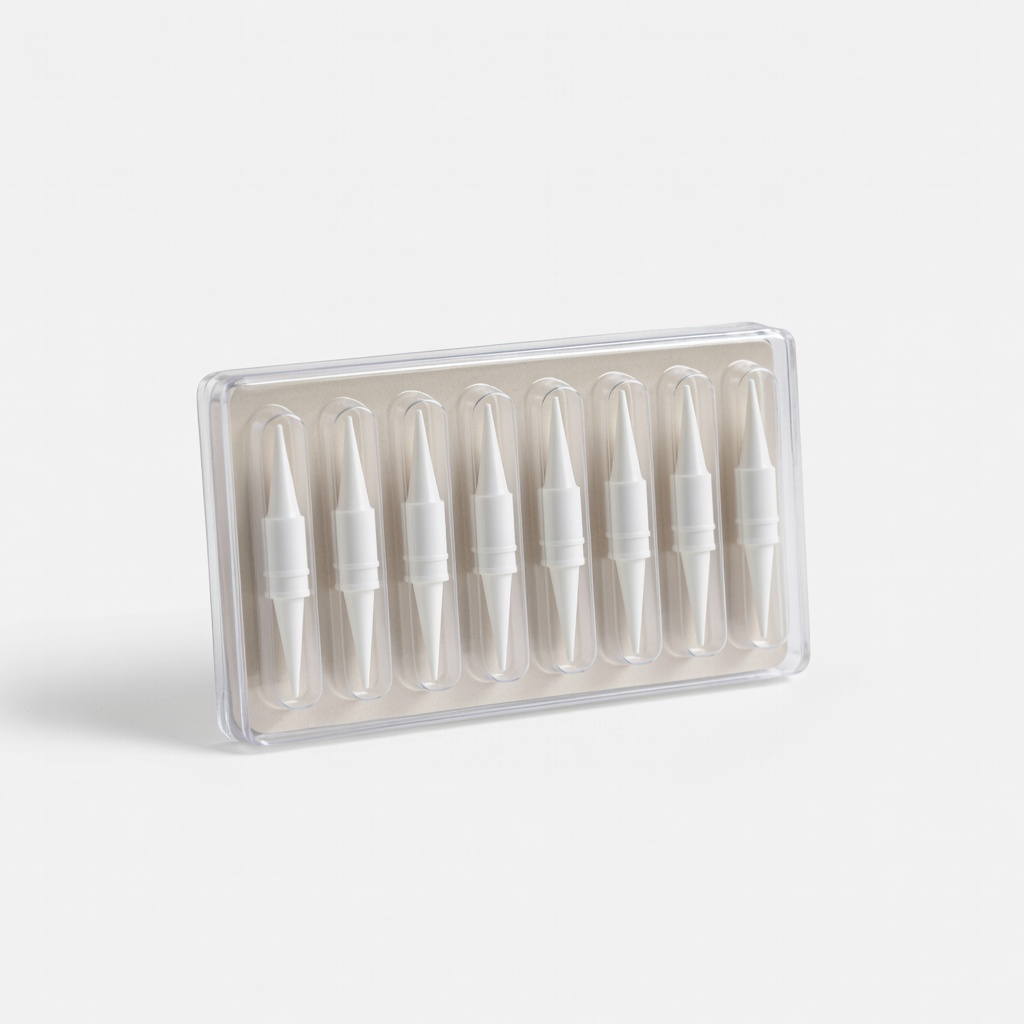
Replacement Nibs Pack (10pcs)

Replacement Nibs Pack (10pcs)

👍 Recommended

$7.99

When to buy:
Day one

Stylus tips wear fast with practice - have spares ready.

Beginner Benefits:

  • Always sharp tip
  • Practice hard no worry
  • Cheap maintenance

🤔 How to Choose Your First Tablet

Ask: Budget? Desk space (small if tiny)? Computer (Win/Mac)? Main use (sketching vs anime)? Start here: Under $50 try waters; $50-100 best balance.

Scenarios: Casual doodles - budget small; serious hobby - recommended with keys. Growth: Pick with 8000+ pressure for future. Budget vs premium: Cheap tests interest; premium lasts years, better feel.

Red flags: No-name brands (bad drivers), battery stylus (dies), under 2048 pressure (choppy lines), no returns. Match your dominant hand (most ambidextrous).

💰 Budget Guide for Beginners

200+

Screen upgrade - direct drawing view, for committed after basics

50 - $100

Sweet spot - ideal size, smooth stylus, express keys, room to improve skills

100 - $200

Premium beginner - larger area, tilt support, pro build, lasts to intermediate

Under $ - $50

Entry level - tiny pads to test drawing without big spend, basic pressure, may feel cramped soon

⚠️ Common Beginner Mistakes to Avoid

Beginners chase 'pro' hype, buy $300 screen tablets needing skills first - regret big spend. Or grab $10 junk; lines skip, quits art. Forums full of 'drivers won't install' on old OS.

Avoid: Read reviews for 'easy setup'. Test free software first. Instead: Start pen tablet, glove day one, reputable like XP-Pen/Huion/Wacom. Experienced say: 'Glove changed everything.'

  • ×Buying cheapest no-pressure tablet - choppy lines frustrate
  • ×Skipping artist glove - palm smudges ruin sketches
  • ×Ignoring driver compatibility - hours wasted setup
  • ×Choosing huge size - no desk space, intimidating
  • ×Battery stylus - dies during drawing
  • ×No-name brand - poor support, breaks quick
  • ×Rushing to screen tablet - too expensive too soon

📈 Your Progression Path: Beginner to Intermediate

Week 1: Install drivers, draw lines/shapes in Krita (free). Month 1: Basic shading, use keys. Practice 20min daily.

Outgrown signs: Cramped by size, want tilt/screen, pro software. Upgrade: Larger pen tablet (12x8"), then pen display ($200+). Typically 3-6 months beginner phase.

Intermediate: Clip Studio Paint ($50), custom brushes. Build portfolio, join Discord communities.

📚 Learning Resources for Beginners

  • 📖"How to Draw Digital Portraits: A Step-by-Step Guide for Beginners on a Tablet" (Book, ASIN: B09K2J3L4M)
  • 📖"Krita Digital Painting Guide for Beginners" (Book, ASIN: B08P5Q7R8S)
  • 📖"Clip Studio Paint Official Artbook: Beginner Tutorials" (ASIN: B07X9Y2Z3A)
  • 📖Replacement Nibs and Cleaning Kit (ASIN: B07D4E5F6G)
  • 📖"Digital Art for Beginners: Tablet Techniques" Workbook (ASIN: B0A1B2C3D4)

🎯 Bottom Line: Our Recommendations

Best overall: One by Wacom Small (B07N59Z8JS) - reliable sweet spot. Budget: XP-Pen G640 (B09M5R8T4U). Premium: Huion H640P (B07Y8J2K5P).

Grab artist glove (B07ZJ5Q3HW) and stand day one. Download Krita free, sketch daily - you'll love it!

You're ready: Simple gear + practice = fun art. Order now, start creating tomorrow. You've got this!

❓ Frequently Asked Questions

One by Wacom Small (B07N59Z8JS) for reliability, or budget XP-Pen G640 (B09M5R8T4U). Easy setup, smooth for Krita sketches.
$30-50 sweet spot. Under $50 tests waters; $50-100 lasts longer.
Battery-free stylus, 4096+ pressure, easy drivers, small size, express keys.
XP-Pen G640 or Huion H420 - plug-play, no fuss.
Artist glove (essential), stand (recommended), nib pack.
Match budget/size/OS, prioritize pressure/stylus quality, check Amazon reviews.
No - 5min setup, like mouse but better. Practice smooths it.
No glove (smudges), wrong drivers, too big/small size.
No - start screenless pen tablet, upgrade later.
All top picks work both; check drivers.

Related Articles