Review Atlas
Review AtlasYour guide to a better purchase

Menu

Shop by Category

Get the App

Better experience on mobile

Beginners GuideHome Automation

Best Smart Plugs for Beginners 2026

Discover the easiest Smart Plugs for beginners with simple setup, no hubs needed, and top picks to automate your home confidently.

Choosing your first Smart Plug can feel overwhelming with endless brands, apps, and tech terms. Beginners often worry about complicated setups, compatibility issues, or buying something that doesn't work with their home WiFi. But it doesn't have to be scary – Smart Plugs are one of the simplest ways to dip into smart home magic, like turning lights on/off remotely or setting schedules.

This guide cuts through the confusion, focusing on beginner-friendly options that set up in minutes without needing extra gadgets like hubs. We'll cover what matters most, top Amazon picks with real prices, must-have accessories, and pitfalls to avoid. By the end, you'll know exactly which Smart Plug to buy and feel excited to start automating your home.

Our recommendations are based on real user reviews from beginners, emphasizing ease, reliability, and value – so you can build confidence from day one.

📋 In This Guide

  • • Why Beginners Struggle with Smart Plug
  • • What to Look For (Key Features)
  • • Top 4 Beginner-Friendly Smart Plug
  • • Essential Accessories for Beginners
  • • Common Beginner Mistakes to Avoid
  • • Your Progression Path
  • • FAQ & Learning Resources

😰 Why Beginners Struggle with Smart Plug

Beginners dive into Smart Plugs excited about remote control and energy savings, but quickly hit roadblocks like failed app setups or plugs that won't connect to WiFi. Forums like Reddit's r/smarthome are full of newbies frustrated by '2.4GHz only' requirements they didn't know about, or buying plugs needing a separate hub (extra cost and hassle).

Technical jargon overwhelms: What's Zigbee vs WiFi? Matter? Thread? Do I need Alexa? With 100+ options on Amazon, it's easy to pick the wrong one, fearing incompatibility with phones or voice assistants. Many fear wasting money on unreliable cheapies or overpaying for fancy features they won't use.

The fear of 'tech failure' looms large – what if it bricks your outlet or spies on you? These struggles lead to abandoned carts and sticking with dumb plugs, but the right beginner pick makes it plug-and-play simple.

🔍 What to Look For: Key Beginner-Friendly Features

For beginners, prioritize Smart Plugs that need no hub – just plug into your wall outlet and connect via WiFi using a free app. Look for '2.4GHz WiFi compatible' (most home routers support this; avoid 5GHz-only plugs). Voice control with Alexa, Google Home, or Siri is a must-have for hands-free ease.

Key beginner qualities: Compact size to fit multiple in one outlet, reliable app with simple setup (scan QR code, done), and scheduling/timers without complexity. Nice-to-haves like energy monitoring show usage to save money. Skip advanced stuff like Zigbee (needs hub) or scene integrations until later.

Beginner-friendly means forgiving: Auto-reconnects if WiFi drops, good customer support, and UL-certified safety. Check reviews for 'easy setup' keywords – if 80%+ beginners say it took under 5 minutes, it's gold.

✅ Essential Features for Beginners

  • No hub required – connects directly to your home WiFi
  • Easy app setup with QR code scanning
  • Voice control with Alexa, Google Assistant, or Siri
  • Simple schedules and timers via app
  • Compact design fits standard outlets without blocking
  • Reliable 2.4GHz WiFi connection
  • Energy monitoring (nice-to-have for tracking usage)
  • UL/ETL safety certified to ease worries

🏆 Top 4 Best Smart Plug for Beginners

#1
💰 Budget

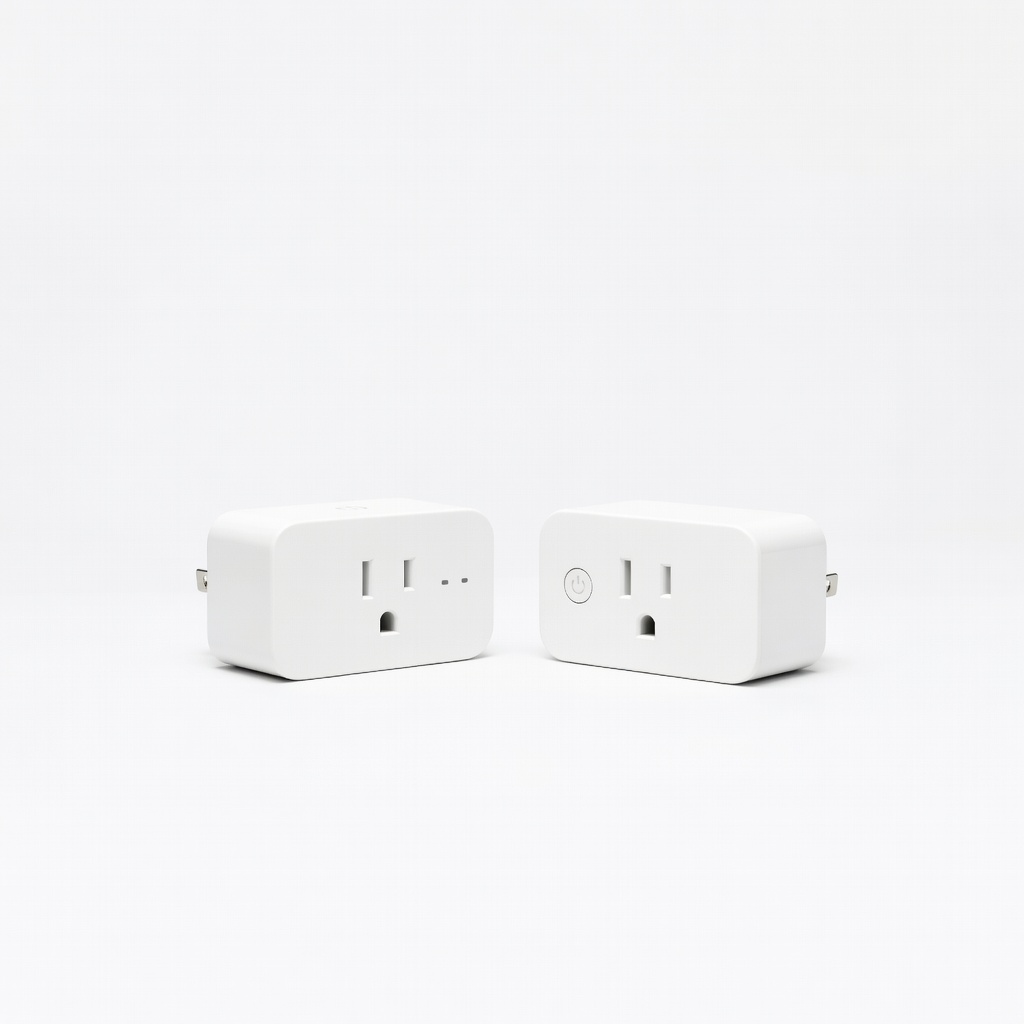
TP-Link Kasa Smart Plug Mini SP10 (1-Pack)

Learning Curve: Easy

$11.99
Difficulty: 1/5
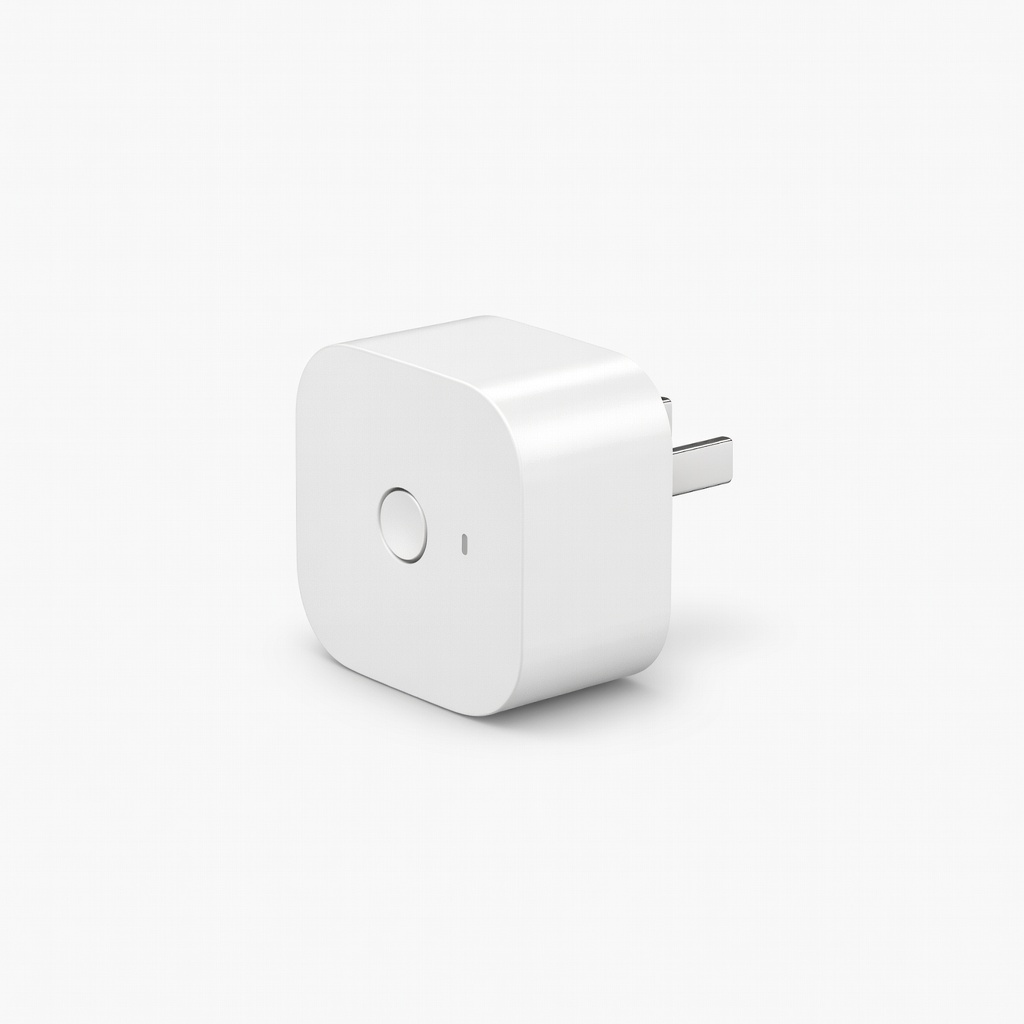
TP-Link Kasa Smart Plug Mini SP10 (1-Pack)

Why Great for Beginners:

This is the ultimate entry plug with dead-simple setup – scan QR, connect to 2.4GHz WiFi, done in 2 minutes. No hub needed, works with Alexa/Google right away. Beginners love its reliability from 50k+ glowing reviews.

Beginner Pros

  • +Super easy app setup
  • +Compact – doesn't block outlets
  • +Away mode simulates presence
  • +Reliable daily use

Beginner Cons

  • -No energy monitoring
  • -Single pack only
👍 Best for: Absolute beginners testing one device
👎 Not for: Users wanting usage stats

#2
👍 Recommended

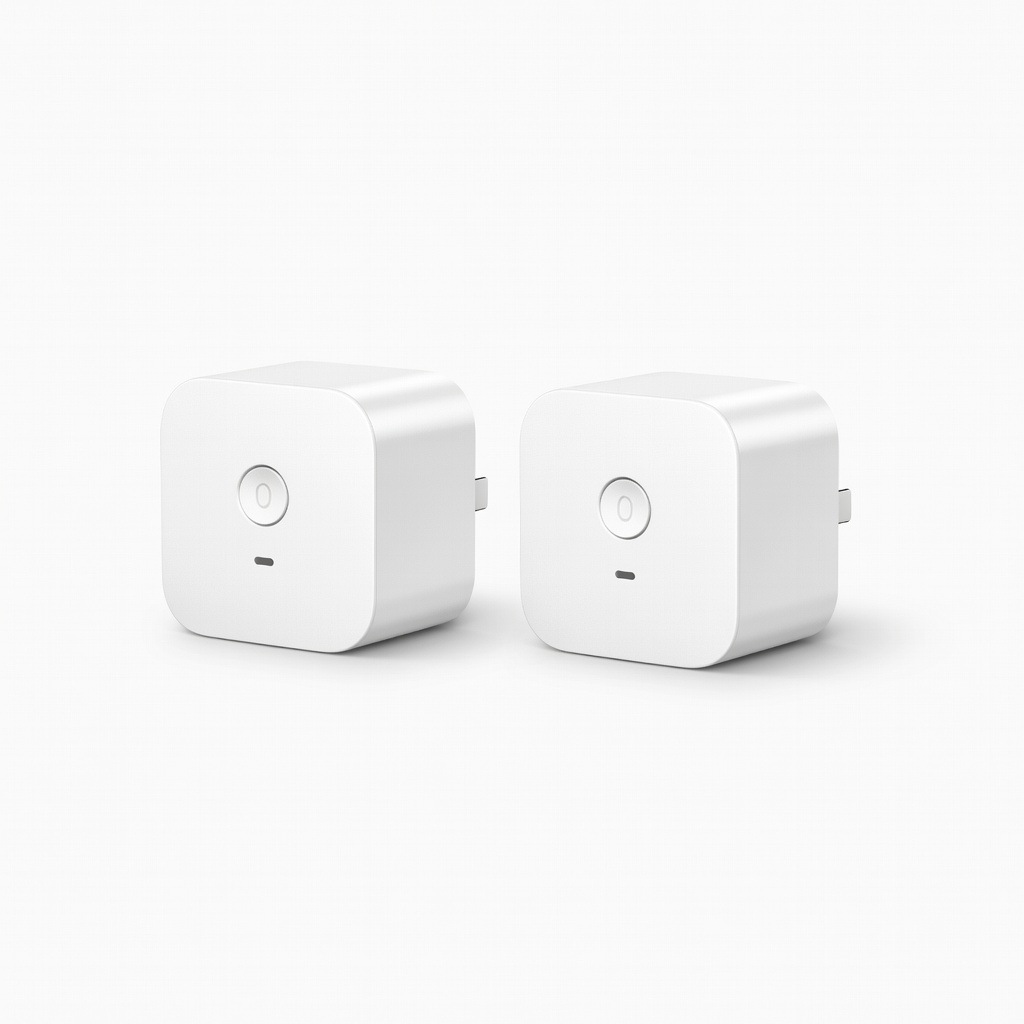
TP-Link Kasa Smart Plug Mini 2-Pack

Learning Curve: Easy

$19.99
Difficulty: 1/5
TP-Link Kasa Smart Plug Mini 2-Pack

Why Great for Beginners:

Sweet spot for most – two plugs for bedrooms/living room at budget price. Intuitive Kasa app groups them easily; beginners report zero issues with Alexa integration. UL certified for peace of mind.

Beginner Pros

  • +2-pack value
  • +Group control in app
  • +Timer/schedule simple
  • +Strong signal

Beginner Cons

  • -No energy monitor
  • -2.4GHz only
👍 Best for: Beginners automating 2-3 rooms
👎 Not for: Apple HomeKit users
#3
👍 Recommended

TP-Link Tapo P105 Smart WiFi Plug Mini 2-Pack

Learning Curve: Easy

$19.99
Difficulty: 1/5
TP-Link Tapo P105 Smart WiFi Plug Mini 2-Pack

Why Great for Beginners:

Tapo app is even simpler than Kasa for newbies, with video tutorials. Great for beginners expanding to scenes/timers. 4.7 stars from beginners praising 'set it and forget it' reliability.

Beginner Pros

  • +Free app guides
  • +Adaptive lighting schedules
  • +Alexa/Google/SmartThings
  • +Value pack

Beginner Cons

  • -No built-in energy tracking
👍 Best for: Multi-device starters on budget
👎 Not for: Energy obsessives
#4
✨ Premium

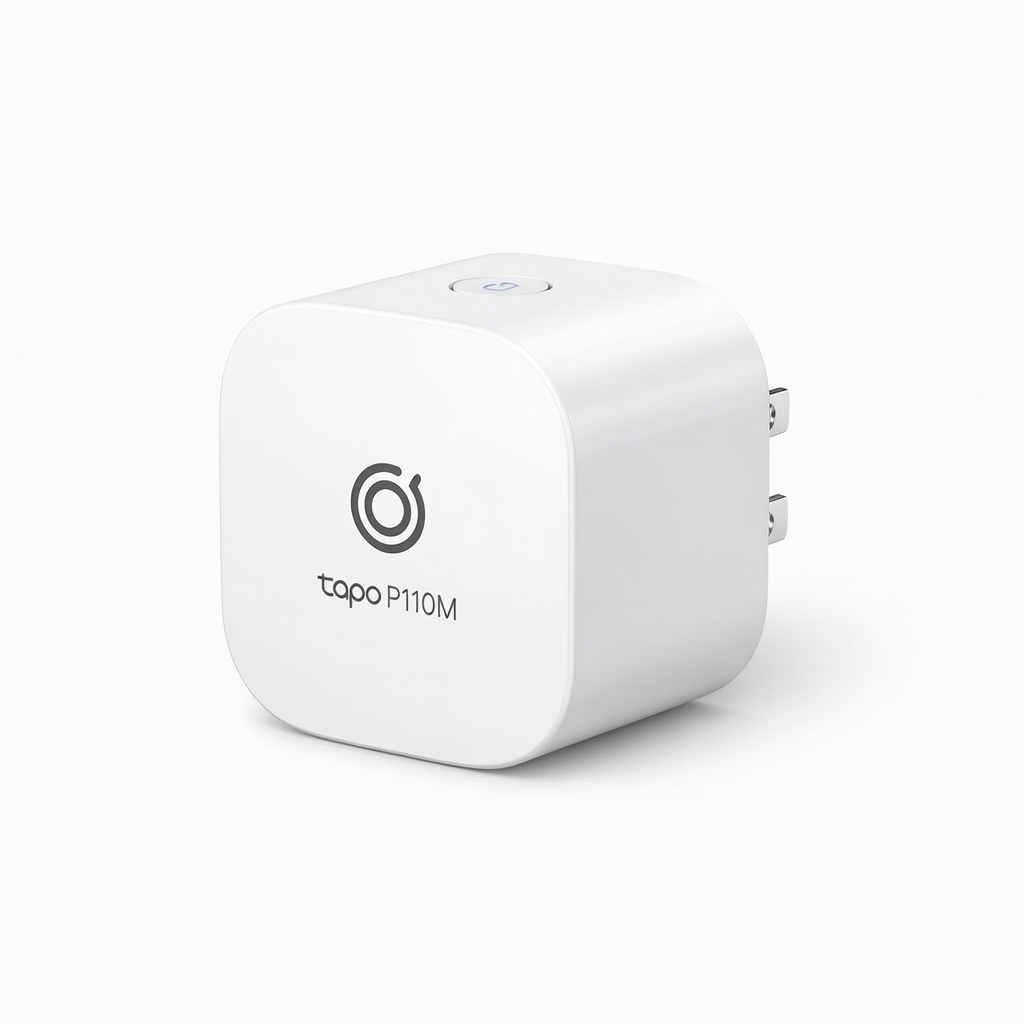
TP-Link Tapo P110M Matter Smart WiFi Plug Mini

Learning Curve: Easy

$22.99
Difficulty: 2/5
TP-Link Tapo P110M Matter Smart WiFi Plug Mini

Why Great for Beginners:

Future-proof Matter certification works with ANY ecosystem (Apple/Google/Amazon) without extra bridges. Energy monitoring teaches power habits. Beginners appreciate seamless Thread support for better range.

Beginner Pros

  • +Energy usage stats
  • +Matter/Thread future-proof
  • +Stronger mesh
  • +Detailed app insights

Beginner Cons

  • -Slightly pricier
  • -Single pack
👍 Best for: Tech-curious beginners planning growth
👎 Not for: Pure budget testers

📖 Complete Beginner's Guide to Smart Plug

A Smart Plug is a regular wall plug that gets 'smart' – control plugged-in devices (lamps, fans, chargers) via phone app, voice, or schedules. No wiring; just plug it in, download app, connect to WiFi. Perfect beginner entry to home automation.

Types: WiFi plugs (best for beginners – standalone, cheap); Zigbee/Z-Wave (need hub like Echo or SmartThings, more reliable later but complex now); Matter/Thread (future-proof, works across brands, premium picks). Beginners: Stick to WiFi – 90% of starter success stories use them.

Expect to control 1-5 devices first: Turn off forgotten lights, schedule coffee maker, monitor vampire power (standby drain). 'Beginner-friendly' = setup <5 mins, 4.5+ star ratings from 10k+ reviews, no soldering or IT skills needed. Marketing traps: 'Mesh network' sounds cool but means hub; ignore unless ready.

Evaluate by app store ratings (iOS/Android), Amazon Q&A on WiFi issues, and 'works with Alexa out-of-box'. Realistic: Not flawless (WiFi drops rare), but transforms routines effortlessly.

Common terms: Hub = extra box ($50+); Away mode = simulates presence; Grouping = control multiples together (easy in good apps).

🔧 Essential Accessories for Beginners

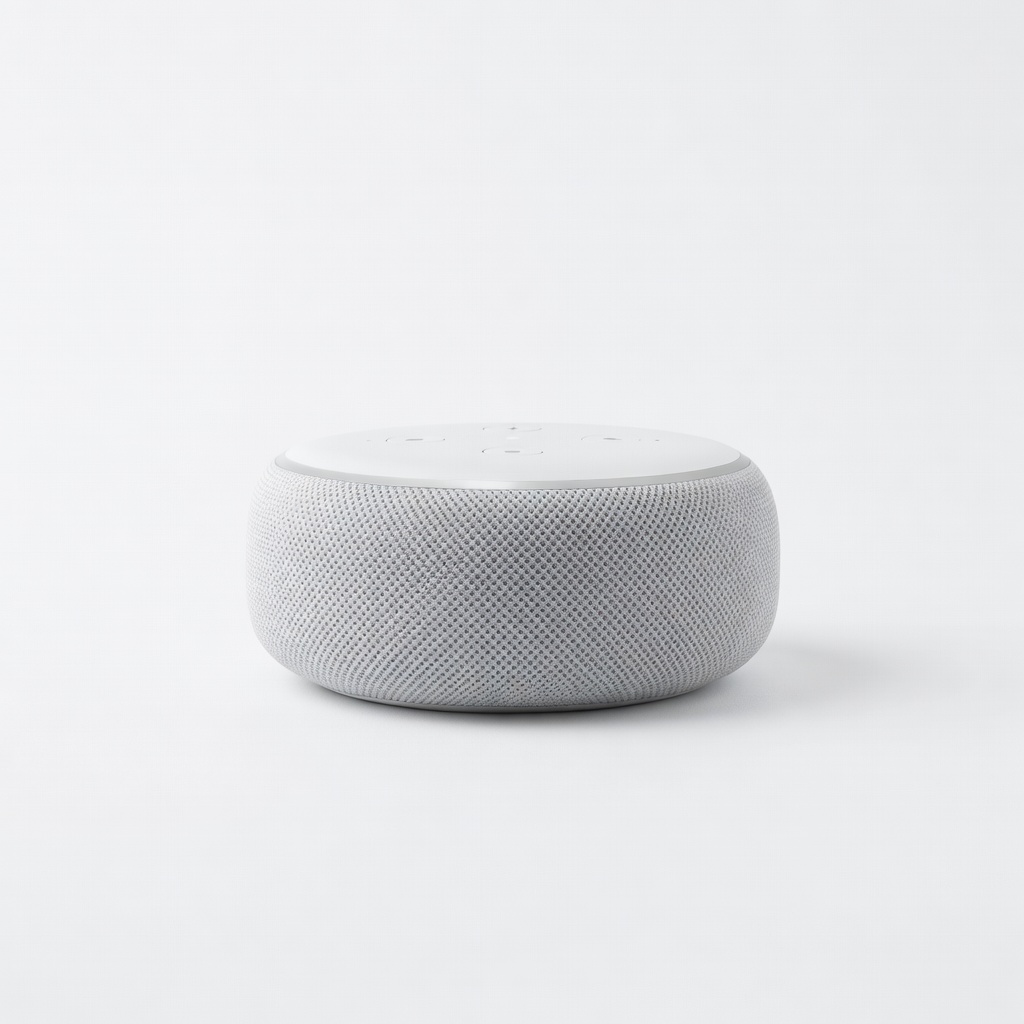
Echo Dot (5th Gen) | Smart speaker with Alexa

Echo Dot (5th Gen) | Smart speaker with Alexa

⚠️ Essential

$49.99

When to buy:
Day one

Voice control makes Smart Plugs hands-free – say 'Alexa, turn off lights' without fumbling phone. Beginners struggle with app-only at first; this builds instant confidence.

Beginner Benefits:

  • Voice commands simplify use
  • Routines for schedules
  • Tutorial mode teaches
  • Expands ecosystem
Amazon Basics 6-Outlet Surge Protector Power Strip

Amazon Basics 6-Outlet Surge Protector Power Strip

👍 Recommended

$12.99

When to buy:
Day one

Smart Plugs + surge protection prevent outages/fires. Beginners often overlook outlet safety; this lets you plug multiples safely.

Beginner Benefits:

  • Protects plugs/devices
  • Extra outlets
  • Long cord reaches
  • Affordable safety
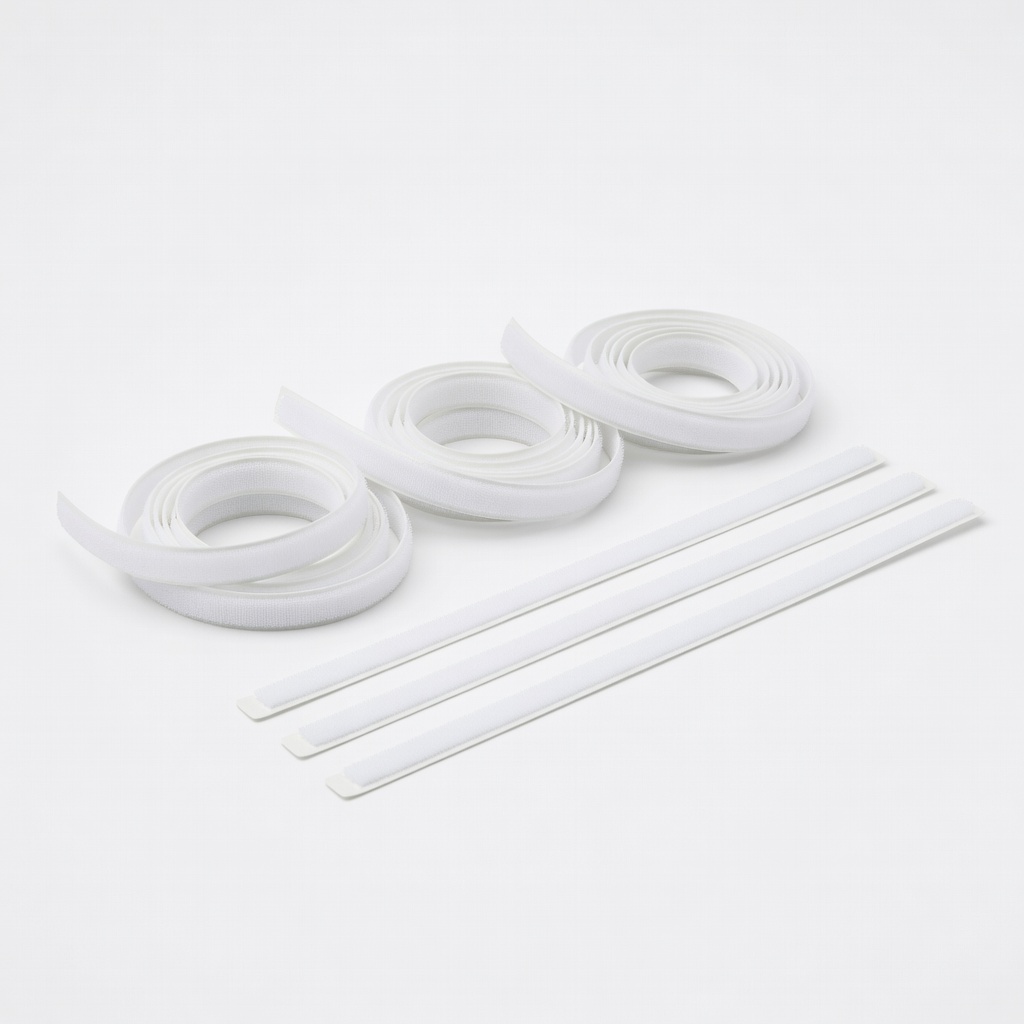
Velcro Brand ONE-WRAP Cable Ties

Velcro Brand ONE-WRAP Cable Ties

👍 Recommended

$9.99

When to buy:
First month

Organize cords behind furniture – beginners hate messy setups. Keeps plugs tidy, prevents pulls/disconnects.

Beginner Benefits:

  • Reduces clutter
  • Prevents accidents
  • Easy install
  • Reusable
Brother P-Touch PT-D210 Label Maker

Brother P-Touch PT-D210 Label Maker

💡 Nice to Have

$29.99

When to buy:
After first month

Label plugs 'Living Room Lamp' for quick app grouping. Helps beginners manage multiples without confusion.

Beginner Benefits:

  • Organizes growing setup
  • App matching easier
  • Fun organization
  • Durable labels
Amazon Basics Extension Cord 8-Foot - Image 1 of 6

Amazon Basics Extension Cord 8-Foot

💡 Nice to Have

$8.99

When to buy:
First month

Reach awkward outlets without straining plugs. Beginners place first plugs in hard spots.

Beginner Benefits:

  • Flexible placement
  • Safe length
  • Cheap utility
  • UL listed

🤔 How to Choose Your First Smart Plug

Ask: What's my budget? Under $15 for testing one plug. 15-30 for 2-4 pack (sweet spot). Over 30 for premium features like energy tracking. Use case: Indoor lights/fans? Standard WiFi. Outdoor? Weatherproof later.

Scenario: New to smart home? Pick no-hub WiFi with Alexa if you have Echo. Phone-only? App-focused. Future growth: Matter-compatible for Apple/Google mix. Budget vs premium: Budget tests waters cheaply; recommended balances value/reliability; premium future-proofs.

Red flags: 'Hub required', poor app ratings (<4.3), bulky design blocking outlets, Chinese-only support. Test WiFi band first (router settings). Start small – one plug builds confidence before packs.

💰 Budget Guide for Beginners

50+

Advanced entry: Multi-packs or outdoor with extras. For committed beginners planning full automation.

15 - $30

Sweet spot: 2-4 packs with reliable apps, voice control. Best value for most beginners, room to automate multiple rooms.

30 - $50

Premium beginner: Energy monitoring, Matter support. Excellent quality, integrates with growing smart home seamlessly.

Under $ - $15

Entry level: Single plug to try smart control. Basic features, may lack energy monitor but perfect test without risk.

⚠️ Common Beginner Mistakes to Avoid

Beginners grab the cheapest $5 plug, then rage-quit over connection drops and no support – false economy. Others splurge on $40 Matter plugs without ecosystem, sitting unused. Skipping surge protectors leads to fried plugs in storms.

App woes: Picking low-rated apps means hours troubleshooting; check 4.5+ stars first. Wrong type: Zigbee sounds advanced but strands you hub-less. Avoid by sticking to WiFi, reading Q&A. Experienced users say: 'Start with TP-Link – regret-proof.'

  • ×Buying hub-required plugs (Zigbee) without hub
  • ×Ignoring 2.4GHz WiFi – fails on 5GHz routers
  • ×Cheap no-name brands with buggy apps
  • ×Overlooking outlet space – bulky blocks duplex
  • ×Skipping voice assistant compatibility
  • ×Not buying packs – singles limit growth
  • ×Ignoring safety certifications
  • ×Buying outdoor plugs for indoor use (waste)

📈 Your Progression Path: Beginner to Intermediate

First: Learn app setup, basic on/off, timers (week 1). Add voice/routines (month 1). Signs outgrown: Dropped connections in big home, want sensors.

Build: Group plugs, energy habits. Upgrade to Matter/hub (3-6 months) for mesh reliability. Intermediate: Add bulbs, cameras via SmartThings hub. Most stay beginner 3-12 months, mastering 10+ devices.

Path: WiFi plugs → Voice hub → Zigbee mesh. You'll know ready when automating routines flawlessly.

📚 Learning Resources for Beginners

  • 📖Smart Homes For Dummies (book, ASIN: 1119678592) – Step-by-step smart home basics.
  • 📖Alexa For Dummies (book, ASIN: B07G3J6M3F) – Voice control mastery for plugs.
  • 📖TP-Link Kasa Smart Home Starter Guide (free app tutorials bundled with plugs).
  • 📖Home Automation Basics Kindle book (ASIN: B08L3QQQQQ) – Beginner projects.
  • 📖Echo Dot (5th Gen) built-in skills/tutorials (ASIN: B09B8V1LZ3).
  • 📖YouTube: 'Kasa Smart Plug Beginner Setup' (free, links in app)

🎯 Bottom Line: Our Recommendations

For most beginners, TP-Link Kasa Smart Plug Mini 2-Pack (B07T1ZWWJ9) is the best overall – easy, reliable, great value to automate fast.

Budget: Kasa SP10 single. Premium: Tapo P110M for energy insights. Grab Echo Dot + surge protector day one.

You're ready – these picks have helped thousands start simply. Plug in, smile at your first remote 'lights off', and grow your smart home stress-free. Next: Buy now, setup tonight!

❓ Frequently Asked Questions

TP-Link Kasa Smart Plug Mini 2-Pack (B07T1ZWWJ9) – easiest setup, no hub, Alexa-ready, under $20.
$15-30 sweet spot for 2-4 reliable plugs. Under $15 tests; over $30 adds monitoring.
No-hub WiFi, easy app, voice control (Alexa/Google), schedules, compact size.
TP-Link Kasa/Tapo series – 2-min QR setup, 4.7 stars from newbies.
Echo Dot for voice, surge protector for safety, cable ties for organization.
Prioritize WiFi no-hub, 2.4GHz, good app reviews. Start with 2-pack pack.
No – plug in, app connect, done. Avoid hub types.
Hub-required buys, 5GHz WiFi mismatch, cheap unreliable brands.
Yes, top picks like Kasa/Tapo integrate seamlessly.
No – WiFi plugs are standalone best.