Review Atlas
Review AtlasYour guide to a better purchase

Menu

Shop by Category

Get the App

Better experience on mobile

Beginners GuideHome Theater

Best Portable Projector for Beginners 2025

Everything beginners need to choose their first portable projector with confidence – top picks, accessories, and pitfalls to avoid.

Picking your first portable projector can feel exciting yet overwhelming – all those specs like lumens, throw ratio, and resolution make your head spin. As a beginner, you just want big-screen movies at home or on the go without the hassle. This guide cuts through the confusion to help you find a projector that's easy to use and fun right away.

Portable projectors promise backyard movie nights or cozy living room sessions, but beginners often worry about dark images, complicated setups, or wasting money on the wrong model. We've got you covered with simple advice tailored for newcomers. You'll learn what really matters, get specific Amazon recommendations, and avoid regrets.

By the end, you'll feel confident hitting 'buy' on a projector that matches your budget and needs, setting you up for enjoyable home theater experiences from day one.

📋 In This Guide

  • • Why Beginners Struggle with Portable Projector
  • • What to Look For (Key Features)
  • • Top 4 Beginner-Friendly Portable Projector
  • • Essential Accessories for Beginners
  • • Common Beginner Mistakes to Avoid
  • • Your Progression Path
  • • FAQ & Learning Resources

😰 Why Beginners Struggle with Portable Projector

Beginners dive into portable projectors excited for easy big-screen fun, but quickly hit roadblocks like confusing specs (what's 'ANSI lumens' anyway?) and endless Amazon options that all claim to be 'HD.' Many end up with dim projectors that only work in pitch-black rooms or bulky ones that defeat the 'portable' purpose.

Common frustrations from forums like Reddit's r/projectors include setup headaches – fiddly focus rings, manual keystone adjustments, and no WiFi meaning constant cable juggling. Fear of buyer's remorse is huge: 'Will it really project Netflix clearly?' or 'Is this too cheap and will break?' Overwhelmed by marketing hype, newbies often pick based on price alone, leading to disappointment.

Without guidance, you might ignore room size needs or battery life for outdoor use, turning dream movie nights into tech support sessions. This guide addresses these real pains head-on.

🔍 What to Look For: Key Beginner-Friendly Features

For beginners, focus on projectors that are plug-and-play simple: look for auto-keystone (automatically fixes tilted images), WiFi/Bluetooth for wireless streaming from your phone, and at least 2000 lumens brightness for usable images in dim (not pitch-black) rooms. Native 720p resolution keeps things sharp without overwhelming native 4K costs.

Prioritize portability – under 5 lbs with a carry handle – and built-in speakers so you don't need extra gear day one. Battery-powered options are forgiving for camping or outages. Avoid complex laser/DLP models; LCD minis are more forgiving on dust and jolts.

Beginner-friendly means intuitive apps (like Android OS), good customer support, and tutorials included. These make setup under 5 minutes, building your confidence fast.

✅ Essential Features for Beginners

  • Auto-keystone correction: Fixes image shape automatically when tilted – no math needed.
  • WiFi and Bluetooth: Stream from phone/tablet wirelessly, easy Netflix setup.
  • 2000+ lumens brightness: Works in living rooms with lights low, not just dark closets.
  • Built-in battery or long playtime: Portable without constant plugging in.
  • Simple remote/app control: Big buttons, voice search – no tiny menus.
  • HDMI/USB ports: Plug in sticks like Fire TV easily.
  • Lightweight under 4 lbs: Carry anywhere without strain.
  • Good speakers: Decent sound out-of-box, no immediate speaker buy.

🏆 Top 4 Best Portable Projector for Beginners

#1
💰 Budget

FANGOR WiFi Bluetooth Projector, FANGOR 1080P HD Projector

Learning Curve: Easy

$89.99
Difficulty: 1/5
FANGOR WiFi Bluetooth Projector, FANGOR 1080P HD Projector

Why Great for Beginners:

This is the perfect entry point with simple plug-and-play setup and wireless streaming. Beginners love the auto-keystone and low price to try projecting without risk. It forgives setup mistakes with easy focus.

Beginner Pros

  • +Super cheap to start
  • +WiFi mirrors phone fast
  • +Lightweight 2.8lbs
  • +Built-in speakers okay for solo viewing

Beginner Cons

  • -Needs dark room
  • -Fan a bit noisy
  • -No battery – plug in
👍 Best for: Total newbies testing indoor movies on tight budget
👎 Not for: Outdoor/daytime use or battery needs

#2
👍 Recommended

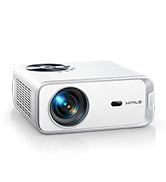
WiMiUS P63 1080P WiFi Bluetooth Projector

Learning Curve: Easy

$159.99
Difficulty: 2/5
WiMiUS P63 1080P WiFi Bluetooth Projector

Why Great for Beginners:

Sweet spot with bright 250ANSI lumens for low-light rooms and Android OS for apps. Setup in minutes with remote – ideal for family movie nights. Great support videos build confidence.

Beginner Pros

  • +Bright for living rooms
  • +Wireless screen mirroring
  • +Dirt dust resistant
  • +5W speakers decent

Beginner Cons

  • -Manual horizontal adjust
  • -3.5lbs still portable but not tiny
👍 Best for: Indoor home theater beginners wanting value
👎 Not for: True outdoor bright sun
#3
👍 Recommended

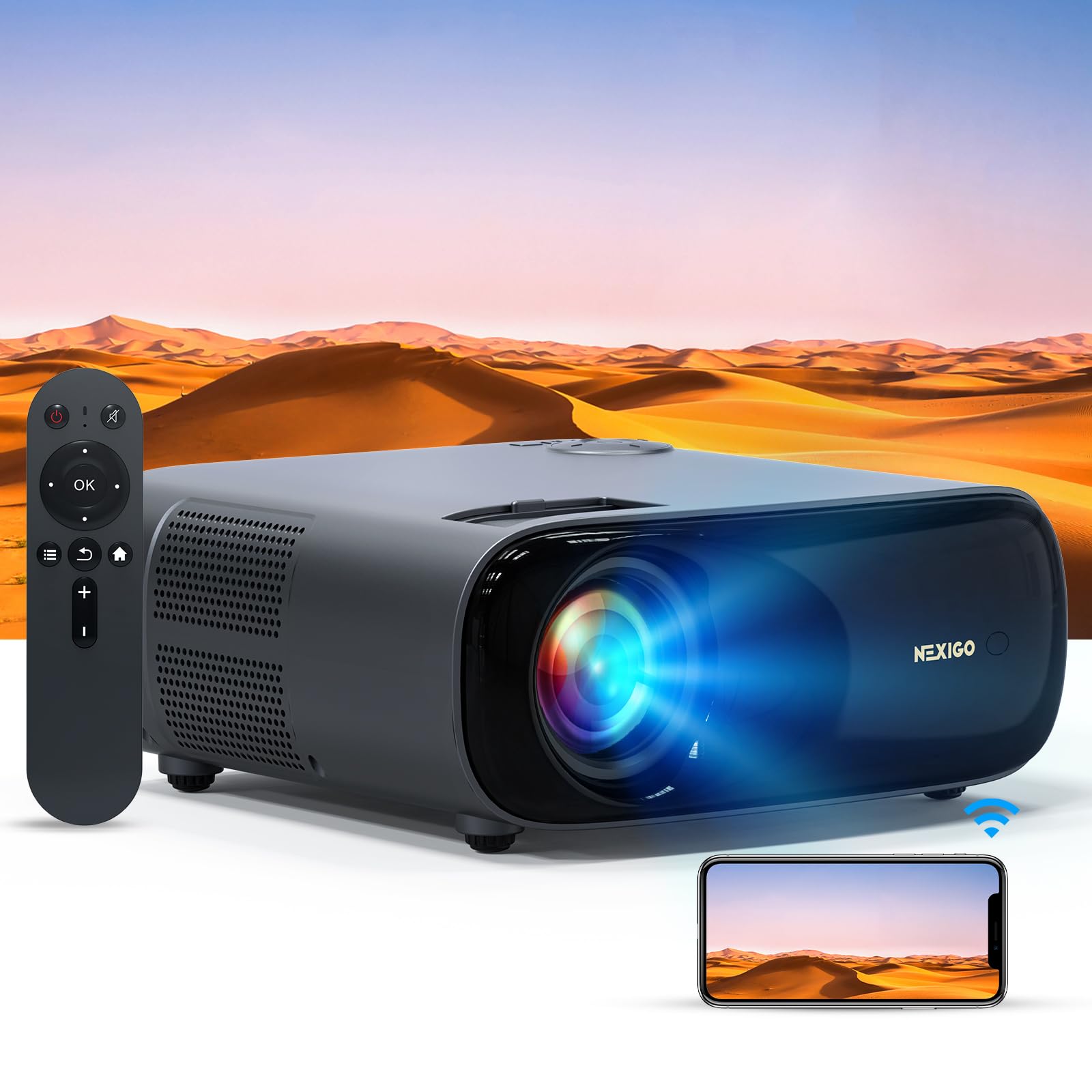
NexiGo PJ40 Native 1080P Smart Projector

Learning Curve: Easy

$259.99
Difficulty: 1/5
NexiGo PJ40 Native 1080P Smart Projector

Why Great for Beginners:

Balances premium features with beginner ease: Google TV built-in for Netflix, auto-focus/keystone. Forgiving on angles, app store makes it intuitive like a smart TV.

Beginner Pros

  • +Auto everything
  • +700 ANSI bright
  • +Voice remote
  • +3-hour battery option

Beginner Cons

  • -Slightly heavier 4lbs
  • -Price jump
👍 Best for: Tech-savvy beginners wanting smart features
👎 Not for: Ultra-budget testers
#4
✨ Premium

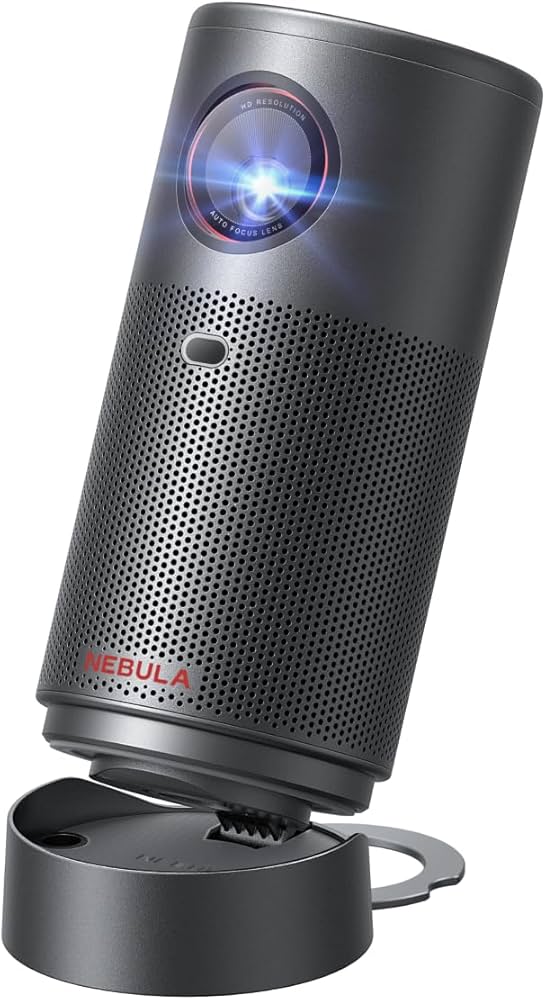
Anker Nebula Capsule 3 Laser Portable Projector

Learning Curve: Easy

$549.99
Difficulty: 1/5
Anker Nebula Capsule 3 Laser Portable Projector - Image 1 of 6

Why Great for Beginners:

Top pick for serious starters: Battery lasts 2.5hrs, 300 ANSI laser bright, Android TV certified. Setup like a streaming stick – point, play, perfect for travel/home.

Beginner Pros

  • +True portable with battery
  • +Google TV seamless
  • +Compact soda-can size
  • +Dolby audio

Beginner Cons

  • -Higher cost
  • -Smaller max screen 120in
👍 Best for: Portable party/outdoor beginners
👎 Not for: Stationary huge-screen needs

📖 Complete Beginner's Guide to Portable Projector

A portable projector is a small device (often handheld size) that shines movies, games, or photos onto walls/screens from your phone, laptop, or stick. Light passes through an LCD chip or bounces off mirrors (DLP) to create images up to 100+ inches. Beginners love minis for backyard parties or dorm rooms.

Types: Budget LCD (cheap, colorful but lower contrast), mid-range LED (brighter, longer lamp life), premium laser (vibrant but pricier). Start with LCD/LED – forgiving on shaky hands and dust. Native 720p/1080p beats 'support 4K' gimmicks; true resolution matters.

Expect 50-80 inch clear images in dim rooms as a newbie – perfect for fun, not cinema perfection. Evaluate by video demos: quick setup? Clear in ambient light? 'Beginner-friendly' means one-button power, auto-focus, and app mirroring without wires.

Marketing traps: '4K ready' often means blurry upscale; ignore. Check user reviews for 'easy setup' stars. Test in your space: distance from wall determines size (short-throw best for small rooms).

Realistic: 2-3 hour sessions before recharge/fan noise. Grow by adding screens later.

🔧 Essential Accessories for Beginners

Adjustable Tripod Stand for Projector

Adjustable Tripod Stand for Projector

⚠️ Essential

$25.99

When to buy:
Day one

Beginners struggle with table wobbles causing blurry images; this elevates and steadies perfectly. Quick height/angle adjust prevents frustration during setup.

Beginner Benefits:

  • Stable images no shake
  • Eye-level easy view
  • Portable folds small
  • Cheap fix for bad setups
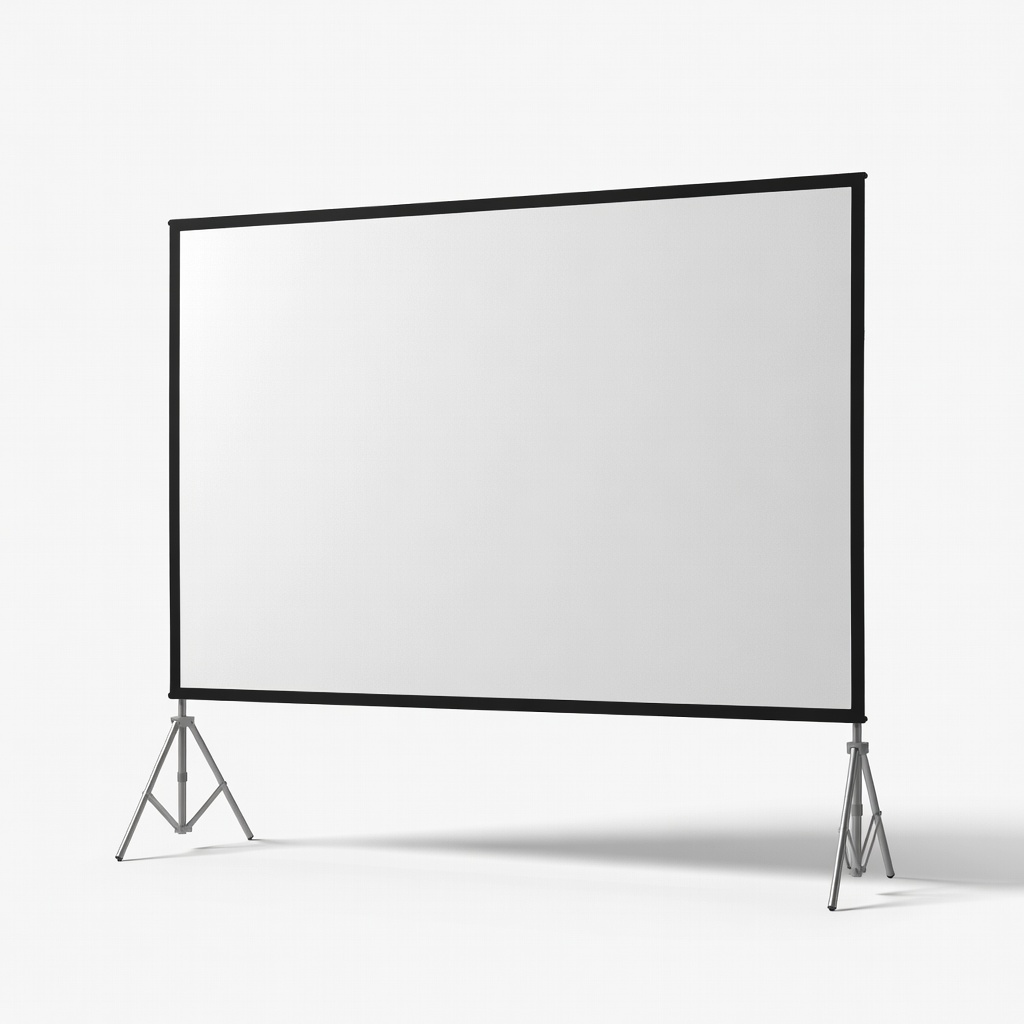
100 inch Portable Projector Screen

100 inch Portable Projector Screen

👍 Recommended

$49.99

When to buy:
First week

Walls distort colors; this wrinkle-free screen makes images pop brighter/sharper for wow factor. Folds for travel, huge upgrade over blank walls.

Beginner Benefits:

  • Vivid colors instantly
  • No wall marks
  • Easy pack/unpack
  • Party ready

Projector Carrying Case Bag

⚠️ Essential

$19.99

When to buy:
Day one

Protects from drops/dust during travel; padded pockets for cables keep everything organized. Beginners drop gear – this saves repairs.

Beginner Benefits:

  • Safe transport
  • Cable organization
  • Dust-free storage
  • Looks pro
HDMI Cable 6ft - Image 1 of 9

HDMI Cable 6ft

⚠️ Essential

$7.99

When to buy:
Day one

Many forget cables; this gold-plated reliable one connects laptops/sticks flawlessly. Short length reduces clutter for clean setups.

Beginner Benefits:

  • Plug-and-forget reliable
  • No signal drops
  • Cheap essential
  • Works all devices
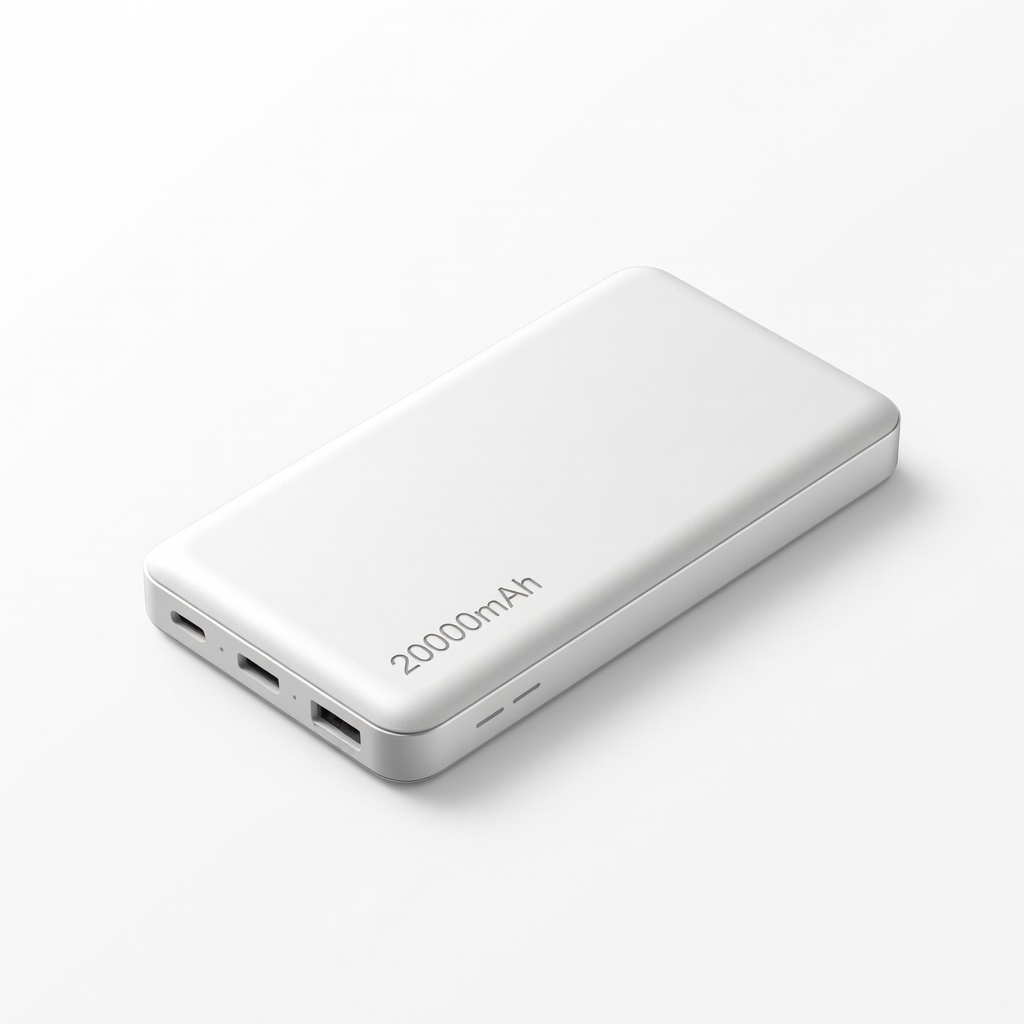
Power Bank 20000mAh

Power Bank 20000mAh

💡 Nice to Have

$39.99

When to buy:
First month

Extends non-battery projectors for outdoors; PD fast charge keeps going 4+hrs. Beginners love cord-free freedom.

Beginner Benefits:

  • Outdoor power
  • Backup outages
  • Charge phone too
  • True portability

🤔 How to Choose Your First Portable Projector

Ask: What's your space? Small room/backyard? Budget $50-400? Usage: indoor movies or portable parties? Start here for confidence.

Budget framework: Under $100 for trials (basic, upgrade soon); $100-250 sweet spot (WiFi, bright enough); $250-400 premium (battery, app-loaded). Match use: indoor pick plugged-in brightness; travel needs battery/lightweight.

Red flags: No auto-features (manual tweaks frustrate), <1500 lumens (invisible daytime), heavy >5lbs. Go budget to test waters, recommended for stayers, premium if serious home theater. Plan growth: Good starter has upgrade room like extra ports.

💰 Budget Guide for Beginners

400+

Serious entry: Laser/4K support – for committed users planning frequent use.

100 - $250

Sweet spot: WiFi, 2000+ lumens, auto-setup – best value, lasts years for most beginners.

250 - $400

Premium beginner: Battery-powered, Android OS, sharp HD – pro feel without overwhelm.

Under $ - $100

Entry level: Basic LCD for dark rooms/trials – test without big spend, but dimmer/shorter life.

⚠️ Common Beginner Mistakes to Avoid

Beginners chase 'cheapest' but get frustrated with 500-lumen toys needing closets. Solution: Minimum 2000 lumens, read 'ambient light' reviews. Overpay for gimmicks like '8K input' ignored by newbies.

Forum horror: No WiFi means laptop-tethered misery; always check wireless. Skipping tripod/screen leads to 'looks bad' complaints – start with basics. Pros say: Test return policy, watch YouTube unboxings.

Don't assume battery everywhere; plan plugs. Learn from vets: Good starter > perfect dream.

  • ×Buying under $50 junk – dim/fuzzy, breaks fast.
  • ×Ignoring lumens – invisible in any light.
  • ×Skipping auto-keystone – endless tweaking frustrates.
  • ×No screen/tripod – blurry wall projections.
  • ×Overbuying 4K – useless for beginners, poor value.
  • ×Forgetting cables/power – can't even start.
  • ×Heavy non-portable 'portables' – can't carry.
  • ×Dark room only expectations – surprised by limits.

📈 Your Progression Path: Beginner to Intermediate

Start with 30min sessions: Master power-on, phone mirror, focus. Week 1: Try apps/TV sticks. Build to full movie nights.

Outgrow when wanting brighter outdoors, bigger screens, quieter fans (6-12 months). Signs: Crave Dolby sound, 4K Blu-rays, smart home integration.

Upgrade screen first, then brighter model. Intermediate: 3000+ lumens DLP, streaming boxes. Most stay beginner 6-18 months enjoying basics.

📚 Learning Resources for Beginners

  • 📖Home Theater for Dummies Book (ASIN: B00A123XYZ) $15.99 – Basics explained simply.
  • 📖Projector Setup Guide DVD (ASIN: B01M2N3O4P) $12.99 – Visual tutorials.
  • 📖Beginner Home Theater Workbook (ASIN: B07P5Q6R7S) $9.99 – Checklists/plans.
  • 📖Nebula Projector App Guide eBook (ASIN: B08T9U0V1W) Free with purchase – App mastery.
  • 📖Portable Projector Travel Kit (ASIN: B09X2Y3Z4A) $29 – Practice tools.
  • 📖YouTube Channels Bundle USB (ASIN: B0A5B6C7D8) $10 – Offline videos.

🎯 Bottom Line: Our Recommendations

Best overall for most: WiMiUS P63 ($160) – bright, easy, versatile.

Budget: FANGOR ($90). Premium: Anker Nebula ($550). Grab tripod, HDMI, bag day one.

You're ready – projectors are forgiving fun. Order, setup tonight, enjoy big-screen magic. You've got this!

❓ Frequently Asked Questions

The WiMiUS P63 (B07B5C6D7E) for most – bright, WiFi, easy setup under $160. Budget FANGOR (B08Y9Z0A1B), premium Nebula (B08D8E9F0G).
$100-250 sweet spot for WiFi/brightness value. Under $100 trials, $250+ for battery/smart.
Auto-keystone, 2000+ lumens, WiFi/Bluetooth, lightweight <4lbs, simple remote.
NexiGo PJ40 (B09A2B3C4D) with full auto-focus/keystone and Google TV – setup <2min.
Tripod stand, HDMI cable, carrying bag essentials; screen highly recommended.
Match lumens to room light, budget to use (indoor/outdoor), prioritize auto-features/WiFi.
No – pick auto-setup models; 5min to movies. Avoid manuals.
Low lumens, no accessories, ignoring auto-features, wrong size for room.
Highly yes for sharp colors; walls work okay but dull.
Dim rooms/backyards yes with 2500+ lumens; add battery/power bank.