Choose your first MIDI keyboard with confidence – top picks, accessories, and tips to start making music easily.
Picking your first MIDI keyboard can feel scary with all the options and tech talk. Beginners often worry about wasting money on something too complicated or not good enough for their DAW (that's Digital Audio Workstation software like Ableton or GarageBand). This guide cuts through the confusion so you can start playing and producing music right away.
We'll explain everything in plain English, show what really matters for newbies, and recommend real Amazon products that are easy to use and forgiving. No more staring at endless reviews – you'll have a clear path to your first beats and melodies.
📋 In This Guide
• Why Beginners Struggle with MIDI Keyboards
• What to Look For (Key Features)
• Top 4 Beginner-Friendly MIDI Keyboards
• Essential Accessories for Beginners
• Common Beginner Mistakes to Avoid
• Your Progression Path
• FAQ & Learning Resources
😰 Why Beginners Struggle with MIDI Keyboards
Beginners dive into MIDI keyboards overwhelmed by choices: 25 keys or 88? Pads or sliders? What software comes with it? Forums like Reddit's r/WeAreTheMusicMakers are full of newbies frustrated by jargon like 'velocity sensitivity,' 'aftertouch,' or 'DAW integration.' They fear buying something that won't work with their laptop or sounds cheap.
Many think they need pro-level gear to start, but end up with controllers too complex or flimsy toys that break motivation. Without guidance, they miss plug-and-play ease, leading to setup headaches and giving up before making a single track.
🔍 What to Look For: Key Beginner-Friendly Features
Focus on simple, plug-and-play USB connection – no extra drivers needed for your computer. Look for velocity-sensitive keys (they play softer or louder based on how hard you press, like a real piano). 25-49 full-size or mini keys are perfect; too few limits melodies, too many overwhelms your desk.
Nice extras: drum pads for beats, knobs to tweak sounds live, included beginner software (like virtual instruments). Avoid fancy aftertouch or 88 weighted keys – they're not beginner needs. Prioritize sturdy build, good reviews for DAW compatibility (works with FL Studio, Logic, Reaper), and tutorials in the box.
✅ Essential Features for Beginners
•Plug-and-play USB (works instantly with any computer)
•Velocity-sensitive keys (realistic playing feel)
•Drum pads and knobs (easy beat-making and sound tweaking)
•Included software bundle (free sounds and lessons to start day one)
•Compact and lightweight (fits small spaces, easy to move)
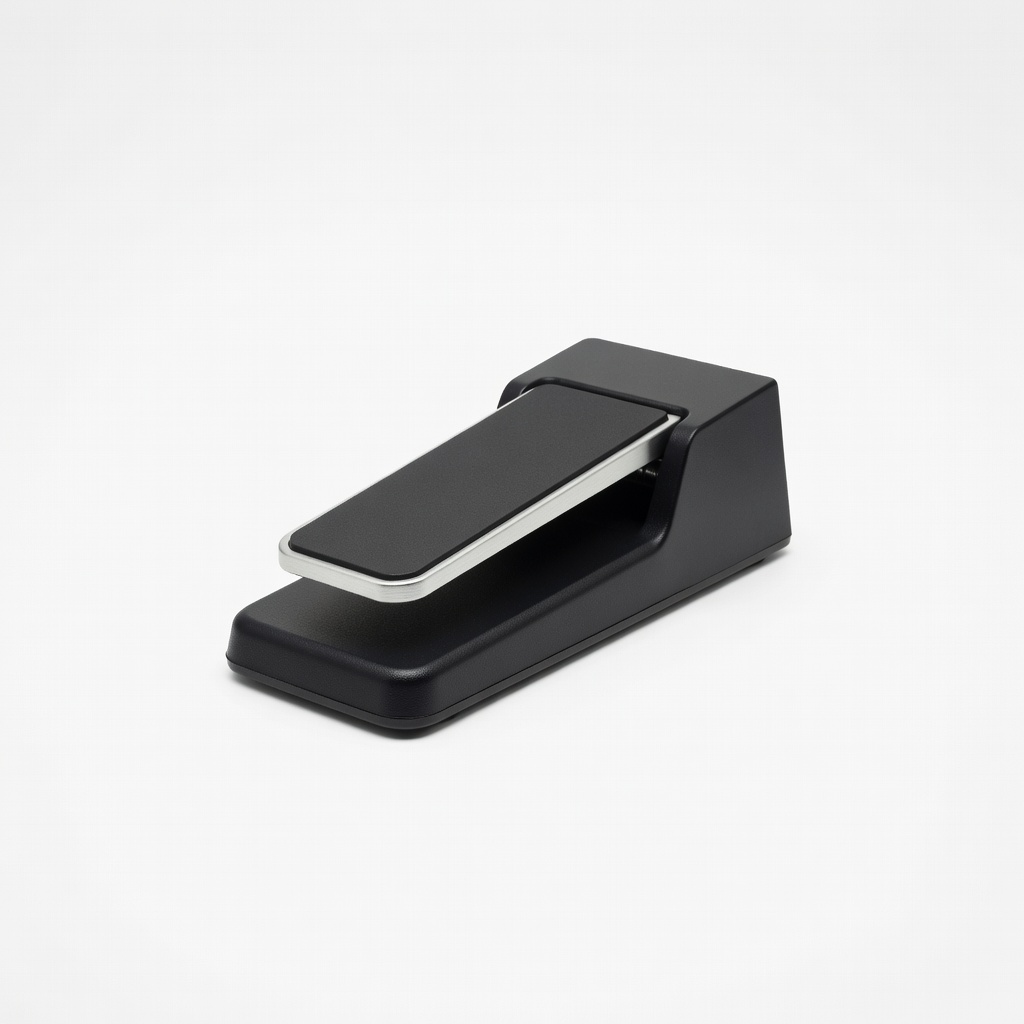
•Sustain pedal input (for longer notes without complexity)
•Chord/arpeggiator modes (play full songs with simple presses)
🏆 Top 4 Best MIDI Keyboards for Beginners
#1
💰 Budget
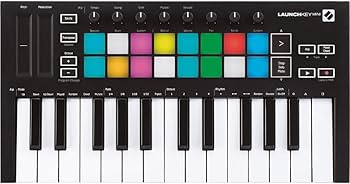
Novation Launchkey Mini MK3
Learning Curve: Easy
$109.99
Difficulty: 1/5
Why Great for Beginners:
The Novation Launchkey Mini MK3 is super compact with 25 keys, perfect for tight spaces. It includes Ableton Live Lite and easy scale/chord modes so you play music without theory knowledge. Plug-and-play with any DAW.
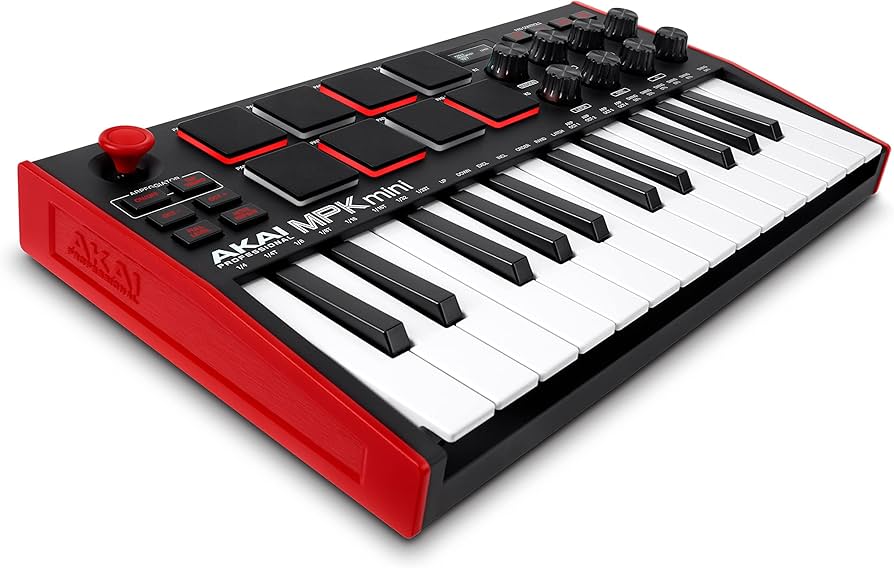
Akai MPK Mini MK3 packs pads, knobs, and 25 keys in a tiny body – ideal for beats and melodies. Comes with MPC Beats software and presets for instant fun. Thousands of beginners rave about its reliability.
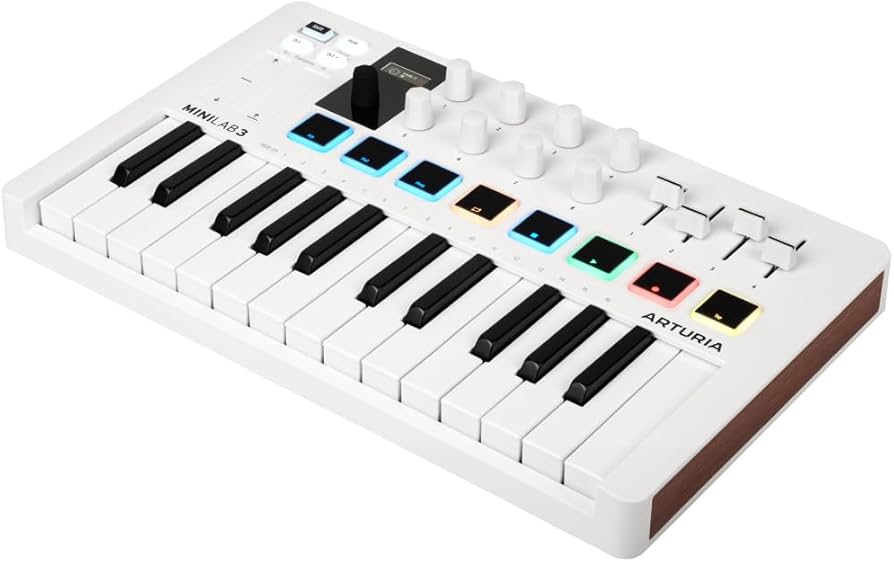
The Arturia MiniLab 3 shines with 25 slim keys, 8 pads, and 8 knobs plus free Analog Lab sounds (500+ instruments). Intuitive for DAWs like Logic or FL Studio.
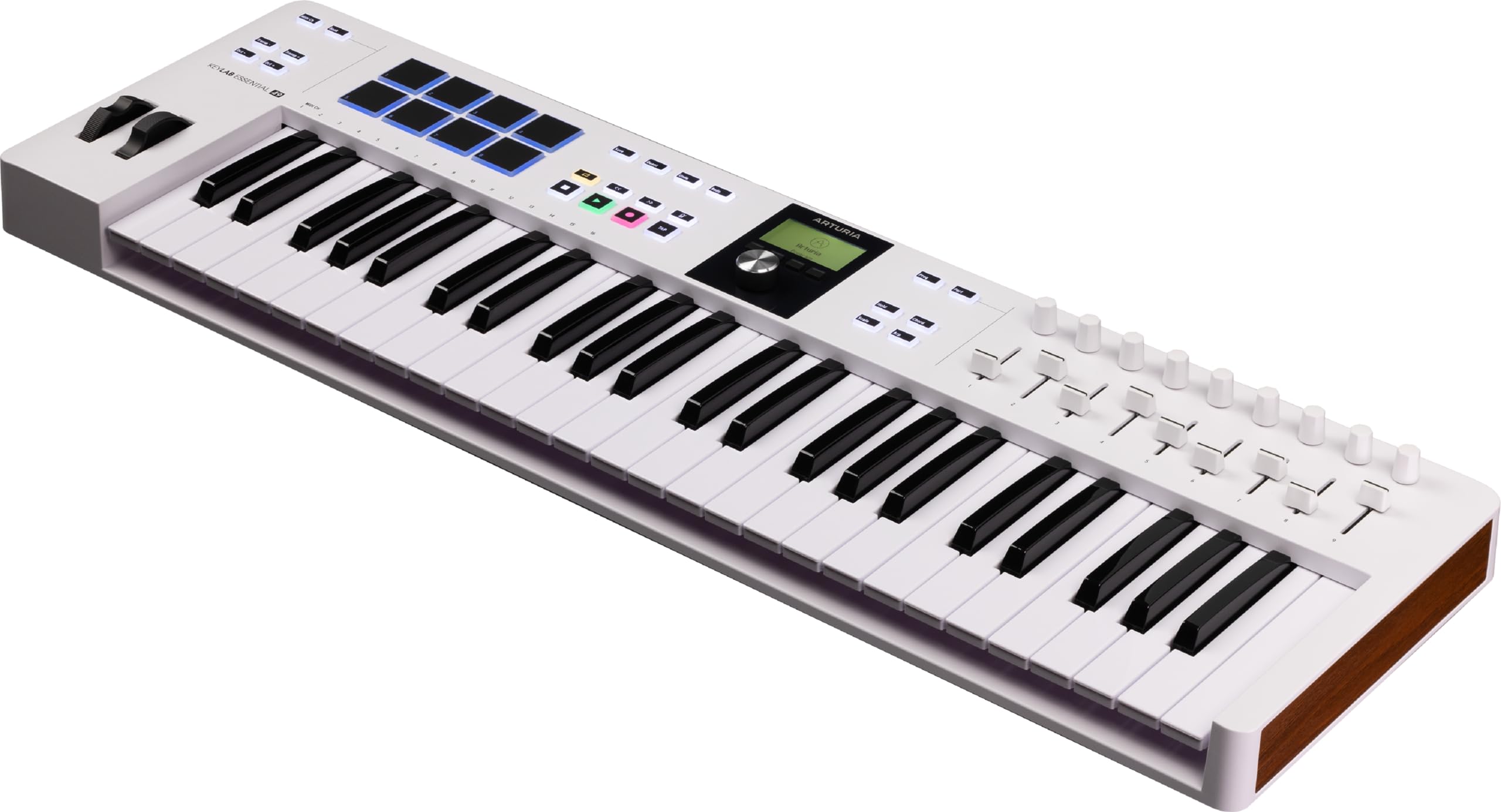
Arturia KeyLab Essential 49 offers 49 full-size keys, faders, and pro software for serious starters. Forgiving semi-weighted action and seamless DAW control build skills fast.
A MIDI keyboard is like a piano that sends notes to your computer's music software (DAW) instead of making sound itself. Plug it in via USB, and it controls virtual instruments, drums, and effects – perfect for bedroom producers.
Types: Mini (25 keys, portable), slim 49/61-key (balanced for melodies), pad controllers (beat-focused, no keys), full 88-key (pianists). Beginners love 25-49 key controllers – portable yet versatile for chords, basslines, and hooks.
Beginner-friendly means intuitive buttons, forgiving key action (semi-weighted ok, not synth action), and software like MPC Beats or Ableton Live Lite included. Expect to make simple loops in hours, full songs in weeks. Evaluate by trying in-store or watching unboxing videos; ignore 'pro' marketing.
🔧 Essential Accessories for Beginners
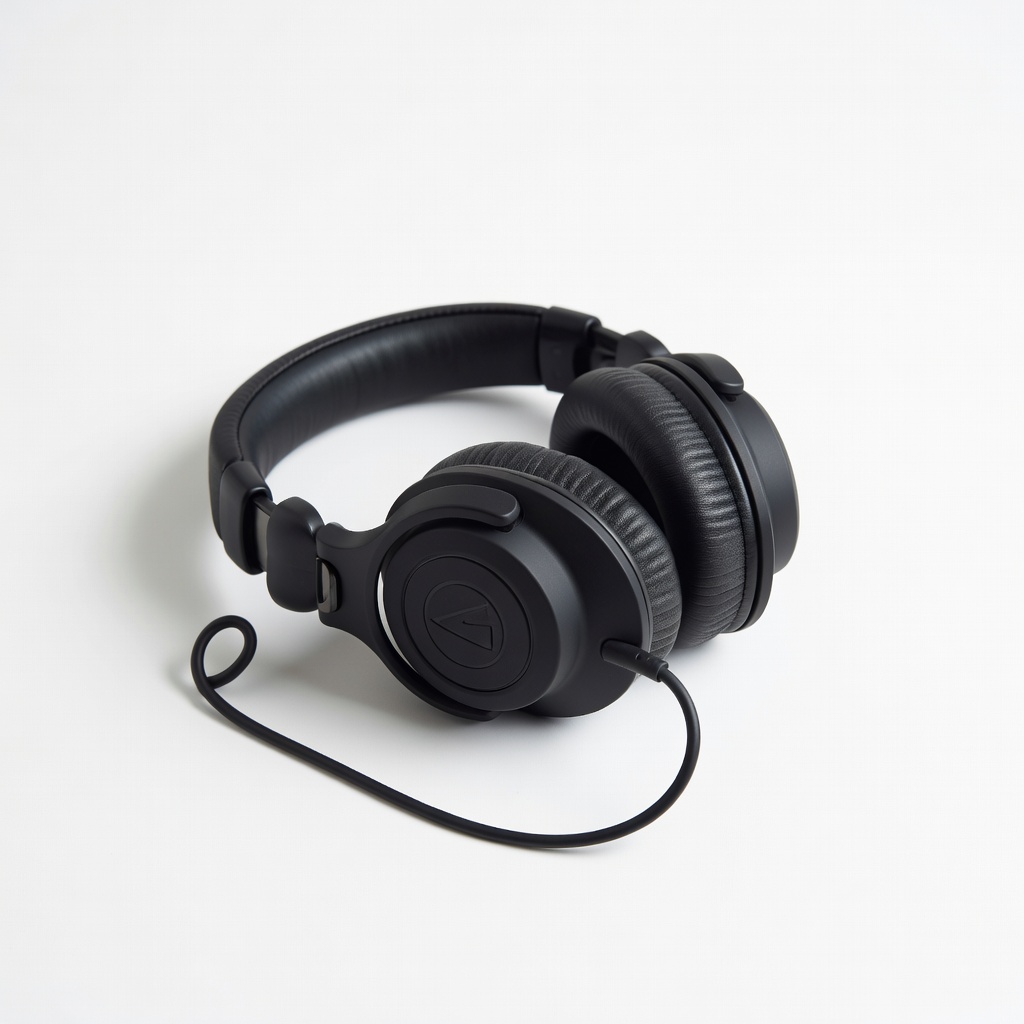
Audio-Technica ATH-M20x Headphones
⚠️ Essential
$49.00
When to buy:
Day one
Beginners need closed-back headphones to hear your DAW clearly without disturbing others. These block noise and reveal every detail in your mixes.
Ask: What's your DAW (most work with all)? Desk space (mini for small)? Budget? Will you play piano-style or beats? Start with sweet spot ($100-200) for pads/knobs/software. Budget under $100 for testing; premium $200+ if serious.
Scenarios: Laptop beats? Get mini with pads. Home setup? 49 keys. Go budget if unsure; recommended for most. Red flags: No software, wireless claims (laggy for beginners), cheap plastic feel in videos.
💰 Budget Guide for Beginners
400+
Pro entry - Full features, weighted keys; for committed beginners with cash.
100 - $200
Sweet spot - 25-49 keys, pads/knobs, software bundle; best value, lasts 1-2 years.
200 - $400
Premium beginner - Better keys, more controls, pro software; serious starters won't outgrow fast.
Under $ - $100
Entry level - Mini keys, basic pads; great for trying without big spend, but upgrade in months.
⚠️ Common Beginner Mistakes to Avoid
Newbies grab the cheapest on Amazon, but plasticky keys and no pads kill fun fast – false economy. Others splurge on pro 88-keys, intimidated by size and unused features. Forums show many quit after failed setups from non-class-compliant boards.
Avoid by sticking to vetted brands (Akai, Novation), reading 'easy setup' reviews, and starting simple. Get headphones day one – tinny laptop speakers ruin mixes.
×Buying super-cheap (<$50) toys that feel bad and frustrate
×Overbuying 88-key weighted for 'real piano' without space/skills
×Skipping headphones, mixing with speakers (bad results)
×Choosing wireless – lag kills timing
×Not checking DAW compatibility reviews
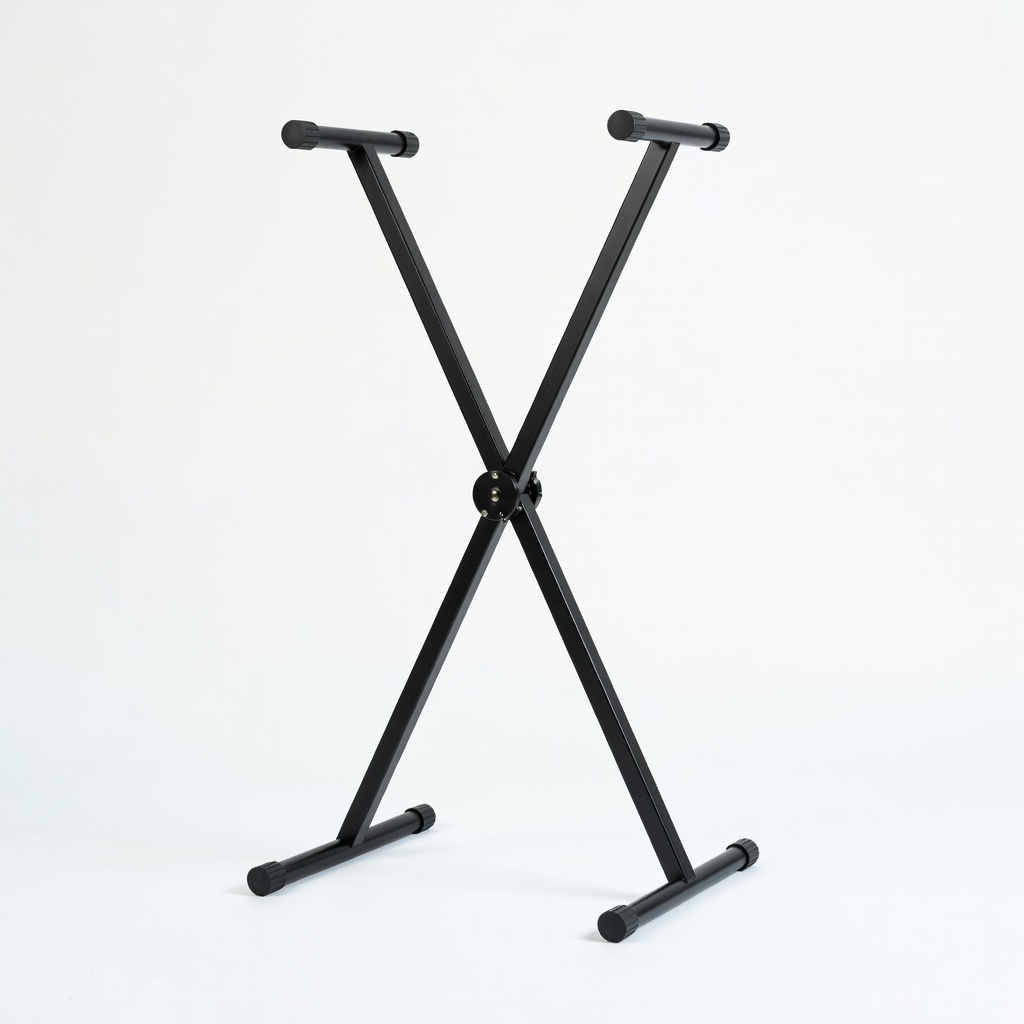
×Forgetting stand/pedal, leading to discomfort
📈 Your Progression Path: Beginner to Intermediate
Start with DAW basics: load software bundle, play keys/pads for loops. Week 1: melodies + drums. Month 1: chords via modes, simple songs. Practice 20min/day.
Outgrow when cramped by keys (need 49+), want better action, or more controls. Upgrade after 6-12 months: add pads or go 61-key. Intermediate: custom mappings, hardware synths.
📚 Learning Resources for Beginners
📖Music Theory for Electronic Music Production by J. Anthony Allen (ASIN: 1520212587) – Simple theory for producers.
📖Ableton Live 11: The Complete Guide for Beginners (ASIN: B09J4Z4Z4Z) – Step-by-step DAW book.
📖MPC Bible: The Complete Guide to Akai MPC Workflow (ASIN: B08L5M2N3P) – For MPK users.
📖FL Studio Producer Edition Tutorial Book (ASIN: B07Z5G3H4J)
📖Beginner MIDI Controller Practice Pad Set (ASIN: B07NM3NPYL)