Discover simple, plug-and-play USB condenser mics to start podcasting confidently without tech overwhelm.
Choosing your first microphone for podcasting can feel scary with endless options and confusing terms like 'condenser' or 'cardioid.' Beginners often worry about wasting money on something too complicated or picking up too much background noise. This guide cuts through the noise (pun intended) to help you find a beginner-friendly USB condenser mic that's easy to use right out of the box.
USB condenser mics are perfect for new podcasters because they plug straight into your computer—no extra gear needed. We'll cover what matters, top picks on Amazon, accessories, and pitfalls to avoid, so you can record your first episode feeling excited, not frustrated. By the end, you'll know exactly what to buy.
📋 In This Guide
• Why Beginners Struggle with Microphone
• What to Look For (Key Features)
• Top 4 Beginner-Friendly Microphone
• Essential Accessories for Beginners
• Common Beginner Mistakes to Avoid
• Your Progression Path
• FAQ & Learning Resources
😰 Why Beginners Struggle with Microphone
New podcasters face a flood of choices: dynamic vs. condenser, USB vs. XLR, budget vs. pro gear. Jargon like 'frequency response' or 'phantom power' sounds intimidating, and reviews mix beginner needs with pro setups. Many fear buying a mic that sounds tinny or picks up every room echo, ruining their episodes.
Forums like Reddit's r/podcasting are full of stories: 'I bought a cheap mic and it sounded awful!' or 'Spent too much on features I don't use.' Without knowing basics, beginners grab the cheapest option or shiny Amazon bestseller, leading to frustration and quitting before episode 2. The overwhelm stops here.
🔍 What to Look For: Key Beginner-Friendly Features
Focus on plug-and-play USB connection—no audio interface required. Look for cardioid pickup pattern (it focuses on your voice, ignores room noise). A built-in headphone jack lets you hear yourself live without delay. Adjustable gain knob for easy volume control, and metal build for durability without fragility.
Nice-to-haves: RGB lights or touch mute for fun, but skip complex software EQs. Avoid pro XLR mics needing extra boxes. Beginner-friendly mics are forgiving (handle yells/whispers), intuitive (one plug, done), and have clear setup videos.
✅ Essential Features for Beginners
•USB Plug-and-Play: Connects to any computer instantly, no drivers or hubs needed
•Cardioid Pattern: Captures your voice clearly, rejects background noise like fans or traffic
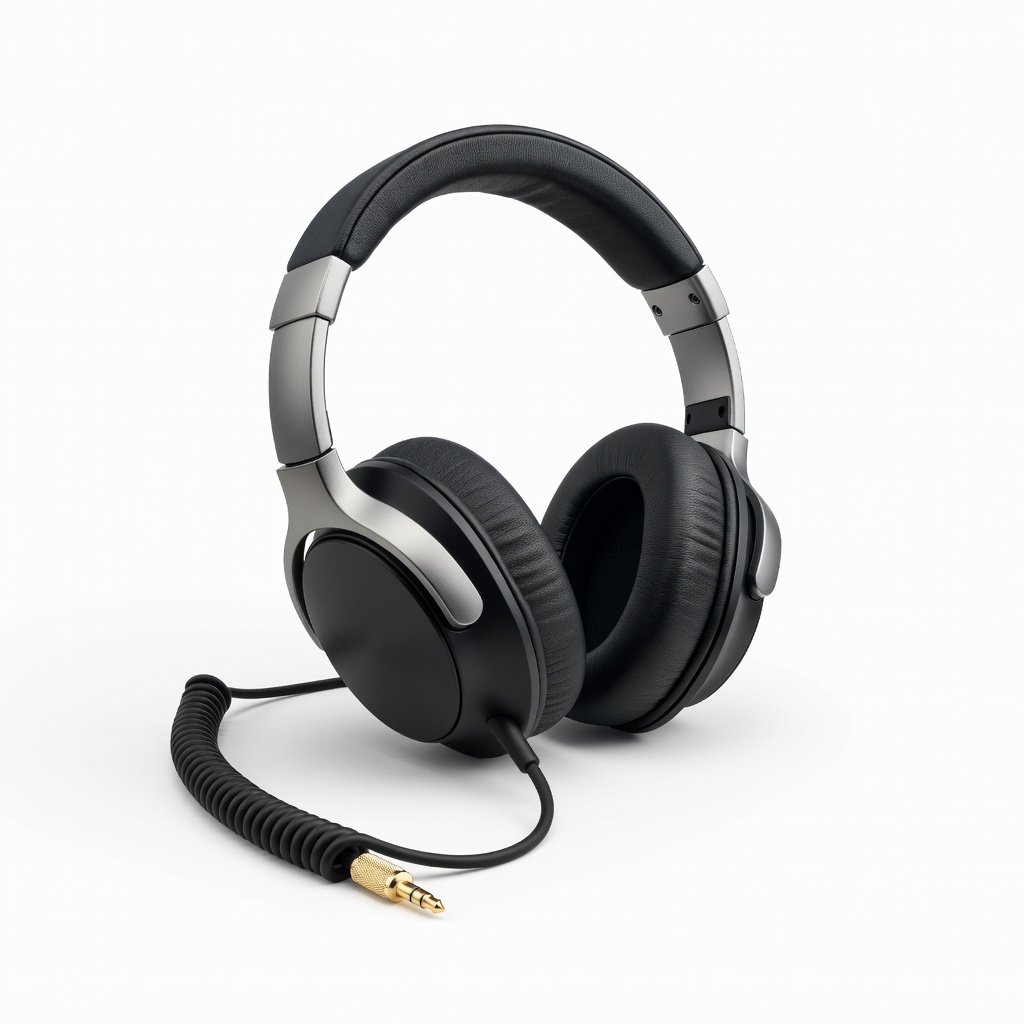
•Headphone Monitoring: Real-time listening jack to hear exactly what you're recording
•Simple Gain Control: One knob to set volume, no menus or apps
•Shock Mount Included: Reduces desk vibrations and thumps from typing
•Durable Metal Body: Sturdy for daily use, won't break if bumped
🏆 Top 4 Best Microphone for Beginners
#1
💰 Budget
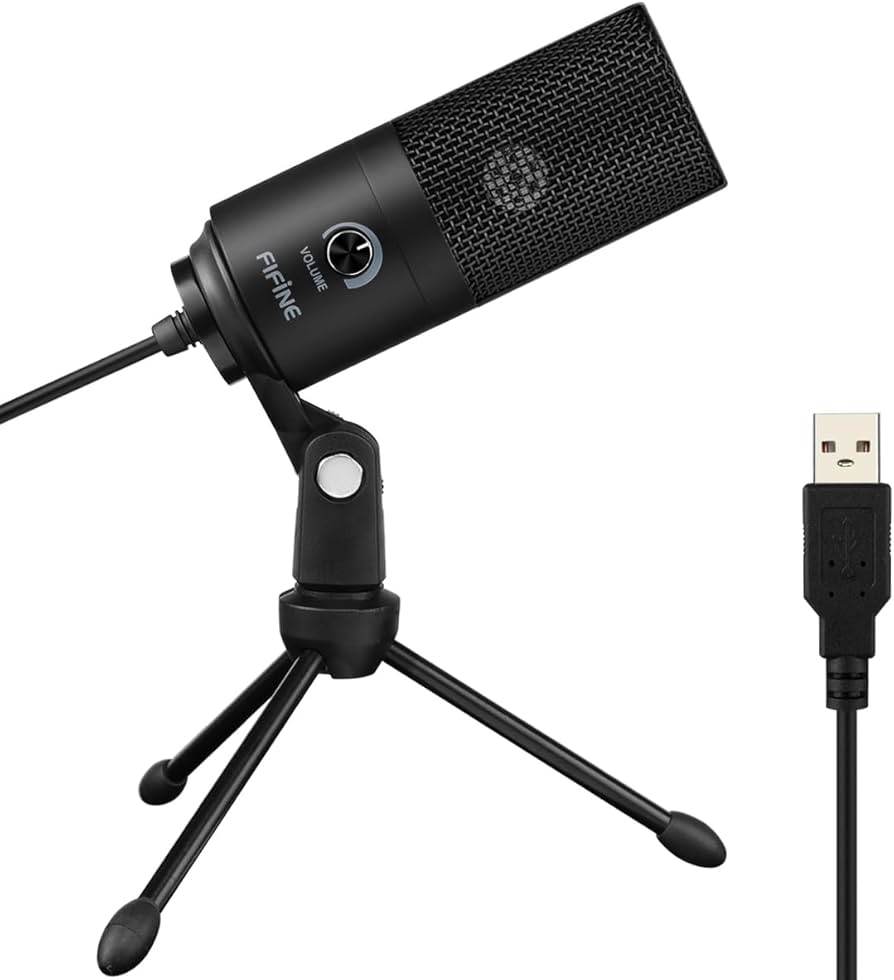
FIFINE USB Microphone K669
Learning Curve: Easy
$29.99
Difficulty: 1/5
Why Great for Beginners:
This mic plugs into your USB port and works instantly on Windows or Mac, perfect for first-time podcasters intimidated by setup. Its cardioid pattern focuses on your voice, forgiving minor positioning errors. Affordable way to test podcasting without commitment.
✓ Beginner Pros
+Zero setup hassle
+Clear voice pickup
+Includes stand
+Lightweight and portable
✗ Beginner Cons
-Picks up some desk noise
-Basic sound (not broadcast pro)
👍 Best for: Absolute beginners testing the waters on tight budget
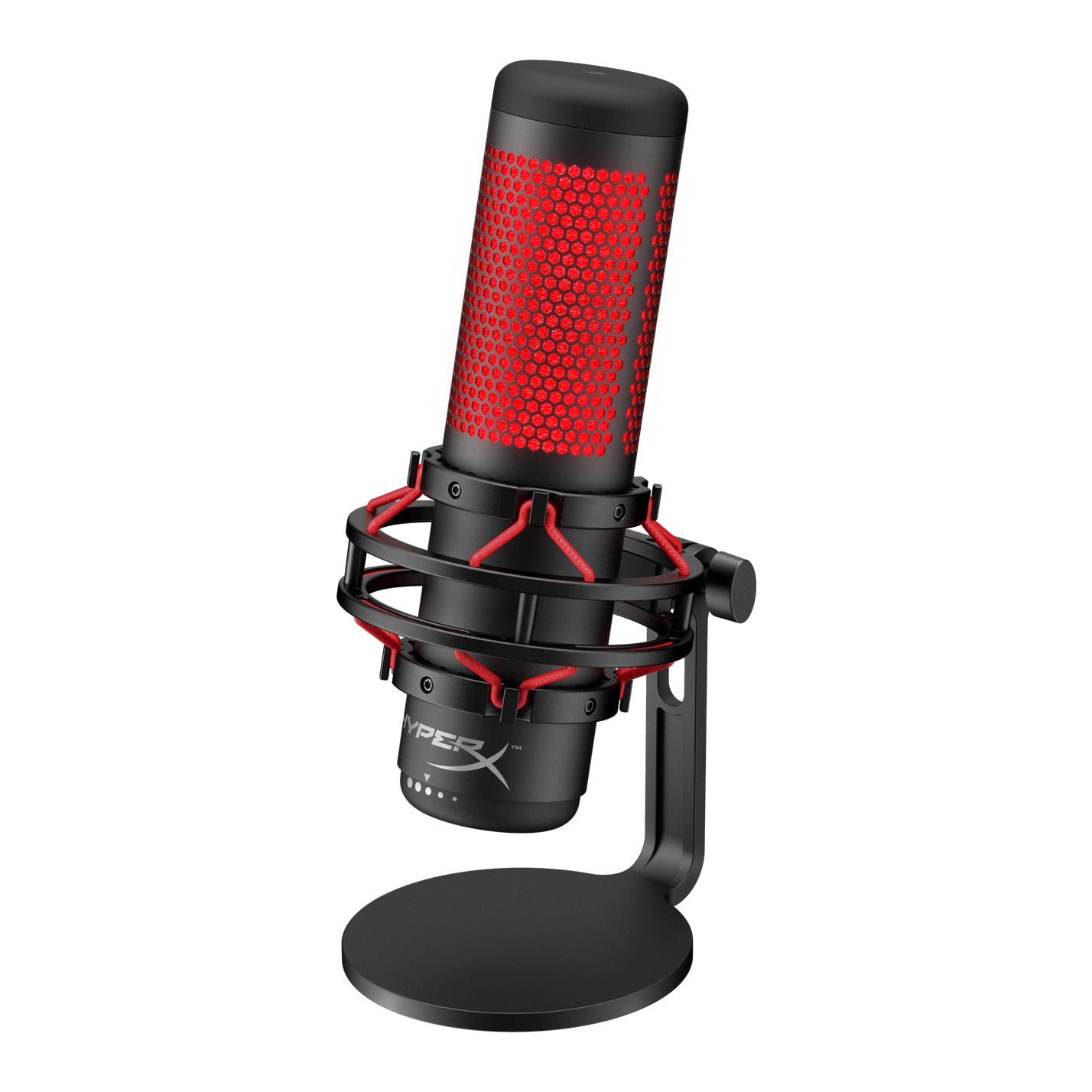
Top pick for most beginners. Sturdy metal build survives drops, plug-and-play USB with headphone monitoring keeps you on track. Excellent value—sounds twice as good as cheaper plastics, grows with your first 50 episodes.
✓ Beginner Pros
+Metal durability
+Zero-latency monitoring
+Noise-rejecting pattern
+Easy gain knob
✗ Beginner Cons
-Stand wobbles slightly
-No mute button
👍 Best for: Home podcasters wanting reliability without fuss
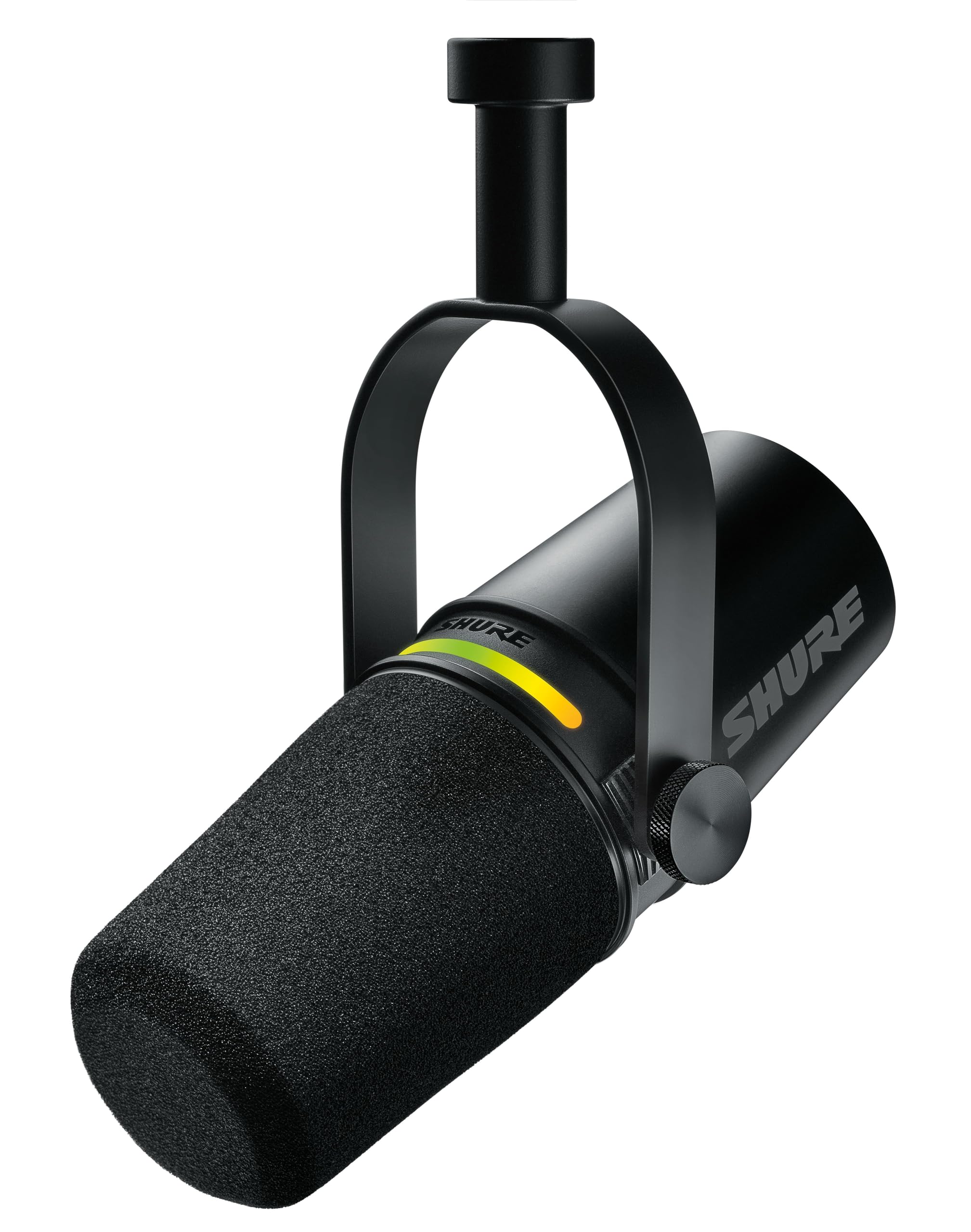
Fun RGB lights and tap-to-mute make recording engaging for newbies. Four patterns let you experiment safely, shock mount forgives desk bumps. Sweet spot for beginners serious about podcasting growth.
Compact premium build with pro-level clarity in a tiny package—ideal for desk-limited beginners. No-latency monitoring and simple controls build confidence fast. Worth it if budgeting allows; outgrows budget mics quickly.
✓ Beginner Pros
+Super compact
+Broadcast-quality sound
+Intuitive controls
+Stylish design
✗ Beginner Cons
-Pricey for casuals
-No stand included
👍 Best for: Serious beginners with desk space limits
A microphone converts sound waves (your voice) into electrical signals your computer records. USB condenser mics use a capacitor (condenser) to capture detail-rich sound, ideal for podcast voices. They're 'plug-and-play'—USB cable in, done—for beginners.
Types: USB (easy, all-in-one), XLR (pro, needs mixer—skip for now). For podcasting, USB condensers shine: clear voice, good for solo talks. Expect warm, broadcast-like sound after basic setup, not studio perfection day one.
'Beginner-friendly' means minimal setup (under 5 mins), forgiving on placement mistakes, and YouTube tutorials galore. Marketing like 'studio quality' is hype—focus on ease.
🔧 Essential Accessories for Beginners
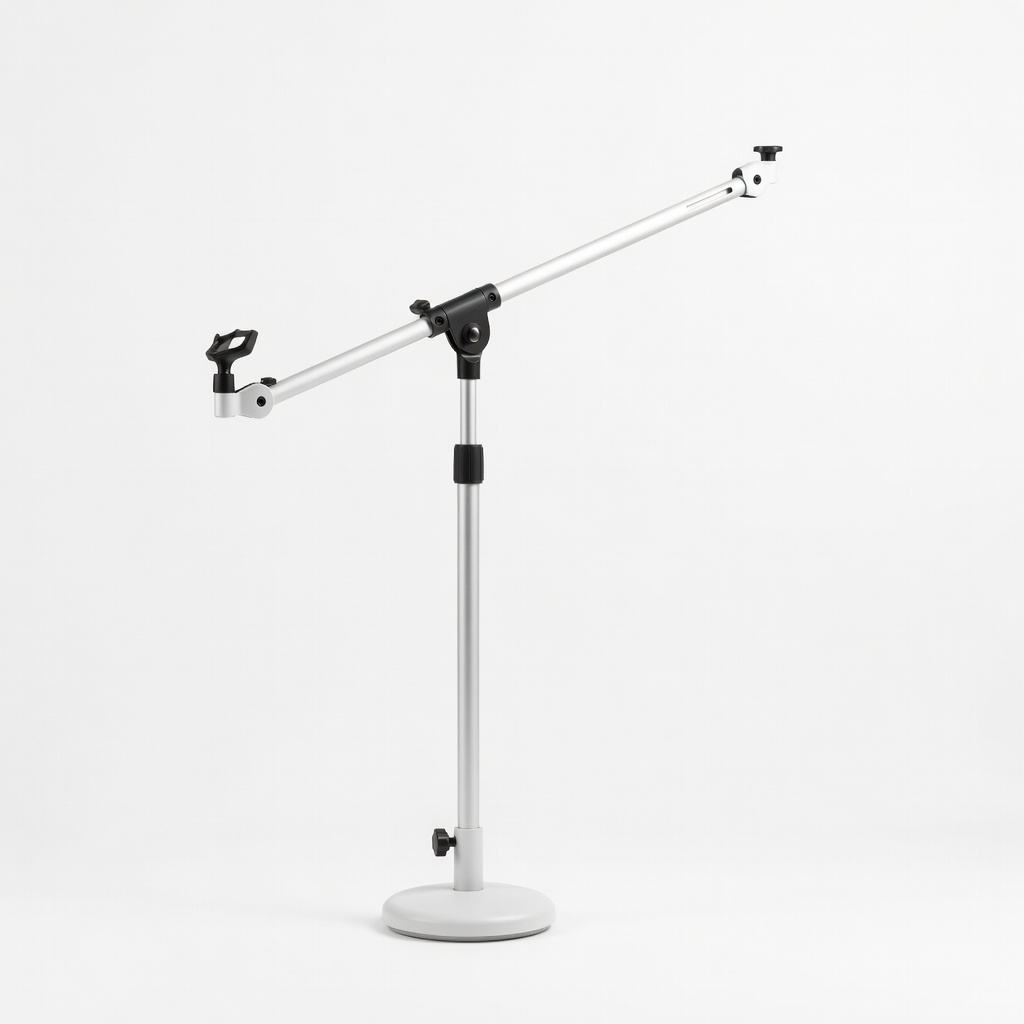
FIFINE Boom Arm Microphone Stand
⚠️ Essential
$24.99
When to buy:
Day one
Desk mics pick up vibrations and limit positioning—boom arm lifts mic to mouth level for better sound. Beginners struggle with plosives and handling noise without it.
Ask: What's your budget? Solo podcasting at home? Start USB condenser. Under $50 for testing, $50-150 sweet spot for lasting quality. Test use case: quiet room? Any mic works. Noisy? Prioritize cardioid.
Budget: Try entry-level. Most beginners: recommended tier (versatile, grows with you). Premium if committing long-term. Red flags: no headphone jack (can't monitor), plastic-only build (breaks easy), requires downloads.
Growth: USB lasts 1-2 years; upgrade when adding guests or pro editing.
💰 Budget Guide for Beginners
250+
Pro entry: Overkill for solos, best if planning video/multi-mic setups
50 - $150
Sweet spot: Clear voice, reliable for 50+ episodes, room to improve skills without new gear
150 - $250
Premium beginner: Near-pro sound, multiple patterns for experimenting, lasts years
Under $ - $50
Entry level: Basic sound to start recording, may pick up some noise, quick upgrade if serious
⚠️ Common Beginner Mistakes to Avoid
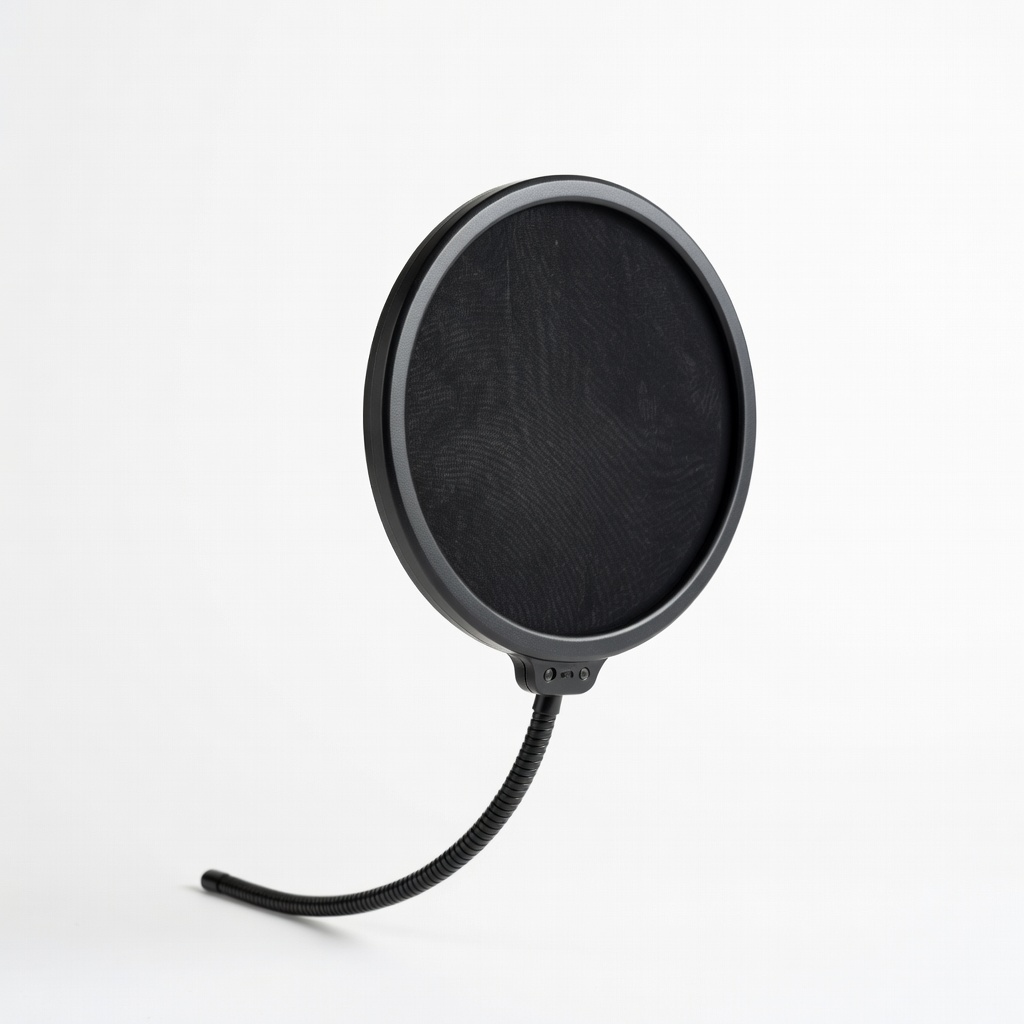
Beginners chase 'pro studio' mics but grab XLR without interfaces, facing silence on plug-in. Or buy $10 no-names that crackle and die fast—false economy. Skipping pop filters leads to embarrassing pops in every episode.
Avoid by sticking to USB condensers, buying day-one accessories, and reading 'beginner' reviews. Experienced podcasters say: start simple, upgrade skills first—gear follows.
×Buying XLR mics without realizing they need an extra $100+ interface
×Skipping pop filter, ruining takes with plosives
×Choosing cheapest plastic mic that breaks or sounds hollow
×Ignoring headphone jack, unable to monitor live audio
×Overbuying pro features like multi-patterns they won't use
×Not getting boom arm, suffering desk vibrations
×Forgetting room treatment, blaming mic for echo
📈 Your Progression Path: Beginner to Intermediate
Week 1: Master basics—position mic 6-8 inches away, speak normally, edit lightly. Record 5 short episodes. Month 1: Add scripting, monitor with headphones.
Outgrow beginner mic when: adding guests (need multi-pattern), wanting warmer sound, or going mobile. Signs: consistent good audio but craving polish (6-12 months typical). Upgrade to XLR + Focusrite interface first. Build skills via weekly releases—gear lasts longer than talent grows.
📚 Learning Resources for Beginners
📖Podcasting For Dummies (Book, ASIN: B07Z8G5Z5Z) - Step-by-step from setup to launch
📖The Podcast Host Starter Kit (Digital Guide on Amazon)
📖GarageBand for Mac Beginners Book (ASIN: B08L5N3P4Q) - Free software editing
📖Audacity Recording Guide Book (ASIN: B09K2J3L4M)
📖Rode Podcasting Bible (ASIN: B07X5Y6Z7A)
🎯 Bottom Line: Our Recommendations
For most beginners, grab the FIFINE K669B (B08B4C5D6E)—best balance of ease, sound, and price. Budget? FIFINE K669. Premium? Blue Yeti Nano. Add boom arm + pop filter day one.
You're ready—podcastings easier than you think. Order today, record tomorrow, publish next week. You've got this; thousands started just like you.
❓ Frequently Asked Questions
The FIFINE K669B (B08B4C5D6E) is our top pick—USB plug-and-play, clear podcast voice, under $40, with headphone monitoring.
$50-150 sweet spot for reliable USB condenser. Under $50 tests waters; over $150 if serious.
USB connectivity, cardioid pattern, headphone jack, simple gain—keeps setup under 2 minutes.
FIFINE K669 (B07J1K2L3M)—zero software, instant recognition on PC/Mac.
Pop filter (B01Z9A0B1C), boom arm (B08R3S4T5U), headphones—essentials for clean audio.
Match budget/use: solo podcast? USB condenser. Check headphone jack, read beginner reviews.
No—with USB mics, it's plug-in-record. Hard part is content, not tech.
XLR without interface, no pop filter, cheap plastics—stick to vetted USB picks.