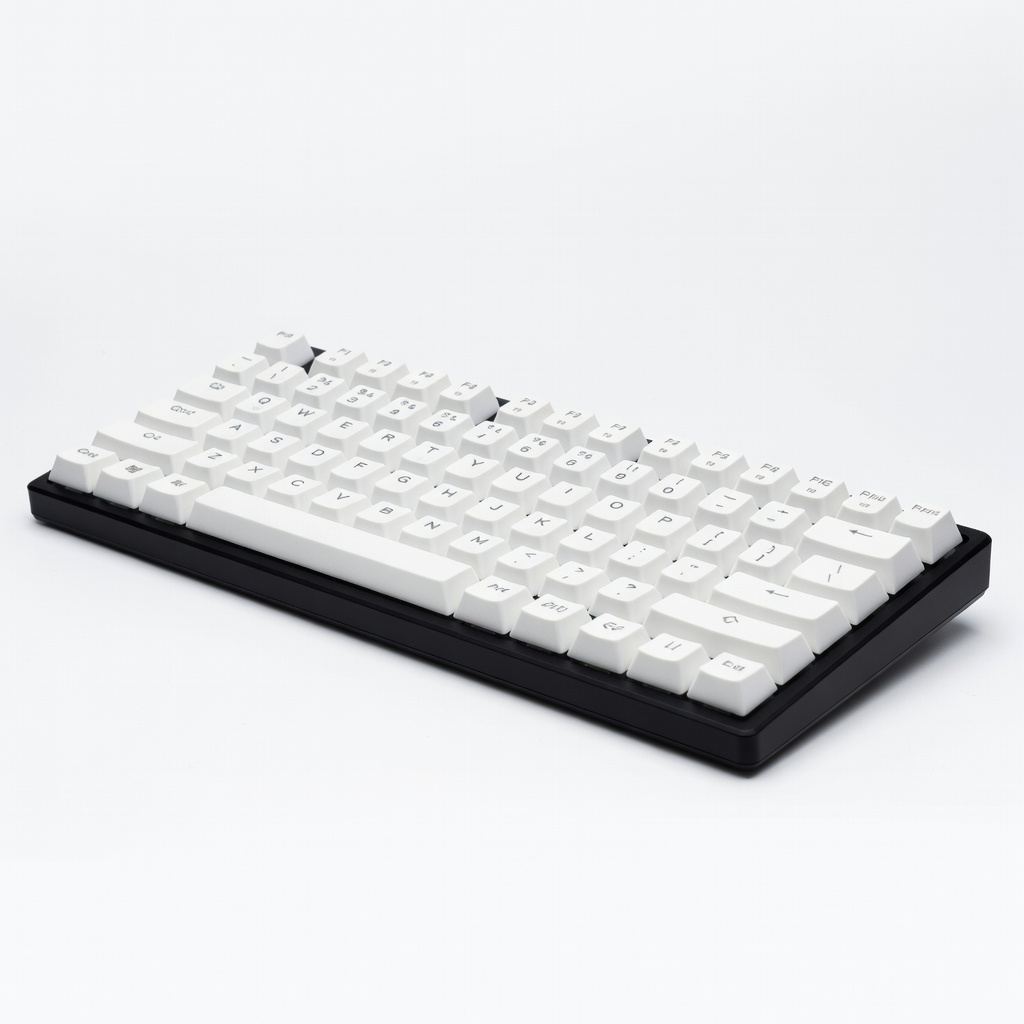
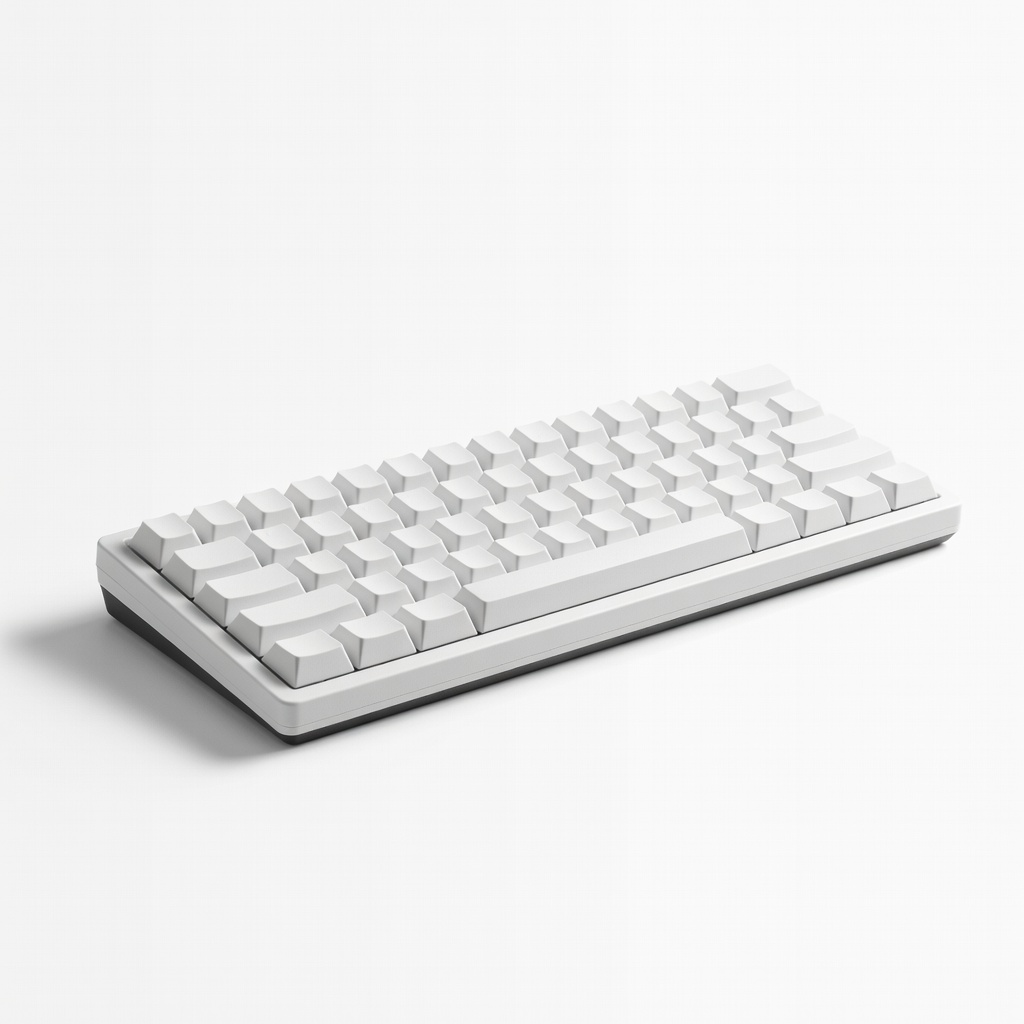
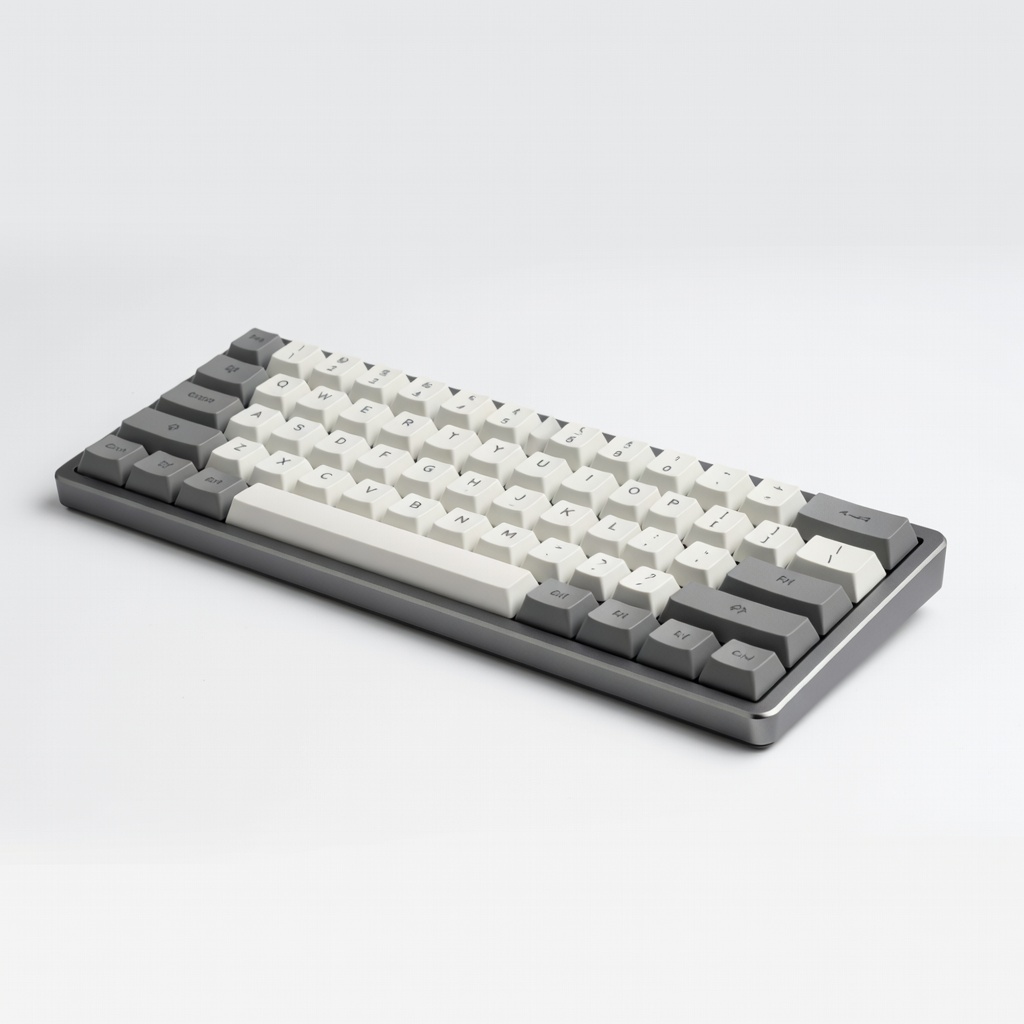
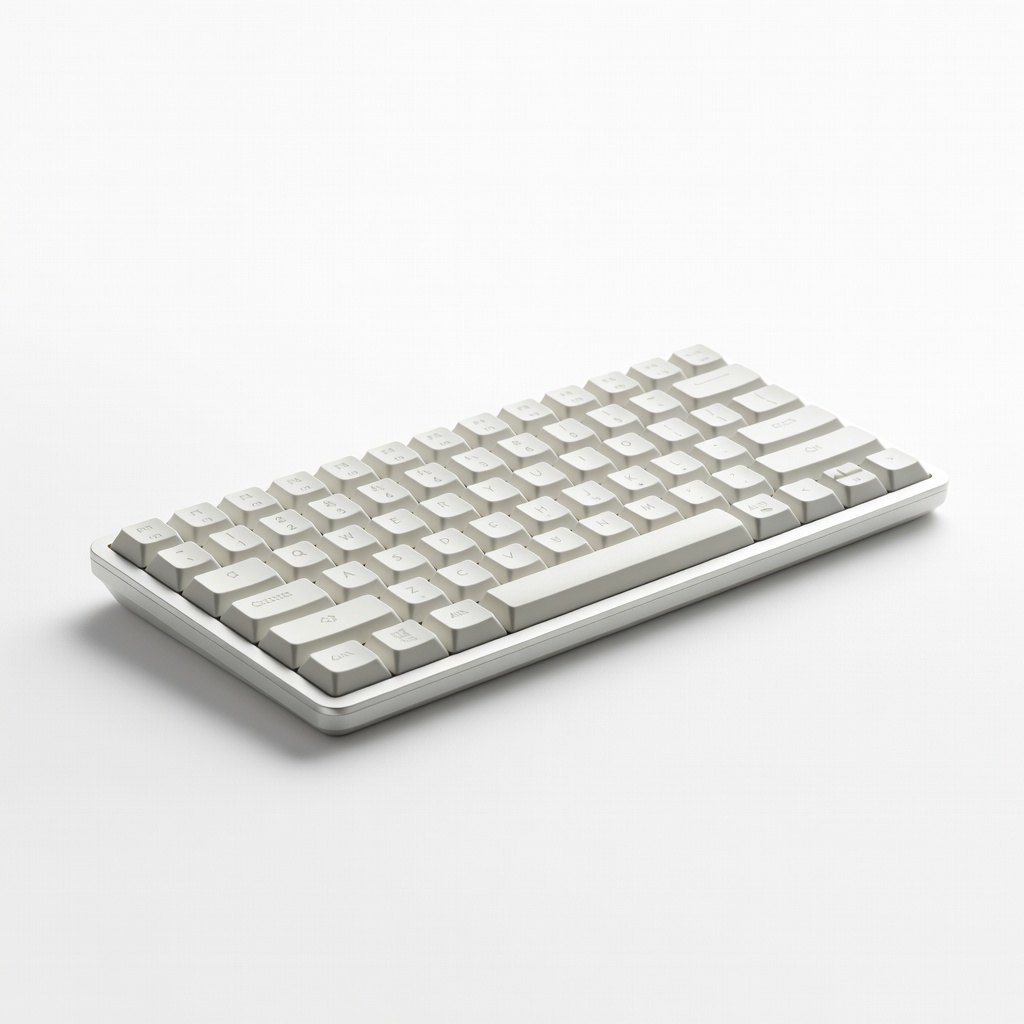
Everything beginners need to choose their first mechanical keyboard with confidence – top picks, tips, and mistakes to avoid.
Picking your first mechanical keyboard feels intimidating – endless options, weird terms like 'Cherry MX' or 'hot-swappable,' and fear of wasting money on the wrong one.
Mechanical keyboards offer crisp, satisfying typing far better than squishy membrane ones, but beginners get lost in gaming hype or custom builds they don't need.
This guide cuts through the noise: simple advice, beginner-tested picks on Amazon, accessories, and a path to grow your skills without overwhelm. You'll walk away ready to type productively and enjoyably.
📋 In This Guide
• Why Beginners Struggle with Mechanical Keyboard
• What to Look For (Key Features)
• Top 4 Beginner-Friendly Mechanical Keyboard
• Essential Accessories for Beginners
• Common Beginner Mistakes to Avoid
• Your Progression Path
• FAQ & Learning Resources
😰 Why Beginners Struggle with Mechanical Keyboard
Beginners face a wall of jargon: linear vs. tactile switches, NKRO, stabilizers – it sounds like a foreign language. Forums like Reddit's r/MechanicalKeyboards are full of posts from newbies frustrated by 'thocky' sounds or pingy keys they don't understand.
Over 100 brands and thousands of models make choices paralyzing; cheap ones break fast, expensive ones have unneeded RGB bling. Many fear buyer's remorse after reviews mention 'learning curves' or modding required for decent sound.
Common pains from Amazon Q&A and reviews: mushy keys despite 'mechanical,' wireless dropouts, or layouts missing keys for typing work. Without guidance, beginners grab gaming boards unfit for daily productivity.
🔍 What to Look For: Key Beginner-Friendly Features
Focus on forgiving basics: smooth linear switches (like Reds) for easy typing without fatigue, full-size or TKL (tenkeyless) layout for familiar feel, and wired reliability over finicky Bluetooth at first.
Beginner-friendly means pre-built (no soldering), hot-swappable switches (easy swap later without tools), PBT keycaps (durable, no shine), and good stabilizers (no wobble on spacebar). Skip heavy 60% boards or clicky switches if office-quiet matters.
Look for 'out-of-box' quality: lubed switches, sound-dampening foam. These tolerate clumsy typing, build confidence fast.
✅ Essential Features for Beginners
•Smooth linear switches (e.g., Gateron Reds) – effortless typing, low fatigue for long sessions
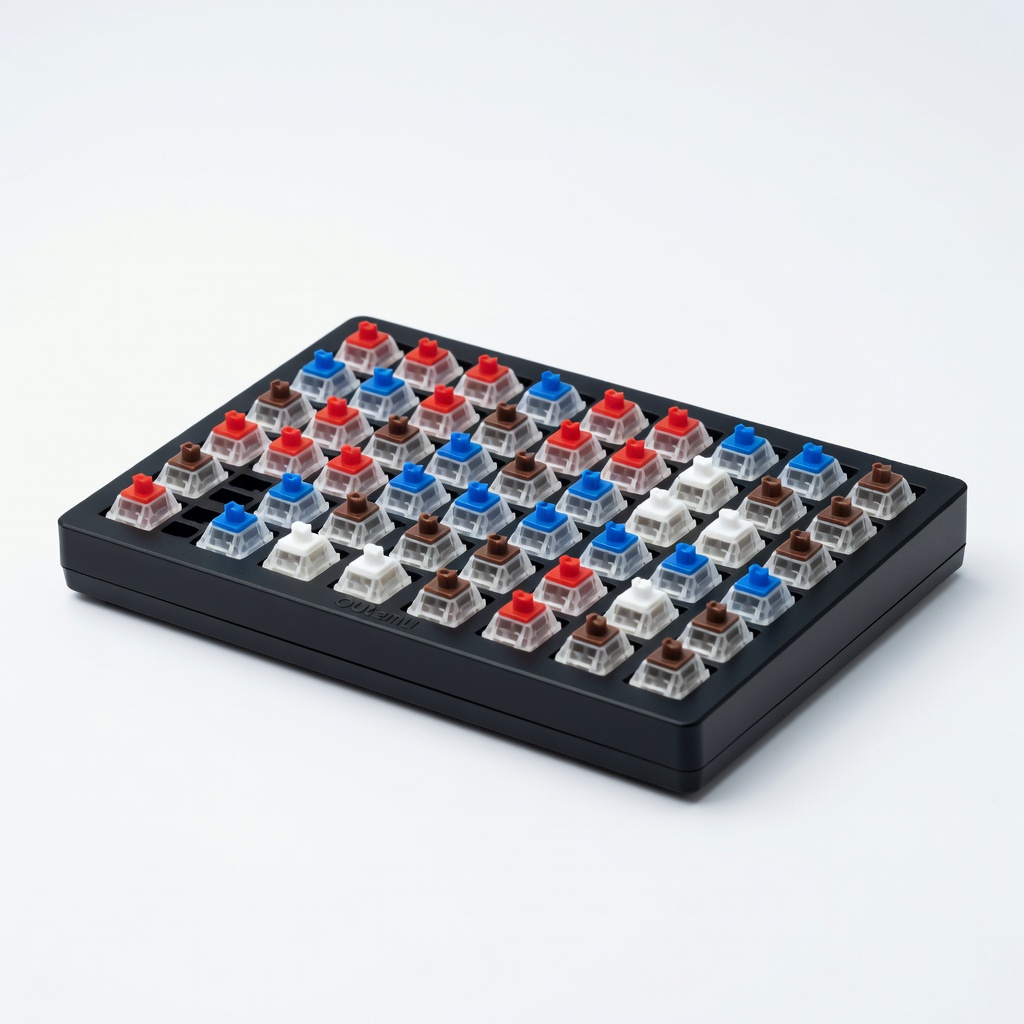
•Hot-swappable PCB – change switches easily later without soldering
•TKL or full-size layout – all keys you need, no tiny navigation cluster
•PBT keycaps – tough, don't get oily/shiny from fingers
•Good stabilizers – quiet, stable big keys like Shift/Space
•Wired USB-C – plug-and-play, no battery worries
•Simple software or none – no complex macros to learn
🏆 Top 4 Best Mechanical Keyboard for Beginners
#1
💰 Budget
Redragon K552 Mechanical Gaming Keyboard
Learning Curve: Easy
$39.99
Difficulty: 1/5
Why Great for Beginners:
Perfect entry: Compact TKL with smooth Outemu Reds – plug in and type satisfyingly right away. No software needed, durable metal build tolerates spills/drops.
Forgiving start: Linear switches easy on fingers, RGB optional/off for focus.
✓ Beginner Pros
+Super cheap to try mechanical feel
+Wired reliable – no setup fuss
+Compact saves desk space
+Blue/red switch options
✗ Beginner Cons
-No wireless
-Basic ABS keycaps shine over time
-Gaming-focused RGB
👍 Best for: Absolute newbies testing on tiny budget
👎 Not for: Wireless/portable needs or quiet offices
📖 Complete Beginner's Guide to Mechanical Keyboard
Mechanical keyboards use individual switches per key for tactile feedback and durability (50M+ clicks vs. membrane's mush). Basics: switch type (linear=smooth press, tactile=gentle bump, clicky=noisy snap) – start with linear for typing.
Types for beginners: Budget wired full-size (reliable daily driver), wireless TKL (portable productivity), 65% compact (space-saving). Avoid 40% or ortholinear – too cramped/mod-heavy.
Beginner-friendly = ready-to-use: factory-lubed switches, gasket mount for soft feel. Expect crisp typing from day one, not 'modding' needed. Marketing traps: 'RGB gaming' irrelevant for typing; 'optical switches' gimmicky.
Evaluate by Amazon reviews from 'typists' not gamers; test in-store if possible. Realistic: You'll type faster/smoother in weeks, loving the feedback.
🔧 Essential Accessories for Beginners
HyperX Wrist Rest
⚠️ Essential
$19.99
When to buy:
Day one
Prevents pain: Ergonomic gel rest aligns wrists for hours of typing without strain – common newbie fatigue source.
Ask: Budget? (under $50 try, $50-100 best start). Use? Typing/productivity=full/TKL linear; gaming later=add RGB. Wired or wireless? Wired first for zero hassle.
Too cheap ($20 AliExpress) fails quickly; too premium ($200 custom) overwhelms with options. Avoid by sticking to vetted Amazon pre-builts, read 'office typing' reviews.
Lesson: Start simple, add mods later. Pair with wrist rest day one.
×Buying ultra-cheap (<$30) – poor switches rattle/stick fast
×Picking clicky switches for office – annoys coworkers
×Ignoring layout – 60% misses arrow keys for productivity
×Skipping hot-swap – can't upgrade without soldering
×Overbuying RGB/gaming – drains battery, irrelevant for typing