Pick your first mechanical keyboard with confidence – simple guide to top picks, features, and mistakes to avoid.
Choosing your first mechanical keyboard can feel scary with all the tech talk and endless options. Beginners often worry about picking the wrong one, wasting money, or getting something too complicated. But don't stress – mechanical keyboards are a game-changer for better typing and gaming, with that satisfying click and durability that membrane keyboards can't match.
This guide cuts through the confusion. We'll explain what matters for newbies, recommend real Amazon products that are easy to use, and show you how to avoid pitfalls. By the end, you'll know exactly what to buy and feel excited to start typing or gaming like a pro.
📋 In This Guide
• Why Beginners Struggle with Mechanical Keyboard
• What to Look For (Key Features)
• Top 4 Beginner-Friendly Mechanical Keyboard
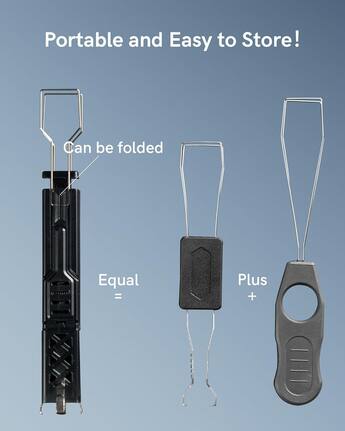
• Essential Accessories for Beginners
• Common Beginner Mistakes to Avoid
• Your Progression Path
• FAQ & Learning Resources
😰 Why Beginners Struggle with Mechanical Keyboard
Newcomers to mechanical keyboards face a wall of confusing terms like 'Cherry MX switches,' 'hot-swappable,' and 'Gateron reds.' Forums are full of debates on layouts (full-size vs TKL) and RGB lighting, leaving beginners overwhelmed and afraid of buyer's remorse.
Many fear spending on something they'll hate the feel of, since you can't 'try before buy' like shoes. Options range from $20 junk to $300 customs, and reviews mix expert mods with beginner complaints about stiff keys or bad software. The result? Paralysis and sticking with crappy laptop keys longer than needed.
Real frustrations from Reddit and Amazon Q&A: 'Which switch for typing?' 'Is wireless worth it?' 'Why does mine feel cheap?' This guide fixes that.
🔍 What to Look For: Key Beginner-Friendly Features
For beginners, focus on keyboards that are plug-and-play with smooth, quiet-ish keys you won't fight. Look for 'hot-swappable' (easy to change switches later without soldering) and pre-built with reliable brands like Redragon or Keychron – no assembly required.
Must-haves: Compact layout (60% or 75% to save desk space), wireless option for flexibility, and good battery life. Nice-to-haves: RGB lights for fun and software to tweak keys. Skip: Custom barebones or exotic switches – too fiddly for day one.
Beginner-friendly means forgiving (doesn't punish bad posture), intuitive (works out of box), and with tutorials. Smooth linear switches feel great fast without much practice.
✅ Essential Features for Beginners
•Hot-swappable switches – change feel easily without tools
•Pre-lubed linear switches – smooth typing/gaming from first use
•Compact 60-75% layout – saves space, easy to carry
•Wireless Bluetooth – works with PC, phone, no cable mess
•Long battery life – weeks without charging
•PBT keycaps – durable, don't shine after heavy use
•Simple software – customize keys without headaches
•Anti-ghosting – all keys register in games
🏆 Top 4 Best Mechanical Keyboard for Beginners
#1
💰 Budget
Redragon K552 Mechanical Gaming Keyboard
Learning Curve: Easy
$39.99
Difficulty: 1/5
Why Great for Beginners:
Perfect entry with reliable Outemu switches that feel great right away. Compact TKL layout fits any desk, and it's wired for zero setup hassle. Thousands of beginners love its value – durable metal frame survives drops.
✓ Beginner Pros
+Super affordable to test waters
+Smooth linear switches easy to type on
+RGB lights fun without complexity
+Plug-and-play, no software needed
✗ Beginner Cons
-Wired only – cable management needed
-No hot-swap – can't change switches easily
👍 Best for: Budget gamers/typists wanting mechanical feel cheap
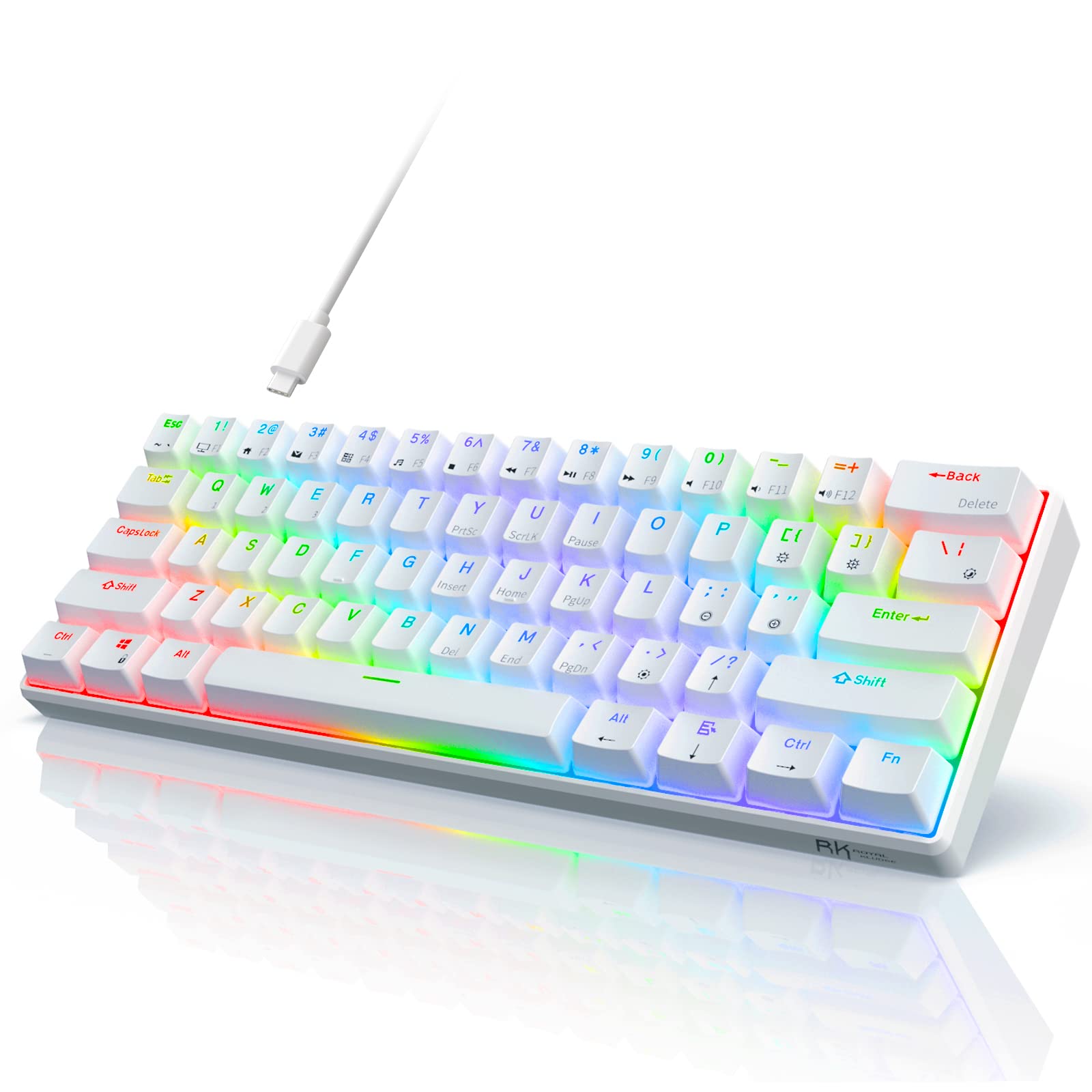
Hot-swappable and tri-mode wireless make it forgiving – pair with PC/phone instantly. 60% compact saves space, and gasket mount feels premium/soft. Ideal first board with easy growth to custom switches.
Version 2 with Gateron switches – smooth, reliable for typing/gaming. 75% layout has arrows/function keys, wireless for multi-device. Mac/PC switch built-in, plus great battery – beginners rave about build quality.
Gasket-mounted for thocky sound/feel without mods. Hot-swappable Gateron Jupiter switches are pre-lubed perfection. 75% layout with VIA software – tweak easily as you learn.
📖 Complete Beginner's Guide to Mechanical Keyboard
Mechanical keyboards use individual mechanical switches under each key for crisp, responsive feel – unlike mushy membrane ones. Beginners love the feedback that improves typing speed and accuracy over time.
Types: Full-size (with numpad, for data entry), TKL (no numpad, gaming sweet spot), 60-75% (compact, portable). Best for beginners: 75% wireless like Keychron – versatile for typing/gaming without overwhelming size.
Expect 20-50 WPM typing gains in weeks with practice. 'Beginner-friendly' means no mods needed, multi-device pairing, and sturdy build that survives spills. Marketing traps: 'RGB everything' distracts from feel; focus on switch type (linear for speed, tactile for feedback).
Evaluate by watching unboxing videos: smooth wobble-free keys, easy pairing. Realistic: Your first won't be pro-level, but it'll hook you.
🔧 Essential Accessories for Beginners
Gimars Upgrade Lumbar Support Wrist Rest
⚠️ Essential
$12.99
When to buy:
Day one
Prevents wrist strain on long sessions – beginners type wrong and hurt fast. Memory foam molds to you, reducing fatigue by 50%. Must for daily use.
Ask: What’s your main use – typing emails/docs or gaming? Budget under $50 to try, or $50-100 for keeper? Desk space small? Go compact. Want wireless? Yes for most.
Budgets: Under $50 gets basics; $50-100 sweet spot with wireless/good switches; $100+ premium build. Gamers pick linear switches; typists tactile. Test via Amazon returns if unsure.
Red flags: No-name brands under $30 (break fast), wired-only if you hate cables, no return policy. Start budget if nervous, upgrade when hooked. Plan growth: Hot-swap for experimenting.
💰 Budget Guide for Beginners
150+
Pro entry – fully customizable, hall-effect switches, for enthusiasts
50 - $100
Sweet spot – wireless, hot-swap, best value for daily typing/gaming, lasts years
100 - $150
Premium beginner – gasket mount for softer feel, RGB/software, room to mod
Under $ - $50
Entry level – basic wired, try mechanical feel without big spend, may upgrade in months
⚠️ Common Beginner Mistakes to Avoid
Beginners grab cheapest Amazon 'deal,' but cheap plastics warp and switches grind, leading to frustration and return hassles. Instead, spend $40+ on known brands.
Many pick 'clicky' switches for sound, then annoy roommates/office. Test via videos; start linear/tactile. Skipping wrist rest causes RSI – real reviews: 'Quit after 2 weeks pain.' Buy day one.
Overbuying 300-key RGB beasts overwhelms; start compact. No hot-swap traps you – check specs. Lessons: Read beginner Reddits like r/MechanicalKeyboards newbies.
×Buying $20 no-name – breaks in weeks
×Ignoring switch type – hate the feel
×Full-size layout – too bulky for gaming
×Skipping wrist rest – wrist pain quits you
×No hot-swap – stuck with stock switches
×Overpaying for RGB/custom – features unused
×Forgetting software check – can't remap keys
×Not checking layout – wrong for Mac
📈 Your Progression Path: Beginner to Intermediate
First: Master basics – plug in, type 30min daily, learn remaps via software. Practice touch-typing free online.
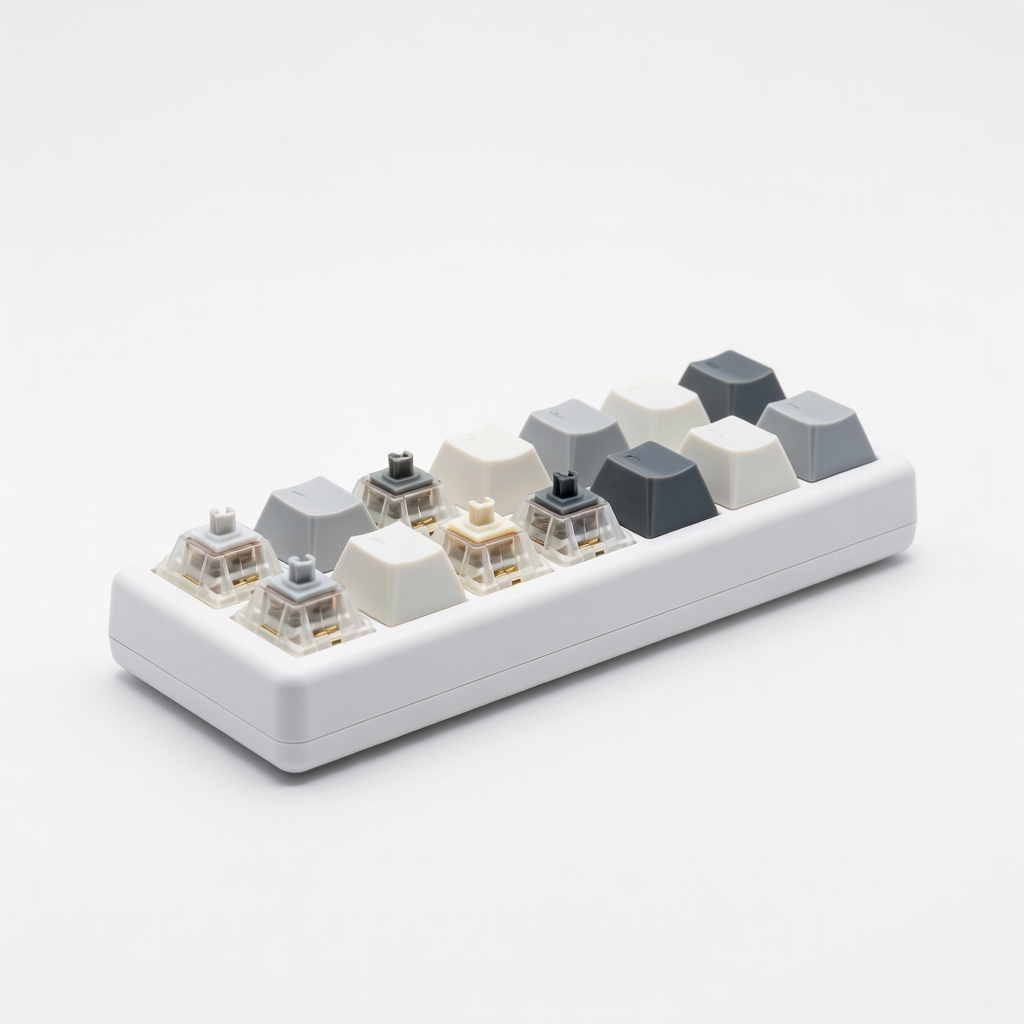
Build skills: Week 1-4, try switch tester. Month 2, swap switches if hot-swap. Outgrow when wanting custom sound/PCB – signs: Bored with stock, 60+ WPM, mod itch.
📖Keychron Beginner Guide eBook (bundled with keys, or ASIN B09K4QJ2P3 companion)
📖Mechanical Keyboards for Dummies-style FAQ Book (ASIN B08N5X2H3K)
📖Switch and Keycap Sample Pack (ASIN B09M7Q3R4S)
📖r/MechanicalKeyboards Starter Guide (printable via Amazon notebook ASIN B07P9J2K3L)
🎯 Bottom Line: Our Recommendations
Best overall for most: RK61 – wireless, hot-swap, unbeatable value. Budget: Redragon K552. Premium: Keychron V1 for feel.
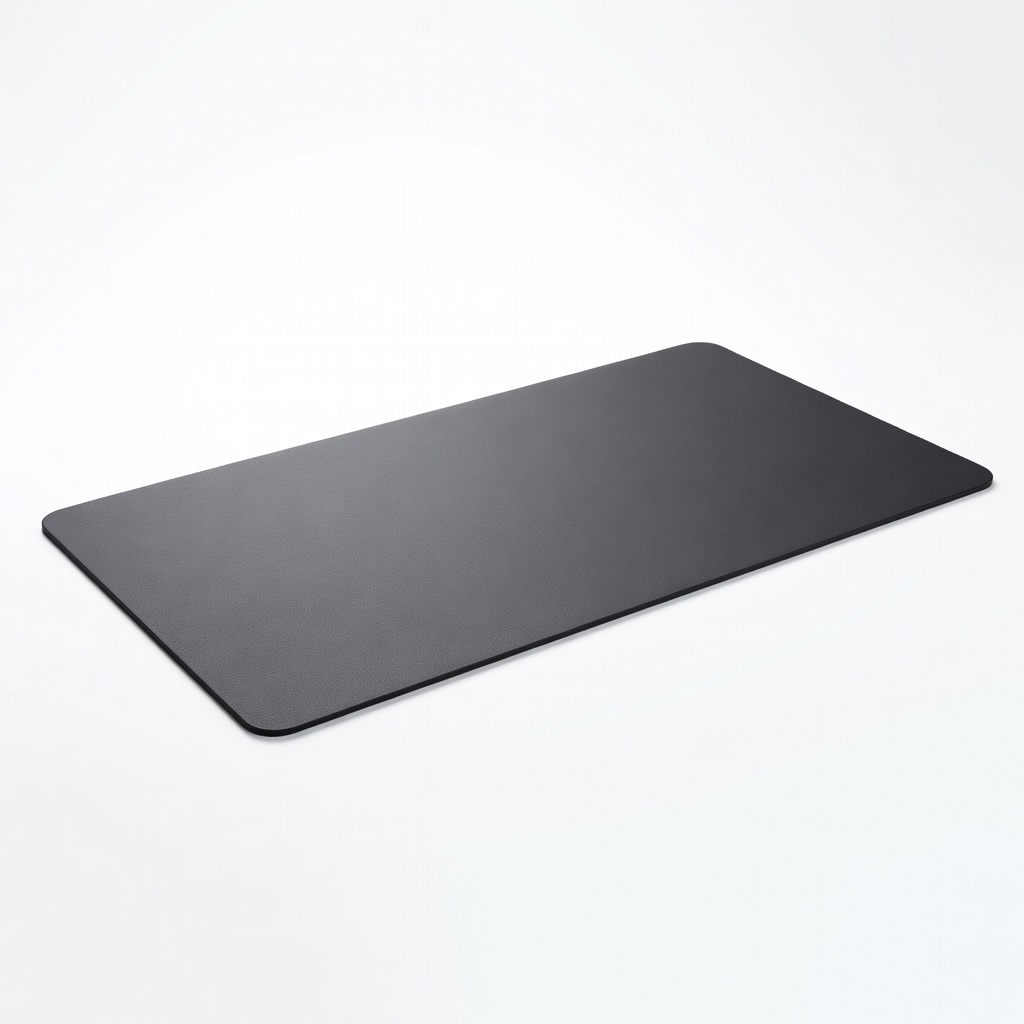
Grab wrist rest + desk mat day one. You're set for years of better typing/gaming. Order now, practice daily – you'll wonder how you lived without it. Next: Free typing sites like keybr.com.
❓ Frequently Asked Questions
RK Royal Kludge RK61 – wireless, hot-swappable, compact, under $50. Perfect balance of features without overwhelm.
$50-100 sweet spot for wireless/good switches. Under $50 works to try; avoid under $30 junk.
Hot-swap, linear switches, compact layout, wireless. Skip fancy PCBs.
Redragon K552 – wired plug-play, smooth keys, no learning curve.