Confidently pick your first laptop for Adobe Suite without tech overwhelm – top picks, accessories, and mistakes to avoid.
Choosing your first laptop for digital design feels scary – endless specs, brands, and prices make it hard to know what's right. As a beginner diving into Adobe Suite apps like Photoshop or Illustrator, you worry about buying something too slow, too confusing, or that you'll outgrow in months. This guide cuts through the noise.
We'll explain everything in plain English, focusing on what beginners actually need for smooth Adobe work. No jargon bombs – just simple advice to build your confidence. By the end, you'll know exactly which laptop to buy, what accessories to add, and how to start creating without frustration.
📋 In This Guide
• Why Beginners Struggle with Laptop
• What to Look For (Key Features)
• Top 4 Beginner-Friendly Laptop
• Essential Accessories for Beginners
• Common Beginner Mistakes to Avoid
• Your Progression Path
• FAQ & Learning Resources
😰 Why Beginners Struggle with Laptop
Beginners often feel lost with laptops because tech specs like 'i7 processor' or 'RTX graphics' sound impressive but mean nothing without context. For digital design in Adobe Suite, you need power for layers and effects, but overwhelming options lead to paralysis. Forums like Reddit's r/graphic_design are full of newbies regretting buys that crash during Photoshop edits.
Fear of wasting money is huge – $500 or $1500? Windows or Mac? Many grab the cheapest deal, only to face lag or short battery life mid-project. Not understanding Adobe's needs (like RAM for multitasking) leaves beginners frustrated, second-guessing every choice amid thousands of Amazon listings.
🔍 What to Look For: Key Beginner-Friendly Features
For Adobe beginners, prioritize laptops that handle basics like photo editing without hiccups. Must-haves: 8GB RAM minimum (16GB ideal for smooth multitasking), Intel i5/Ryzen 5 processor (handles Adobe apps easily), 256GB SSD storage (fast loading), and a 13-15 inch IPS screen with good color accuracy (at least 100% sRGB for true colors).
Nice-to-haves: Dedicated GPU for faster renders, long battery (8+ hours), comfy keyboard/trackpad. Skip gaming beasts or ultra-thins – they're overkill or underpowered for your needs. Beginner-friendly means intuitive setup (Windows Hello or macOS ease), forgiving performance (no instant crashes), and good tutorials/support.
RAM explained simply: Like desk space – more lets you juggle Photoshop, Illustrator tabs without slowdowns.
✅ Essential Features for Beginners
•At least 8GB RAM (handles Adobe multitasking)
•Intel i5 or AMD Ryzen 5 processor (smooth for beginner edits)
•IPS screen with 100%+ sRGB (accurate colors for design)
•256GB SSD (quick app launches, no waiting)
•8+ hour battery (work anywhere without plugs)
•Comfy keyboard and trackpad (easy precision work)
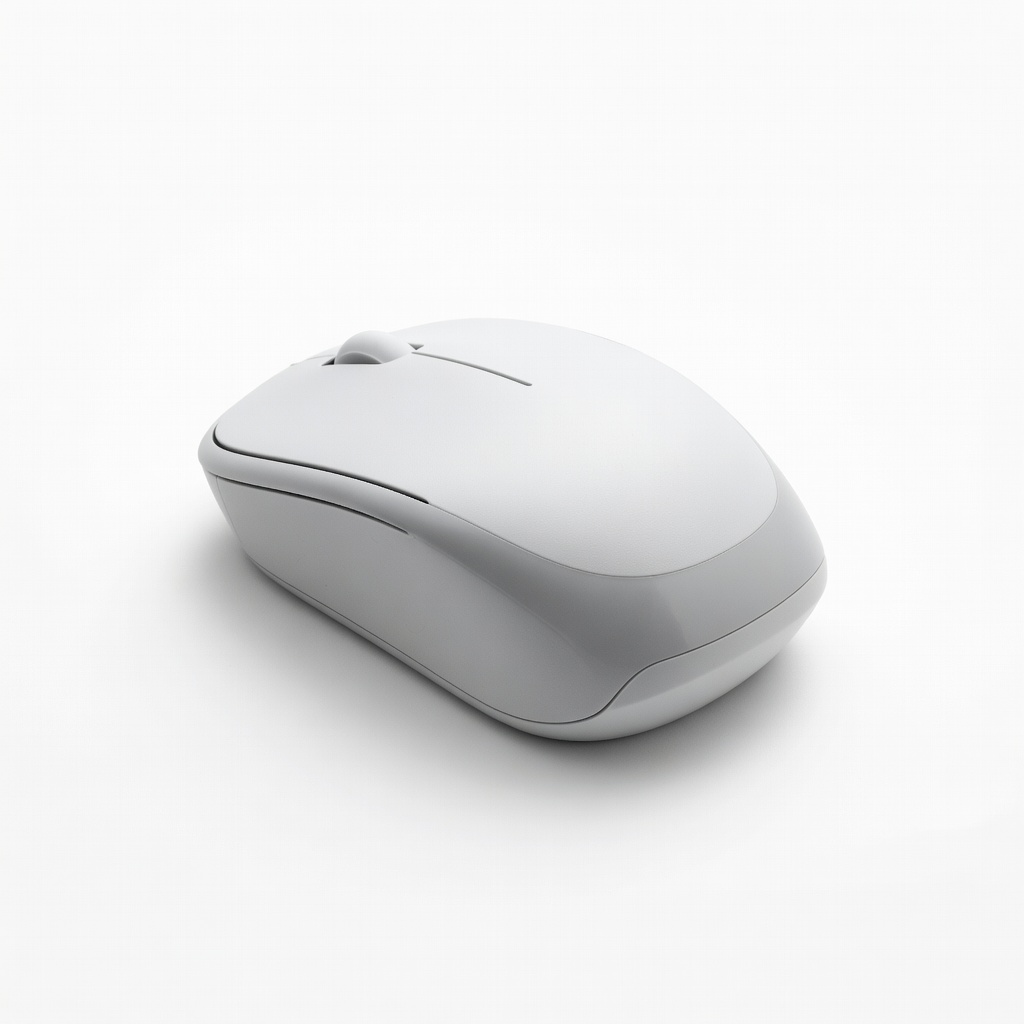
•USB ports and HDMI (connect mouse, external drives)
🏆 Top 4 Best Laptop for Beginners
#1
💰 Budget
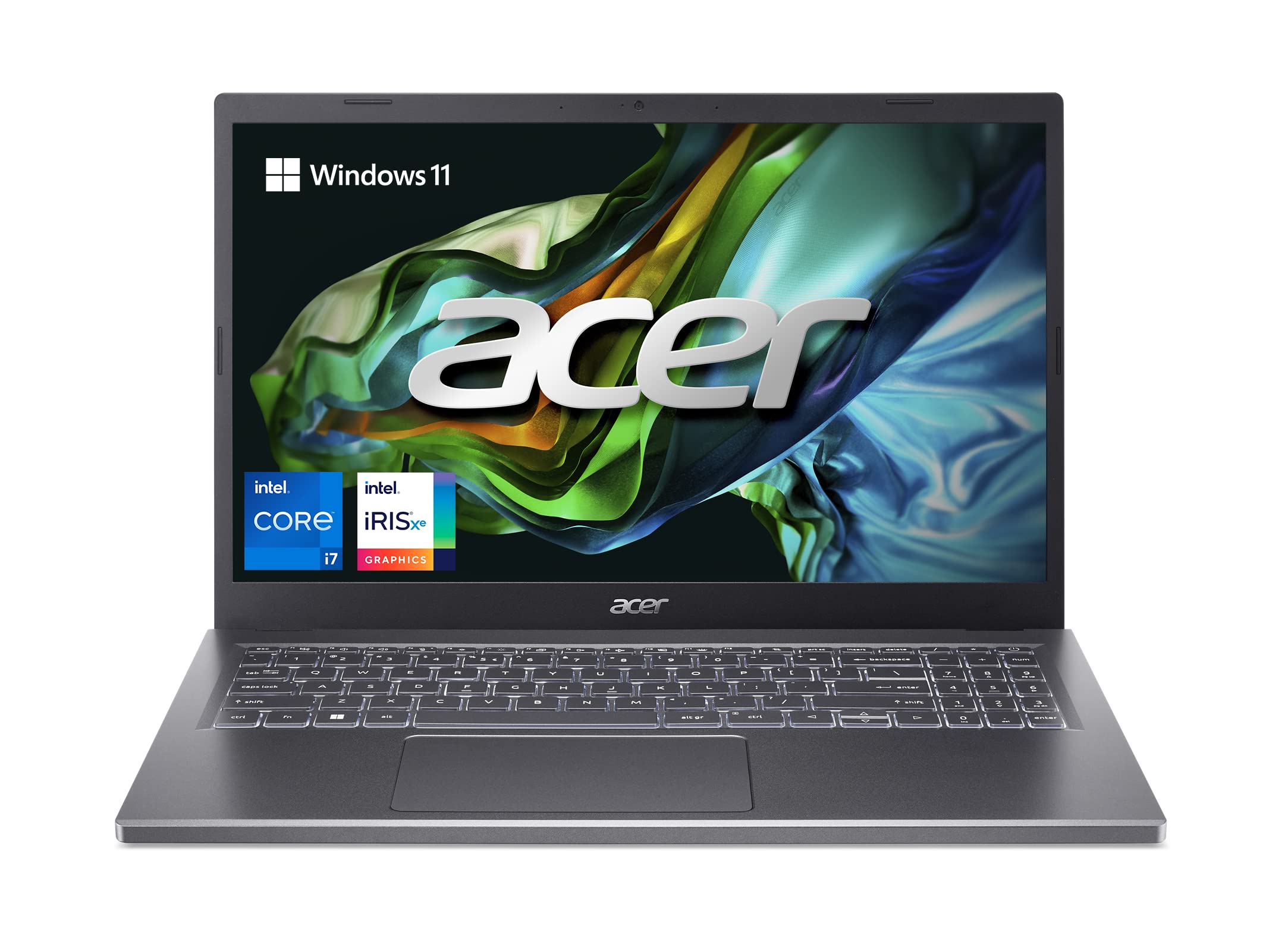
Acer Aspire 5 Slim Laptop, 15.6" Full HD IPS Display, AMD Ryzen 3 7320U, 8GB LPDDR5, 128GB SSD
Learning Curve: Easy
$399.99
Difficulty: 1/5
Why Great for Beginners:
Affordable entry for Adobe basics like Photoshop touch-ups. Handles light design without crashes, easy Windows setup. Great for testing digital design passion.
✓ Beginner Pros
+Full HD IPS screen for decent colors
+Fast SSD boot
+Lightweight and portable
+Pre-installed Windows – instant Adobe install
✗ Beginner Cons
-Limited storage (add external)
-May slow with heavy Illustrator files
-Basic battery (4-6 hours)
👍 Best for: Budget-conscious total newbies trying Adobe.
👎 Not for: Full Suite multitaskers needing 16GB RAM.
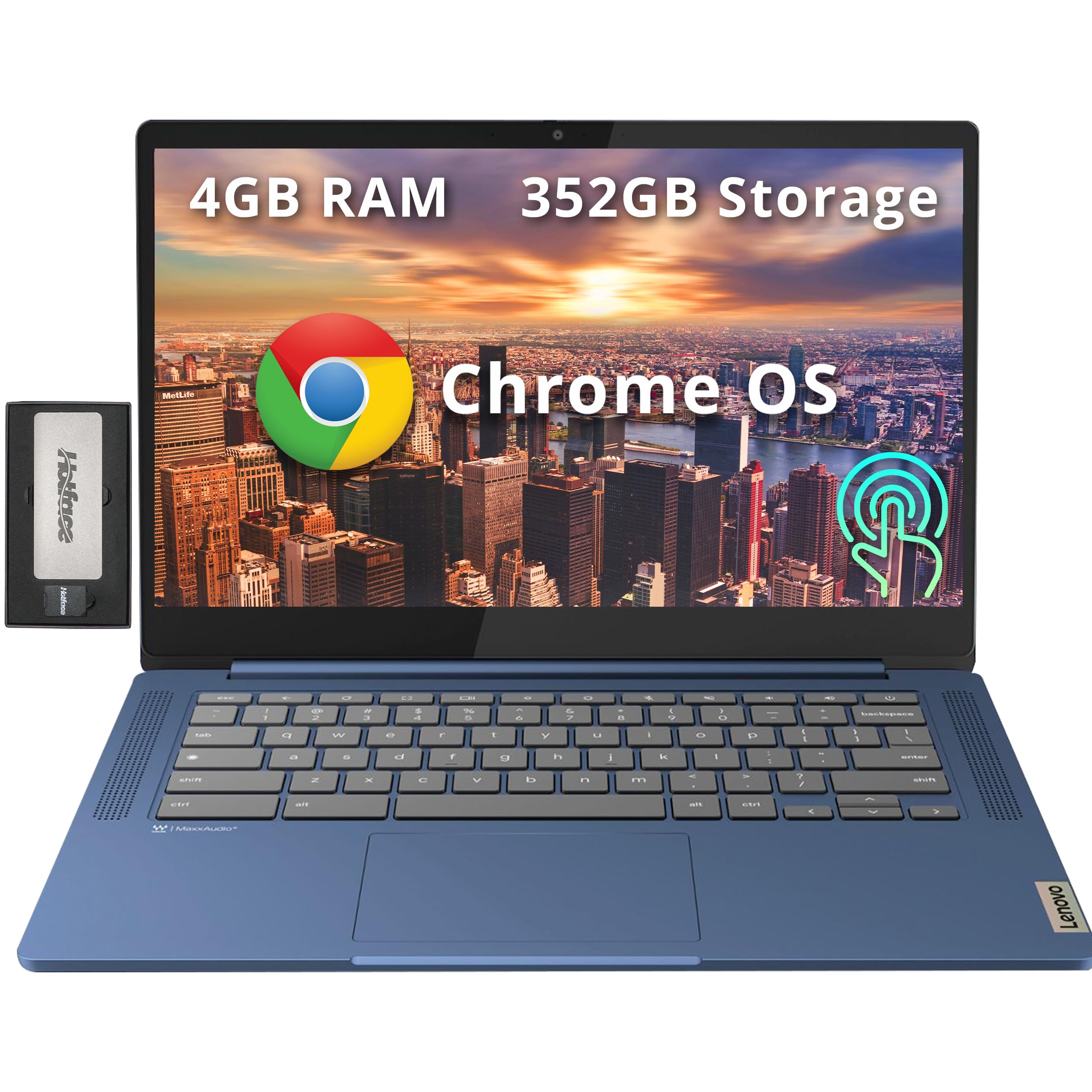
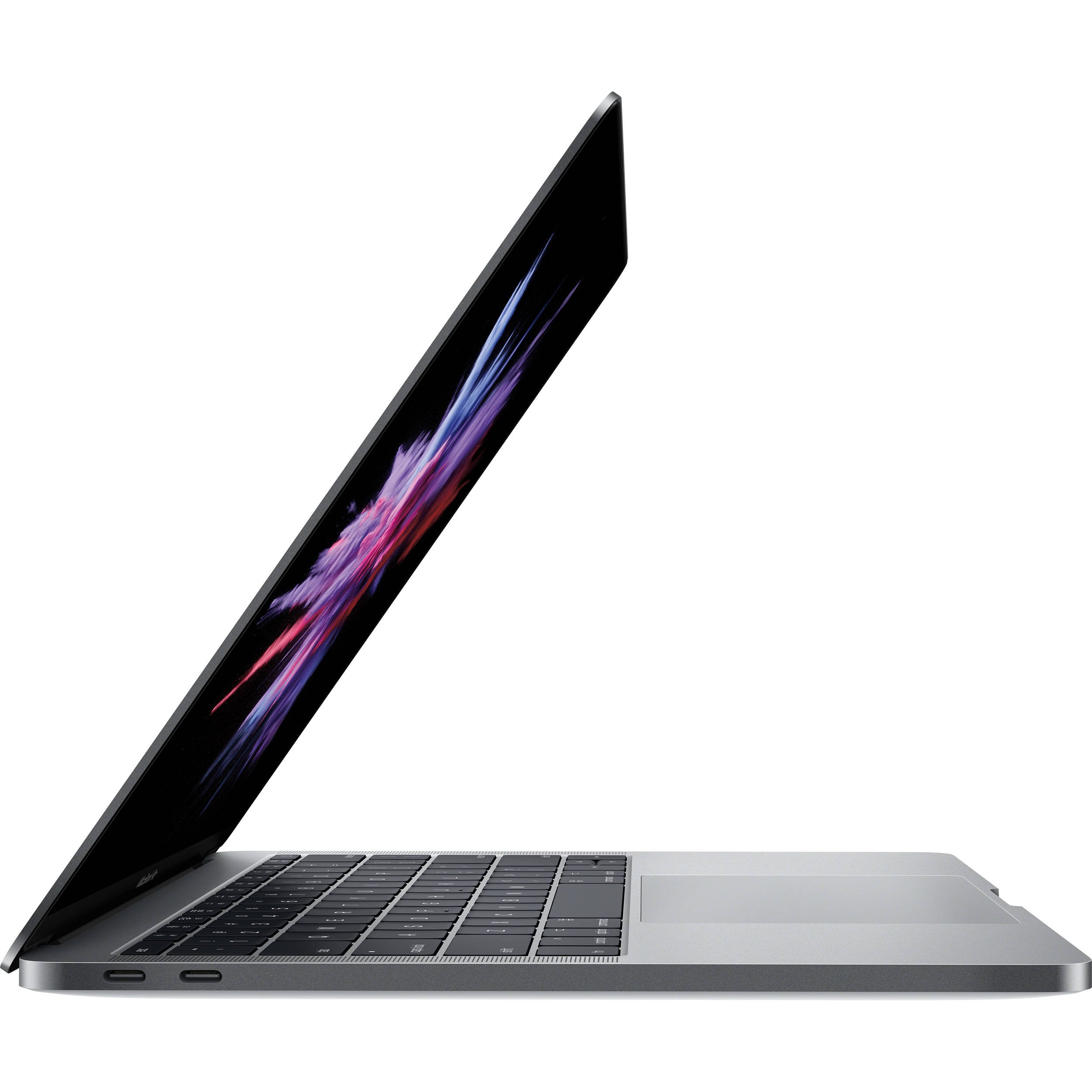
Laptops are portable computers for design work. Key types: Chromebooks (too weak for Adobe), ultrabooks (thin, good battery), 2-in-1s (touchscreen flexibility), and workstations (pro power). Beginners in digital design should start with mid-range Windows laptops or MacBooks – they're forgiving, run Adobe natively, and balance power/portability.
Expect to edit simple photos, create basic graphics – not 4K videos yet. 'Beginner-friendly' means plug-and-play Adobe install, no tweaks needed, and room to grow. Marketing traps: 'Gaming laptop' sounds cool but drains battery; '4K screen' is pretty but slows basic tasks.
Evaluate by testing in-store or Amazon reviews for 'Photoshop performance.' Windows is cheaper/customizable; Mac excels in Adobe stability/color accuracy. Start here for confidence.
🔧 Essential Accessories for Beginners
Amazon Basics 15.6–17-Inch Laptop Computer and Tablet Sleeve Case
⚠️ Essential
$12.99
When to buy:
Day one
Protects your new laptop from drops/scratches day one. Beginners carry everywhere – prevents costly repairs.
Ask: What's your budget? Under $500 for trials, $500-900 sweet spot. What Adobe apps? Photoshop alone needs less than full Suite. Daily use or portable? Prioritize battery/portability.
Framework: 1) Set budget tier. 2) Check min specs (8GB RAM, i5). 3) Read beginner reviews for 'easy setup.' Budget for basics that last 2-3 years; premium if serious. Avoid if no Adobe optimization or poor support.
Red flags: Under 8GB RAM, HDD storage (slow), tiny screens. Plan for growth: Pick upgradeable or future-proof specs.
💰 Budget Guide for Beginners
1400+
Pro entry – if budgeting for dedicated GPU and 16GB+ RAM from day one.
500 - $900
Sweet spot – smooth Photoshop/Illustrator for most beginners, great value and growth room.
900 - $1400
Premium beginner – full Suite power, color pros, lasts 4+ years.
Under $ - $500
Entry level – basic Adobe trials, may lag with multiple apps, quick upgrade needed.
⚠️ Common Beginner Mistakes to Avoid
Buying the cheapest ($300 Chromebook) leads to Adobe crashes – false economy. Overspending on gaming rigs ($2000) with unused RGB/features. Skipping sleeve/mouse causes damage/frustration. Ignoring RAM (under 8GB) slows everything. Picking tiny screens hurts design accuracy. Not checking Adobe compatibility wastes time.
×Buying under-specced cheapies that lag in Photoshop
×Overbuying gamer laptops with short battery
×Skipping protection accessories
×Ignoring RAM/storage for Adobe files
×Choosing wrong OS without Adobe test
×Not reading beginner reviews
×Forgetting external storage needs
📈 Your Progression Path: Beginner to Intermediate
Start with basics: Install Adobe trial, practice simple edits (crop, layers). Build skills via free YouTube tutorials. Outgrow beginner laptop when Suite lags (add RAM if possible) or need 4K/3D – typically 1-2 years.
Upgrade path: More RAM/GPU first, then larger screen. Intermediate: 16GB+ RAM, dedicated graphics for complex designs. Practice daily to progress confidently.
📚 Learning Resources for Beginners
📖Adobe Photoshop Classroom in a Book (2024 Release) - ASIN: B0CP8L8Z5R
📖Illustrator for Beginners: The Complete Guide - ASIN: B0B1J7K3Q2