Pick your first keyboard with confidence - our guide simplifies choices, top picks, and mistakes to avoid for music newbies.
Choosing your first keyboard can feel scary with endless options and confusing terms. Beginners often worry about wasting money on something too hard or buying the wrong type. This guide cuts through the noise, focusing on simple, forgiving keyboards that let you start playing fun songs right away.
We'll explain what matters most, recommend real Amazon products perfect for newbies, and show you how to avoid pitfalls. By the end, you'll know exactly what to buy and why, building your confidence to make music from day one.
📋 In This Guide
• Why Beginners Struggle with Keyboard
• What to Look For (Key Features)
• Top 5 Beginner-Friendly Keyboard
• Essential Accessories for Beginners
• Common Beginner Mistakes to Avoid
• Your Progression Path
• FAQ & Learning Resources
😰 Why Beginners Struggle with Keyboard
Beginners feel overwhelmed by tech jargon like 'weighted keys' or 'polyphony' without knowing what it means for playing simple songs. Many fear picking a keyboard that's too basic (sounds cheap) or too advanced (steep learning curve). Forums like Reddit's r/piano are full of stories: 'I bought a $50 toy and quit after a week' or 'Spent $600 but can't figure out the apps.'
The sheer number of 300+ options on Amazon, from portable toys to pro pianos, makes decisions paralyzing. Newbies don't know if they need 88 keys or 61, or why some feel 'real piano-like.' Plus, setup fears: Will it connect to headphones? Does it need batteries? These struggles lead to buyer's remorse and abandoned hobbies.
🔍 What to Look For: Key Beginner-Friendly Features
Focus on keyboards with touch-sensitive keys (they get louder when you hit harder, like a real piano) and built-in lessons or song demos - these forgive mistakes and teach basics. Look for 61 keys minimum for full songs, headphone jack for quiet practice, and simple buttons (no tiny menus). Avoid ones overloaded with beats or effects you'll ignore at first.
Beginner-friendly means lightweight (under 15 lbs for easy moving), battery option for portability, and free apps with tutorials. 'Weighted keys' simulate piano feel but start light if your hands tire fast. Good sustain (notes ring out) and 128-note polyphony handle simple chords without cutting off. These make practice fun, not frustrating.
✅ Essential Features for Beginners
•61+ full-size keys
•Touch-sensitive response
•Built-in lessons and songs
•Headphone jack for quiet play
•Simple one-button controls
•Battery power option
•Lightweight and portable
🏆 Top 5 Best Keyboard for Beginners
#1
💰 Budget
Casio CTK-2400 61-Key Portable Keyboard
Learning Curve: Easy
$119.99
Difficulty: 1/5
Why Great for Beginners:
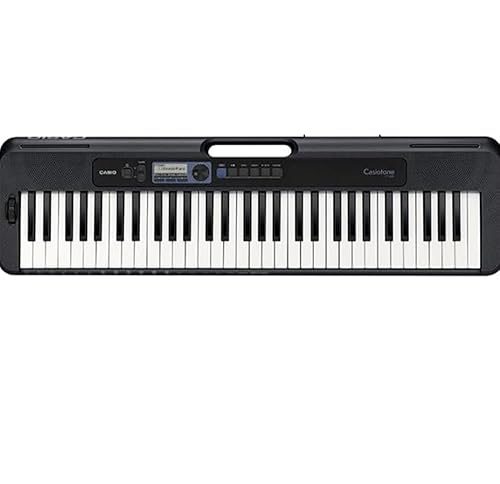
Affordable entry with 400 tones and 100+ rhythms, but simple piano lessons mode gets you playing fast. Lightweight at 7lbs, battery-powered for couch practice. Forgiving non-weighted keys suit small hands.
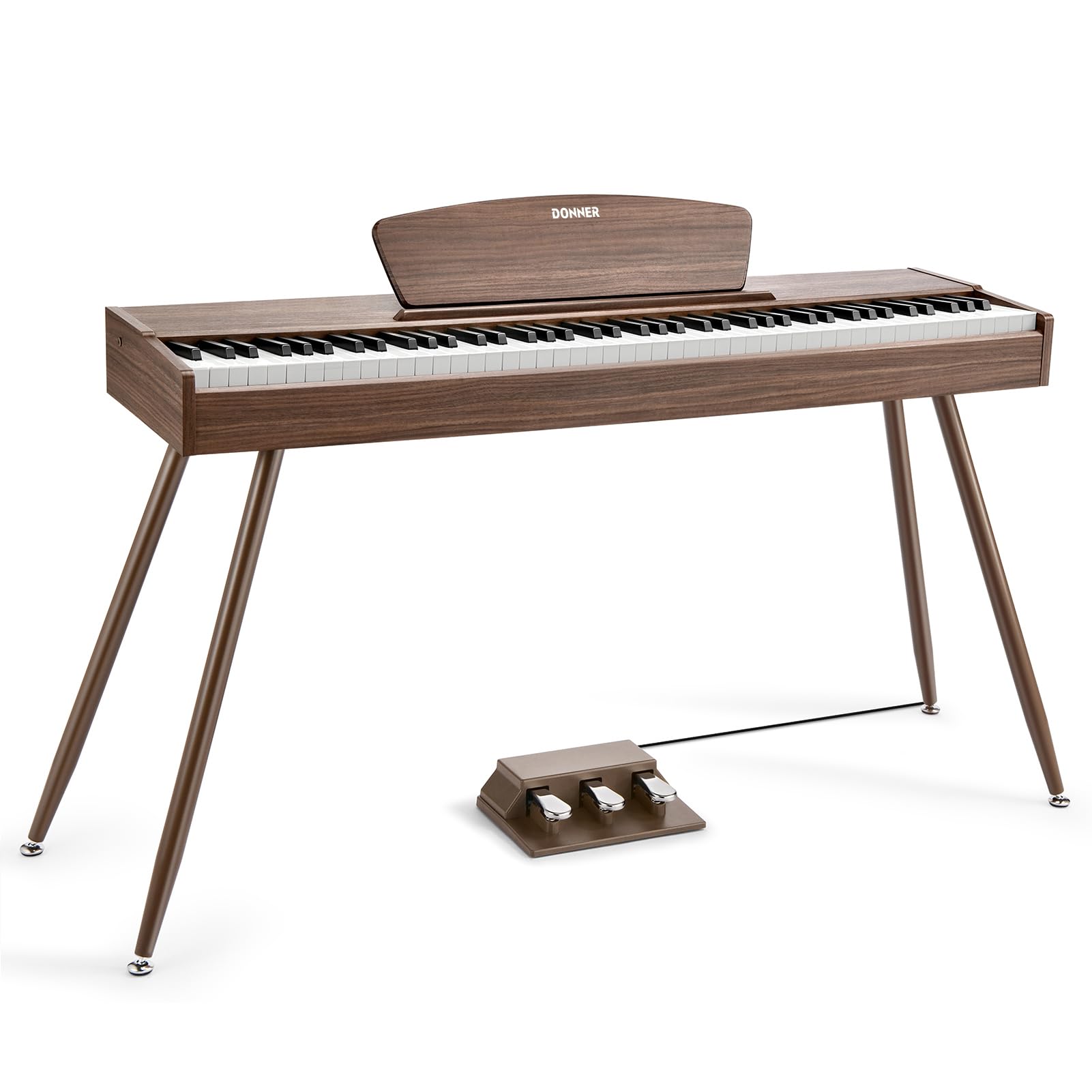
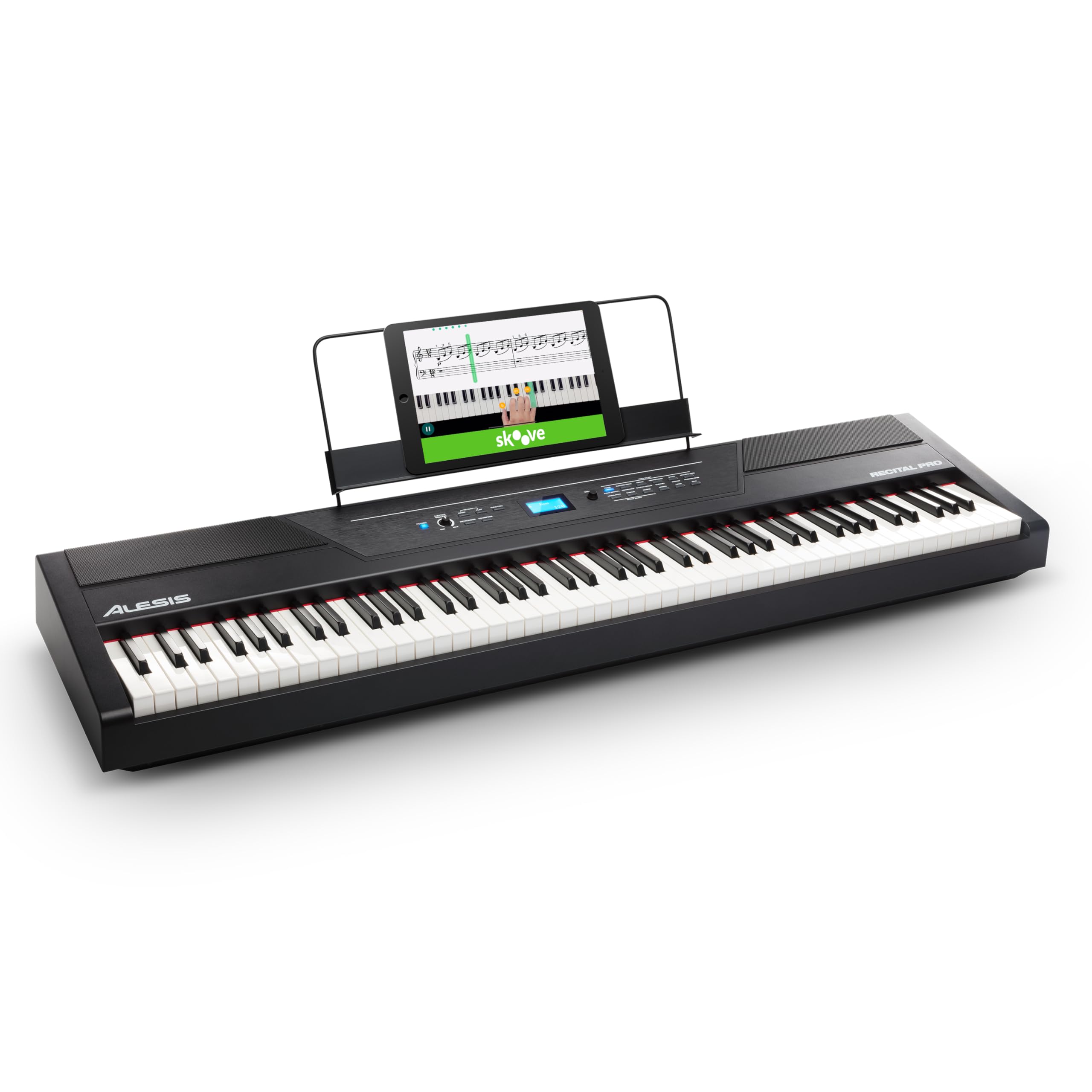
Full 88 weighted keys mimic real piano gently, with 128-note polyphony for chords. Free app lessons and Bluetooth make starting intuitive. Bench/stand included - set up in minutes.
AiX sound tech for rich piano tones, dance music mode for fun. Ultra-light 4.4lbs with app for chord learning. Battery lasts 33 hours - perfect no-fuss practice.
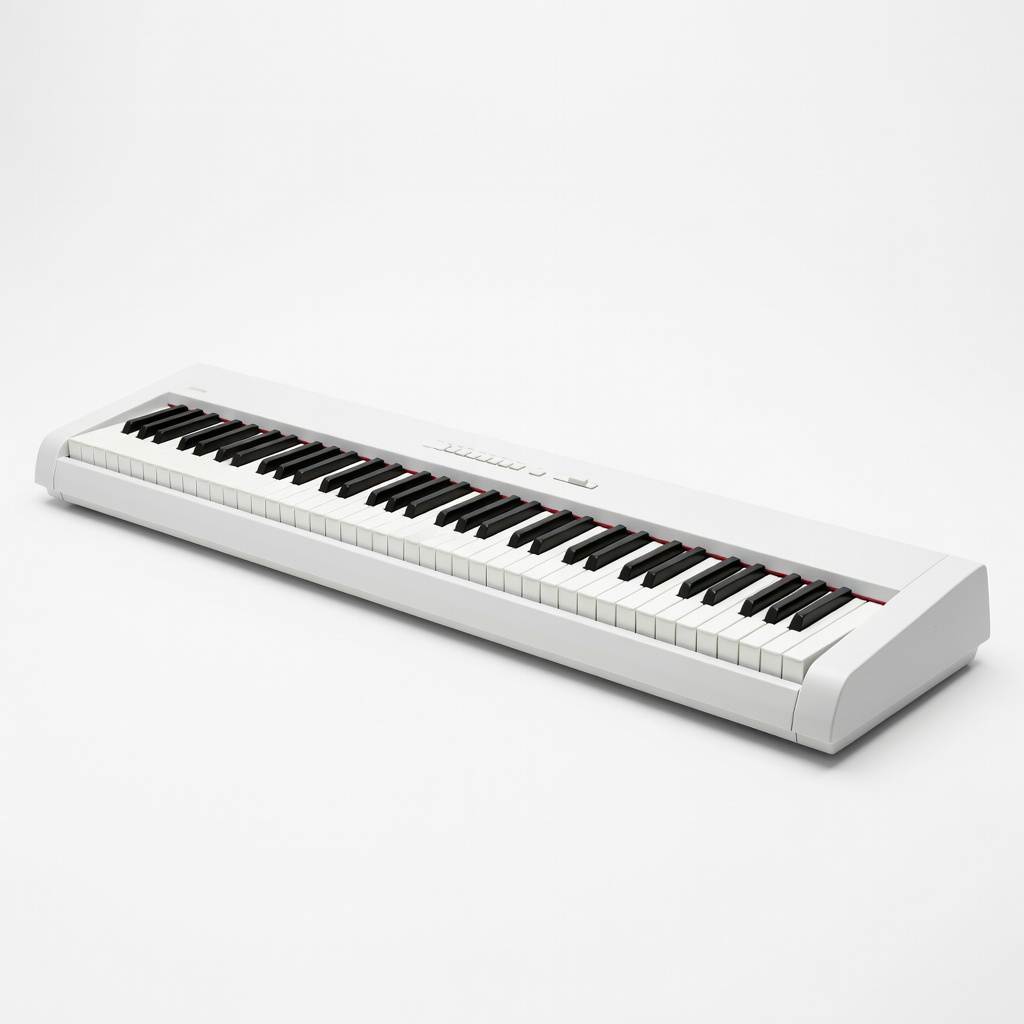
Graded hammer action feels authentic yet light, Pure CF sound engine realistic. Simple two-button operation, sustain pedal included. Built to last as you improve.
A keyboard is a digital piano mimicking acoustic sounds electronically - plug in, play anywhere without tuning. Types: portable (light, fun sounds), digital pianos (weighted keys, realistic), arranger (beats for pop). Beginners love portable 61-key models - enough range for songs without bulk.
'Beginner-friendly' means intuitive: power on, select piano sound, play lesson mode. Realistic expectations: Week 1, plunk simple tunes like 'Twinkle Twinkle'; Month 1, basic chords. Marketing traps: '400 voices' sounds cool but beginners use 5 piano tones. Evaluate by: play demos on YouTube, check weight/keys, read newbie reviews for 'easy setup.'
Start with non-weighted if portability matters, upgrade to weighted later for better feel.
🔧 Essential Accessories for Beginners
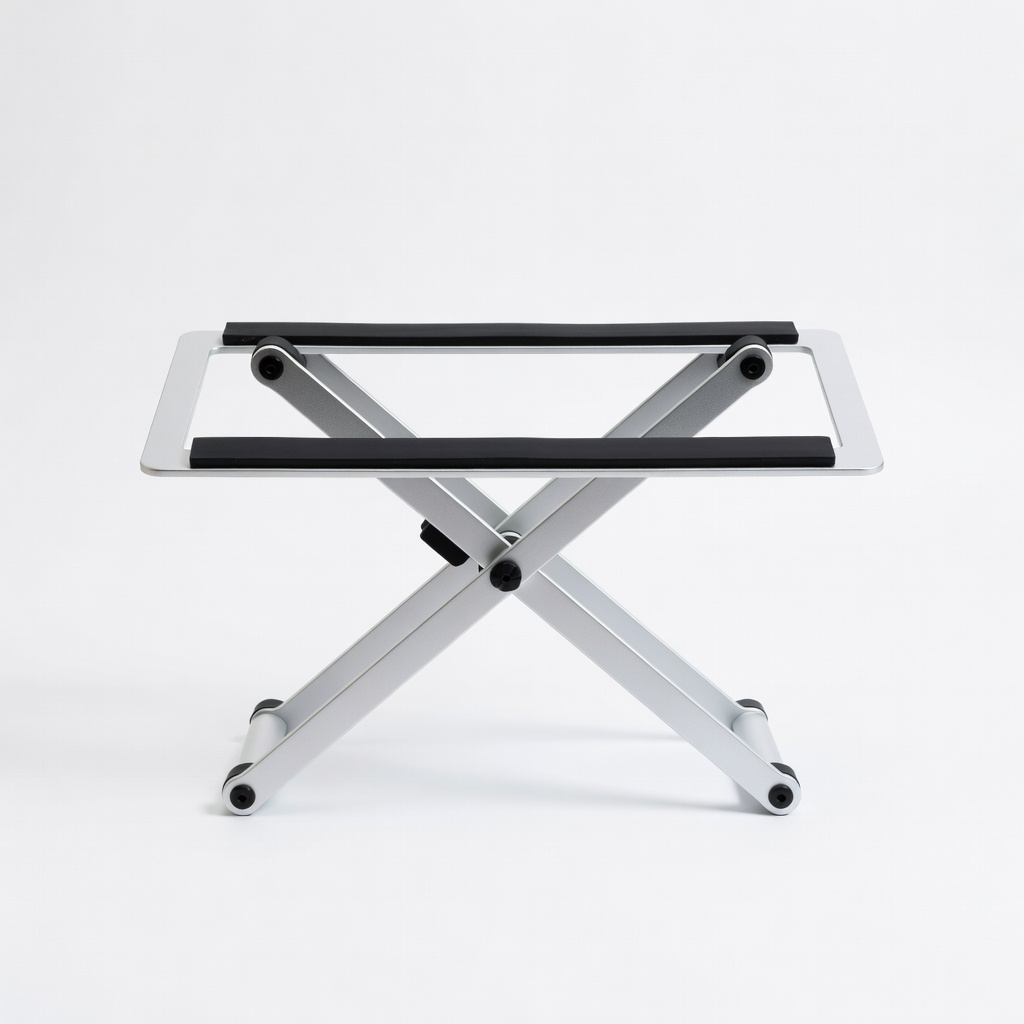
X-Banner Keyboard Stand
⚠️ Essential
$39.99
When to buy:
Day one
Keeps keyboard at perfect height to avoid hunching/back pain during long sessions. Adjustable for kids/adults, stable for beginners who bump keys.
Ask: Budget? (Under $150 try-it-out, $150-300 grow-with-me). Play alone or lessons? (Need headphone/lessons). Space? (Portable under 10lbs). Future piano interest? (Weighted keys). Scenarios: Kid/home practice = battery/portable; serious adult = weighted sweet spot.
Go budget if testing hobby; recommended for 90% beginners (balances quality/growth); premium if committing $400+. Red flags: No returns, heavy/no case, complex apps required. Test in-store if possible, else Amazon's return policy saves you.
💰 Budget Guide for Beginners
500+
Pro entry - full 88 weighted keys for dedicated starters
150 - $300
Sweet spot - forgiving action, apps, room to grow for 1-2 years
300 - $500
Premium beginner - realistic feel, pro sounds, lasts through intermediate
Under $ - $150
Entry level - basic sounds and lessons to dip toes, may upgrade in 6 months
⚠️ Common Beginner Mistakes to Avoid
Beginners grab flashy 'pro' features like 1000 rhythms, ignoring core playability - end up confused. Cheap toys frustrate with poor action; reviews scream 'regret!' Avoid by prioritizing lessons/headphones.
No stand means wrist strain; forums advise bundle buys. Instead, start simple: weighted if piano-bound, portable otherwise. Experienced users say: 'My $200 Casio lasted 3 years vs $80 trash.'
×Buying toy keyboards under $50 - tinny sound quits hobby
×Overbuying 88-key pro models - too heavy/intimidating
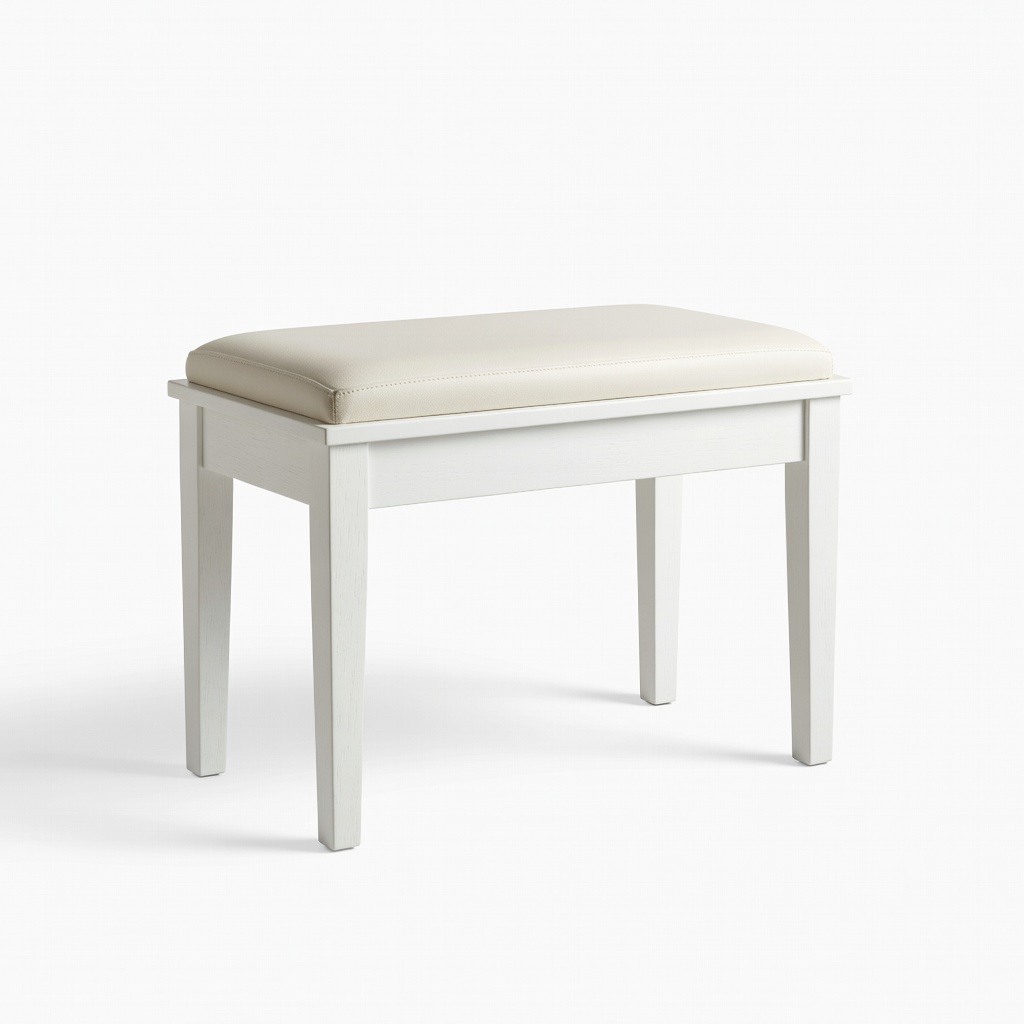
×Skipping stand/bench - bad posture kills practice
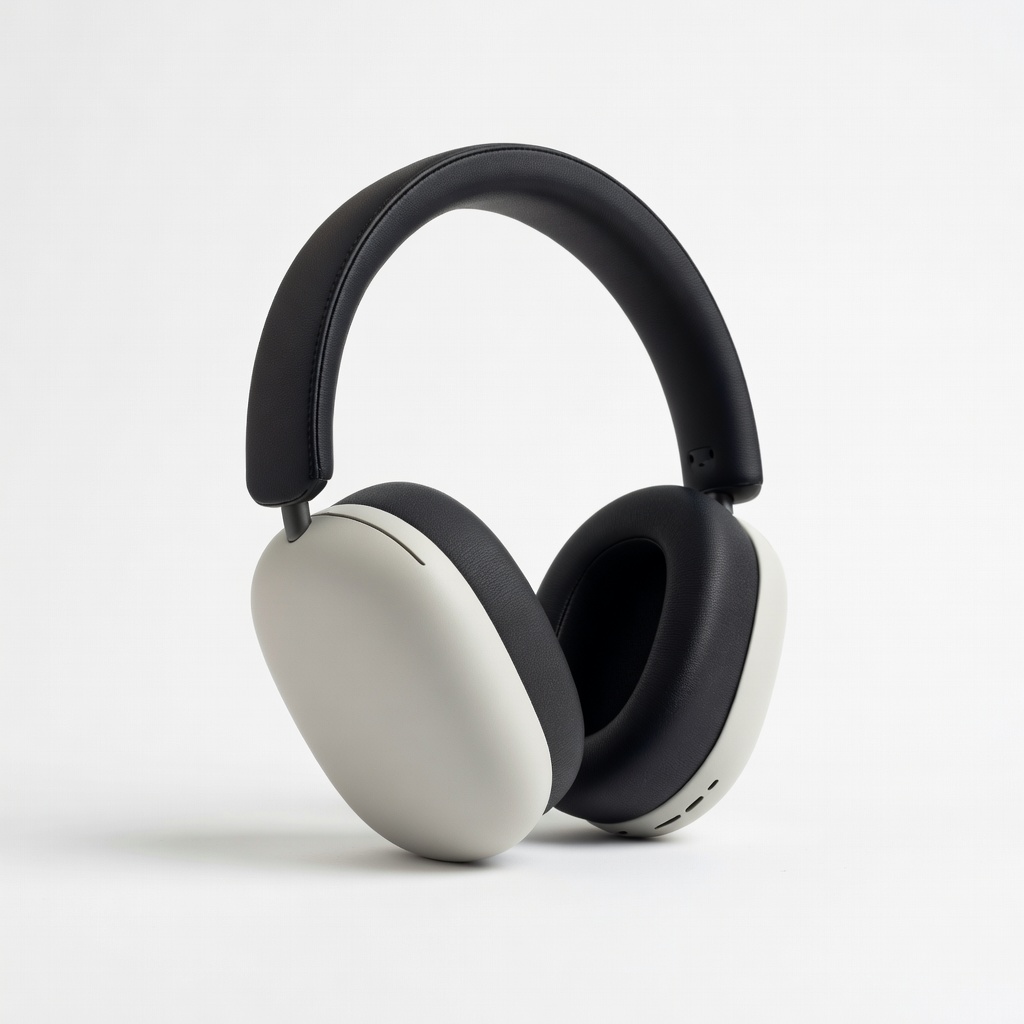
×Ignoring headphone jack - can't practice quietly
×No lessons mode - staring at blank keys frustrates
×Cheap non-weighted keys - bad habits for piano later