Discover simple, collapsible green screens that make streaming easy and fun—no tech skills required.
Choosing your first green screen for streaming can feel scary—like you'll pick the wrong one and ruin your videos. Beginners often worry about wrinkles, setup hassles, or buying something too flimsy. But it doesn't have to be overwhelming.
This guide is built for total newcomers. We'll break down why green screens matter for clean backgrounds in streams, highlight beginner-friendly collapsible options (perfect for small spaces), and give you exact Amazon picks with links. By the end, you'll know exactly what to buy to start streaming confidently without wasting money.
Our promise: Simple advice, real products, and tips to avoid pitfalls so you can focus on creating content, not fixing gear.
📋 In This Guide
• Why Beginners Struggle with Green Screens
• What to Look For (Key Features)
• Top 4 Beginner-Friendly Green Screens
• Essential Accessories for Beginners
• Common Beginner Mistakes to Avoid
• Your Progression Path
• FAQ & Learning Resources
😰 Why Beginners Struggle with Green Screens
Beginners diving into streaming with green screens face big hurdles. First, the jargon hits hard—words like 'chroma key,' 'wrinkle-resistant fabric,' or 'pop-up frame' sound confusing without context. Many think they need pro studio setups, but end up with cheap fabric that wrinkles everywhere.
Options overwhelm: Hundreds of Amazon listings, from tiny pop-ups to huge pop-up screens, leave you guessing sizes. Reviews mention 'easy setup' but hide issues like unstable frames or poor color for keying. Fear of buyer's remorse is real—will it fit your room? Work with your webcam? Forums like Reddit's r/Twitch show newbies frustrated by bad lighting mismatches or screens that sag after one use.
Without guidance, beginners grab the cheapest option, then struggle with fuzzy edges in software like OBS, killing their motivation.
🔍 What to Look For: Key Beginner-Friendly Features
For beginners, focus on collapsible green screens—they fold small for easy storage in apartments. Must-haves: True chroma green color (not lime—easy to key out in free software), wrinkle-free fabric (stretches smooth), and sturdy pop-up frame (sets up in seconds without tools).
Nice-to-haves: Portable carry bag and adjustable stand compatibility. Skip extras like multi-colors or huge sizes—you won't need them yet. Beginner-friendly means forgiving: Fabric that snaps taut, frame that locks firm, and size fitting 5x6ft for most desks (covers torso/head perfectly).
'True green' means vivid #00FF00 hue for clean removal; test in reviews with 'OBS keying.' Ease wins: No assembly hassles, lightweight under 10lbs, stands alone without clips.
✅ Essential Features for Beginners
•Collapsible pop-up design: Sets up in 10 seconds, folds to backpack size
•Wrinkle-resistant fabric: Stretches smooth without ironing—forgives folding mistakes
•True chroma green color: Perfect for easy removal in OBS or Streamlabs
•Sturdy aluminum frame: Locks tight, won't sag during long streams
•Portable carry bag: Stores anywhere, ideal for small beginner spaces
•5x6ft or 5x7ft size: Covers you perfectly without overwhelming rooms
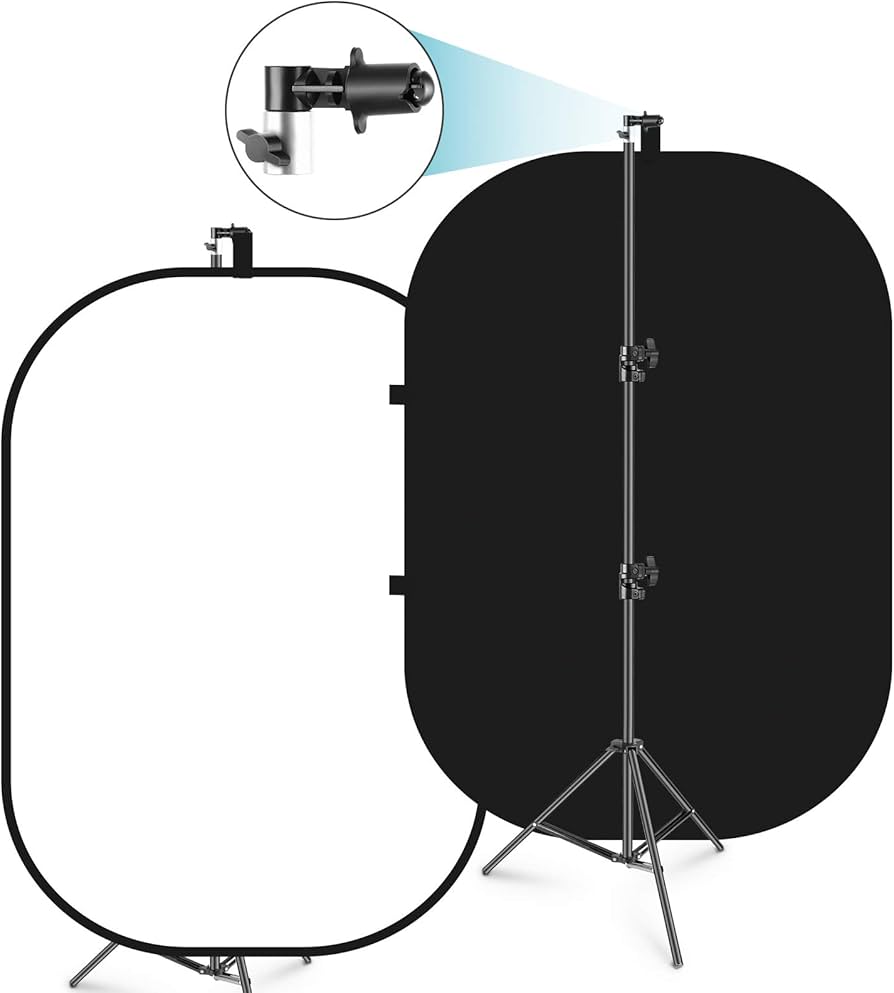
•Double-sided option: Green one side, black other for versatility
•Lightweight under 8lbs: Easy carry for mobile streaming setups
🏆 Top 4 Best Green Screens for Beginners
#1
💰 Budget
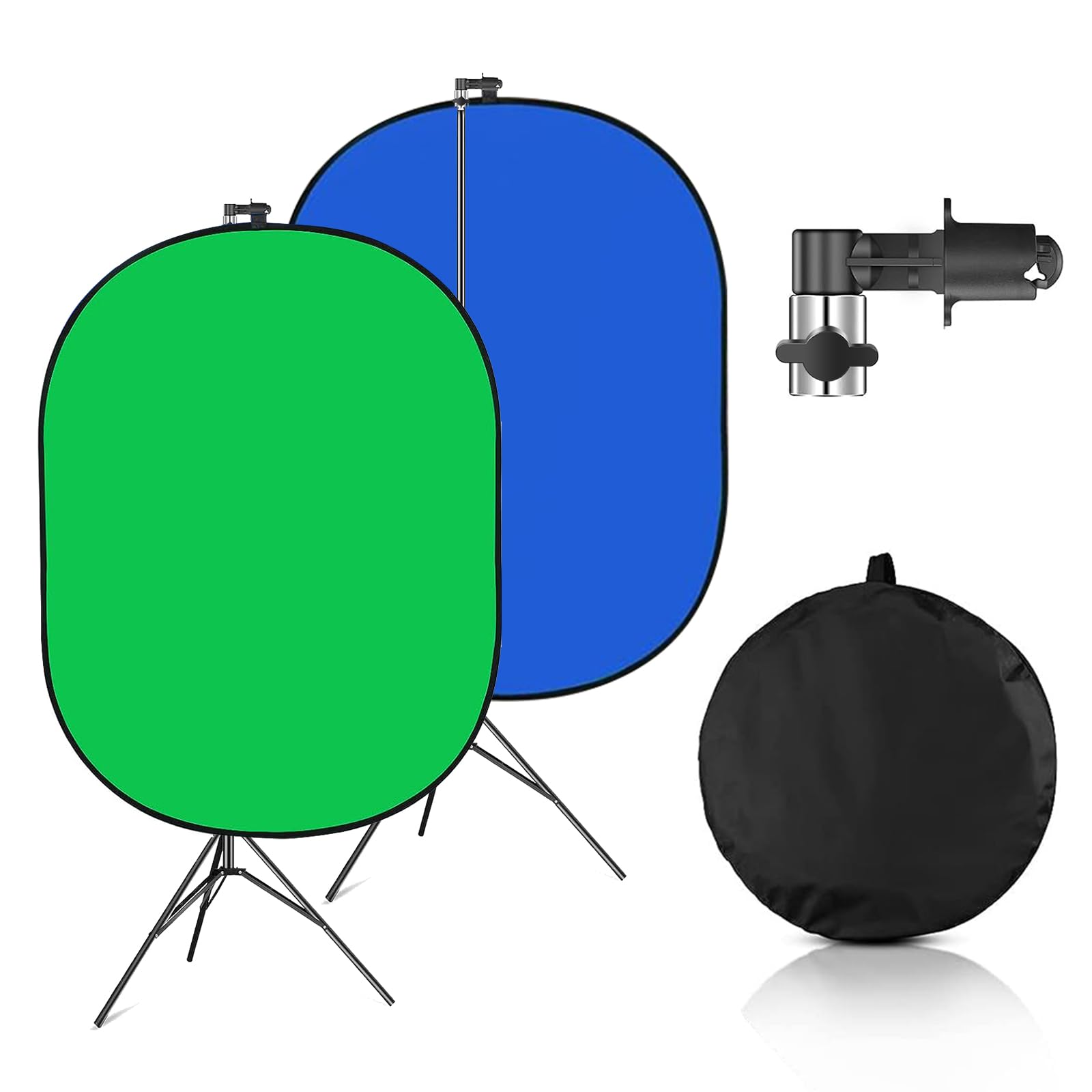
Collapsible Green Screen Backdrop 5x7ft
Learning Curve: Easy
$29.99
Difficulty: 1/5
Why Great for Beginners:
Perfect first try—pops open fast with stretchy fabric that hides wrinkles. Fits small desks, includes bag for easy stow. Great for testing chromakey without commitment.
✓ Beginner Pros
+Super cheap to start
+Folds tiny for apartments
+Quick 30-sec setup
+Double-sided (green/black)
✗ Beginner Cons
-Frame a bit flimsy if windy
-Fabric thinner than premium
👍 Best for: Absolute newbies on tight budget testing streaming
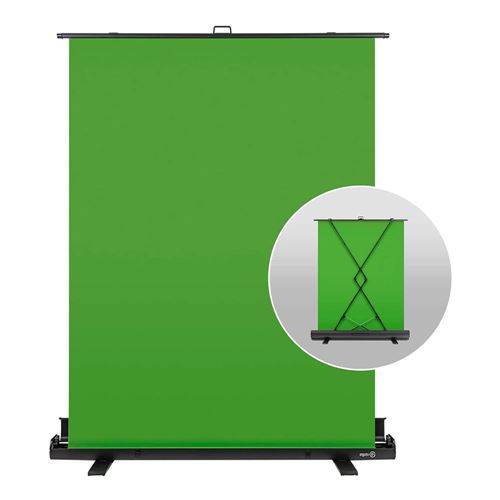
Pro quality made simple—steel frame locks perfectly flat, premium fabric keys flawlessly even in dim light. Expands to 6.25x5ft, collapses to 1ft. Built for growth into serious streaming.
✓ Beginner Pros
+Flawless wrinkle-free
+Pro-level keying
+Durable for years
+Quick release levers
✗ Beginner Cons
-Higher price
-Bulkier bag
👍 Best for: Serious beginners planning daily streams
A green screen is a bright green backdrop that software 'keys out' (removes) to insert any background—like a virtual studio. For streaming, it hides messy rooms instantly. Collapsible types are best for beginners: They pop open like a tent, no poles or tapes needed.
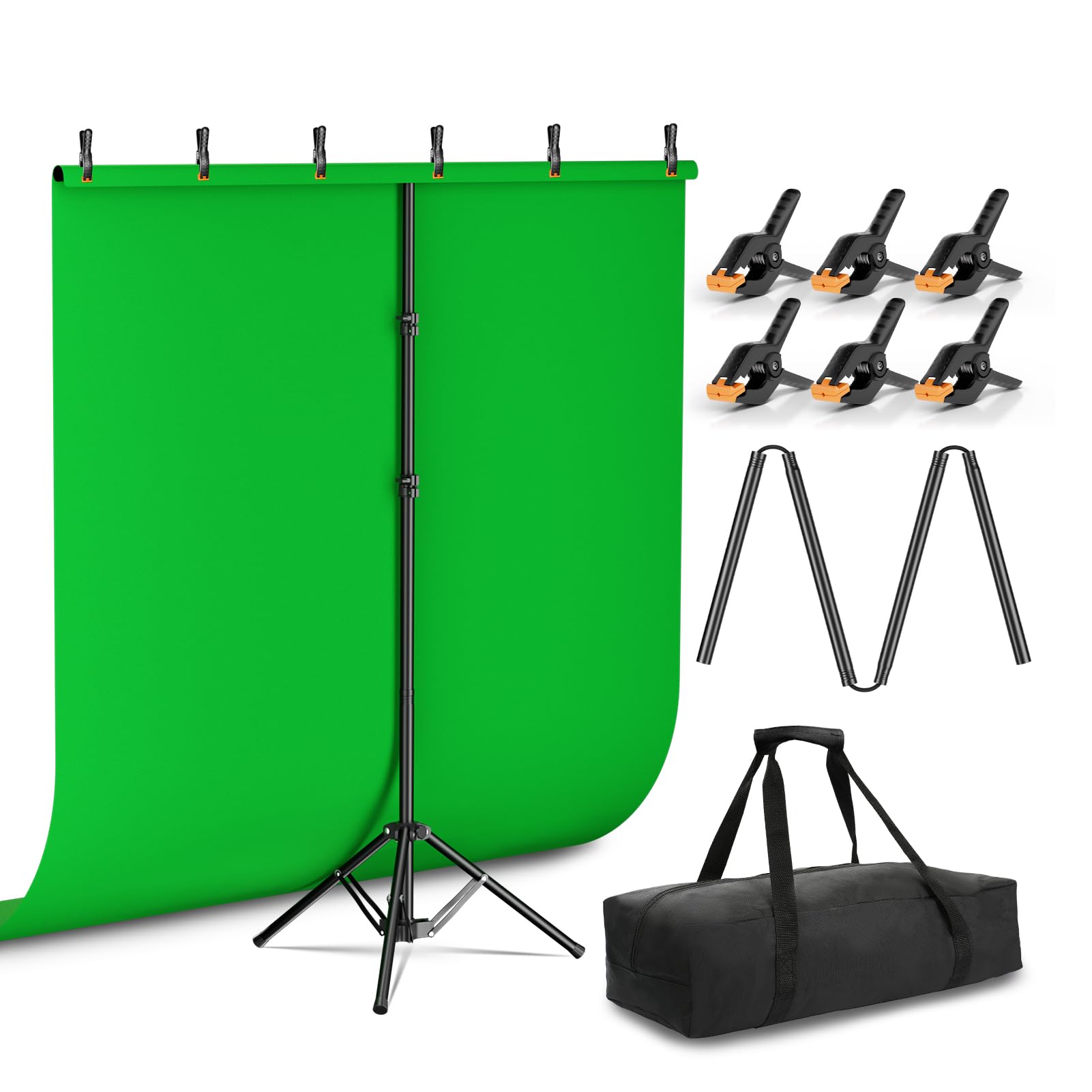
Types: Pop-up (easiest, self-standing), fabric on stand (cheaper but wrinkles), rigid panels (pricey, pro). Beginners love pop-ups—quick, portable, forgiving. Expect realistic results: Clean keys with good lighting (your room lamps + cheap ring light); no Hollywood perfection at first.
Evaluate by: Setup videos in reviews (under 1min?), color vibrancy (no yellow tint), size match (measure wall space). 'Beginner-friendly' = plug-and-play, works with phone/webcam, survives drops. Marketing traps: '4K ready' (irrelevant for beginners), 'studio grade' (often stiff fabric).
🤔 How to Choose Your First Green Screens
Ask: What's your space? Desk streaming? Pick 5x6ft. Budget $30-80? Room only? Go collapsible pop-up. Use case: Twitch chats? YouTube? Same needs—clean keying.
Budgets: Under $50 for testing, $50-100 sweet spot (durable frame), $100+ premium (pro fabric). Future: Start here, upgrade to motorized in 6 months. Red flags: Thin fabric (tears easy), no bag (storage mess), bad reviews on 'wrinkles after fold.'
Framework: 1) Measure space. 2) Watch setup video. 3) Check OBS key test photos. 4) Match budget tier. Budget for casual fun, recommended for regular streams.
💰 Budget Guide for Beginners
150+
Pro entry: Motorized or huge—only if streaming daily with big budget
50 - $100
Sweet spot: Sturdy frame, smooth fabric—best value, lasts 1-2 years of weekly use
100 - $150
Premium beginner: Pro-grade pop-up, flawless keying—room to grow without quick replace
Under $ - $50
Entry level: Basic pop-up to try chromakey—works okay but may wrinkle more, upgrade in months
⚠️ Common Beginner Mistakes to Avoid
Beginners chase 'cheap' Amazon deals, grabbing $15 fabric sheets that wrinkle like crazy and key poorly—wasted money, quit streaming fast. Experienced users say: Always pop-up frames.
Another trap: No lighting plan. Buy screen, test in dim room, fuzzy edges everywhere. Solution: Budget for ring light first. Real example: r/streaming newbie posted 'screen useless'—forgot even light.
Size mistakes kill: Measure wrong, tiny screen shows walls. Avoid by taping outline first. Plan growth: Don't skimp if streaming often—budget tiers prevent upgrades soon.
×Buying flat fabric instead of collapsible—endless wrinkles and setup time
×Wrong size: Too small (head cut off), too big (storage nightmare)
×Skipping lights—shadowy keys look amateur
×Cheapest no-frame option—sags and frustrates
×Ignoring true green shade—software won't key cleanly
×No stand/clamps—screen falls mid-stream
×Overlooking portability—can't store in small spaces
📈 Your Progression Path: Beginner to Intermediate
Start simple: Set up screen + light, practice OBS keying 10min/day. Learn basics: Distance 4-6ft from screen, even light, no shiny clothes. Week 1: Static backgrounds.