Everything beginners need to choose their first gaming PC with confidence, top picks, accessories, and mistakes to avoid.
Picking your first gaming PC can feel scary – too many specs, confusing terms, and worry about wasting money on the wrong one. Beginners often freeze up thinking they need expert knowledge just to start gaming.
Gaming PCs seem overwhelming because of tech jargon like 'RTX' or 'i7', endless options from $500 to $5000, and fear of buying something that can't run modern games. But you don't need to be a pro to get started.
This guide simplifies it all: what matters for beginners, top Amazon picks with links, accessories, and pitfalls to skip. You'll walk away confident, ready to game without regret.
📋 In This Guide
• Why Beginners Struggle with Gaming PC
• What to Look For (Key Features)
• Top 4 Beginner-Friendly Gaming PC
• Essential Accessories for Beginners
• Common Beginner Mistakes to Avoid
• Your Progression Path
• FAQ & Learning Resources
😰 Why Beginners Struggle with Gaming PC
Beginners face a wall of confusion with terms like CPU, GPU, RAM, and FPS that sound like secret code. Forums are full of debates on 'best builds', leaving newbies lost and anxious about choosing wrong.
The sheer number of PCs – pre-built vs custom, laptops vs desktops – overwhelms. Many fear spending $1000 on something slow or overheating after one hour. Reddit and Amazon reviews echo this: 'I bought cheap and it lagged on Fortnite' or 'Too many choices, help!'.
Without knowing basics, buyers grab flashy ads, ending up frustrated. Fear of scams or quick obsolescence stops many from starting.
🔍 What to Look For: Key Beginner-Friendly Features
Focus on simple must-haves: a solid GPU (graphics card) for smooth games at 1080p, at least 16GB RAM for multitasking, fast SSD storage (500GB+), and Intel i5/Ryzen 5 CPU. These handle beginner games like Fortnite or Valorant without hiccups.
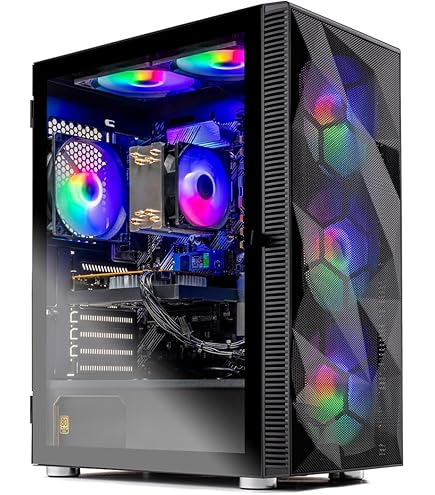
Look for pre-built PCs – no assembly needed. Good cooling (fans) prevents crashes, RGB lights are fun but optional. Warranty (1-3 years) and easy setup matter more than fancy cases.
Skip extras like 4K support or 64GB RAM – overkill for starters. Beginner-friendly means plug-and-play, forgiving temps, and Windows pre-installed.
✅ Essential Features for Beginners
•Pre-built and ready-to-play: No tools or building required, just plug in peripherals.
•RTX 30/40 series GPU: Smooth 1080p gaming in popular titles without tweaking settings.
•16GB DDR4 RAM: Handles games + browser tabs without slowing down.
•500GB+ SSD: Fast loading times so you jump into games quickly.
•Good airflow cooling: Stays cool during long sessions, forgives beginner overclock attempts.
•RGB lighting optional: Fun visuals without complicating use.
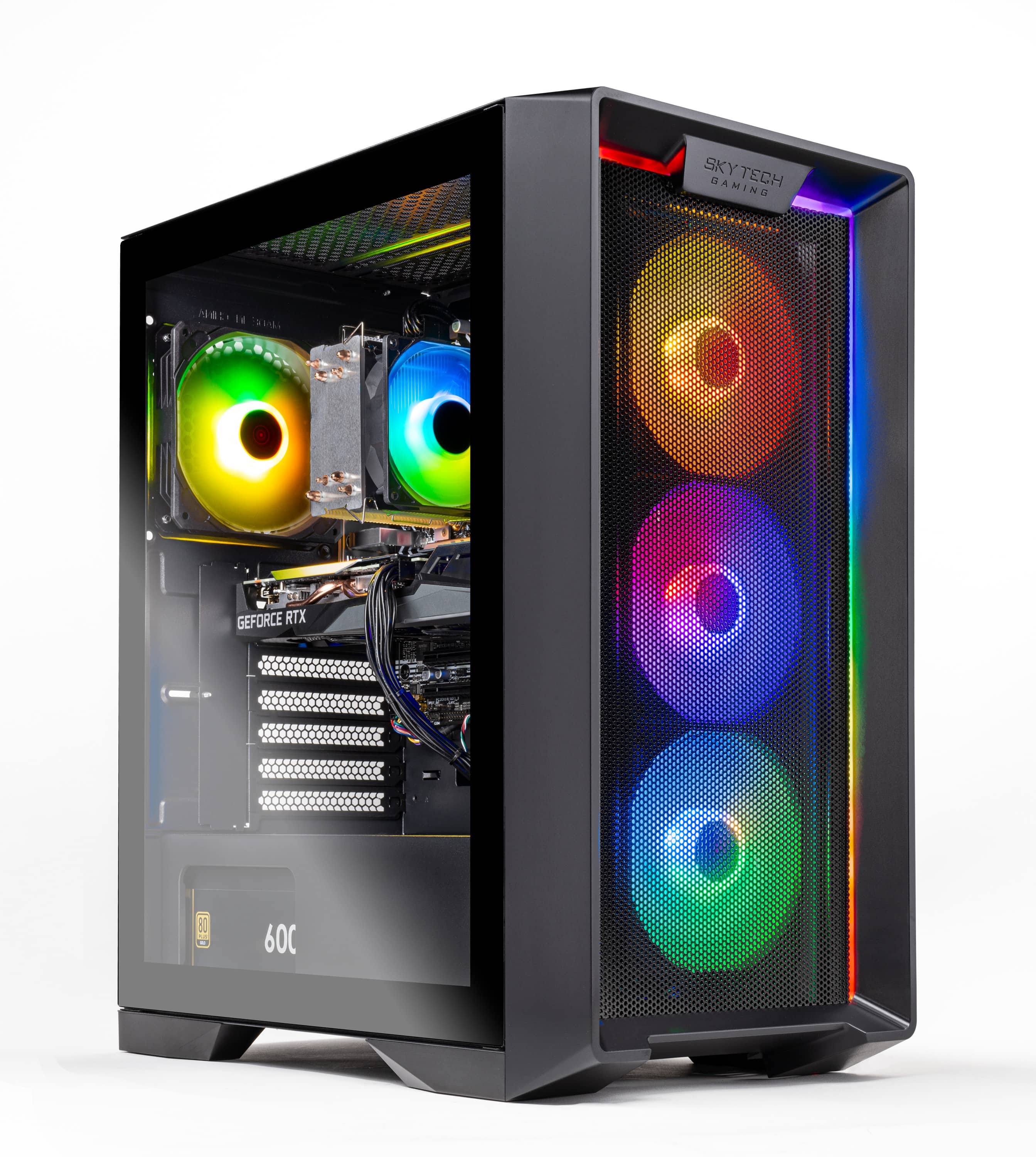
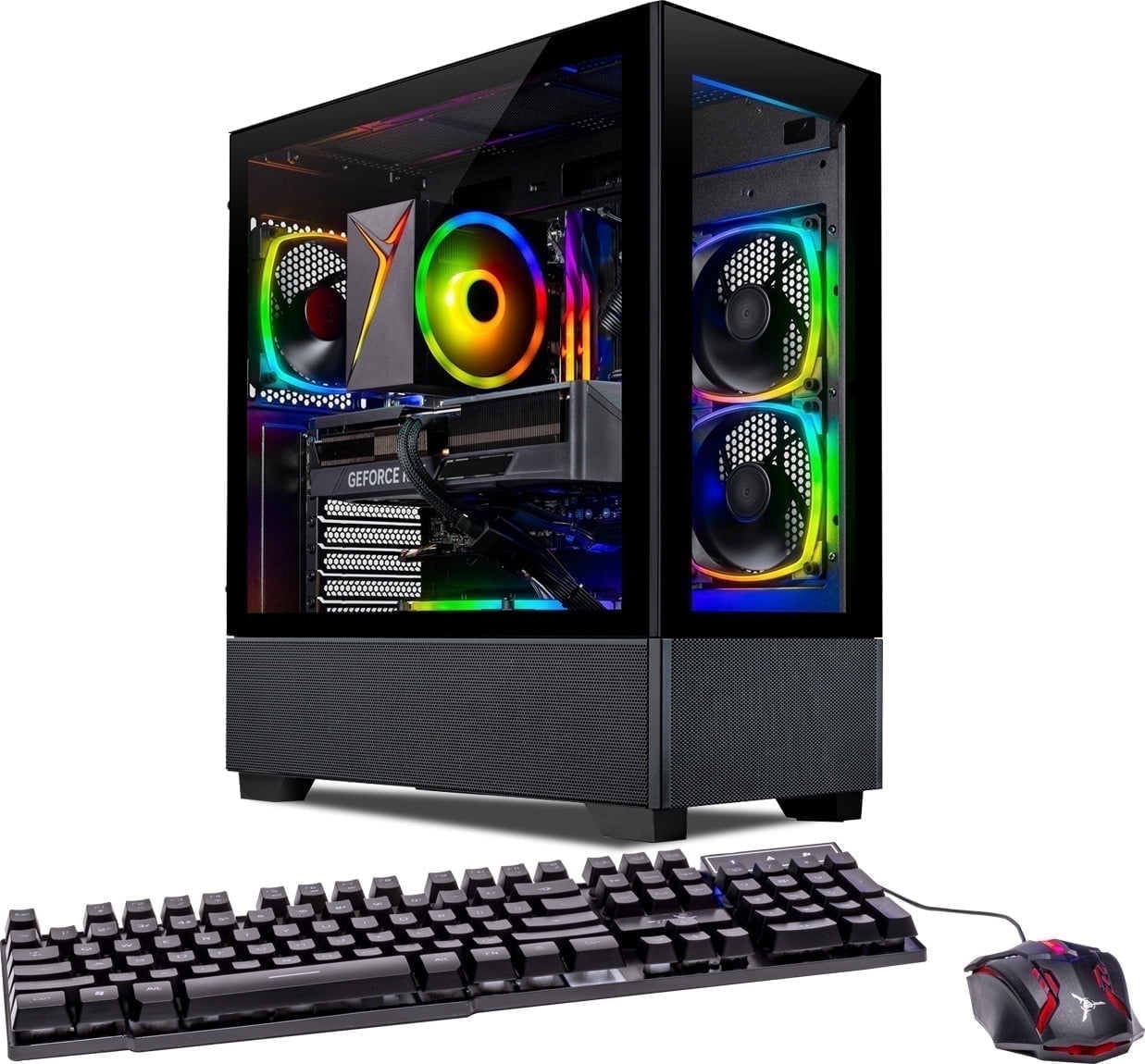
Perfect entry for new gamers – pre-built, runs popular titles smoothly at 1080p. Easy Windows setup, no tinkering needed. Great value without overwhelming features.
✓ Beginner Pros
+Plug-and-play ready
+Cooling handles long sessions
+16GB RAM multitasks well
+1-year warranty
✗ Beginner Cons
-Not for 1440p yet
-Basic case design
👍 Best for: Casual gamers on tight budget playing Fortnite or Roblox.
A gaming PC is a powerful computer built for running demanding games at high frame rates (smooth motion). Unlike office laptops, it has strong graphics for visuals.
Types: Pre-built (easiest for beginners, fully assembled), custom builds (harder, for later), mini-PCs (small but weaker), laptops (portable but hot/expensive). Pre-built desktops win for beginners – best power/value, upgradable.
Expect 60+ FPS in 1080p on medium settings for games like Minecraft or League of Legends. 'Beginner-friendly' means intuitive software, auto-updates, and no BIOS fiddling.
Marketing like '4K ready' sounds cool but unnecessary – stick to 1080p. Evaluate by real reviews: 'Plugged in, downloaded Steam, played instantly'.
🔧 Essential Accessories for Beginners
Logitech G305 Lightspeed Wireless Gaming Mouse
⚠️ Essential
$39.99
When to buy:
Day one
Gaming PCs need a precise mouse – this wireless one is lightweight, long battery, no desk clutter. Perfect first mouse without wires tangling.
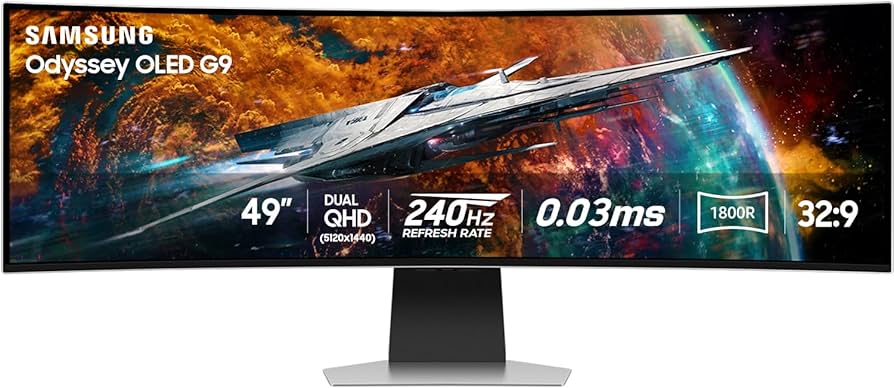
Ask: What's your budget? Play casual games (budget ok) or competitive (mid-tier)? 1080p monitor? Start under $800 if testing, $800-1500 for sweet spot.
Red flags: Under $500 (weak), no SSD, liquid cooling (complex). Go budget to dip toes, recommended for staying power.
💰 Budget Guide for Beginners
2200+
Serious starter - Top beginner performance, ray tracing, future-proof for 4K entry.
800 - $1400
Sweet spot - Best value, smooth 1080p high settings in most games, grows with you 2-3 years.
1400 - $2200
Premium beginner - 1440p capable, excellent cooling, lasts 3-5 years before major upgrades.
Under $ - $800
Entry level - Runs basics like Fortnite at 1080p medium, may upgrade GPU in 1-2 years.
⚠️ Common Beginner Mistakes to Avoid
Beginners buy cheap no-name PCs that overheat/crash, thinking 'save money' – but repair costs more. Or splurge on pro-level without basics like peripherals.
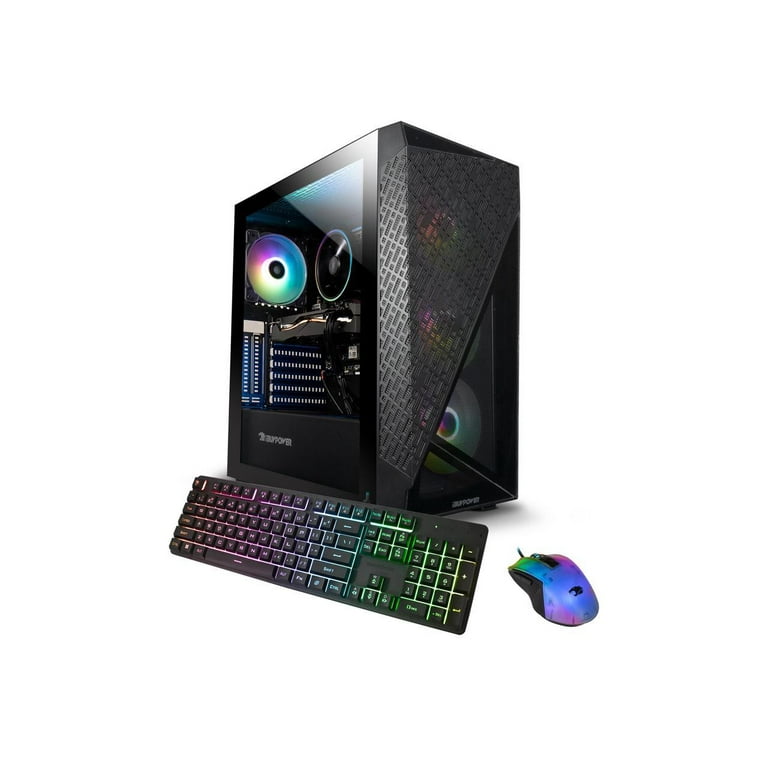
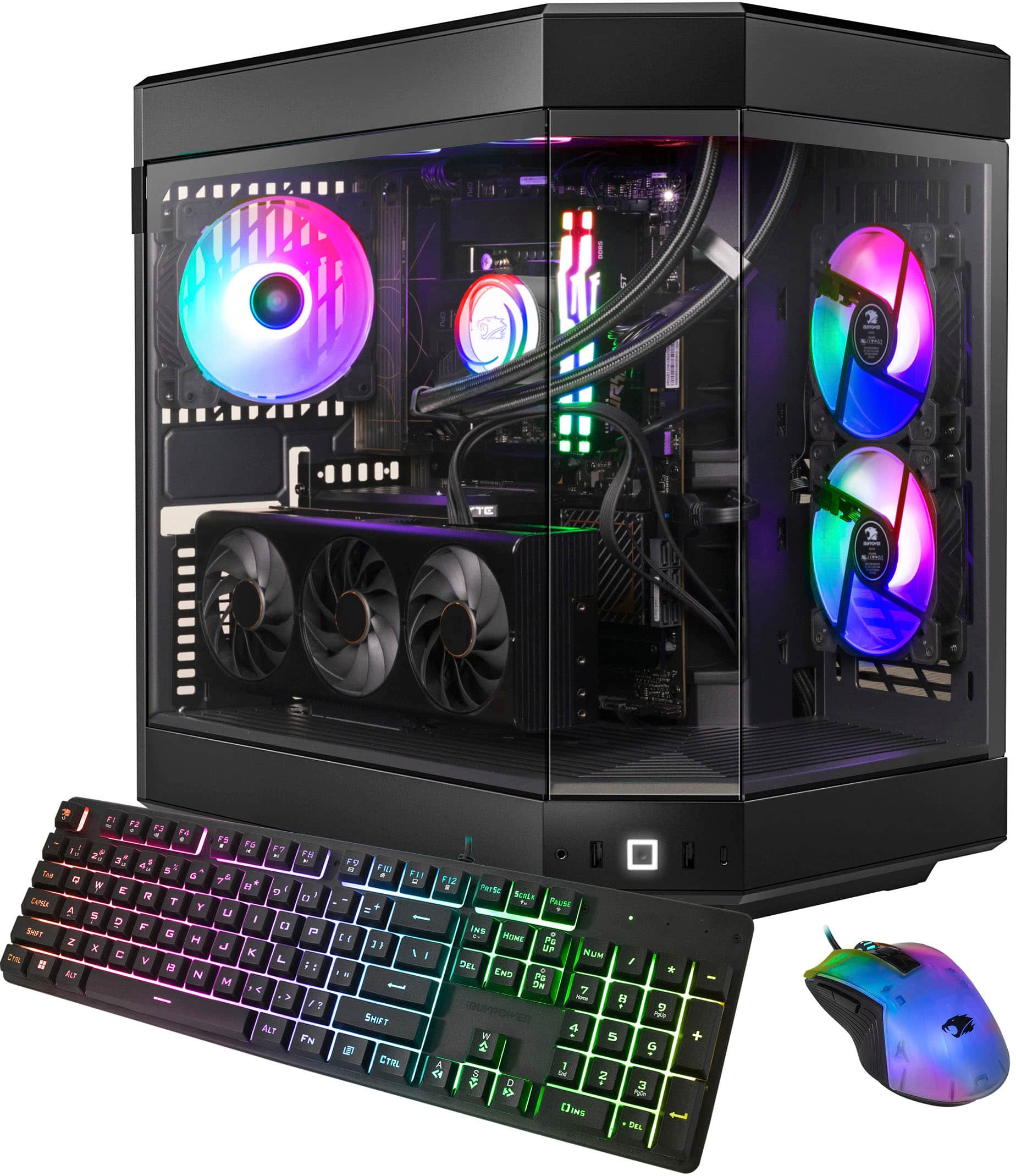
They skip research, fall for 'RTX 4090 deals' that are scams. Instead, stick to brands like Skytech/iBUYPOWER, buy bundles.
Lessons: Read Amazon Q&A, watch setup videos. One user: 'Spent $300 on junk, upgraded to Skytech – night/day'.
×Buying under $500 – lags immediately, false economy.
×Skipping peripherals like monitor/mouse – PC useless alone.
×Choosing laptops over desktops – weaker, hotter, pricier.