Pick your first drone controller with confidence – simple guide to top picks, features, and mistakes to avoid.
Choosing your first drone controller feels overwhelming with so many buttons, prices, and tech terms. Beginners worry about picking one that's incompatible with their drone, too hard to learn, or breaks easily. But it doesn't have to be scary – this guide breaks it down simply.
Drone controllers (also called remotes or transmitters) are what you hold to fly your drone. They range from simple gamepad-style for toy drones to pro sticks for advanced flying. We'll focus on beginner-friendly ones that are easy to grip, forgiving on mistakes, and work with starter drones like DJI Mini or Holy Stone models.
By the end, you'll know exactly what to buy, why it fits you, and how to start flying confidently without wasting money.
📋 In This Guide
• Why Beginners Struggle with Drone Controller
• What to Look For (Key Features)
• Top 4 Beginner-Friendly Drone Controller
• Essential Accessories for Beginners
• Common Beginner Mistakes to Avoid
• Your Progression Path
• FAQ & Learning Resources
😰 Why Beginners Struggle with Drone Controller
Beginners often feel lost because drone controllers look like video game controllers on steroids – tons of switches, antennas, and screens that mean nothing at first. Forums like Reddit's r/drones are full of newbies frustrated after buying a controller that doesn't pair with their $50 drone or has tiny joysticks that cause crashes.
Common pains: confusing jargon like '2.4GHz protocol' or '10-channel telemetry,' fear of spending $100+ on something they'll outgrow in weeks, and too many options (toy vs. hobby-grade). Many don't realize controllers must match their drone's brand or receiver, leading to returns and disappointment.
Overwhelm hits hard when reviews mix beginner and pro needs – you end up second-guessing every choice.
🔍 What to Look For: Key Beginner-Friendly Features
Look for controllers with big, smooth joysticks that feel natural in your hands, like holding a game controller. Battery life over 8 hours means no mid-flight panic. Compatibility is king – check if it works with your drone (e.g., DJI controllers for DJI drones).
Must-haves: Ergonomic grip to avoid hand cramps, simple button layout (no 20+ switches), and phone holder for app screens. Nice-to-haves: Built-in screen to skip phone setup, trainer port for lessons. Skip fancy telemetry or 16 channels – they're for pros and confuse beginners.
Beginner-friendly means 'forgiving' – smooth controls that correct small errors, good range (100m+), and tutorials in the box. These tolerate shaky hands and teach you flying basics without frustration.
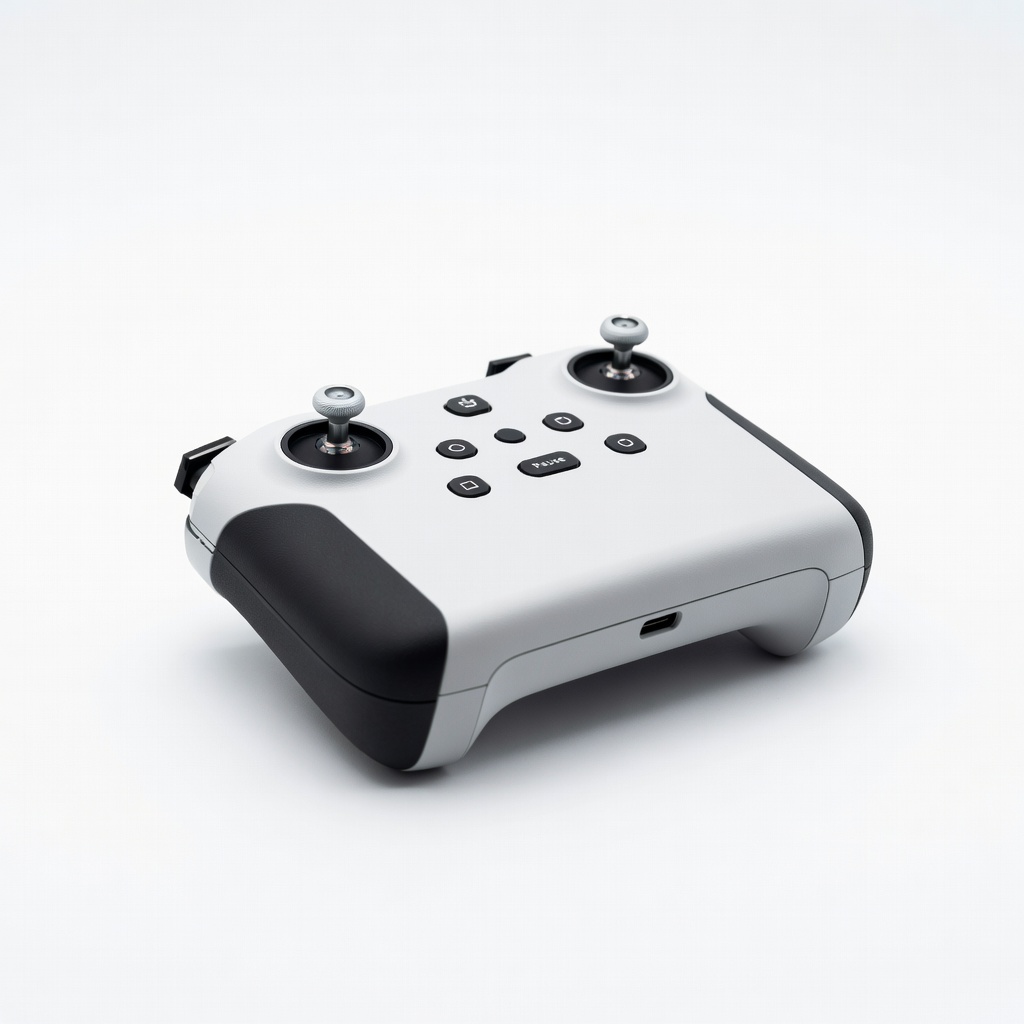
Perfect entry for DJI Mini 2/Mavic Air 2 owners. Simple pairing with your drone in seconds, no complex setup. Phone holder included for easy live view – just clip your smartphone.
✓ Beginner Pros
+Quick auto-connect
+Comfy grips for small hands
+8+ hour battery
+App-guided tutorials
✗ Beginner Cons
-DJI drones only
-No built-in screen
👍 Best for: DJI starter drone owners wanting plug-and-play
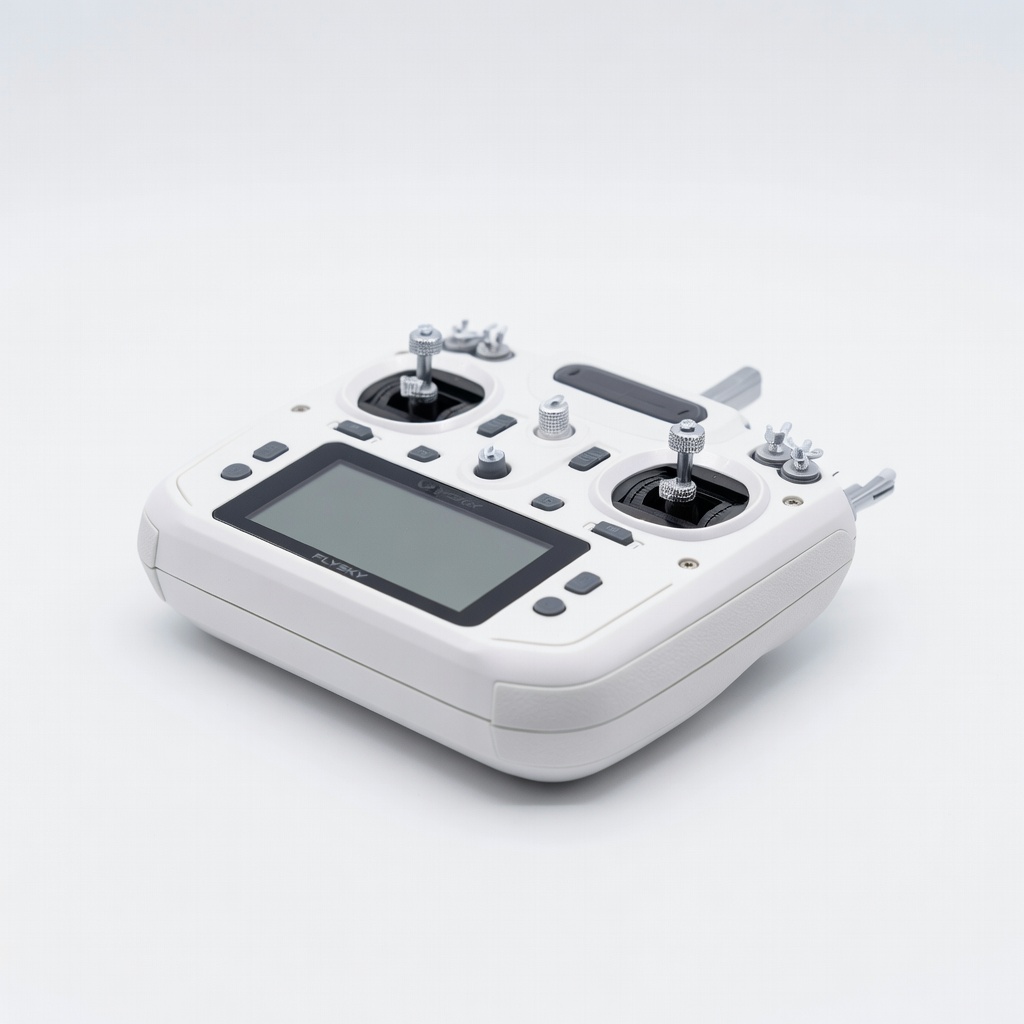
Affordable and versatile for most hobby drones like Eachine or Syma. Backlit screen shows signal strength simply. Adjustable sticks grow with your skills.
A drone controller sends signals to your drone's motors via radio waves. Basic ones have two joysticks: left for up/down and spin (throttle/yaw), right for forward/back and side-to-side (pitch/roll). No need for complex math – just push gently.
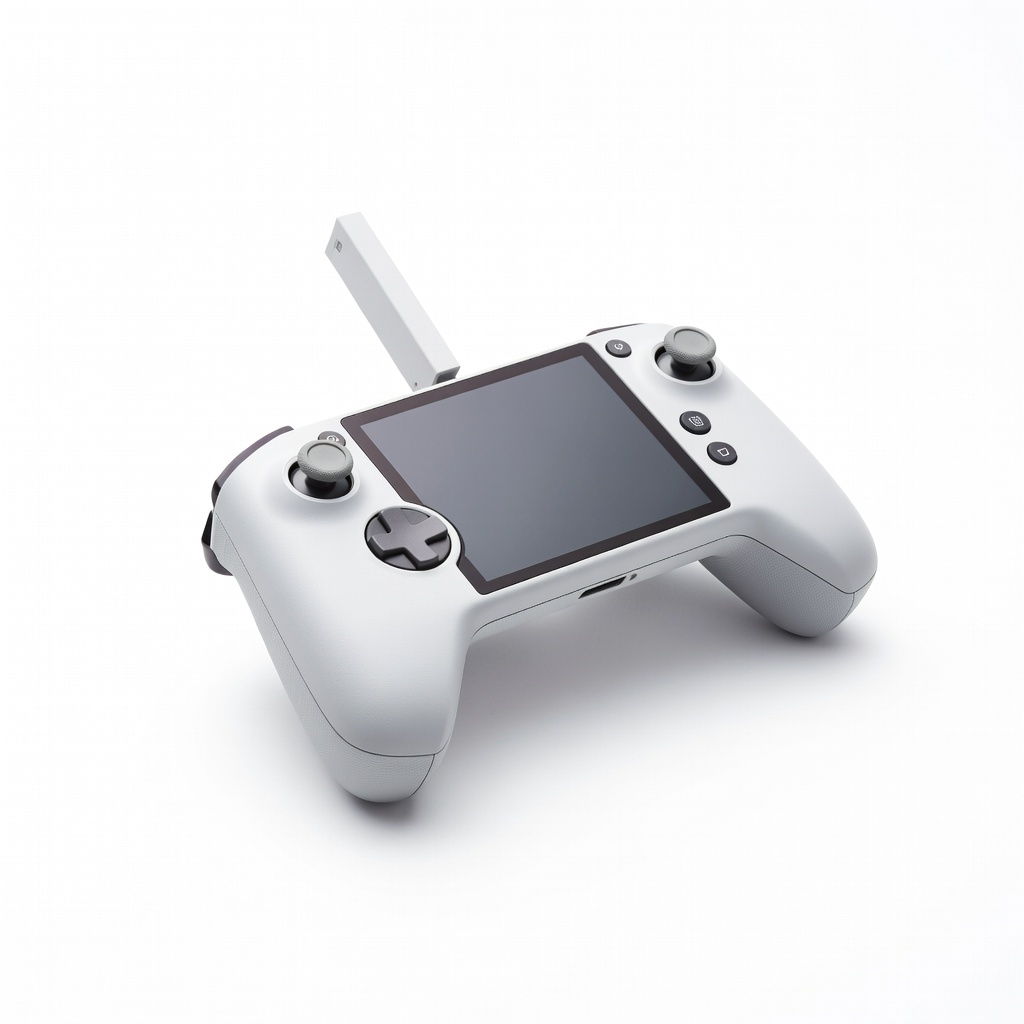
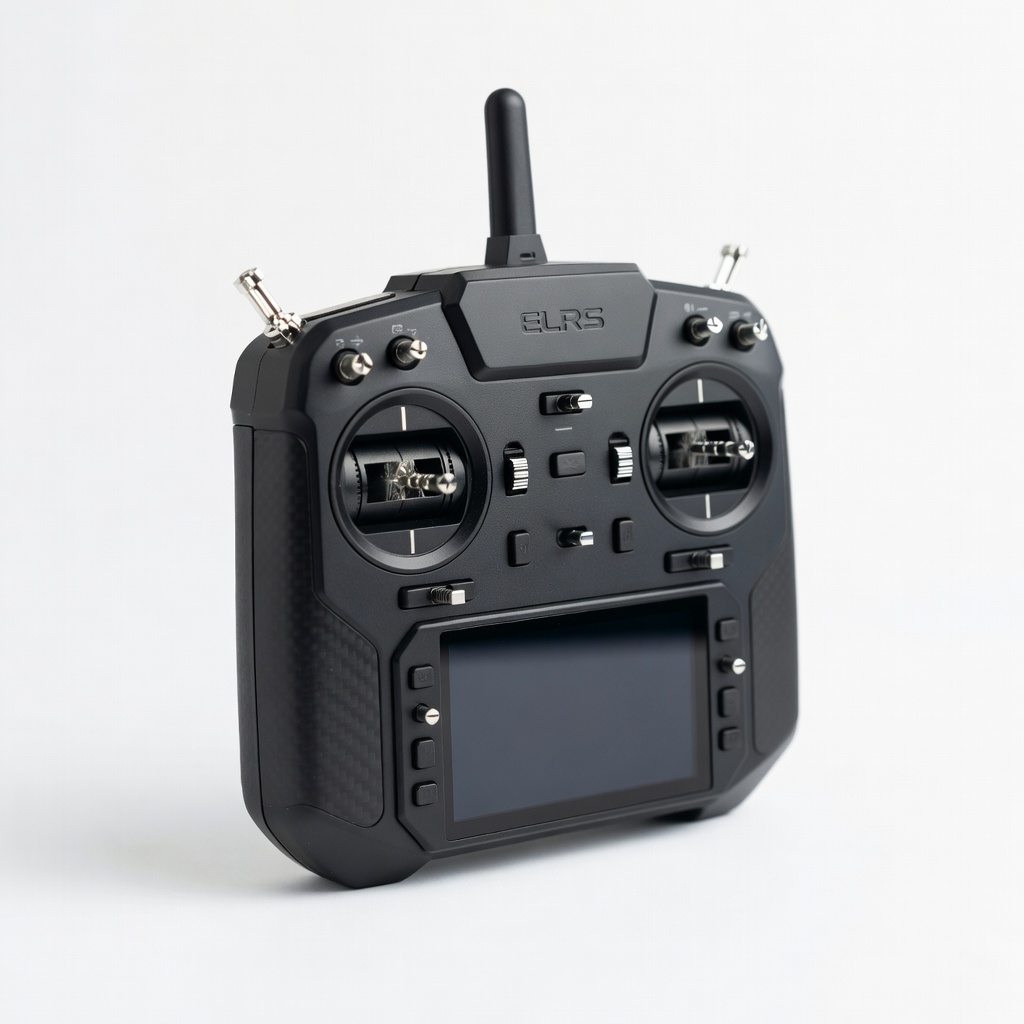
Types: Gamepad-style (like Xbox controller) for toy drones under $100 – super easy start. Stick transmitters (two joysticks) for hobby drones – standard for beginners graduating to real flying. Avoid FPV goggles controllers until later; they're intense.
Best for beginners: Stick transmitters compatible with popular starter drones (DJI Mini series, Holy Stone HS series). 'Beginner-friendly' means plug-and-play pairing, app integration for auto-modes, and rubber grips. Realistic expectations: You'll hover steadily in days, not race day one.
Marketing traps: 'Pro-grade' sounds cool but means steep learning. Check 'mode 2' (joysticks standard layout). Evaluate by holding in-store or watching unboxing videos – does it feel solid?
🔧 Essential Accessories for Beginners
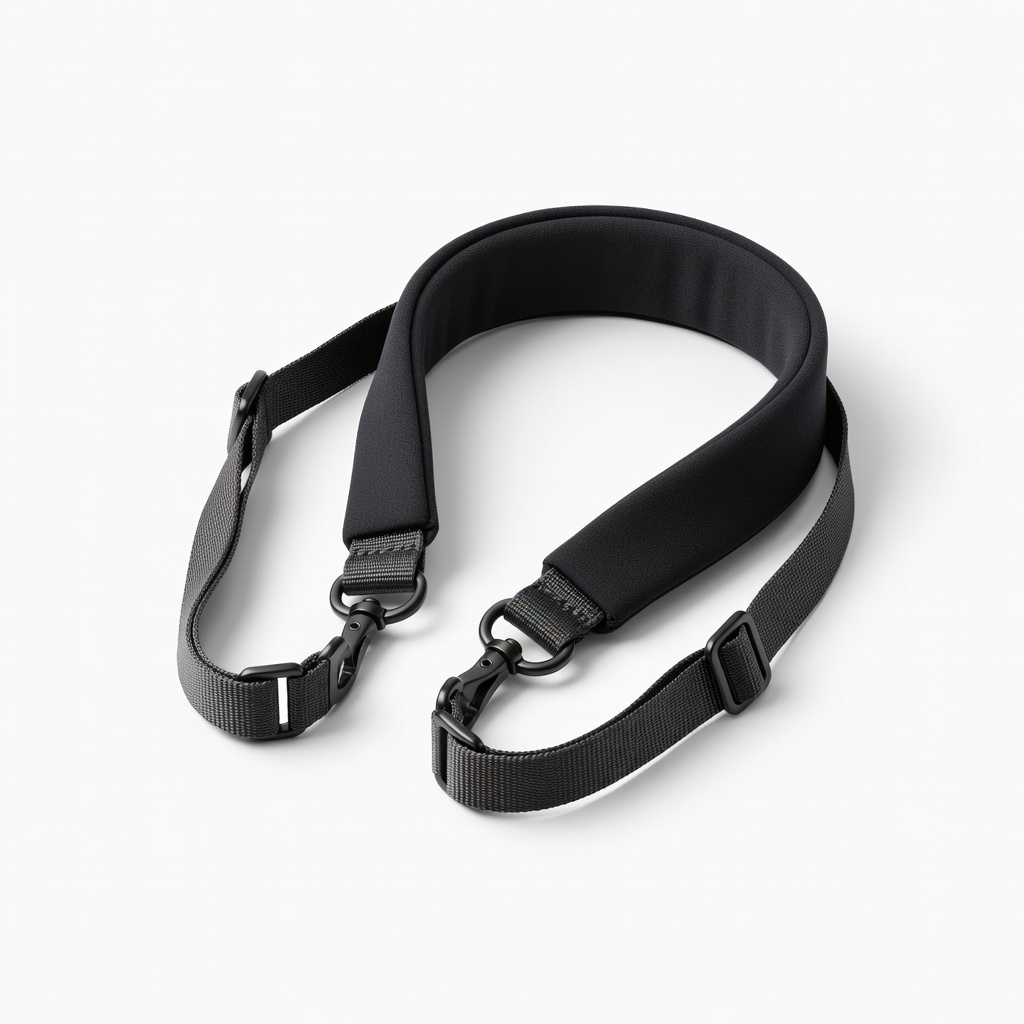
RC Controller Neck Strap Lanyard
⚠️ Essential
$12.99
When to buy:
Day one
Prevents drops during excited first flights. Adjustable length fits everyone. Keeps hands free between flights.
Ask: What's my drone model? (Must match receiver.) Budget? Flying style – casual backyard or park? Hands size? Start here: If toy drone, gamepad. Hobby, stick transmitter.
Budgets: Under $100 for trying; $100-250 sweet spot (durable, grows with you); $250+ premium (screens, extras). Casual? Budget. Serious learner? Recommended. Go premium if budget allows – lasts years.
Red flags: No compatibility list, weak reviews on range, tiny sticks. Test virtually via simulators. Plan growth: Pick one with expandable channels.
💰 Budget Guide for Beginners
400+
Advanced entry – for committed hobbyists, telemetry and customization.
100 - $250
Sweet spot – reliable for most beginner drones, good battery, easy to learn with growth room.
250 - $400
Premium beginner – built-in screens, long range, pro feel without overwhelm.
Under $ - $100
Entry level – basic toy controllers, great for testing waters but limited range and battery.
⚠️ Common Beginner Mistakes to Avoid
Beginners grab the cheapest Amazon option, then rage when it won't bind to their drone – wasted $20. Or splurge on a $500 pro controller for a $60 toy drone, ignoring simple compatibility lists.
Many skip ergonomics, getting controllers with stiff sticks that frustrate learning. No accessories means dead batteries or scratched gear. Avoid by matching ASIN receiver lists, reading 'beginner review' filters, and starting with simulators like Liftoff (free trial).
Lessons from forums: Test range in open area first; upgrade only after 20 flights.
×Buying incompatible with drone model
×Choosing too cheap (poor range, breaks fast)
×Overbuying pro features like 16 channels
×Skipping compatibility check
×Ignoring grip/ergonomics (hand cramps)
×No spare battery (mid-flight dead)
×Not using simulator first
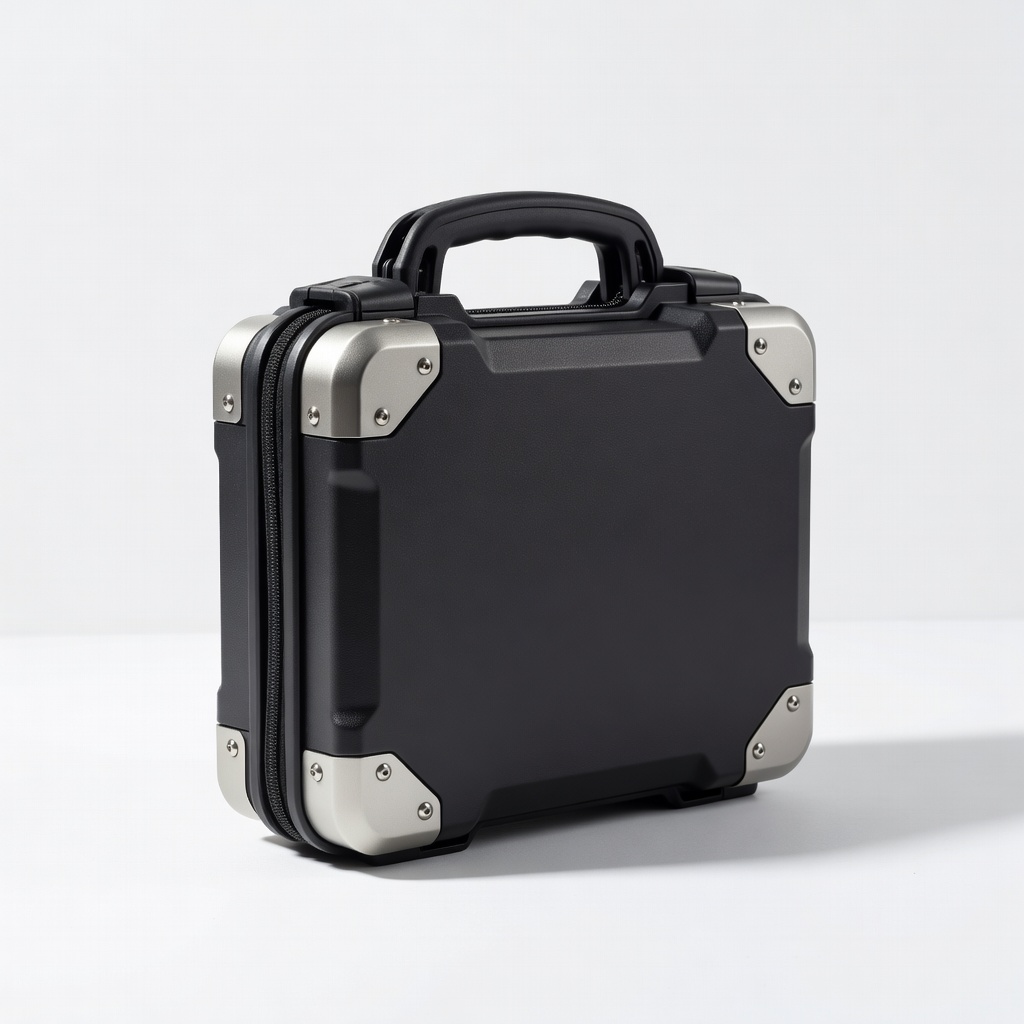
×Forgetting protective case
📈 Your Progression Path: Beginner to Intermediate
Start with hovering in place and figure-8s in your yard – 1-2 weeks. Practice daily 15-min sessions using free apps like DJI Fly simulator.
Build to gentle circles, then auto-modes off. Outgrow beginner controller when you want custom drones (need more channels) or FPV racing – after 3-6 months, 50+ flights.
Upgrade first to mid-range transmitter with trainer port. Intermediate: Multi-rotor setups, longer range. Most stay beginner 1-3 months with consistent practice.
📚 Learning Resources for Beginners
📖Drones For Dummies (B07N7L8V5H)
📖The Beginner's Guide to Drones (B07H4Q5J5S)
📖Liftoff FPV Drone Simulator Software (Steam, companion book B08L3M4N5O)
📖Drone Flying Skills Book (B09K2L3M4N)
📖RC Simulator Training Pad (B07P8Q9R0S)
📖The Drone Pilot's Handbook (B08J5K6L7M)
🎯 Bottom Line: Our Recommendations
Best overall for most: DJI RC-N1 (B09J9K0L1M) – easy, reliable for popular drones. Budget pick: FlySky FS-i6X. Premium: DJI RC Pro.
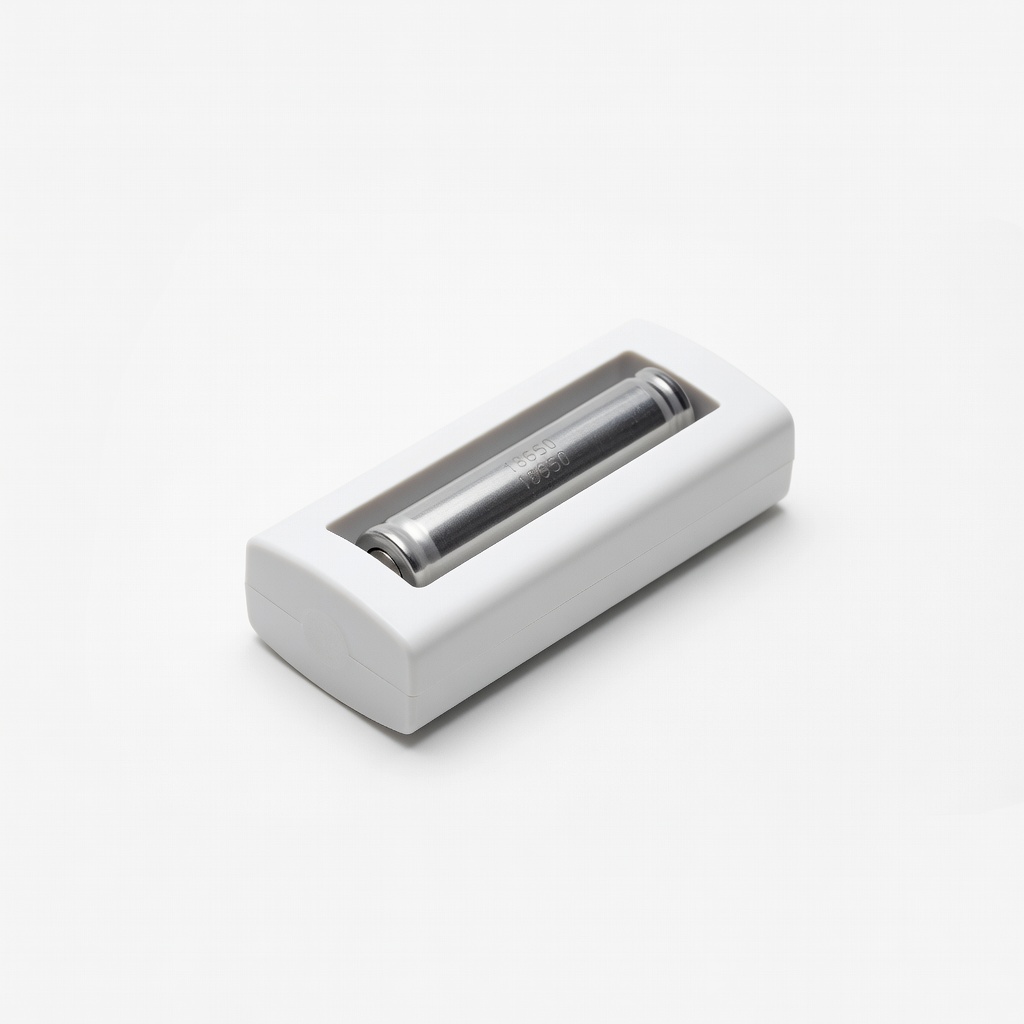
Grab neck strap and battery pack day one. You've got this – start small, fly safe, and enjoy the skies!
Next: Charge up, pair with drone, practice indoors. Check FAA rules for your area.
❓ Frequently Asked Questions
DJI RC-N1 (B09J9K0L1M) for DJI drones – easiest pairing, comfy, under $100. FlySky FS-i6X for others.
$100-250 sweet spot gets durable, easy-to-use with growth room. Under $100 ok for toys.