Best Drawing Tablet for Beginners: Complete Guide 2025
Everything beginners need to choose their first drawing tablet with confidence – top picks, accessories, and mistakes to avoid.
Picking your first drawing tablet can feel scary – so many choices, confusing specs, and worry about wasting money on the wrong one. As a complete beginner in digital art, you might think you need pro-level gear right away, but that's not true. This guide cuts through the noise to help you start drawing digitally without stress.
Drawing tablets let you draw on a computer like paper, but with unlimited undo and colors. Beginners often get overwhelmed by brands, sizes, and features they don't need yet. We'll focus on simple, forgiving options that work with free software like Krita or GIMP.
By the end, you'll know exactly what to buy, why it fits you, and how to avoid pitfalls. Let's get you drawing confidently in 2025!
📋 In This Guide
• Why Beginners Struggle with Drawing Tablet
• What to Look For (Key Features)
• Top 4 Beginner-Friendly Drawing Tablet
• Essential Accessories for Beginners
• Common Beginner Mistakes to Avoid
• Your Progression Path
• FAQ & Learning Resources
😰 Why Beginners Struggle with Drawing Tablet
Beginners dive into drawing tablets excited to create digital art, but quickly hit walls. The biggest issue? Tech jargon like 'pressure sensitivity,' 'active area,' or 'report rate' that sounds like rocket science. Forums like Reddit's r/DigitalPainting are full of newbies frustrated by tablets that feel 'off' or software that won't connect.
Another pain: fear of buyer's remorse. With prices from $30 to $500+, picking wrong means frustration or quick upgrades. Many don't know if they need a screenless pad or a full display tablet, leading to choices too advanced or too basic.
Overwhelm from options – Amazon has thousands. Without guidance, beginners grab flashy ads, then struggle with steep setups or tiny draw areas that cramp their style.
🔍 What to Look For: Key Beginner-Friendly Features
For beginners, skip fancy extras and focus on basics that make drawing feel natural. First, battery-free pen: No charging hassles, just grab and draw. Pressure sensitivity (8-12 levels is plenty): Lines get thicker when you press harder, forgiving shaky hands.
Look for plug-and-play drivers: Installs in minutes, works with Windows/Mac without headaches. Active area at least 6x4 inches: Enough space without being huge. Tilt support and customizable buttons are nice-to-haves for easier shortcuts.
Avoid pro features like 60fps report rates or massive screens – they add cost without beginner benefits. Prioritize tablets with good communities (XP-Pen, Huion) for free tutorials. Beginner-friendly means intuitive, mistake-tolerant, and software-compatible out of the box.
•Large enough active area (6x4 inches min) – room to draw without feeling cramped
•Plug-and-play drivers – quick setup, no tech headaches
•Multi-OS compatibility – works on Windows, Mac, even Chromebook
•Programmable express keys – easy shortcuts for zoom/undo
•Lightweight and portable – easy for beginners to handle
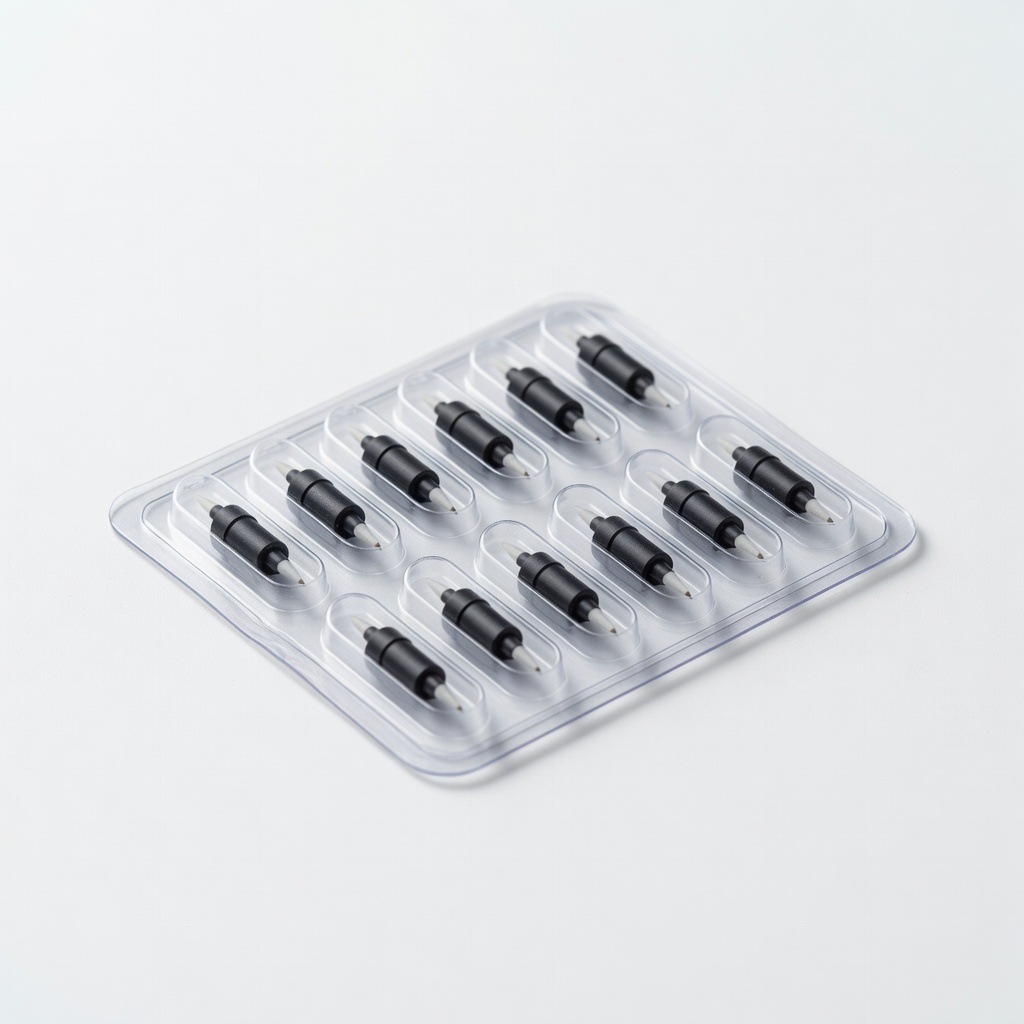
•Replacement nibs included – lasts longer, feels like pencil
🏆 Top 4 Best Drawing Tablet for Beginners
#1
💰 Budget
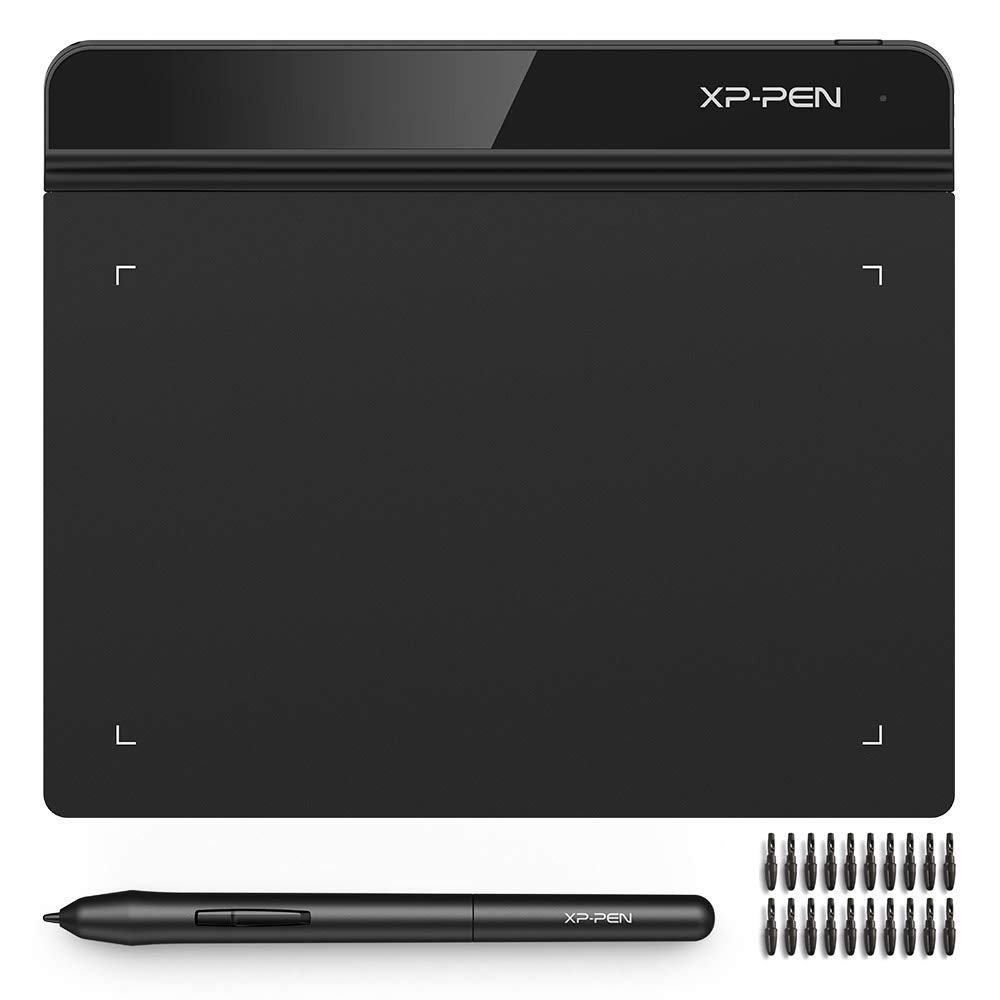
XP-Pen Star G640 Drawing Tablet
Learning Curve: Easy
$31.99
Difficulty: 1/5
Why Great for Beginners:
Perfect entry for total newbies – tiny price, simple setup. Battery-free pen and 8192 pressure levels feel natural right away. Compact for desks, works with free software.
✓ Beginner Pros
+Super cheap to test waters
+Plug-and-play easy
+Portable and lightweight
+Good pressure for lines
✗ Beginner Cons
-Small draw area cramps big sketches
-No express keys
-Basic tilt only
👍 Best for: Absolute beginners on tight budget testing digital art
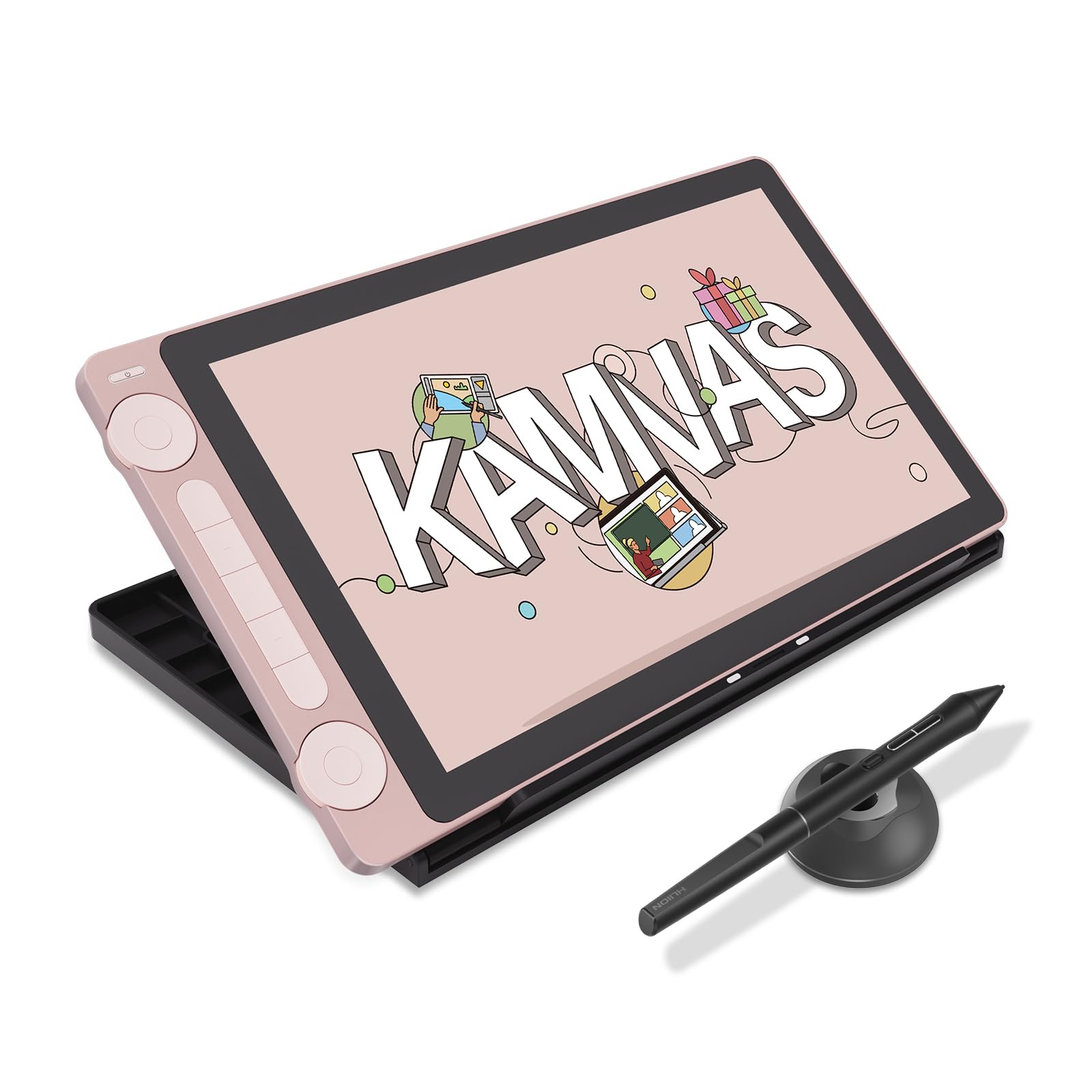
Display tablet so you draw what you see – huge confidence boost. 13.3in HD screen with stand reduces 'disconnect' frustration. Serious starter for committed beginners.
A drawing tablet is a flat pad with a stylus pen that connects to your computer. You draw on the pad while seeing results on screen – like a magic paper. No display tablets (pen tablets) are best for beginners: Cheaper ($30-100), lighter, less intimidating than screen tablets ($200+) where you draw directly on the LCD.
Types: Pen tablets (no screen, best starter), graphics monitors (with screen, upgrade later). Beginners thrive on pen tablets – forgiving size, low cost lets you test if digital art clicks.
Expectations: First sketches won't be pro, but you'll love infinite undo and layers. Evaluate by reading beginner reviews on Amazon/YouTube. 'Beginner-friendly' means easy drivers, natural pen feel, and free software support (Clip Studio Paint trial, Photoshop alternatives).
Marketing traps: '16K pressure' sounds great but overkill – 8K feels pencil-like. Tilt? Nice for shading, not essential day one. Stick to established brands with 4+ star ratings from 10K+ reviews.
🔧 Essential Accessories for Beginners
Artist Right Hand Drawing Glove
⚠️ Essential
$7.99
When to buy:
Day one
Prevents hand smudges on pad – keeps strokes clean. Beginners drag palms accidentally, causing glitches.
Ask: What's your budget? Under $50 to dip toes, $50-150 for serious start. What software? Free like Krita or paid Photoshop? Pen tablets work everywhere.
Use cases: Casual doodling? Budget pad. Daily practice? Recommended with bigger area. Future artist? Premium with tilt. Budget tiers guide: Start sweet spot for value.
Red flags: Noisy pens, poor drivers, tiny area (<4x3in), unknown brands. Test in-store if possible or buy Amazon returnable. Plan growth: Good beginner tablets last 1-2 years.
💰 Budget Guide for Beginners
300+
Pro entry – full screens for immersive drawing, big commitment
50 - $150
Sweet spot – best value, good size/pressure, room to grow skills
150 - $300
Premium beginner – display options or pro features, lasts longer
Under $ - $50
Entry level – basic pad to try digital drawing, small area, may upgrade fast
×Overbuying display tablet first – too expensive, overwhelming
×Skipping drawing glove – hand smudges ruin sketches
×Ignoring software compatibility – won't work with your programs
×Choosing tiny area – feels cramped, quits fast
×Not getting extra nibs – pen stops working mid-practice
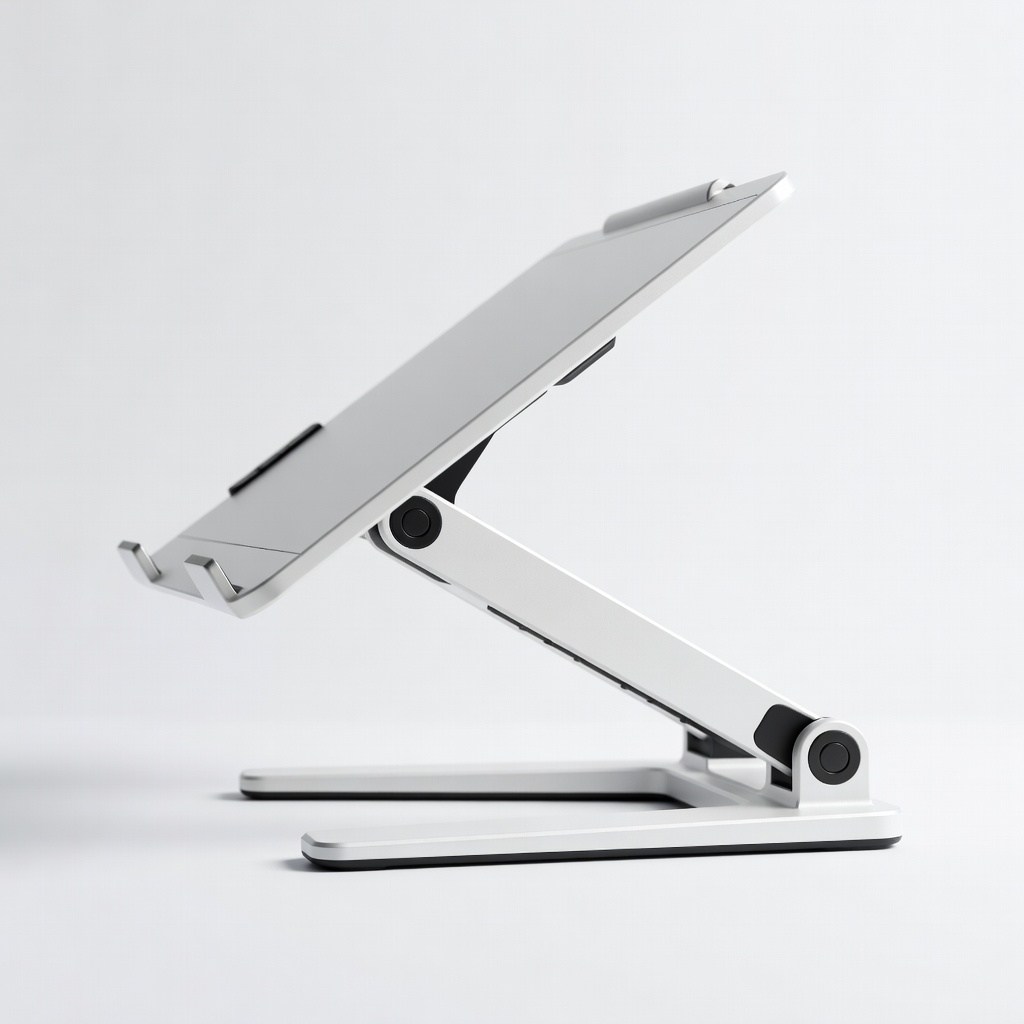
×Forgetting stand – wrist pain after hours
×No research on drivers – hours wasted on setup
📈 Your Progression Path: Beginner to Intermediate
Start with basics: Install drivers, practice lines/circles in free Krita. Week 1: Straight lines, curves. Month 1: Simple shapes, shading with pressure.
Build progressively: Layers, brushes, then colors. Outgrow beginner gear when small area limits detail or you crave screen drawing (6-12 months). Upgrade first to larger pen tablet, then display.
Intermediate: Custom brushes, animation basics. Signs ready: Consistent art, want pro software. Most stay beginner 3-6 months with daily 30min practice.
📚 Learning Resources for Beginners
📖Keys to Drawing by Bert Dodson (ASIN: 0891343377) – Builds core skills transferable to digital
📖Framed Ink by Marcos Mateu-Mestre (ASIN: 1933492953) – Simple composition for beginners
📖How to Draw by Scott Robertson (ASIN: 1933492732) – Fundamentals with digital tips
📖Clip Studio Paint Official Guidebook (ASIN: B08L5M7Q5R) – Free software companion
📖Digital Painting Techniques: Practical Techniques of Digital Art Masters (ASIN: 0240521740)
🎯 Bottom Line: Our Recommendations
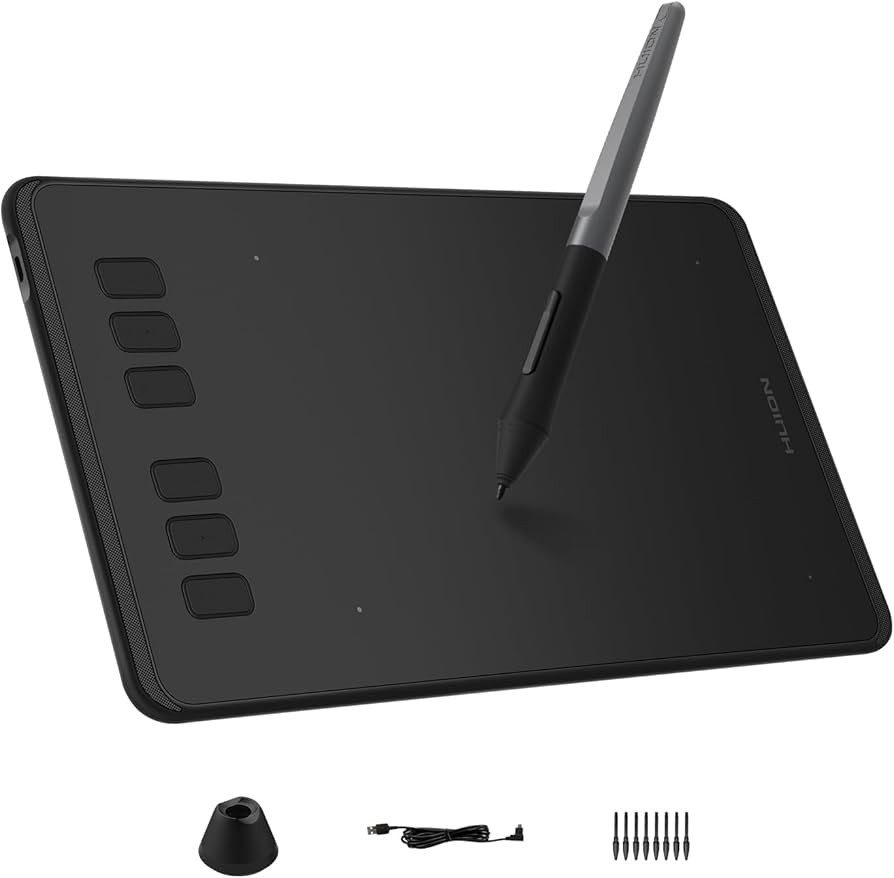
Best overall for most beginners: Huion H640P – perfect balance, lasts through growth.
Budget pick: XP-Pen Star G640 to start cheap. Premium: Huion Kamvas 13 for screen lovers. Grab glove and stand day one.
You're ready! Order, practice 20min daily, join r/learnart. Digital drawing is forgiving – mistakes vanish with undo. Your first art awaits in 2025!
❓ Frequently Asked Questions
Huion H640P (ASIN B07V1QDYH1) – great size, easy setup, value for money. Budget: XP-Pen Star G640.
$50-150 sweet spot. Under $50 to try, $150+ for premium feel.