Everything beginners need to choose their first DJ controller with confidence – top picks, tips, and mistakes to avoid.
Choosing your first DJ controller can feel overwhelming with endless options, flashy lights, and tech jargon that makes you second-guess everything. As a beginner, you might worry about wasting money on something too complicated or buying the wrong one that gathers dust. Don't stress – this guide is designed for total newcomers like you.
We'll break it down simply: what matters, what doesn't, and exact recommendations that are easy to use and forgiving for mistakes. By the end, you'll know exactly which DJ controller to buy, what accessories to add, and how to start mixing right away with confidence.
📋 In This Guide
• Why Beginners Struggle with DJ Controller
• What to Look For (Key Features)
• Top 4 Beginner-Friendly DJ Controller
• Essential Accessories for Beginners
• Common Beginner Mistakes to Avoid
• Your Progression Path
• FAQ & Learning Resources
😰 Why Beginners Struggle with DJ Controller
Beginners often feel lost because DJ controllers look like spaceship controls with knobs, faders, and buttons everywhere. Terms like 'jog wheels,' 'performance pads,' and 'sync' sound intimidating, and you don't know which software works or if it needs a powerful computer.
The market is flooded with pro-level gear that's overkill and expensive, leading to buyer's remorse. Forums are full of stories like 'I bought a cheap one and it broke,' or 'This has too many features – I can't figure it out.' Fear of the learning curve stops many from even starting.
Plus, without guidance, you might pick something incompatible with free beginner software, leaving you frustrated instead of mixing your first tracks.
🔍 What to Look For: Key Beginner-Friendly Features
Focus on simplicity: look for controllers with 2 channels (like two turntables) – perfect for learning basics without overload. Built-in lights or screens that guide you, big easy-to-see jog wheels for scratching practice, and plug-and-play USB connection to your laptop.
Must-haves: Free software bundle (like Serato DJ Lite or Rekordbox), velocity-sensitive pads for fun effects, and forgiving design that tolerates clumsy beginner hands. Skip complex 4-channel models or ones needing extra soundcards.
Beginner-friendly means intuitive layout (like real Pioneer club gear but simplified), good tutorials in the box, and community support. It should feel natural after a few hours, not weeks.
✅ Essential Features for Beginners
•2-channel layout: Mimics pro setups but simple for beatmatching basics
•Large jog wheels: Easy scratching and track navigation without frustration
•Built-in learning mode: Guides you step-by-step like a personal teacher
•Performance pads: Fun lights and sounds to experiment without overwhelm
•USB powered: Plugs straight into laptop, no extra power needed
•Free software included: Serato or Rekordbox Lite – ready to mix day one
•Mic input: Practice MCing from the start
🏆 Top 4 Best DJ Controller for Beginners
#1
💰 Budget
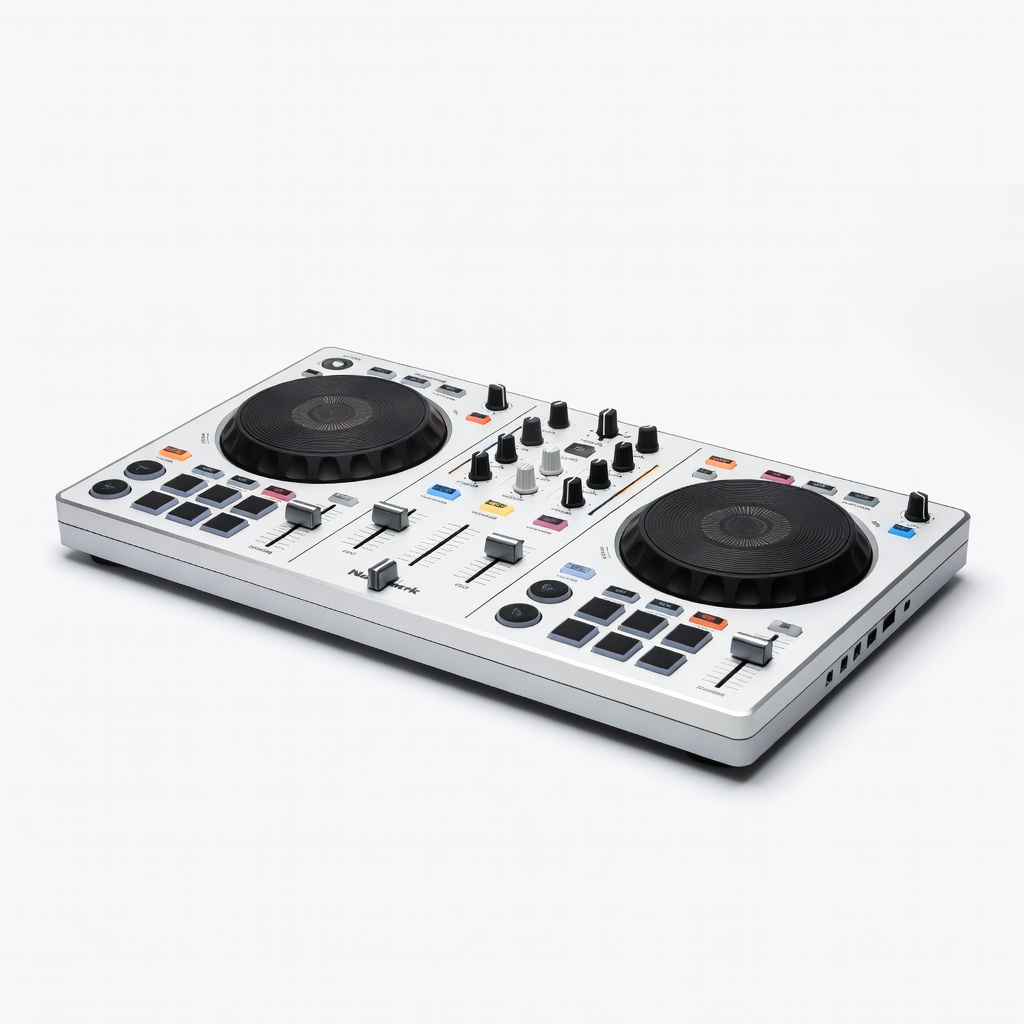
Numark Party Mix II
Learning Curve: Easy
$129.99
Difficulty: 1/5
Why Great for Beginners:
Super affordable entry with flashy lights and simple controls that make learning fun. Plugs into any laptop with free VirtualDJ software – mix tracks instantly without setup hassles.
✓ Beginner Pros
+Party lights keep it engaging
+Built-in soundcard – no extra gear
+Lightweight and portable
+Mic input for vocals practice
✗ Beginner Cons
-Plastic build feels cheap
-Small jog wheels limit scratching
-Basic software only
👍 Best for: Total newbies testing DJing on a tight budget
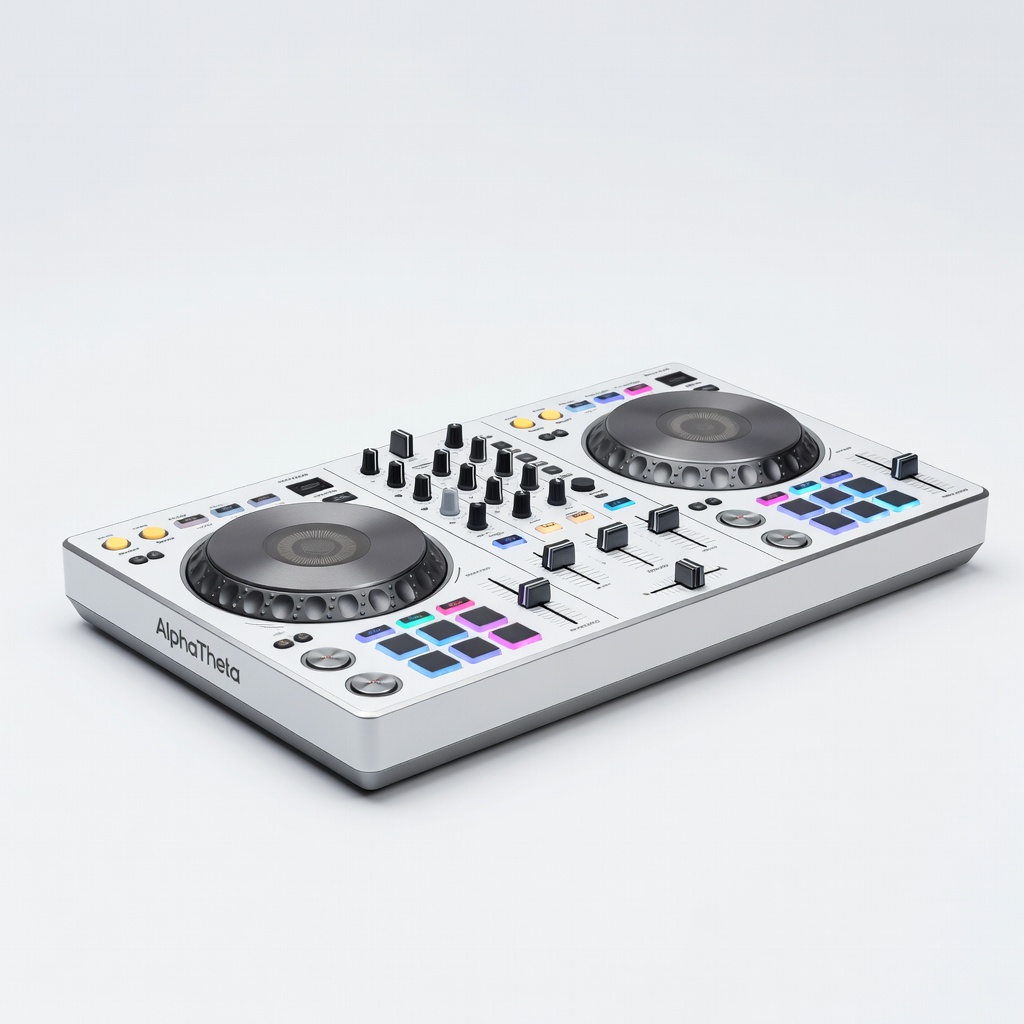
A DJ controller is like a simplified DJ mixer and turntables combined – you control music from your laptop via USB. For beginners, stick to 2-channel models: left side for one track, right for another, with crossfader to blend them.
Types: Budget plastic ones for casual home use, mid-range metal builds for durability, premium with club-like feel. Best for beginners? Compact 2-channel with Rekordbox/Serato support – portable, affordable, grows with you.
Expect to learn beatmatching (aligning beats) and simple transitions first – achievable in days. 'Beginner-friendly' means color-coded buttons, auto-sync to fix mistakes, and apps with lessons. Marketing like 'pro-grade' often hides steep curves – ignore unless specified easy.
🔧 Essential Accessories for Beginners
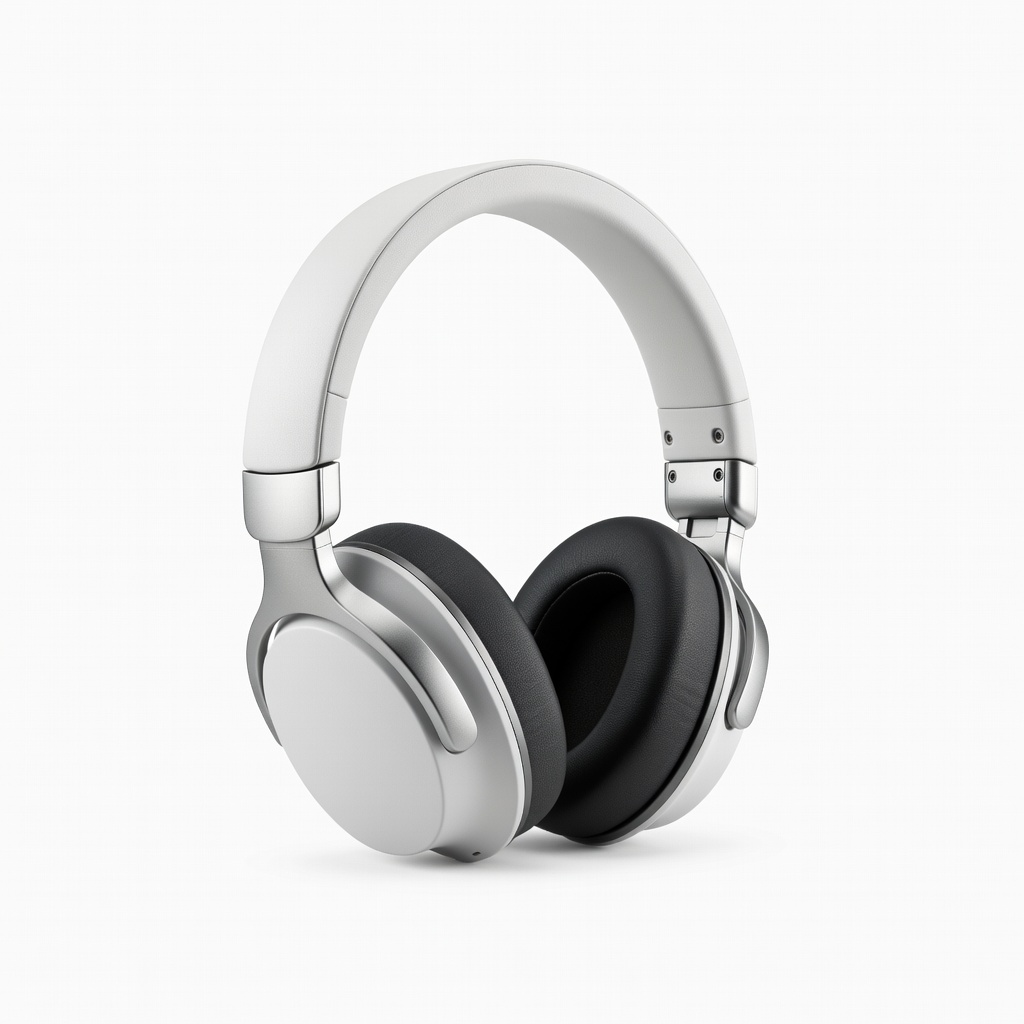
Pioneer DJ HDJ-CUE1 Headphones
⚠️ Essential
$79.00
When to buy:
Day one
You can't cue (preview) next track without headphones – prevents awkward mixes. Swiveling earcup for one-ear monitoring like pros.
Ask: What's your budget? Home practice only? Laptop type (Mac/PC)? Start with $100-300 sweet spot for value.
Scenarios: Casual fun – budget with lights. Serious learner – recommended with tutorials. Party host – premium durable. Check compatibility with free apps, user reviews for 'easy setup,' and return policy.
Red flags: No software included, tiny controls, needs extra gear. Go budget to test waters, recommended for most (balance price/performance), premium if committing long-term. Plan for growth: pick one expandable to paid software.
💰 Budget Guide for Beginners
500+
Pro entry: For dedicated beginners, full features, but overkill for pure newbies
150 - $300
Sweet spot: Best value for most beginners, durable, tutorials, room to grow skills
300 - $500
Premium beginner: Club-quality feel, advanced beginner features, lasts years
Under $ - $150
Entry-level: Fun intro to try DJing at home, basic features, may upgrade in 6 months
⚠️ Common Beginner Mistakes to Avoid
Beginners chase 'cheap deals' on no-name controllers that skip or have bad latency, leading to frustration and quitting. Instead, spend $150+ for reliability.
Many grab feature-packed models thinking more = better, but overwhelm kills motivation – stick to guided 2-channel. Forgetting headphones means public mix fails.
Avoid by checking reviews for 'easy setup,' bundle software, and starter kits. Experienced DJs say: 'Start simple, master transitions first.'
×Buying under $100 junk that breaks or sounds bad
×Picking 4-channel 'pro' gear that's too complex
×Skipping headphones – can't preview tracks
×Ignoring software compatibility (e.g., no Serato)
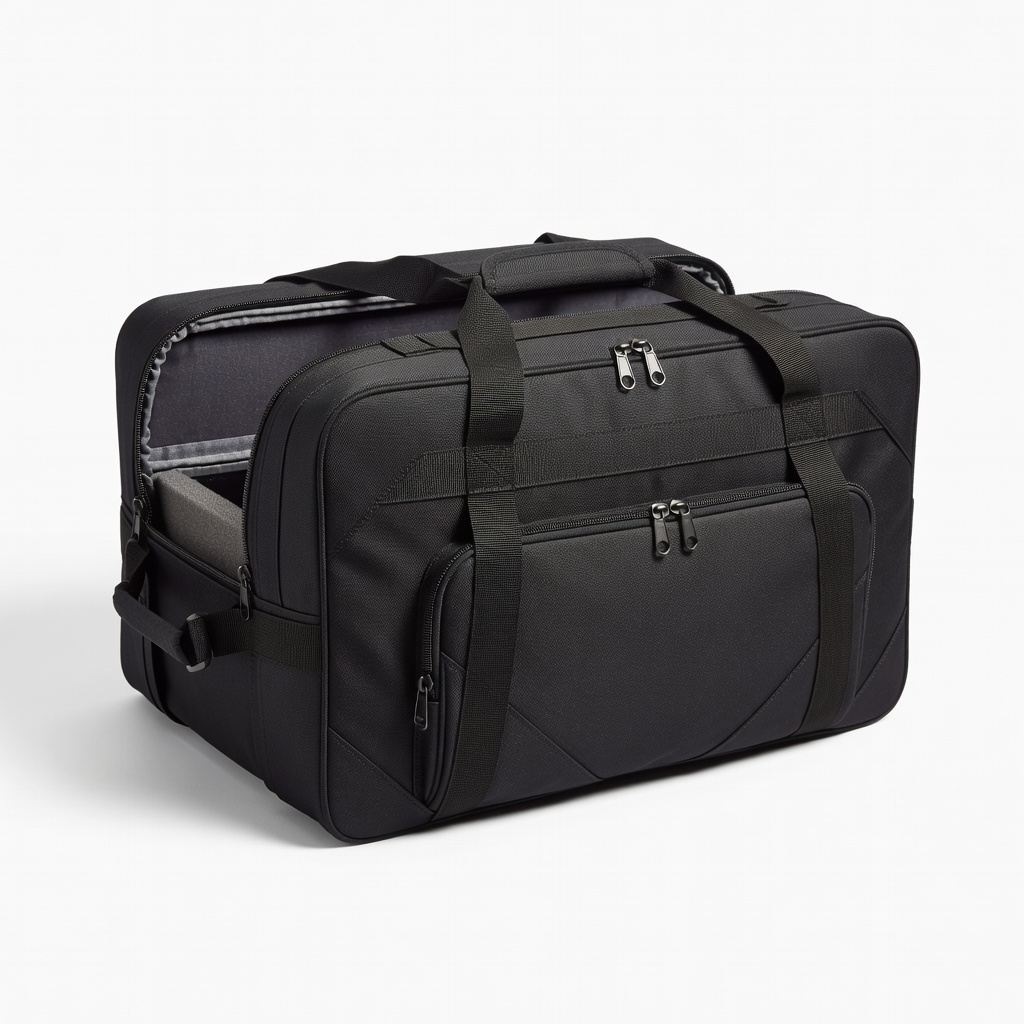
×No case – controller gets damaged in bag
×Overlooking laptop specs – lags/crashes
×Not practicing basics before effects
×Upgrading too soon without skills
📈 Your Progression Path: Beginner to Intermediate
Week 1: Learn interface, load tracks, use sync/auto-mix. Practice 30min/day blending 2 songs.
Months 1-3: Manual beatmatch, loops, basic effects. Record mixes, watch YouTube. Outgrow when sync feels cheating and you want 4 channels.
Upgrade signs: Doing gigs, need better sound/jogs, paid software. Typically 6-12 months at beginner. Next: DDJ-400/FLX6, then club gear.
📚 Learning Resources for Beginners
📖DJing For Dummies book (ASIN: B08N5XJ2P1) – Step-by-step basics
📖How to DJ Right: The Art and Science (ASIN: B07Z5G8H3K)
📖Rekordbox Pioneer DJ Tutorial Course DVD (search Amazon)
📖Digital DJ Tips Beginner Course book (ASIN: B09M7N2P4Q)
📖Practice Pad Controller for skill drills
📖Crossfader T-Shirt for motivation
🎯 Bottom Line: Our Recommendations
Best overall: Pioneer DJ DDJ-200 – perfect balance for 90% of beginners. Budget: Numark Party Mix II. Premium: DDJ-Rev1.
Grab headphones and USB cable day one. You've got this – start small, practice daily, and you'll be mixing confidently soon.