Review Atlas
Review AtlasYour guide to a better purchase

Menu

Shop by Category

Get the App

Better experience on mobile

Beginners GuideCrafts

Best Cricut Machine for Beginners 2025

Discover the perfect first Cricut machine with our simple guide—top picks, accessories, and tips to craft confidently without overwhelm.

Choosing your first Cricut machine feels exciting but scary—like stepping into a craft store explosion of options, prices, and confusing terms. Beginners often worry about wasting money on the wrong model or struggling with a steep learning curve. Don't stress: this guide cuts through the noise.

Cricut machines make vinyl cutting, card making, and custom crafts easy and fun, but with models like Joy, Explore, and Maker, it's hard to know where to start. We'll explain everything in plain English, highlight beginner-friendly features, and recommend real Amazon products that won't frustrate you.

By the end, you'll have a clear plan, confidence to buy, and a path to creating stunning projects from day one. Let's make crafting simple and joyful!

📋 In This Guide

  • • Why Beginners Struggle with Cricut Machine
  • • What to Look For (Key Features)
  • • Top 4 Beginner-Friendly Cricut Machine
  • • Essential Accessories for Beginners
  • • Common Beginner Mistakes to Avoid
  • • Your Progression Path
  • • FAQ & Learning Resources

😰 Why Beginners Struggle with Cricut Machine

Newcomers to Cricut machines face a flood of choices: compact Joy vs. powerful Maker, plus jargon like 'cut force' or 'adaptive tool system' that sounds intimidating. Many fear buying something too basic (can't do enough projects) or too advanced (overwhelming setup and apps). Reddit forums and Amazon reviews are full of 'I wish I knew...' stories.

Common pains include mats not sticking right, blades dulling fast without extras, or software glitches because they skipped tutorials. Budget worries hit hard—spending $300+ feels risky when you're just testing the hobby. Plus, vinyl cutting seems precise and fiddly, scaring off those without craft experience.

The overwhelm leads to paralysis: scrolling endlessly without buying, or grabbing the cheapest option that breaks dreams fast.

🔍 What to Look For: Key Beginner-Friendly Features

Focus on machines that are plug-and-play: Bluetooth connectivity for wireless design from your phone, and simple apps with ready-to-make projects. Must-haves include a starter tool kit (weeder, scraper) and fine-point blade for clean vinyl cuts. Skip heavy-duty features like engraving if you're just doing stickers and t-shirts.

Beginner-friendly means forgiving: auto-blade housing that adjusts pressure, clear setup videos, and compact size for small spaces. Look for 'Smart Materials' compatibility—no mats needed for some vinyl. Good support like Cricut's free Design Space app with beginner templates reduces trial-and-error.

Ignore megapixel cameras or rotary blades yet; prioritize ease over power. Check reviews for 'easy for non-crafters' and bundle deals with mats.

✅ Essential Features for Beginners

  • Bluetooth wireless setup—design on phone/tablet without cords
  • Design Space app with free beginner projects—no design skills needed
  • Fine-point blade included—perfect for vinyl stickers and labels
  • Compact size—fits on desk, easy storage for small spaces
  • Auto tool detection—machine senses blade, no manual tweaks
  • Starter materials bundle—practice vinyl without extra buys
  • Quick setup under 30 minutes—follow simple video guides

🏆 Top 4 Best Cricut Machine for Beginners

#1
💰 Budget

Cricut Joy, Smart Portable Cutting Machine for Crafts, DIY Projects, Vinyl, Iron-On, Paper & More - Bluetooth, Mint

Learning Curve: Easy

$169.00
Difficulty: 1/5
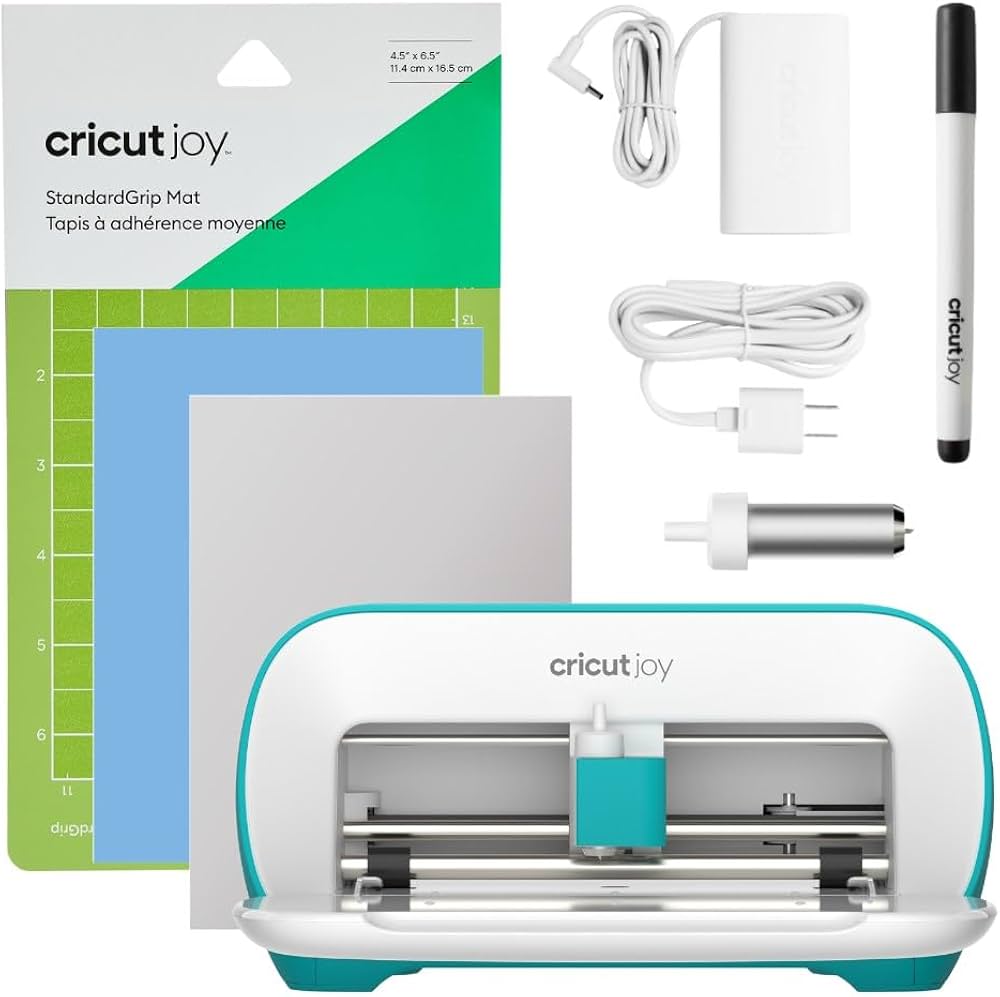
Cricut Joy, Smart Portable Cutting Machine for Crafts, DIY Projects, Vinyl, Iron-On, Paper & More - Bluetooth, Mint - Image 1 of 6

Why Great for Beginners:

The Cricut Joy is the easiest entry—super compact and wireless, perfect for first vinyl labels or cards. No mats needed for Smart Vinyl, so setup is instant. Ideal for testing without big spend.

Beginner Pros

  • +Tiny size fits anywhere
  • +Phone app with 50+ free projects
  • +No mats for basic vinyl
  • +Quick 10-min setup

Beginner Cons

  • -Limited to lighter materials
  • -Smaller cut area (4.25" wide)
  • -Fewer tools included
👍 Best for: Apartment dwellers or hobby testers
👎 Not for: Frequent fabric or large projects

#2
👍 Recommended

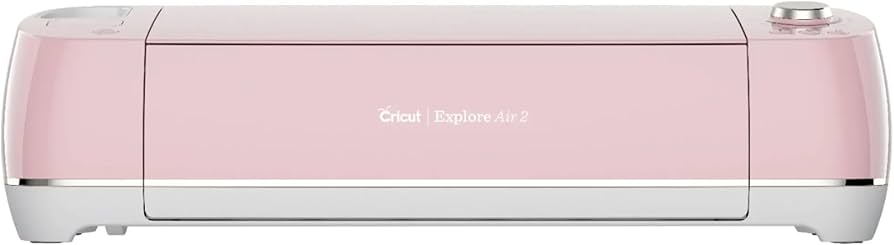
Cricut Explore Air 2 12" Bluetooth Electronic Cutting Machine - Rose

Learning Curve: Easy

$249.99
Difficulty: 2/5
Cricut Explore Air 2 12" Bluetooth Electronic Cutting Machine - Rose

Why Great for Beginners:

Sweet spot for most: cuts 100+ materials like vinyl and cardstock with double cut speed. App guides every step; bundle often includes tools. Forgiving for mistakes with adjustable settings.

Beginner Pros

  • +Versatile for t-shirts/stickers
  • +Fast cuts save time
  • +Great community templates
  • +Expandable mats

Beginner Cons

  • -Needs mats for most projects
  • -Slightly larger footprint
👍 Best for: Weekly crafters doing variety
👎 Not for: Ultra-portable needs
#3
👍 Recommended

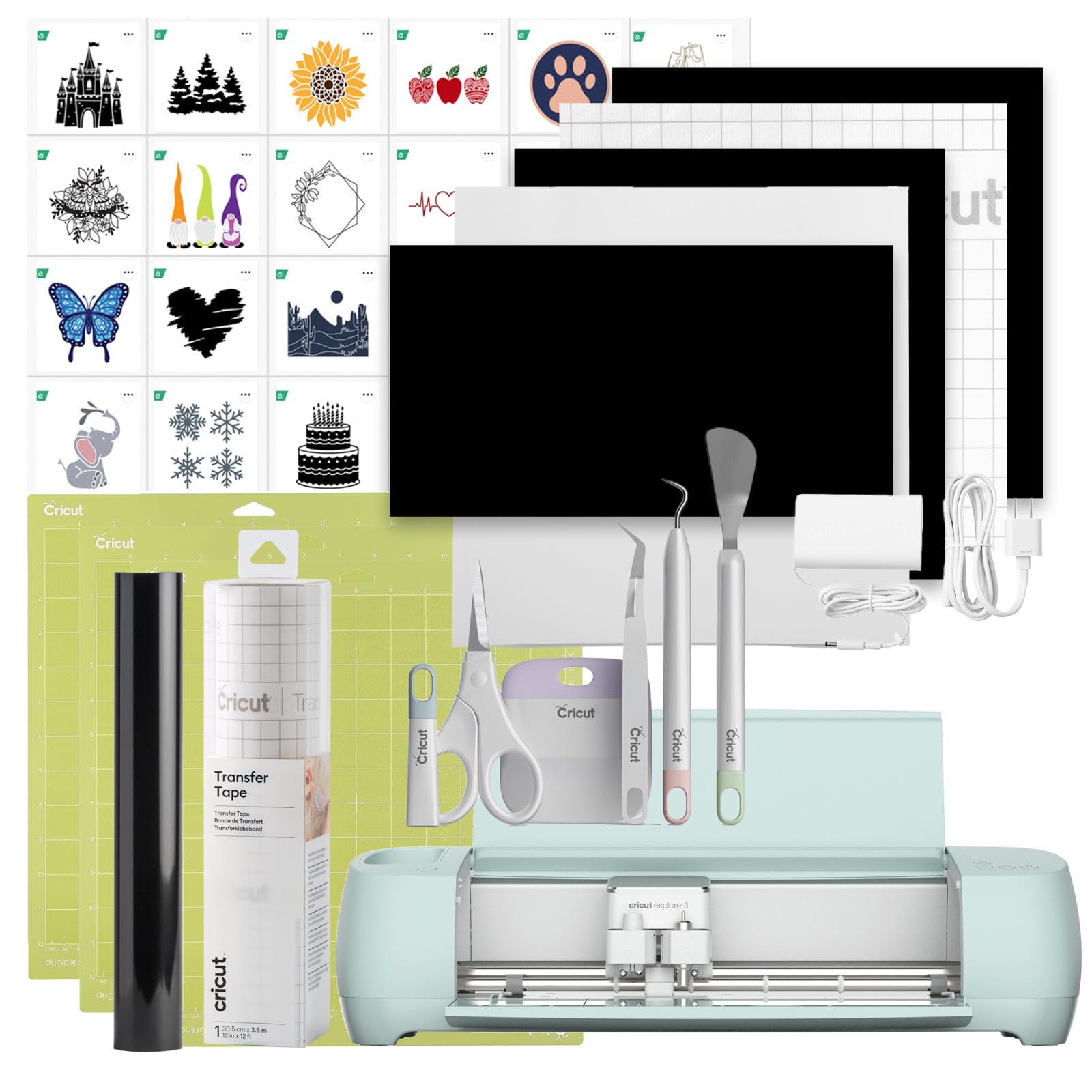
Cricut Explore 3 Machine – Die-Cut, Foil, Score, Smart Materials, Vinyl, Iron-on, Paper, Outdoor+ & More – Bluetooth, App Control 12in Smart Cutting

Learning Curve: Easy

$299.00
Difficulty: 2/5
Cricut Explore 3 Machine – Die-Cut, Foil, Score, Smart Materials, Vinyl, Iron-on, Paper, Outdoor+ & More – Bluetooth, App Control 12in Smart Cutting

Why Great for Beginners:

Upgraded Explore with no-mat Smart Materials and faster cuts—beginners get pro results quick. Super intuitive app; handles beginner errors well.

Beginner Pros

  • +Print-then-cut camera
  • +Super fast (2x speed)
  • +Matless vinyl option
  • +Future-proof

Beginner Cons

  • -App updates needed occasionally
👍 Best for: Beginners wanting speed/growth
👎 Not for: Tightest budgets
#4
✨ Premium

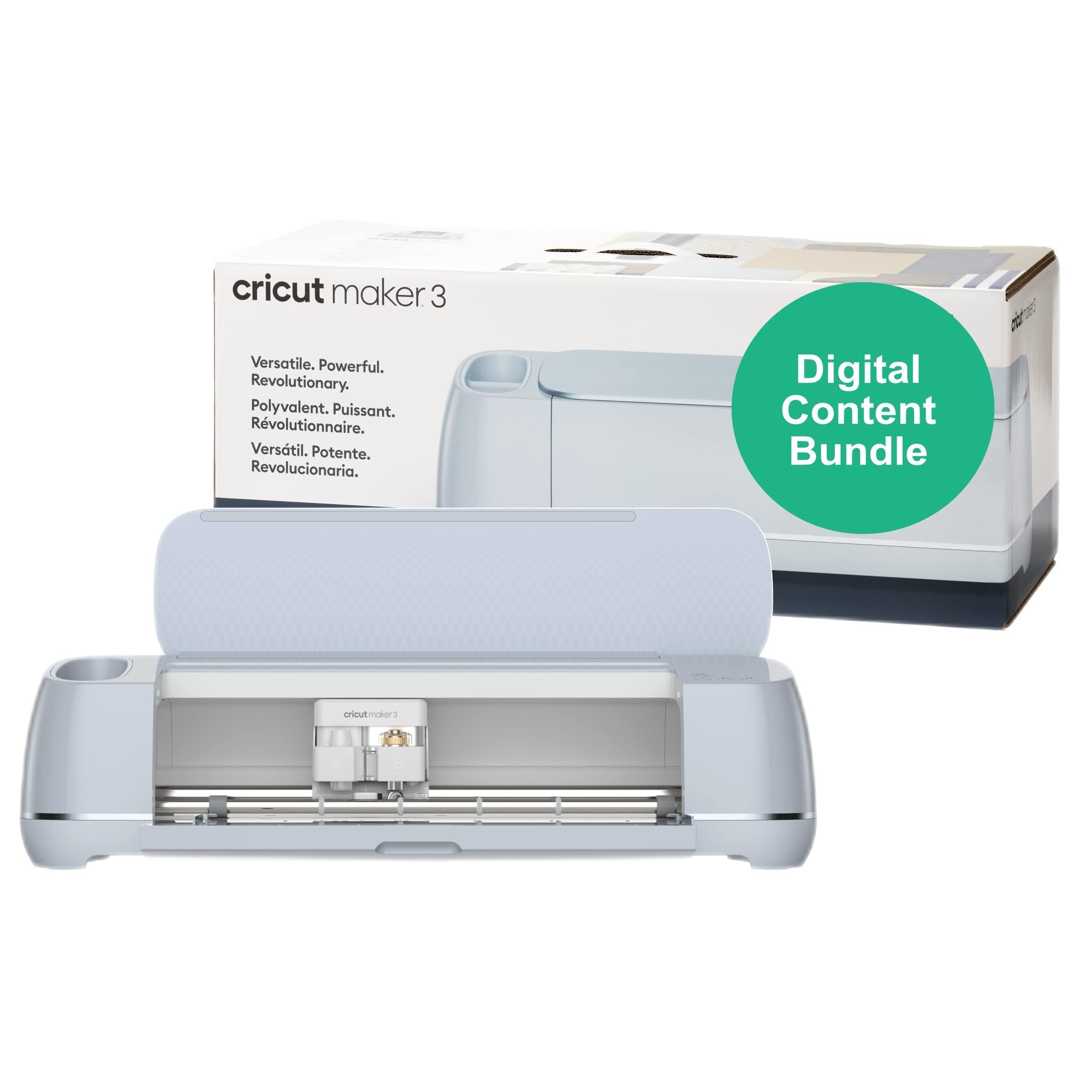
Cricut Maker 3 – Smart Cutting Machine, Every Material Every Project – Die-Cut, Foil, Score, Leather, Wood, Fabric & More – Bluetooth, App Control

Learning Curve: Moderate

$379.00
Difficulty: 3/5
Cricut Maker 3 – Smart Cutting Machine, Every Material Every Project – Die-Cut, Foil, Score, Leather, Wood, Fabric & More – Bluetooth, App Control

Why Great for Beginners:

Premium power in beginner package: cuts 300+ materials effortlessly. Adaptive tools forgive pressure mistakes; app simplifies all.

Beginner Pros

  • +Handles thick/thin anything
  • +Knife blade for crafts
  • +Long-term no upgrade need

Beginner Cons

  • -Higher price
  • -Larger size
👍 Best for: Serious beginners planning gifts/business
👎 Not for: Casual once-a-month users

📖 Complete Beginner's Guide to Cricut Machine

A Cricut machine is like a smart printer for crafts: it cuts vinyl, paper, iron-on, and more using your designs from the free Design Space app. Load material, send design, and it precisely cuts shapes for custom decals, shirts, or cards. Beginners love it for personalization without drawing skills.

Types: Joy (portable, basic vinyl/paper), Explore series (versatile for 100+ materials, great starter), Maker series (pro-level cuts fabric/leather). Beginners thrive with Explore—handles most projects without complexity. Joy suits tiny spaces/testing waters; Maker if committing long-term.

Expect to make 10-20 simple projects week one: labels, mugs, t-shirts. 'Beginner-friendly' means intuitive app, forgiving cuts (won't ruin material on mistakes), and community help. Marketing like '300 materials' sounds cool but start with vinyl basics.

Evaluate by space (compact?), projects (vinyl first?), and app reviews. Realistic: 1-2 hours learning, then fun flows.

🔧 Essential Accessories for Beginners

Cricut StandardGrip Machine Mat, 12in x 12in (2 Pack), Green

Cricut StandardGrip Machine Mat, 12in x 12in (2 Pack), Green

⚠️ Essential

$19.99

When to buy:
Day one

Mats hold material steady for precise cuts—without them, vinyl shifts and ruins projects. Green grip perfect for vinyl/paper beginners.

Beginner Benefits:

  • Prevents slips/mis-cuts
  • Multiple uses (50+)
  • Matches most starter projects
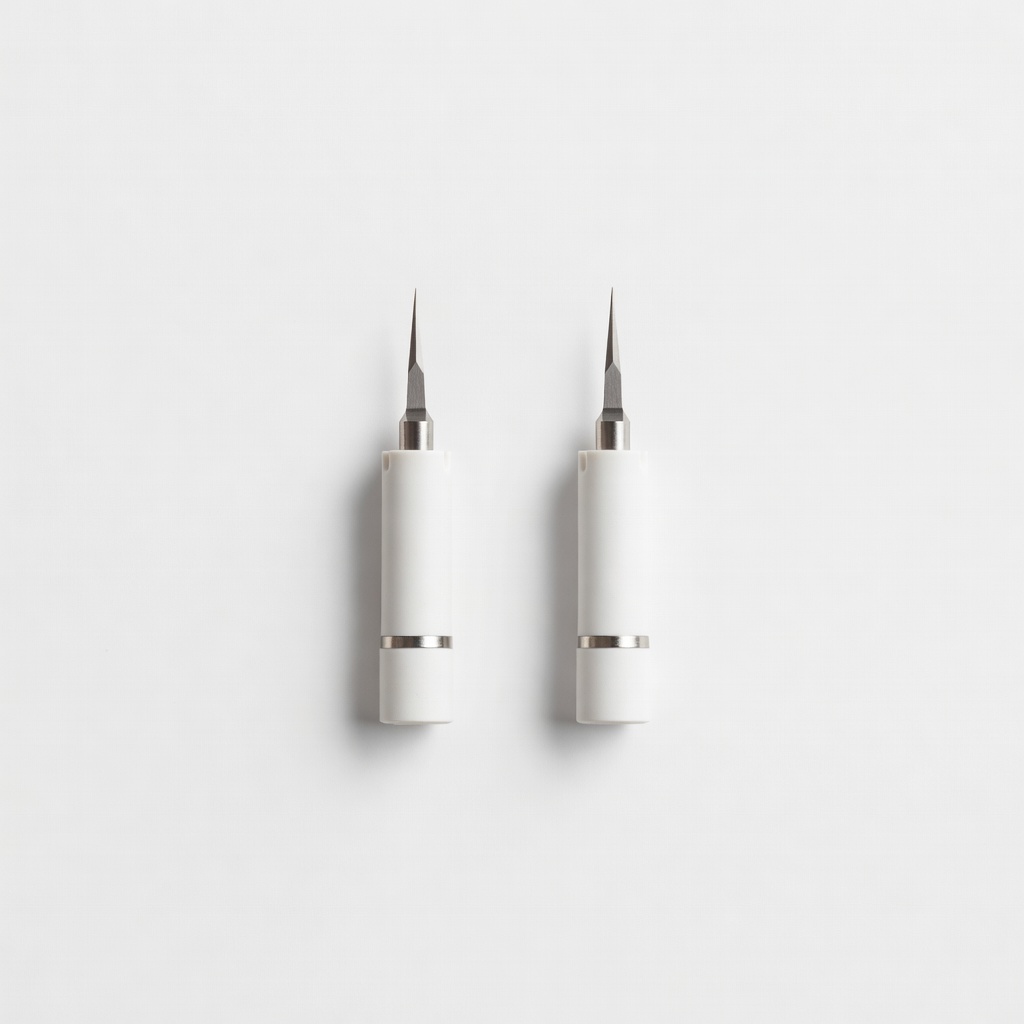
Cricut Premium Fine-Point Replacement Blades + Housing, 2 Pk

Cricut Premium Fine-Point Replacement Blades + Housing, 2 Pk

⚠️ Essential

$29.99

When to buy:
Day one

Blades dull after 5-10 projects; spares keep cutting crisp without frustration.

Beginner Benefits:

  • Easy swap no tools
  • Clean edges always
  • Backup prevents downtime
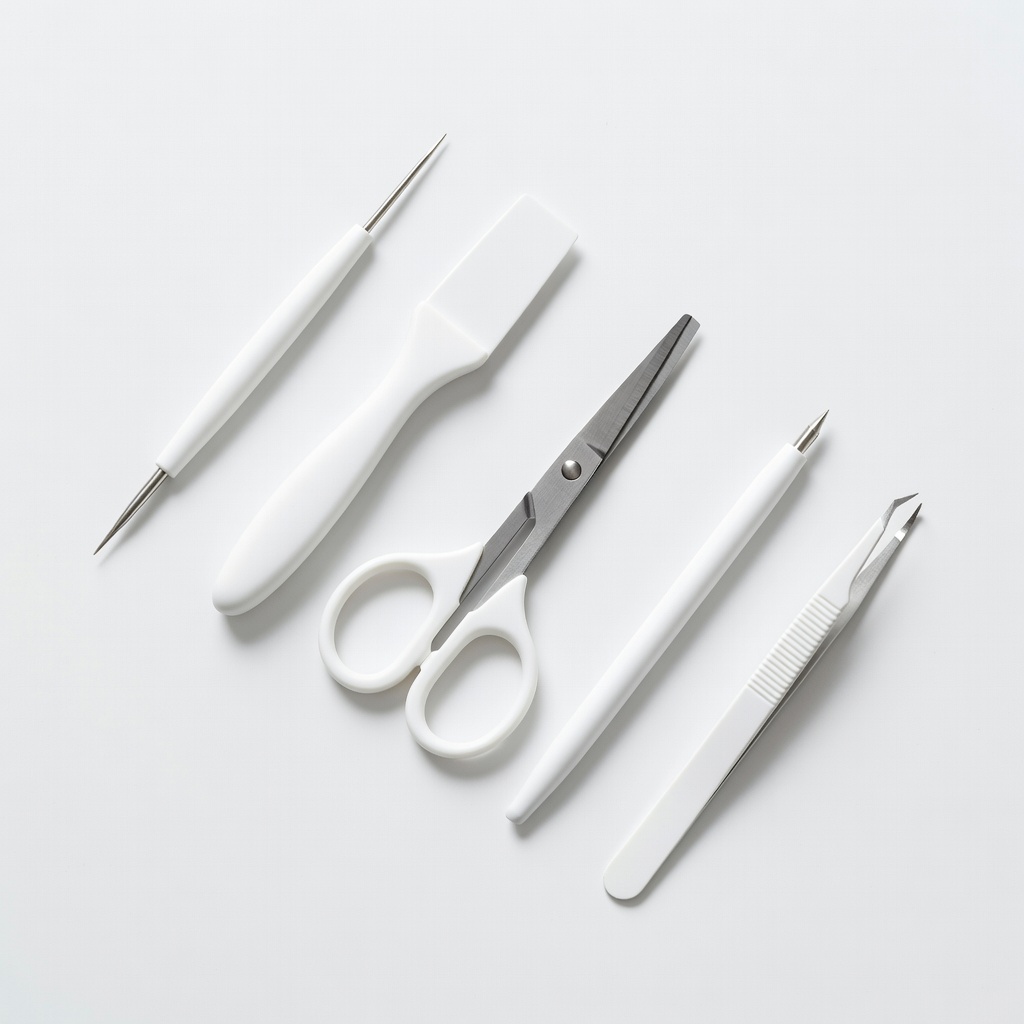
Cricut Basic Tool Set, 5 Tools

Cricut Basic Tool Set, 5 Tools

👍 Recommended

$24.99

When to buy:
First week

Weeder, scraper, spatula remove cuts cleanly—fumbling with tweezers wastes vinyl.

Beginner Benefits:

  • Reduces tears/frustration
  • Pro results fast
  • Ergonomic easy grip
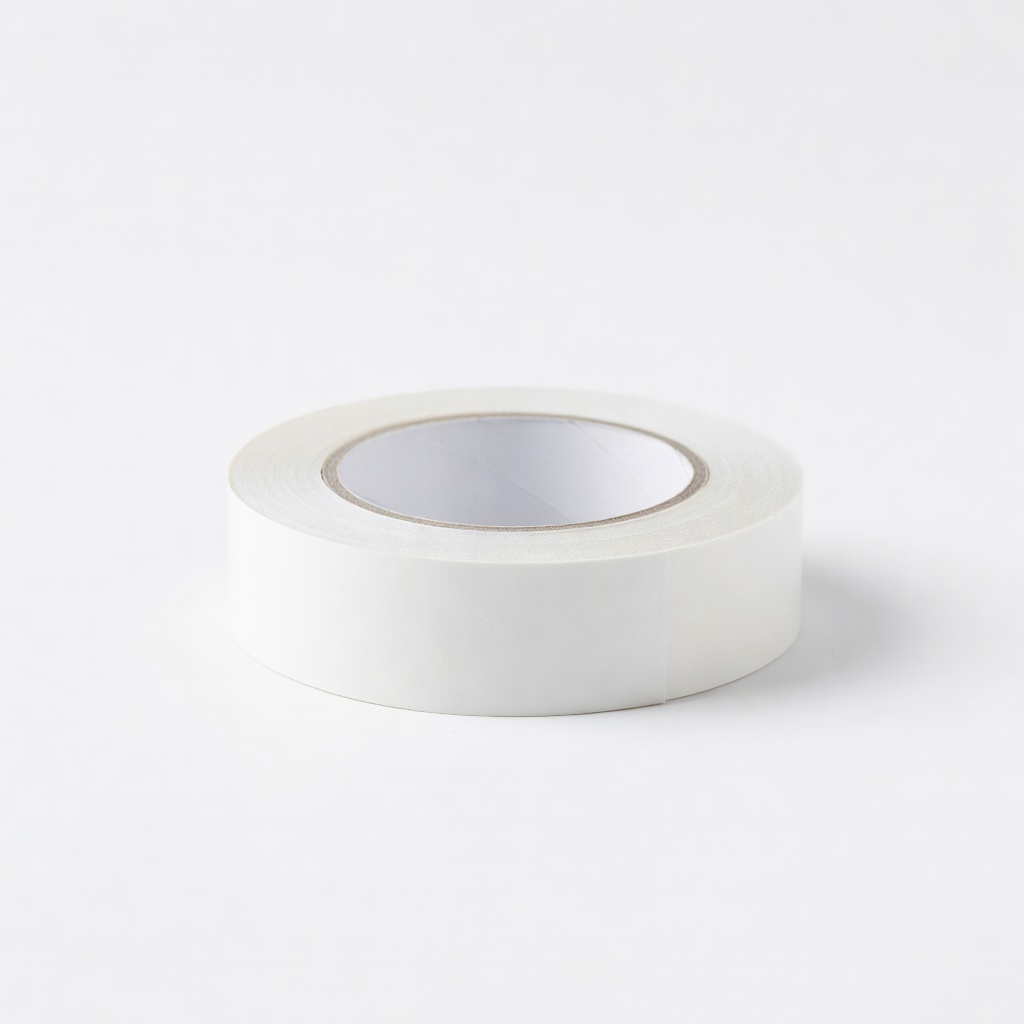
Cricut Joy Transfer Tape, 4.5in x 6ft

Cricut Joy Transfer Tape, 4.5in x 6ft

👍 Recommended

$9.99

When to buy:
First project

Lifts vinyl cleanly to surfaces—stickers won't bubble or peel.

Beginner Benefits:

  • No wrinkles
  • Reusable bits
  • Fits Joy width
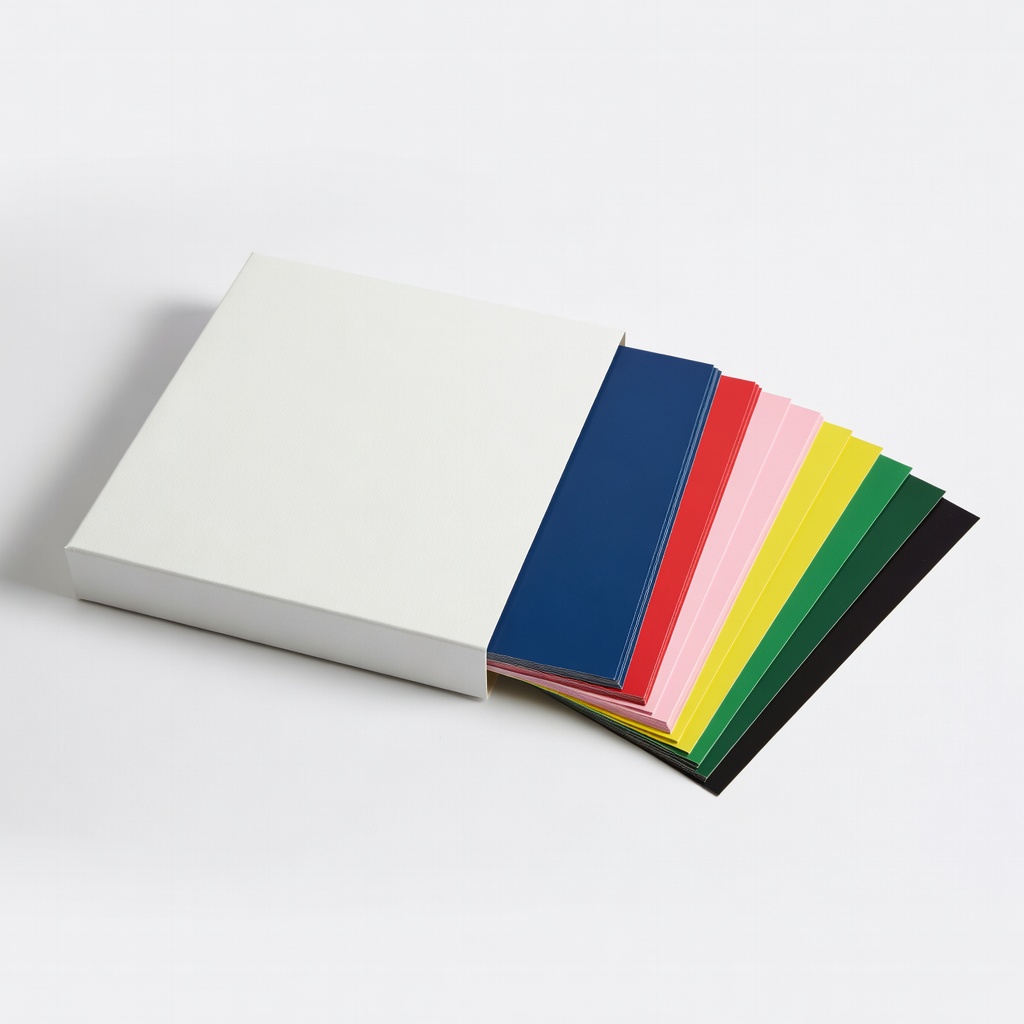
Cricut Vinyl Sampler, Everyday Value Pack, 40 Sheets

Cricut Vinyl Sampler, Everyday Value Pack, 40 Sheets

💡 Nice to Have

$24.99

When to buy:
First month

Variety colors/sizes for practice without shopping.

Beginner Benefits:

  • Endless project ideas
  • No waste guessing
  • Colors inspire

🤔 How to Choose Your First Cricut Machine

Ask: What crafts first (vinyl stickers? t-shirts?)? Space (desk or shelf)? Budget ($150 tryout or $300 invest)? Time to learn (want instant or patient?). Match to use: casual gifts = Joy; weekly projects = Explore; pro crafts = Maker.

Budgets: under $200 for testing, $200-300 sweet spot (versatile without excess), $300+ premium (future-proof). Go budget if unsure hobby; recommended for most (room to grow). Consider growth: pick with expansions like extra mats.

Red flags: no Bluetooth (cords hassle), missing tools (extra buys), poor app ratings (frustrating software). Test via Amazon previews; read 'absolute beginner' reviews.

💰 Budget Guide for Beginners

400+

Pro entry: Bundles with tools—serious crafters planning business.

200 - $300

Sweet spot: Explore Air 2/3—versatile for 90% beginner projects, best value.

300 - $400

Premium beginner: Maker 3—handles tough materials early, lasts years.

Under $ - $200

Entry-level: Compact Joy for vinyl basics—great tryout, upgrade if hooked.

⚠️ Common Beginner Mistakes to Avoid

Beginners grab $100 knockoffs that jam, or splurge on Maker without basics, leading to regret. Forums buzz with 'bought Joy, needed mats ASAP' or 'app overwhelmed me sans tutorials.' Cheap blades dull fast, causing jagged cuts and doubt.

Avoid by sticking to official Cricut + bundles. Don't skip Design Space practice projects. Experienced users say: start small, buy tools first, watch YouTube unboxings. Result: smooth start, hooked fast.

  • ×Buying cheapest without tools—can't finish projects
  • ×Skipping mats—material slips, wasted vinyl
  • ×Ignoring app updates—cuts fail mysteriously
  • ×Overloading with advanced materials too soon
  • ×Not weeding properly—messy results frustrate
  • ×Choosing huge machine for tiny space
  • ×Forgetting transfer tape—designs won't stick

📈 Your Progression Path: Beginner to Intermediate

Week 1: Master app, vinyl labels/stickers on mugs. Practice weeding daily. Month 1: Iron-on tees, cards—buy extra mats. Build portfolio.

Outgrow beginner when wanting fabric/wood cuts weekly, or larger designs. Upgrade to Maker at 6 months if 20+ projects/month. Intermediate: custom SVGs, multi-layer. Stay beginner 1-3 months; skills snowball.

First learn app navigation; upgrade blades/mats before machine. Signs ready: flawless weeding, custom tweaks.

📚 Learning Resources for Beginners

  • 📖The New Cricut Joy Book: 75+ Projects for Your Smart Portable Cutting Machine by Julia Oldham (ASIN: B09N3QJ2K5)
  • 📖Cricut for Beginners: The Ultimate Guide by Stephanie Corfee (ASIN: B08P5K3L2M)
  • 📖Cricut Design Space for Dummies by Brook Pifer (ASIN: B09J2N4P5Q)
  • 📖Cricut Project Ideas Book: 50 Beginner Projects (ASIN: B07Z5M6N7P)

🎯 Bottom Line: Our Recommendations

For most beginners, Cricut Explore Air 2 (recommended tier) hits perfect: versatile, easy, grows with you. Budget? Joy. Serious? Maker 3.

Grab essentials: mats, blades, tools day one. You'll craft gifts week one—no regrets.

You're ready! Order, watch setup video, make first sticker. Crafting joy awaits—start small, smile big.

❓ Frequently Asked Questions

Cricut Explore Air 2—versatile, easy app, perfect for vinyl/t-shirts without overwhelm. Joy for ultra-basic.
$200-300 sweet spot for value/growth. Under $200 tests waters; $300+ future-proofs.
Bluetooth app, fine-point blade, Smart Materials, starter tools. Skip pro blades initially.
Cricut Joy: smallest, matless vinyl, 10-min setup. Rating 1/5 difficulty.
Mats, extra blades, tool set, transfer tape—day one essentials.
Match projects/space/budget: vinyl small space=Joy; variety=Explore.
No—app guides everything. 1-2 hours to first project; forgiving cuts.
No mats/tools, app skips, cheap fakes. Buy bundles, practice projects.
Joy: portable basic. Explore: more projects, better long-term.
No—phone/tablet app works great for beginners.

Related Articles