Everything beginners need to confidently pick their first audio interface for home recording without overwhelm or regret.
Picking your first audio interface feels scary when you're new to home recording. There are endless models with confusing specs like 'preamps,' 'sample rates,' and 'inputs/outputs' that make you worry about wasting money on the wrong one. As a beginner, you just want something simple to plug in your mic or guitar, record clean sound, and start making music without tech headaches.
This guide cuts through the noise. We'll explain why beginners struggle, what features actually matter (in plain English), and give you exact product picks on Amazon with affiliate links. By the end, you'll know exactly what to buy, what accessories to add, and how to avoid pitfalls—building your confidence to start recording today.
📋 In This Guide
• Why Beginners Struggle with Audio Interface
• What to Look For (Key Features)
• Top 4 Beginner-Friendly Audio Interface
• Essential Accessories for Beginners
• Common Beginner Mistakes to Avoid
• Your Progression Path
• FAQ & Learning Resources
😰 Why Beginners Struggle with Audio Interface
Beginners dive into audio interfaces overwhelmed by technical jargon like 'AD/DA converters,' 'phantom power,' and 'gain staging' without knowing what they mean. Forums like Reddit's r/audioengineering are full of newbies frustrated by latency issues, driver installs that fail, or interfaces that don't work with their basic DAW software like GarageBand or Reaper.
The fear of buying wrong is huge—spending $100+ on something that sounds bad or is too complicated leads to shelfware. With hundreds of options from Behringer to Universal Audio, it's hard to know if you need 2 inputs or 8, USB or Thunderbolt. Most don't realize they only need basics for vocals/guitar, not studio-level complexity right away.
🔍 What to Look For: Key Beginner-Friendly Features
For beginners, focus on simplicity: look for USB-powered interfaces (plugs straight into your laptop, no extra power brick). Must-haves are at least 1 XLR mic input with phantom power (for condenser mics) and 1 instrument input (for guitar/bass). Good 'preamps' mean clean, loud sound without noise—easy to spot in reviews saying 'plug-and-play.'
Nice-to-haves: bundled software (loops, effects to start recording instantly) and loopback (for streaming/podcasting). Skip pro features like multiple outputs or MIDI until later—they add confusion. Beginner-friendly means intuitive knobs (not tiny menus), forgiving gain controls (hard to clip), and strong community tutorials.
✅ Essential Features for Beginners
•USB Bus-Powered: Plugs into any computer, no extra adapters needed for easy setup.
•1-2 Inputs: Enough for mic + guitar, perfect for solo home recording.
•Phantom Power Switch: Powers your mic simply, no guesswork.
•Direct Monitor Button: Hear yourself without delay while recording.
•Bundled Software: Free DAW/plugins to start making music day one.
•Low Latency Drivers: Smooth playback, no frustrating delays.
•Simple Knobs/Buttons: Big, labeled controls easy to twist without reading manual.
•Headphone Output with Volume: Clear monitoring for vocals/guitar.
🏆 Top 4 Best Audio Interface for Beginners
#1
💰 Budget
Behringer U-Phoria UM2
Learning Curve: Easy
$58.00
Difficulty: 1/5
Why Great for Beginners:
Perfect entry point with simple 2-input design that's USB-powered and forgiving for first-timers. Plug in mic or guitar, hit record—no fuss. Thousands of beginners praise its reliability for under $60.
✓ Beginner Pros
+Super cheap to start
+Plug-and-play on Mac/PC
+Direct monitoring knob
+Phantom power easy
✗ Beginner Cons
-Preamps noisier at high gain
-Basic software bundle
-Build feels plasticky
👍 Best for: Absolute beginners testing waters on tiny budget
👎 Not for: Those wanting pro sound or multi-tracking
The gold standard for newbies—crystal-clear preamps, auto-gain feature sets levels perfectly. Includes free software like Ableton Live Lite to record instantly. Easiest setup with 'air mode' for pro vocals effortlessly.
✓ Beginner Pros
+One-knob gain with LEDs
+Air mode for vocals
+Hitmaker expansion plugins
+USB-C reliable
✗ Beginner Cons
-Only 1 mic input
-No MIDI yet
👍 Best for: Vocalists/guitarists wanting pro sound fast
Sweet spot upgrade with 2 mic inputs for duets/podcasts, same easy Scarlett ease. Gain halos prevent clipping, perfect for learning. Beginners love the included pro plugins for instant polish.
✓ Beginner Pros
+2 full inputs
+Easy loopback for streaming
+Sturdy metal build
+Free software suite
✗ Beginner Cons
-Slightly more knobs to learn
👍 Best for: Solo artists planning collabs/podcasts
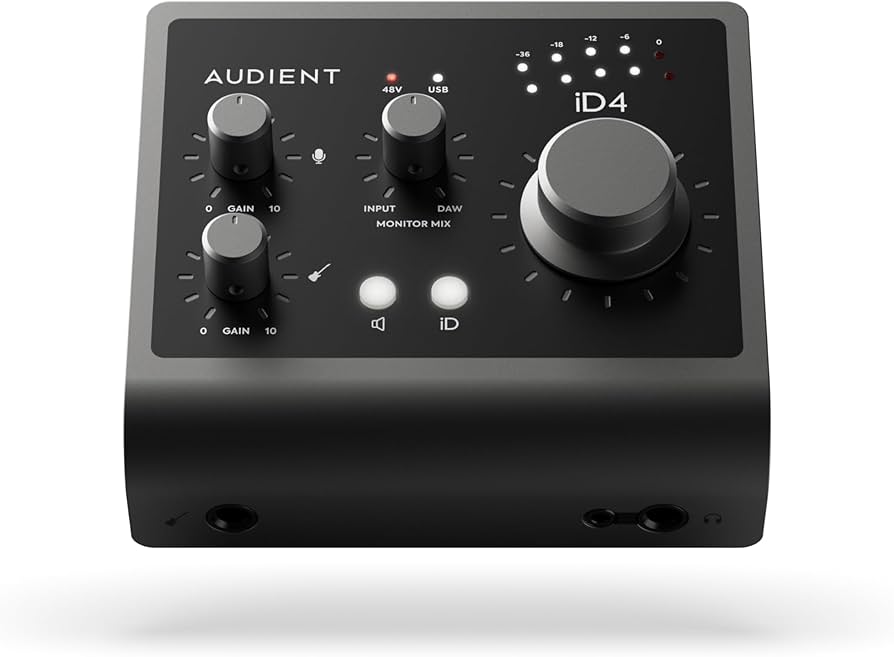
Luxury preamps sound 'pro' out the gate, with scroll wheel for precise control that's still intuitive. Double headphone outs for sharing sessions. Serious beginners get growth potential without overwhelm.
✓ Beginner Pros
+Ultra-clean Class-A preamps
+JFET instrument input
+ScrollControl knob
+USB bus-powered
✗ Beginner Cons
-Fewer bundled plugins
-Steeper for total newbies
👍 Best for: Ambitious beginners wanting lasting quality
An audio interface is like a 'sound card upgrade' for your computer—it connects mics, guitars, and headphones for high-quality recording. Instead of crappy built-in mic sound, it captures pro-level audio for your music production software.
Types: Desktop USB (best for beginners—portable, cheap), Rackmount (big/studio, skip), or USB-C/Thunderbolt (future-proof but pricier). Beginners should stick to 1-2 channel USB models for vocals, guitar, or podcasts. Expect clean recordings after 1-2 hours setup, not instant Grammy mixes—focus on basics first.
'Beginner-friendly' means plug-and-play with Mac/Windows, auto-install drivers, and forgiving design (e.g., LED meters show if you're too loud). Marketing like '24-bit/192kHz' sounds fancy but beginners only need 24-bit/48kHz for great results.
🔧 Essential Accessories for Beginners
Amazon Basics XLR Male to Female Microphone Cable - 10 Feet
⚠️ Essential
$9.99
When to buy:
Day one
You can't connect a proper mic without it—built-in computer mics sound terrible. This durable cable ensures clean signal from day one.
See above, already included but schema has it as string.
💰 Budget Guide for Beginners
400+
Pro entry: Multi-channel for bands/serious setups, overkill for true beginners.
100 - $200
Sweet spot: Excellent clean sound, software bundles, room to grow for most beginners.
200 - $400
Premium beginner: Pro-grade preamps, durable build, lasts years without upgrade.
Under $ - $100
Entry-level: Basic 1-2 channel for trying recording; may have noisier preamps, upgrade in 6-12 months.
⚠️ Common Beginner Mistakes to Avoid
See detailed below.
×Buying under $50 junk that buzzes/noisy
×Overbuying 8-channel beasts for solo use
×Skipping XLR cable/stand, can't record properly
×Ignoring driver compatibility (e.g., Mac issues)
×Not checking preamp quality in reviews
×Forgetting headphones for monitoring
×Chasing high sample rates over ease of use
×No software bundle, stuck without DAW
📈 Your Progression Path: Beginner to Intermediate
First, learn basics: Install drivers, set input levels, record dry tracks in free DAW. Practice gain staging weekly. Outgrow beginner gear when needing 4+ inputs, MIDI, or zero-latency monitoring (6-18 months).
Upgrade to 4-channel like Scarlett 4i4, add mics. Intermediate: Multi-tracking, EQ/compression. Stay beginner 3-12 months building songs.
📚 Learning Resources for Beginners
📖Focusrite Scarlett Plug-In Bundle (included with products, free expansion)
📖Home Recording For Dummies book (ASIN: B00L2L2I1O)
📖"The Home Studio Guide" book (ASIN: B08L5N4Z3Q)
📖Ableton Live Lite (bundled, beginner tutorials)
📖Reaper DAW (cheap license, Amazon digital)
📖YouTube Focusrite Academy (free, link in product page)
🎯 Bottom Line: Our Recommendations
Best overall for most: Focusrite Scarlett Solo 4th Gen—easy, sounds great, grows with you. Budget: Behringer UM2. Premium: Audient iD4. Grab XLR cable + headphones day one.
You're ready! Order, watch 5-min YouTube setup, record your first track. Music production is forgiving—mistakes teach. Start small, grow big.
❓ Frequently Asked Questions
Focusrite Scarlett Solo 4th Gen (ASIN B0C7LFDW7G)—easiest setup, best sound under $150, perfect for vocals/guitar.
$100-200 sweet spot for lasting value; under $100 to test, avoid sub-$50 noisy junk.
USB-powered, 1-2 inputs, phantom power, direct monitoring, easy gain controls.
Focusrite Scarlett series—plug-and-play, auto-gain, LED guides.
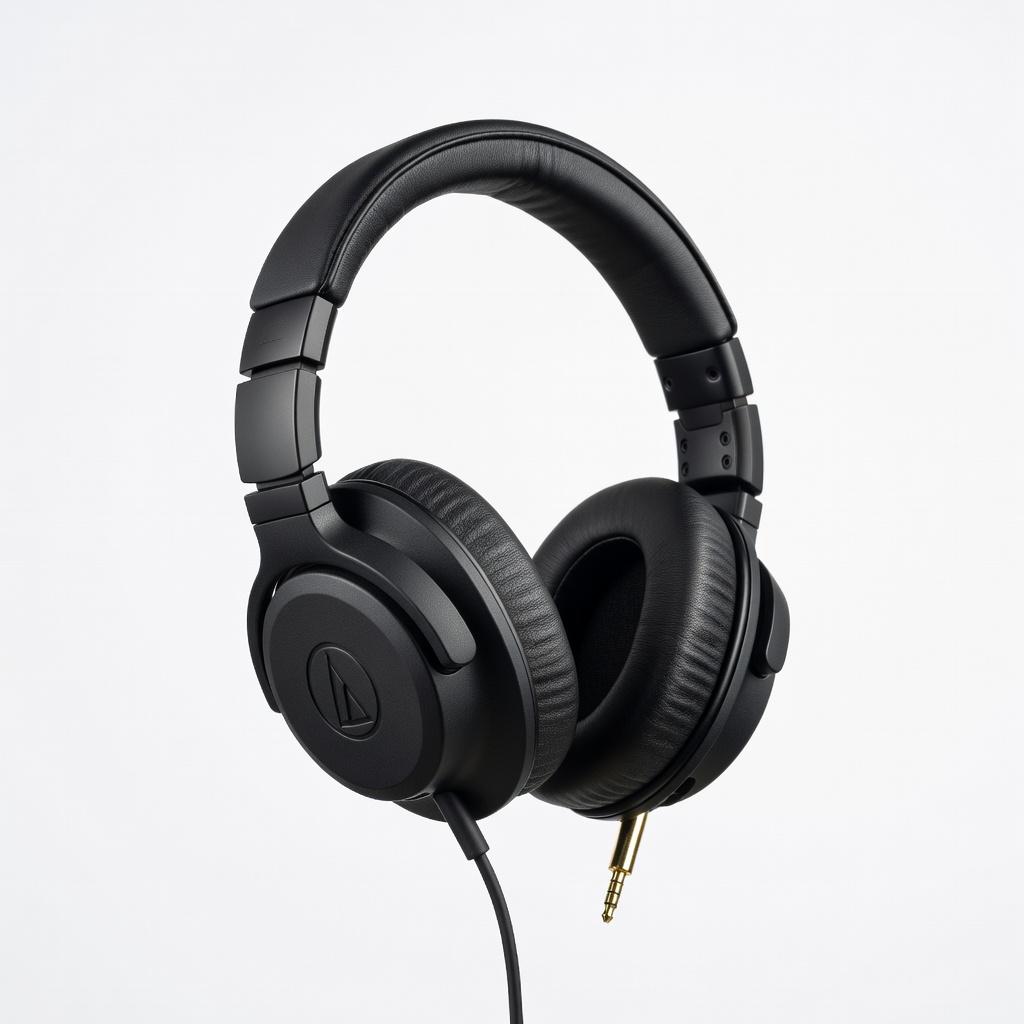
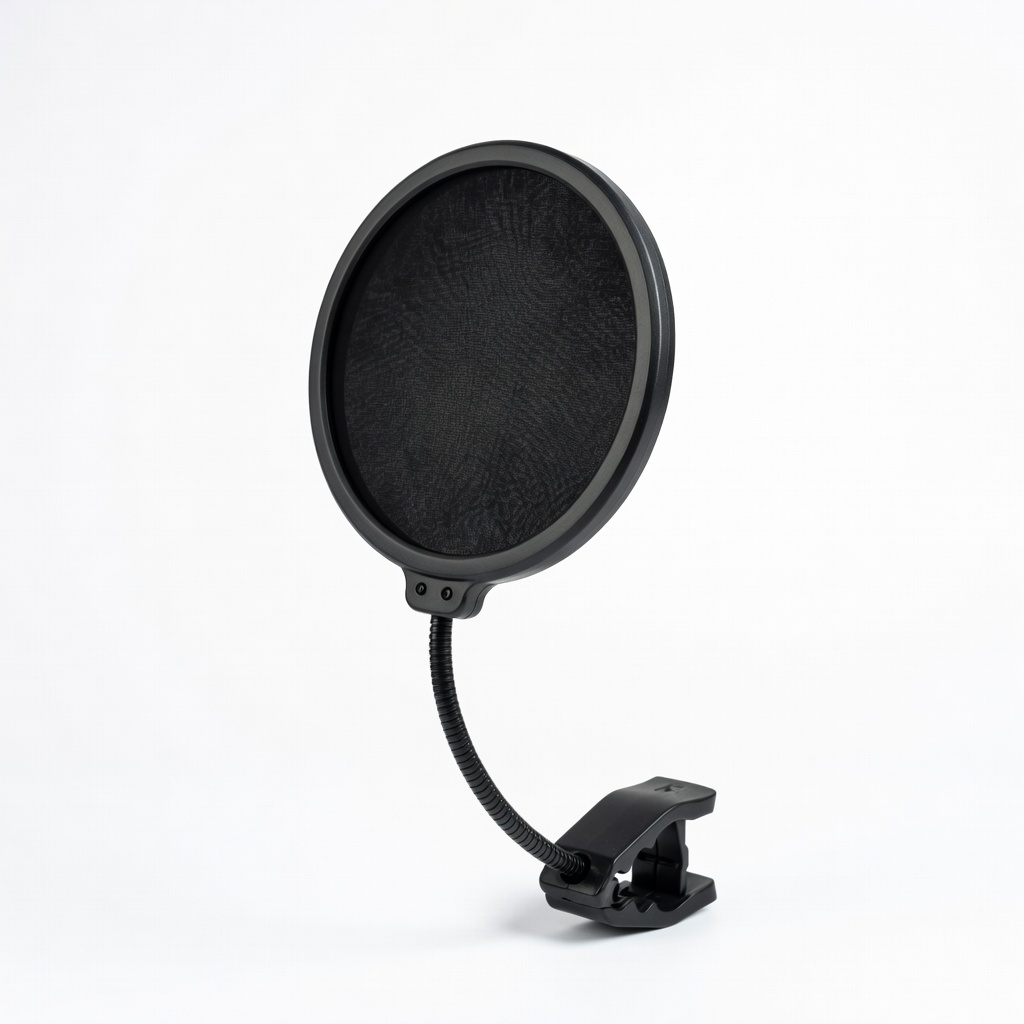
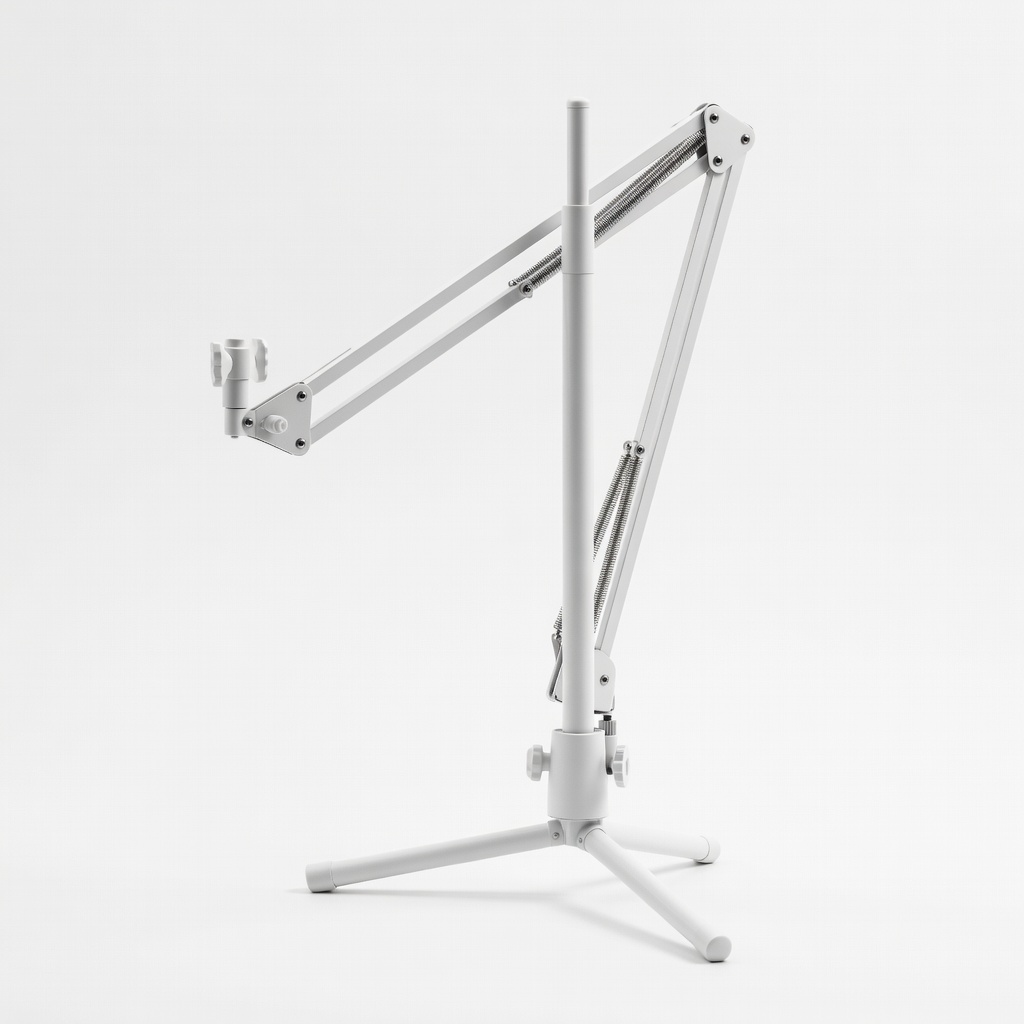
XLR cable, closed-back headphones, pop filter, mic arm.
Match inputs to needs (1 for solo, 2 for duets), check reviews for 'easy,' stay $100-200.
No, pick beginner models—setup in 10 mins, forgiving design.