Pick your first Arduino kit with confidence – our guide simplifies choices, top picks, and avoids beginner pitfalls.
Choosing your first Arduino kit can feel scary – so many options, confusing terms, and worry about wasting money on the wrong one. As a complete beginner, you might think electronics is too hard or you'll break something right away. Don't worry; Arduino is designed for newcomers like you.
This guide cuts through the noise. We'll explain what matters, recommend real Amazon kits that are forgiving and easy, and show you how to start making simple projects on day one. By the end, you'll know exactly what to buy and feel excited to dive in.
📋 In This Guide
• Why Beginners Struggle with Arduino Kit
• What to Look For (Key Features)
• Top 4 Beginner-Friendly Arduino Kit
• Essential Accessories for Beginners
• Common Beginner Mistakes to Avoid
• Your Progression Path
• FAQ & Learning Resources
😰 Why Beginners Struggle with Arduino Kit
Beginners often feel overwhelmed by the huge variety of Arduino kits – some have hundreds of parts, others promise 'pro features' you don't need. Jargon like 'PWM pins,' 'I2C protocol,' or 'ATmega328' sounds intimidating and hides what really matters: ease of starting.
Many fear buying the wrong kit, like one without tutorials, leading to frustration when projects don't work. Forums are full of stories: 'I got a cheap clone and it fried on first use' or 'Too many sensors, don't know where to start.' Without guidance, it's easy to pick based on price alone and quit after hitting a snag.
The good news? Beginner-friendly kits exist that include step-by-step guides, reliable parts, and breadboards so you won't solder anything yet.
🔍 What to Look For: Key Beginner-Friendly Features
Focus on kits with 200-400 parts including a breadboard, jumper wires, LEDs, sensors, and an Arduino Uno board – the standard for beginners. Must-haves: Printed or PDF tutorials for 20+ projects, compatible with free Arduino software (IDE), and genuine or high-quality clone boards to avoid glitches.
Nice-to-haves: LCD screens or motors for fun projects, but skip mega-kits with 1000+ parts – too much clutter. Avoid kits needing soldering or advanced coding; beginners need 'plug-and-play' setups where mistakes (like wrong wiring) don't break components.
Beginner-friendly means: Color-coded wires, labeled components, video links, and customer support. These tolerate crossed wires or bad code without damage, letting you learn by doing.
✅ Essential Features for Beginners
•Includes breadboard and jumper wires – no soldering needed
•Step-by-step tutorials for 20+ projects
•Compatible with free Arduino IDE software
•Basic sensors and LEDs included
•Reliable Uno R3 board (forgiving power handling)
•Color-coded components for easy identification
•Beginner projects like LED blinking to robot basics
🏆 Top 4 Best Arduino Kit for Beginners
#1
💰 Budget
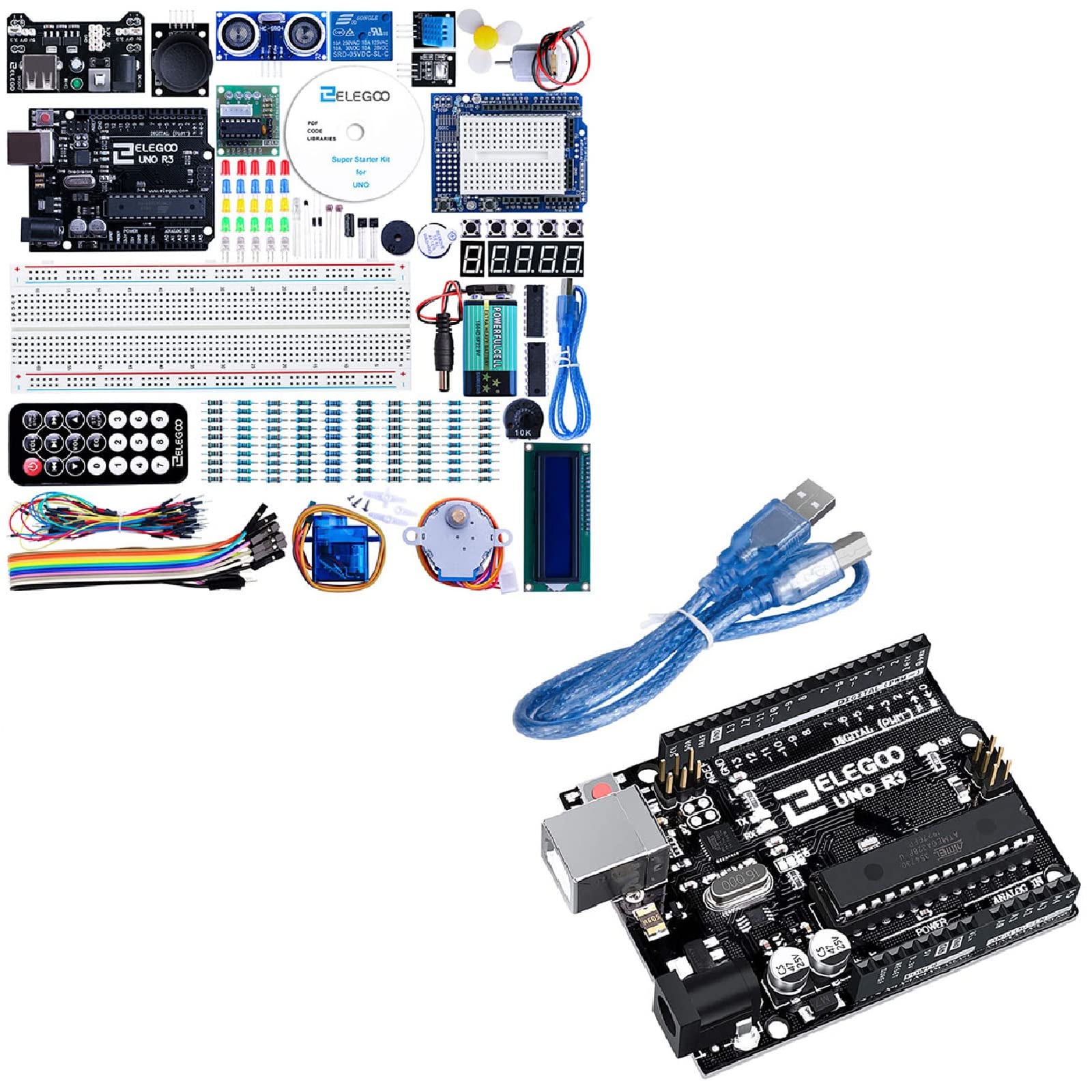
ELEGOO UNO R3 Project Super Starter Kit
Learning Curve: Easy
$39.99
Difficulty: 1/5
Why Great for Beginners:
Perfect entry with 24 lessons and 200+ parts. Breadboard setup avoids soldering; tutorials guide from LED blink to LCD clock. Reliable clone board forgives wiring errors.
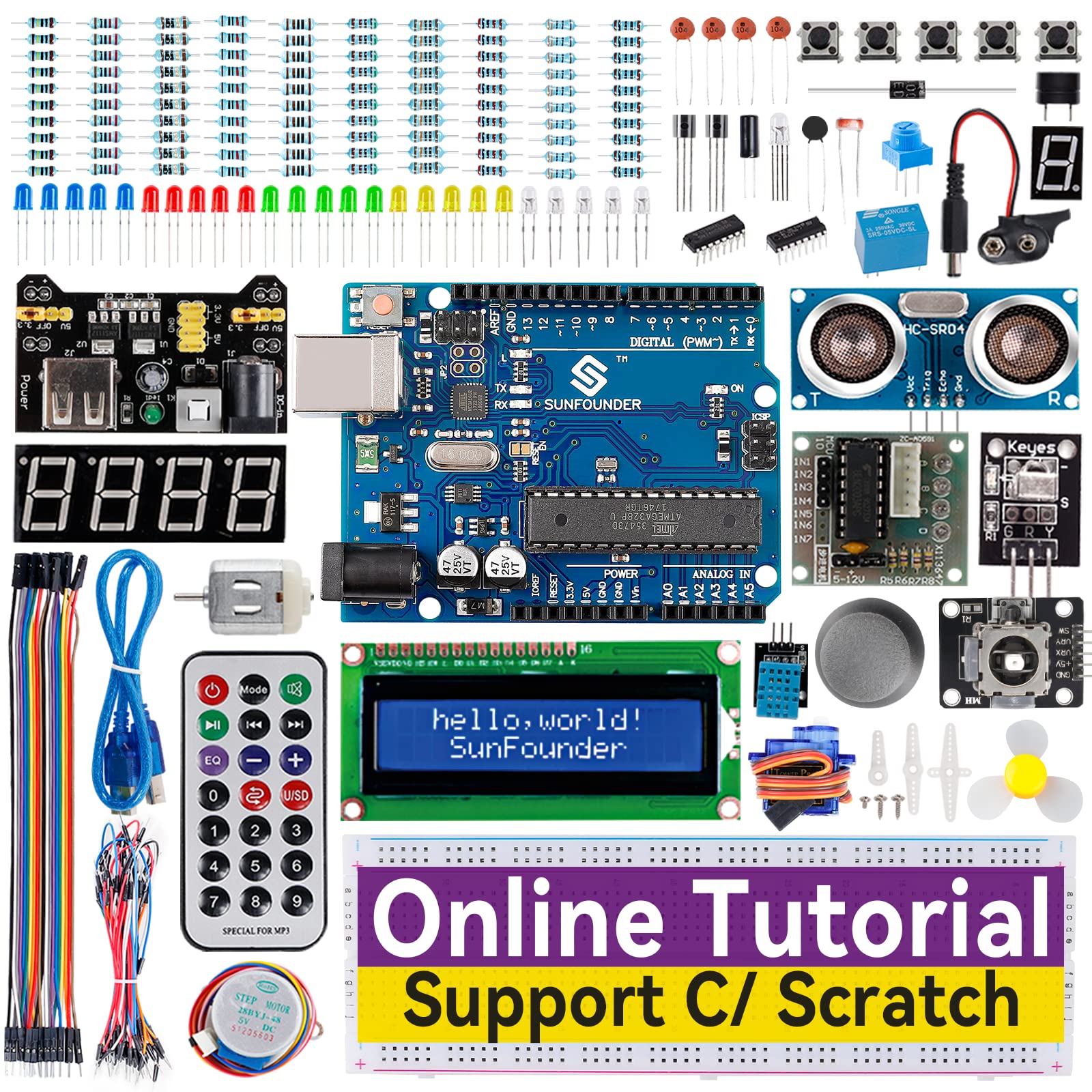
Sweet spot with 33 projects, high-quality parts, and clear app integration. Includes joystick/sensor kit for interactive fun. Strong community support.
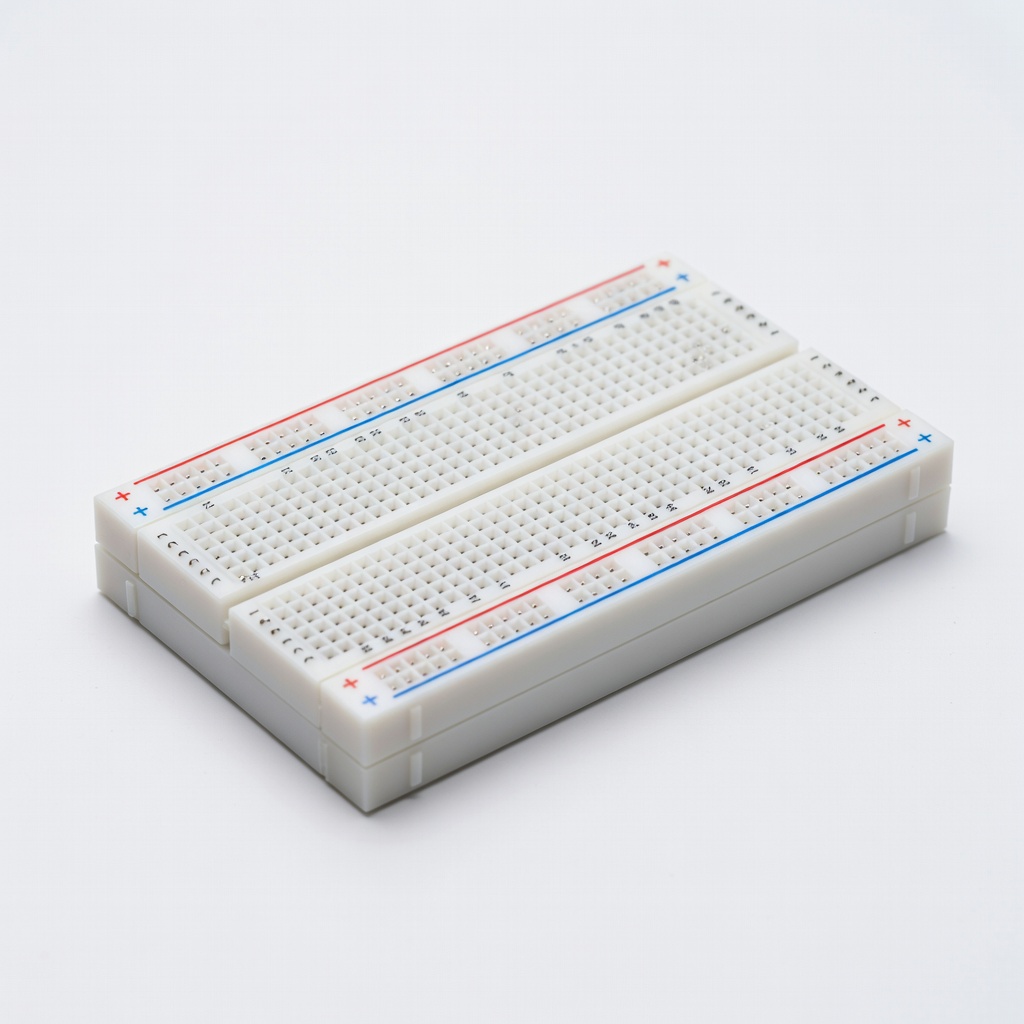
An Arduino kit is a box of electronics parts plus an Arduino board (a tiny computer you program via USB). You connect sensors/lights/motors using a breadboard (like Lego for wires) and write simple code on your computer to make things happen – blink lights, read buttons, or build alarms.
Types: Basic starter (200 parts, projects like traffic lights), robot kits (adds motors for line-following bots), mega-kits (500+ parts for advanced). Beginners want starter kits – they're simple, teach wiring/coding basics without overwhelm.
Realistic expectations: Week 1, blink an LED; Month 1, weather station. 'Beginner-friendly' means tutorials hold your hand, parts are reusable, and errors are fixable. Marketing like 'Ultimate Pro Kit' often means steep curve – ignore for now.
🔧 Essential Accessories for Beginners
ELEGOO 120pcs Multicolored Dupont Wire
⚠️ Essential
$8.98
When to buy:
Day one
Dupont wires are the backbone of breadboard connections. Color-coding prevents mix-ups; extras prevent running out mid-project.
Ask yourself: Budget under $50 to dip toes, $50-100 for best value with projects. Goal: Simple lights first? Basic kit. Fun robots? Upgraded starter. Time: Video tutorials speed learning.
Budget vs tiers: Entry tests without commitment; sweet spot balances cost/features; premium for families/kids durability. Avoid no-name sellers (fakes common). Growth: Ensure expandable sensors.
💰 Budget Guide for Beginners
50 - $100
Sweet spot – full projects, quality parts, room to grow without quick upgrade
100 - $150
Premium beginner – advanced sensors/robots, excellent support, lasts years
Under $ - $50
Entry level – basic parts to try electronics, may lack extras or tutorials
⚠️ Common Beginner Mistakes to Avoid
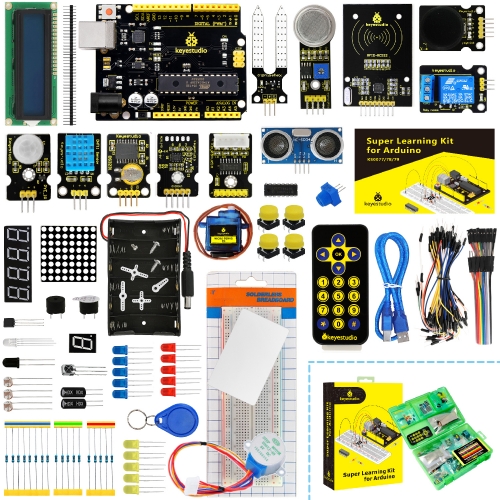
Beginners grab cheapest Amazon option, but fakes overheat or won't program, leading to quits. Solution: Stick to 4+ star kits from Elegoo/Keyestudio.
Real example: Reddit newbie bought $10 board, no breadboard, soldered wrong – wasted $50 more. Instead: Kit + accessories first.
×Buying fake/clone boards that fail quickly
×Skipping kits with tutorials – staring at parts lost
×Overbuying mega-kits with unused advanced parts
×No extra wires/breadboards – projects halt
×Ignoring software setup – can't upload code
×Trying soldering too soon – damages parts
×Not reading reviews for 'easy beginner' mentions
📈 Your Progression Path: Beginner to Intermediate
Start with LED blink, buttons, then sensors (Month 1). Build skills: Wire daily 30min, copy code then tweak. Outgrown when bored of kit projects (3-6 months).
Upgrade: Add motors ($20 shield), then Raspberry Pi kit. Signs ready: Custom code, multi-sensor projects. Stay beginner 3-12 months; practice beats gear.
📚 Learning Resources for Beginners
📖Arduino for Beginners Book: B08L5Y9Z3P - Hands-on projects
📖Beginning Arduino by Michael McRoberts: B004P4V7V8
📖Elegoo Tutorial CD (included in kits, or B07G9J6Z3F companion)
📖Make: Electronics by Charles Platt: B01I3YV3YE - Component basics